
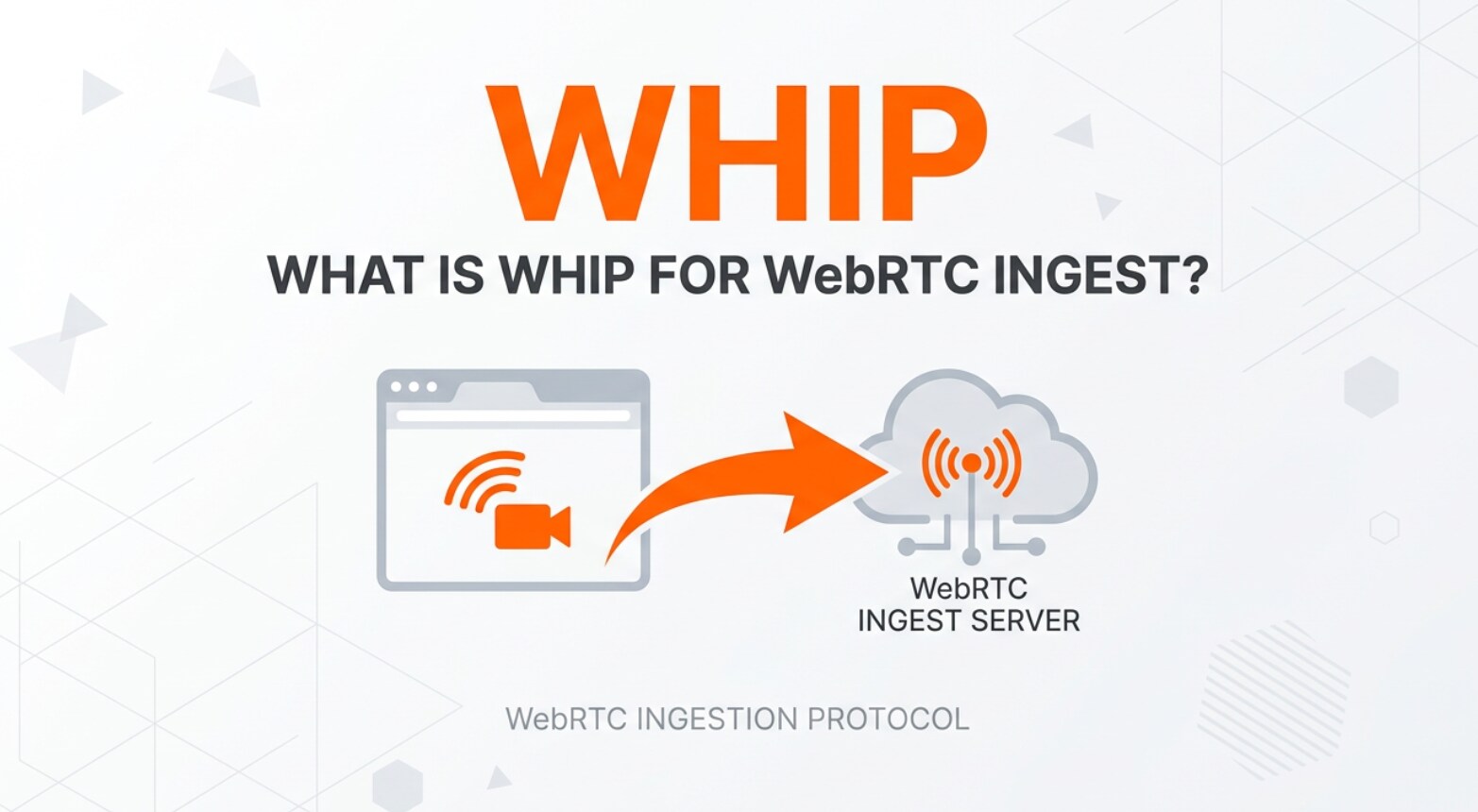
WHIP for WebRTC ingest is an emerging standard you will see in live streaming platforms, browser-based capture tools, and professional encoders. It defines a simpler way to push real-time video and audio from cameras, capture cards, or screen recordings into a media server with ultra-low latency. Understanding how WHIP fits into recording, encoding, exporting, streaming, and playback pipelines helps you design smoother, more responsive video workflows across modern devices and platforms.
Repair Corrupted Files To Save Your Data
 Security Verified. Over 7,302,189 people have downloaded it.
In this article
What Is WHIP for WebRTC Ingest?
The WHIP protocol (WebRTC-HTTP Ingestion Protocol) is a specification that defines a lightweight, HTTP-based way to send WebRTC media into a streaming service. Instead of each camera app, encoder, or browser using a proprietary signaling method, WHIP standardizes how a sender offers its WebRTC session to a media server and how that server responds.
In practical terms, WebRTC ingest with WHIP lets you capture real-time video from a webcam, DSLR, mobile phone, or screen capture tool, encode it using WebRTC, and push it directly into a cloud service or on-premise media server. The connection is established via simple HTTP requests, then the actual media flows over WebRTC with sub-second latency.
For creators, this matters because it removes the friction of configuring older ingest formats like RTMP and improves interactivity. For developers and platform operators, it means a consistent, interoperable way to accept live feeds from many different tools without custom integrations.
| Aspect | WHIP for WebRTC ingest |
|---|---|
| Primary purpose | Push real-time WebRTC video/audio into a media server or streaming platform |
| Signaling method | Simple HTTP endpoints instead of custom signaling protocols |
| Latency profile | Sub-second, ideal for real-time and interactive live streaming |
How Does WHIP for WebRTC Ingest Work in the Real Workflow?
Typical WHIP live streaming pipeline
In a real production environment, whip for webrtc ingest usually appears between your capture/encoding tools and your media server or cloud platform.
A simplified workflow looks like this:
- You capture video from a camera, webcam, or screen in a browser or encoder that supports WHIP.
- The tool encodes the media using WebRTC-friendly codecs and prepares a WebRTC offer.
- It sends that offer via HTTP POST to the platform's WHIP endpoint URL.
- The server responds with the corresponding answer, completing the WebRTC handshake.
- Once connected, your real-time video and audio flow from the sender to the server over WebRTC.
- The platform can then process, record, transcode, or repackage this feed for distribution.
In recording-heavy workflows such as webinars, hybrid events, or live gaming sessions, these ingest streams are often written to disk as MP4, MKV, or MOV files for later editing and exporting. If the ingest or recording process is interrupted, those files can become corrupted, which is where repair tools come in.
How WHIP interacts with playback protocols and recordings
WHIP focuses purely on the contribution side. After a low latency streaming feed reaches the server using WHIP, it may be:
- Relayed in real time via WebRTC playback using WHEP or similar standards.
- Transcoded to HLS or DASH for scalable distribution across CDNs.
- Recorded for on-demand playback, editing, or compliance archives.
During editing and exporting, these recorded files are opened in NLEs (non-linear editors) such as Premiere Pro, DaVinci Resolve, or similar tools. Corruption introduced by unstable networks, abrupt power loss, or server crashes can cause issues like files refusing to open, timelines failing to index, or frames going missing.
When that happens, it does not mean your real-time live streaming ingest via WHIP is broken, but it does mean you need a dedicated repair workflow. Solutions like Repairit rebuild damaged headers and structures so your WHIP-based recordings can be played, edited, and exported again across different platforms and devices.
Where Is WHIP for WebRTC Ingest Commonly Used?
The whip protocol is increasingly common wherever real-time video needs to be ingested quickly and reliably.
- Live streaming platforms and CDNs: Services that used to accept only RTMP are adding webrtc ingest endpoints using WHIP, enabling truly interactive broadcasts and instant viewer feedback.
- Browser-based studios and switchers: Cloud production tools let you bring in guests, cameras, and screen shares directly from a browser using WHIP, then mix and route those feeds to multiple outputs.
- Virtual events and webinars: Enterprises and education providers use WHIP for smooth panel discussions, Q&A, and training sessions that feel more like real conversations than delayed broadcasts.
- Gaming and esports: Competitive events increasingly adopt real time video ingest for casters, players, and game feeds, where even minor latency can impact the viewer experience.
- Remote production (REMI): Broadcasters use WHIP-compatible encoders and apps in the field, sending signals back to central control rooms for switching, graphics, and recording.
In all of these scenarios, recorded assets from WHIP ingest are vital for VOD, highlights, and compliance archives. When those files become damaged, being able to fix corrupted video files quickly is essential to keep workflows on schedule.
How to Use Repairit to Fix a Corrupted Video File
Why choose Repairit for corrupted WHIP recordings
Corrupted recordings from WHIP-based workflows can appear as videos that will not open, freeze at certain points, or lose audio sync. Repairit by Wondershare is built to handle exactly these problems. It works with footage captured from WHIP ingest pipelines, cameras, capture cards, and software encoders, and helps restore playback so editors, producers, and teams can continue their projects without re-recording.
To learn more about the tool and download it, visit the Repairit official website.
Key features of Repairit
- Repairs videos from many recording sources, including cameras, capture cards, browser-based tools, and live streaming apps using whip for webrtc ingest.
- Supports popular video formats and resolutions, from standard HD to high-bitrate 4K files created for editing, encoding, and exporting.
- Provides an intuitive repair interface with preview options so you can verify results before saving.
Step-by-step: Repair corrupted WHIP ingest videos
- Add corrupted video files

- Repair video files

- Save the repaired video files

Conclusion
WHIP for WebRTC ingest simplifies how real-time video is delivered into modern streaming infrastructures. By standardizing signaling over HTTP and using WebRTC for transport, it enables low-latency, interoperable contribution from browsers, encoders, and professional devices, making it easier to build flexible live workflows.
However, even when ingest works correctly, recordings created from these live feeds can still become damaged or unplayable. With a dedicated repair solution like Repairit, you can quickly restore corrupted files, protect critical live content, and keep your streaming, editing, and publishing schedules on track.
Next: Whep For Webrtc Playback
FAQ
-
1. What is WHIP for WebRTC ingest?
WHIP for WebRTC ingest is a specification that defines a simple HTTP-based way for senders to push WebRTC audio and video into a media server or cloud service. It standardizes signaling so different encoders, browser apps, and platforms can interoperate for low-latency live contribution. -
2. How is WHIP different from RTMP ingest?
WHIP relies on WebRTC instead of RTMP, enabling sub-second latency and modern features such as congestion control and better NAT traversal. RTMP is older, typically introduces more delay, and is less suited to interactive or real-time video applications. -
3. Do I need special hardware to use WHIP?
Most workflows do not require special hardware. Many browsers, software encoders, and desktop apps can send WebRTC streams using WHIP endpoints. Some professional hardware encoders now add WHIP support, but you can often start with existing computers and cameras. -
4. What can cause WHIP ingest recordings to become corrupted?
Common causes include sudden power loss, server crashes, unstable networks during ingest, or storage issues while writing the file. These problems can lead to broken headers, incomplete containers, or missing index data that prevent the video from playing correctly. -
5. How does Repairit help with corrupted WHIP-based video files?
Repairit analyzes corrupted recordings created from WHIP ingest, repairs damaged structures and headers, and rebuilds playable video and audio streams. This lets you open, edit, and share the files again without redoing the original live capture.




