Remove Background from Product Photos for White Background Listings
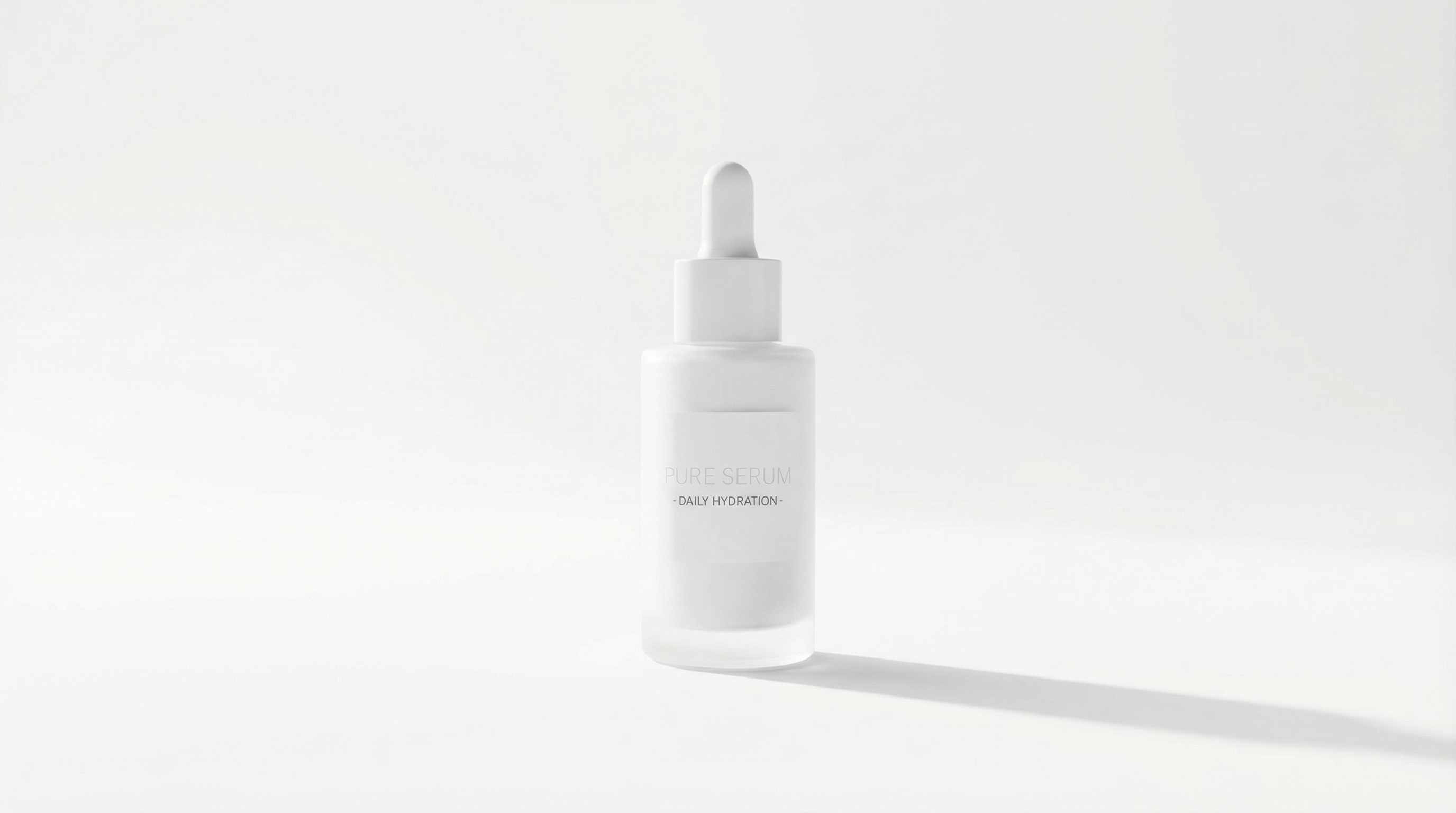
Selling online is much easier when your product photo looks clean and professional. Repairit helps you remove background from product images online free, so you can create white background product photos, transparent cutouts, and marketplace-ready listing images for Etsy, Amazon, Shopify, and social commerce.


Remove Busy Backgrounds from Portraits and Profile Pictures While Keeping Edges Clean
A lot of users want a cleaner headshot, profile picture, or social photo, but they do not want rough cut lines, missing hair, or blurry edges. Repairit helps remove background from portraits and profile photos while keeping hair, shoulders, clothing edges, and subject outlines more natural and usable.


Create Transparent PNG Cutouts for Logos, Stickers, Social Posts, and Design Projects
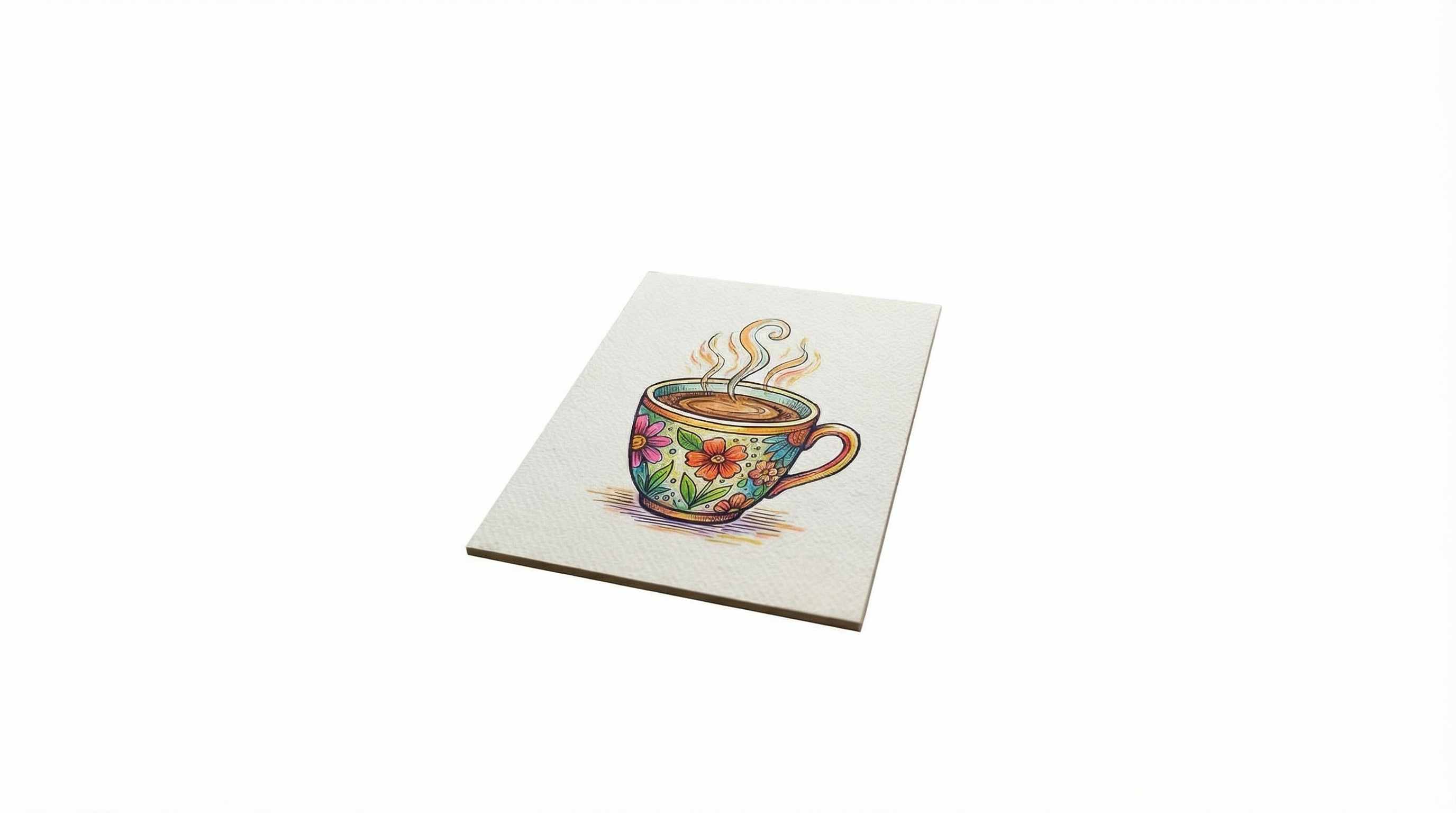
Sometimes the goal is not just deleting a background. You need a transparent PNG that is ready for a slide, thumbnail, poster, sticker, logo mockup, presentation, or social media graphic. Repairit makes it easy to remove the background from an image and turn it into a clean cutout you can place anywhere.
Remove Backgrounds from Multiple Seller Images Faster
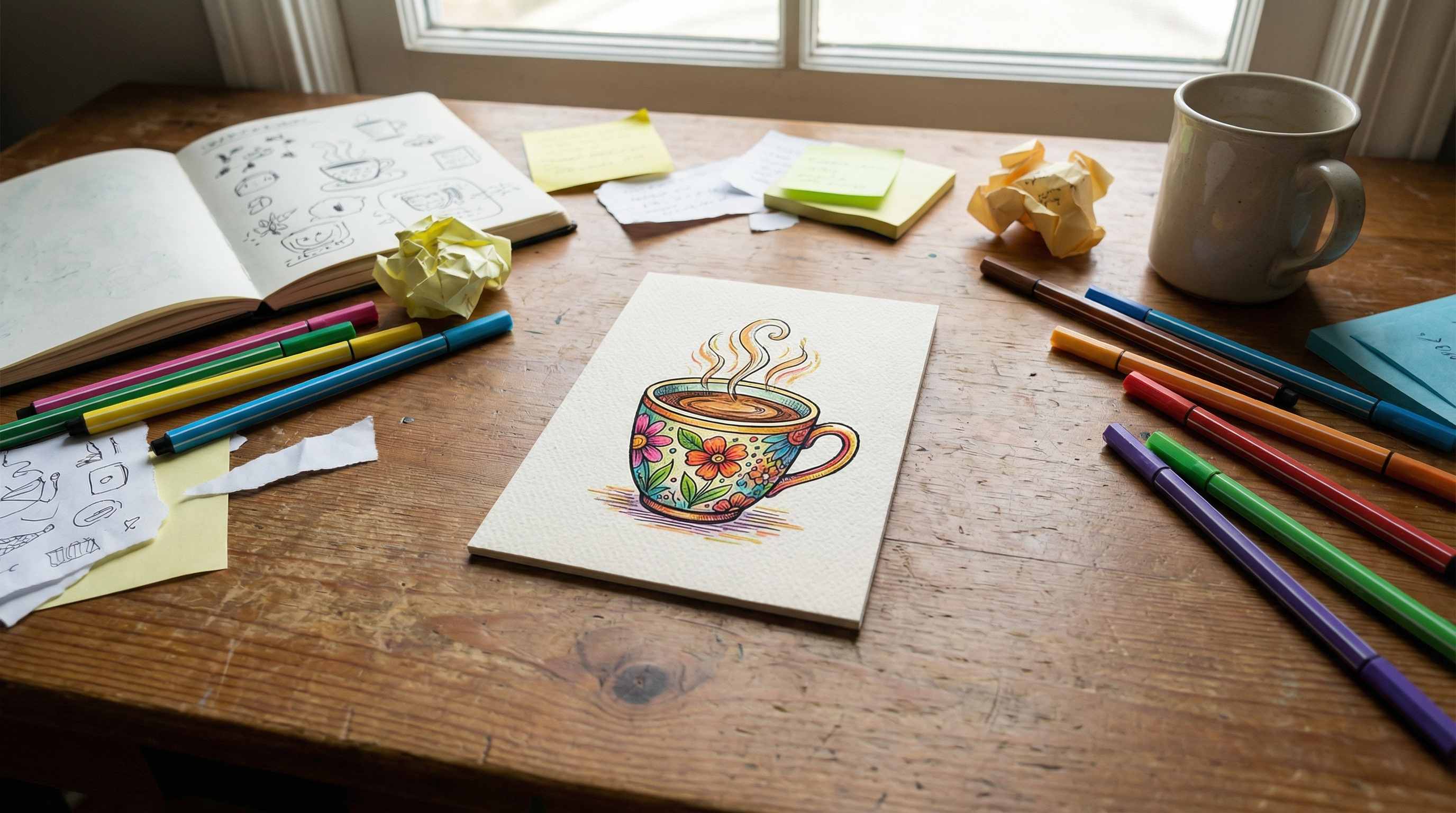
If you are editing a whole catalog, launch batch, or product collection, background removal quickly becomes repetitive. Repairit helps sellers, creators, and small teams clean up multiple product images faster, keep visuals more consistent, and prepare catalog photos for online stores, marketplaces, and campaigns.


How to Remove Background from Image Online Free with Repairit

Step 1
Upload Your Image
Click "Upload Image" or drag and drop your JPG, PNG, or WEBP file. Repairit works with product photos, portraits, logos, profile pictures, and everyday images.

Step 2
Let AI Remove the Background
Repairit automatically detects the main subject and removes the background, so you can get a transparent background image or a cleaner cutout in seconds.

Step 3
Download the Clean Image Free
Download your new image with a transparent background, or continue using it for white background product photos, new background edits, profile pictures, and design projects.
Why Choose Repairit to Remove Backgrounds from Images?
🎨 Clean Cutouts with More Natural Edges
Repairit helps preserve subject edges more naturally, including hair, clothing outlines, accessories, and small details that often get damaged in rough background removal.
🚀 Great for Transparent PNGs and White Background Photos
Create transparent background images for design work or white background photos for ecommerce listings, catalogs, and product pages in just a few clicks.
✨ No Photoshop or Manual Masking Required
You do not need to manually trace the subject, refine selections, or spend time with layer masks. Just upload the image and let Repairit handle the background removal.
❤️ Useful for Products, Portraits, Logos, and Social Content
Repairit fits real use cases, from online selling and profile updates to sticker design, marketing creatives, transparent assets, and quick everyday edits.
Explore More Photo Eraser Features
Clean up your images by removing backgrounds, white backdrops, and other unwanted elements in seconds with AI.
Frequently Asked Questions
Upload your image to Repairit and let the AI detect and remove the background automatically. It is a quick way to remove background from an image online free without complicated editing software.
Yes. After removing the background, you can use the cutout as a transparent image for design work, product listings, social graphics, and other projects that need PNG-style flexibility.
Yes. Repairit is useful for ecommerce product photos, marketplace listings, catalog images, and online store visuals that need a clean white background or transparent cutout.
Repairit is designed to keep hair, clothing outlines, and subject edges cleaner and more natural, which is especially helpful for portraits, profile pictures, and images with fine details.
Yes. Once the original background is removed, the image is much easier to place on a white background, solid color background, or a completely new design scene.
Repairit supports common image formats such as JPG, PNG, and WEBP, so you can upload most everyday images directly from your phone, camera, or computer.
For AI features like Background Remover, Photo Eraser, and Watermark Remover, each photo consumes 30 AI Credits. When you choose a Repairit Toolkit plan, AI Credits are included in your plan to get you started right away. If you have a large batch of photos or run out of credits, you can easily unlock more AI Credits to meet your editing needs anytime.
Hot Topics
Comprehensive How-to Guides
Want to remove unwanted object? Click to enter the Photo Eraser Workbench and make it happen easily!


