Remove Emojis from Photo Online Free
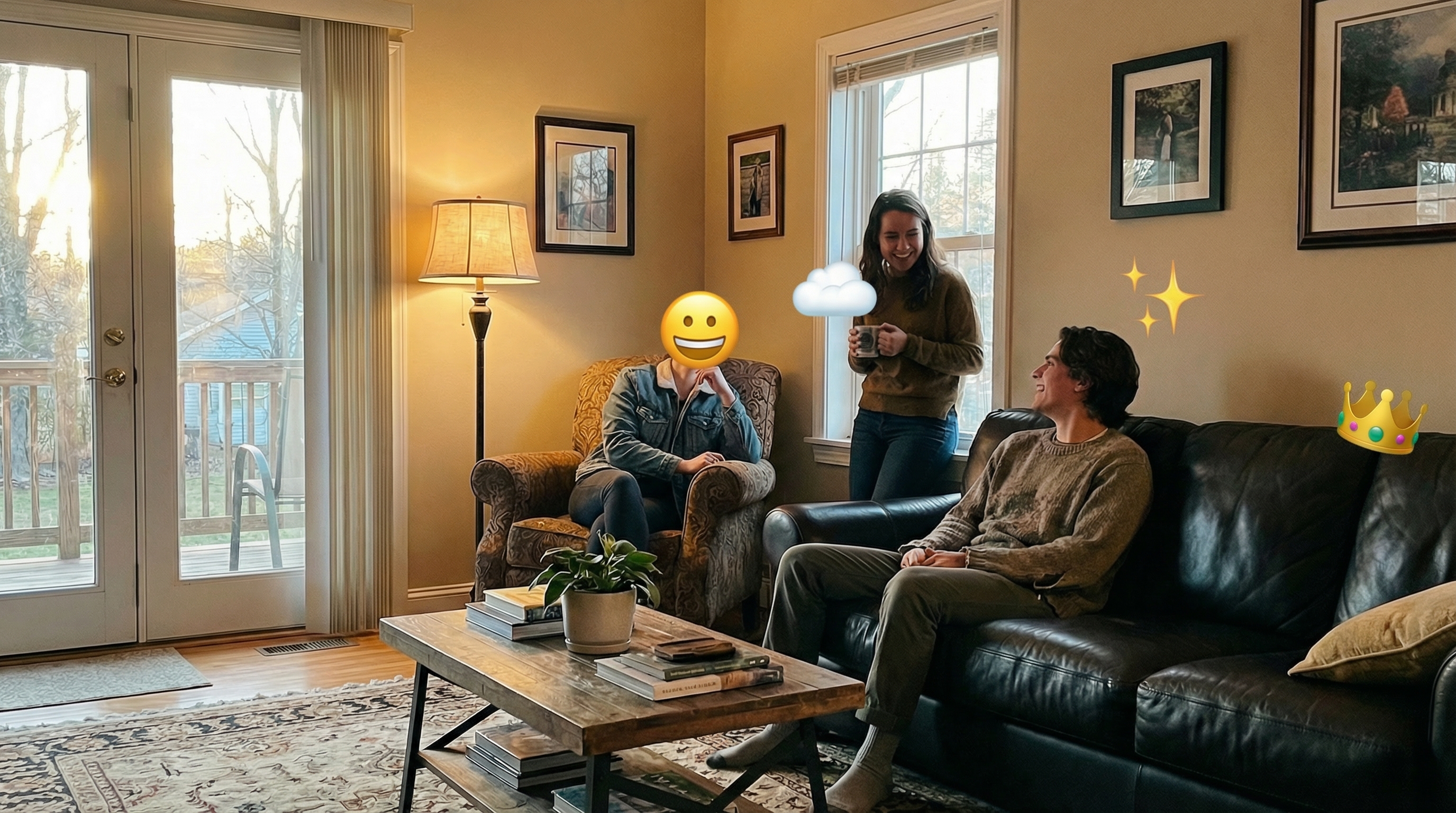





Remove Face Emojis from Selfies and Portraits Online Free
Clean up face emojis, smiley stickers, and cover face stickers from selfies, couple photos, family portraits, graduation photos, and saved social media pictures. Repairit helps restore a cleaner look so expressions, makeup, hairstyle, and facial details feel more natural again.


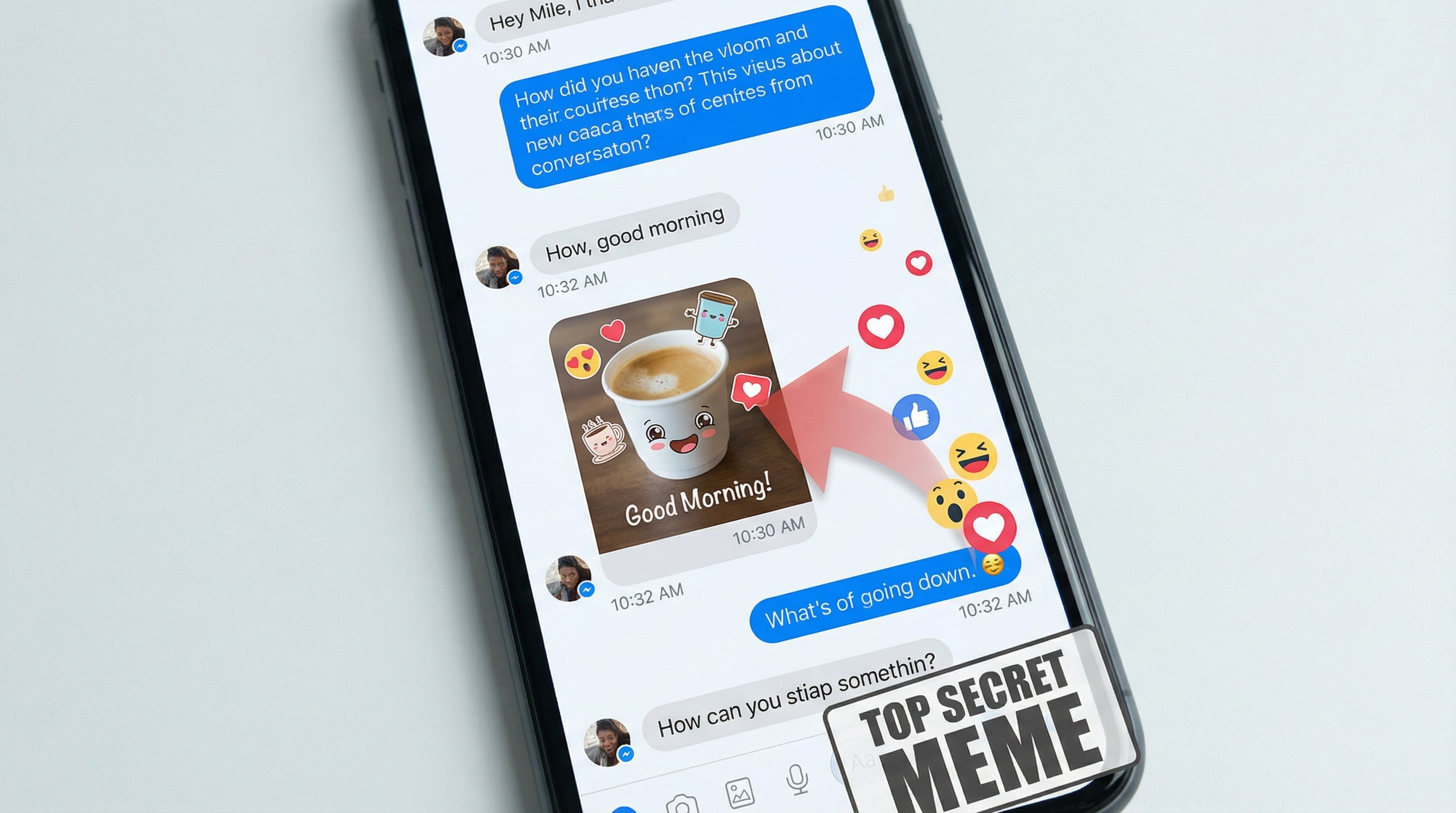
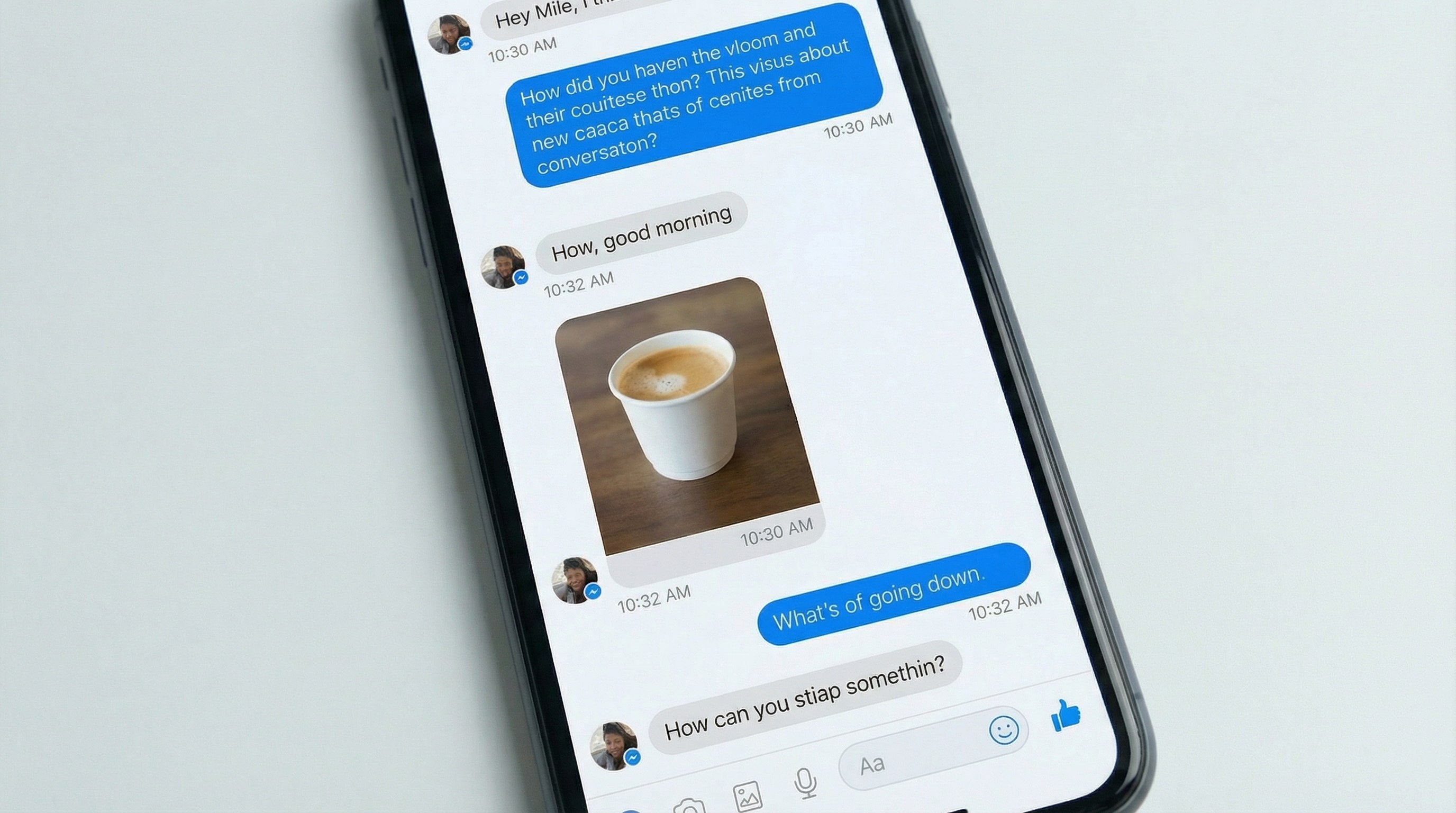
Remove Emoji Stickers from Screenshots and Chat Images
Delete reaction emojis, sticker packs, arrows, and meme overlays from chat screenshots, app screenshots, tutorial captures, and customer support images. Keep text, interface details, and message context easier to read without rebuilding the screenshot from scratch.
Remove Emojis and Doodles from Social Media Photos
Erase story stickers, hearts, labels, GIF style emojis, and playful doodles from story exports, repost drafts, creator assets, and saved phone photos. Great for reusing content across posts, blogs, thumbnails, and presentations with a cleaner visual.


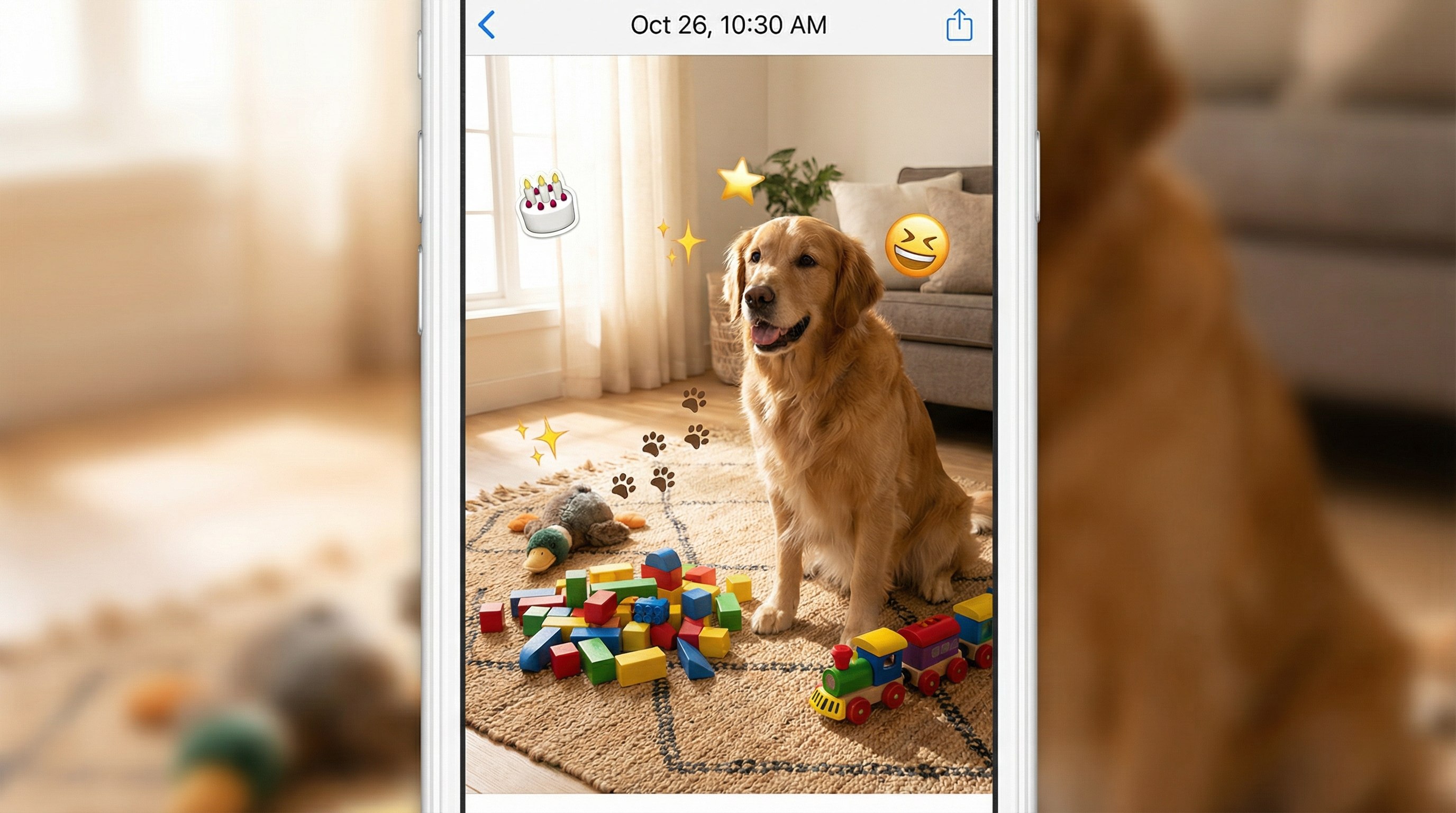
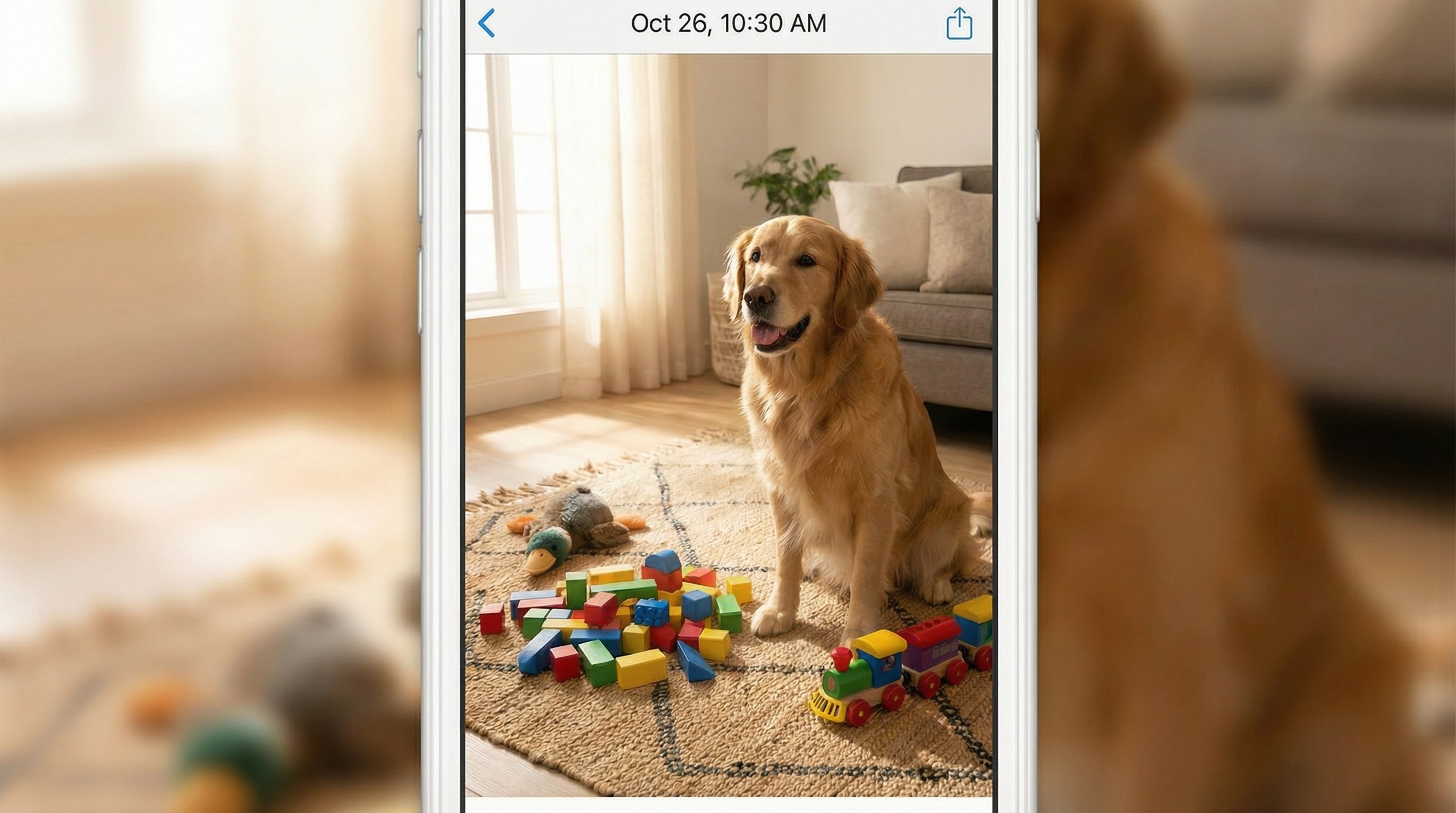
Remove Stickers from Kids, Pet, and Everyday Photos
Remove birthday emojis, funny stickers, scribbles, and decorative icons from baby photos, pet pictures, travel shots, and casual family moments. Repairit helps turn edited snapshots into cleaner keepsake photos without awkward sticker clutter.
How to Remove Emojis from Photo Online Free with Repairit

Step 1
Upload Your Photo
Upload a JPG, PNG, or WEBP image from your phone or computer. Repairit works with selfies, portraits, screenshots, story images, pet photos, and everyday saved pictures.

Step 2
Brush Over the Emoji or Sticker
Highlight the emoji, sticker, doodle, or overlay you want to erase. Repairit AI analyzes the selected area and starts rebuilding the image naturally.

Step 3
Download Your Clean Image
Preview the result and download your edited image in seconds. Your photo looks cleaner and more usable for personal sharing, content reuse, or work.
Why Choose Repairit to Remove Emojis from Photos?
🎨 Clean Results That Look Natural
Repairit blends nearby texture and lighting to reduce obvious editing traces, so common emoji and sticker cleanup looks more believable.
🚀 Works Across Real Everyday Scenes
From face emojis on selfies to sticker overlays on screenshots and story images, Repairit fits the kinds of photos people actually save and want to reuse.
✨ Simple Enough for Anyone
You can clean up a photo in a few clicks even if you have never used a photo editor before.
❤️ Great for Saved Photos and Social Content
Repairit helps you reuse old pictures, social posts, chat screenshots, and casual memories without distracting emoji clutter.
Explore More Photo Eraser Features
Clean up your photos by removing emojis, stickers, annotations, and other unwanted marks in seconds with AI.
Frequently Asked Questions
Upload your image to Repairit, brush over the emoji or sticker, and let AI clean the area automatically. It works well for selfies, chat screenshots, social media photos, saved pictures, and everyday snapshots when you want a cleaner version without Photoshop.
Yes. Repairit can reduce or erase face emojis and rebuild the covered area so the photo looks cleaner. It is useful for selfies, portraits, family photos, and saved social images. Results are usually best when the emoji covers a simpler area with enough surrounding detail.
Yes. If a screenshot has reaction emojis, sticker overlays, arrows, or doodles, you can upload it to Repairit and brush over the unwanted part. This is helpful for chat screenshots, app demos, product tutorials, and support images where text and layout need to stay readable.
In many common cases, yes. Repairit uses nearby texture, color, and lighting to rebuild the area so the result blends more naturally. Skin, clothes, walls, and clean backgrounds are usually easier, while large stickers over detailed areas may need a second pass.
Not exactly. If the original pixels were fully covered, no tool can truly recover the exact hidden face, text, or object from the saved image alone. AI can create a plausible clean result, but it cannot guarantee the exact original content.
Repairit supports common image formats such as JPG, PNG, and WEBP. You can upload phone photos, screenshots, story exports, saved pictures, and images from your computer for quick emoji and sticker cleanup.
Hot Topics
Comprehensive How-to Guides
Want to remove unwanted object? Click to enter the Photo Eraser Workbench and make it happen easily!


