Lighten Dark Photos Online Free
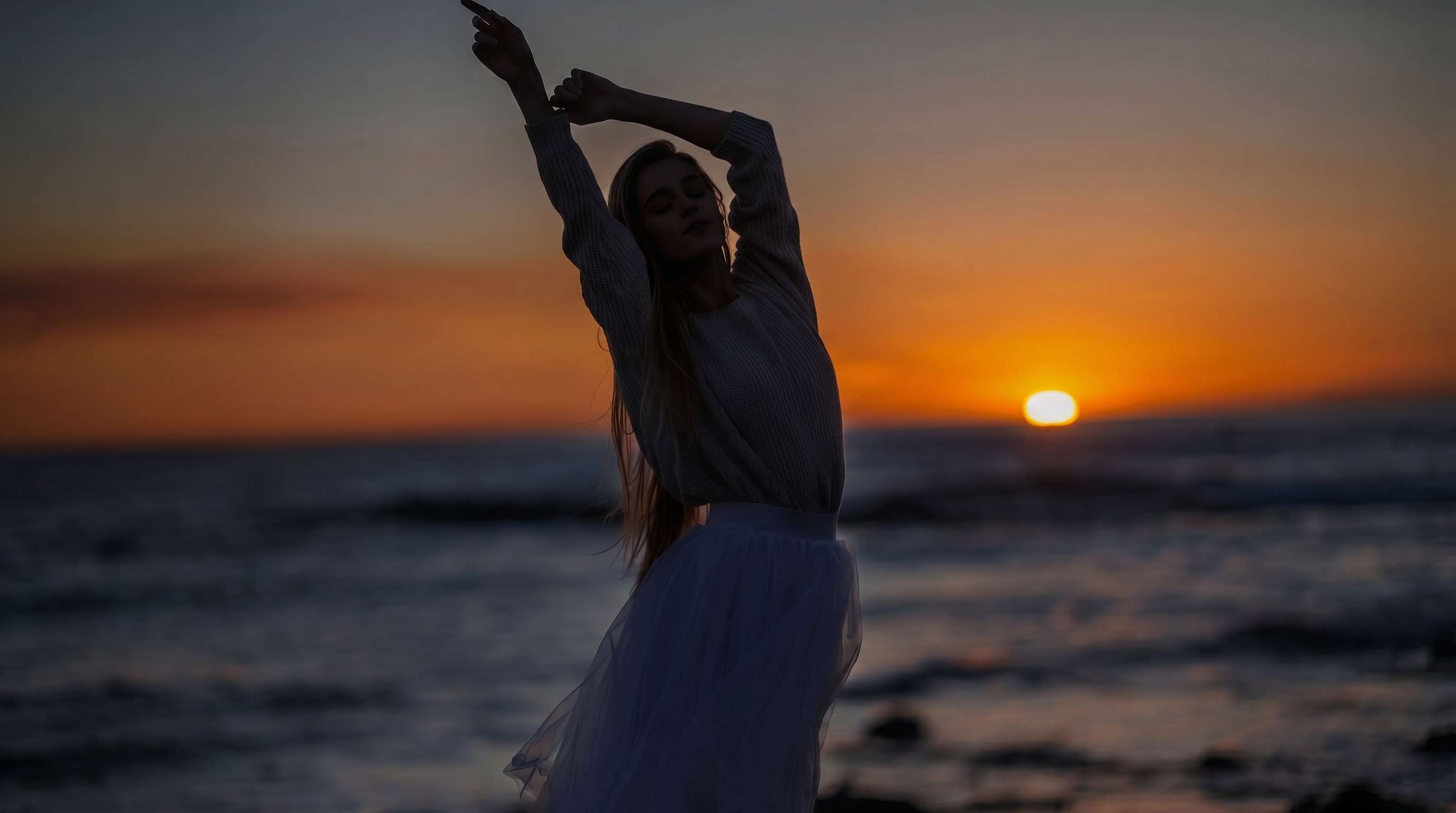
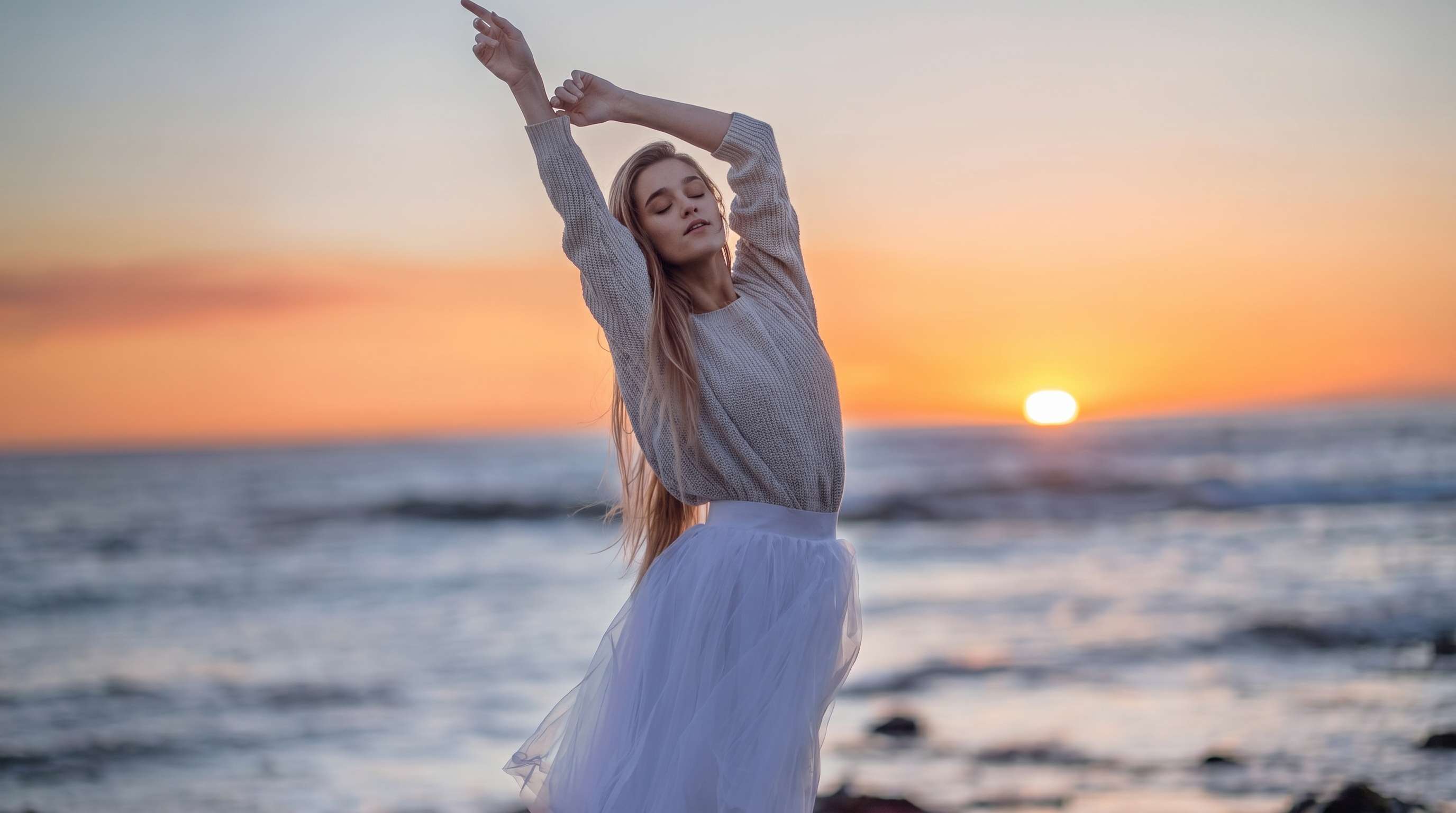




Brighten Faces in Backlit Portraits
Backlit portraits often leave faces too dark while the background looks fine. Repairit helps brighten dark photos, lift facial detail, and keep skin tones more natural so the subject does not disappear into shadow.
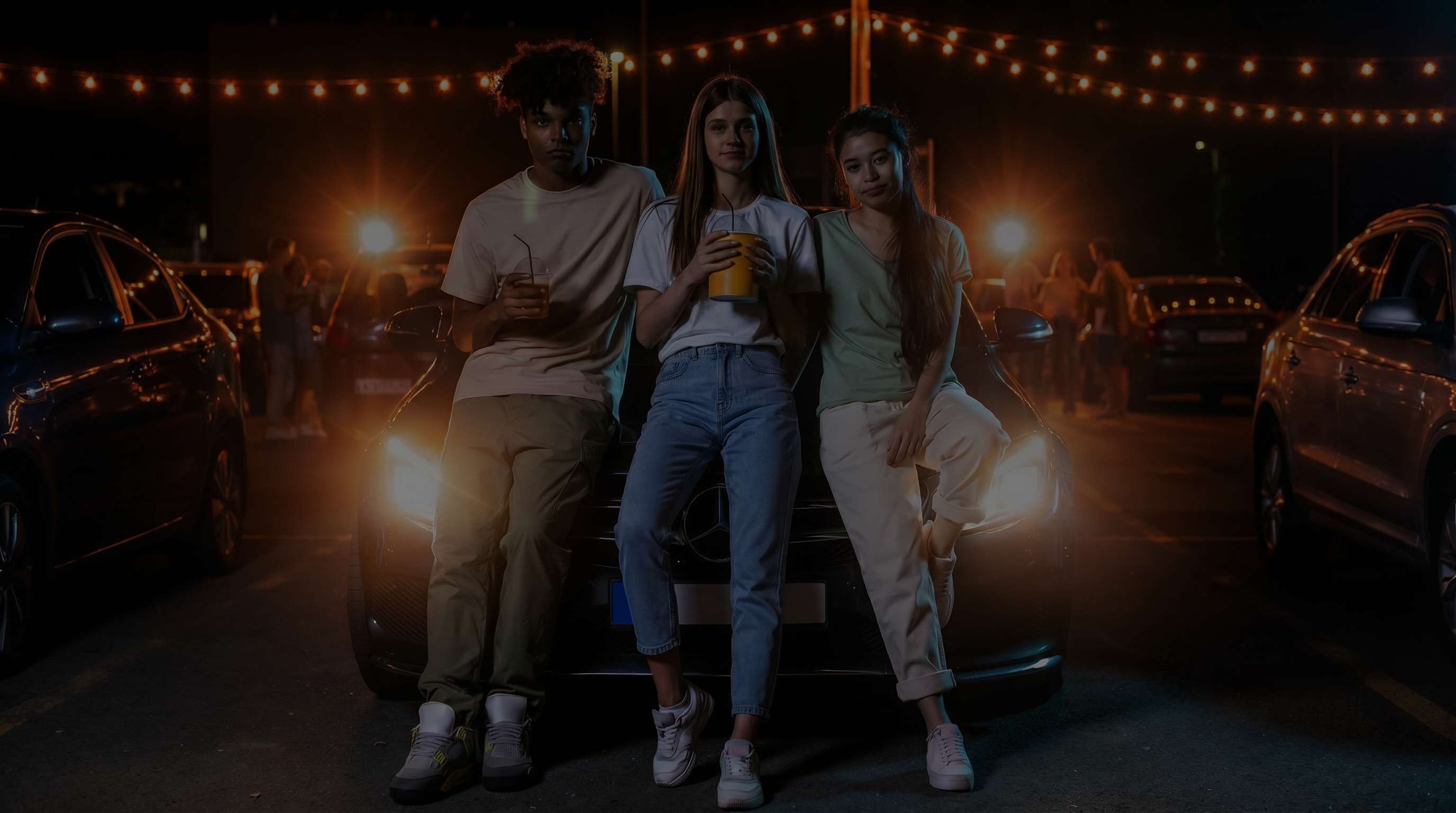
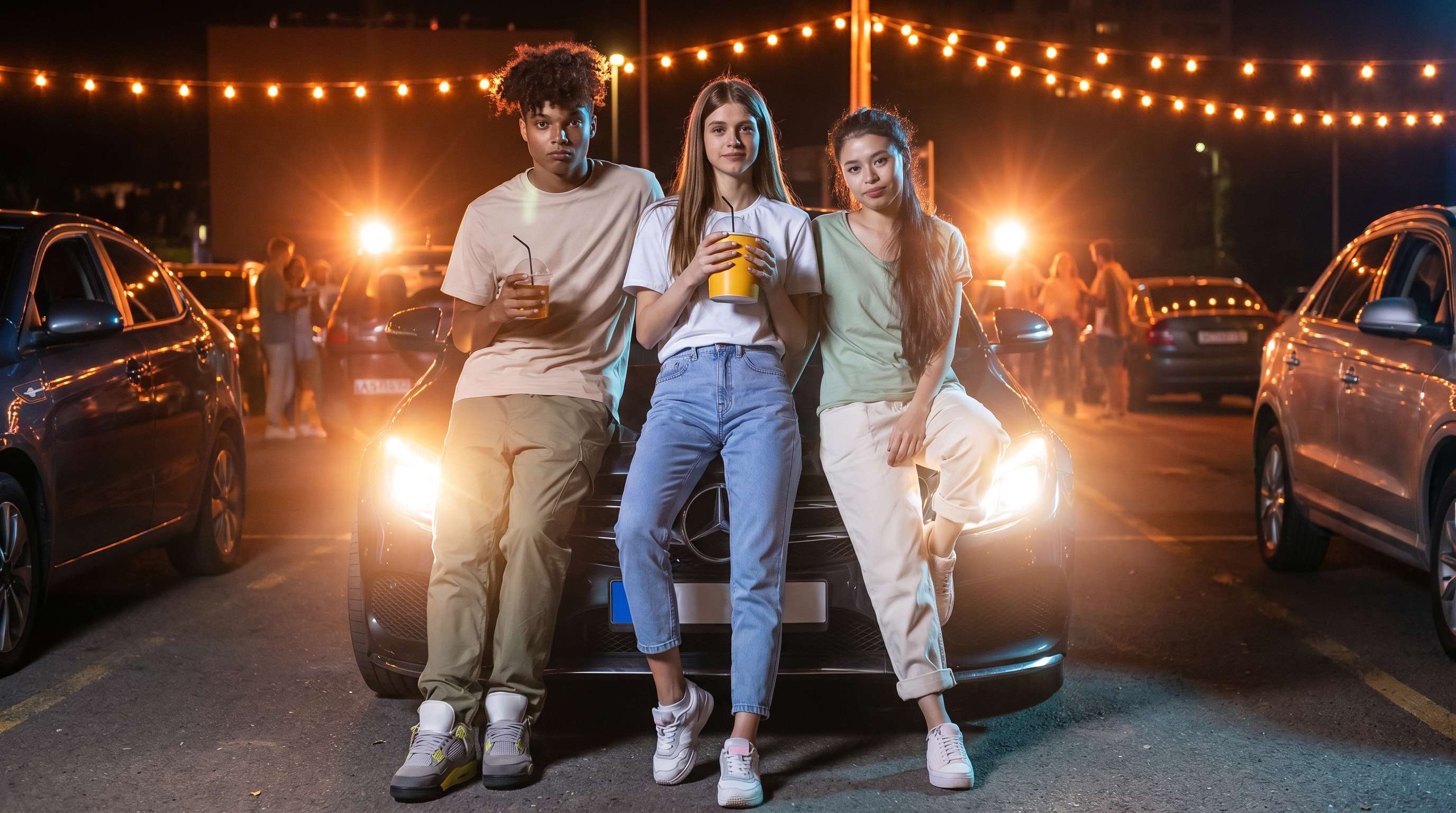
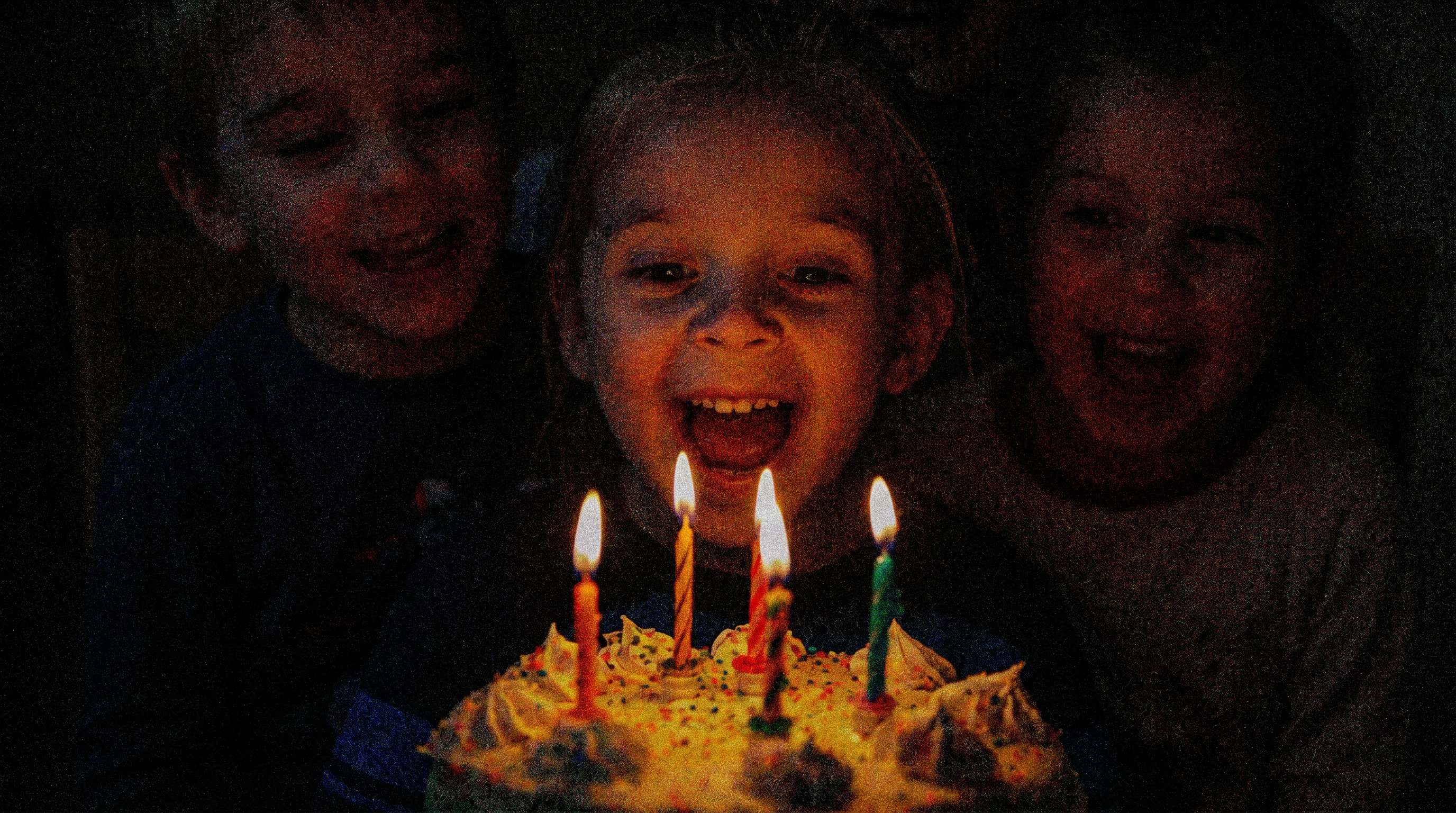
Fix Indoor Restaurant and Candlelight Photos
Dinner photos, birthday moments, and candlelight shots often come out too dark and noisy. Repairit helps fix dark photos by improving brightness, reducing rough shadow noise, and making important people and details easier to see.

Recover Detail in Underexposed Travel and Sunset Photos
Travel photos taken at sunrise, sunset, or in mixed lighting can leave people and foreground details too dark. Repairit helps brighten underexposed photos so scenes feel more balanced while keeping the mood of the original shot.


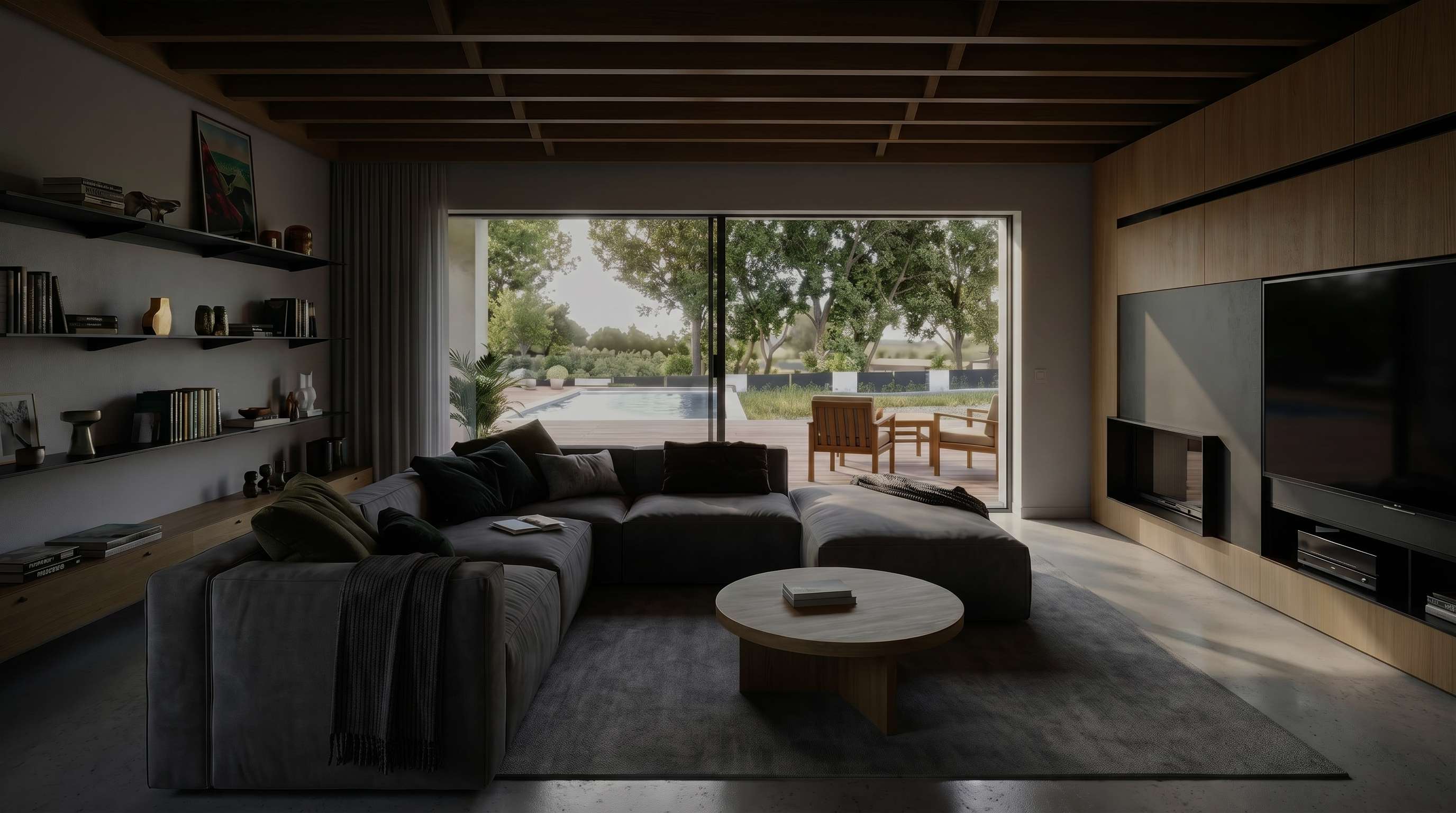
Brighten Dark Interior and Property Photos
Room photos and indoor property pictures often look dim when natural light is limited. Repairit helps enhance dark photos so furniture, corners, and layout details look more visible and presentable for listings, sharing, or reference.

How to Lighten Dark Photos Online Free with Repairit

Step 1
Upload Your Photo
Upload a JPG, PNG, or WEBP image from your phone or computer. Repairit works well for dark portraits, indoor shots, travel photos, and other underexposed pictures.

Step 2
Choose the Right Enhancement Mode
Select Photo Enhancement for general images or Portrait Enhancement for people. Repairit analyzes low light, weak exposure, shadow detail, and visible noise automatically.

Step 3
Preview and Download the Brighter Image
Compare the before and after result, then download the version that looks best. It is a simple way to lighten dark photos online free and fix underexposed photos without manual sliders or advanced editing skills.
Why Choose Repairit to Lighten Dark Photos?
✨ Natural-Looking Results
Repairit helps brighten dark photos and recover detail without making the image look washed out, gray, or overly processed.
📷 Built for Real Blur Scenarios
From backlit portraits to dim restaurant shots and dark room photos, Repairit is built for the kinds of exposure problems people actually want to fix.
⚡ Easy for Anyone to Use
You can fix dark photos, brighten underexposed photos, and improve everyday images in just a few clicks, even if you have never used a professional photo editor before.
❤️ A Better Way to Save Important Photos
Repairit can improve many dark or underexposed photos, but if an image is extremely blacked out or missing major detail, no tool can fully recreate everything that was never captured.
Explore More Photo Enhancer Features
Enhance your photos by improving clarity, resolution, lighting, and overall quality in seconds with AI.
Frequently Asked Questions
Upload your photo to Repairit, choose Photo Enhancement or Portrait Enhancement, and let AI improve brightness, shadow detail, and visible noise automatically. You can then preview the result and download the brighter version in just a few clicks.
Yes, in many cases. Repairit can improve underexposed photos by lifting dark areas, balancing visible detail, and making the image easier to see. If the original file is extremely dark, the result can improve without recovering every lost detail perfectly.
When a photo is too dark, brightening it often reveals sensor noise that was hiding in the shadows. Repairit helps make photo brightness look cleaner by reducing visible noise while improving detail in darker areas.
Yes. Repairit can help fix dark photos from phones, including grainy iPhone photos taken at night or indoors. It works by improving exposure, cleaning up visible noise, and making people or objects easier to see.
Repairit is designed to brighten dark photos while keeping faces more balanced and natural. Portrait Enhancement helps improve visibility in face focused images without pushing skin tones too far or making the result look flat.
Not always. If the original file has lost too much detail because of strong motion blur, heavy compression, or poor focus, no tool can perfectly recover information that is no longer there. AI can often improve the image, but the final result depends on the quality of the original photo.
Repairit supports common image formats including JPG, JPEG, PNG, BMP, and WEBP, making it easy to lighten dark photos, fix underexposed pictures, and enhance low light images from phones, cameras, and computers.
Hot Topics
Comprehensive How-to Guides
Want to enhance your photo? Click to enter the Photo Enhancer Workbench and make it clearer in just a few clicks!


