AI Face Enhancer Online Free






Make Cropped Profile Photos Look Clearer After Upload
Many people only notice the problem after their avatar goes live. A profile photo that looked fine in the camera roll can suddenly appear soft, compressed, or unclear once it is cropped and uploaded. Repairit helps improve facial focus and clean up visible softness, so your headshot, social profile image, or community avatar looks clearer and more polished without looking over edited.


Improve Wedding, Party, and Group Photos Where Faces Look Soft
Important event photos are often taken quickly, in mixed light, or with people moving at the wrong moment. That is why faces can look less defined even when the overall picture still matters a lot. Repairit helps face enhance these meaningful shots by improving facial detail, reducing noise, and making expressions easier to recognize, which is especially helpful when you need ai face upscale results for group photos and once in a lifetime memories.


Restore Old Family Portraits and Scanned Headshots with More Natural Detail
Old printed photos, scanned portraits, and saved family images often lose clarity in the face first. Eyes, skin texture, and facial contours can become difficult to read after years of fading, rescanning, or low quality storage. Repairit works well as a practical face restoration ai option for these personal archives, helping bring back more recognizable face detail while keeping the image believable and respectful to the original photo.
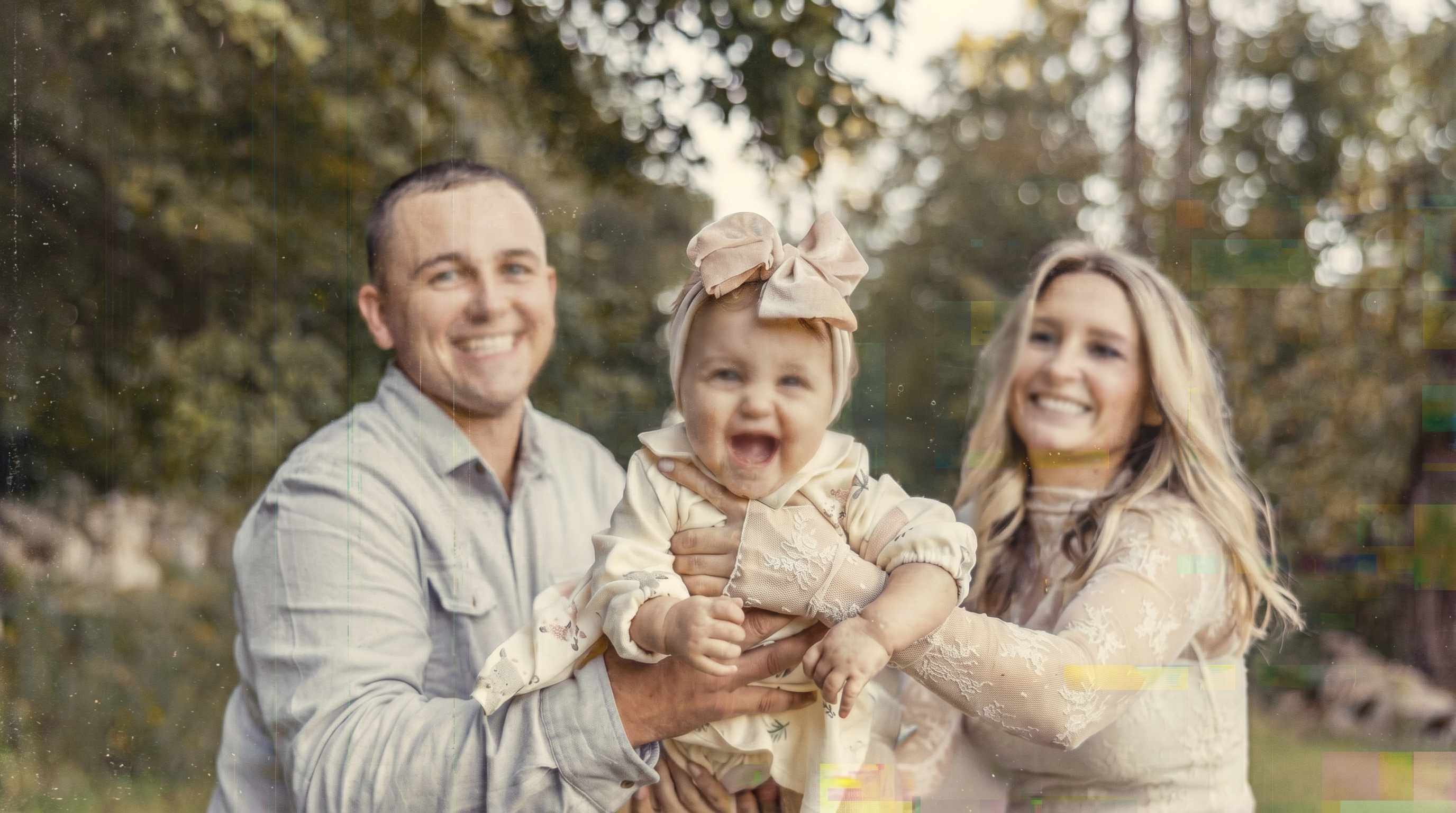

Upgrade Creator, Resume, and Social Headshots Without Heavy Retouching
A lot of users do not want beauty filters. They just want a clearer face photo for LinkedIn, a portfolio, a speaker bio, a creator page, or a resume image. Repairit improves focus, light balance, and visible detail so the face stands out more cleanly, making it a useful choice for anyone who wants to enhance face photo quality without turning the result into a glossy or artificial portrait.


How to Use Repairit as an AI Face Enhancer

Step 1
Upload Your Photo
Upload a JPG, JPEG, PNG, BMP, or WEBP image from your phone or computer. Repairit works well for portraits, profile photos, old family pictures, and group shots where the face needs clearer detail.

Step 2
Choose Portrait Enhancement
Select Portrait Enhancement when the main goal is to face enhance the person in the image. Repairit analyzes facial areas, soft focus, lighting balance, and visible noise to improve the face more precisely than a general edit.

Step 3
Preview and Download the Enhanced Face Photo
Check the before and after result, then download the version that looks best. It is a simple way to use an ai face enhancer online without complicated manual retouching.
Why Choose Repairit as an AI Face Enhancer?
✨ Face focused enhancement that still looks like a real person
Repairit improves facial clarity, focus, and light balance without pushing skin too far into a plastic or over smoothed look. This matters when users want a clearer face, not a different identity.
📷 Built for the portrait problems people actually care about
From blurry avatars and soft wedding faces to old family portraits and professional headshots, Repairit is designed around the kinds of face quality issues real users search for every day.
⚡ Easy for everyday users but useful for important photos
You do not need advanced editing skills to get started. The workflow is simple enough for quick profile photo fixes and careful enough for meaningful images you actually want to keep.
❤️ Honest about what AI can and cannot recover
Repairit can improve many portraits, but no face enhancer ai tool can perfectly restore facial information that was never captured or has already been heavily lost. That makes the result more trustworthy and aligned with real expectations.
Explore More Photo Enhancer Features
Enhance your photos by improving clarity, resolution, lighting, and overall quality in seconds with AI.
Frequently Asked Questions
Upload your image, choose Portrait Enhancement, and let Repairit improve facial focus, soft detail, and light balance automatically. You can then preview the result and download the version that looks more natural and clear.
An AI face enhancer usually works on the facial area first. It can help sharpen soft detail, improve perceived focus, balance brightness on the face, and make features easier to recognize. In simple terms, it is a more face focused approach than applying the same edit to the whole image.
Yes. Repairit can help improve scanned portraits, faded family photos, and older images where faces have become less clear over time. The result depends on how much usable detail still remains in the original file, but it can often make important faces easier to recognize.
Yes, in many cases. If a profile picture looks softer after cropping, resizing, or platform compression, Repairit can help improve facial clarity and make the portrait look cleaner and more presentable.
That is the goal. Repairit is designed to enhance face photo quality while keeping skin tone and facial features more natural. It aims to improve clarity without pushing the face into an obviously fake or over processed look.
Not always. If the face is extremely out of focus, heavily compressed, intentionally obscured, or too small in the original image, no tool can perfectly rebuild every missing detail. AI can often improve readability and appearance, but the final result depends on the quality of the original photo.
Repairit supports common image formats including JPG, JPEG, PNG, BMP, and WEBP, making it easy to enhance portraits from phones, social uploads, scanned photos, and computer files.
For AI features like Face Enhancer, Photo Enhancer, and Photo Colorizer, each photo consumes 30 AI Credits. When you choose a Repairit Toolkit plan, AI Credits are included in your plan to get you started right away. If you have a large batch of photos or run out of credits, you can easily unlock more AI Credits to meet your editing needs anytime.
Hot Topics
Comprehensive How-to Guides
Want to enhance your photo? Click to enter the Photo Enhancer Workbench and make it clearer in just a few clicks!


