Unblur Video Online Free

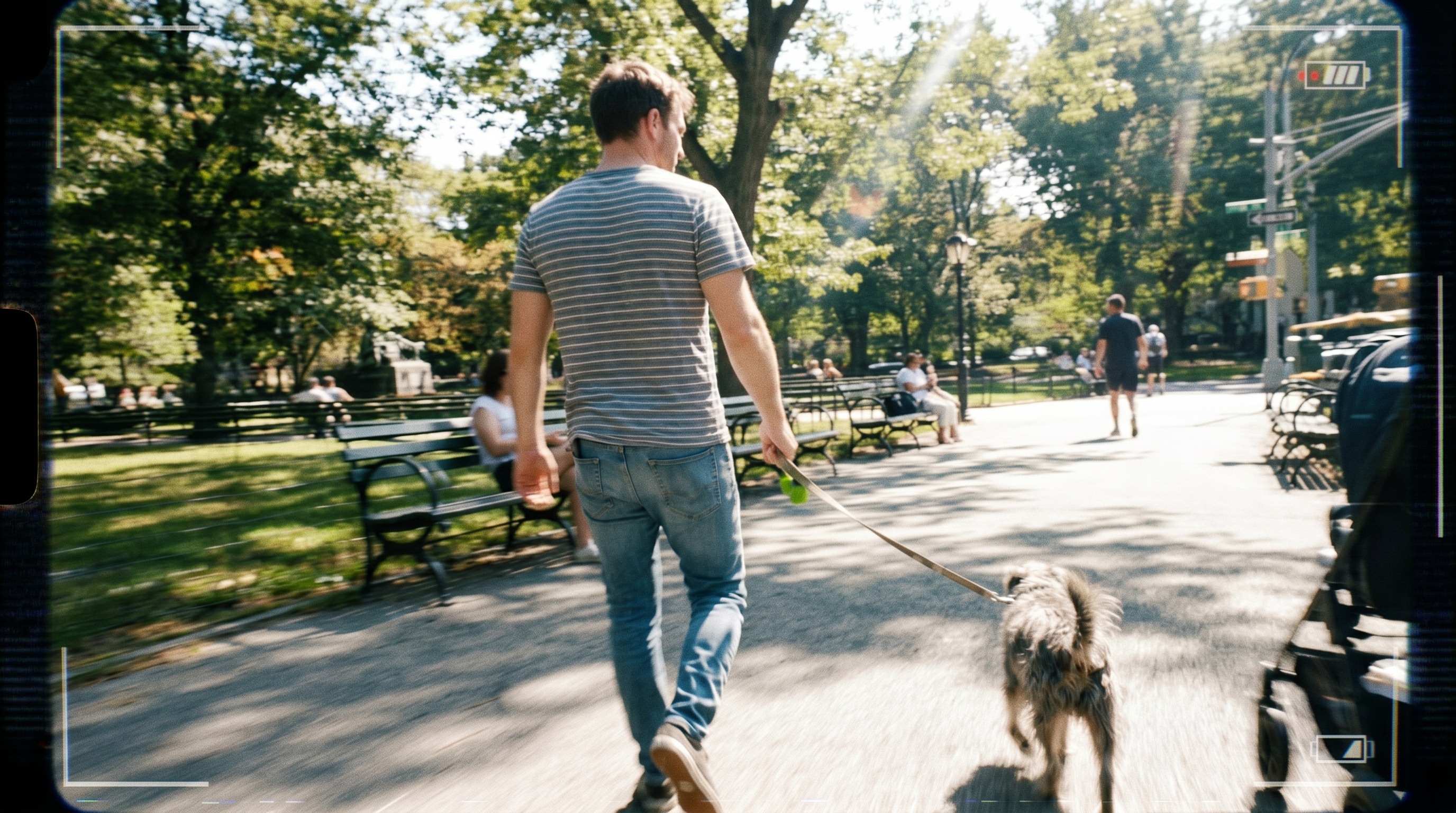




Remove Blur from Shaky Handheld and Walking Clips Online Free
A lot of people search for a way to unblur a video online free after realizing their handheld phone clip, walking shot, or quick grab footage came out shakier than expected. Repairit free online helps remove blur from video online by sharpening edges, recovering visible detail, and making moving subjects easier to recognize, so the moment is still usable instead of being deleted.
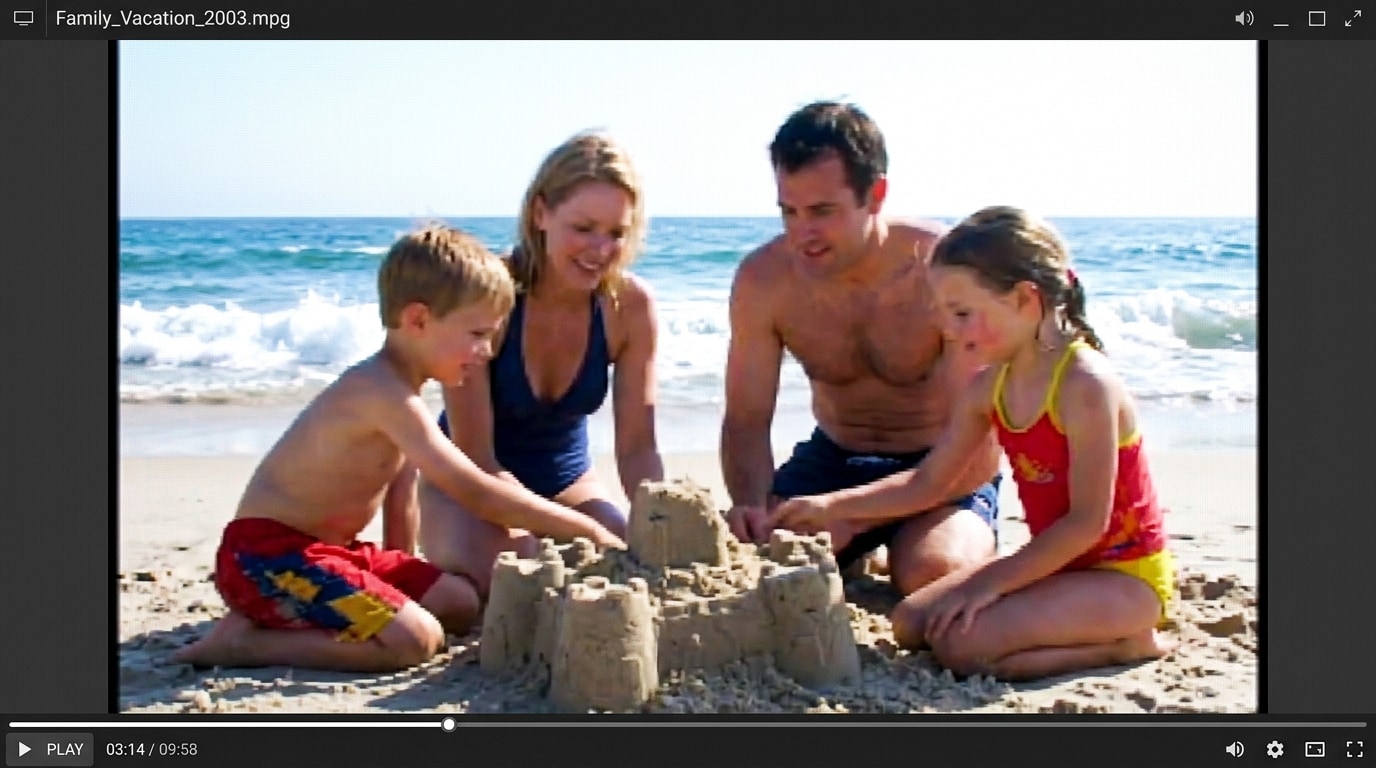
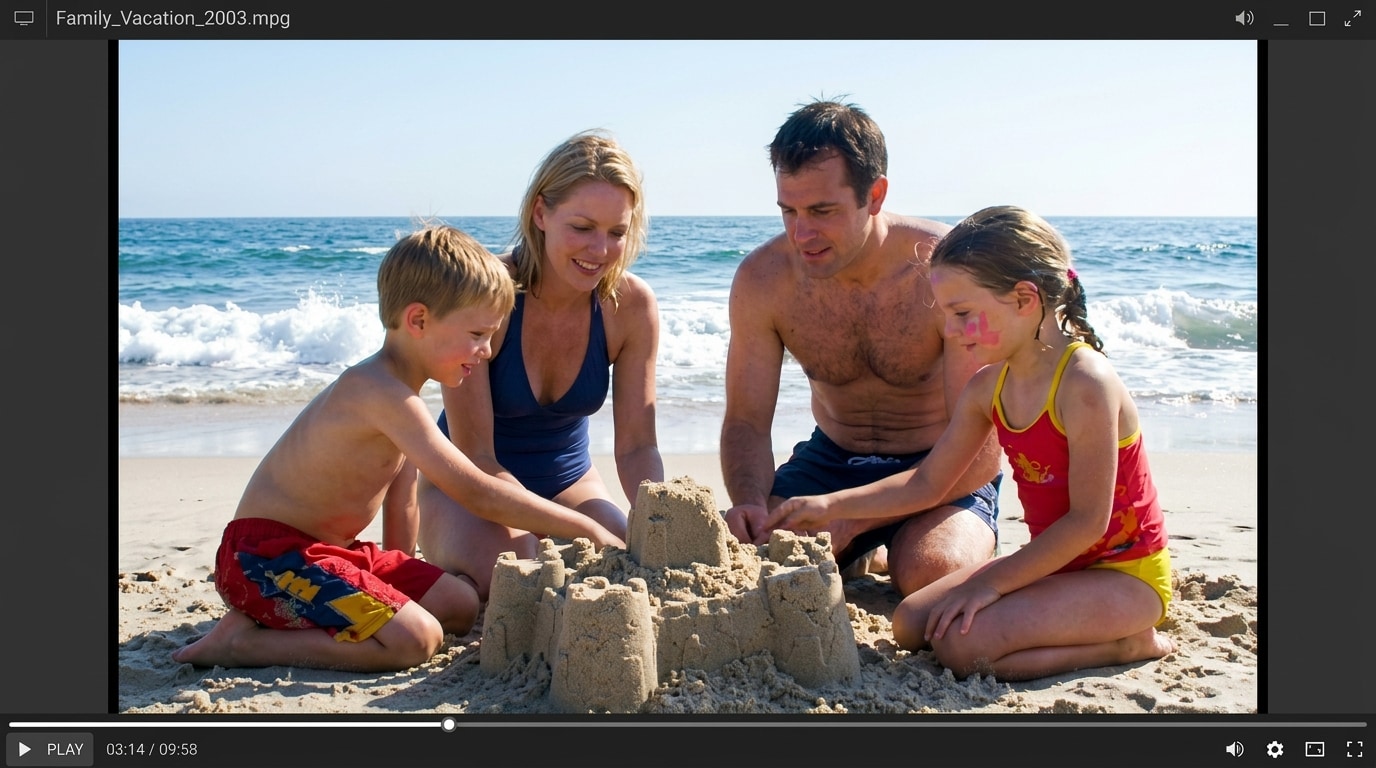
Fix Out of Focus Portraits, Pets, and Kids Videos Free Online
Phones often miss focus on faces, fast moving pets, or kids running around, leaving the most important subject looking soft. Repairit works as an unblur video free online option that helps lift facial detail, sharpen subjects, and reduce that washed out, slightly blurry look, which is exactly what users on Reddit and Quora keep asking about when their best clip is also their blurriest one.
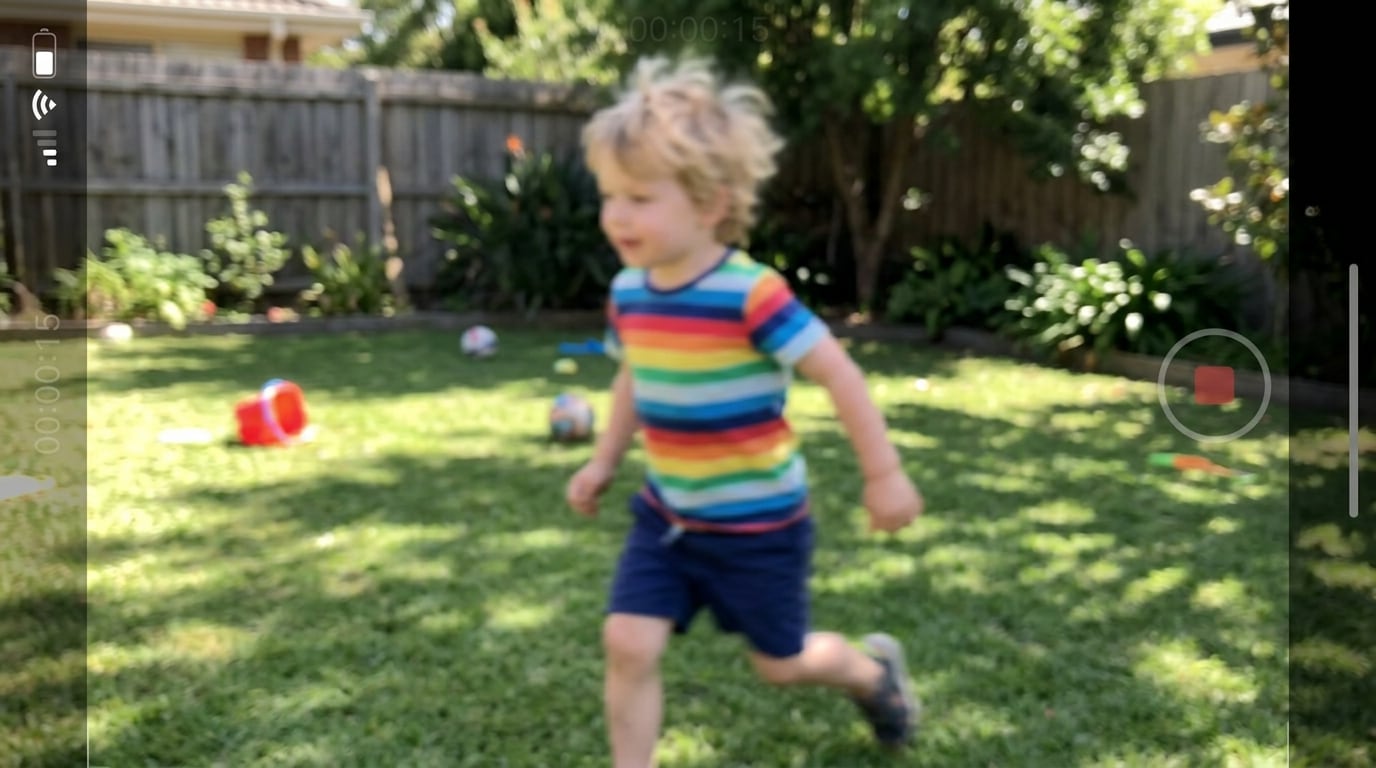
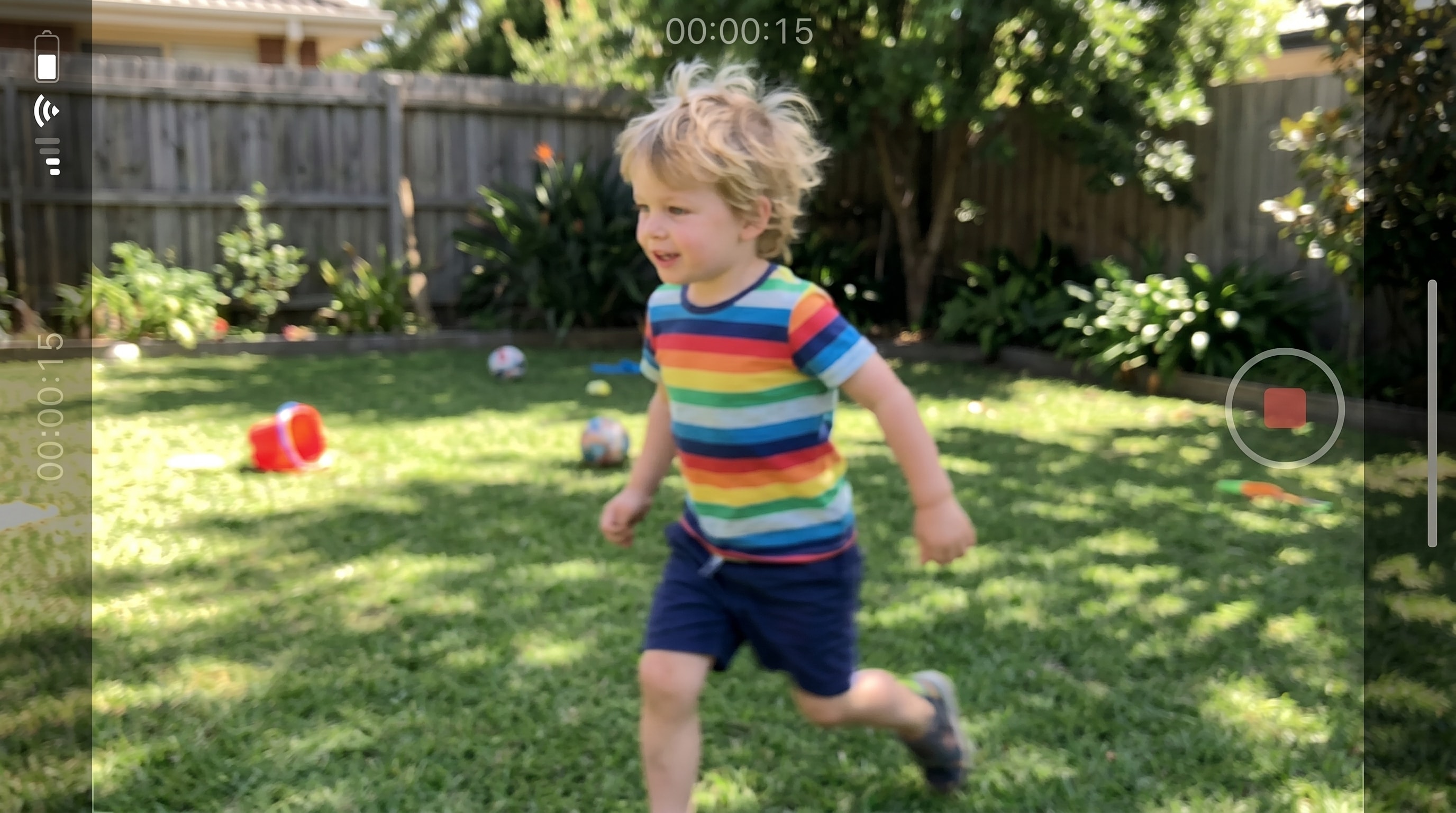
Unblur Zoomed In and Re Shared Clips That Lost Sharpness Online Free
Cropping, zooming in, or reposting a clip across apps usually leaves it looking softer than the original. If you need to make blurry video clear online free for a saved memory, a clip you only have in low quality, or a screen recorded snippet from another platform, Repairit can help recover a sharper look without forcing you into a full editing workflow.
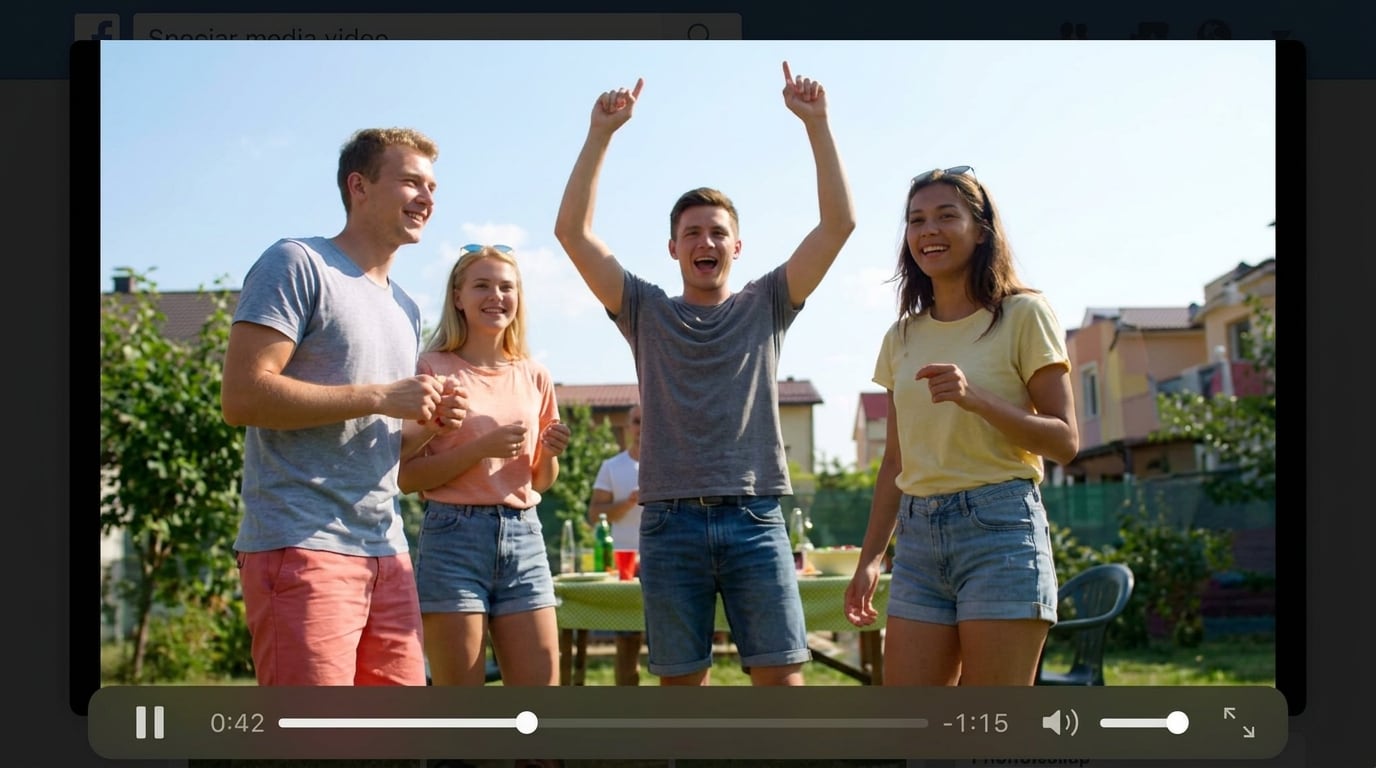
How to Unblur Video Online Free with Repairit

Step 1
Upload Your Video
Upload a blurry, shaky, out of focus, or softly compressed video in a supported format such as MP4, MOV, or AVI.

Step 2
Let AI Unblur the Video
Repairit automatically detects blur and softness, then sharpens edges, lifts visible detail, and reduces that fuzzy look frame by frame.

Step 3
Preview and Download
Preview the deblurred result and download a clearer, sharper version of your video, ready to share or keep.
Why Choose Repairit's Free Online Video Unblur Tool?
Compare Repairit with traditional video editors

Repairit
|
Traditional Video Editors | |
|---|---|---|
| Target Users | 🎯 Everyday users, beginners, creators, families, and anyone who just wants a clearer clip fast | 🎬 Editors who are comfortable with full timeline based workflows |
| Unblur Approach | 🤖 AI powered deblurring, edge sharpening, and detail recovery | 🛠️ Manual sharpen, mask, and stabilization adjustments |
| Learning Curve | ⚡ Easy to start with no advanced editing skills required | 📚 Higher learning curve with more tools and panels to manage |
| Cost | 💝 Free to start online with a simple upload and unblur flow | 💼 Often requires paid software or extra plugins |
| Time Investment | ⏱️ Designed to unblur video online free in just a few clicks | ⌛ Usually takes more setup, layering, and manual fine tuning |
| Automation Level | 🌟 Fully AI assisted unblur workflow | ⚙️ Mostly manual control |
| Features | 💡 Built to unblur video free online, sharpen edges, recover visible detail, and make blurry video clear online free | 🧩 Powerful for full editing, but less convenient for a quick unblur rescue |
Frequently Asked Questions
Yes. Repairit gives you a simple way to unblur video online free in your browser, so you can sharpen blurry footage and recover visible detail without learning a full editor.
Yes. Repairit is a practical choice when you need to remove blur from video online for handheld phone clips, walking shots, and quick grab footage that came out softer than expected.
Repairit can help with motion blur from shaky hands, soft focus on faces and subjects, mild out of focus shots, and softness from zooming in or reposting a clip across platforms. It is best suited for clips that are blurry but still playable.
Yes. If you are searching for an unblur video free online tool to rescue family memories, pet clips, kids videos, or reposted creator content, Repairit gives you a quick way to make blurry video clear online free without reshooting.
Not always. AI can lift detail and sharpen edges when there is usable image data in the original frames, but it cannot fully recreate information that was never captured. Mild to moderate blur usually gets the best results.
Repairit supports popular video formats including MP4, AVI, MOV, MKV, 3GP, FLV, MPG, and WEBM, which covers most phone, camera, and screen recorded videos people want to deblur online.
Hot Topics
Comprehensive How-to Guides
Want to unblur video online free? Click to enter the Photo Eraser Workbench and make it happen easily!


