Multiple Photo Editor to Mass Edit Images with AI
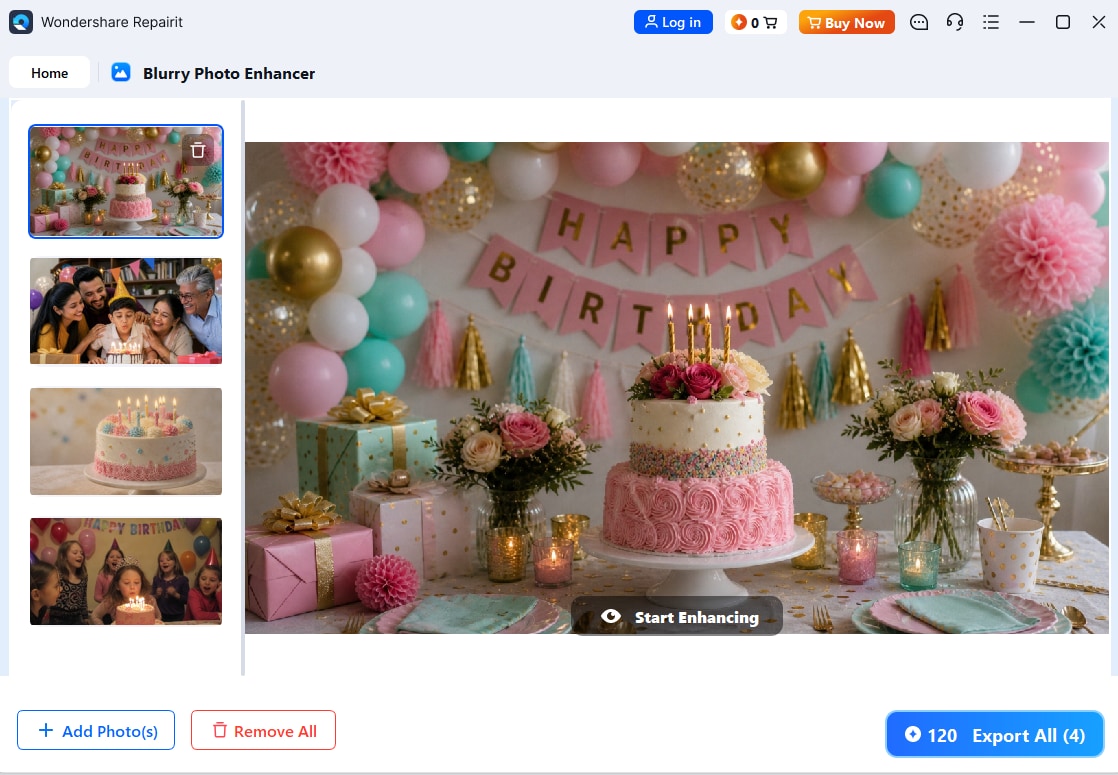



Edit Multiple Photos Faster Without Manual Retouching
Editing one photo at a time can slow down your work, especially when you have a full folder of blurry, soft, or low-quality images. Repairit works as a multiple photo editor that helps improve photo clarity, sharpen details, and enhance image quality quickly. Use it for batches of portraits, travel pictures, event photos, product shots, and everyday image collections that need a cleaner look.
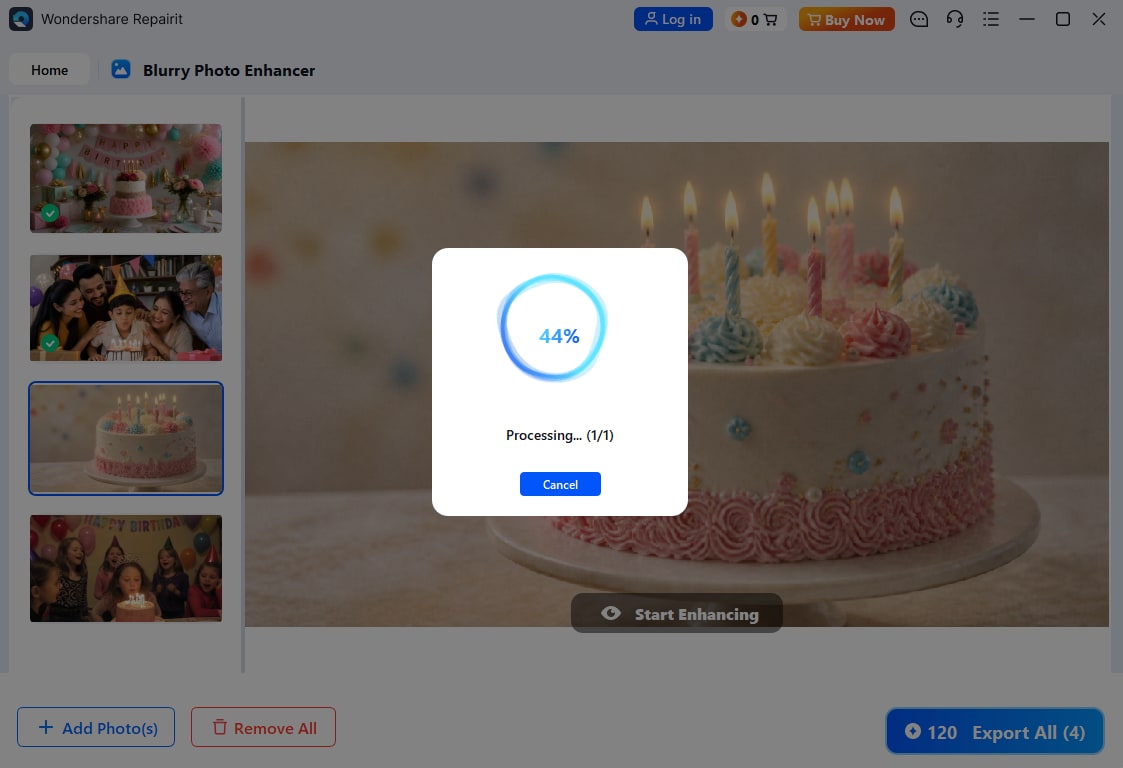
Use a Photo Editor with Multiple Photos for Product, Event, and Social Images
When you manage many visuals at once, consistency matters. Product galleries, birthday albums, wedding previews, real estate images, and social media posts all need photos that look clear and polished. Repairit photo editor with multiple photos helps improve image quality across different photo sets, so your collection looks more professional without repeating complex manual edits for every image.
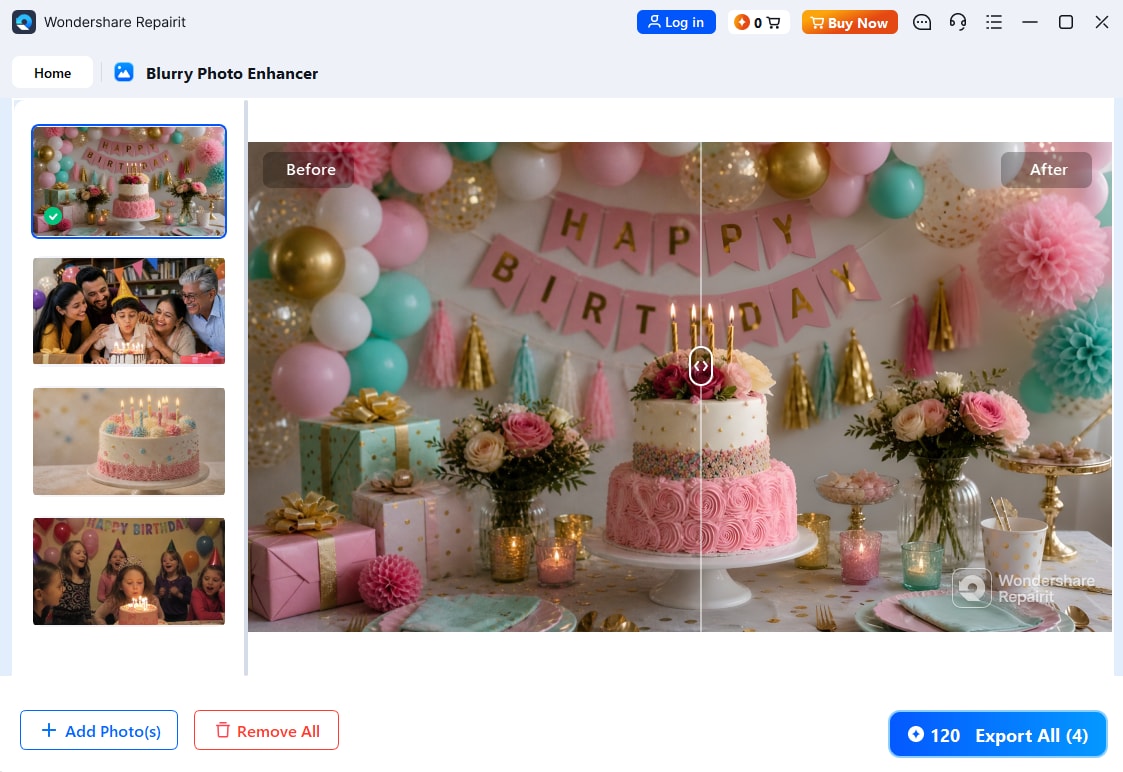
Mass Edit Images for Clearer Albums, Campaigns, and Visual Libraries
Large photo sets can include mixed lighting, soft focus, compression, and low-resolution files. Repairit helps you mass edit images by using AI to enhance clarity, recover visible detail, and make photos more share-ready. Whether you are preparing an album, online store, campaign folder, or client preview, you can clean up multiple images with a simpler workflow.
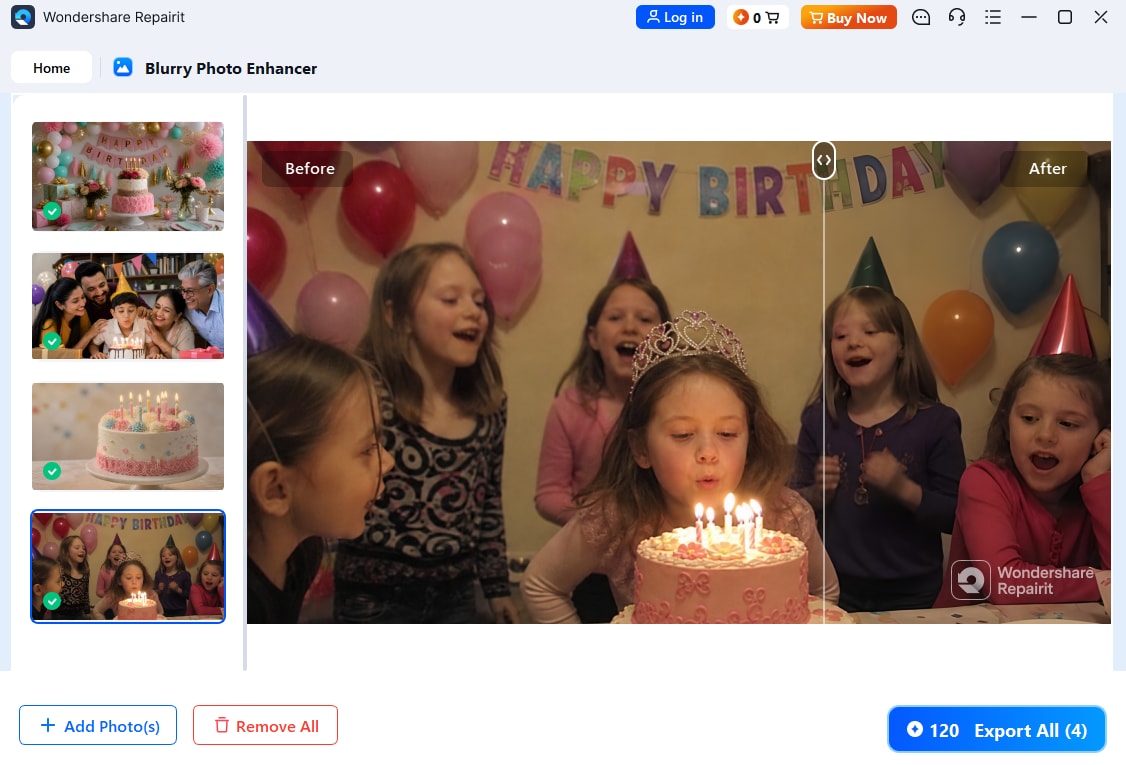
How to Edit Multiple Photos with Repairit

Step 1
Upload Your Photos
Upload multiple portraits, product images, event pictures, social media visuals, or image collections in supported formats such as JPG, PNG, or WEBP.

Step 2
Let AI Enhance the Images
Repairit AI analyzes your photos and improves clarity, sharpness, detail, and overall image quality automatically.

Step 3
Preview and Download
Preview the enhanced results and download clearer, more polished photos ready for sharing, posting, printing, or business use.
Why Choose Repairit's Multiple Photo Editor?
Compare Repairit with traditional batch photo editing

Repairit
|
Traditional Batch Photo Editors | |
|---|---|---|
| Target Users | Creators, sellers, marketers, photographers, families, and teams who need to improve multiple photos fast | Designers, editors, and advanced users familiar with batch editing workflows |
| Editing Approach | AI-powered clarity enhancement, detail sharpening, and image quality improvement | Manual presets, actions, filters, batch resizing, and repeated adjustments |
| Learning Curve | Easy to start with a simple upload-and-enhance workflow | Requires more setup, presets, export rules, and manual review |
| Cost | Free to start online with a simple AI enhancement flow | Often requires paid software, plugins, or advanced editing tools |
| Time Investment | Designed to mass edit images with fewer manual steps | Usually needs more setup and checking across each batch |
| Automation Level | AI-assisted workflow for fast multi-photo quality improvement | Mostly preset-based or manually controlled batch editing |
| Best For | Multiple portraits, product galleries, event albums, social media visuals, campaign images, and photo collections | Complex batch workflows, advanced color grading, resizing, and format conversion |
| Features | Built for multiple photo editor workflows, photo editor with multiple photos, AI enhancement, and image quality repair | Powerful for technical batch processing, but less convenient for quick AI clarity improvement |
Frequently Asked Questions
A multiple photo editor helps you edit or enhance several photos in a faster workflow instead of improving each image one by one.
Yes. Repairit can help enhance multiple photos by improving clarity, sharpness, detail, and overall image quality with AI.
Yes. Repairit is useful when you need to mass edit images for albums, product galleries, campaigns, social posts, or photo collections that need clearer quality.
You can work with portraits, product photos, event pictures, travel images, social media visuals, real estate photos, family albums, and other image collections.
Repairit focuses on improving clarity and visible detail while keeping the photo natural. Results may vary depending on the quality, lighting, and detail available in each original image.
Repairit supports popular image formats including JPG, PNG, and WEBP, which cover most photos from phones, cameras, screenshots, and online downloads.
Hot Topics
Comprehensive How-to Guides
Want to mass edit images online? Click to enter the Photo Enhancer Workbench and improve your image collection in just a few clicks!