AI Image Upscaler for Clearer, Larger Images






Decide Whether Your Image Is Worth Upscaling
Not every small image will upscale well. Some pictures still contain enough facial detail, product texture, edges, or background information for AI to improve. Others are too compressed, too tiny, or too damaged to produce a strong result. Repairit helps you test an image upscaler free workflow before you spend time recreating or redesigning the visual.
Upscale Images Before Choosing the Final Output
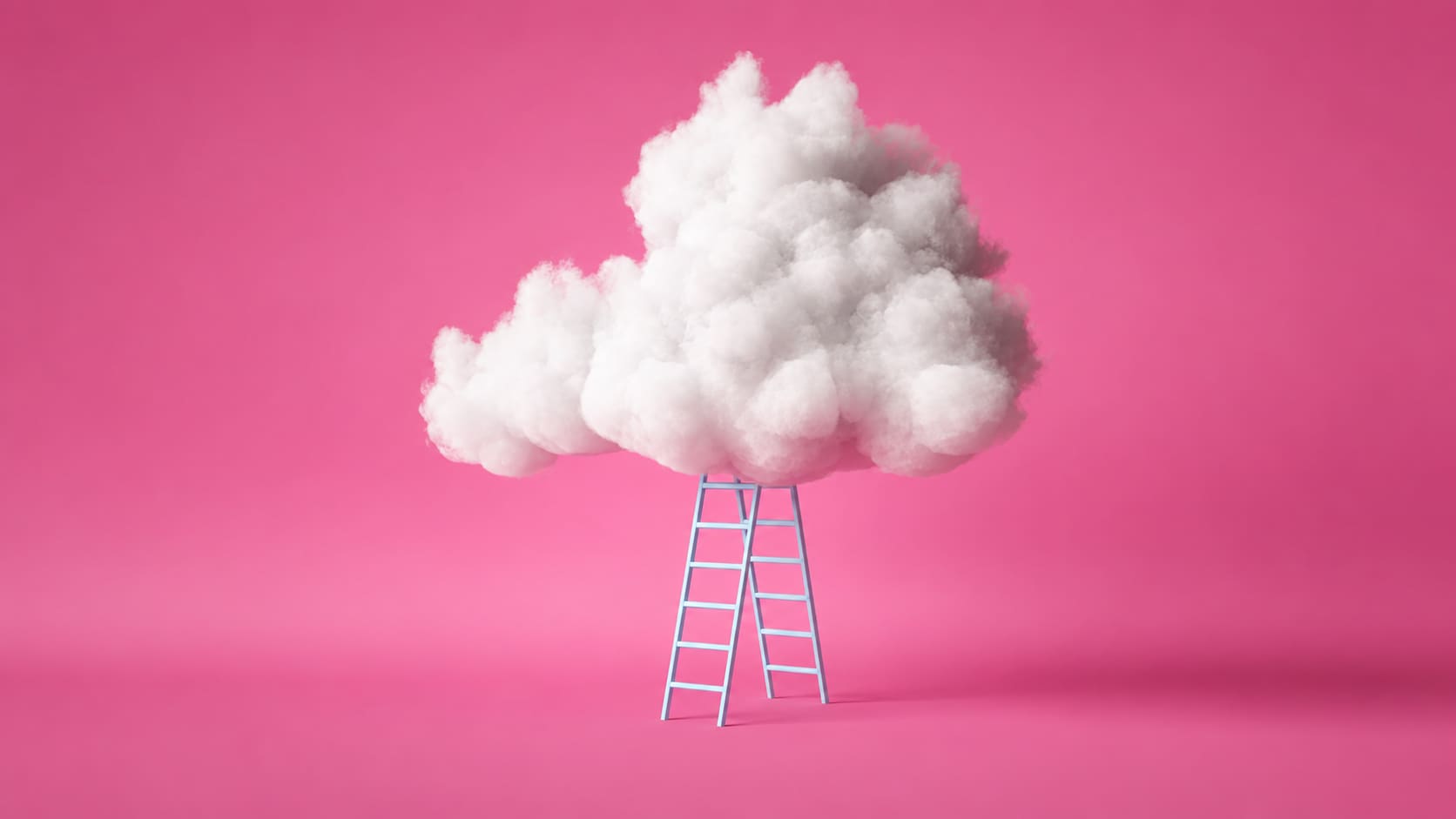
Sometimes you do not yet know whether the image should become a social post, a slide visual, a small print, a web graphic, or a larger display asset. You only know the current file is too small and needs a better working version. Repairit can help upscale image AI workflows at this early stage, so you can create a cleaner file before deciding where to use it.
Avoid Blurry Stretching from Basic Resizing
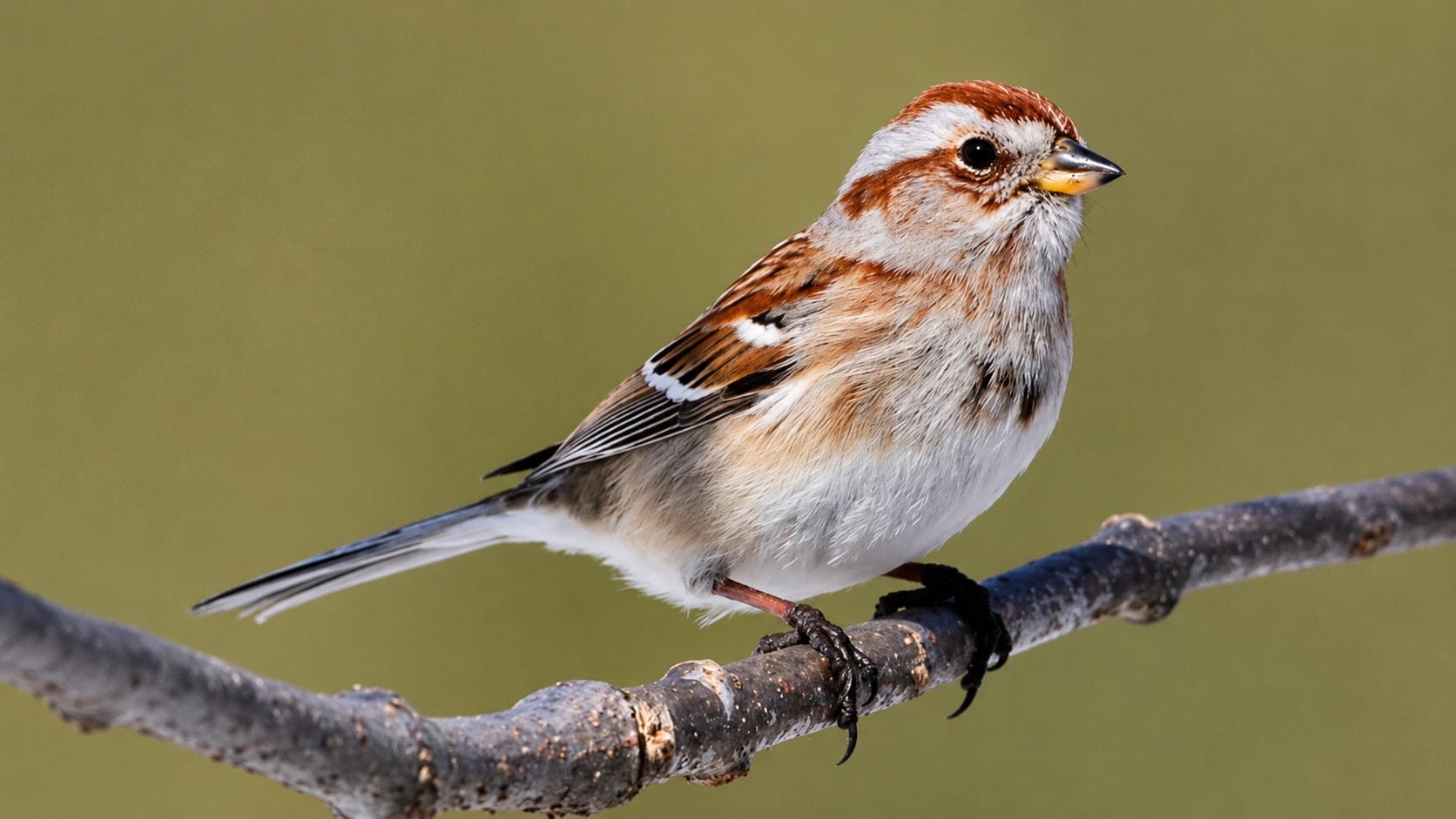
Basic resizing changes image dimensions, but it does not truly recover detail. That is why small images often become blurry, blocky, or jagged when enlarged in a normal editor. Repairit works as a free image upscaler to try when you want AI to improve the enlarged image instead of simply stretching the original pixels.
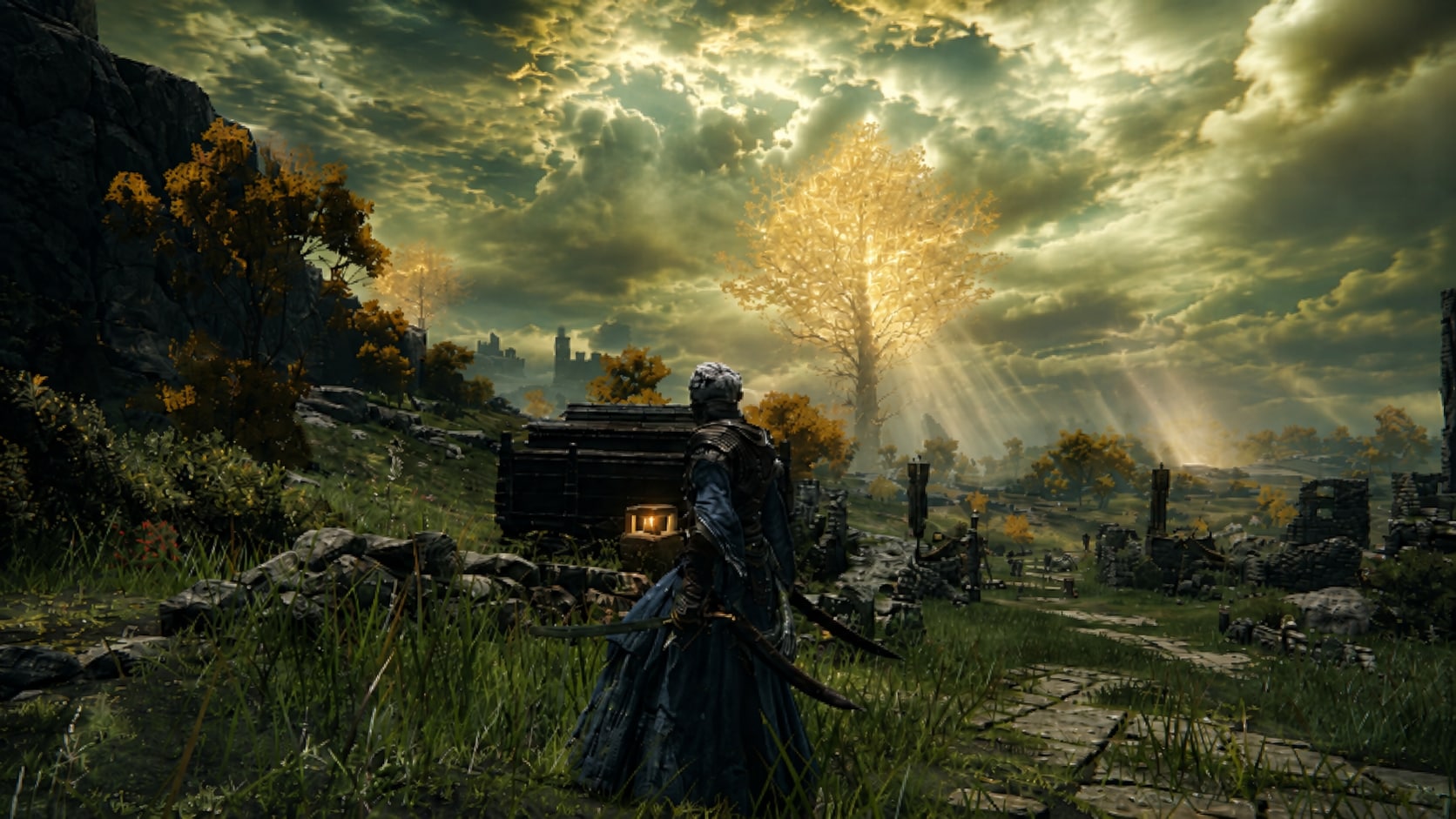
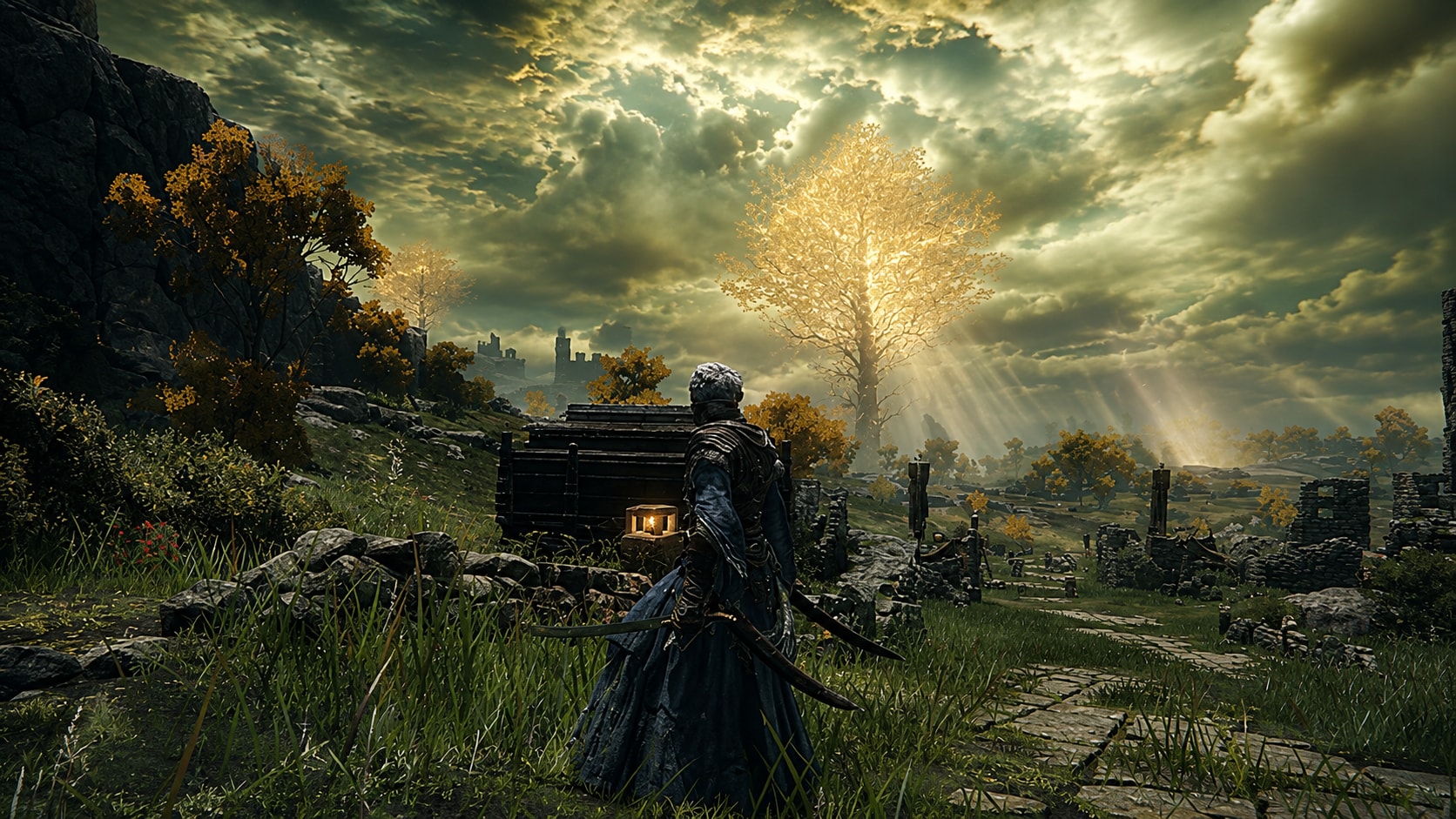
Know When to Upscale, Enhance, or Repair
A lot of users search for an AI image upscaler when they actually need a slightly different workflow. If the image is already large enough but looks dull, enhancement may be better. If the image has broken pixels, corruption, scratches, or missing areas, repair is more suitable. Repairit Photo Enhancer is best when the main issue is size and usable clarity. It can help enlarge an image and improve visible quality, while Repairit Photo Repair is better for damaged image files.

How to Upscale Image with Repairit

Step 1
Upload Your Image
Open Repairit Photo Enhancer and upload the image you want to enlarge. You can use common formats such as JPG, JPEG, PNG, BMP, and WEBP.

Step 2
Start AI Image Upscaling
Let Repairit analyze the image and improve the enlarged result with better clarity, soft edge sharpening, color balance, and visible detail.

Step 3
Preview and Save the Upscaled Image
Preview the enlarged result, compare the improvement, and save the version that looks best for your next use.
Why Choose Repairit as Your AI Image Upscaler?
✨ Built for Quality First Enlargement
Repairit is useful when you need a larger image, but do not want the result to look like a stretched screenshot. It improves clarity, detail, and overall quality while enlarging the image.
📷 AI Powered Photo Enhancement
Repairit Photo Enhancer can optimize color balance, sharpen blurry edges, reveal hidden details, reduce noise, and improve photo quality with AI.
⚡ Helpful Before 4K or 8K Decisions
If you are not sure whether your image should become a 4K visual, an 8K asset, or just a cleaner enlarged version, Repairit helps you create a better starting point before choosing the final output path.
❤️ Easier Than Manual Upscaling
No Photoshop, no interpolation settings, and no manual sharpening workflow are required. Upload the image, start AI enhancement, preview the result, and save.
Explore More Image Upscaler Features
Upscale images, increase resolution, sharpen details, and turn low-quality photos into clearer visuals with AI.
Frequently Asked Questions
An AI image upscaler enlarges an image while using artificial intelligence to improve clarity, edges, and visible detail. It is different from basic resizing, which only stretches the existing pixels.
Upload your image to Repairit Photo Enhancer, start the AI enhancement process, preview the enlarged result, and save the version that looks best.
Yes. Repairit Photo Enhancer is free to try, so you can upload an image and preview how AI upscaling improves size, clarity, and detail.
No. Resizing only changes image dimensions. AI upscaling enlarges the image while trying to improve visible quality, reduce softness, and create a cleaner enlarged result.
Not exactly. Upscaling mainly solves image size and resolution problems. Enhancing solves quality problems such as dull color, low light, noise, blur, or weak clarity.
No. Photo repair is for damaged, corrupted, scratched, or visually broken images. Upscaling is for images that are mostly intact but too small or low resolution.
Images with a clear subject, visible edges, enough detail, and moderate compression usually work better. Extremely tiny or heavily compressed images may have limited results.
For AI enhancement features like AI Image Upscaler, Photo Enhancer, and Photo Eraser, each photo consumes 30 AI Credits. When you choose a Repairit Toolkit plan, AI Credits are included in your plan to get you started right away. If you have a large batch of photos or run out of credits, you can easily unlock more AI Credits to meet your editing needs anytime.
Hot Topics
Comprehensive How-to Guides
Want to enhance your photo? Click to enter the Photo Enhancer Workbench and make it clearer in just a few clicks!


