PNG Enhancer Free Online






Enhance PNG Screenshots Before Sharing or Publishing
PNG screenshots are common for tutorials, help docs, app walkthroughs, work reports, and bug feedback. But after cropping, resizing, uploading, or sending through chat, small text and UI details may become hard to read. Repairit works as a PNG quality enhancer online free to try when you need screenshots to look clearer and easier to understand.


Improve PNG Logos and Icons Without Redesigning Them
PNG logos and icons often need clean edges, readable text, and sharp shapes. If the file is old, exported at a low quality, or reused from a small source, it may look fuzzy on websites, slides, or documents. Repairit can help increase PNG quality by sharpening soft edges and improving visible clarity, making the logo or icon look cleaner without rebuilding it manually.
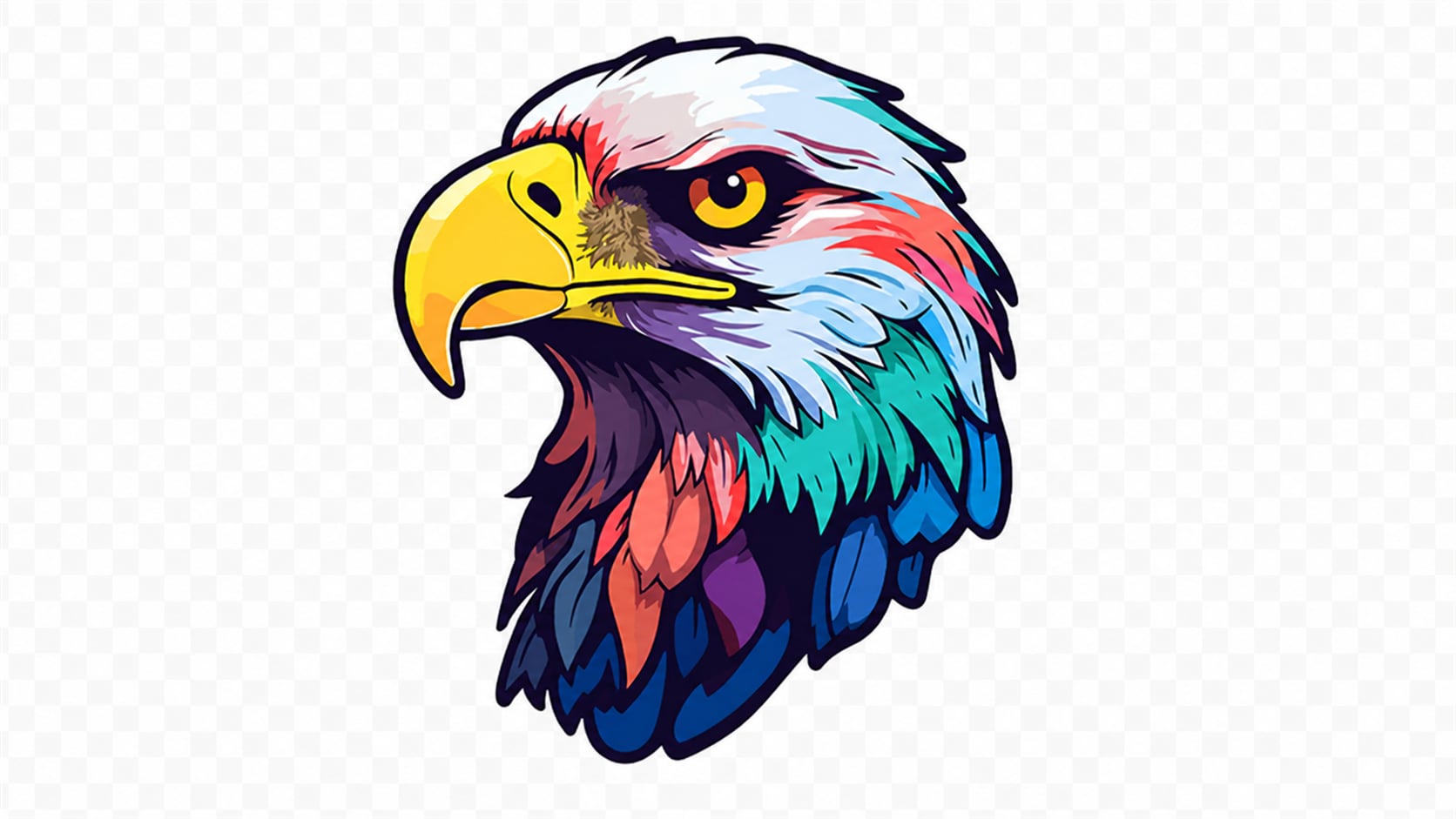
Clean Transparent PNG Images for Better Design Use
Transparent PNGs are useful for overlays, product cutouts, stickers, design elements, and website visuals. But low quality transparent PNGs can have blurry borders, jagged outlines, dull color, or weak detail that becomes obvious on different backgrounds. Repairit helps improve PNG image quality so transparent visuals look cleaner when placed into designs, slides, web pages, or social posts.


Improve PNG Design Exports Before Final Use
Design tools often export PNG files for previews, mockups, slides, web pages, and client reviews. But if the export size is small or compressed, the final PNG can look softer than expected. Repairit works as a PNG image quality enhancer when you need a cleaner version of a design export before sharing or uploading it.
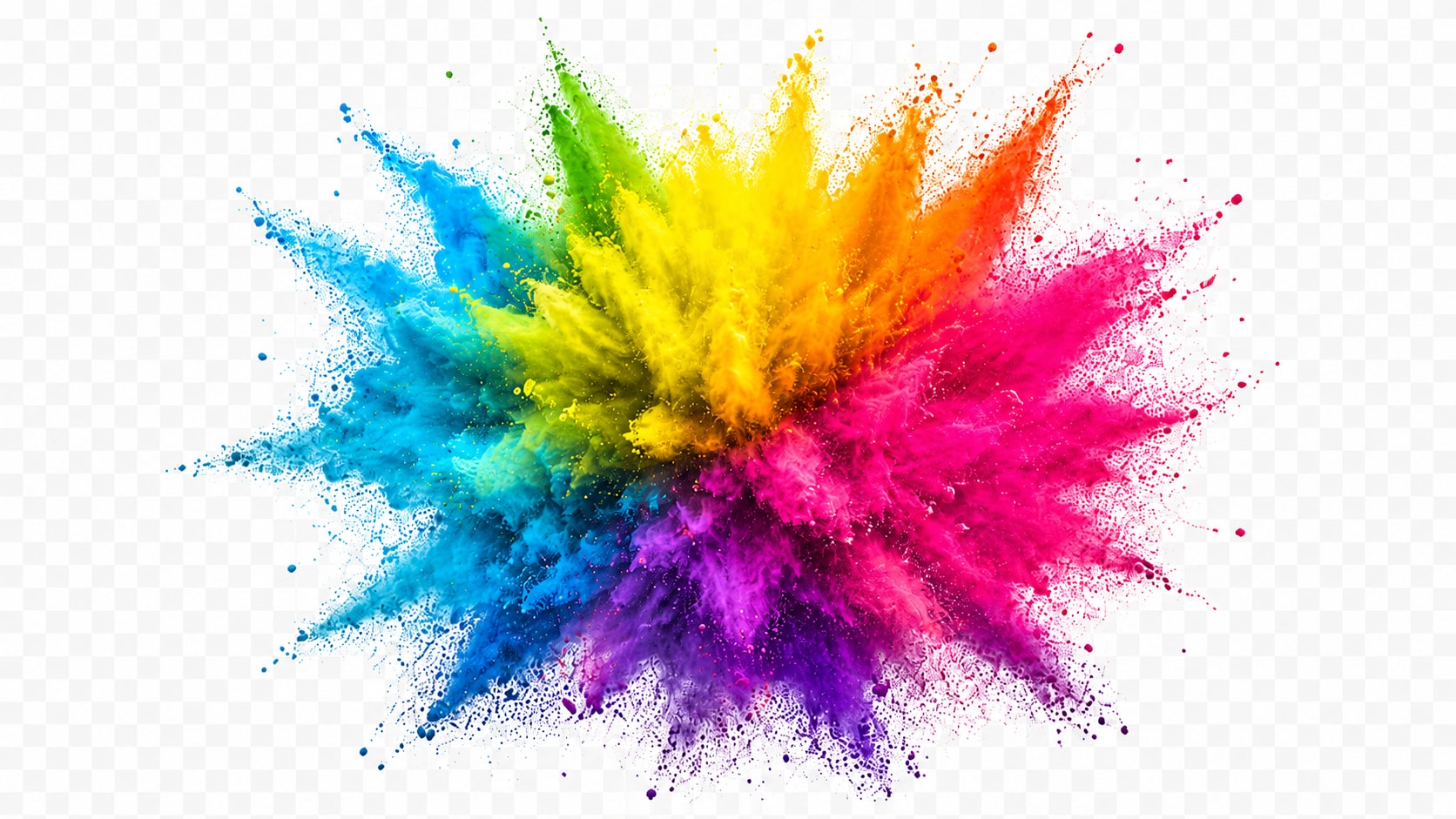
How to Enhance PNG Images with Repairit

Step 1
Upload Your PNG Image
Open Repairit Photo Enhancer and upload the PNG image you want to improve. Repairit also supports common formats such as JPG, JPEG, BMP, and WEBP.

Step 2
Start AI PNG Enhancement
Let Repairit analyze the PNG and improve clarity, edge sharpness, color balance, visible details, and overall quality.

Step 3
Preview and Save the Enhanced PNG
Preview the enhanced result, compare the improvement, and save the version that looks best for your next use.
Why Choose Repairit as Your PNG Enhancer?
✨ Built for PNG Quality Problems
Repairit is useful when your PNG file opens normally but looks blurry, soft, dull, compressed, or not clean enough for publishing, presenting, or design use.
📷 AI Powered Image Enhancement
Repairit Photo Enhancer can optimize color balance, sharpen blurry edges, reveal hidden details, reduce noise, and improve photo quality with AI.
⚡ Useful for Screenshots, Logos, Icons, and Transparent Images
PNG files are often used differently from normal photos. Repairit helps improve PNG visuals that need readable text, clean edges, clear shapes, and better overall quality.
❤️ Easier Than Manual Editing
No Photoshop, no manual sharpening, and no complex export settings are required. Upload your PNG, start enhancement, preview, and save.
Explore More Image Quality Enhancer Features
Enhance PNG images, improve resolution, sharpen details, and make low-quality graphics clearer with AI.
Frequently Asked Questions
A PNG enhancer is a tool that improves the quality of PNG images by making them clearer, sharper, and more visually usable. It can help with soft text, blurry edges, dull color, weak detail, and low quality PNG exports.
Upload your PNG image to Repairit Photo Enhancer, start AI enhancement, preview the improved result, and save the cleaner version when it looks right.
Yes. Repairit Photo Enhancer is free to try, so you can upload a PNG image and preview how AI improves clarity, edge detail, color balance, and overall quality.
Yes. Repairit can help improve PNG screenshots by making text, icons, UI edges, and visual details clearer, especially when the screenshot looks soft or compressed.
Yes. Repairit can help improve transparent PNGs such as cutouts, stickers, logos, and overlay images by enhancing edge clarity and visible detail.
Not exactly. PNG enhancement improves quality, clarity, color, edges, and detail. PNG upscaling mainly increases image size or resolution.
No. PNG enhancement is for images that open normally but look low quality. PNG repair is for corrupted, broken, unreadable, or damaged PNG files.
Hot Topics
Comprehensive How-to Guides
Want to enhance your photo? Click to enter the Photo Enhancer Workbench and make it clearer in just a few clicks!


