Repair Pixelated Image Online with AI






Fix Pixelated Photos After Sharing or Downloading
Photos sent through messaging apps, social platforms, email previews, or cloud thumbnails may lose detail after compression. The image still opens, but faces, text, clothing, backgrounds, and edges may look blocky. Repairit helps with pixelated picture fix needs when you only have the compressed copy and want to make it clearer again.


Repair Pixelated Images Enlarged from Small Files
A small image often becomes pixelated when enlarged for a slide, print, listing, profile, or design layout. Instead of looking sharper, the picture turns into visible square blocks and jagged edges. Repairit helps fix image resolution problems by repairing the visual damage caused by low resolution and over enlargement.


Fix Pixelated Camera or Phone Photos
Sometimes a photo becomes pixelated because of camera settings, zoom, poor lighting, old phone storage, transfer errors, or saving the image in a low quality format. The moment may be important, but the photo looks rough and hard to use. Repairit Photo Repair can help fix a pixelated image online or on desktop by improving damaged detail and restoring a cleaner look.
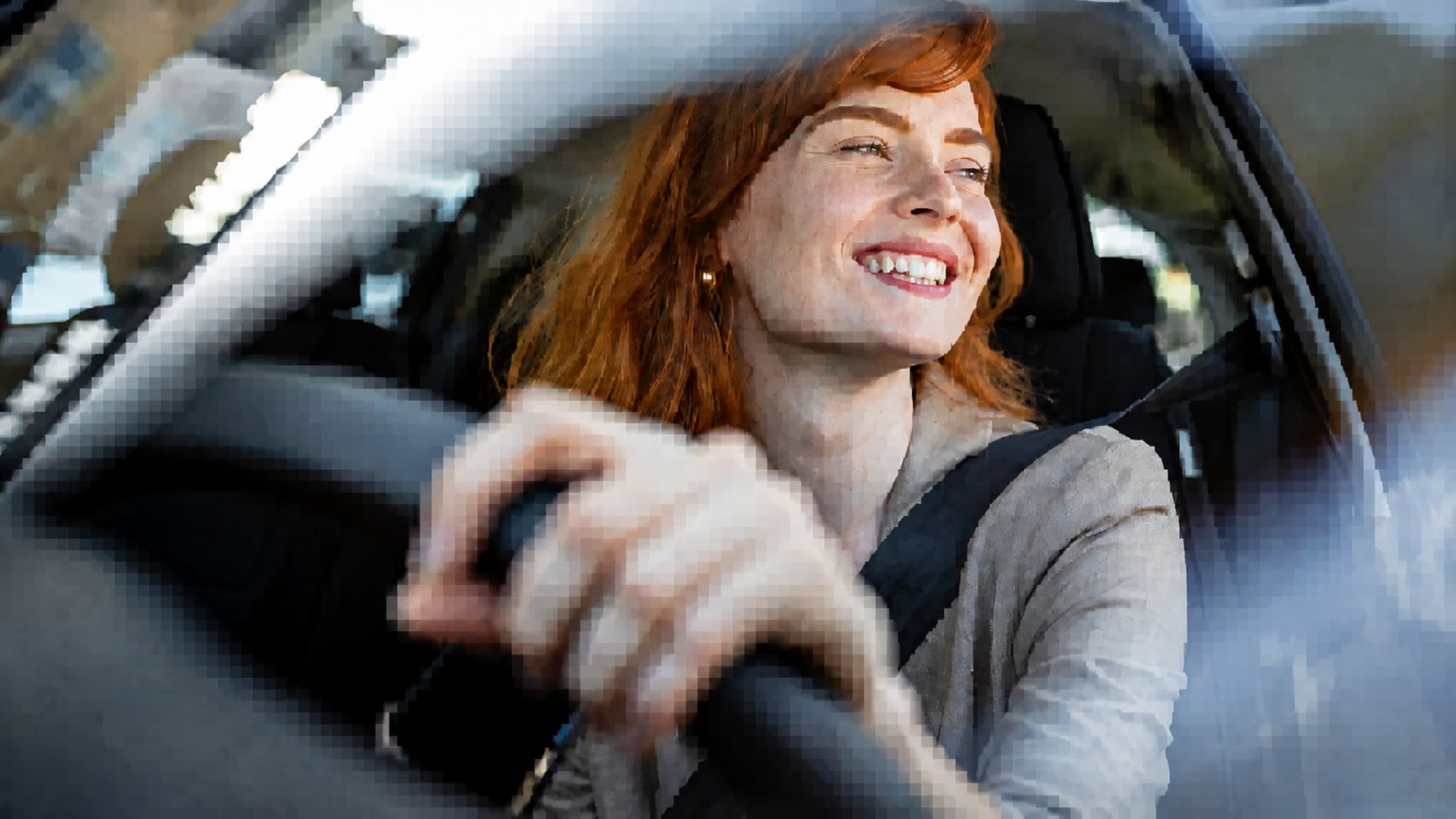
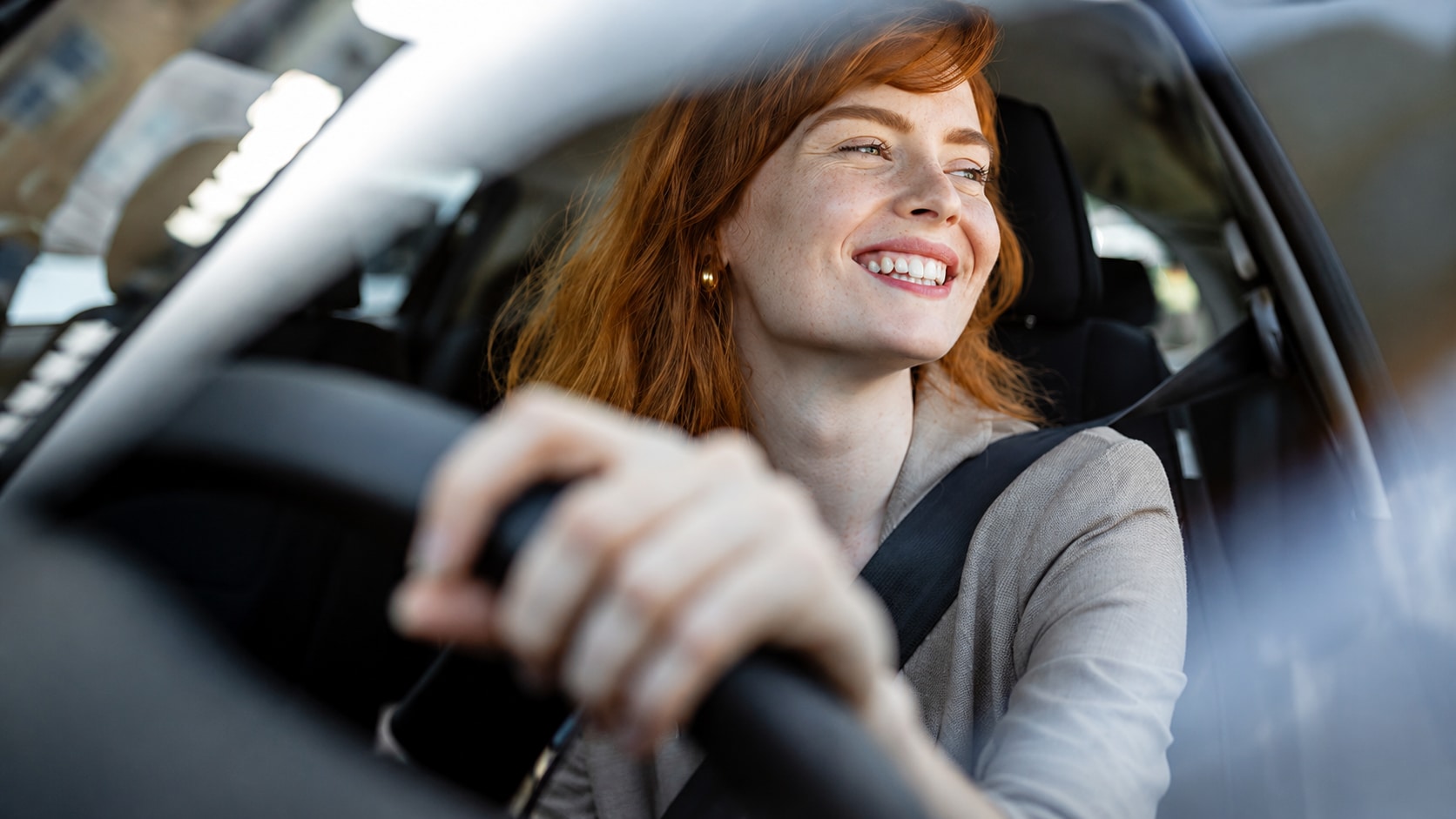
Repair Pixelated Images Caused by File Damage
A pixelated image is not always just low resolution. Sometimes the file has been partially corrupted during transfer, download, storage, or recovery. You may see block patterns, color errors, gray areas, distorted sections, or unreadable parts. Repairit is built for photo repair, not just enhancement. It can help repair pixelated and corrupted images by analyzing damaged image data and generating a more complete repaired file.
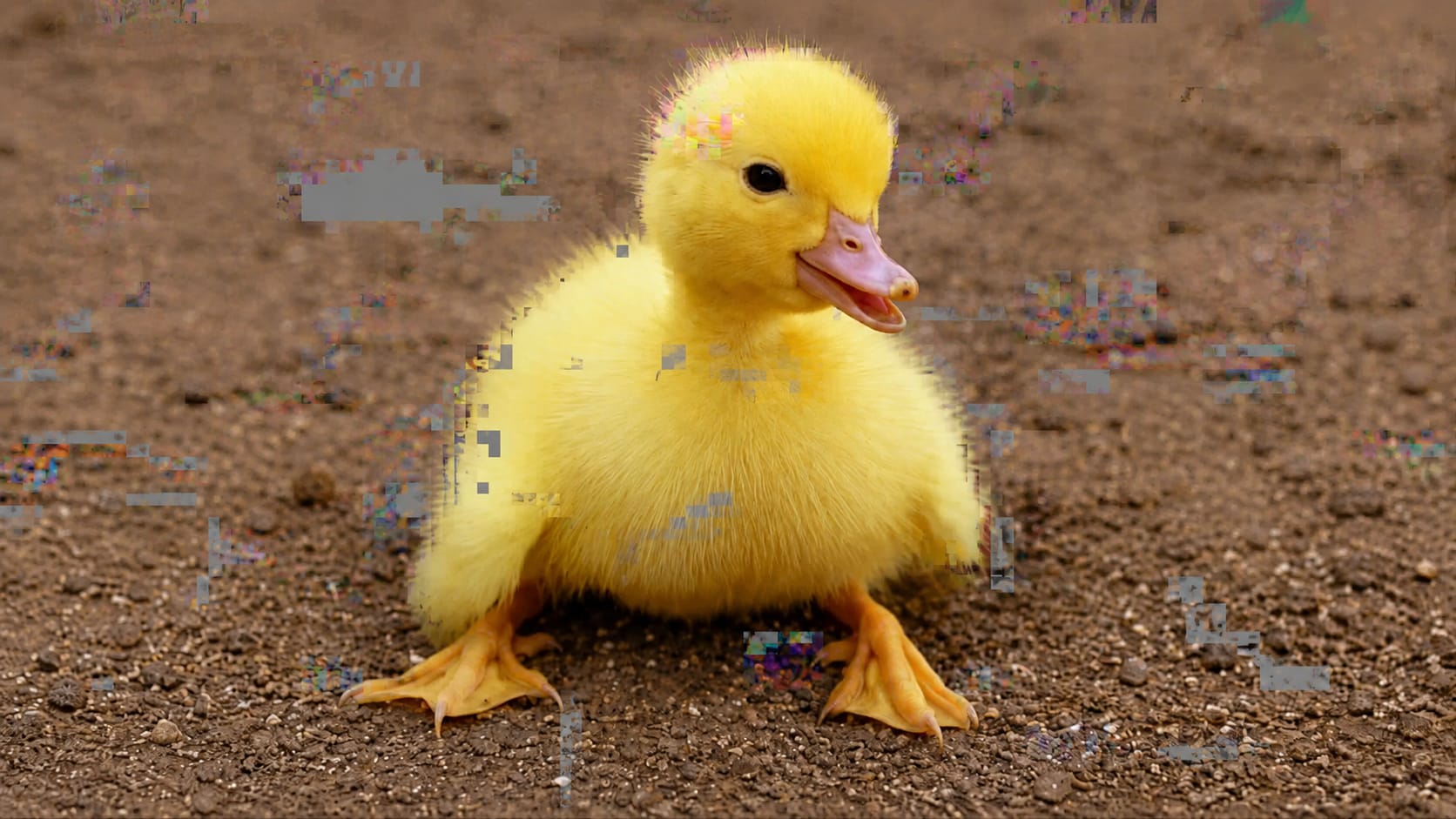
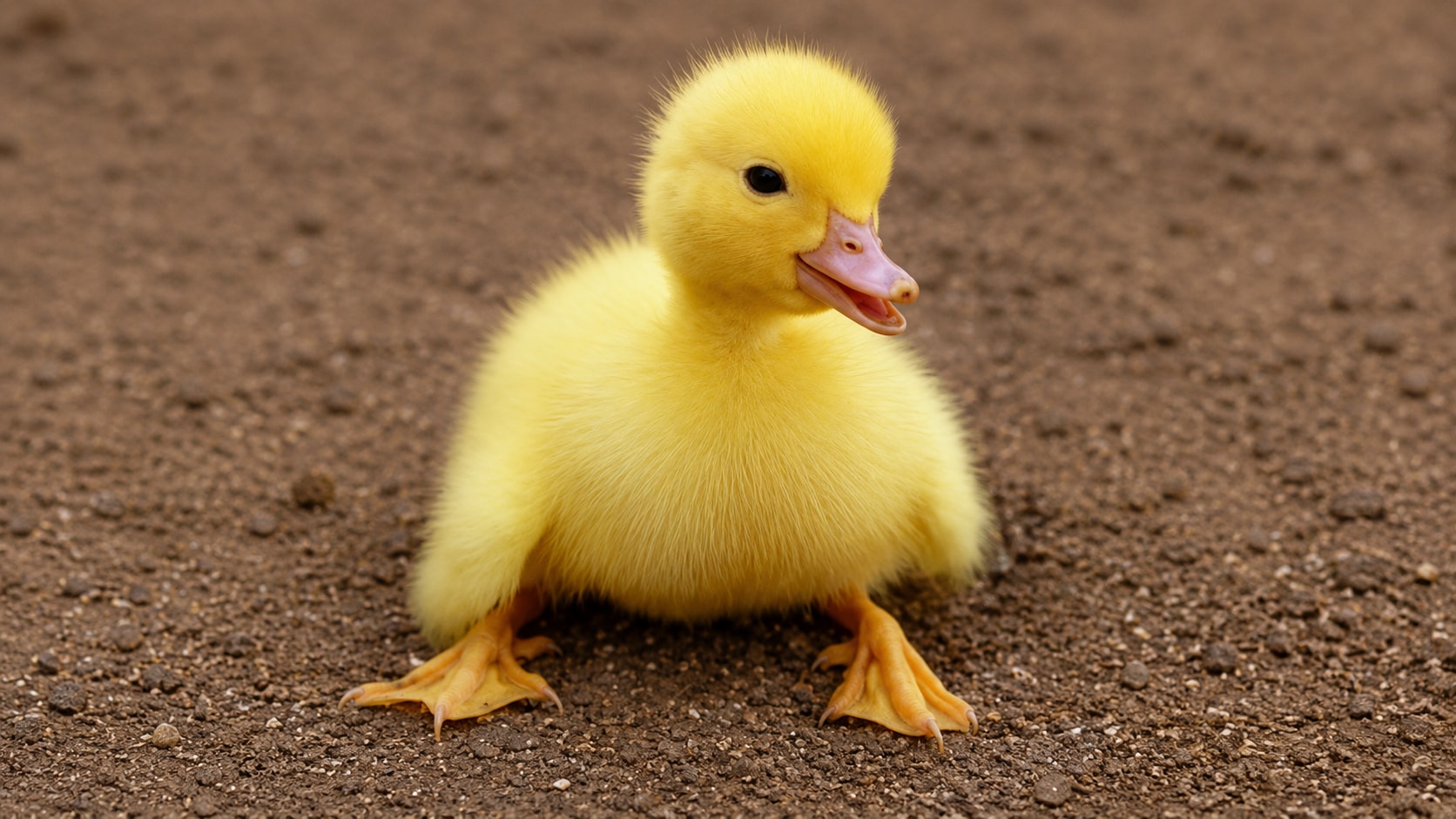
How to Repair Pixelated Image with Repairit

Step 1
Upload Your Pixelated Image
Open Repairit Photo Repair and upload the image that looks blocky, low resolution, compressed, or pixelated.

Step 2
Start AI Photo Repair
Let Repairit analyze the image and repair visible pixelation, compression damage, low quality detail, and possible file related image issues.

Step 3
Preview and Save the Repaired Image
Preview the repaired result, compare the improvement, and save the cleaner version when it looks right.
Why Choose Repairit to Repair Pixelated Images?
✨ Built for Pixelated and Damaged Photos
Repairit Photo Repair is made for images that look corrupted, pixelated, blurry, or low quality. It is especially helpful when simple sharpening cannot solve blocky edges or broken details.
📷 AI Powered Photo Repair
Repairit uses AI powered photo repair to restore sharpness and clarity to damaged or compressed pictures, helping improve visible detail rather than only increasing contrast.
⚡ Repair, Not Just Enhance
Enhance usually means improving an already usable image. Repair focuses on fixing visible damage, such as pixel blocks, compression artifacts, corruption marks, broken sections, and low quality detail.
❤️ Easy for Non Designers
No Photoshop, no manual clone stamp, and no complex resolution settings. Upload the image, run repair, preview the result, and save.
Explore More Pixel Repair and Image Enhancer Features
Fix pixelated images, restore clearer details, upscale resolution, and improve overall photo quality with AI.
Frequently Asked Questions
It means fixing an image that looks blocky, square, jagged, compressed, or low resolution. Pixelation may happen after resizing, sharing, downloading, screenshotting, transferring, or file damage.
Upload the image to Repairit Photo Repair, start the AI repair process, preview the result, and download the repaired version when it looks clearer.
Yes. Repairit Photo Repair can help fix pixelated, blurry, low quality, damaged, or compressed pictures with AI powered repair. Results depend on the original image quality and how much detail remains.
Not exactly. Fixing image resolution often means increasing image size or improving clarity. Repairing pixelation focuses on reducing blocky artifacts, jagged edges, compression damage, and broken image details.
Common causes include low resolution, over enlargement, heavy compression, repeated downloads, screenshot saving, poor camera settings, transfer errors, or partial file corruption.
Repairit Photo Repair supports common image repair workflows for popular photo formats. For the best experience, upload a standard image file such as JPG or JPEG when repairing pixelated photos.
No. Enhancement improves an already usable photo, while repair focuses on fixing visible damage such as pixelation, corruption, compression blocks, and broken details.
Hot Topics
Comprehensive How-to Guides
Want to repair your photo? Click to enter the Photo Repair Workbench and restore clarity in just a few clicks!


