Unblur Image Online Free
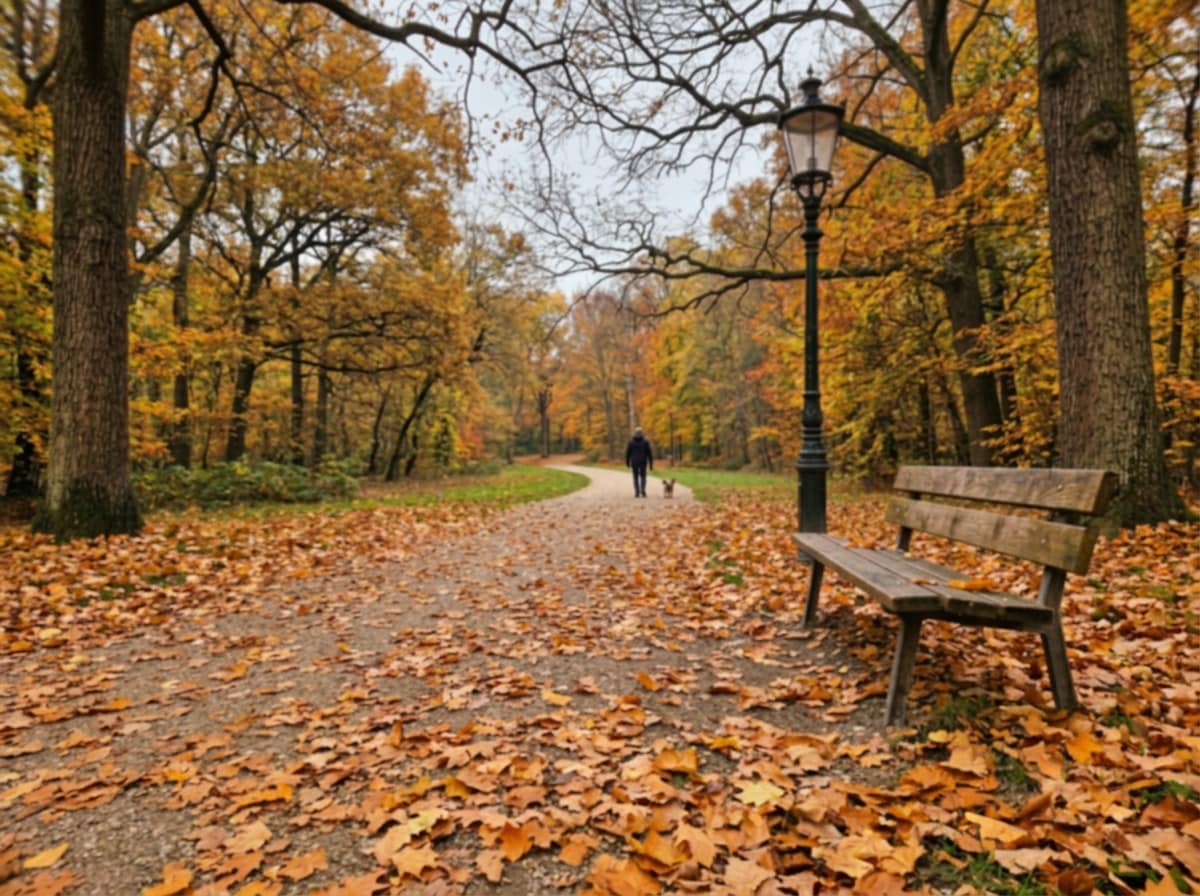
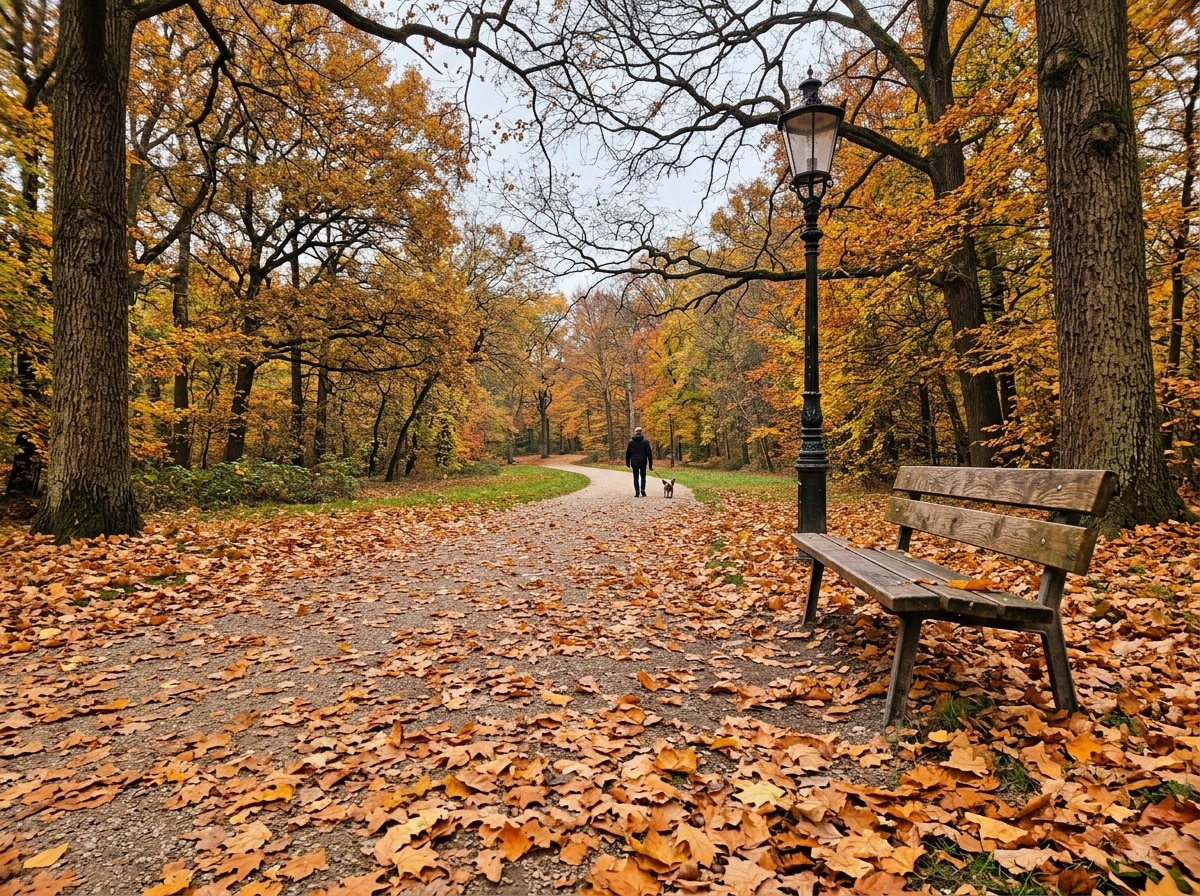




Bring Shaky Action Shots Back to Life Online Free
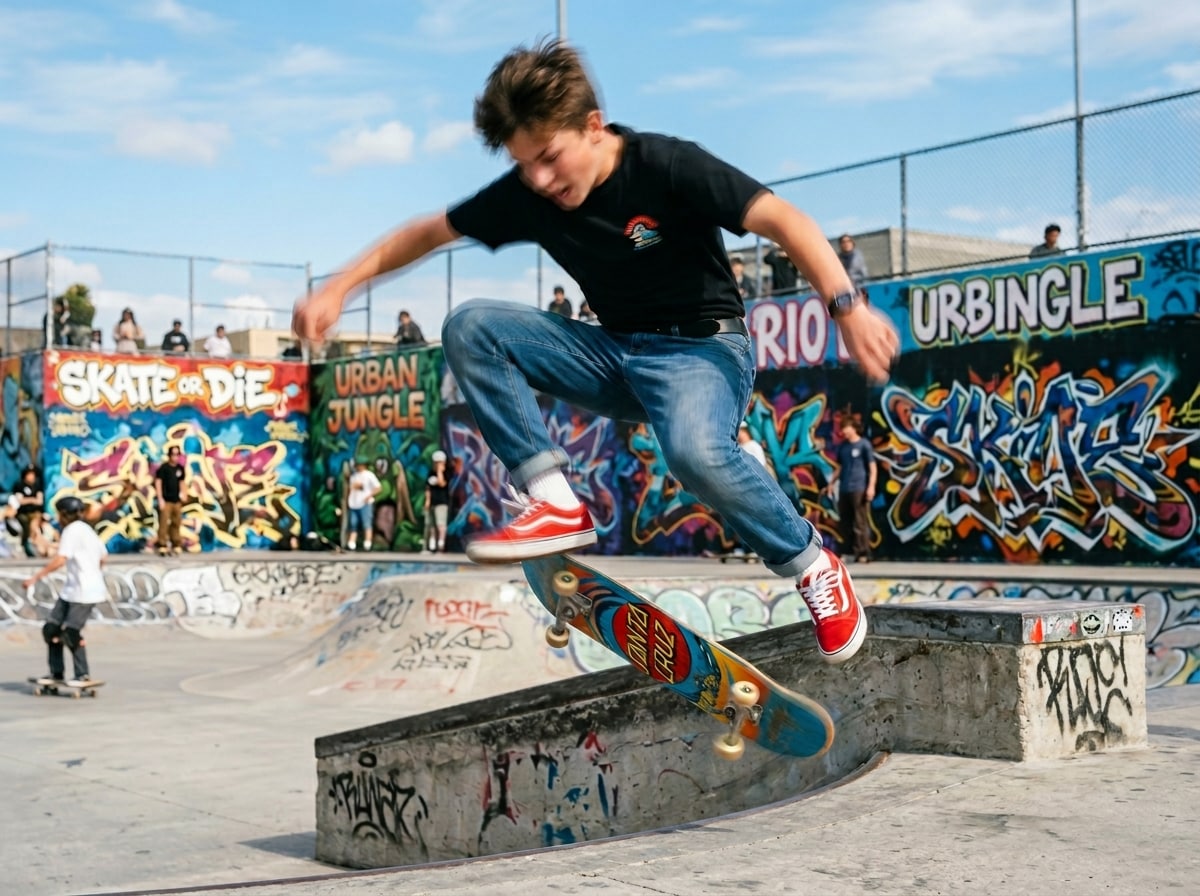
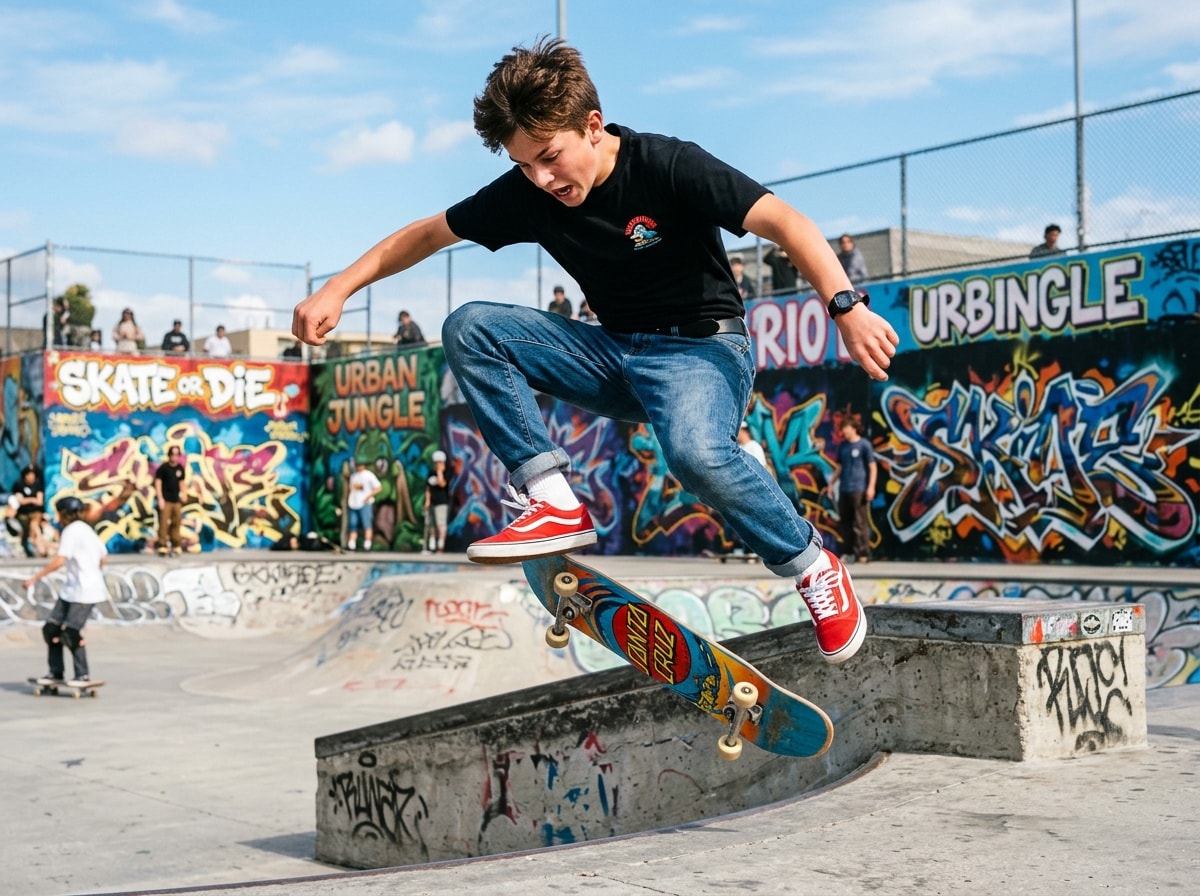
Life moves fast, and often your camera can’t keep up. Whether it’s a moving pet or a candid street scene, motion blur is a common frustration. Repairit helps you unblur pictures online free by identifying the direction of movement and reconstructing sharp edges, allowing you to recover lost action details without manual editing.
Fix Camera Shake and Hand Tremor Damage Online Free
Low-light environments and unsteady hands are the primary enemies of a crisp photo. Even the most meaningful images look unusable when a slight hand tremor causes a "muddy" haze. Repairit uses specialized AI to clear blur image online automatically, helping you clean up shaky handheld shots while keeping the original textures natural.


Sharpen Out-of-Focus Photos Online Free
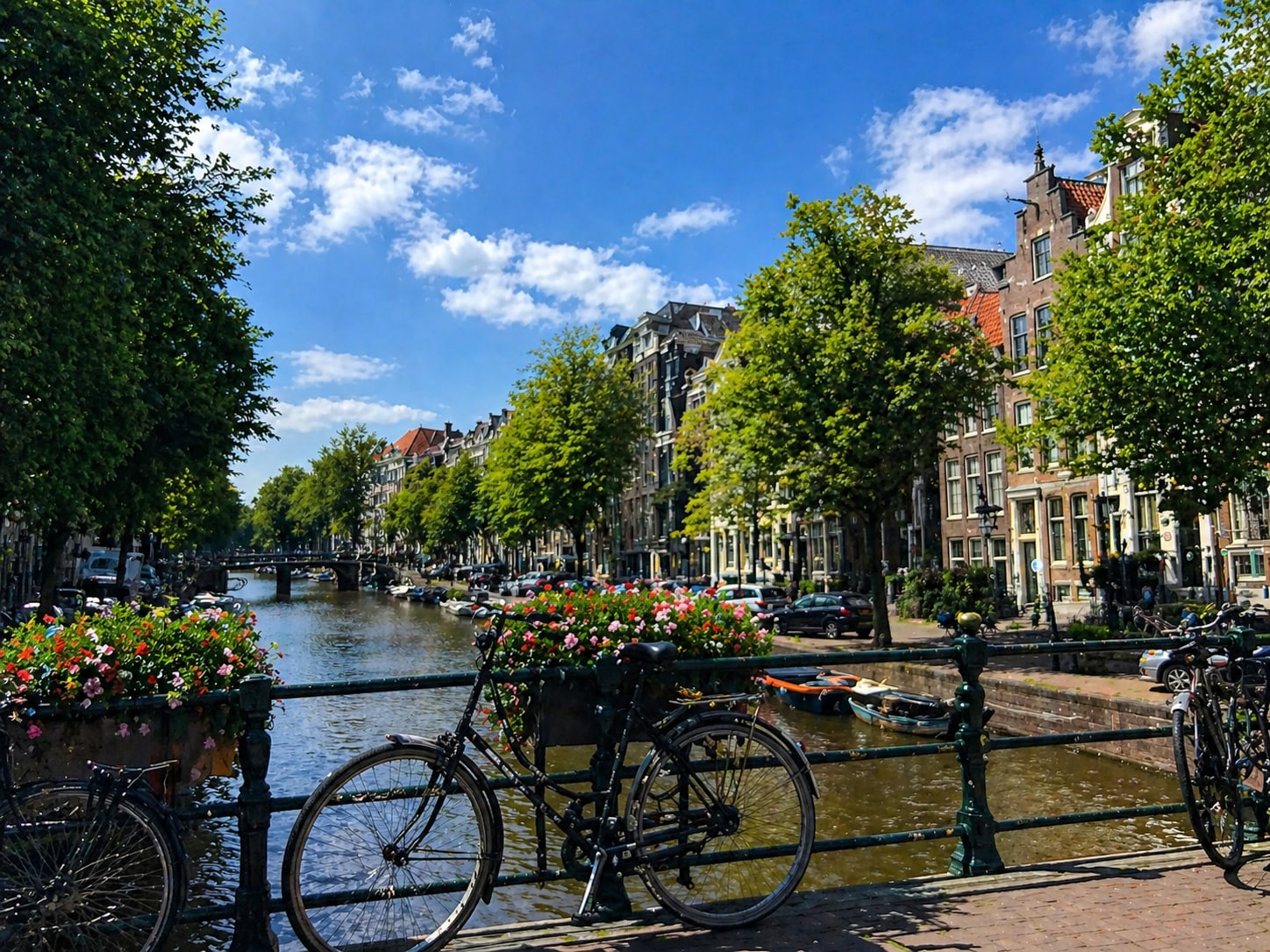
When a great travel shot turns out blurry, Repairit helps bring it back into focus. Enhance cityscapes, canal views, and landscape photos by improving sharpness and restoring natural details without manual editing.
How to Unblur Image Free Online with Repairit

Step 1
Upload Your Blurry Photo
Upload a shaky, out-of-focus, or motion-blurred photo in JPG, PNG, or WEBP format.

Step 2
Let AI Clear the Blur
The AI automatically detects the type of blur and applies reconstruction to sharpen the image instantly.

Step 3
Preview and Download
Check the sharpened result, see the crisp details, and download your restored photo in high quality.
Why Choose Repairit's Free AI Photo Unblur?
Compare our free tools with expensive alternatives

Repairit
|
Photoshop | |
|---|---|---|
| Target Users | 🎯All Users, including beginners and social media enthusiasts | 🎨 Professional photographers and advanced users |
| Unblur Approach | 🤖AI-powered automatic deblurring and sharpening | 🛠️Manual sharpening filters and complex masking |
| Learning Curve | ⚡ Instant results - no learning required | 📚 Steep learning curve with professional-grade tools |
| Cost | 💝 Completely free to try online | 💼 Professional subscription model ($20.99/month) |
| Automation Level | 🌟 Fully automated AI processing | ⚙️ Manual control with customizable actions |
| Features | 💡 Smart AI algorithms to clear blur image online instantly | 🏆 Industry-standard professional toolset and workflows |
Frequently Asked Questions
Yes. Repairit lets you unblur images online free in just a few clicks. You can upload a blurry photo, let the AI enhance clarity automatically, and preview the result without needing advanced editing skills.
Repairit can help improve photos affected by motion blur, camera shake, missed focus, and soft details. It is useful for portraits, handheld snapshots, low light photos, and everyday images that look unclear or out of focus.
Yes. Repairit can improve facial clarity in blurry portraits by sharpening soft details and making faces look more recognizable. It works well for selfies, family photos, and other portrait images that need clearer focus.
No. Repairit is designed for everyday users who want a simple way to clear blur image online without using complicated layers, filters, or manual retouching tools.
You can upload common image formats such as JPG, PNG, and WEBP. This makes it easy to fix blurry photos from phones, cameras, screenshots, and scanned pictures.
Not always. Repairit can significantly improve many blurry images, but the final result depends on how severe the blur is and how much original detail remains in the photo. Mild to moderate blur usually delivers the best improvement.
Hot Topics
Comprehensive How-to Guides
Want to unblur photos free online? Click to enter the Photo Eraser Workbench and make it happen easily!


