Prompt Edit Photo with AI:
Create, Enhance, Clean Up, and Transform Scenes
Unleash Creativity with AI Prompt Photo Editing
Turn simple ideas into eye-catching visuals with Repairit One-Prompt Edit. Describe creative looks like make it cinematic, turn this portrait into a magazine cover, add dreamy lighting, create a vintage film style, or give the product shot a futuristic vibe, and let AI transform the photo from your prompt.
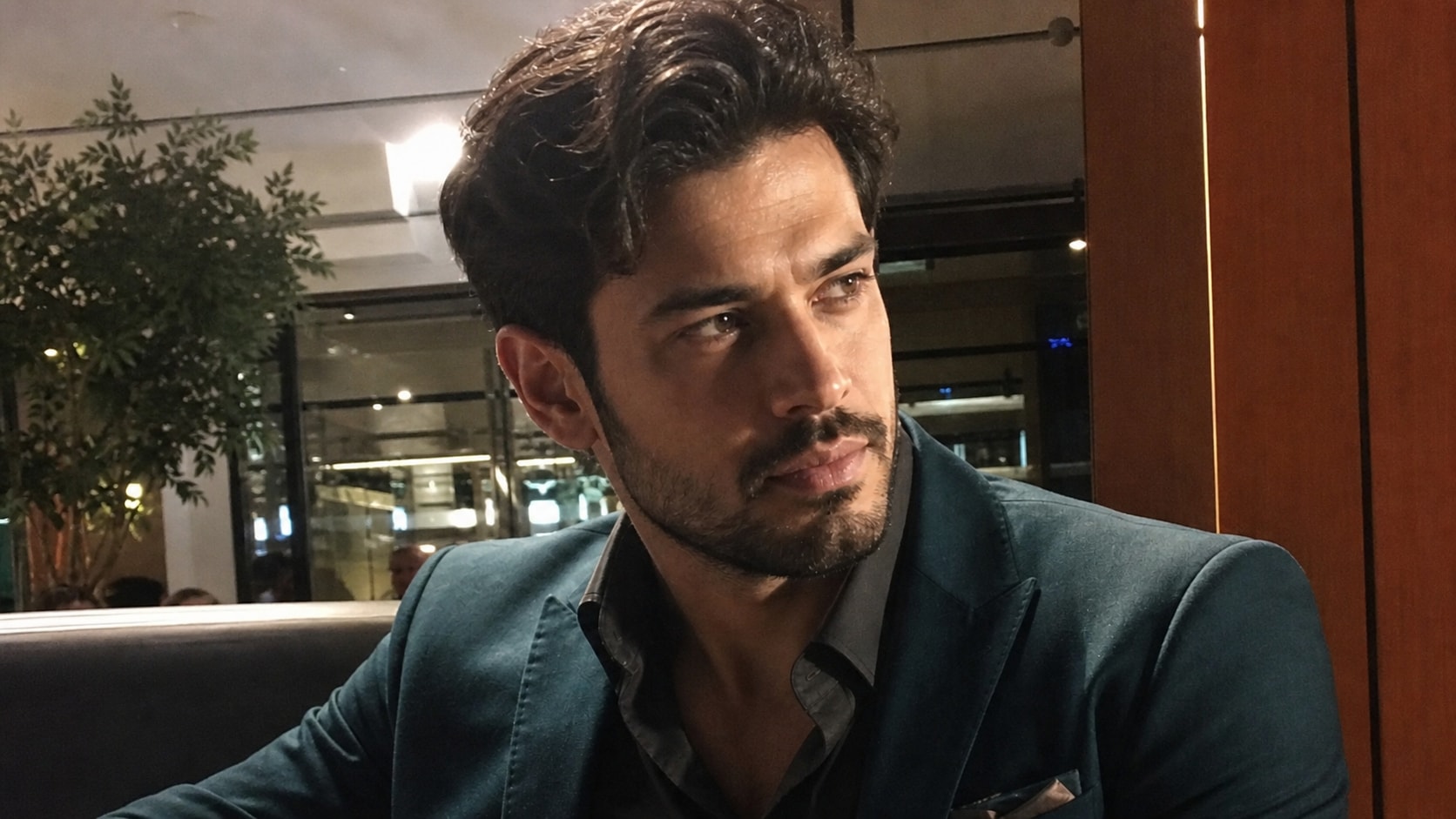


Enhance Portraits, Old Photos, and Blurry Images in One Prompt
Repairit One-Prompt Edit helps users quickly improve common photo problems. Type prompts like make this portrait clearer, restore this old photo, enhance facial details, or make this image look sharper, and AI will process the photo based on your instruction. It is ideal for everyday users, social media creators, ecommerce sellers, and light photo editing needs.
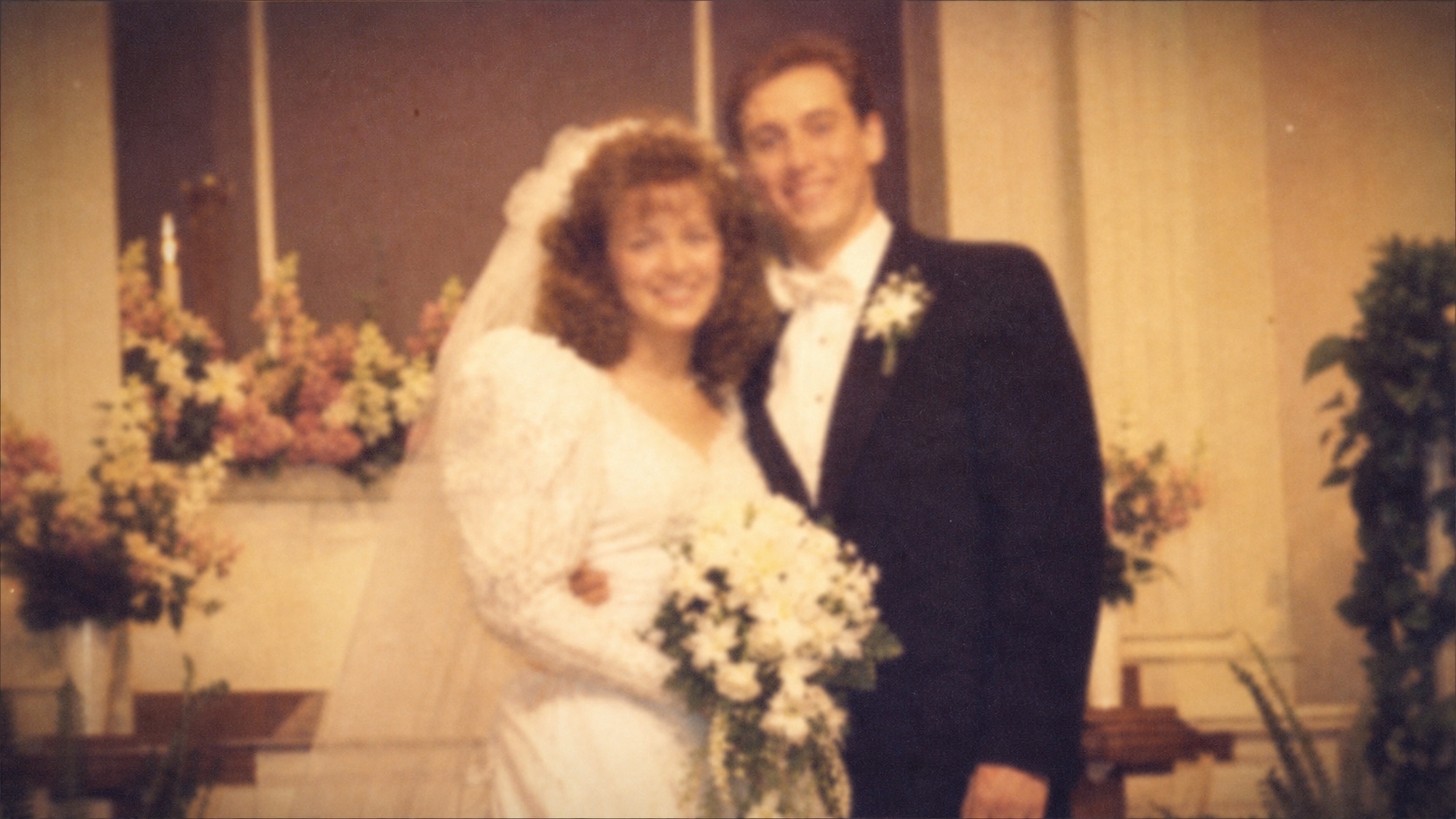
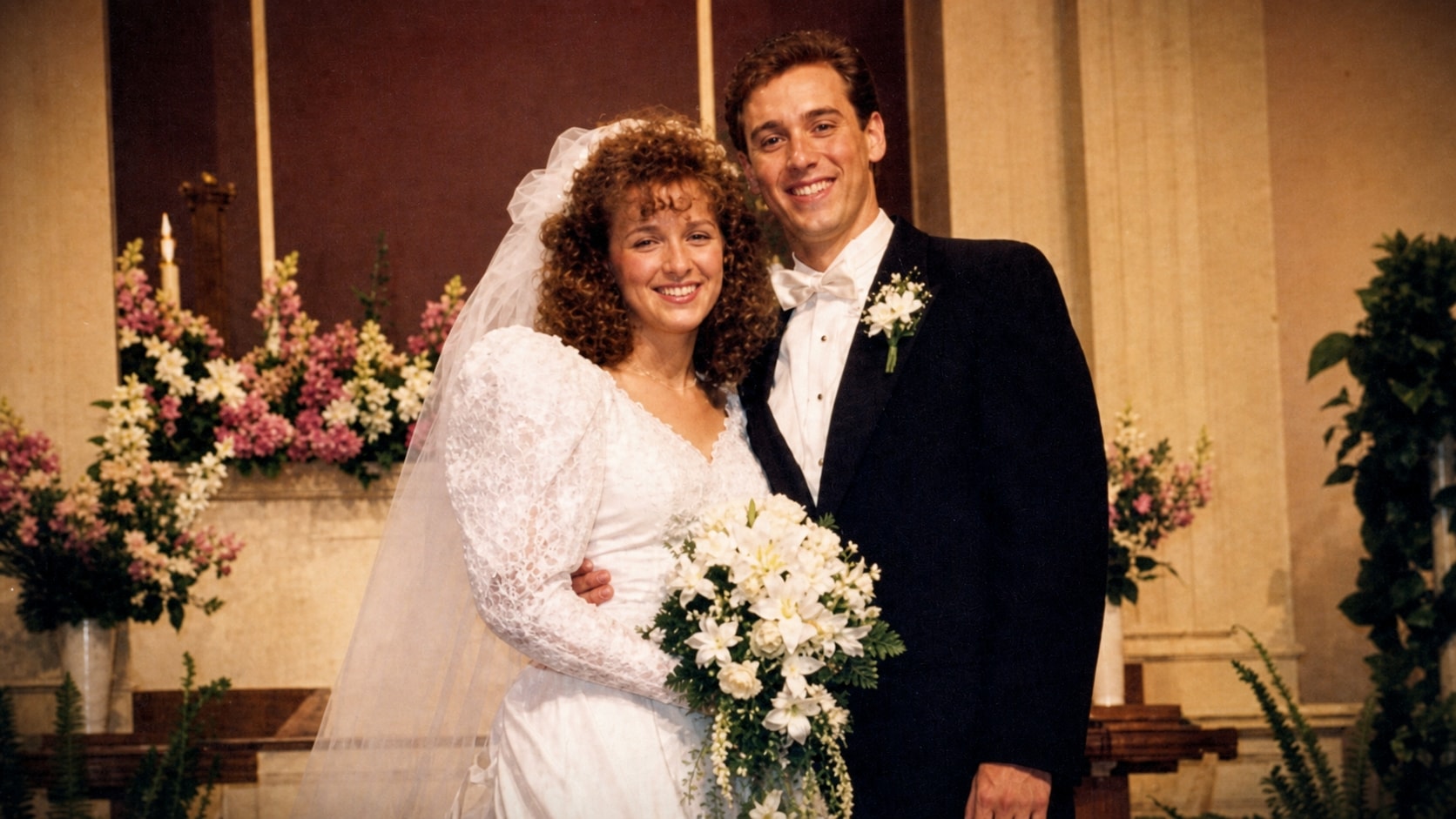
Remove Distractions and Clean Up Photos with Text Instructions
Want to remove background clutter, clean up a product image, or make a scene look more polished? Repairit works like a photo text editor that understands your editing intent. Enter prompts such as remove the object in the background, clean up the table, or make the background less distracting, and let AI help create a cleaner result.
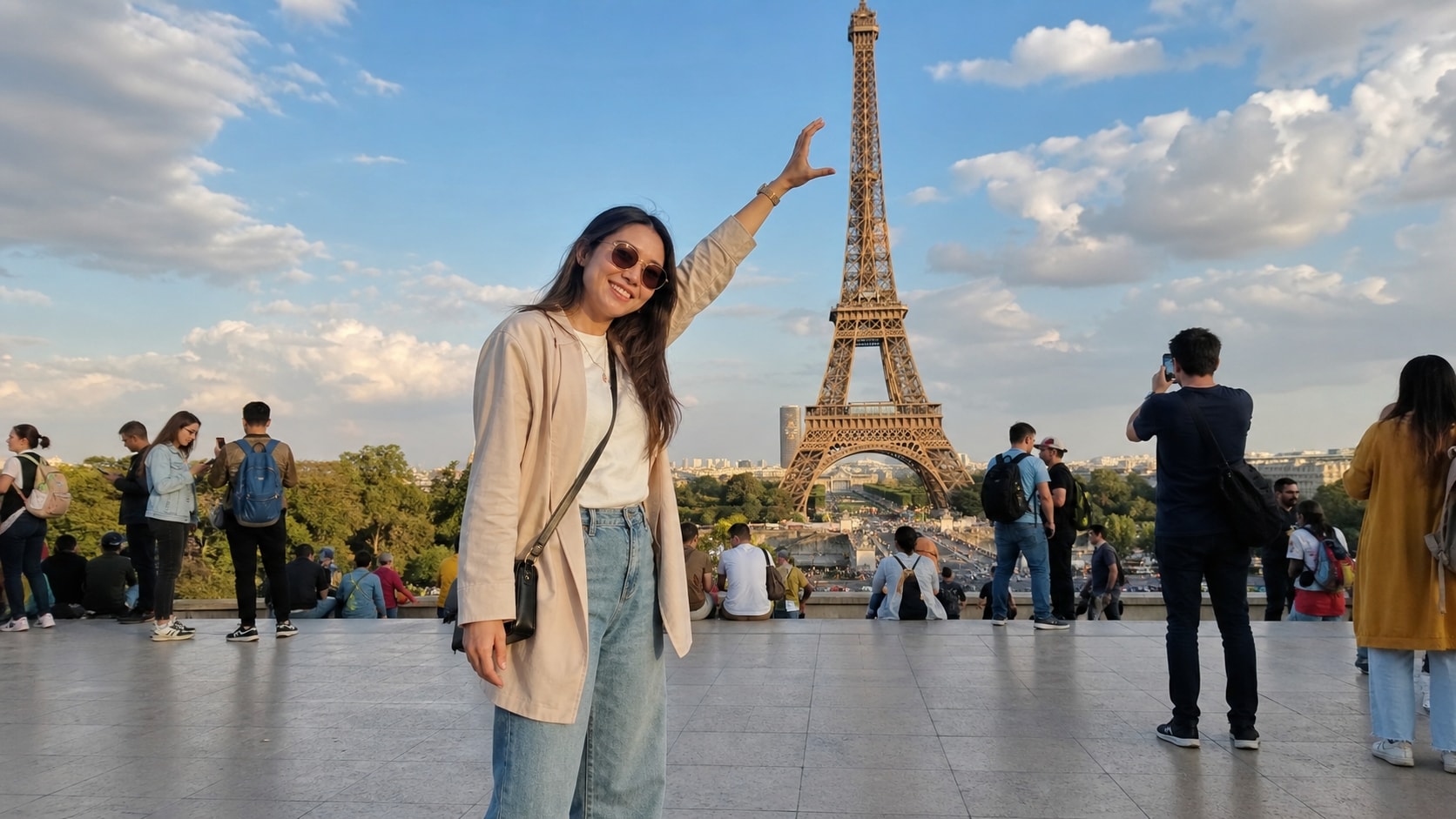
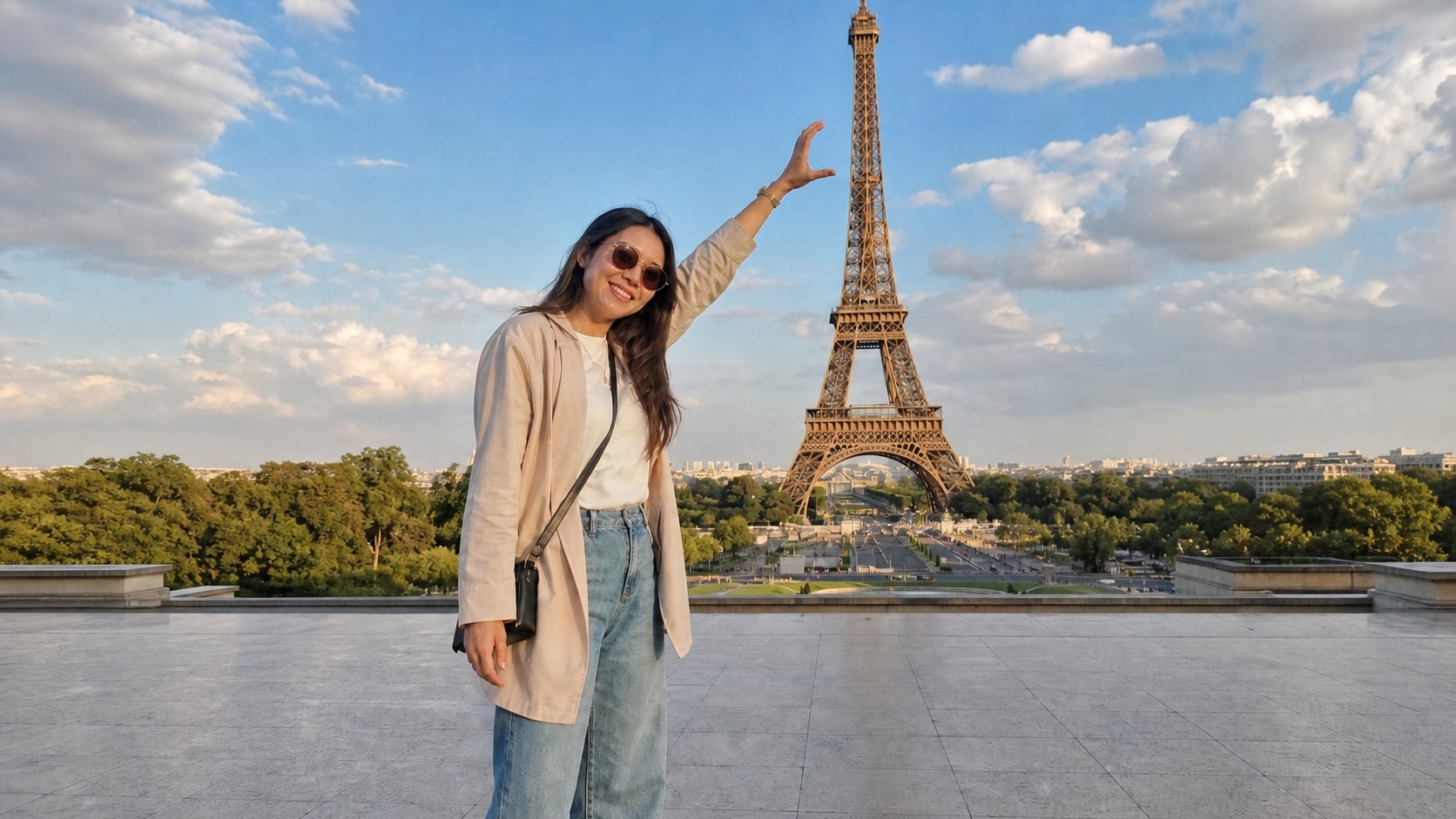
Transform Photo Scenes with AI Prompts
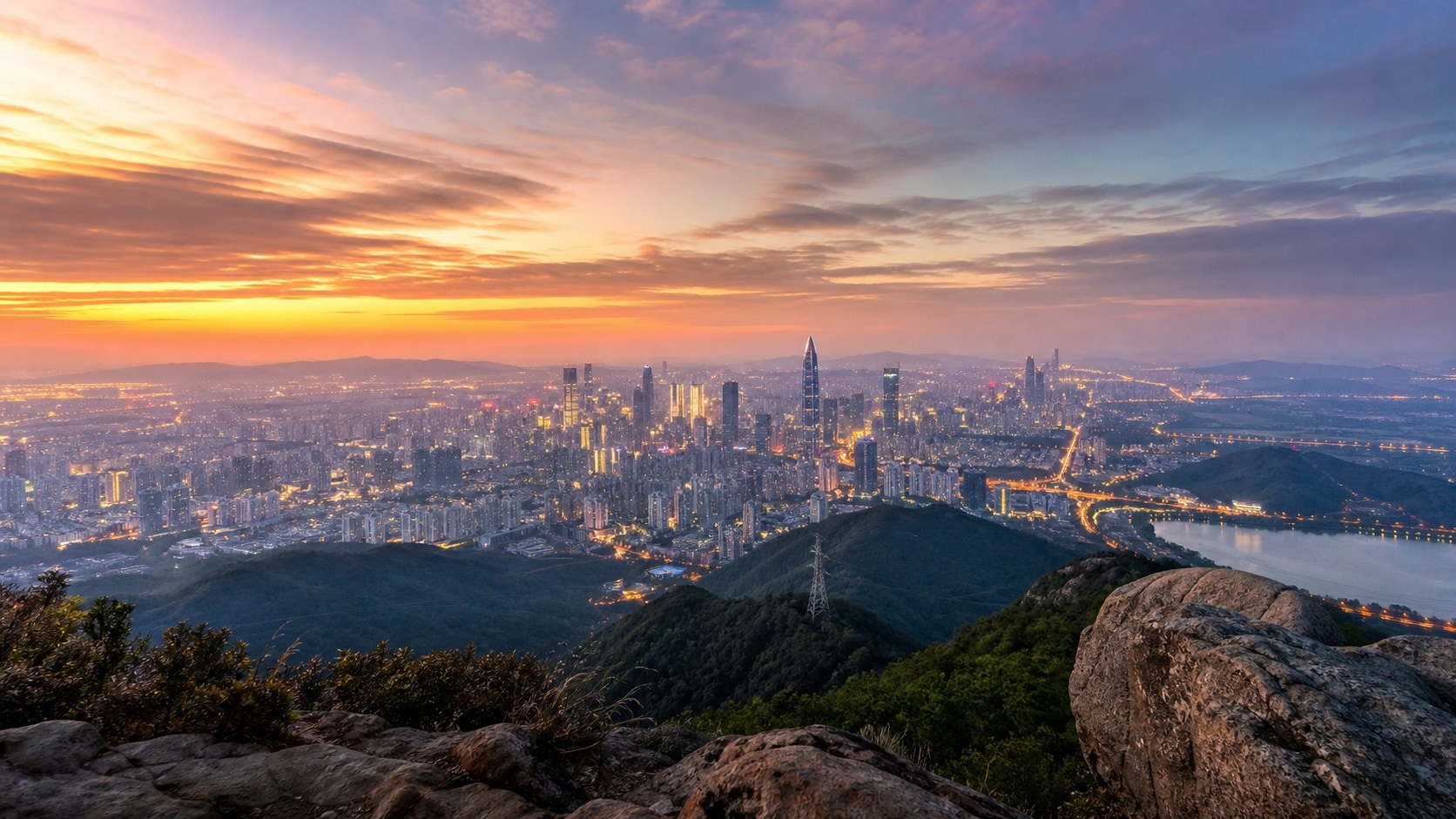
Reimagine the same photo scene with one natural language prompt. Ask Repairit to turn a rainy street into a sunny afternoon, change night into golden hour, add a snowy background, or give an outdoor shot a warm sunset mood. AI scene conversion helps creators explore new visual directions quickly while keeping the core image recognizable.

Why Choose Repairit
for One-Prompt Photo Editing?

AI Prompt Understanding
Type your editing request in natural language, and Repairit AI interprets the prompt to improve clarity, remove distractions, enhance portraits, or adjust the image style.

Easy to Try
Start with simple prompt photo edits without learning professional tools. Repairit helps everyday users, creators, marketers, and ecommerce sellers edit faster.

One-Click Photo Editing
Click once to start editing your photo. Repairit reads your prompt, applies the right AI edits automatically, and helps you enhance, clean up, or transform images without manual tool switching.

Preview and Refine
Check the AI result before saving, then continue editing with follow-up prompts when you want a clearer portrait, cleaner background, or more polished output.

Compatibility
Use Repairit across Windows, Mac, and mobile devices. Start prompt-based photo editing on the platform that fits your workflow, whether you are refining images at your desk or making quick edits on the go.
How to Use Repairit One-Prompt Edit

Step 1
Upload Your Photo
Upload a portrait, product photo, old picture, or everyday photo.

Step 2
Enter Your Editing Prompt
Type one sentence describing what you want to change.

Step 3
Preview and Download
Let Repairit AI process your prompt, preview the edited result, and download.
Repairit One-Prompt Edit vs. Traditional Photo Editors
Compare Repairit with traditional photo editors

Repairit
|
Traditional Photo Editors | |
|---|---|---|
| Who It's For | Beginners, young creators, marketers, ecommerce teams, and professionals who want fast, effortless AI photo edits | Experienced editors who already know layers, masks, filters, and manual retouching tools |
| Editing Approach | Describe the edit in plain language and let AI apply the changes | Choose tools manually, adjust settings, and fine-tune each step yourself |
| Learning Curve | No steep learning curve. Start editing by typing a simple prompt | Takes time to learn tool panels, workflows, and editing techniques |
| Time Saving | Time-saving workflow for quick edits, creative changes, and repeat photo tasks | Often slower because each edit requires tool selection and parameter tuning |
| Creative Flexibility | Enhance quality, clean up objects, create new looks, and transform scenes with prompts | Flexible for advanced work, but more complex and hands-on |
| Editing Control | Guide the result with natural language and refine it with follow-up prompts | Control edits through separate manual adjustments, sliders, masks, and layers |
| Best For | Creative AI edits, scene changes, portrait enhancement, product cleanup, and social-ready photos | Detailed retouching, professional compositing, and advanced design workflows |
| Features | Built for prompt edit photo, prompt photo editing, photo text editor workflows, and AI-powered one-sentence image editing | Useful for full manual control, but less convenient for simple natural language editing |
Explore More Photo Eraser Features
Clean up your photos by removing unwanted objects, clutter, distractions, and other visual elements in seconds with AI.
Frequently Asked Questions
One-Prompt Edit is a Repairit AI feature that lets you edit photos by typing one sentence. You describe what you want, and AI completes the photo edit automatically.
Prompt edit photo means using a text prompt to guide photo editing. Instead of choosing tools manually, you write an instruction like make this photo clearer or remove the background object.
You can edit portraits, old photos, product images, social media pictures, travel photos, profile pictures, and other everyday images that need enhancement or cleanup.
If the result is not accurate, try adding more detail. For example, instead of fix this, write make the face clearer and brighten the background slightly.
Yes. You can refine the result with follow-up prompts, such as make it sharper, keep the skin natural, or remove the object on the left.
AI results may vary because the model interprets prompts and image details dynamically. Clearer prompts and higher-quality original photos usually produce more consistent results.
For AI features like One-Prompt Edit, each photo edit consumes 40 AI Credits. When you choose a Repairit Toolkit plan, AI Credits are included in your plan to get you started right away. If you have a large batch of photos or run out of credits, you can easily unlock more AI Credits to meet your editing needs anytime.
Hot Topics
Comprehensive How-to Guides
Want to prompt edit photo online? Click to enter the Photo Enhancer Workbench and edit your image with one prompt in just a few clicks!