AI Image Unblur Free for Your World Cup Pics
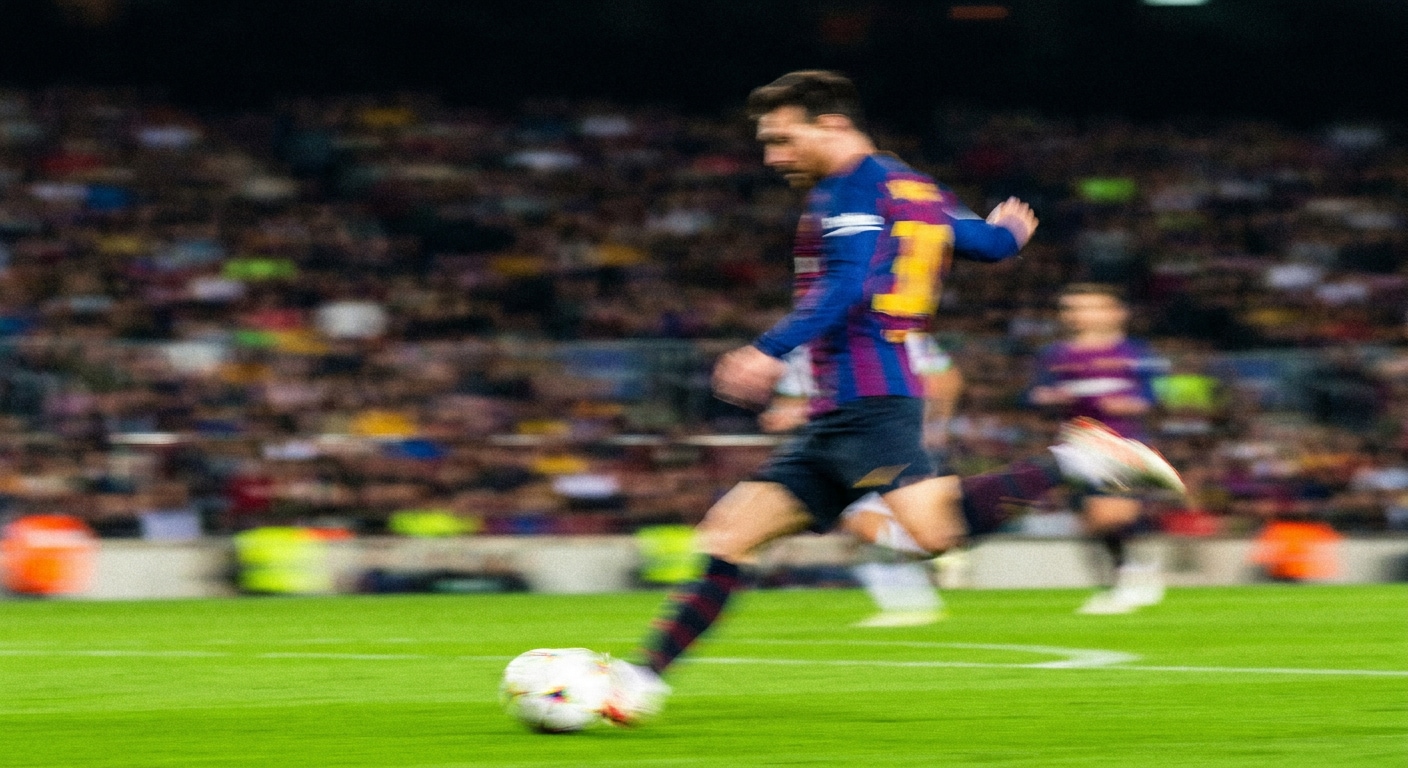
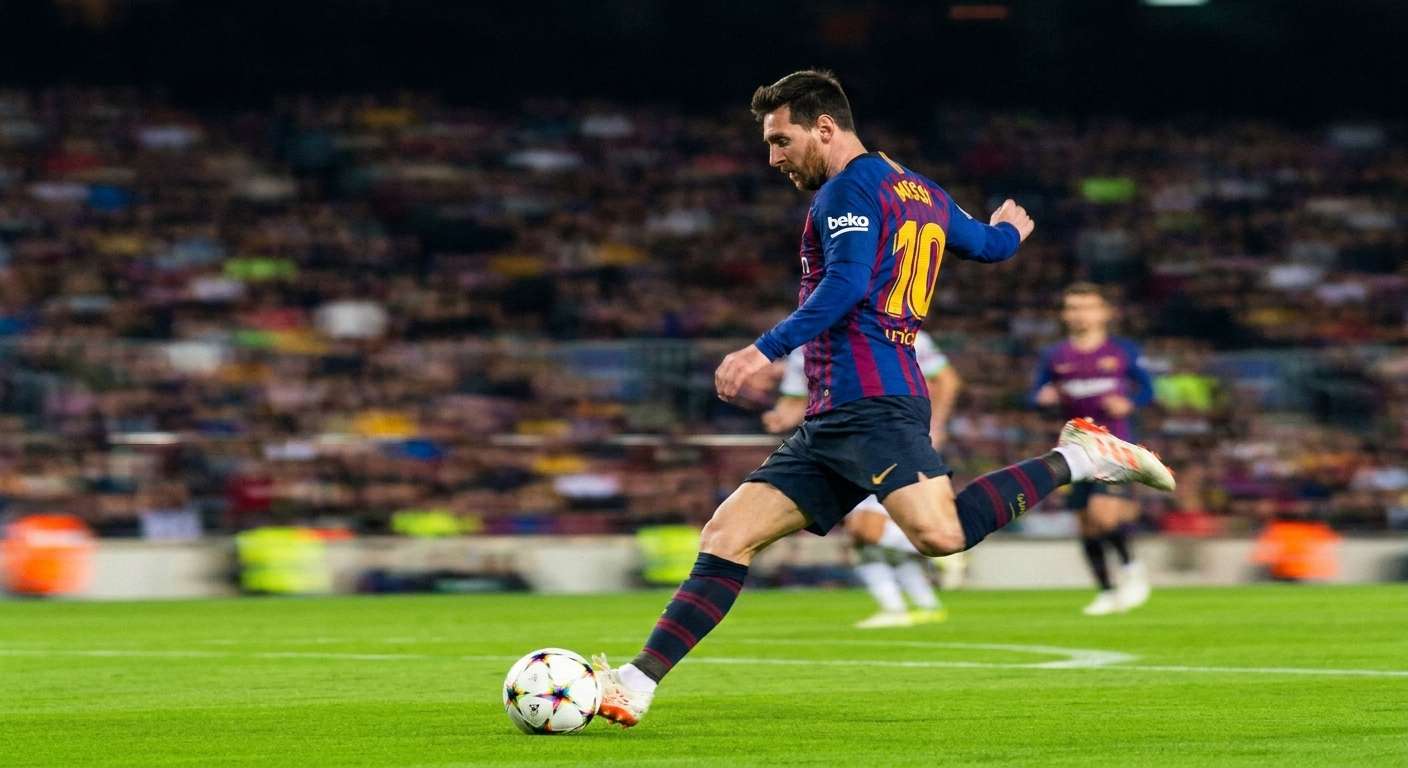



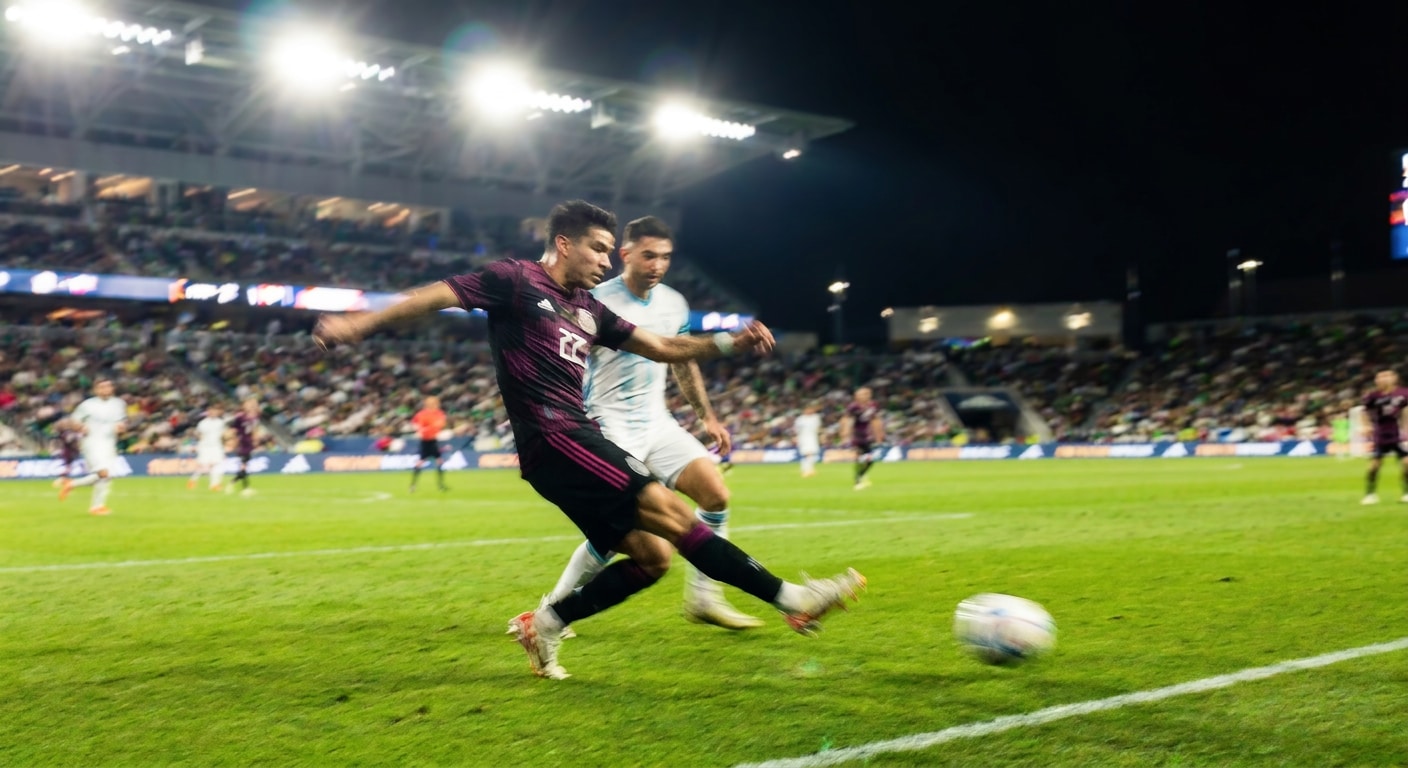
Fix Motion Blur in World Cup Action Shots with AI Image Unblur Free
The 2026 World Cup is packed with moments worth keeping, a goal celebration, a slide tackle, a perfectly timed header. But fast player movement, crowd noise, and stadium lighting all work against your phone camera at once. When motion blur turns your best shot into a soft smear, Repairit AI motion deblur helps sharpen the edges, recover jersey detail, and bring the moment back into focus without retaking the shot. Unblur image with AI free and keep the goals that got away.
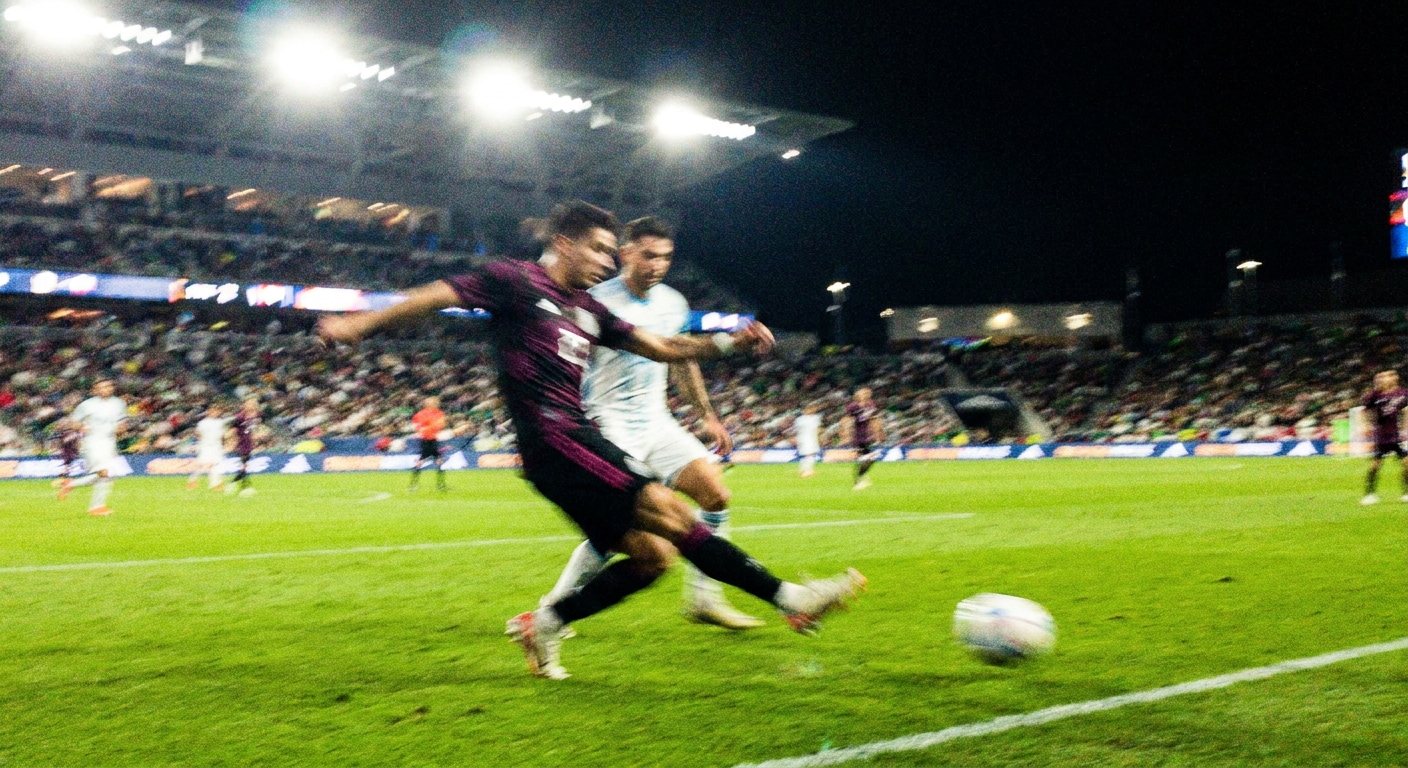
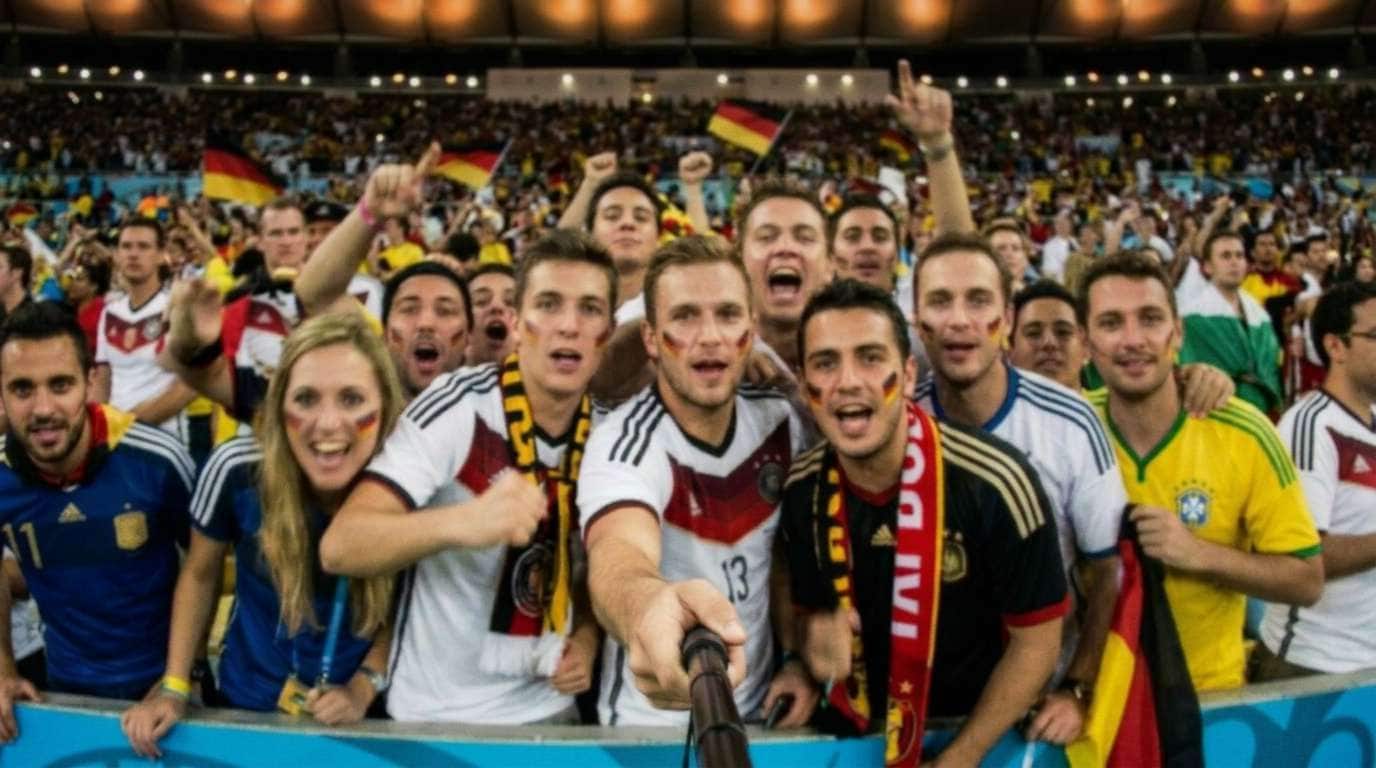
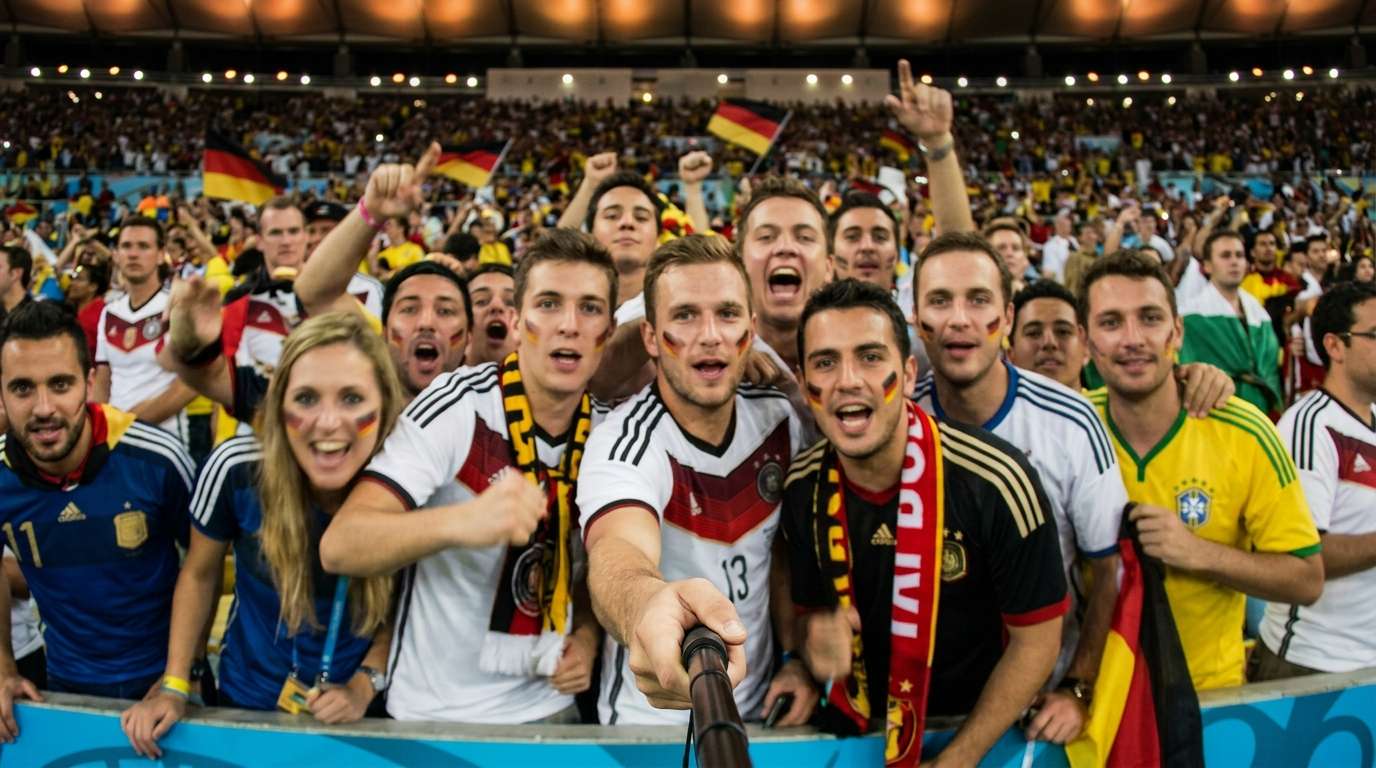
Unblur Soft Stadium Selfies and Fan Group Photos with AI Deblur Free Online
Wide angle stadium selfies, shaky crowd shots, and group photos taken in packed fan zones often come back slightly out of focus or soft on the faces that matter most. Repairit works as a free AI image unblur tool that lifts facial detail, sharpens group subjects, and cleans up that slightly blurry look that happens when everyone is moving at once. Get your World Cup fan memories looking clear enough to share, frame, or post.
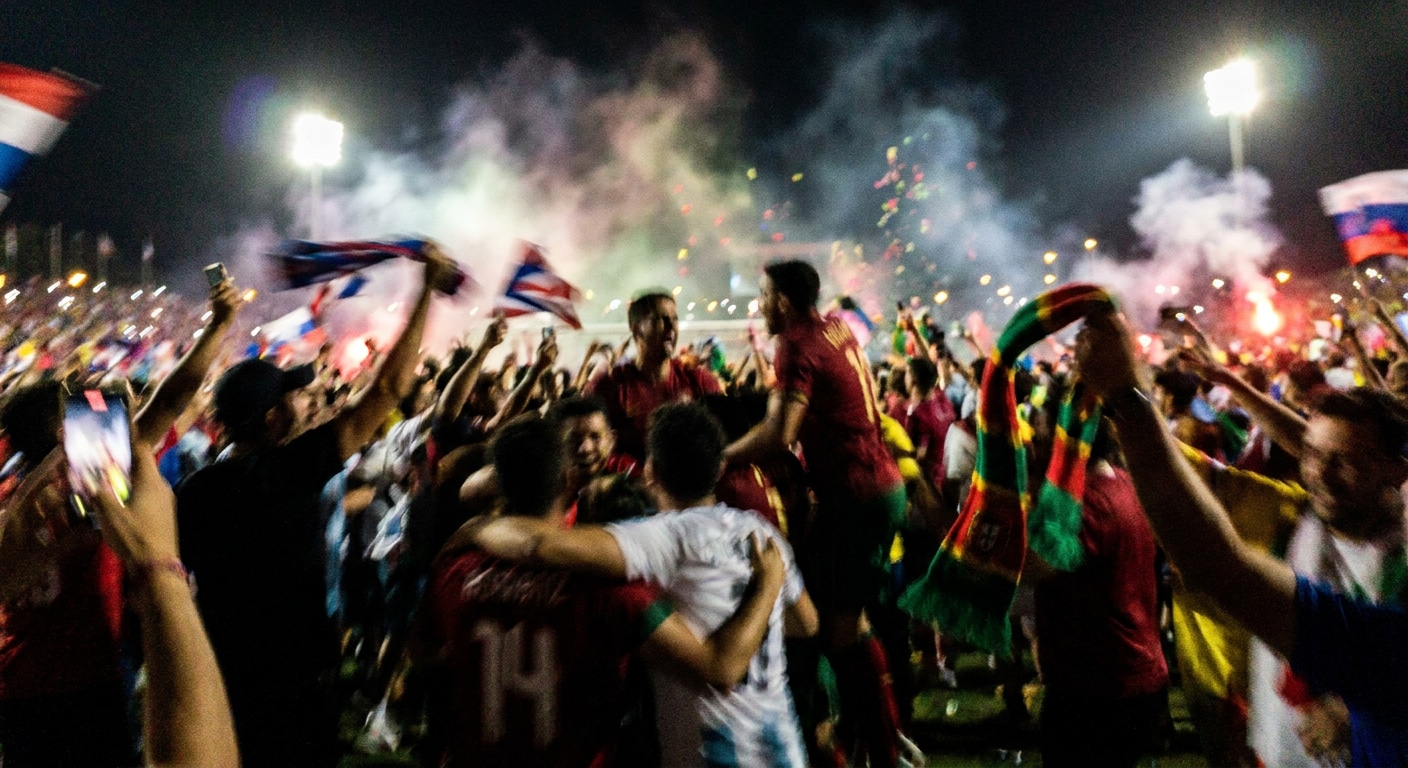
Deblur Goal Celebrations, Fan Chants, and Night Match Moments with AI
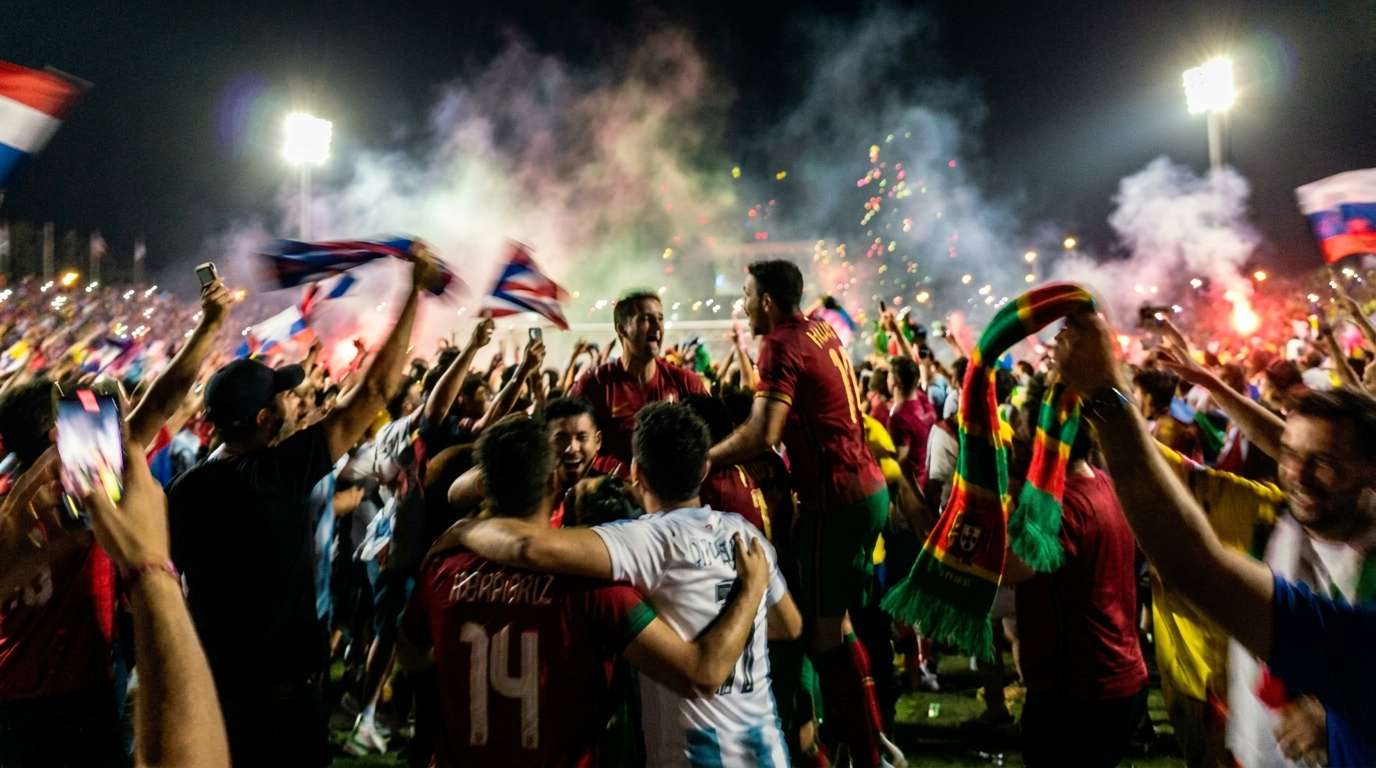
Some of the most unforgettable World Cup photos happen right after the big moment, when the crowd jumps, flags wave, phones go up, and the whole stadium moves at once. That excitement often leads to blur, soft faces, and shaky low light shots that fail to capture the feeling of the night. Repairit AI deblur helps recover clearer faces, sharper jerseys, and more visible stadium detail, so your celebration photos look as unforgettable as the match itself.
How to Unblur Image with AI Free Using Repairit

Step 1
Upload Your Photo
Upload a blurry, out of focus, motion blurred, or soft photo in a supported format such as JPG, PNG, or WEBP.

Step 2
Let AI Deblur the Image
Repairit AI automatically detects motion blur, soft focus, and edge softness, then sharpens detail and recovers clarity across the whole image.

Step 3
Preview and Download
Preview the deblurred result and download a sharper, clearer version of your photo, ready to share, print, or post.
Why Choose Repairit's Free AI Image Unblur Tool?
Compare Repairit with traditional photo editors

Repairit
|
Traditional Photo Editors | |
|---|---|---|
| Target Users | 🎯 Sports fans, everyday photographers, creators, families, and anyone who wants a clearer shot fast | 🎨 Professional retouchers and designers comfortable with manual editing |
| Deblur Approach | 🤖 AI powered motion deblur, edge sharpening, and soft focus recovery | 🛠️ Manual unsharp mask, high pass filter, and layer based sharpening |
| Learning Curve | ⚡ Easy to start with no editing experience required | 📚 Higher learning curve with more tools and adjustments to manage |
| Cost | 💝 Free to start online with a simple upload and deblur flow | 💼 Often requires a paid subscription or plugin |
| Time Investment | ⏱️ Designed to unblur image with AI free in just a few clicks | ⌛ Usually takes more steps, masking, and manual fine tuning |
| Automation Level | 🌟 Fully AI assisted deblur workflow | ⚙️ Mostly manual sharpening control |
| Best For | 📸 World Cup action shots, stadium selfies, fast moving subjects, sports photos, and everyday blurry moments | 🖼️ Complex composites, full retouching projects, and professional print work |
| Features | 💡 Built to unblur image AI free, fix motion blur, recover soft focus detail, and make blurry photos clear online | 🧩 Powerful for full editing workflows, but less convenient for a quick AI deblur rescue |
Frequently Asked Questions
Yes. Repairit gives you a simple way to unblur image with AI free in your browser, so you can sharpen blurry photos and recover visible detail without learning a full editing tool.
Yes. Repairit is a practical choice when you need AI motion deblur for fast moving subjects, including World Cup action shots, sports highlights, running kids, and any moment where speed caused blur in your photo.
Repairit can help with motion blur from fast subjects, soft focus from missed autofocus, mild camera shake, and general softness from zooming in or cropping. It works best on photos that are blurry but still have usable detail in the original file.
Yes. If you are trying to save a blurry goal celebration, a soft stadium selfie, or an out of focus fan group shot from the 2026 World Cup, Repairit AI image unblur gives you a fast way to sharpen and recover those moments without reshooting.
Not always. AI deblur works well when there is usable edge data in the original image, but it cannot fully recreate detail that was never captured. Mild to moderate motion blur and soft focus usually produce the best results.
Repairit supports popular image formats including JPG, PNG, and WEBP, which covers most phone camera shots, downloaded images, and screenshot saves people want to deblur online.
Hot Topics
Comprehensive How-to Guides
Want to make image higher resolution free? Click to enter the Photo Enhancer Workbench and make your image clearer in just a few clicks!