How to Fix Low Resolution Photos Online
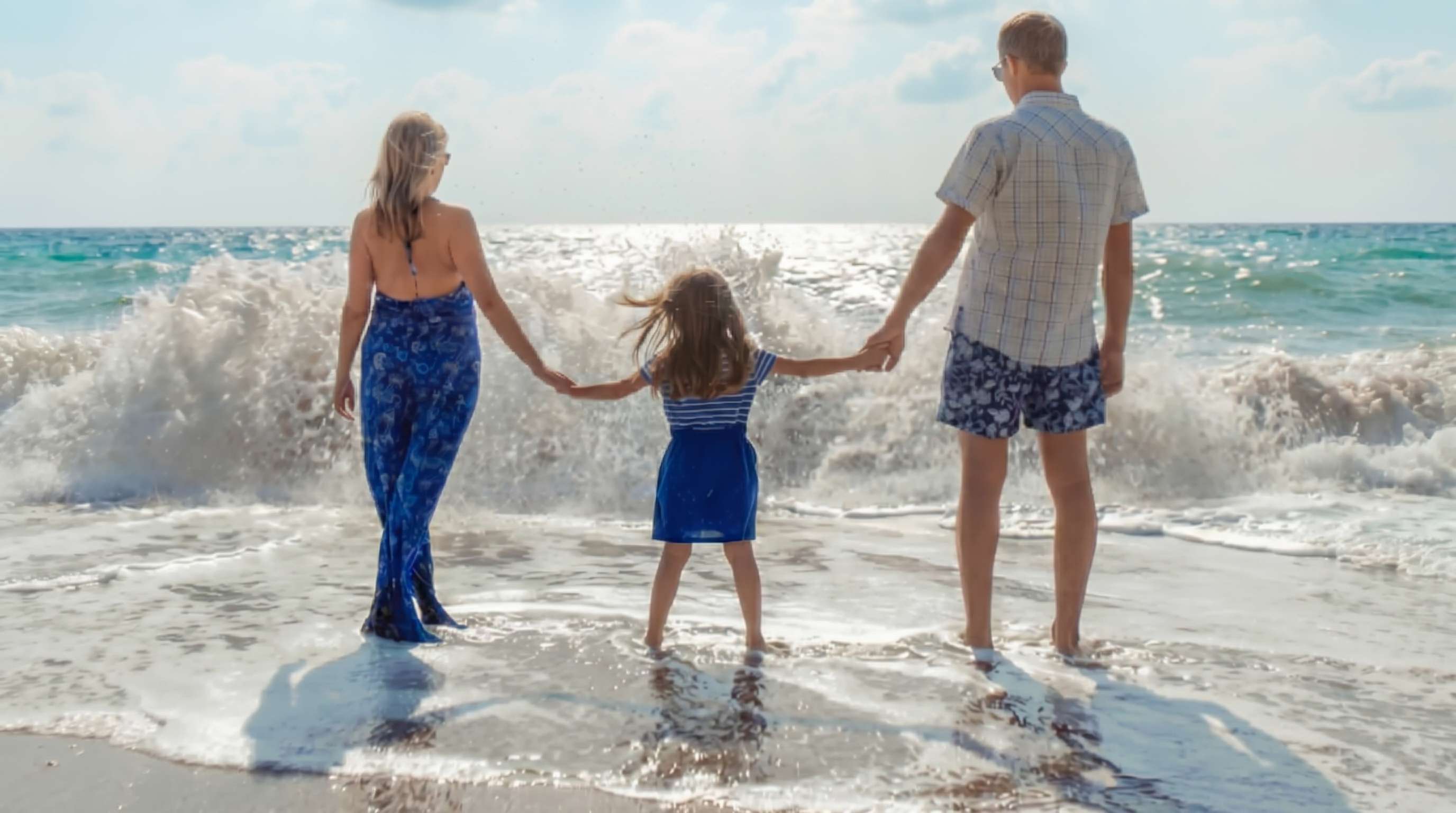
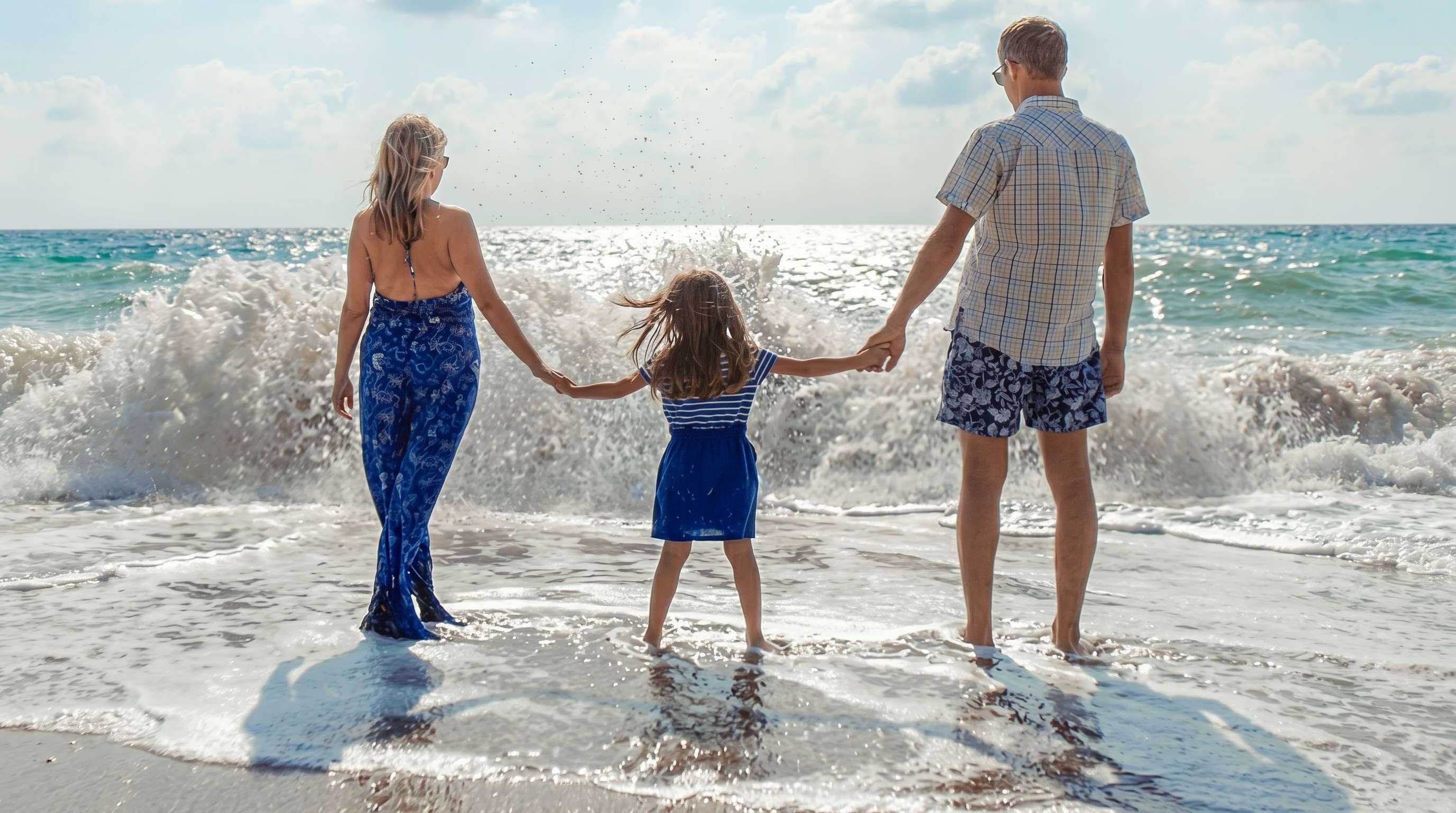




Fix Cropped Photos That Turned Pixelated
Sometimes the original picture looked fine until you cropped in on one person, one object, or one small detail. After that, the image can start to look soft, blocky, or full of visible pixels. Repairit helps fix low resolution pictures after cropping so the final image looks cleaner and easier to use.


Improve Downloaded Images That Are Too Small to Reuse
A lot of people save photos from old websites, event pages, listings, blogs, or archived posts, then realize the file is too small for anything beyond a quick view. If you are asking how can I fix low resolution pictures from a download, Repairit can help improve visible detail and make the image more usable for personal or work purposes.
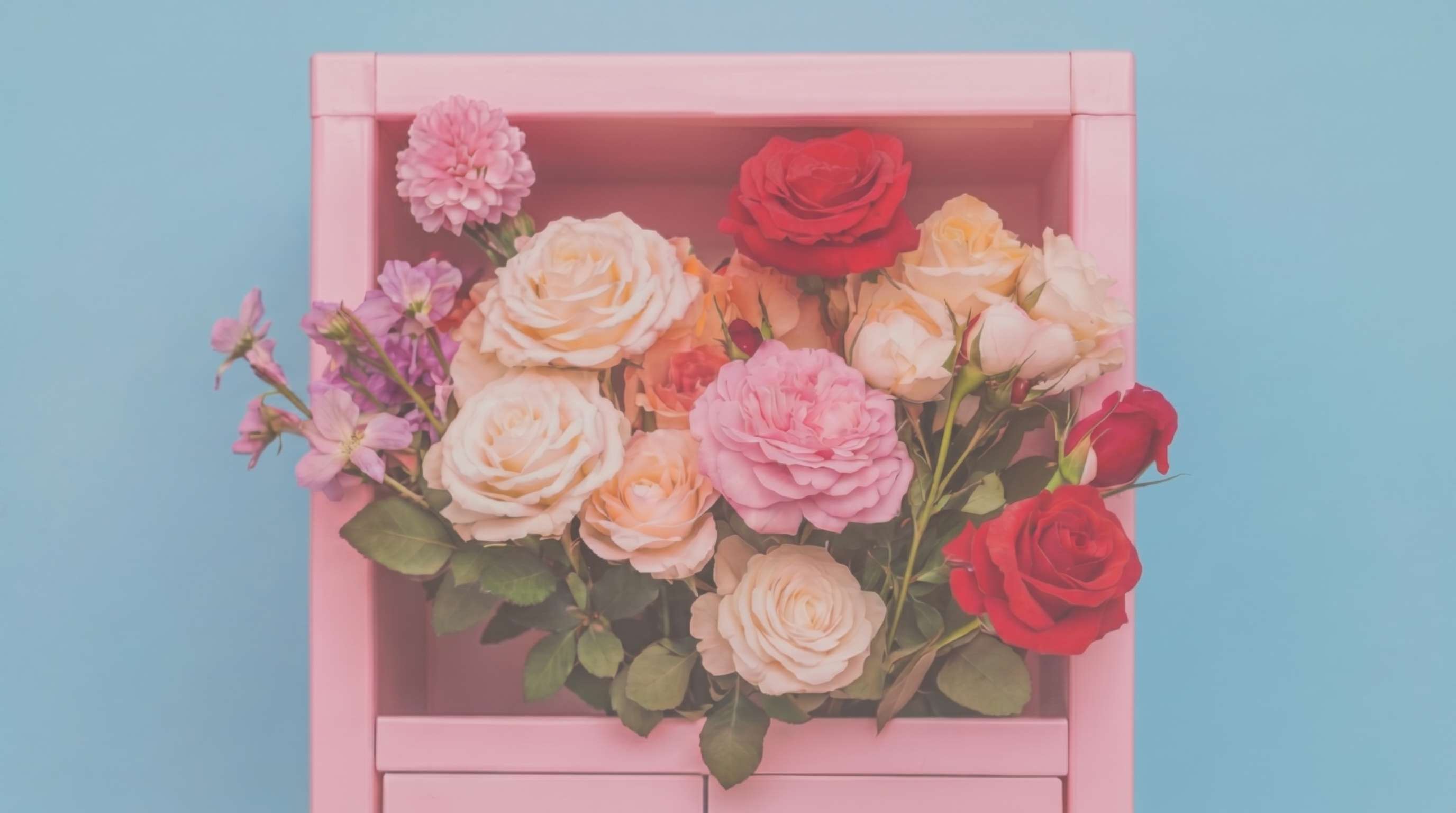
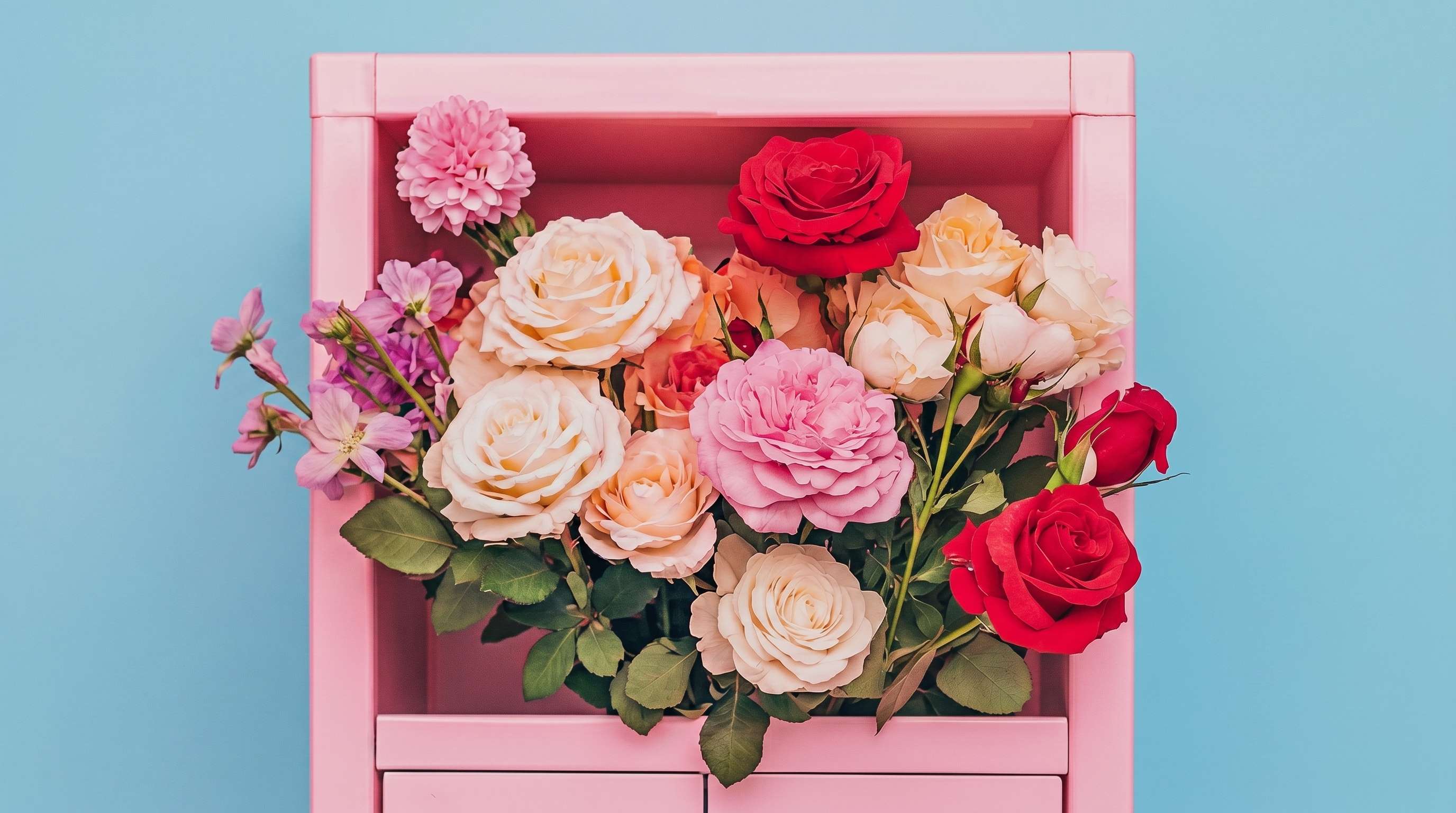
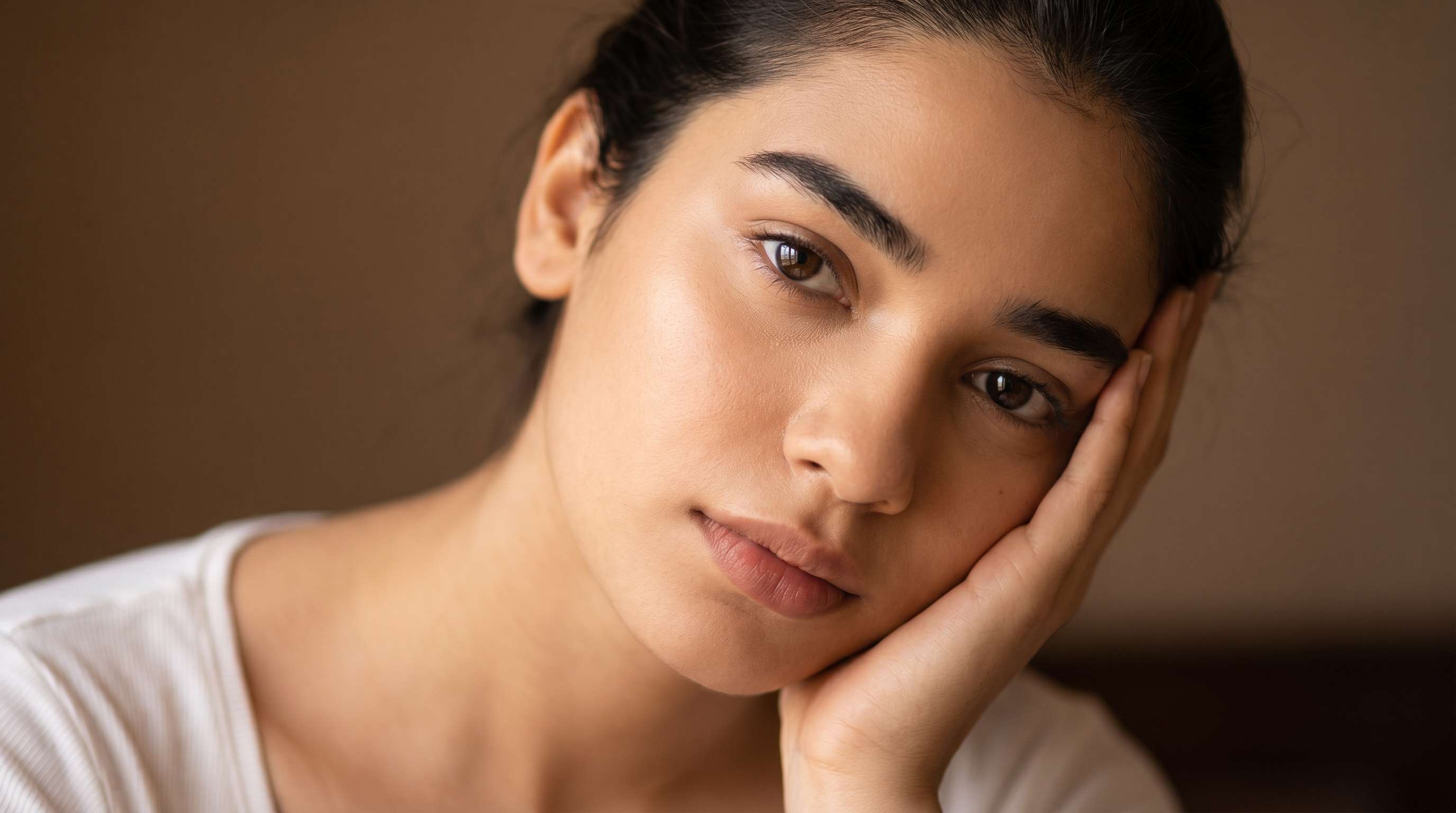
Make Profile Photos and Headshots Look Better on Bigger Screens
A profile picture may look acceptable inside a small circle, but once you use it on a team page, school form, company profile, or presentation slide, the lack of detail becomes obvious. Repairit helps enhance low resolution photos so headshots and profile images look clearer without requiring advanced retouching skills.

Upgrade Product and Listing Photos When the Original File Is Too Small
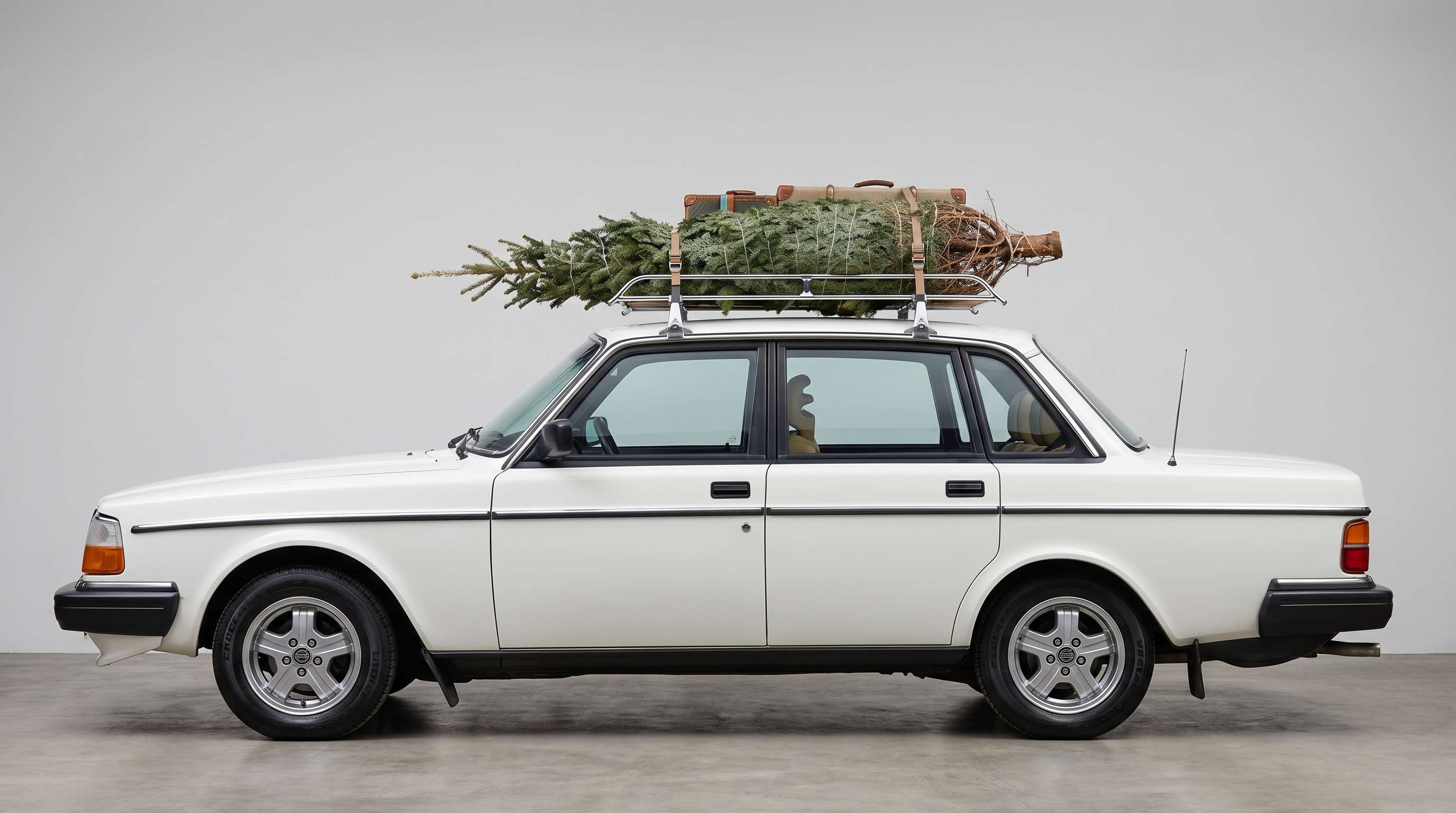
People often need to reuse product photos, menu photos, real estate images, or listing pictures, only to discover the original file is too low in resolution for a cleaner presentation. Repairit helps improve these small images so they look sharper, more polished, and more suitable for selling, posting, or presenting.
How to Fix Low Resolution Photos with Repairit

Step 1
Upload Your Photo
Upload a JPG, PNG, or WEBP image from your phone or computer. Repairit works well for cropped photos, downloaded images, profile pictures, and other small or soft files.

Step 2
Choose the Right Enhancement Mode
Select Photo Enhancement for general images or Portrait Enhancement for face focused photos. Repairit analyzes softness, visible pixelation, noise, and overall quality loss automatically.

Step 3
Preview and Download the Improved Image
Compare the result, then save the version that looks best to you. It is a practical way to fix low resolution pictures without a long manual editing process.
Why Choose Repairit to Fix Low Resolution Photos?
✨ Natural-Looking Results
Repairit helps refine clarity, texture, and visible detail while keeping the image natural enough for everyday use.
📷 Built for Real Blur Scenarios
Whether the problem comes from cropping, downloading, stretching, or compression, Repairit is designed for the kinds of low quality files people actually struggle with.
⚡ Easy for Anyone to Use
If you have ever asked how do you fix low resolution photos quickly, this gives you a simple workflow that does not depend on professional editing experience.
❤️ A Better Way to Save Important Photos
Repairit can improve many low resolution photos, but no tool can fully recreate detail that was never captured in the first place. That makes it a more trustworthy option for people who want better results without unrealistic promises.
Explore More Photo Enhancer Features
Enhance your photos by improving clarity, resolution, lighting, and overall quality in seconds with AI.
Frequently Asked Questions
Upload your image to Repairit, choose Photo Enhancement or Portrait Enhancement, and let AI improve softness, pixelation, noise, and visible quality loss. You can then preview the result and download the improved version in just a few clicks.
When a photo is cropped too tightly, the remaining area may not have enough detail to stay clear at a larger size. Repairit can help improve the cropped image by refining edges, reducing rough pixelation, and making the photo look cleaner overall.
If the only version you have is a small downloaded file, Repairit can often make it look better by enhancing visible detail and reducing softness or noise. The final result depends on how much usable information is still left in the original file.
AI can improve many low resolution pictures, especially when the image still has enough structure, texture, and subject detail to work with. But if the original file is extremely tiny or heavily compressed, no tool can perfectly restore every missing detail.
Yes. Repairit can help improve face focused images by making facial details look clearer and more presentable. Portrait Enhancement is especially useful when the original headshot looks too small or too soft on larger screens.
Yes. Repairit can help improve small product photos, listing images, and other visual assets that need to look cleaner for presentation, posting, or selling. It is especially helpful when you no longer have access to a better original file.
Repairit supports common image formats including JPG, JPEG, PNG, BMP, and WEBP, making it easy to work with photos from phones, computers, downloads, and saved image files.
Hot Topics
Comprehensive How-to Guides
Want to enhance your photo? Click to enter the Photo Enhancer Workbench and make it clearer in just a few clicks!


