Free Online Image Sharpener for Everyday Photos






Make Screenshots, Notes, and Text Images Easier to Read Again
A screenshot can look fine at first, then turn soft after cropping, pasting, or sharing. This happens with class notes, setup guides, app pages, recipes, receipts, and saved instructions. If you want to sharpen image online free without using complex editing software, Repairit helps make text edges, icons, and small details look clearer while keeping the overall image natural.


Clean Up Website Graphics, Blog Images, and Small Visual Assets
Images taken from old articles, websites, or saved design files often lose clarity when resized for a thumbnail, banner, or content block. A picture sharpener online free should do more than add hard contrast. Repairit helps improve lines, edges, and overall definition so reused web visuals look more polished and presentable.


Improve Downloaded Images from Chat Apps, Forums, and Email Threads
Many images saved from group chats, email attachments, or online communities come through compressed and flat. They may still be useful, but they no longer look clean enough to reuse. Repairit works as an image sharpener online free tool that helps sharpen a photo online free, reduce the soft look caused by compression, and make shared images more usable again.
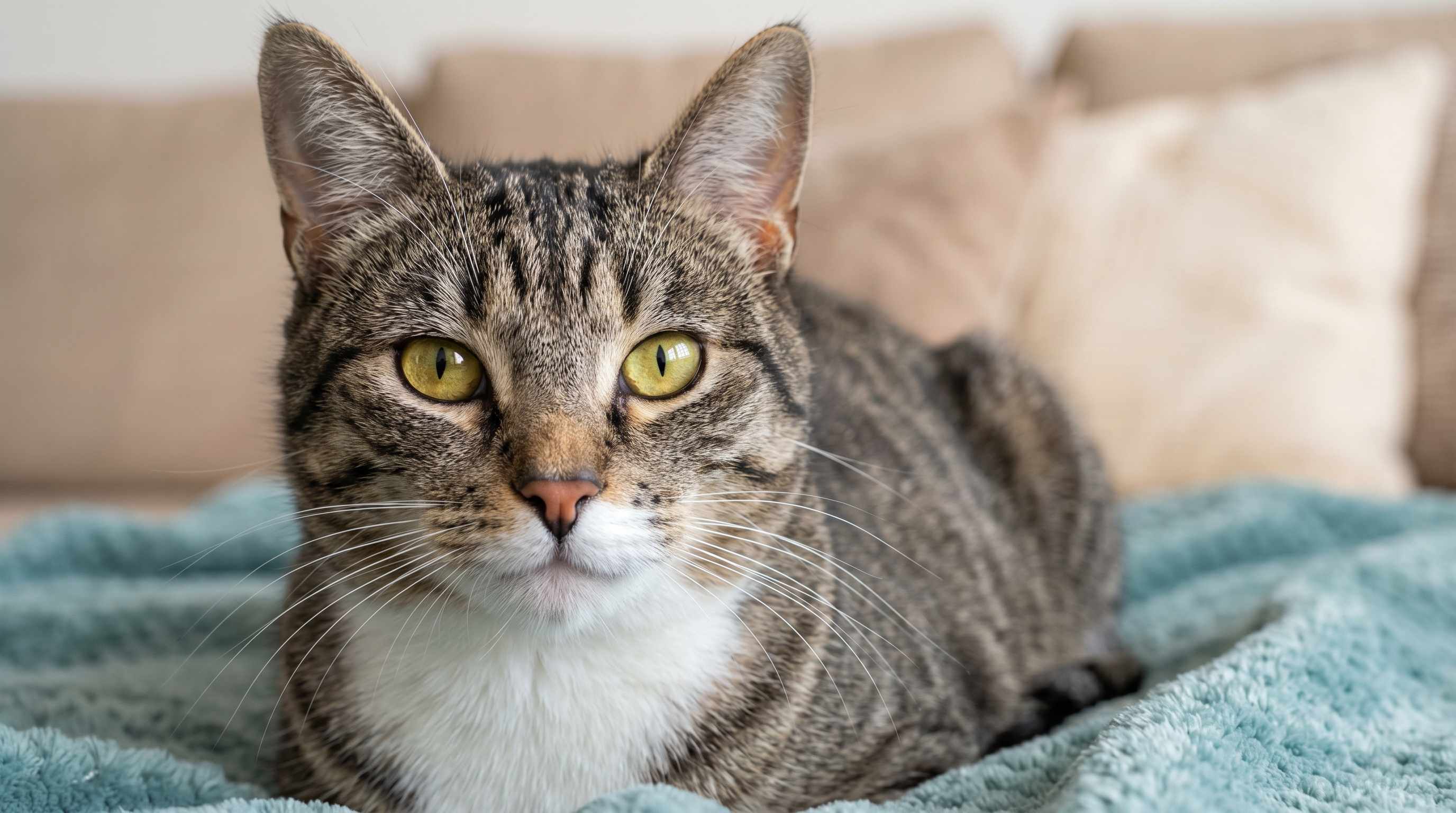
Sharpen Everyday Photos Before You Post, Save, or Print Them
Not every image is badly damaged. Sometimes it just looks a little dull, a little soft, or less detailed than expected. That is common with casual home photos, hobby pictures, craft shots, quick document captures, and simple before and after records. Repairit gives you an online photo sharpener free option that improves clarity without making the photo look harsh or over processed.
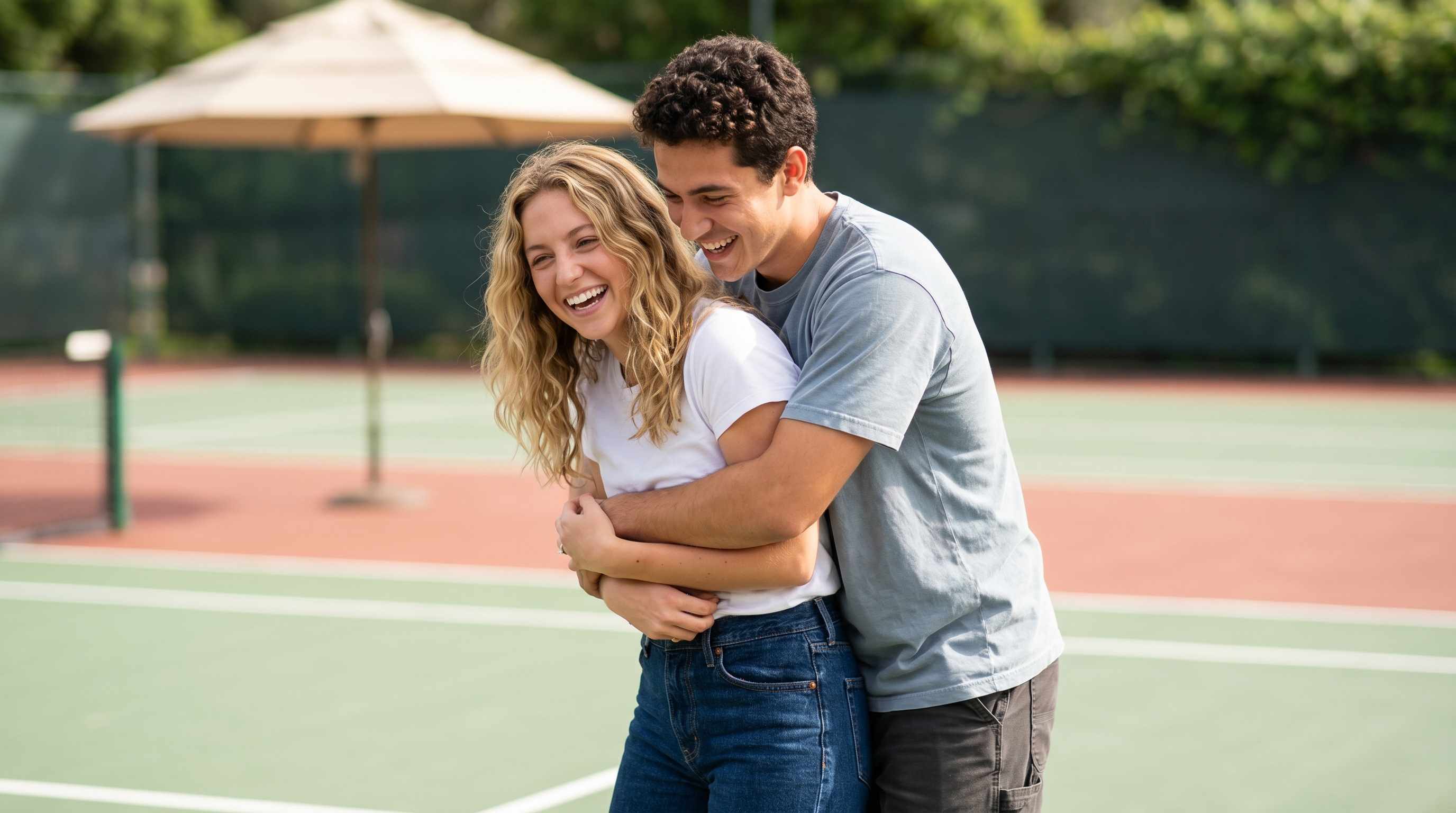
How to Sharpen an Image Online Free with Repairit

Step 1
Upload Your Photo
Add the image you want to improve. Repairit supports common formats such as JPG, PNG, BMP, and WEBP, so you can sharpen screenshots, web images, and everyday photos in one place.

Step 2
Choose the Right Enhancement Mode
Select Photo Enhancement for general images. If the picture includes an important face, you can choose Portrait Enhancement for more natural facial detail and focus.

Step 3
Preview and Download the Sharper Result
Check the before and after view, then download the result if it looks right for your needs. This gives you a simple way to sharpen picture online free without a long editing process.
Why Choose Repairit as a Free Online Image Sharpener
✨ Natural Looking Sharpness
Repairit improves clarity without pushing every edge too far, so images look cleaner instead of rough or artificial.
📷 Useful for More Than Just Camera Photos
It can help with screenshots, downloaded images, web graphics, chat attachments, and everyday pictures, not only standard photos from a camera roll.
⚡ Simple Enough for Anyone to Use
You do not need advanced editing skills to sharpen image online free. Upload the file, choose a mode, preview the result, and save the improved version.
❤️ Clear About Real AI Limits
Repairit can improve many soft or compressed images, but results still depend on the original file quality. Extremely tiny or heavily damaged images may only improve to a certain point.
Explore More Photo Enhancer Features
Enhance your photos by improving clarity, resolution, lighting, and overall quality in seconds with AI.
Frequently Asked Questions
Upload your image to Repairit, choose Photo Enhancement or Portrait Enhancement, preview the result, and download the improved version. It is a simple way to use a free online image sharpener without learning complex editing tools.
A free online image sharpener improves how clear an image looks by enhancing visible edges, reducing softness, and cleaning up some noise or compression artifacts. The goal is to make the image look clearer and more usable, not to invent details that were never there.
Yes, Repairit can help improve screenshots, saved notes, and text based images that look soft after cropping or sharing. Results depend on the original quality, but it often makes text and interface details easier to read.
Yes. If you saved an image from a forum, chat app, email, or website and it looks flat or slightly blurry, Repairit can often improve clarity and make the file easier to reuse.
Yes. Besides screenshots and web images, Repairit can also act as an online photo sharpener free tool for casual photos, hobby pictures, quick document captures, and other everyday images that need a cleaner look.
Not always. AI can improve many soft images, but a severely blurred or extremely small file may still have limits. Repairit is designed to improve quality realistically, not promise perfect recovery in every case.
Repairit supports common image formats such as JPG, PNG, BMP, and WEBP, making it easy to sharpen picture online free across different types of files.
Hot Topics
Comprehensive How-to Guides
Want to enhance your photo? Click to enter the Photo Enhancer Workbench and make it clearer in just a few clicks!


