Photo HD Enhancer Free






Make Old Phone Photos Look More HD Again
A lot of favorite memories were taken on older phones that did not capture much detail. The moment still matters, but the image can look soft, flat, or a little outdated on today’s bigger screens. Repairit works as a practical hd photo enhancer free option for old gallery photos, helping bring back cleaner detail and a more polished look without making the picture feel unnatural.


Improve Pet, Kids, and Everyday Action Photos
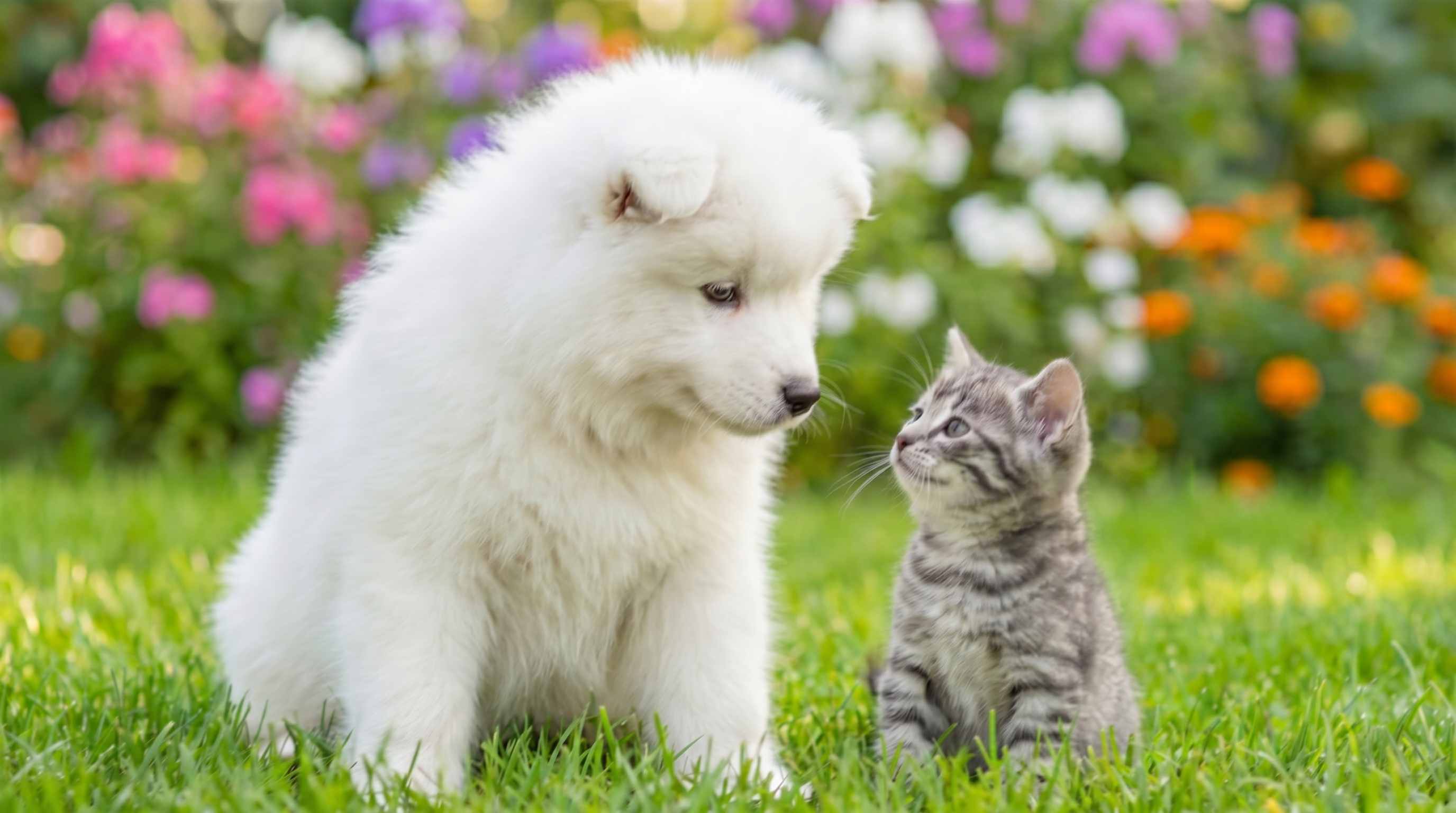
Some of the most meaningful photos are also the hardest to capture clearly. Pets move fast, kids do not stay still, and everyday moments happen before the camera fully locks focus. Repairit helps hd enhance photo free for these quick, real life shots by improving visible detail and reducing the softness that often makes action photos feel less usable.

Clean Up Photos Saved from WhatsApp, Shared Albums, and Chat Apps
A photo can look good when it was first taken, then lose quality after being sent through messaging apps or saved again from a shared album. Compression often makes the picture look flatter, softer, or slightly messy. Repairit gives users an easy image hd enhancer free workflow for shared photos, family group images, and saved chat pictures that no longer look as good as the original.


Refresh Travel, Food, and Weekend Photos Before You Share Them Again
A lot of people go back to older trip photos, dinner shots, and casual weekend pictures when posting memories, building personal albums, or printing simple keepsakes. The problem is that these photos often look less crisp than remembered. Repairit helps make them look more HD and more ready to share, making it a useful free hd photo enhancer choice for everyday lifestyle photography.


How to Use Repairit as a Photo HD Enhancer Free Tool

Step 1
Upload Your Photo
Upload a JPG, JPEG, PNG, BMP, or WEBP image from your phone or computer. Repairit works well for old phone pictures, shared images, pet photos, travel shots, and everyday memories.

Step 2
Choose Photo Enhancement
Select Photo Enhancement for general images that need more visible detail, less noise, and a cleaner overall look. If the photo is mainly about a person, you can also choose Portrait Enhancement for more targeted face improvement.

Step 3
Preview and Download the HD Looking Result
Preview the before and after version, then download the result that looks best. It is a simple way to use an hd photo enhancer online free workflow without manual retouching or complicated editing steps.
Why Choose Repairit as a Free HD Photo Enhancer?
✨ More HD looking photos without a fake result
Repairit improves detail, texture, and overall visual quality while helping the image stay natural. That matters when users want a clearer photo, not an overly processed one.
📷 Built for everyday photos, not just studio images
From old phone pictures and shared chat photos to pets, travel, and casual life moments, Repairit is designed for the kinds of photos people actually want to improve.
⚡ Fast enough for daily use
You do not need to learn advanced editing or spend time adjusting layers and filters. Repairit gives users a quick hd photo enhancer online experience that works well for normal photo problems.
❤️ Honest about what AI can and cannot do
Repairit can improve many soft or low quality images, but no tool can perfectly rebuild detail that was never captured in the original file. That makes the result more realistic and more trustworthy.
Explore More Photo Enhancer Features
Enhance your photos by improving clarity, resolution, lighting, and overall quality in seconds with AI.
Frequently Asked Questions
Upload your photo to Repairit, choose Photo Enhancement, and let AI improve visible detail, noise, and overall clarity automatically. You can then preview the result and download the version that looks better to you.
A photo HD enhancer free tool helps improve the visual quality of a photo so it looks clearer, more detailed, and more polished. It can sharpen soft areas, reduce noise, and make the image feel more HD without requiring manual editing.
Yes, in many cases. Repairit can help old smartphone pictures look cleaner and more detailed, especially when the photo is still usable but no longer looks good on newer screens.
Yes. Shared photos often lose quality because of compression and repeated saving. Repairit can help improve those images so they look cleaner and closer to what users expect from the original memory.
Yes. It works well for everyday photos where the subject moved too quickly or the image came out a little soft. It can often make these pictures look clearer and easier to keep or share.
That is the goal. Repairit is designed to improve image quality while keeping the photo believable and visually balanced. It aims to make the image look better without turning it into something artificial.
Repairit supports common image formats including JPG, JPEG, PNG, BMP, and WEBP, making it easy to enhance photos from phones, chat apps, downloaded albums, and computer folders.
Hot Topics
Comprehensive How-to Guides
Want to enhance your photo? Click to enter the Photo Enhancer Workbench and make it clearer in just a few clicks!


