Low Quality Images to High Quality Photos Online






Improve Low-Resolution Photos Before Printing or Enlarging
Some pictures look acceptable on a phone screen but fall apart when you try to print them, crop them, or view them larger. Repairit helps improve low-resolution photos so they look cleaner, more detailed, and more usable for keepsakes, small prints, or personal projects.


Make Old, Small, or Low-Quality Family Photos Easier to Keep
Older images often come from scans, cropped files, or copies that were saved years ago at a very small size. If an important family photo looks low-quality rather than just blurry, Repairit can help make it look clearer, more complete, and easier to save, share, or revisit.
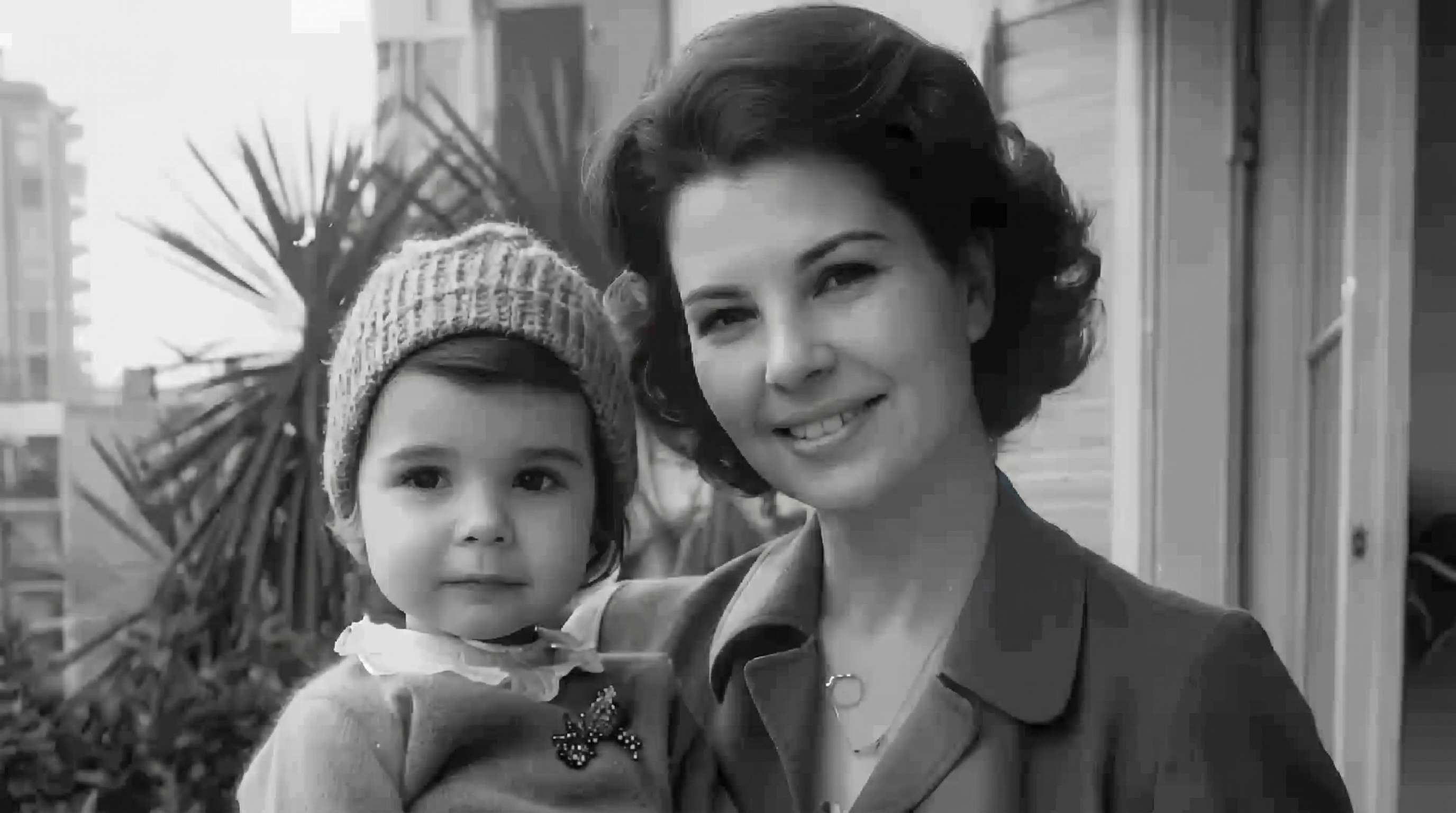
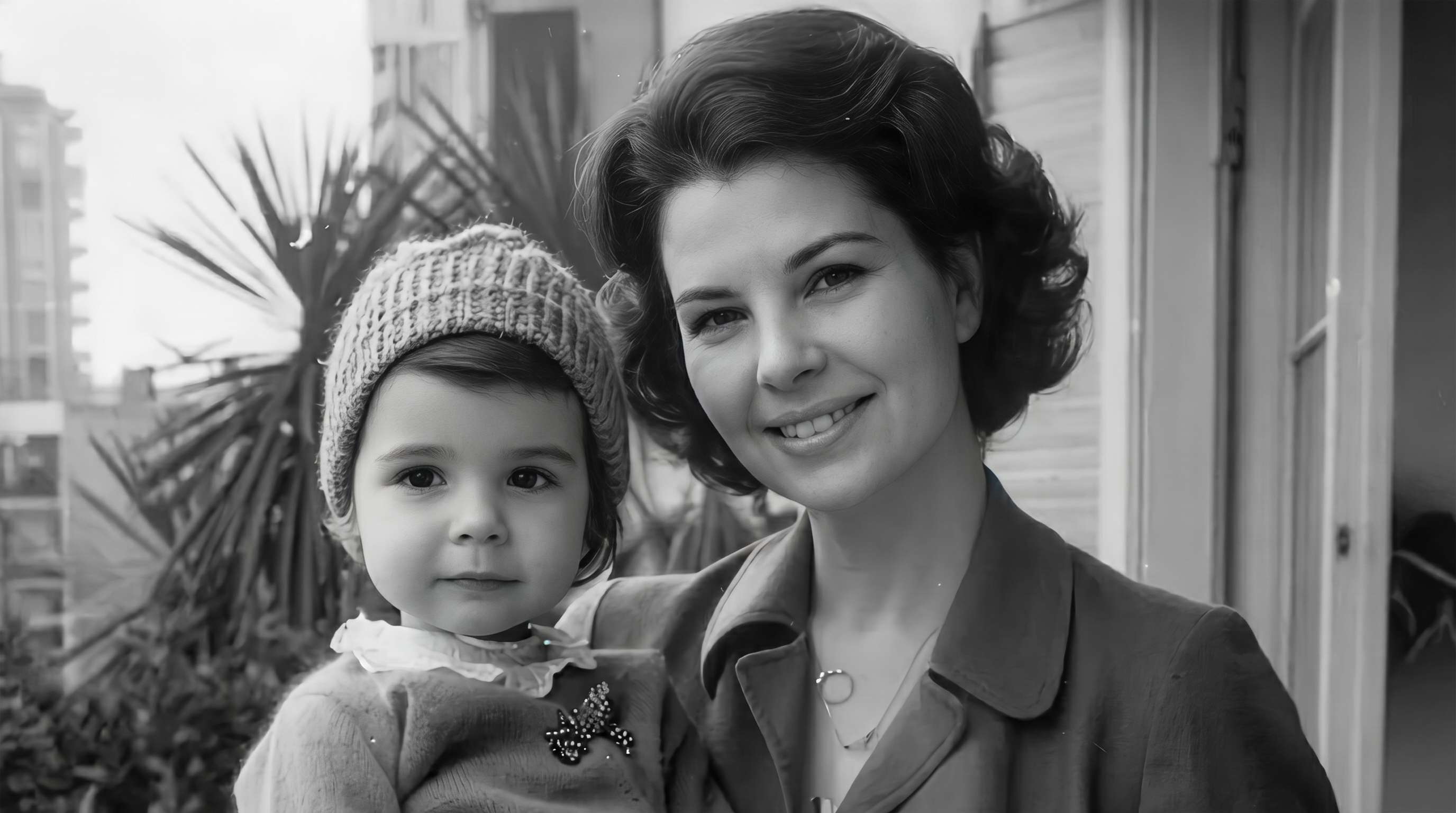
Fix Photos That Lost Quality After Messaging, Downloading, or Screenshots
A lot of images lose quality after being sent through chat apps, reposted on social media, downloaded from the web, or saved as screenshots. Repairit helps improve compressed, soft, or pixelated pictures so they look more presentable and easier to use again.


Upgrade Everyday Photos That Look Too Soft, Noisy, or Low Quality
Not every low-quality image is old. Sometimes it is a recent phone photo taken in poor light, a quick shot from social media, or an image that just looks flat and weak overall. Repairit helps improve image quality by refining detail, reducing noise, and making the photo look more polished without requiring complicated editing.


How to Turn a Low-Quality Photo into a Higher-Quality Image with Repairit

Step 1
Upload Your Photo
Upload a JPG, PNG, or WEBP image from your phone or computer. Repairit works well for low-resolution pictures, old photos, screenshots, portraits, and everyday phone images.

Step 2
Choose the Right Enhancement Mode
Select Photo Enhancement for general images or Portrait Enhancement for face-focused shots. Repairit analyzes blur, softness, noise, and quality loss automatically.

Step 3
Preview and Download the Improved Image
Compare the before-and-after result, then download the version that looks best. It’s a simple way to convert low quality photo to high quality without a complex editing workflow.
Why Choose Repairit to Improve Low-Quality Images?
✨ Natural-Looking Results
Repairit helps improve detail, clarity, and sharpness without making photos look harsh, fake, or heavily processed.
📷 Built for Real Quality Problems
From old family photos to low-resolution downloads, low-light phone shots, and compressed screenshots, Repairit is designed for the kinds of image quality issues people actually deal with.
⚡ Easy for Anyone to Use
You can improve a low quality photo to high quality online in just a few clicks, even if you have never used a professional photo editor before.
❤️ Better for Important Photos
When a picture matters, you usually want it to look clearer—not artificially remade. Repairit gives you a faster, simpler way to improve image quality while keeping the photo believable.
Explore More Photo Enhancer Features
Enhance your photos by improving clarity, resolution, lighting, and overall quality in seconds with AI.
Frequently Asked Questions
Upload your photo to Repairit, choose Photo Enhancement or Portrait Enhancement, and let AI improve blur, softness, noise, and visible quality loss automatically. You can then preview the result and download the improved image in just a few clicks.
AI can improve many low-quality images by sharpening details, reducing noise, and making the photo look clearer overall. But if the original file is extremely small, heavily compressed, or badly blurred, no tool can fully recreate every detail that was never captured.
In many cases, yes. Repairit can help improve low-resolution or older images so they look better when enlarged or printed, especially when the original still contains usable detail.
Images often lose quality because chat apps and social platforms compress files to save space and speed up sharing. That compression can make pictures look blurry, dull, or pixelated compared with the original.
Yes. Repairit’s Portrait Enhancement is designed for face-focused images, helping improve facial detail and clarity while keeping skin tones and features more natural-looking.
In many cases, yes. Repairit can help improve old family photos, faded scans, and soft portraits by making important details easier to see and preserving the overall feeling of the image.
Repairit offers an easy way to try photo enhancement online, and it supports common formats such as JPG, JPEG, PNG, BMP, and WEBP. The best results usually come from starting with the highest-quality original you have available.
Hot Topics
Comprehensive How-to Guides
Want to enhance your photo? Click to enter the Photo Enhancer Workbench and make it clearer in just a few clicks!


