Upscale Image to 8K Online Free






Prepare Wallpapers and Digital Art for 8K Screens
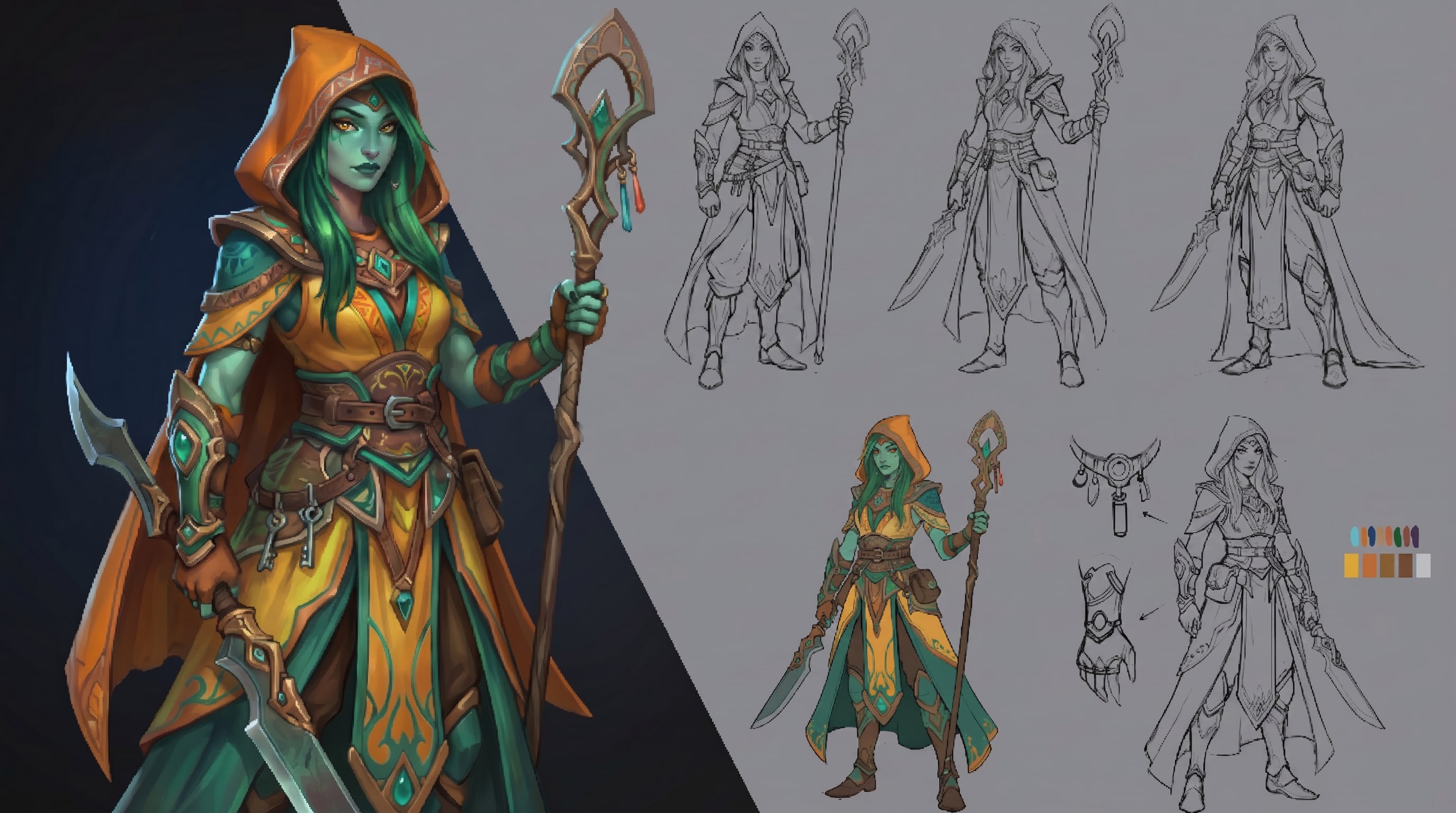
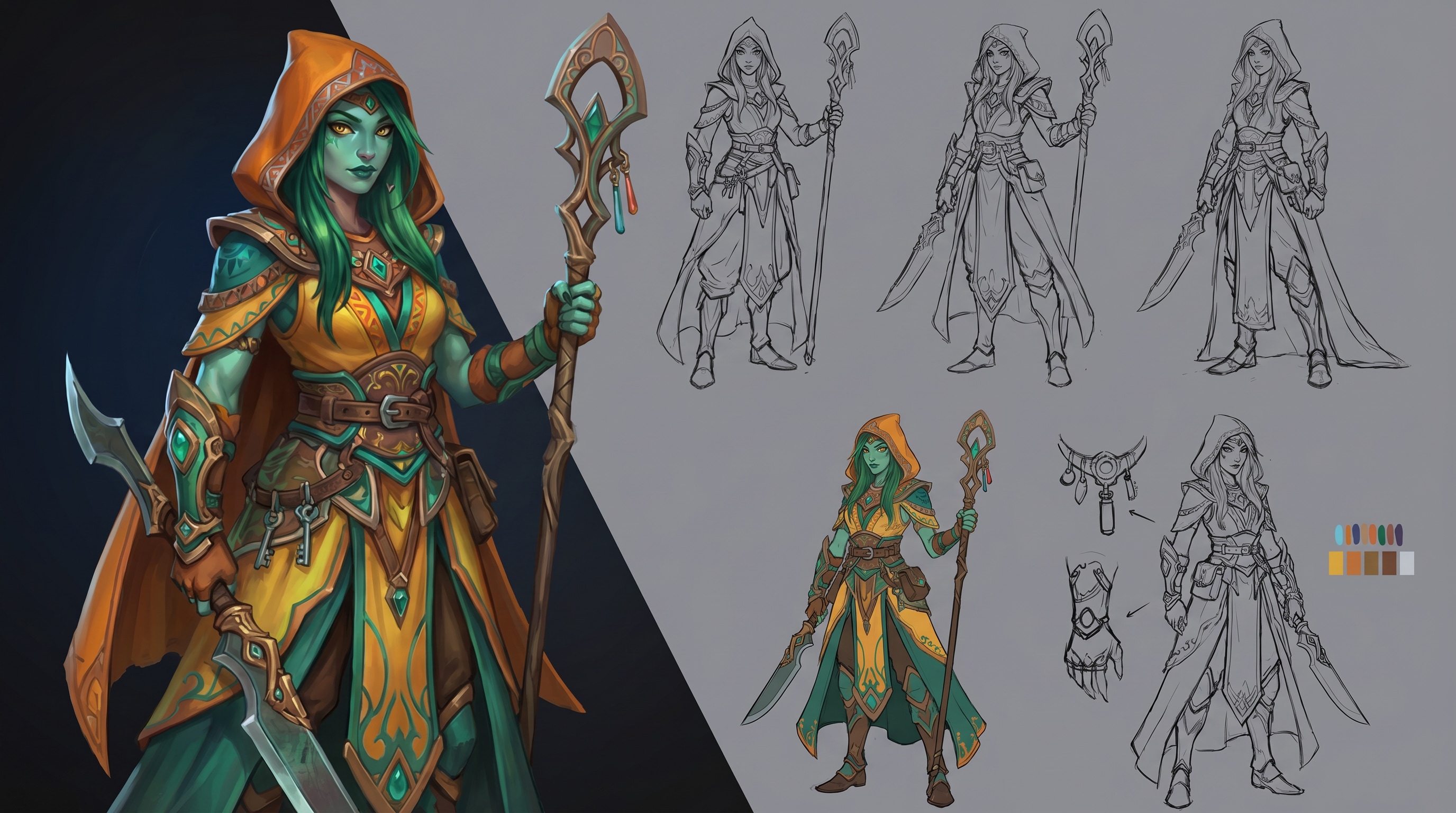
A lot of images look acceptable on a phone or laptop, then fall apart on a large monitor or TV. Repairit helps upscale image 8K projects for wallpapers, fan art, game art, and digital illustrations so they look cleaner and more impressive on bigger displays.


Enlarge Presentation Graphics and Event Visuals
When you need visuals for keynote slides, digital signage, booth screens, menus, or branded displays, small source images often look too soft once stretched. Repairit helps enlarge those assets with better clarity so your message looks more polished in front of an audience.


Improve Concept Art, 3D Renders, and Creative Portfolio Images
Designers and creators often want to present concept art, AI artwork, or 3D renders at a higher spec without rebuilding the whole asset from scratch. Repairit gives you a practical image upscaler 8K workflow for turning smaller creative files into cleaner visuals for client review, portfolio pages, and showcase screens.
Upscale Scanned Photos, Covers, and Artwork for Premium Prints
People also want to enlarge old cover art, scanned illustrations, album artwork, or sentimental photos for framing and display. Repairit helps make those images larger and more usable for high impact printing while improving softness, weak detail, and visible quality loss.


How to Upscale Image to 8K with Repairit

Step 1
Upload Your Image
Upload a JPG, PNG, or WEBP file from your phone or computer. Repairit works well for wallpapers, artwork, presentation graphics, scanned photos, covers, and other images you want to enlarge for a higher resolution result.

Step 2
Choose the Right Enhancement Mode
Select Photo Enhancement for general images, artwork, and design visuals. Repairit analyzes resolution, softness, noise, and visible detail automatically so you can improve image quality without complicated manual editing.

Step 3
Preview and Download the Enlarged Image
Compare the before and after result, then download the version that looks best. It is a simple way to upscale image to 8K online for larger viewing, presentation, or print preparation.
Why Choose Repairit to Upscale Images to 8K?
Bigger images with more usable detail
Repairit does more than stretch pixels. It helps improve clarity, texture, and overall presentation so enlarged images look cleaner and more usable.
Built for real large screen and large format needs
From 8K wallpapers and event visuals to creative portfolios and printed artwork, Repairit fits the kinds of projects where image size and image quality both matter.
Easy for creators, teams, and everyday users
You do not need advanced editing skills to use it. If you are looking for an 8K image upscaler for a quick but polished result, Repairit gives you a simple workflow.
Honest about what upscaling can and cannot do
AI can improve many low resolution or undersized images, but it cannot invent perfect native detail that was never captured in the original file. The final result always depends on the quality of the source image.
Explore More Photo Enhancer Features
Enhance your photos by improving clarity, resolution, lighting, and overall quality in seconds with AI.
Frequently Asked Questions
Upload your image to Repairit, choose Photo Enhancement, and let AI enlarge the file while improving softness, clarity, and visible detail. You can then preview the result and download the version that looks best.
It can improve the appearance of detail and make an image look cleaner and sharper at a larger size, especially when the original still has usable information. But no tool can fully recreate perfect native 8K detail if the source image is extremely small or poor in quality.
Yes. Repairit can help enlarge artwork, scanned photos, covers, and visual assets so they are more suitable for poster size use, framed prints, and other larger format output.
Yes. It is useful for wallpapers, digital art, fan art, presentation backgrounds, and other visuals that need to look better on larger monitors, TVs, and display screens.
Yes. Repairit can help improve smaller creative files when you want a cleaner, higher resolution version for portfolios, client presentation, or large screen viewing.
Not always. AI can significantly improve many images, but the final quality depends on the original file. If the source is too compressed, too blurry, or missing too much detail, no tool can turn it into a perfect native 8K image.
Repairit supports common image formats including JPG, JPEG, PNG, BMP, and WEBP, making it easy to upscale image 8K projects from phones, computers, scans, and design exports.
Hot Topics
Comprehensive How-to Guides
Want to enhance your photo? Click to enter the Photo Enhancer Workbench and make it clearer in just a few clicks!


