Relumi - AI Photo Enhancer
Nano Banana Pro
Relumi - AI Photo Enhancer
Nano Banana Pro
Relumi - AI Photo EnhancerAI Photo Retake:
Fix Closed Eyes in Photo and Save Best Portraits


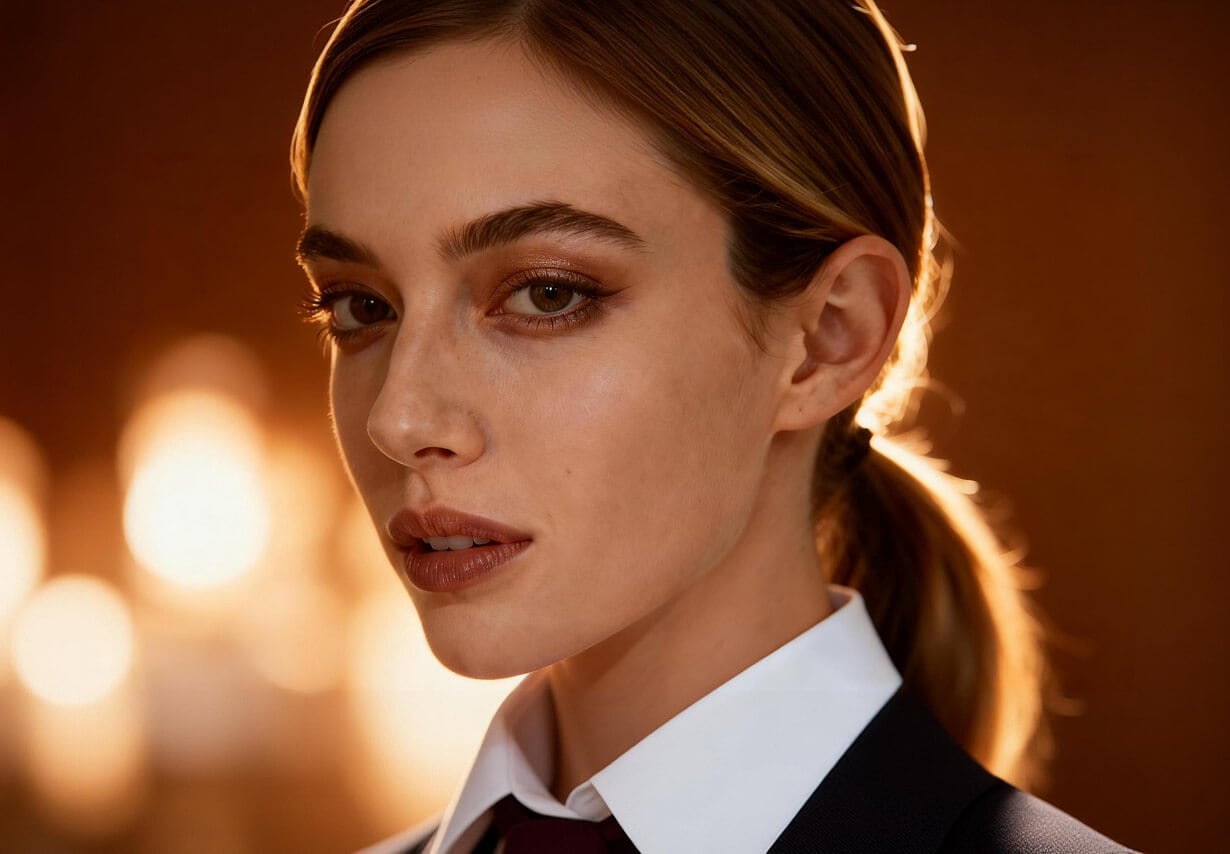
How Relumi Fixes Closed Eyes in Photo & Enhances Portrait
With Nano Banana Pro, Relumi' AI photo retake can fix closed eyes in photo and refine a single-person portrait from the inside out, analyzing face structure, pose, and lighting so the final image still feels like the original moment, just better.
Smart Face & Pose Detection for Your Portrait
Relumi focuses on portrait in the frame, detecting facial landmarks, eye state (closed or half-closed), and overall pose.
This allows Relumi to decide how to fix closed eyes in photo while keeping your natural proportions and expression.
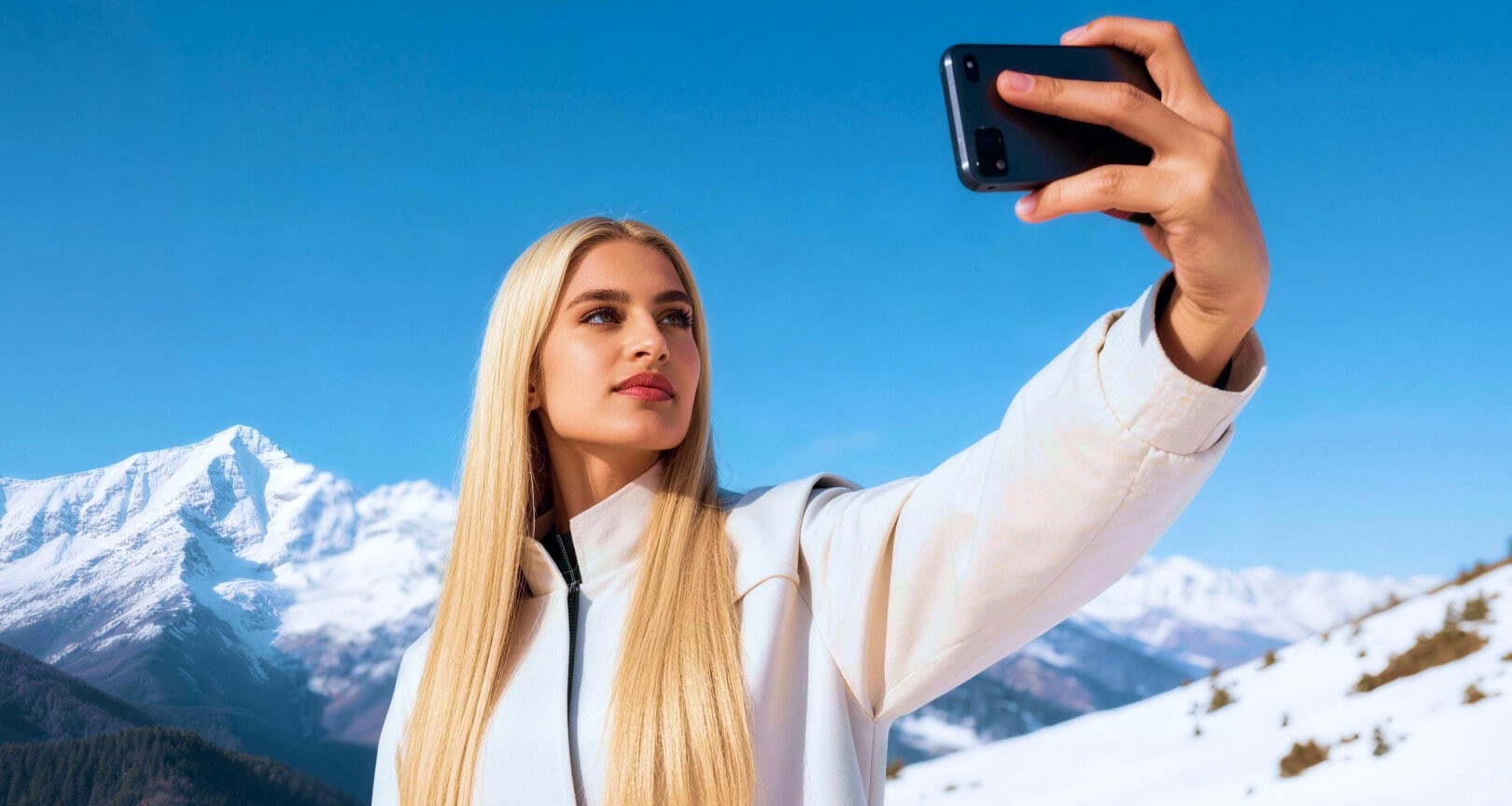
Smart Face & Pose Detection for Your Portrait
Relumi focuses on portrait in the frame, detecting facial landmarks, eye state (closed or half-closed), and overall pose.
This allows Relumi to decide how to fix closed eyes in photo while keeping your natural proportions and expression.
- Let Relumi automatically find where your eyes are closed in photo, no need to draw masks or select areas.
- Keep your own face shape and features instead of getting a “different person” after editing.
- Get smarter results when your head is slightly tilted or your pose isn't perfectly straight.
 Try It free
 Try It free
Open Your Eyes Naturally and Polish Details
Relumi then opens closed eyes in photo in a way that matches your eye shape, gaze direction, and facial structure.
At the same time, it can subtly refine key facial details around the eyes, nose, and mouth, so the portrait looks cleaner and more polished without losing your identity.
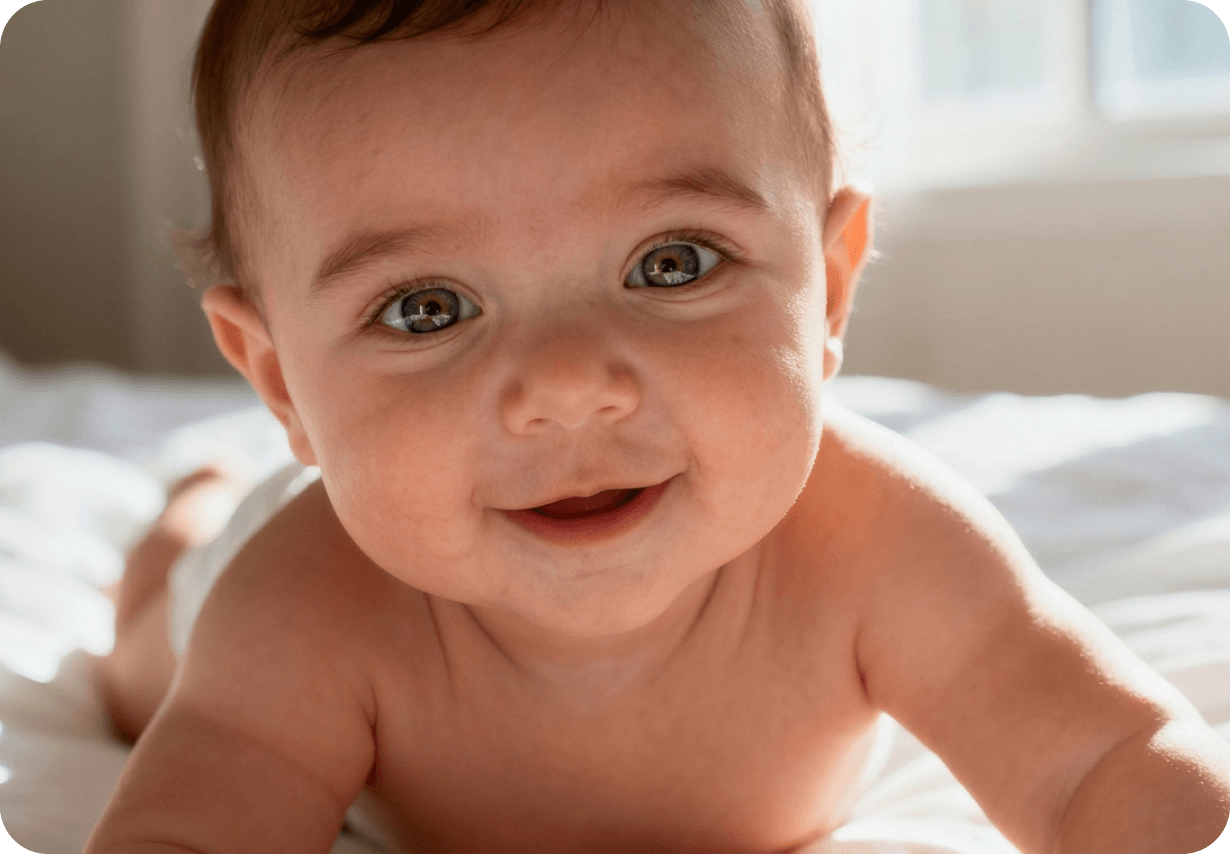
Open Your Eyes Naturally and Polish Details
Relumi then opens closed eyes in photo in a way that matches your eye shape, gaze direction, and facial structure.
At the same time, it can subtly refine key facial details around the eyes, nose, and mouth, so the portrait looks cleaner and more polished without losing your identity.
- Fix closed eyes in photo so your eyes look naturally open, not copy‑pasted or artificial.
- Gently reduce tiredness, puffiness, or small distractions around the eye and nose area.
- Make your portrait look “more awake and ready” while still looking like yourself in real life.
Fix Eyes Without Changing Lighting or Background
All adjustments to fix closed eyes in photo and refine details happen under the original lighting and in the same environment.
Relumi preserves shadows, highlights, and background, so the upgraded portrait feels like it was perfectly captured in-camera.

Fix Eyes Without Changing Lighting or Background
All adjustments to fix closed eyes in photo and refine details happen under the original lighting and in the same environment.
Relumi preserves shadows, highlights, and background, so the upgraded portrait feels like it was perfectly captured in-camera.
- Fix closed eyes in photo without breaking the light and mood you originally captured.
- Avoid weird halos, mismatched skin tones, or inconsistent shadows around your eyes.
- Use the edited portrait anywhere—social, profile, or print—without it looking obviously retouched.
Go Beyond Fixing Closed Eyes with AI Retake
Turn an almost-good photo into the one you actually wanted, with better expressions and polished details.
When to Fix Closed Eyes in Photo with Relumi
Any time you think “this would be a great portrait if my eyes weren't closed,” Relumi is the fastest way to rescue that single-person shot.
Step-by-Step Guide to Fix Closed Eyes in Photo
No editing skills required, just three simple steps in Relumi.

Add Photos into Relumi
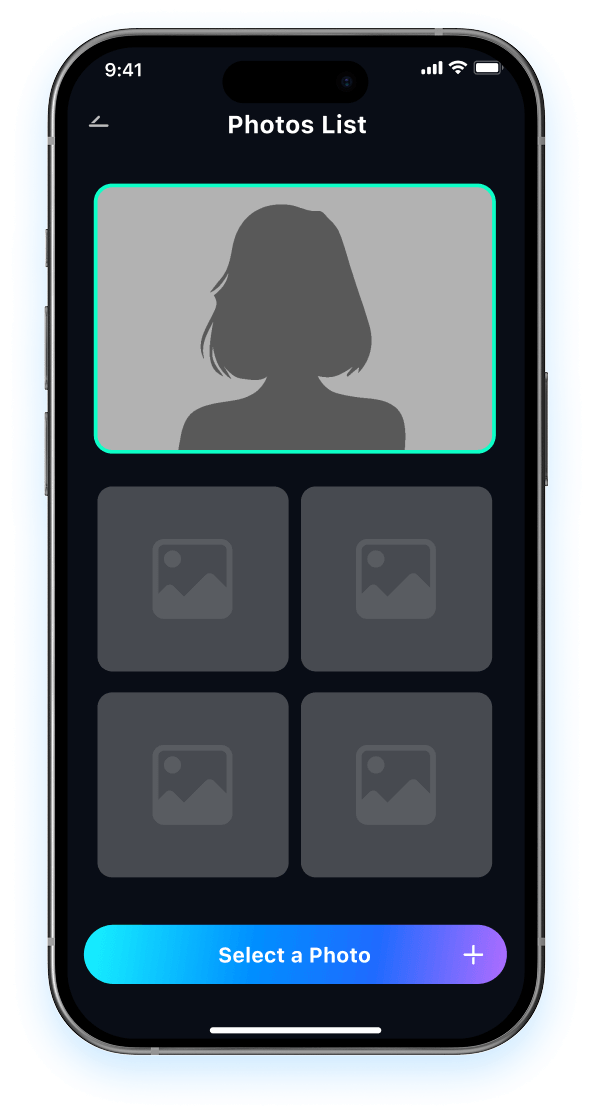
Open Relumi and select a portrait where your eyes are closed in photo, half-closed, or your pose doesn't feel right.

Choose AI Retake Mode
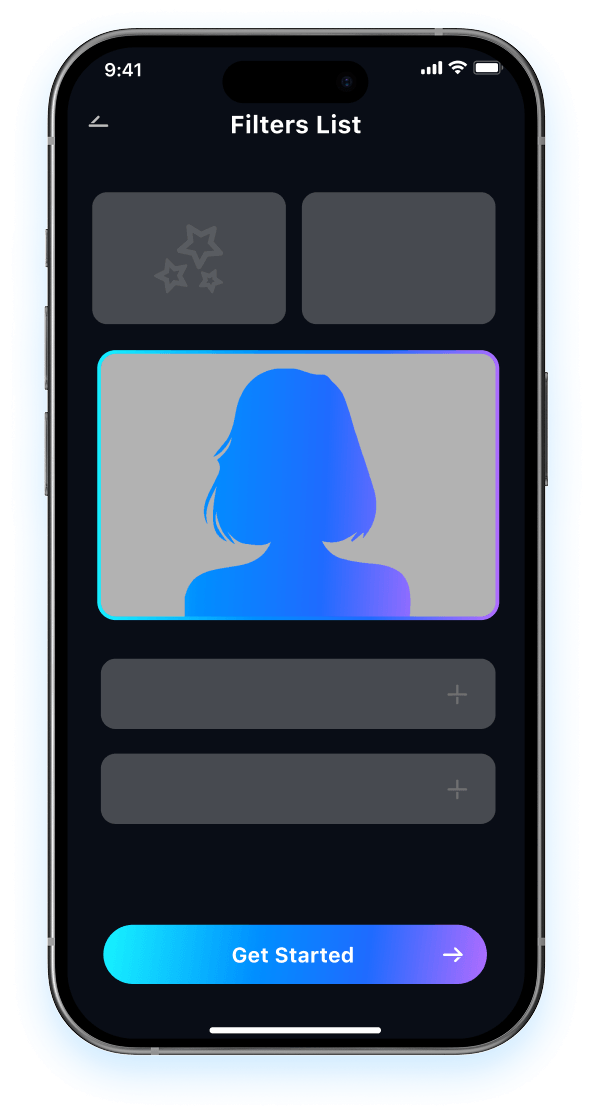
Relumi analyzes your face, pose, and lighting to fix closed eyes in photo, open your eyes naturally, and refine key facial details in one pass.

Preview and Save
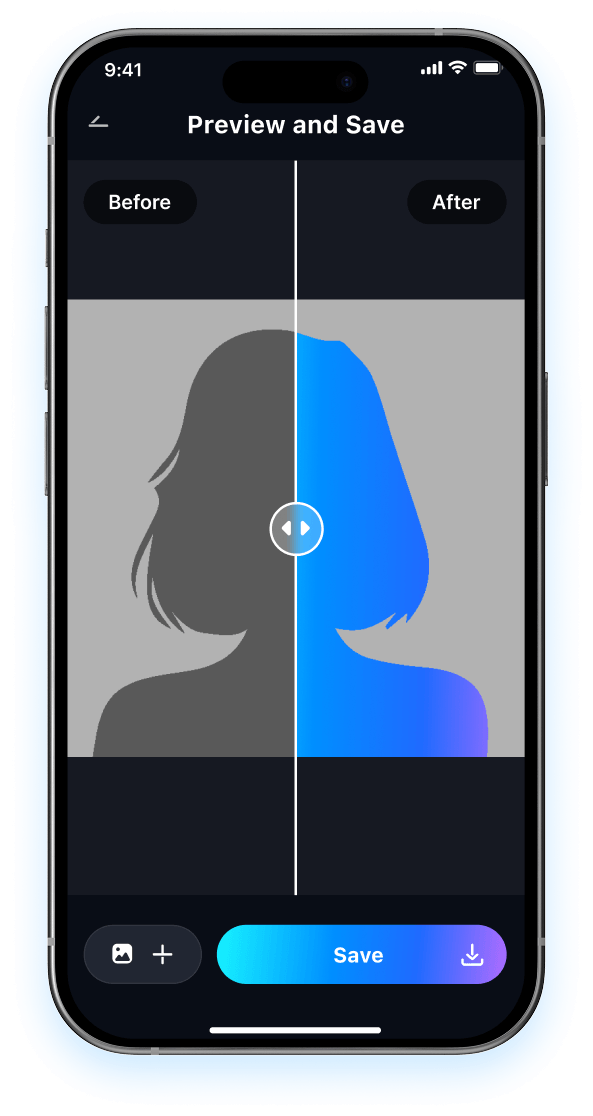
Preview the result and compare it to the original closed-eyes photo. Then save your perfect photo in high resolution, ready to share on social media.

FAQ About Fixing Closed Eyes in Photo with Relumi
1 Will the result look fake after I fix closed eyes in a photo?
2 How can I get the most natural result when I fix closed eyes in photo?
3Will Relumi change my face or expression too much?
4Is Relumi hard to use if I have never edited photos before?
5Is it safe to upload my photos to Relumi to fix closed eyes?
Explore More AI Portrait Fix Tools in Relumi
Relumi is more than a AI tool to fix closed eyes in photo, it's a full photo enhancement toolkit for your portraits.