AI Data Repair Software
to Fix Corrupted Files & Enhance Media
Wondershare Repairit is AI-powered file repair software to repair corrupted videos, photos, files, audio, and emails.Repair and enhance what matters, bringing damaged content back to its best.





From Corrupted to Restored:
One Place to Repair What Matters
As an AI data repair expert, Repairit supports 100+ formats from a wide range of devices and handles diverse damage scenarios. Trusted by millions worldwide.

Video Repair
- Batch-repair corrupted videos with Repairit's leading AI technology.
- Restore heavily damaged footage while keeping original quality and encoding.
- Rebuild damaged video structures without matching samples and recover recordings interrupted by power loss or camera errors.
- Support videos from major cameras, digital devices, and editing software.
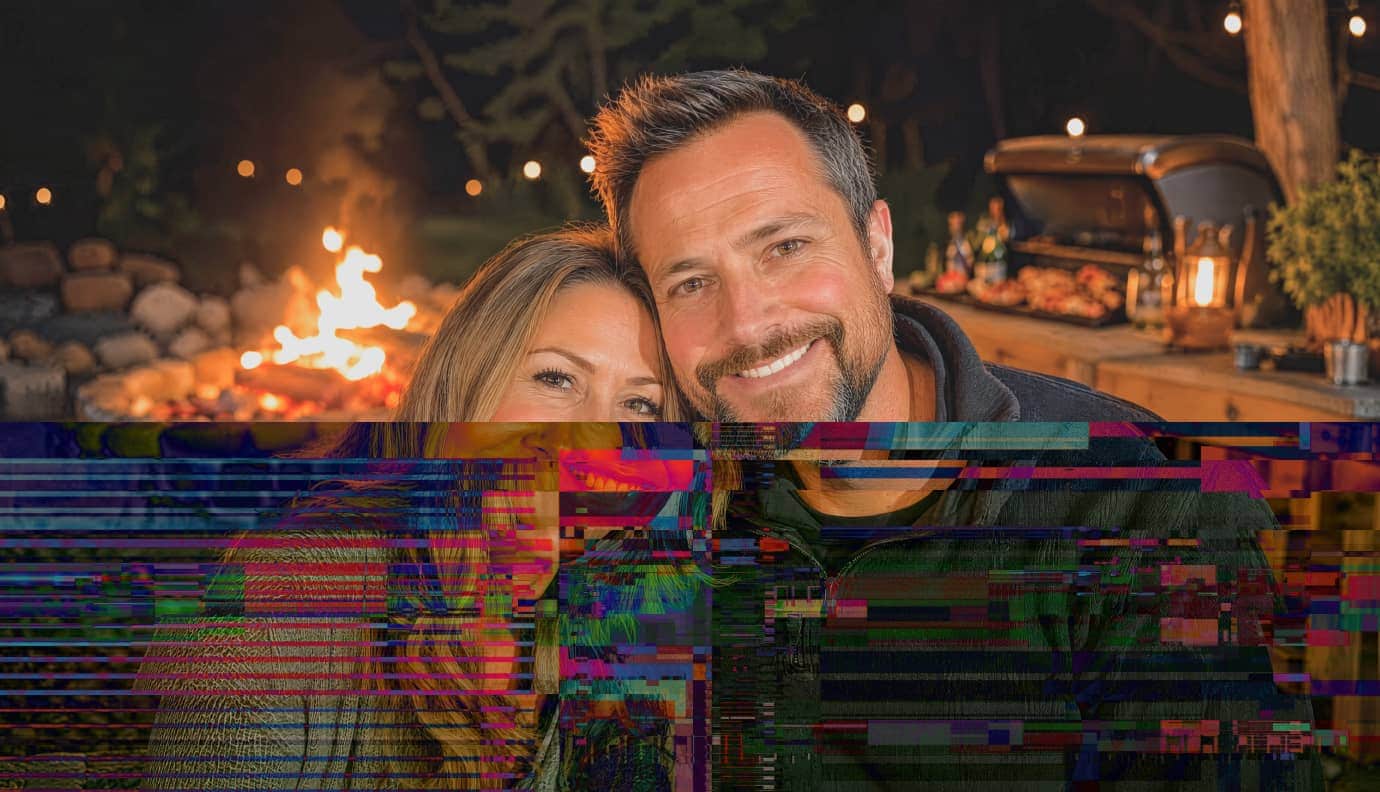
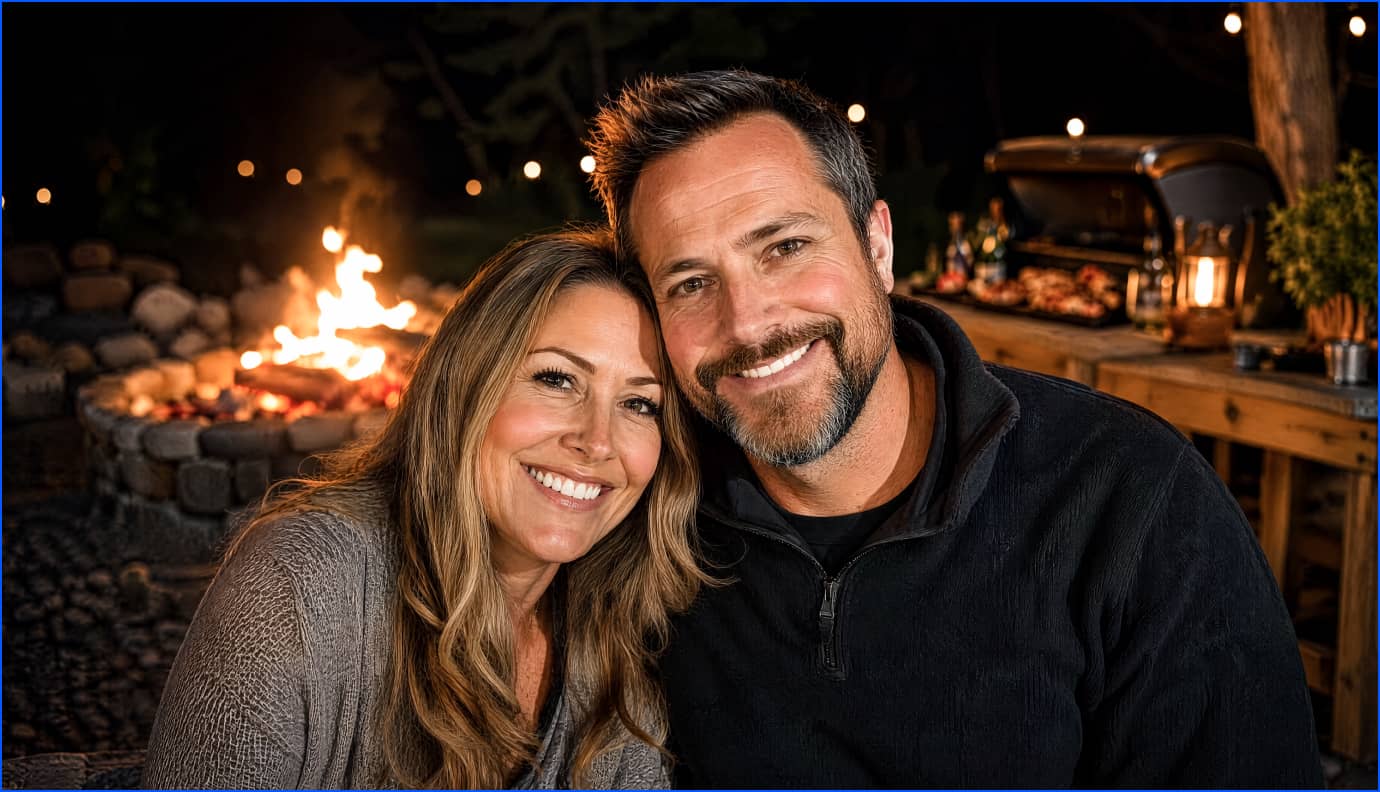







From Imperfect to Vivid
AI Enhance Every Detail to Life
Go beyond with Wondershare Repairit Free AI tools to enhance, restore, recreate, and refine photos and videos, turning everyday content into clearer, richer, and more expressive results with new looks, scenes, and possibilities.
AI Photo
Enhancer
Bring every detail into focus. Enhance sharpness, clarity, color, noise, and detail while keeping your photos natural and true like high-res masterpiece.

Old Photo
Restoration
Bring faded memories back to life. Restore scratches, fading, blur, and damage to revive old photos with clearer details and natural quality.

AI Photo
Eraser
Clear the distractions. Recreate a cleaner shot.Remove unwanted objects and distractions while keeping the image natural.

From Moments
to More
Recreate what's possible. Transform every moment with new looks, scenes, and motion.
See All AI Tools →AI Video Enhancer
Enhance video quality with AI by improving resolution, clarity, color, and detail while reducing blur and noise.

AI Photo Colorizer
Colorize black and white photos with natural, vivid tones while preserving original details and character.

AI Image to Video
Recreate still moments in motion.
Transform photos into dynamic videos and give familiar images a new way to tell their story.




One Prompt Edit
Describe it. Recreate it.
Turn simple prompts into creative photo edits, from subtle changes to bold new ideas.


AI Scene Retake
Recreate the scene. Reinvent the moment.
Transform backgrounds, settings, and atmosphere to give your photo a whole new look.
All Formats All Scenarios can Be Repaired

Full storage can prevent saving new files, cause automatic deletion of old ones, and lead to system slowdowns or crashes, risking data loss.

When the hardware like a hard drive or SSD suffers from physical trauma, it can lead to unreadable sectors and permanent data loss.

Hard drive/storage card quality issues led to the loss of some key information during the file storage process, making the video unopenable.

Improper recovery attempts can overwrite existing data, making the original files unrecoverable or further corrupting them.




Software failures, such as application crashes or system bugs, can result in unsaved work being lost and files becoming corrupted or inaccessible.

Errors during file processing, such as incorrect file operations or system errors, can make files become unusable or their content is altered.

Files can become damaged if the transfer process is interrupted, leading to incomplete or corrupted files at the destination.
Full storage can prevent saving new files, cause automatic deletion of old ones, and lead to system slowdowns or crashes , risking data loss.
When the hardware like a hard drive or SSD suffers from physical trauma, it can lead to unreadable sectors and permanent data loss.
Hard drive/storage card quality issues led to the loss of some key information during the file storage process, making the video unopenable.
Improper recovery attempts can overwrite existing data, making the original files unrecoverable or further corrupting them.
Software failures, such as application crashes or system bugs, can result in unsaved work being lost and files becoming corrupted or system slowdowns or crashes , risking data loss.

Errors during file processing, such as incorrect file operations or system errors, can make files become unusable or their content is altered.
Files can become damaged if the transfer process is interrupted, leading to incomplete or corrupted files at the destination.
One Solution for Every File, Every Need

Repair the corrupted video files from any camera devices and stimulate unlimited creativity.

Repair damaged media, then enhance, edit, and reimagine it with AI.

Restore evidential materials like TIFF , EML, and PST to safeguard fairness and justice.

Repair corrupted Office files and keep the daily work running smoothly.

Recover and repair corrupted research documents and data to keep important academic work safe.

Colorize old photos with AI and regain old memories. Keep every precious memory alive.
Why Repairit? Your Data Repair Expert


Patented Data Repair Tech
Repairit's patented AI technology ensures top-quality file repair, reviving precious data with precision.

Handle All Corruption Scenarios
Repairit tackles file corruption from power surges, crashes, and updates, restoring files across formats and devices.

AI-Driven Repair Quality
With AI at its core, Repairit delivers results that guarantee the reliable repair of your precious data.

23+ Years of Data Expertise
Repairit's 22+ years of expertise establish itself as a trusted authority in the field. Explore Data Repair Hub.

Easy to use
Repair multiple corrupted files in batches with an intuitive interface and just a few clicks. No learning curve required.

Flexible Across Every Platform
Across desktop, online, and mobile, Repairit lets you repair and enhance file for different formats, devices, and needs.
Trusted in Tech. Loved by Users.


Repairit combines AI-powered repair with tools that go beyond fixing broken files. You can restore corrupted videos, photos, and documents, process several files together, and enhance media by upscaling blurry video, reducing grain, or colorizing old photos. For heavily damaged footage, a matching sample file can help guide a deeper repair process.

With Repairit, you can fix your corrupted files in three simple steps, irrespective of the level of damage. Add corrupted videos, images, or files with the browse option or drag/drop facility. You can repair the broken videos, photos, or files in batches. Preview the fixed files and save them to the desired location. Repairit has an intuitive interface that makes it simple for novices to repair corrupted videos quickly. Its Advanced Repair option even enables you to restore severely damaged videos.

Repairit boosts the productivity of your work through its useful features like batch repair, allowing you to repair multiple files at the same time. The tool also provides you with a special feature for previewing the file before saving the new changes just to make sure it is up to your requirements or standards.

If other repair methods fall short, Repairit offers a straightforward way to work with corrupted videos without overwhelming you with unnecessary options. You can add damaged files, let the software analyze and repair them, and move through the process quickly. Its simple design makes practical video repair easy to try.

Repairit makes file repair approachable with a clean, intuitive interface and support for many common formats. You can repair photos, videos, audio, and documents on Mac or PC, preview results before saving, and use Advanced Repair for more serious corruption. Online and desktop options also give you flexibility in how you work.
Repairit combines AI-powered repair with tools that go beyond fixing broken files. You can restore corrupted videos, photos, and documents, process several files together, and enhance media by upscaling blurry video, reducing grain, or colorizing old photos. For heavily damaged footage, a matching sample file can help guide a deeper repair process.
With Repairit, you can fix your corrupted files in three simple steps, irrespective of the level of damage. Add corrupted videos, images, or files with the browse option or drag/drop facility. You can repair the broken videos, photos, or files in batches. Preview the fixed files and save them to the desired location. Repairit has an intuitive interface that makes it simple for novices to repair corrupted videos quickly. Its Advanced Repair option even enables you to restore severely damaged videos.
Repairit boosts the productivity of your work through its useful features like batch repair, allowing you to repair multiple files at the same time. The tool also provides you with a special feature for previewing the file before saving the new changes just to make sure it is up to your requirements or standards.
If other repair methods fall short, Repairit offers a straightforward way to work with corrupted videos without overwhelming you with unnecessary options. You can add damaged files, let the software analyze and repair them, and move through the process quickly. Its simple design makes practical video repair easy to try.
Repairit makes file repair approachable with a clean, intuitive interface and support for many common formats. You can repair photos, videos, audio, and documents on Mac or PC, preview results before saving, and use Advanced Repair for more serious corruption. Online and desktop options also give you flexibility in how you work.


I spent three hours working on a PowerPoint for a customer, only for the file to become completely unreadable at 11 p.m. while I was on deadline. Rebuilding it wasn't an option. Repairit really saved my butt. Within seconds, my document was perfectly readable again. All in all, a clear recommendation.

This little program really is a wonder. It has saved my footage more times than I can count. As a filmmaker, those terrifying moments when footage gets corrupted or doesn't finish writing to the card are the worst. I always want Repairit on my laptop. Don't leave home without it!

I spent three hours working on a PowerPoint for a customer, only for the file to become completely unreadable at 11 p.m. while I was on deadline. Rebuilding it wasn't an option. Repairit really saved my butt. Within seconds, my document was perfectly readable again. All in all, a clear recommendation.

I lost a 15-minute interview that would have meant travelling back six hours to re-film. This software absolutely saved my arse! I very rarely review anything, but I had to jump in here because it was sooooo good.

After a system update failed on my Android phone, it became sluggish and glitchy. Dr.Fone's repair tool fixed all the update issues quickly. I didn't lose any data and my phone is working like new again.

I felt Repairit did a better job than the other tools I'd tried. What I really liked was that while restoring my old photograph, it didn't drastically change the original look. Keeping that originality made the result much more meaningful to me.
I spent three hours working on a PowerPoint for a customer, only for the file to become completely unreadable at 11 p.m. while I was on deadline. Rebuilding it wasn't an option. Repairit really saved my butt. Within seconds, my document was perfectly readable again. All in all, a clear recommendation.
This little program really is a wonder. It has saved my footage more times than I can count. As a filmmaker, those terrifying moments when footage gets corrupted or doesn't finish writing to the card are the worst. I always want Repairit on my laptop. Don't leave home without it!
I spent three hours working on a PowerPoint for a customer, only for the file to become completely unreadable at 11 p.m. while I was on deadline. Rebuilding it wasn't an option. Repairit really saved my butt. Within seconds, my document was perfectly readable again. All in all, a clear recommendation.
I lost a 15-minute interview that would have meant travelling back six hours to re-film. This software absolutely saved my arse! I very rarely review anything, but I had to jump in here because it was sooooo good.
After a system update failed on my Android phone, it became sluggish and glitchy. Dr.Fone's repair tool fixed all the update issues quickly. I didn't lose any data and my phone is working like new again.
I felt Repairit did a better job than the other tools I'd tried. What I really liked was that while restoring my old photograph, it didn't drastically change the original look. Keeping that originality made the result much more meaningful to me.