AI Media File Repair Software for
Windows & Mac
Go Deeper with Repair.
Go Further with AI.
Wondershare Repairit Desktop repairs corrupted or severely damaged videos, photos, files, and audio with advanced AI technology. Batch repair large files, handle complex corruption, preview results before saving , then enhance, edit, and recreate photos and videos with AI on Windows and Mac.
100+ Formats | Batch Repair | Advanced Repair | No Limit|Win & Mac






Severe and complex corruption

Large professional media and project files

Multiple repair tasks at once

Repair, enhance, edit, and recreate
All Files. All Formats. One Pro-Grade Media File Repair Tool
Video Repair
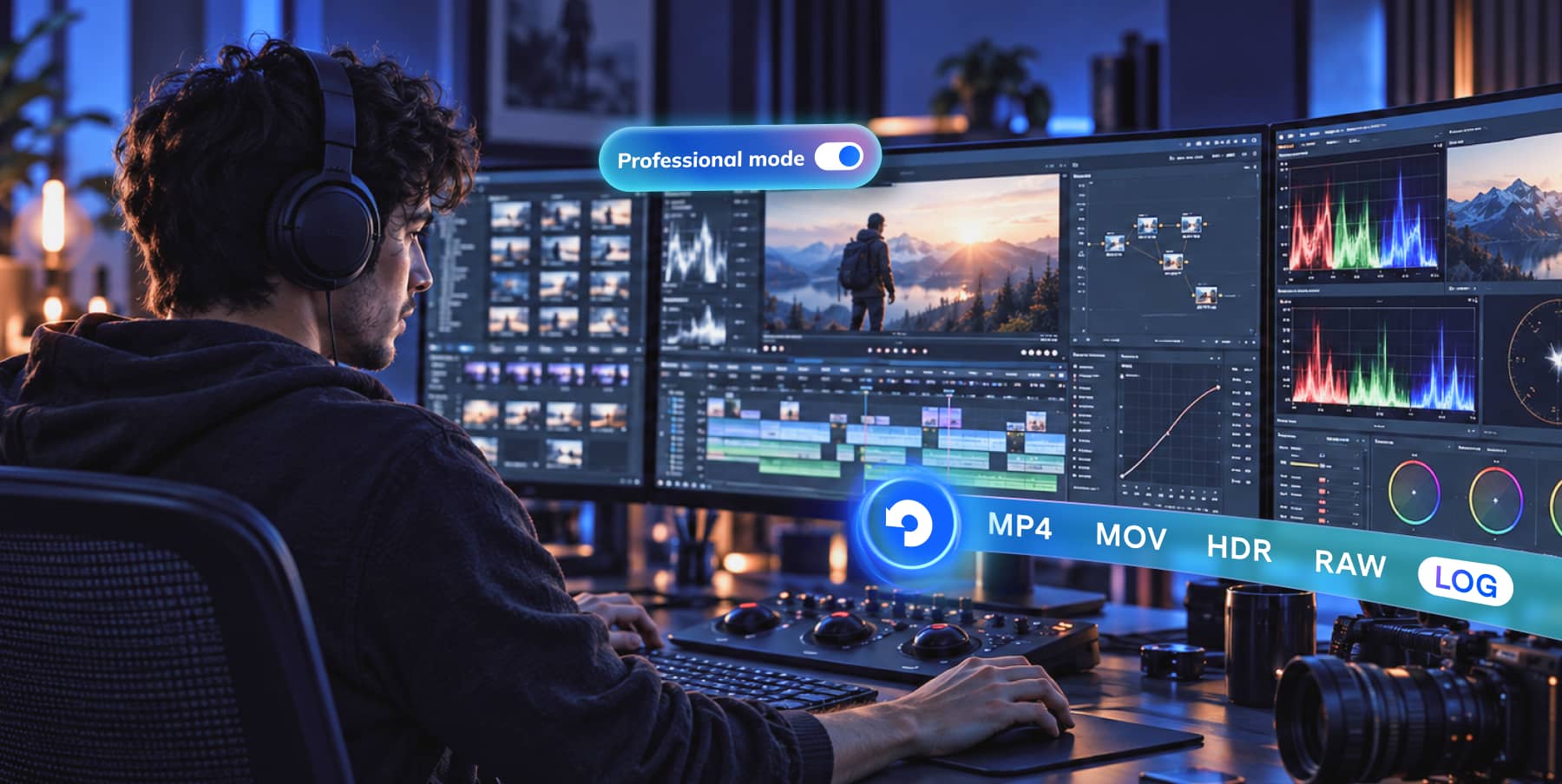
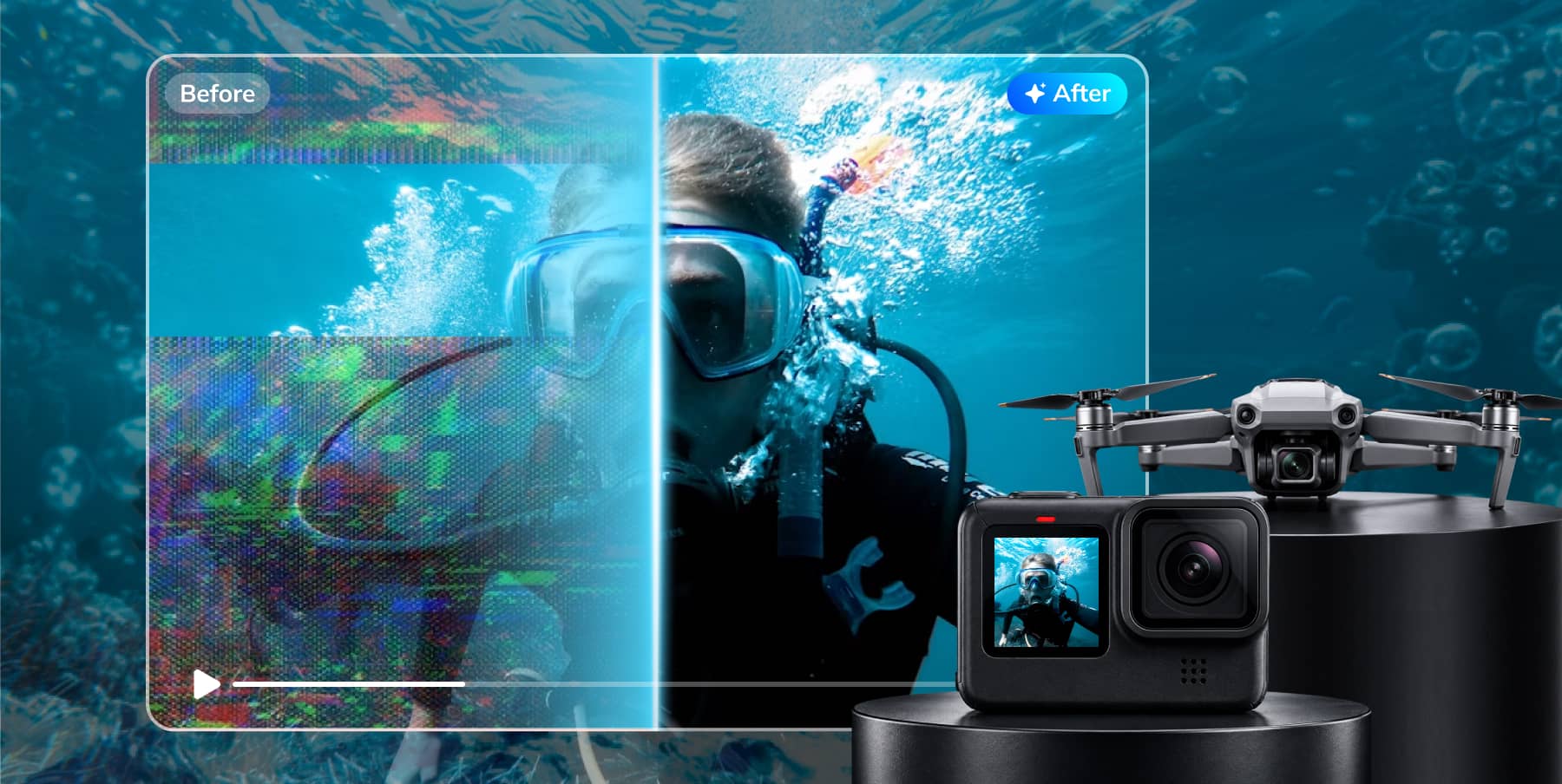
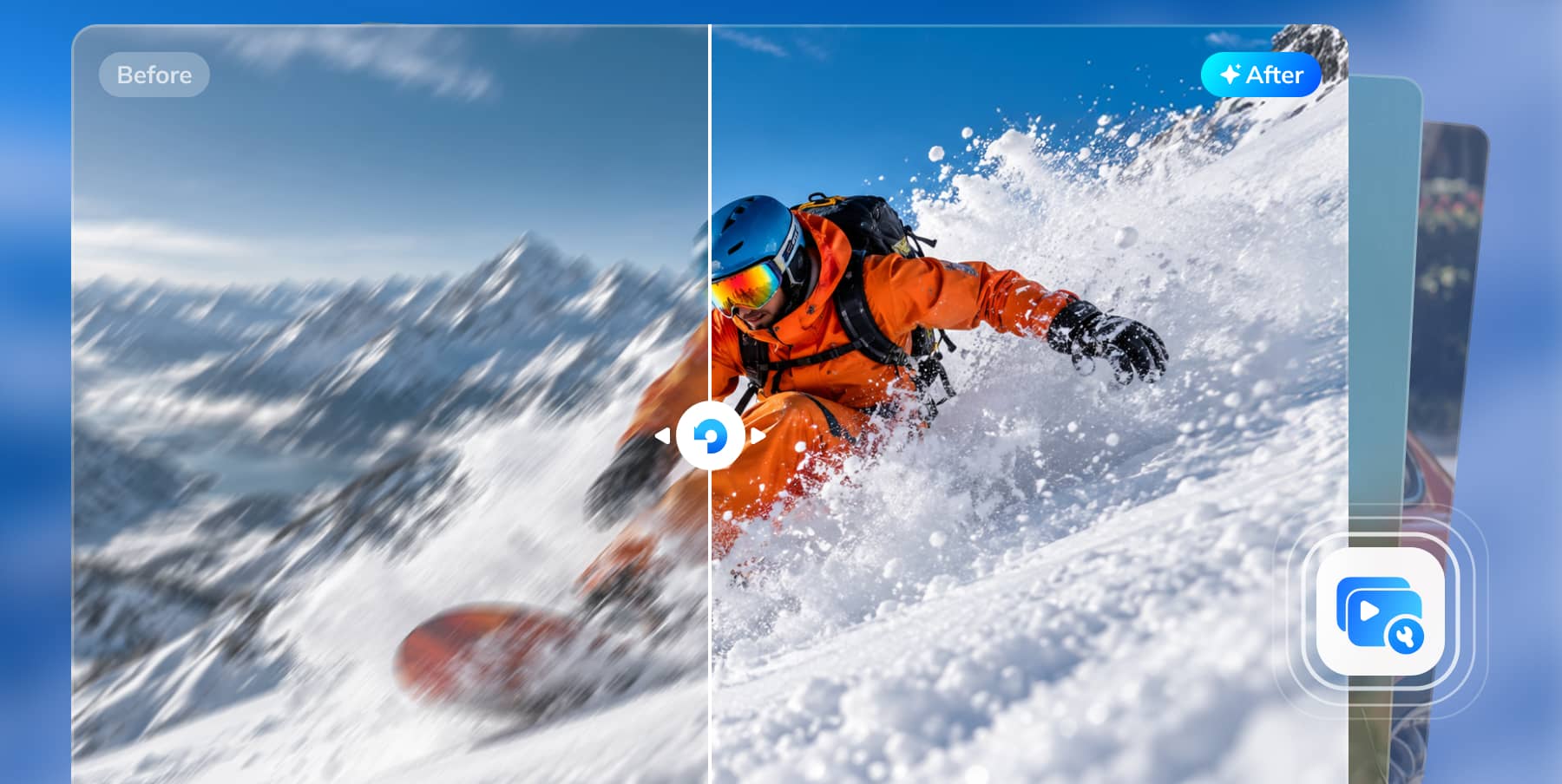
Repair corrupted or severely damaged videos with advanced AI repair modes. Preserve original quality and encoding, handle interrupted recordings and sample-free repair, and batch process footage from major cameras and editing software.
Photo Repair
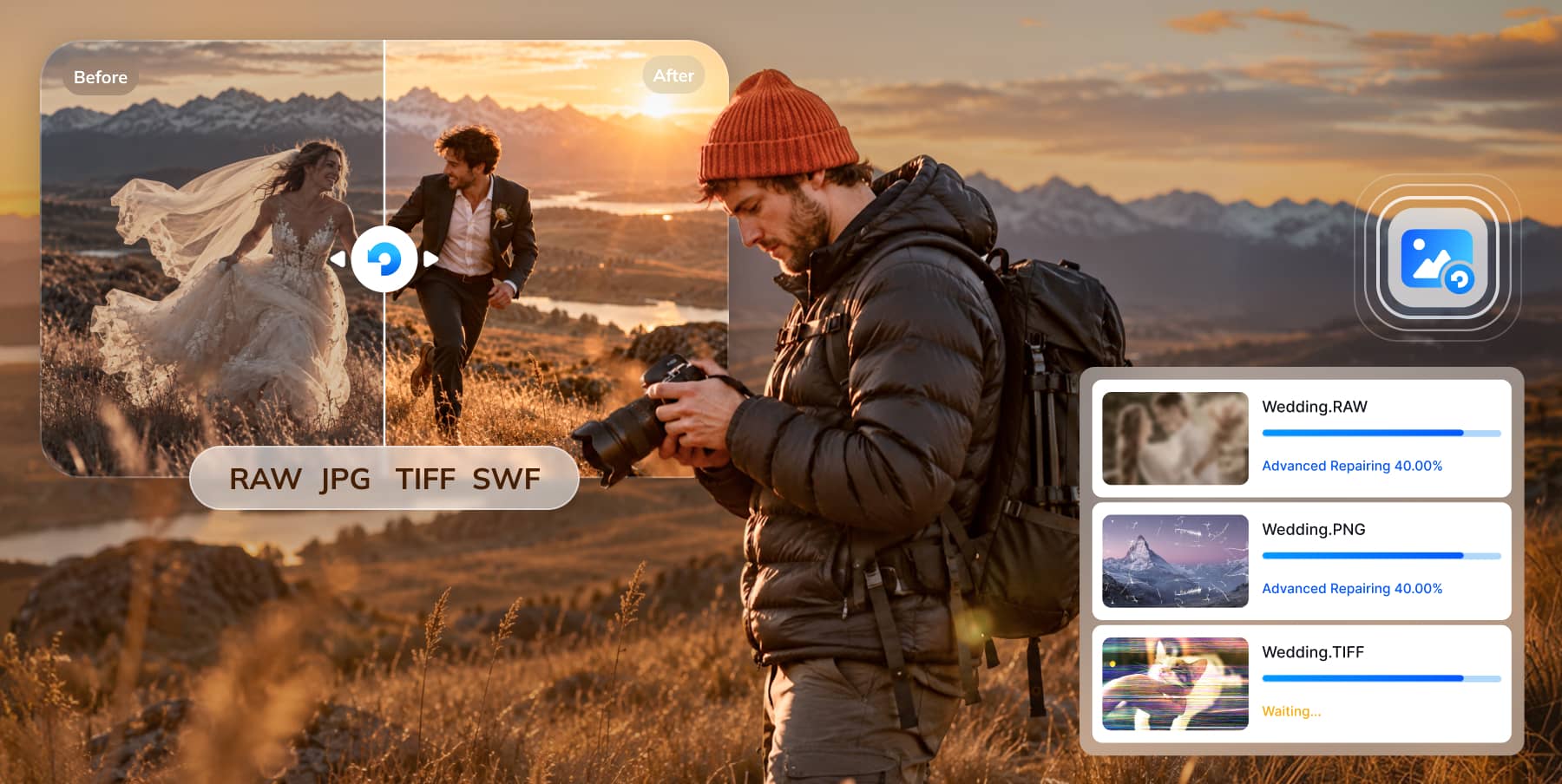
Repair damaged photos across common, RAW, and specialized formats. Batch restore severely corrupted images while preserving original details from cameras and digital devices.
File Repair
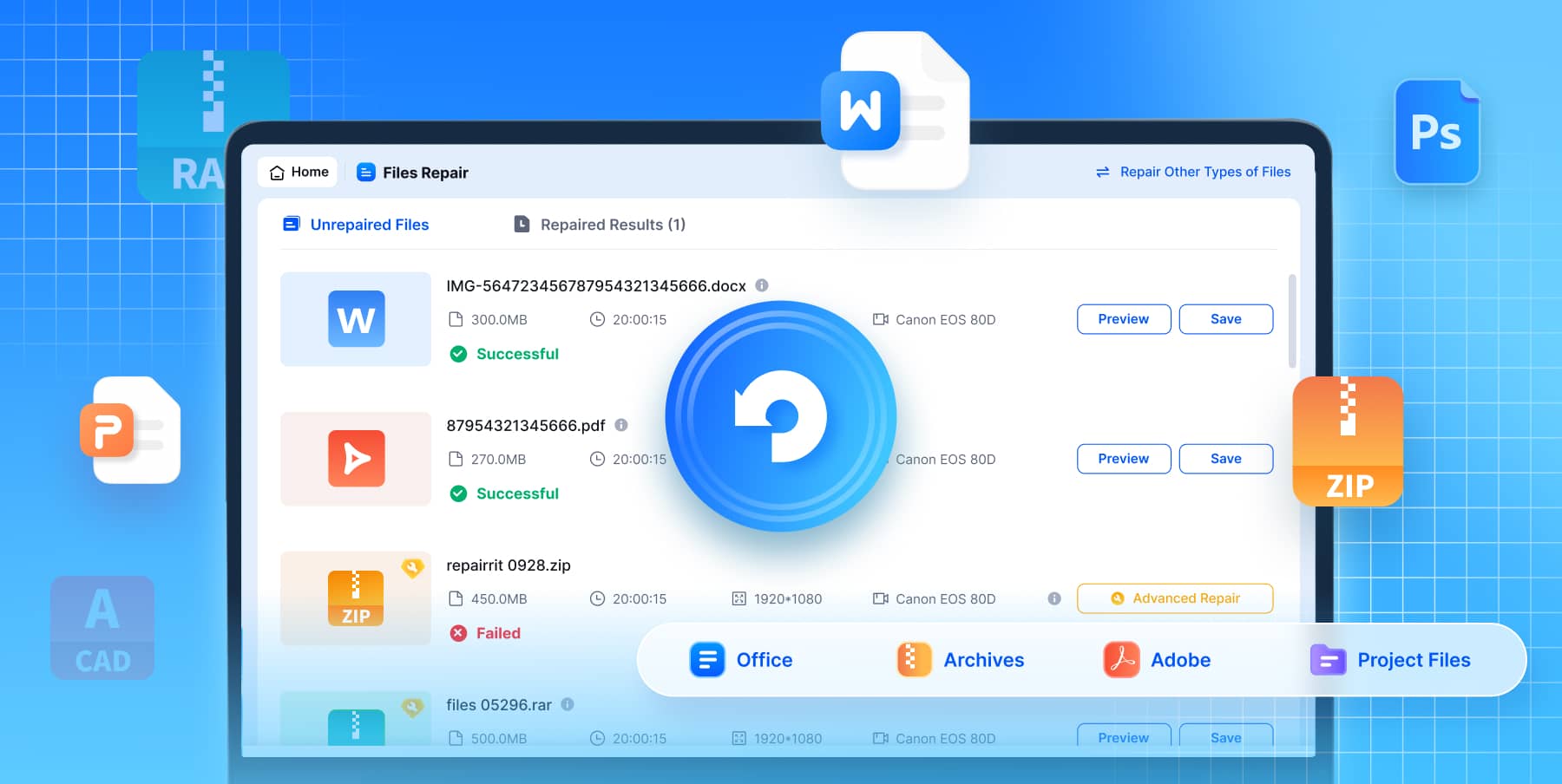
Repair Office documents, PDFs, archives, Adobe files, and professional project files. Handle large files and batch repairs while preserving original content, formatting, and structure.
Audio Repair
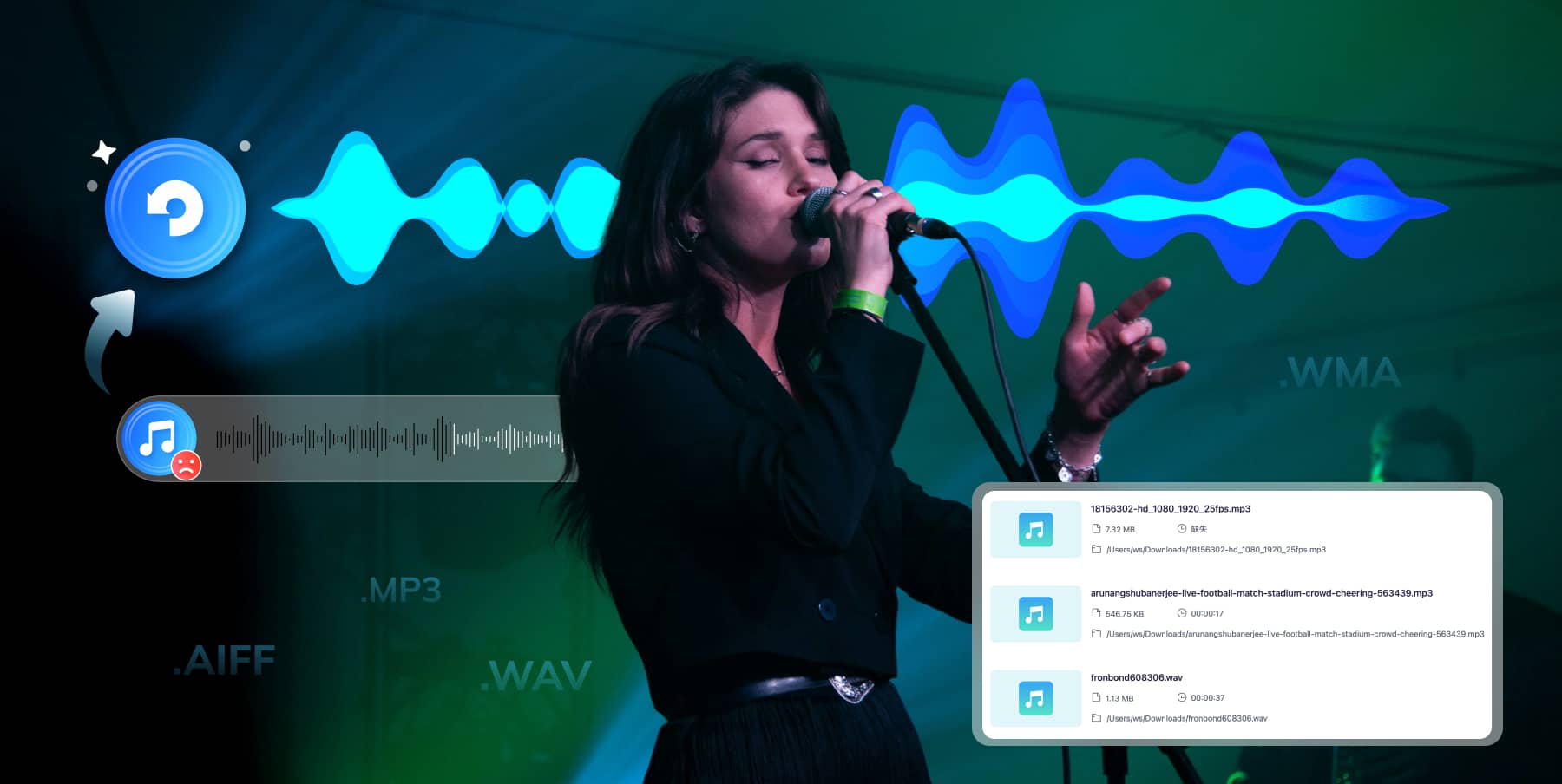
Major & lossless formats
batch repair
recording corruption
desktop-specific repair capability.
Enhance. Edit. Recreate. One AI Workflow.


AI Photo Enhancer
Improve blurry photos, pixel quality, and facial details with AI for clearer, more polished images.

Old Photo Restoration
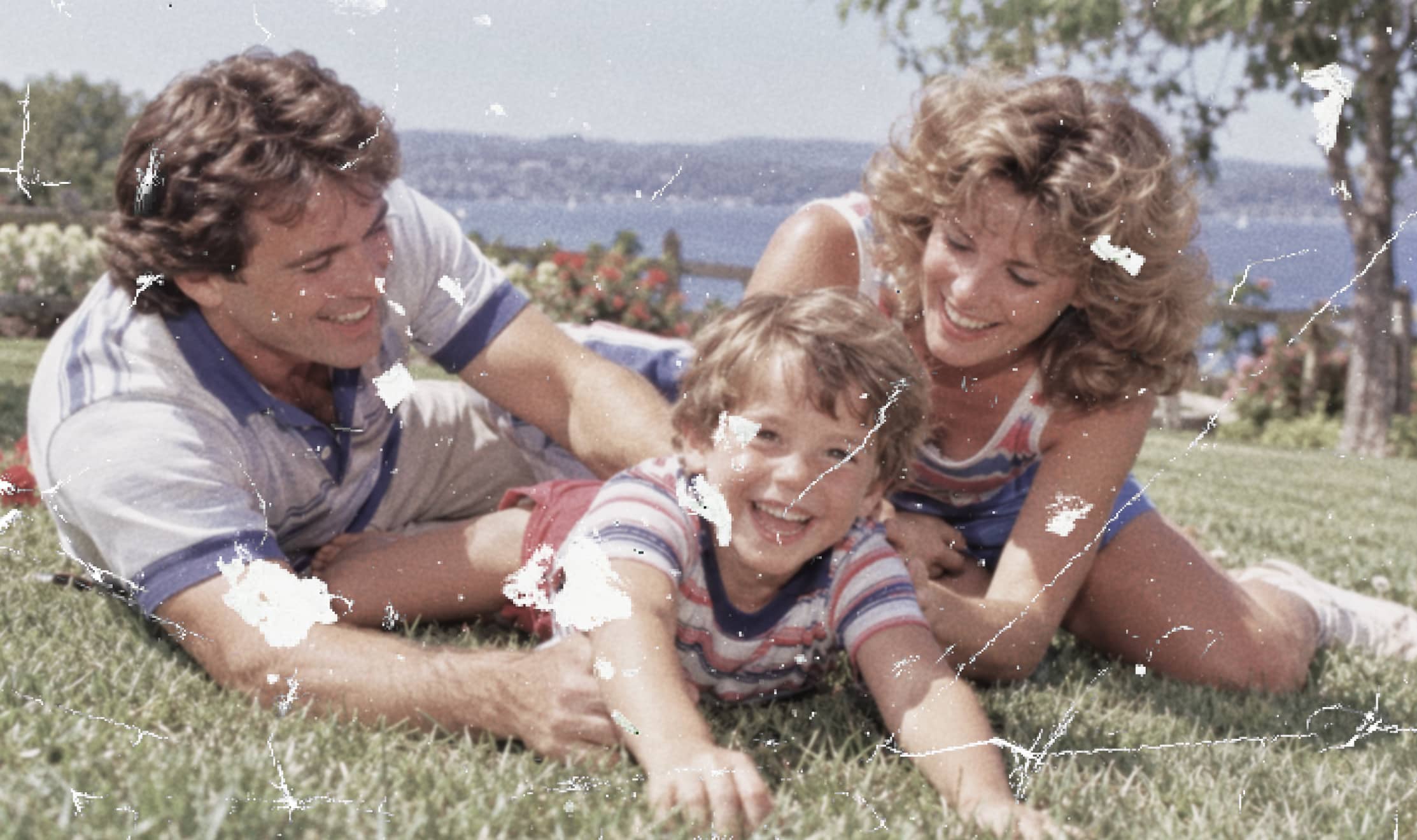
Restore old photos with AI to bring back clearer details and give treasured memories a refreshed look.


AI Photo Colorizer
Colorize black-and-white photos with AI while keeping the people, details, and character of the original image.
AI Video Enhancer
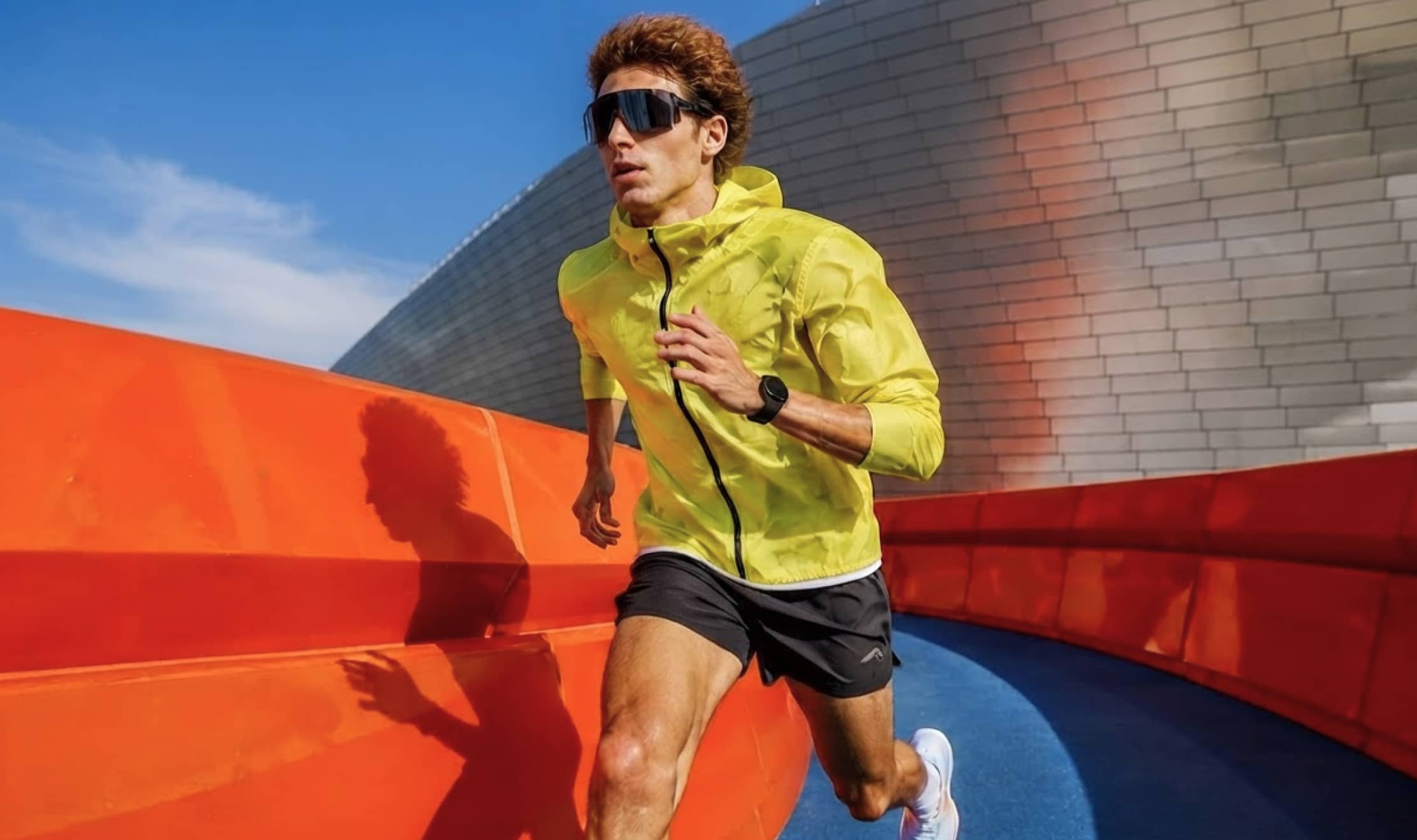
Improve blurry video quality with AI to bring out clearer details and make footage easier to watch and reuse.



One-Prompt Photo Editing
Tell Repairit what you want to change in plain language, from removing distractions to brightening or refining the image. Then let AI handle the edit.


AI Scene Retake
Transform backgrounds, lighting, color tone, depth, and atmosphere with ready-made AI scenes for portraits, products, and creative visuals.

AI Image to Video
Transform backgrounds, lighting, color tone, depth, and atmosphere with ready-made AI scenes for portraits, products, and creative visuals.


AI Photo Eraser
Remove unwanted objects, backgrounds, and watermarks with AI for cleaner, more focused photos.
Why Choose Repairit Desktop?

Advanced Repair Modes
Advanced Repair Modes
Tackle severe corruption with Advanced and Professional Repair.

Pro Formats & Devices
Pro Formats & Devices
Support professional formats, cameras, devices, and creative software.

Batch Repair
Batch Repair
Repair multiple videos, photos, files, and audio in one workflow.

Original Quality Preserved
Original Quality Preserved
Keep original quality, encoding, and file structure during repair.

Windows & Mac
Windows & Mac
Get the full Repairit Desktop experience on Windows and macOS.

Repair to Recreate
Repair to Recreate
Repair, enhance, edit, and recreate content in one desktop workflow.
Repairit Online for Quick Fixes. Repairit Desktop for Full Power
|
Repairit For Desktop
Download Now
Download Now
|
Repairit Online
Try It Online
|
||
| Video Repair | Format | MP4/MOV/M2TS/MKV/MTS/3GP/AVI/FLV/M4V/BRAW MXF/INSV/WMV/ASF/MPEG/MPG/KLV/TS/RSV/DAT/MDT/R3D/CRM/3GPP/LRV |
MP4/MOV/3GP/MTS/AVI/M2TS/MKV/FLV/MXF/M4V INSV/WMV/ASF/MPEG/KLV/3GPP/LRV/MPG/TS |
| Number | No Limit | No Limit | |
| Size | No Limit | 3GB/File | |
| Photo Repair | Format |
JPEG/JPG/CR3/CR2/CRW/RAF/NRW/TIF/TIFF/DNG/HEIC/ SVG/ARW/NEF/GPR/PNG/ORF/SR2/GIF/BMP/ WEBP/AVIF/3FR/PEF/SWF/RW2/JFIF |
JPEG/JPG/CR2/CR3/DNG/NEF/PNG/NRW/RAF/TIF/TIFF/ GIF/BMP/WEBP/HEIC/CRW/ARW/3FR/PEF/GPR/ ORF/SR2/RW2/AVIF/SVG/SWF/JFIF |
| Number | No Limit | No Limit | |
| Size | No Limit | No Limit | |
| File Repair | Format | PDF/DOC/XLS/DOCX/PPTX/XLSX/DOCM/XLSM/PPTM/DOTX/XLTX/POTX/DOTM/ XLTM/POTM/PPSX/NUMBERS/PAGES/KEY/PPT/CSV/RTF/HWP/ODT/WPX/XLSB/ VMX/MADB/PY/M/PTX/ISO/7Z/ZIP/RAR/BZ2/PSD/PSB/PRPROJ/ AI/DXF/SKP/SKB/INDD/AEP/ZPR/VWX |
PDF/DOCX/PPTX/XLSX |
| Number | No Limit | 300/Month | |
| Size | No Limit | 300MB/File | |
| Audio Repair | Format | MP3/WAV/AAC/FLAC/M4A/WMA/AIF/AIFF | / |
| Number | No Limit | / | |
| Size | No Limit | / | |
| Video Enhancer | Format | MP4/MOV/AVI/MKV/3GP/FLV/MGP/WEBM | MP4/MOV/AVI/MKV/3GP/FLV/MGP/WEBM |
| Number | No Limit | 6/Month | |
| Size | No Limit | 10 MB/File | |
| Old Photo Restoration | Format | JPG/JPEG/PNG/BMP/WEBP | JPG/JPEG/PNG/BMP/WEBP |
| Number | No Limit | No Limit | |
| Size | No Limit | No Limit | |
| Photo Enhancer | Format | JPG/JPEG/PNG/BMP/WEBP | JPG/JPEG/PNG/BMP/WEBP |
| Number | No Limit | No Limit | |
| Size | No Limit | No Limit | |
| Photo Eraser | Format | JPG/JPEG/PNG/BMP/WEBP | JPG/JPEG/PNG/BMP/WEBP |
| Number | No Limit | No Limit | |
| Size | No Limit | No Limit | |
| Photo Colorizer | Format | JPG/JPEG/PNG/BMP/WEBP | JPG/JPEG/PNG/BMP/WEBP |
| Number | No Limit | 300/Month | |
| Size | No Limit | 300MB/File | |
Frequently Asked Questions about Repairit Desktop
1 What is Wondershare Repairit Desktop?
2 Is Wondershare Repairit Desktop free to try?
3 Will Repairit Desktop change or overwrite my original files?
4 What if a severely corrupted video cannot be fixed by normal repair?
5 Can Repairit Desktop repair files from cameras, SD cards, phones, and professional software?
6 Do Repairit Desktop AI tools support batch processing?