Remove Moire from Photo Online Free
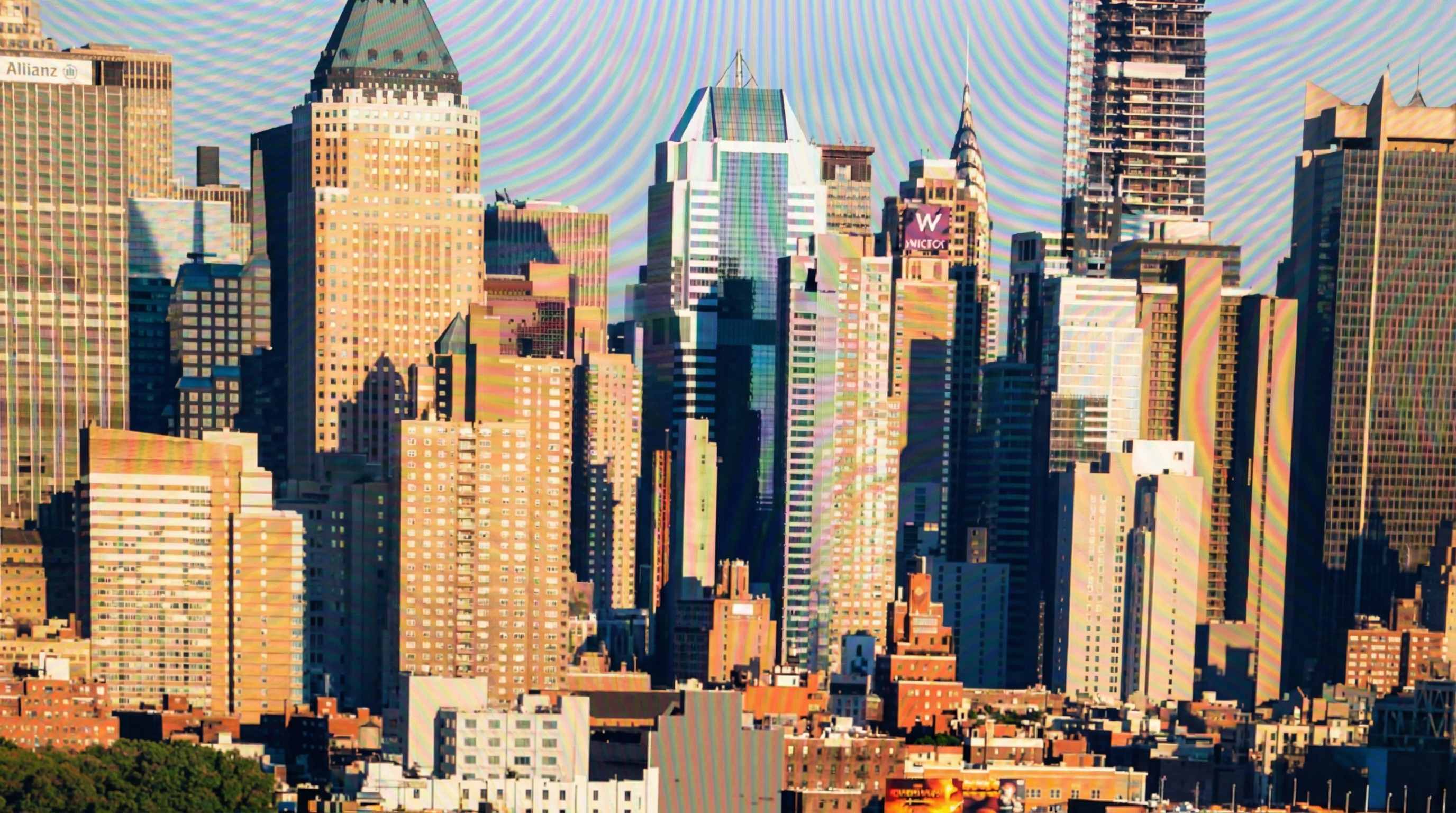





Remove Moire from Clothing in Portraits and Headshots
Moire often shows up when someone wears striped shirts, checked shirts, patterned suits, knitwear, uniforms, or tightly woven fabrics in portraits and headshots. Users regularly ask why a shirt or jacket suddenly looks full of color bands, wavy lines, or strange texture that was not visible in real life. Repairit helps remove moire from clothing photos so portraits, business headshots, interview photos, school pictures, and fashion content look cleaner and more professional.


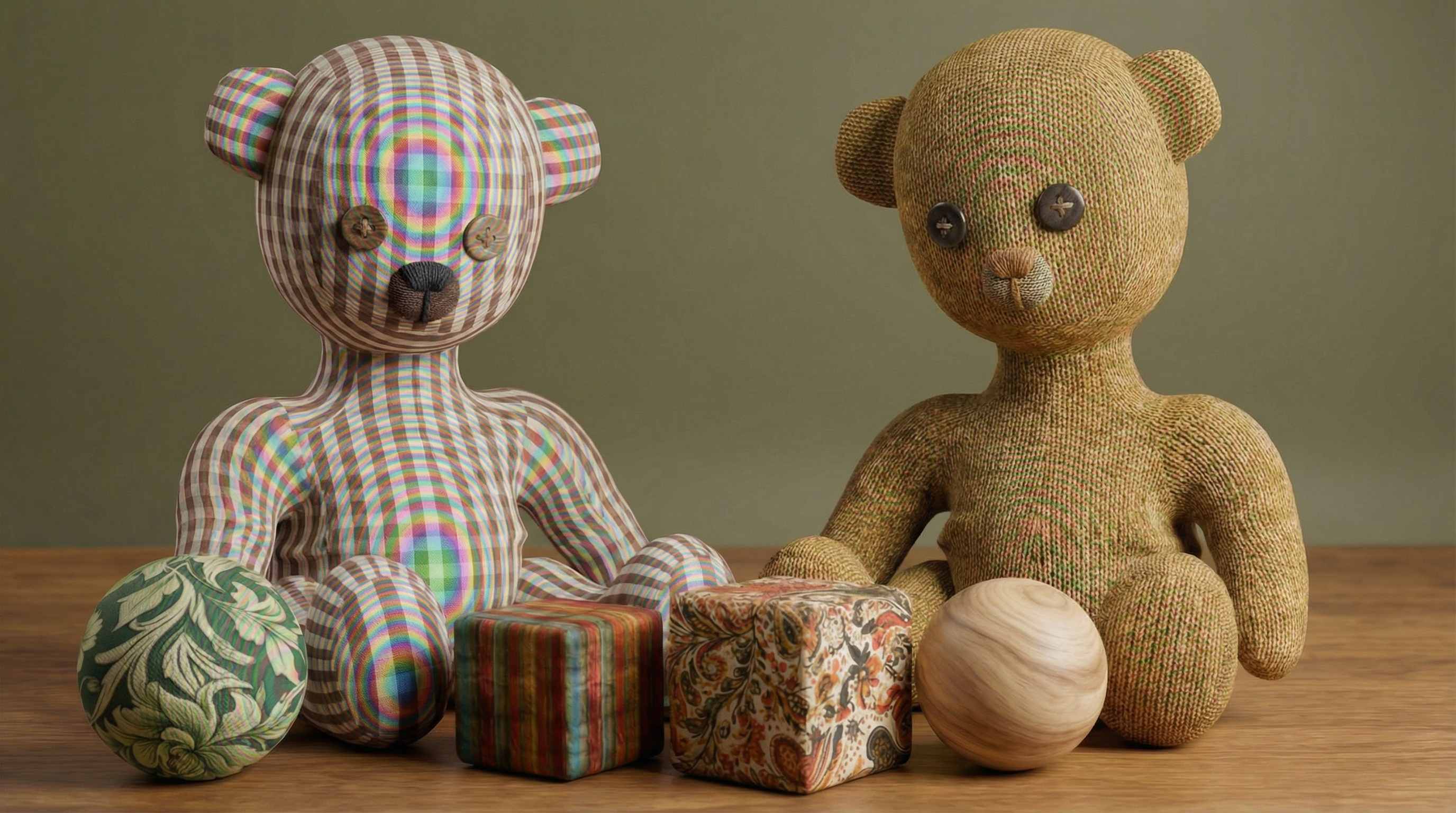
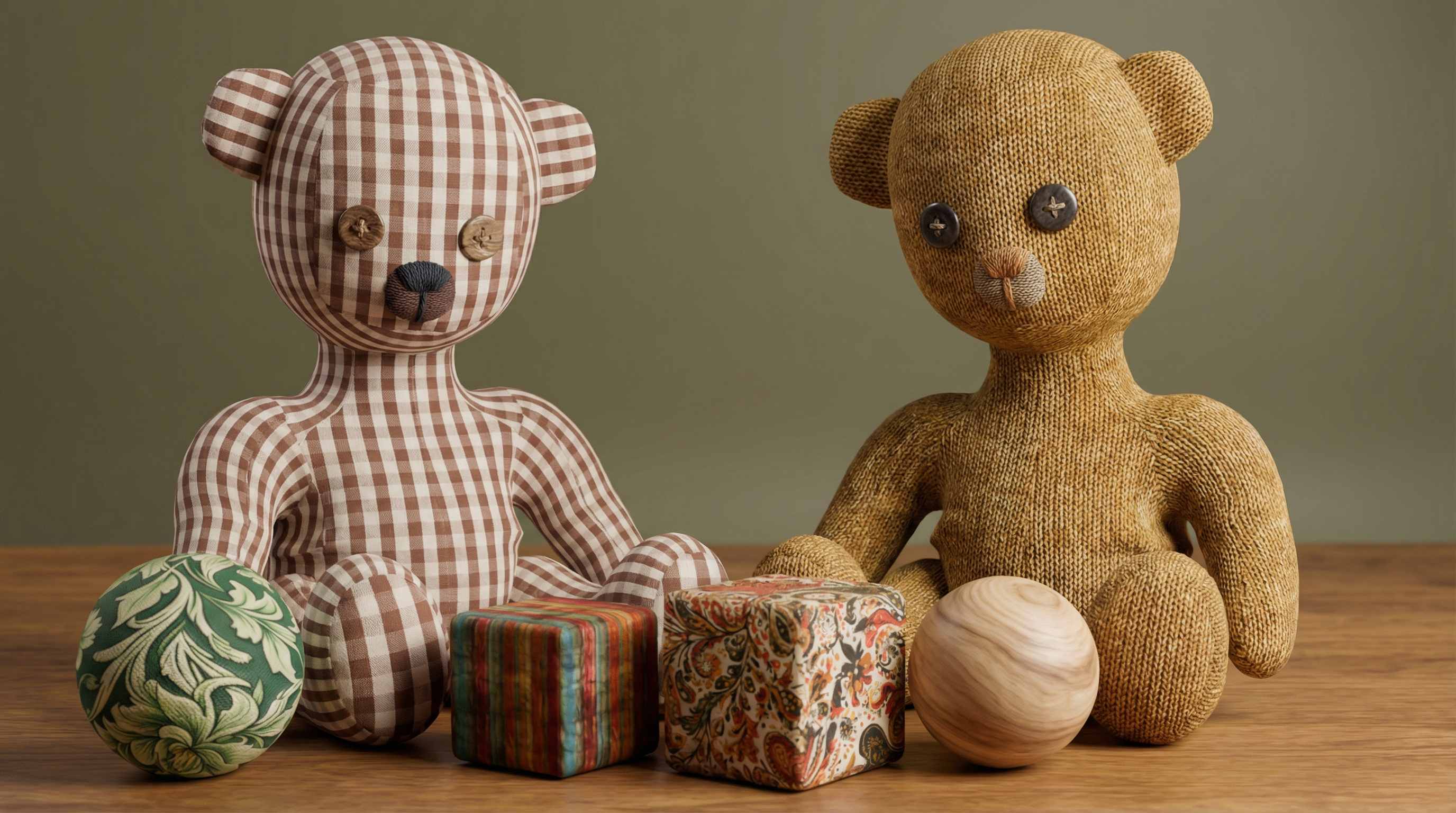
Remove Moire from Product Photos with Fabric and Textured Materials
Product photos can show moire when the subject includes textured nylon, woven fabric, camera bags, luggage, upholstery, mesh, or fine material patterns. This is especially frustrating in commercial shoots because the product surface starts to look noisy, distorted, or covered in fake color stripes. Repairit helps remove moire from product photos so product texture looks cleaner and more believable for catalogs, online stores, campaign visuals, and client presentations.
Remove Moire from Screen Photos and Display Images
Photos of monitors, laptop screens, phone displays, televisions, dashboards, LED panels, and digital signage often produce moire because the camera sensor clashes with the screen pixel pattern. Users usually describe this as a grid, rainbow lines, flickering texture, or a strange screen pattern that was not visible to the eye. Repairit helps remove moire from screen photos so display images, device photos, interface shots, digital product demos, and documentation visuals look clearer and easier to read.
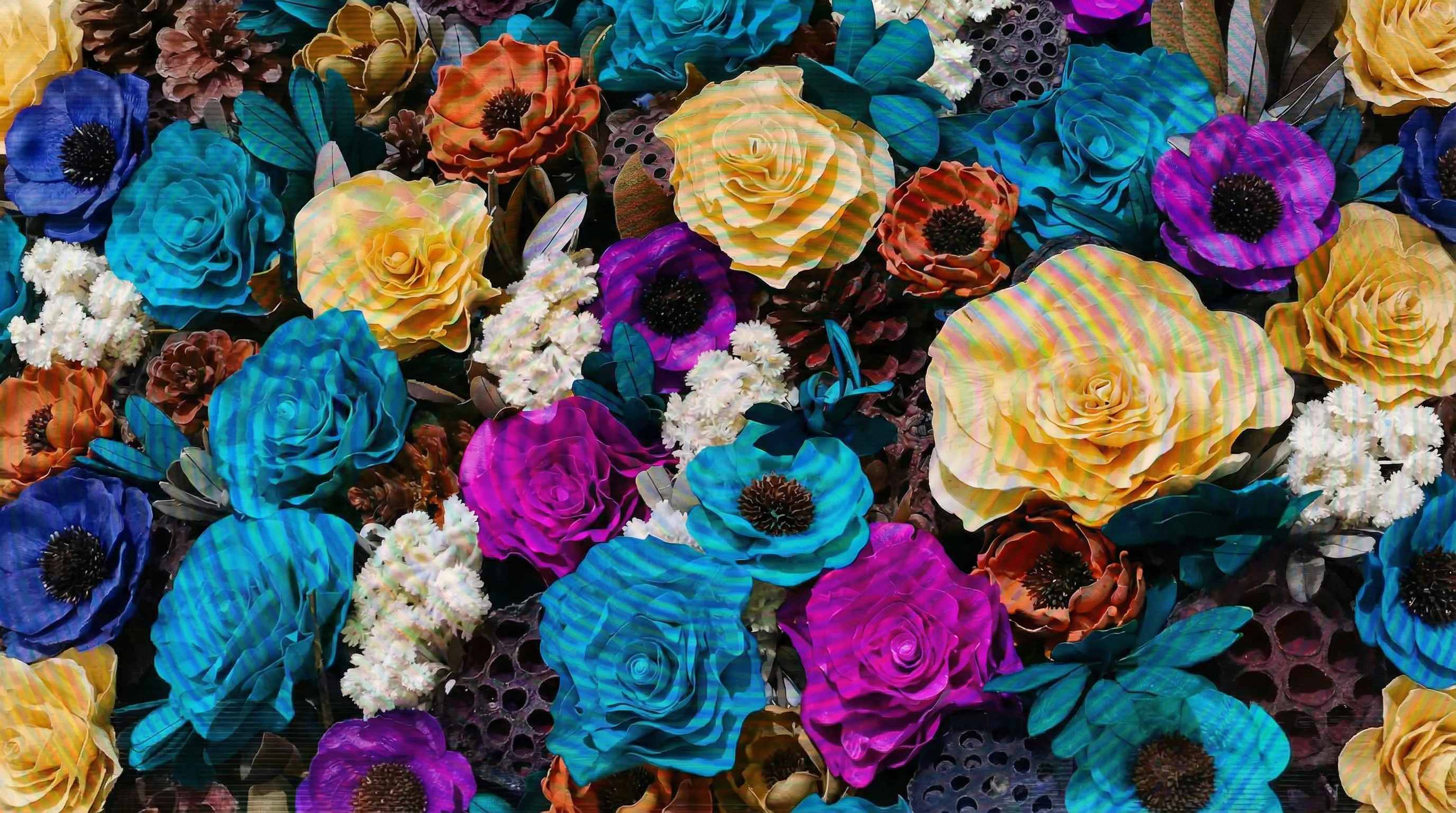
Remove Moire from Scanned Photos and Printed Images
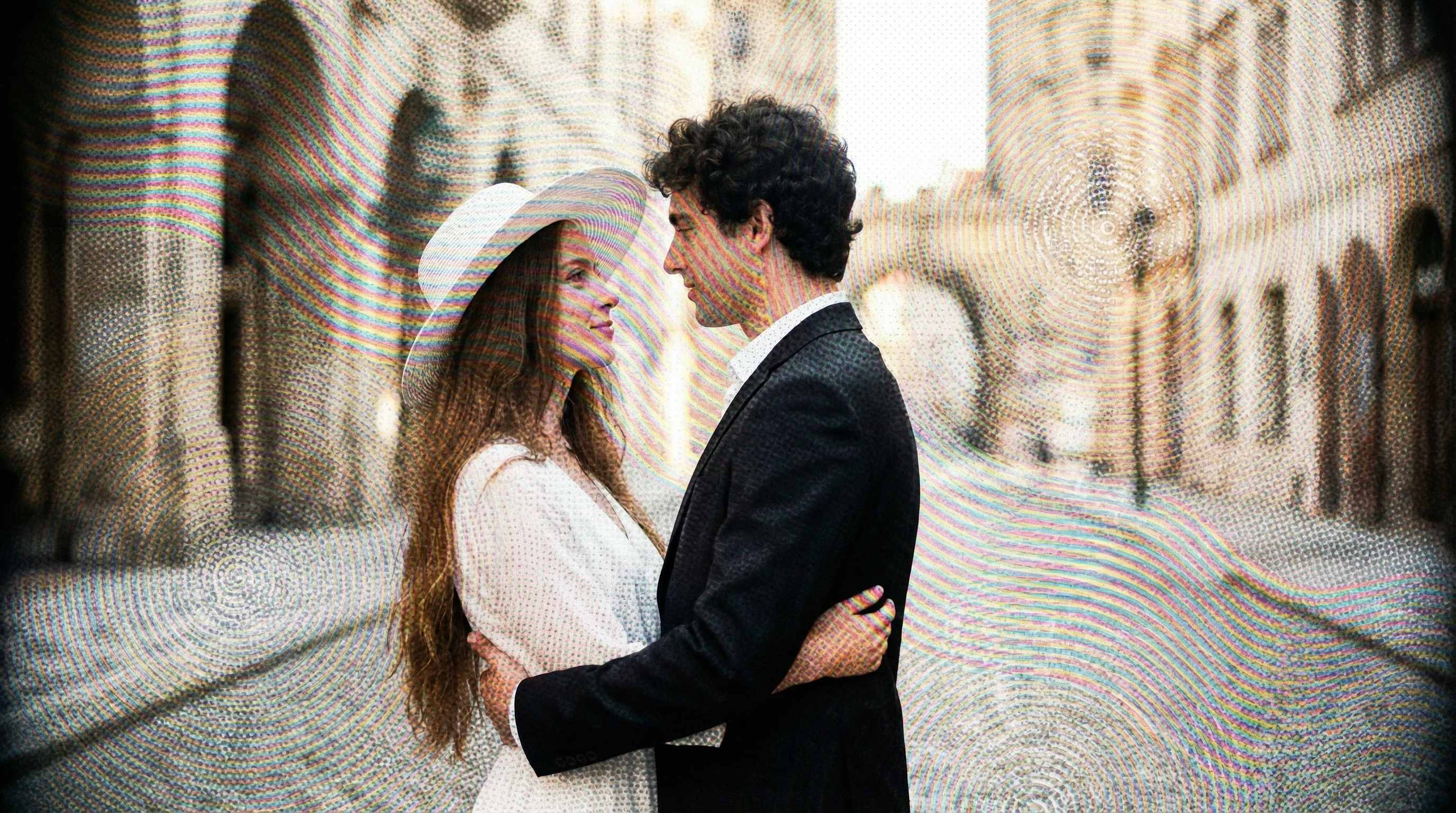
Scanned magazine pages, printed photos, brochures, newspapers, postcards, and archived printed materials often show moire because the scanner captures the halftone print pattern instead of a smooth image. People digitizing family archives or print materials often discover strange dots, waves, or repeated texture after scanning. Repairit helps remove moire from scanned photos and printed images so old pictures, printed keepsakes, editorial scans, and document visuals look cleaner and more usable.

How to Remove Moire from Photo Online Free with Repairit

Step 1
Upload Your Photo
Upload a JPG, PNG, or WEBP file with visible moire pattern, wavy lines, rainbow artifacts, false color, or strange texture distortion. Repairit works well for portraits, product images, screen photos, and scanned pictures.

Step 2
Mark the Moire Area
Use the AI eraser workflow to mark the fabric area, screen area, or scanned section where the moire pattern appears. This is useful when users want to avoid manual moire brushes, masking, desaturation, blur, or more time consuming retouching methods.

Step 3
Preview and Download the Clean Photo
Preview the result, check that clothing texture, product detail, screen content, or scanned image quality still looks natural, then download the cleaned photo for sharing, client delivery, posting, or archiving.
Why Choose Repairit to Remove Moire from Photos
🎨 Made for Common Moire Problems
Repairit is useful when a photo shows moire pattern, false color, rainbow bands, wavy lines, or unwanted texture distortion on clothing, products, screens, or scans.
🚀 Works Across Fabric, Screen, and Scan Scenarios
It helps clean portraits with patterned clothing, commercial product images, screen photos, and scanned print pictures where moire makes the image look messy.
✨ Simpler Than Manual Retouching
Many users turn to Lightroom moire sliders, Camera Raw adjustments, masking, blur, or selective color fixes when moire appears. Repairit offers a much easier way to remove those distracting patterns online.
❤️ Faster for Cleanup and Reuse
After moire removal, photos can look cleaner for online stores, resumes, team pages, social posts, client presentations, archived scans, and visual documentation.
Explore More Photo Eraser Features
Clean up your photos by reducing moire, glare, reflections, and other distracting artifacts in seconds with AI.
Frequently Asked Questions
Upload the image to Repairit, mark the moire area, preview the result, and download the cleaned version. This works well for clothing photos, product images, screen photos, and scanned pictures with visible pattern distortion.
Moire happens when fine repeating details such as stripes, checks, or woven fabric interact with the camera sensor in a way that creates unwanted waves, color bands, or false texture. This is why shirts, suits, uniforms, and knitwear often trigger moire in portraits.
Yes. Moire often appears when photographing laptop screens, monitors, phone displays, televisions, or LED panels because the screen pixel structure interferes with the camera sensor. Moire removal tools can help make the display area look cleaner and easier to see.
Not always. Some moire can be reduced very well, but severe cases may only be minimized rather than removed completely. Photography guides often note that changing angle, aperture, lighting, or capture method can sometimes work better than heavy correction after the fact.
Yes. Moire can make nylon, woven fabric, camera bags, luggage, clothing, and textured materials look distorted or low quality. Cleaning it up helps product images look more accurate and more professional for listings, catalogs, and brand visuals.
Repairit supports common image formats such as JPG, PNG, and WEBP, making it easy to upload everyday photo files from phones, cameras, and computers.
Hot Topics
Comprehensive How-to Guides
Want to remove unwanted object? Click to enter the Photo Eraser Workbench and make it happen easily!


