Remove Reflection from Image Online Free
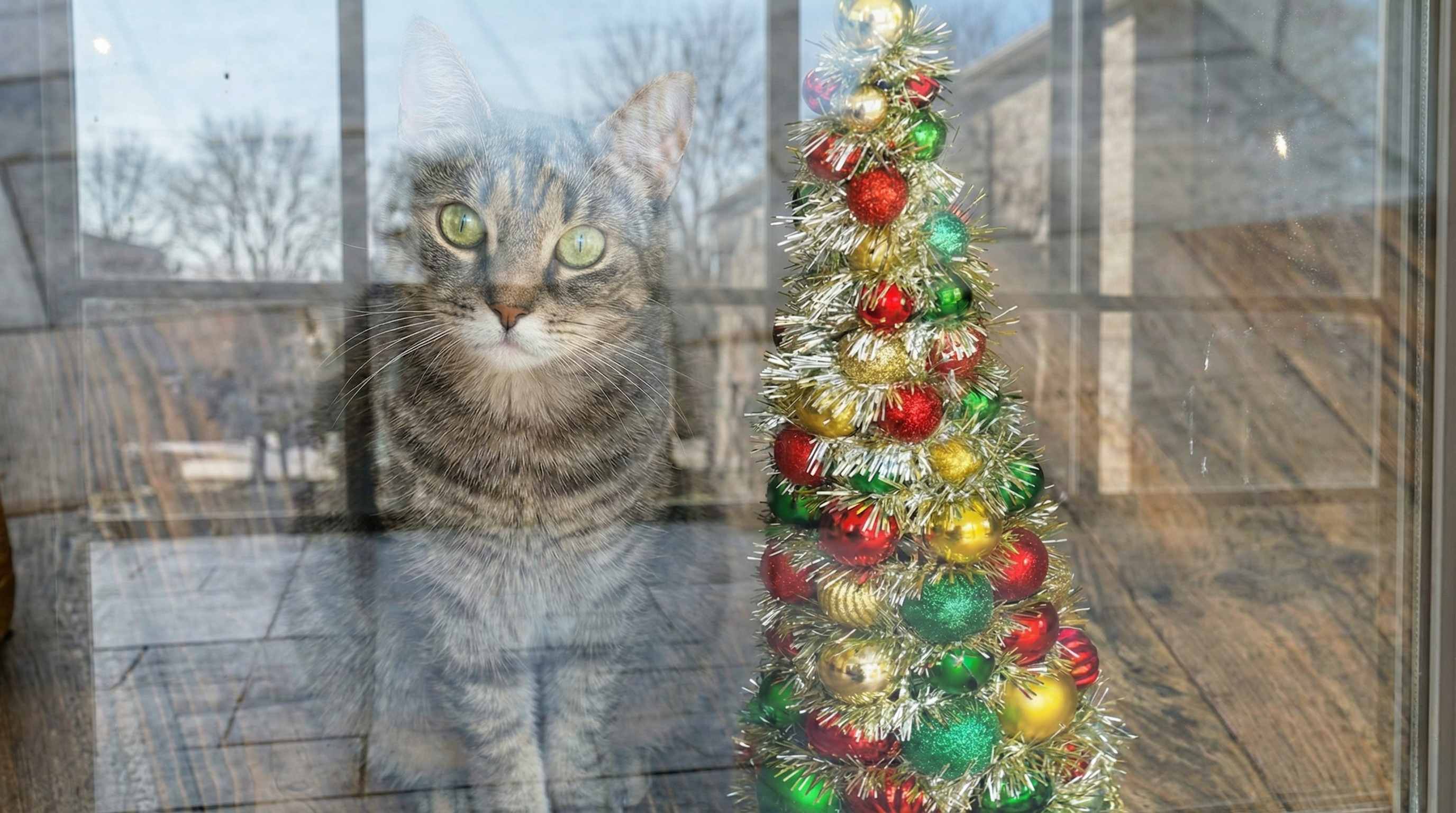





Remove Window Reflection from Travel Photos
Travel photos taken through hotel windows, airplane windows, train windows, car windows, and observation deck glass often capture indoor lights, silhouettes, or reflected objects that cover the view. This is one of the most common reflection problems users ask about online. Repairit helps remove window reflection from image files so city views, mountain scenes, ocean sunsets, and skyline shots look closer to what you actually saw.


Remove Glass Reflection from Family and Indoor Photos
Family photos taken near glass doors, framed displays, restaurant windows, aquariums, museum cases, or large indoor windows can pick up reflected lights, nearby people, room objects, and bright glass streaks. Users often ask how to remove reflection from photo when the moment is great but the glass makes it look messy. Repairit helps clean up those distractions so faces, gestures, decorations, and background details stay more visible.


Remove Mirror Reflection from Selfies and Portrait Images
Mirror selfies and portrait photos can look distracting when reflections show clutter, extra people, bright room lights, or unwanted objects that pull attention away from the subject. Some users want a cleaner mirror photo for social media, while others want to remove reflected details from a portrait image without rebuilding the whole background by hand. Repairit helps remove reflection from mirror images so the person stays the focus and the frame looks cleaner and more intentional.


Remove Reflections from Storefront, Display Glass, and Car Window Images
Photos taken through storefront glass, display cases, bus windows, taxi windows, or office glass often capture reflections from traffic, signs, indoor lamps, and people standing behind the camera. This makes products, interiors, street scenes, and document style photos harder to see. Repairit helps remove reflections from images taken through glass so the real subject becomes clearer, whether you are saving a shopping display photo, documenting a location, or cleaning up a picture taken on the move.
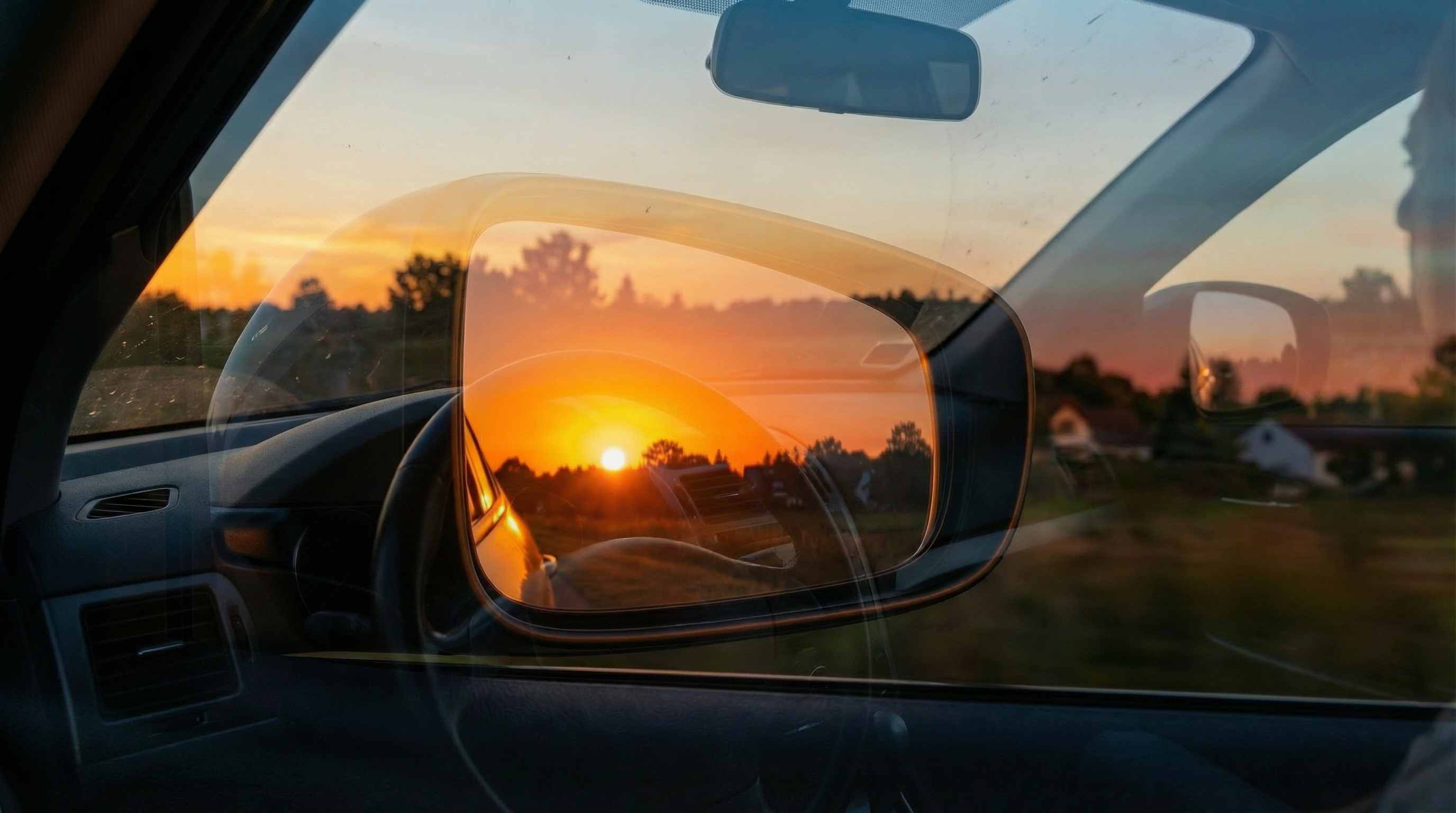
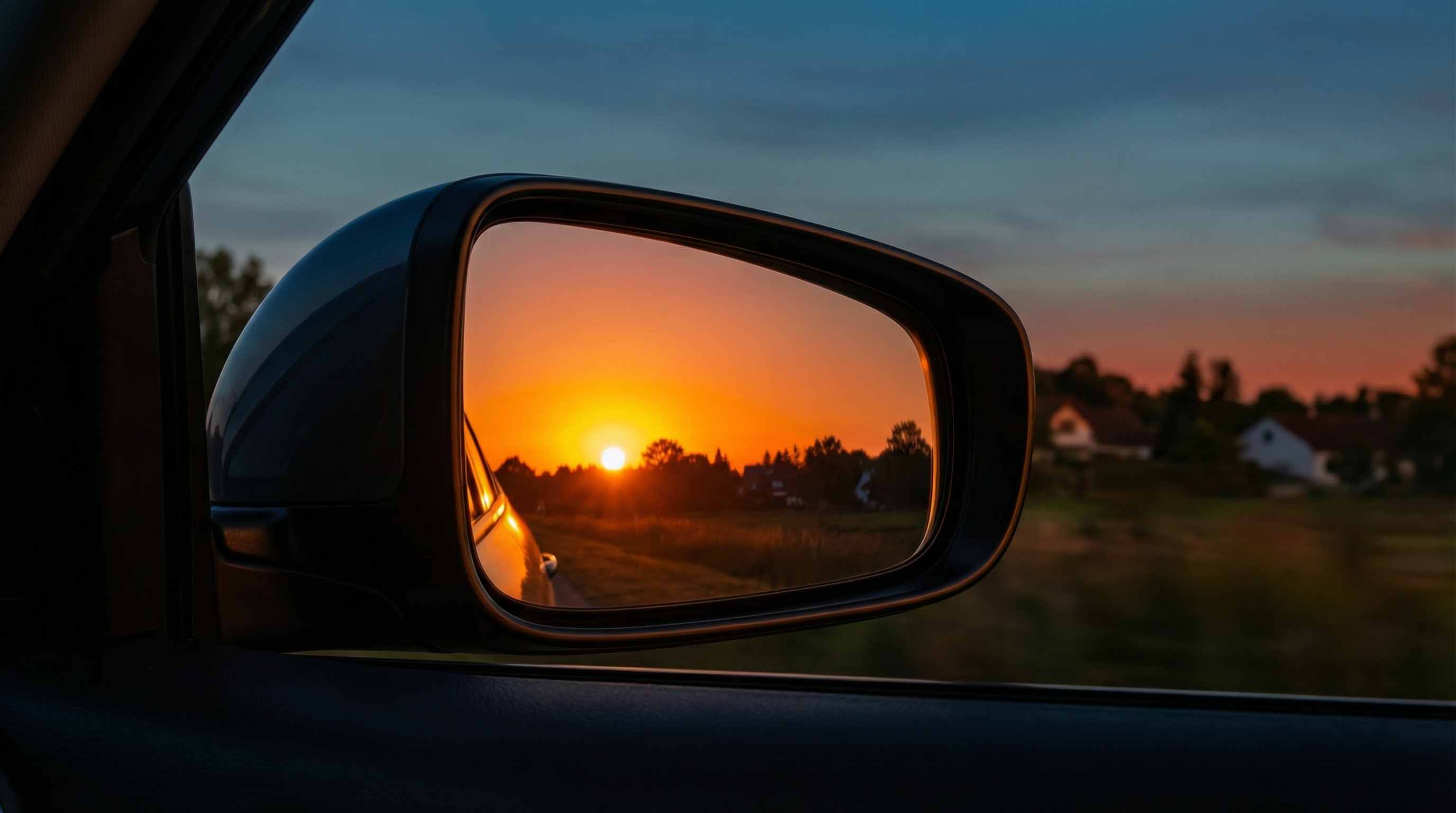
How to Remove Reflection from Image Online Free with Repairit

Step 1
Upload Your Image
Upload a JPG, PNG, or WEBP file with visible window reflection, glass reflection, mirror reflection, or reflected lights. Repairit works well for travel photos, family pictures, mirror selfies, storefront images, and photos taken through glass.

Step 2
Mark the Reflection Area
Use the AI eraser workflow to select the reflected area you want to clean, such as window reflections, indoor lights on glass, mirror distractions, ghost reflections, or unwanted reflected objects. This avoids complicated clone, healing, or masking steps that users often discuss in manual editing workflows.

Step 3
Preview and Download the Clean Image
Preview the result, check that the outside view, subject, or background still looks natural, then download the cleaned image for social sharing, travel memories, family albums, presentations, or professional use.
Why Choose Repairit to Remove Reflection from Images
🎨 Better for Real Reflection Problems
Repairit is useful when a photo contains window reflection, glass reflection, mirror reflection, or reflected lights that cover the real subject.
🚀 Works Across Common Glass Photo Scenarios
It helps clean up travel views, family photos near windows, mirror selfies, storefront shots, display glass images, and pictures taken through car or train windows.
✨ Simpler Than Manual Retouching
Many users turn to clone tools, healing brushes, dehaze, and layered masking when reflections ruin a photo. Repairit offers a much easier way to remove reflected distractions online. Source Source Source
❤️ Cleaner Results for Sharing and Saving
After reflection removal, images can look clearer for social posts, travel albums, family memories, mood boards, presentations, and location records.
Explore More Photo Eraser Features
Clean up your photos by removing reflections, glare, shadows, and other unwanted visual distractions in seconds with AI.
Frequently Asked Questions
Upload the image to Repairit, mark the reflection area, preview the result, and download the cleaned version. This works well for window reflection, glass reflection, mirror reflection, and other reflected distractions that make the image harder to use.
Yes. Window reflection is one of the most common reasons people look for reflection removal. It often appears in hotel window photos, car window pictures, train shots, and scenic images taken through glass. Reflection removal tools are designed to help make the outside scene more visible.
You can upload the image, select the reflected area on the glass, and let the tool clean distracting lights, shapes, or reflected objects. This is useful for family photos near windows, restaurant glass, aquarium visits, museum displays, and indoor event pictures.
Yes. Mirror selfies often capture room clutter, extra lights, and reflected objects that make the photo feel busy. Reflection removal can help clean the frame so the subject stays more central and the final image looks more polished.
A good reflection remover should reduce reflected distractions while preserving the main scene, subject detail, and overall lighting. Users often worry that reflection cleanup will leave blurry patches or fake edits, so previewing the result before download is important.
Repairit supports common image formats such as JPG, PNG, and WEBP, making it easy to upload everyday photo files from phones, cameras, and computers.
Hot Topics
Comprehensive How-to Guides
Want to remove unwanted object? Click to enter the Photo Eraser Workbench and make it happen easily!


