Remove Object from Photo Online Free






Remove Background Distractions from Travel Photos Online Free
A trash can, road sign, parked scooter, or power line can ruin an otherwise perfect travel photo. Repairit's AI photo eraser helps you remove unwanted objects from travel photos online, so beaches, skylines, streets, and landmarks look clean again. Upload your image, brush over the distraction, and get a natural-looking result in seconds.


Remove Unwanted Objects from Portrait Photos Without Cropping
Small background distractions like bins, pipes, bags, or signs can ruin a great portrait. Instead of cropping the frame or spending time in Photoshop, use Repairit to remove unwanted objects from portrait photos without cropping. Just mark the object and let AI rebuild the background naturally.


Remove Clutter from Real Estate and Home Photos
Cords, bins, labels, and floor clutter can make room photos look messy and less inviting. Repairit's AI object remover helps you remove unwanted items from real estate and home photos online, so the space looks cleaner, brighter, and more presentation-ready.


Remove Extra Objects from Product Photos for Cleaner Listings
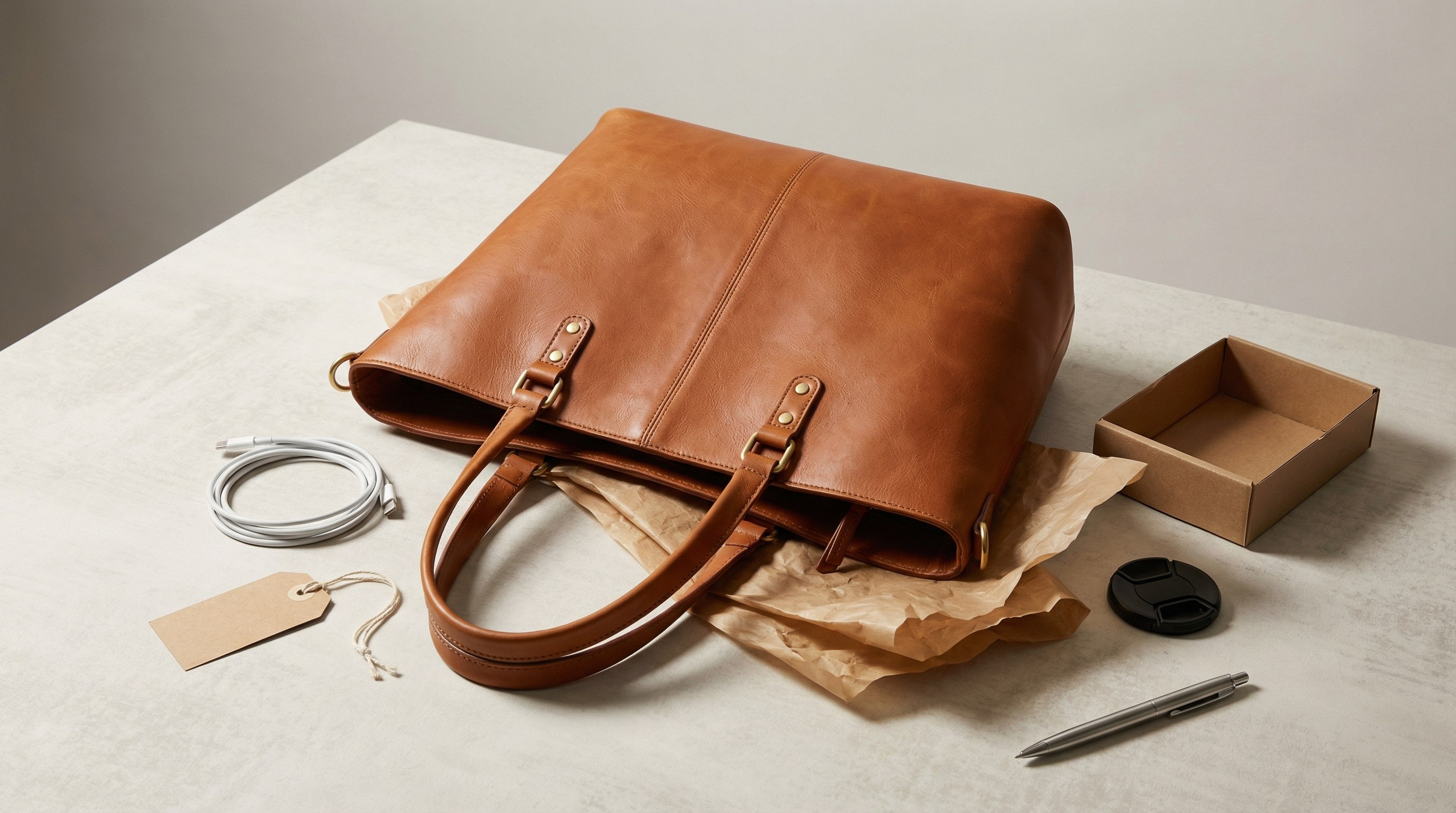
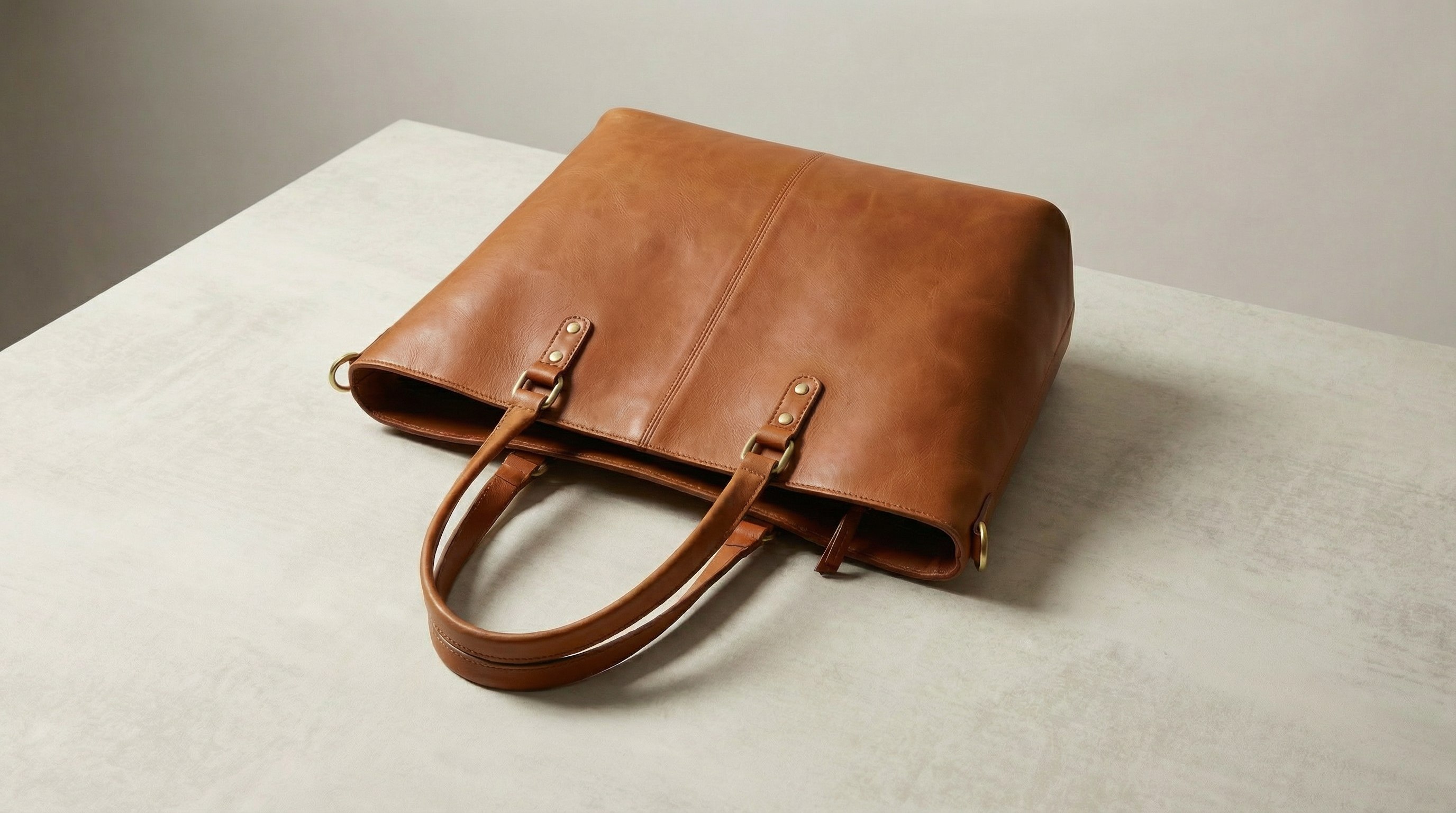
Background clutter, extra props, cables, and price tags can make a product listing look less polished. Repairit helps you remove unwanted objects from product photos online fast, so your product stays the focus. Brush over the distraction and download a cleaner listing photo in seconds.
How to Remove Unwanted Objects from Photos Online Free with Repairit

Step 1
Upload Your Photo
Click "Upload Image" or drag and drop your JPG, PNG, BMP, or WEBP file. Repairit works with travel photos, portraits, product images, room photos, and more.

Step 2
Select the Unwanted Object
Use the brush tool to mark the unwanted object or distraction you want to erase, such as a sign, trash can, power line, car, cable, or clutter.

Step 3
Download Clean Photo Free
Repairit's AI photo eraser removes the selected object and rebuilds the background automatically. Download your edited photo in seconds. No watermark.
Why Choose Repairit to Remove Objects from Photos?
🎨 Natural Background Rebuild
Repairit rebuilds the removed area so skies, walls, floors, grass, and other backgrounds look clean and natural.
🚀 Remove Objects and Distractions in Seconds
Erase small clutter or larger unwanted subjects fast with AI-powered cleanup.
✨ No Photoshop or Editing Skills Required
Just brush over the object you want gone. Repairit's AI does the rest.
❤️ 100% Watermark Free
Remove unwanted objects from photos online free and download your image in full quality with no watermark.
Explore More Photo Eraser Features
Clean up your photos by removing unwanted objects, clutter, distractions, and other visual elements in seconds with AI.
Frequently Asked Questions
Upload your image to Repairit, brush over the object or distraction you want to erase, and let the AI remove it automatically. You can use it to remove unwanted objects from photos online for free without complicated editing, manual retouching, or Photoshop skills.
You can use Repairit's AI photo eraser to remove something from a picture without Photoshop. Just upload your photo, select the unwanted object, and download a cleaner result in seconds, which makes it ideal for quick edits on travel photos, portraits, product shots, and everyday images.
Yes. Repairit helps you remove objects from photos without cropping, so you can keep the original composition, framing, and background instead of cutting important parts out of the image. This is especially useful for portraits, travel shots, and listing photos where composition matters.
Yes. Repairit's AI rebuilds the missing area based on the surrounding image, so the edited part blends in more naturally instead of leaving obvious marks, blurry smudges, or mismatched patches. It works well for common distractions like signs, trash cans, wires, cars, and other background clutter.
You can erase many types of unwanted objects from a photo, including trash cans, signs, power lines, parked cars, cords, labels, extra props, and random background clutter. Repairit is also useful for cleaning up travel photos, portrait backgrounds, room photos, and product listing images.
Repairit supports common image formats including JPG, PNG, BMP, and WEBP, so you can edit most everyday photos online without converting files first. This makes it easy to upload images directly from your phone, camera, or computer and start removing unwanted objects right away.
Hot Topics
Comprehensive How-to Guides
Want to remove unwanted object? Click to enter the Photo Eraser Workbench and make it happen easily!


