Remove Wires from Photos Online Free






Remove Power Lines from the Photo You Took for the View, Not the Wires
You found the light, framed the building, caught the skyline, or waited for the sky to turn the right color, and then one hard truth sat across the whole picture. The wires were still there. This is what makes power lines so frustrating. They are thin, but they cut across exactly the part of the image your eye wants to rest on. The subject may still be strong, but the lines keep pulling attention upward and away. Repairit helps remove power lines so the scene goes back to feeling like the place you meant to photograph, not the infrastructure you had to work around.
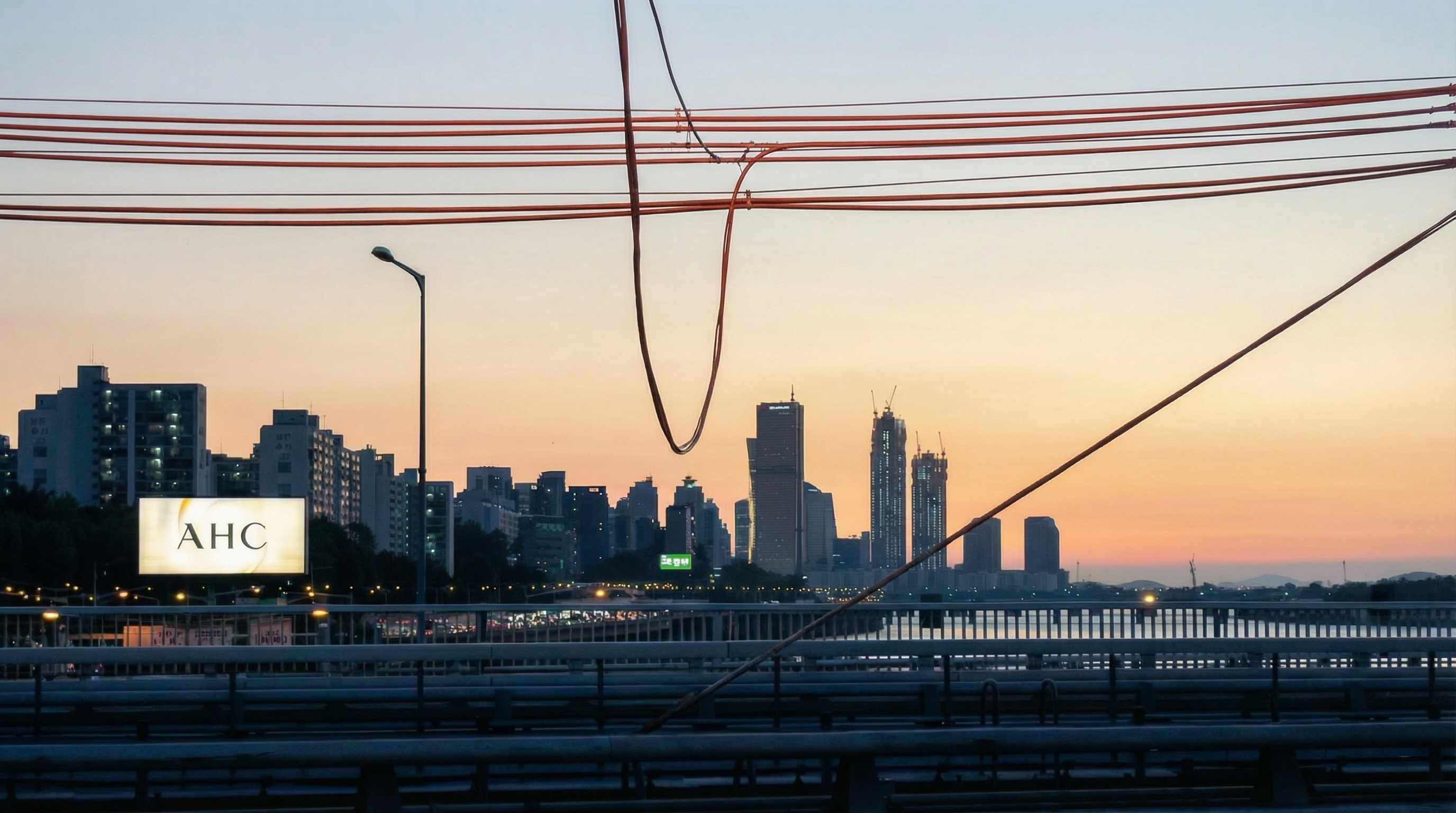

Remove Thin Cables That Sneak Across an Otherwise Great Shot
Some wires are not even the main subject of the complaint. They are just the one annoying thing you cannot stop seeing once you notice them. A cable in front of a face. A wire running past a building edge. A thin line crossing a soft sky, a clean wall, or a blurred background where it suddenly looks louder than everything else. These are the edits people put off because the wire looks small but feels tedious. Repairit helps remove those stray cables so one narrow line does not keep a good photo from feeling finished.


Remove Charging Cords and Setup Wires from Product and Desk Photos
A product photo can be almost right and still not feel usable. The composition works, the lighting is clean, the item looks good, and then a charging cable, display cord, earbud wire, or setup lead gives away the whole behind the scenes setup. This kind of wire does not just clutter the frame. It makes the image feel less intentional. Repairit helps remove visible cords and cables from product photos, desk shots, and creator images so the picture looks cleaner, calmer, and more ready to post, list, or share.
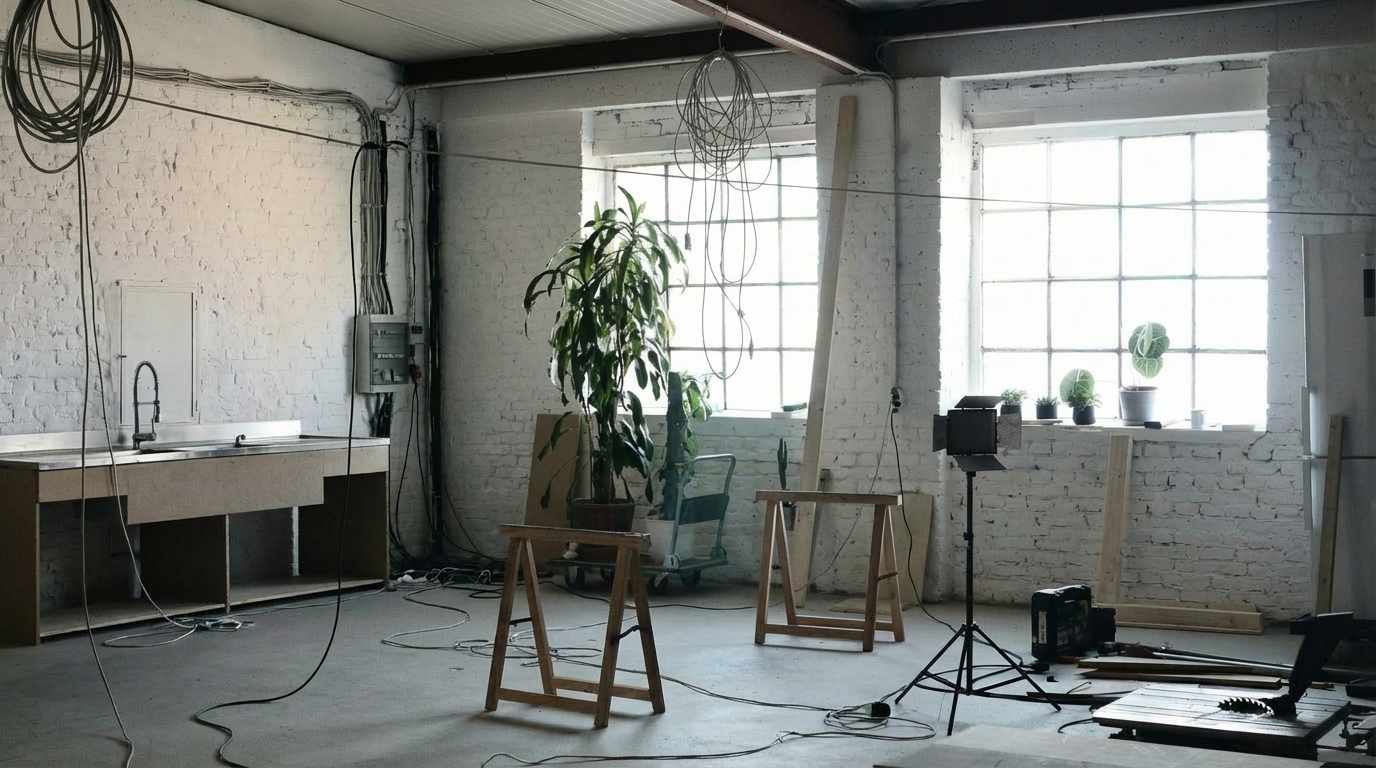

Remove Leashes and Support Lines When the Photo Is About the Animal, Not the Gear
A lot of pet photos are taken in situations where a leash has to stay on, and that makes perfect sense in real life. The problem only starts later, when you end up with a beautiful expression, a great running pose, or a portrait worth keeping, but the leash is the first thing your eye lands on. The same goes for thin support lines and hanging straps that had a job during the shot but do not belong in the final image. Repairit helps remove those visible lines so the attention stays on the pet, the moment, and the feeling of the photo.


How to Remove Wires from Photos Online Free with Repairit

Step 1
Upload Your Photo
Upload a JPG, PNG, or WEBP image that contains visible power lines, utility wires, cords, cables, leashes, or other thin line distractions.

Step 2
Mark the Wire Area
Use the brush tool to cover the wire you want removed, whether it is a skyline power line, a foreground cable, a charging cord, or a leash line in a pet photo.

Step 3
Preview and Download the Clean Photo
Let AI remove the wire, preview the result, and download a cleaner version that feels ready to save, share, print, post, or reuse.
Why Choose Repairit to Remove Wires from Photos
🎨 Because Thin Lines Distract More Than Their Size Suggests
Wires are easy to underestimate. They take up very little space, but they can split a skyline, cut across a subject, and pull attention away from the part of the image that actually matters.
🚀 Because Wires Are Annoying to Remove by Hand
Long, narrow lines are the kind of edit people keep postponing. They look simple until they run across clouds, building edges, fur, fabric, or textured backgrounds. Repairit makes that cleanup much easier.
✨ Because One Cable Can Make a Photo Feel Unfinished
In product shots, pet photos, street scenes, and travel images, one visible wire can shift the whole image from polished to distracting. Removing it changes the feeling of the picture more than people expect.
❤️ Because Clean Results Matter More Than Aggressive Promises
Repairit can remove visible wires and rebuild the surrounding area, but results depend on how complex the background is. That kind of honesty is important, especially when a wire crosses detailed textures or busy scenes.
Explore More Photo Eraser Features
Clean up your photos by removing wires, distractions, clutter, and other unwanted elements in seconds with AI.
Frequently Asked Questions
Upload the photo, mark the wire area, preview the result, and download the cleaned image. This works well for power lines, utility cables, charging cords, leash lines, and other thin wire distractions.
Yes. This is one of the most common wire removal use cases. Power lines often cut across skies, rooftops, and architectural edges, making an otherwise strong photo feel harder to look at.
Yes. If a cable crosses part of the image you want to keep, wire removal is often a better option than cropping away the composition you worked to capture.
Yes. Many people want to keep the expression or pose from a real moment without leaving the leash in the final image. Repairit can help remove visible leash lines so the focus stays on the pet.
Often yes, especially when the wire is thin and the surrounding area is relatively clean. More detailed backgrounds can be harder, so the best approach is to preview the result and check how naturally the rebuilt area blends in.
Repairit supports common image formats including JPG, PNG, and WEBP, so you can upload travel shots, pet photos, product images, screenshots, and everyday pictures without extra conversion.
Hot Topics
Comprehensive How-to Guides
Want to remove unwanted object? Click to enter the Photo Eraser Workbench and make it happen easily!


