Remove Shadow from Photo Online Free






Remove Face Shadows from Portraits and Selfies
A great portrait can still look off when a shadow falls across the face. It might be an under eye shadow, a nose shadow, a glasses frame shadow, a hat brim shadow, a window frame shadow, or a flash shadow near the chin and cheek. Repairit helps remove face shadows from selfies, headshots, profile photos, graduation pictures, dating photos, and family portraits, so skin looks clearer and facial details look more even without making the image feel overedited.


Remove Harsh Outdoor Shadows from Travel and Everyday Photos
Outdoor photos often look perfect until strong sunlight adds heavy shadows in the wrong place. Tree branch shadows, fence shadows, railing shadows, building shadows, backpack shadows, and harsh noon light can cut across faces, clothes, streets, or landmark backgrounds. Repairit helps clean up travel photos, vacation shots, couple photos, beach pictures, hiking photos, and casual street photography so the scene feels brighter, cleaner, and easier to share.


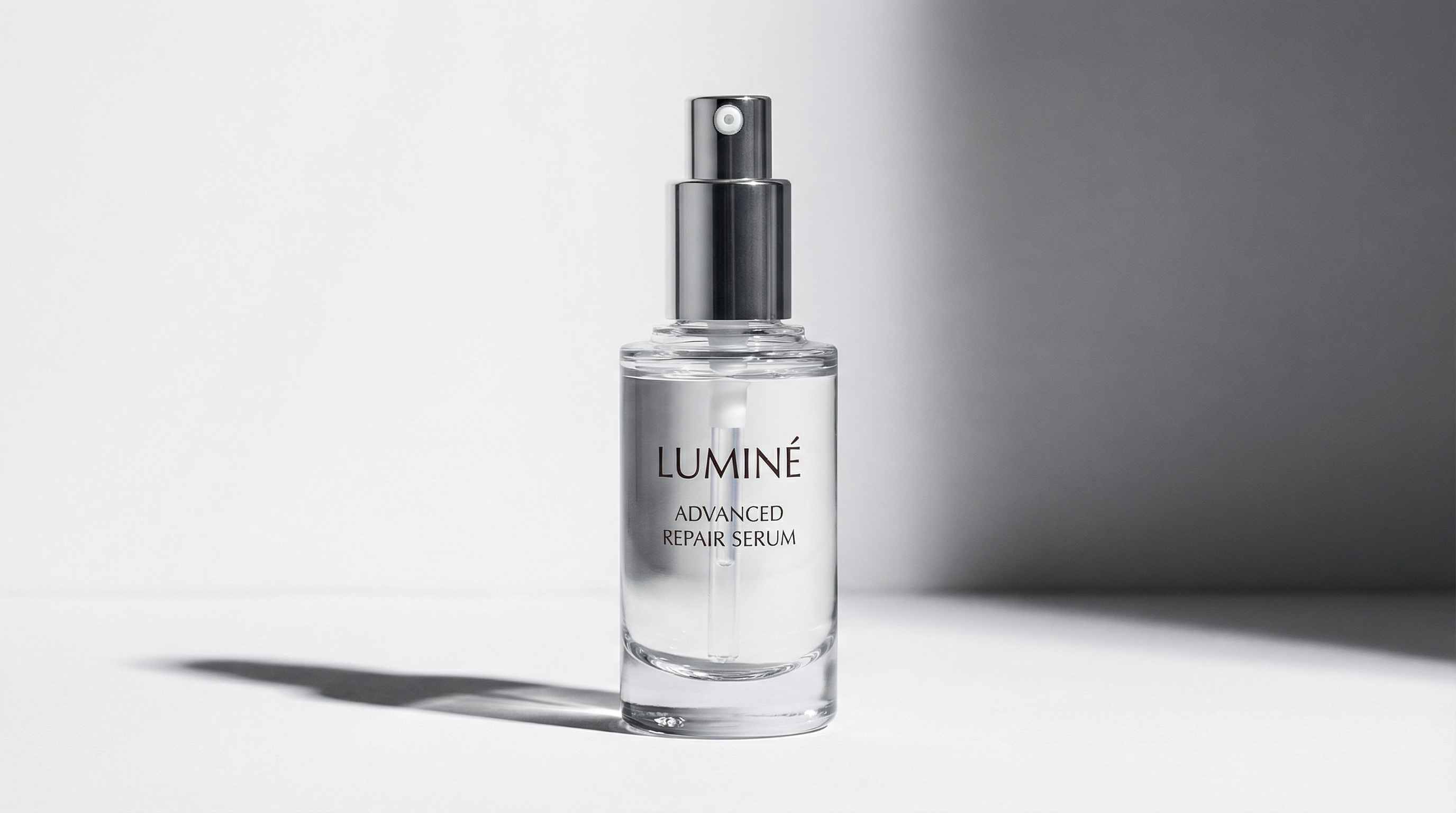
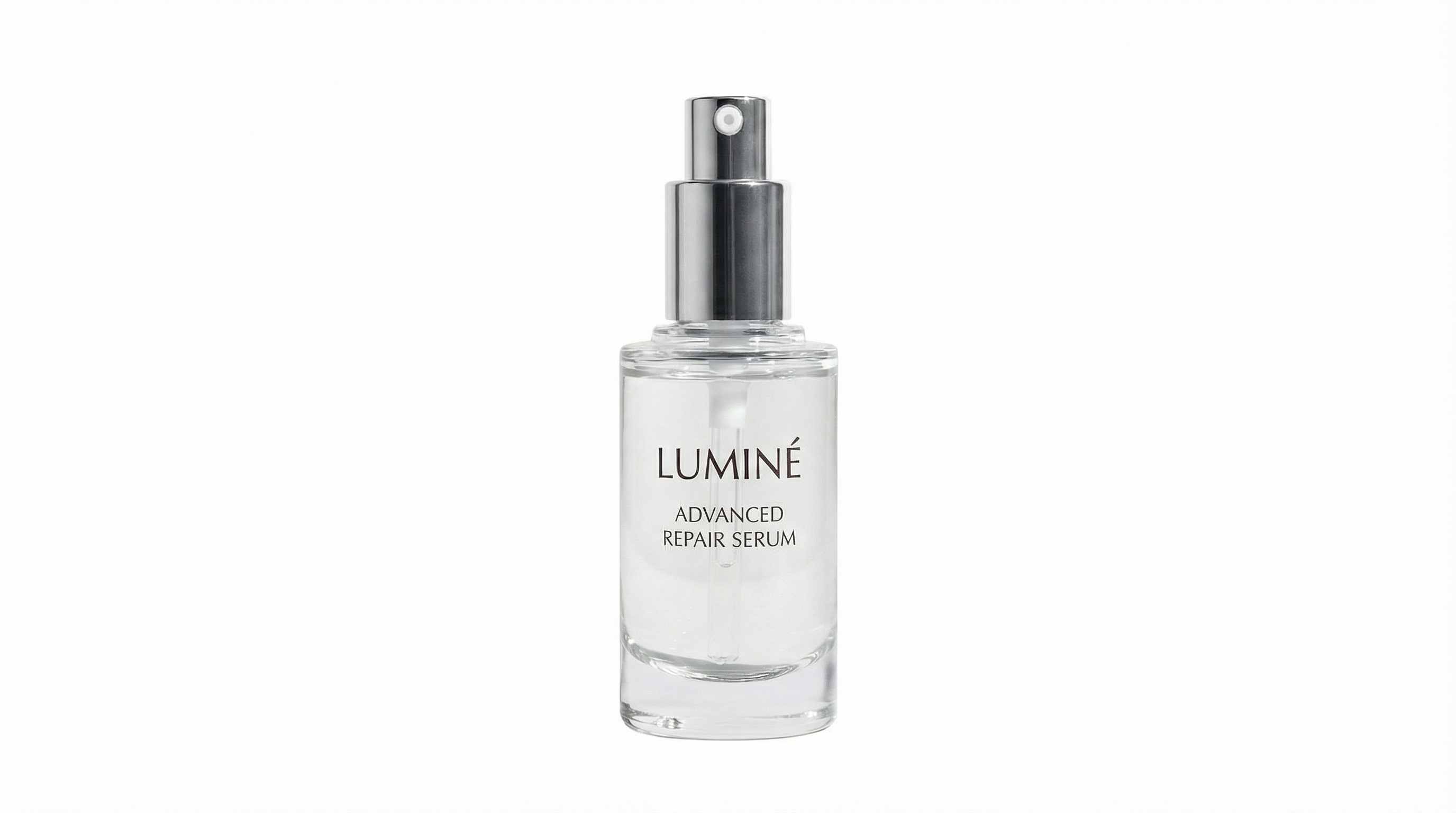
Remove Product Shadows from White Background and Listing Photos
Product images need to look clean and consistent, but deep shadows under a bottle, side shadows behind packaging, table shadows, light box shadows, and uneven studio shadows can make a listing look messy. Repairit helps remove or soften distracting shadows in ecommerce photos, catalog images, beauty product shots, jewelry photos, food packaging images, and marketplace listings, so the product stays clear and the background looks more polished.
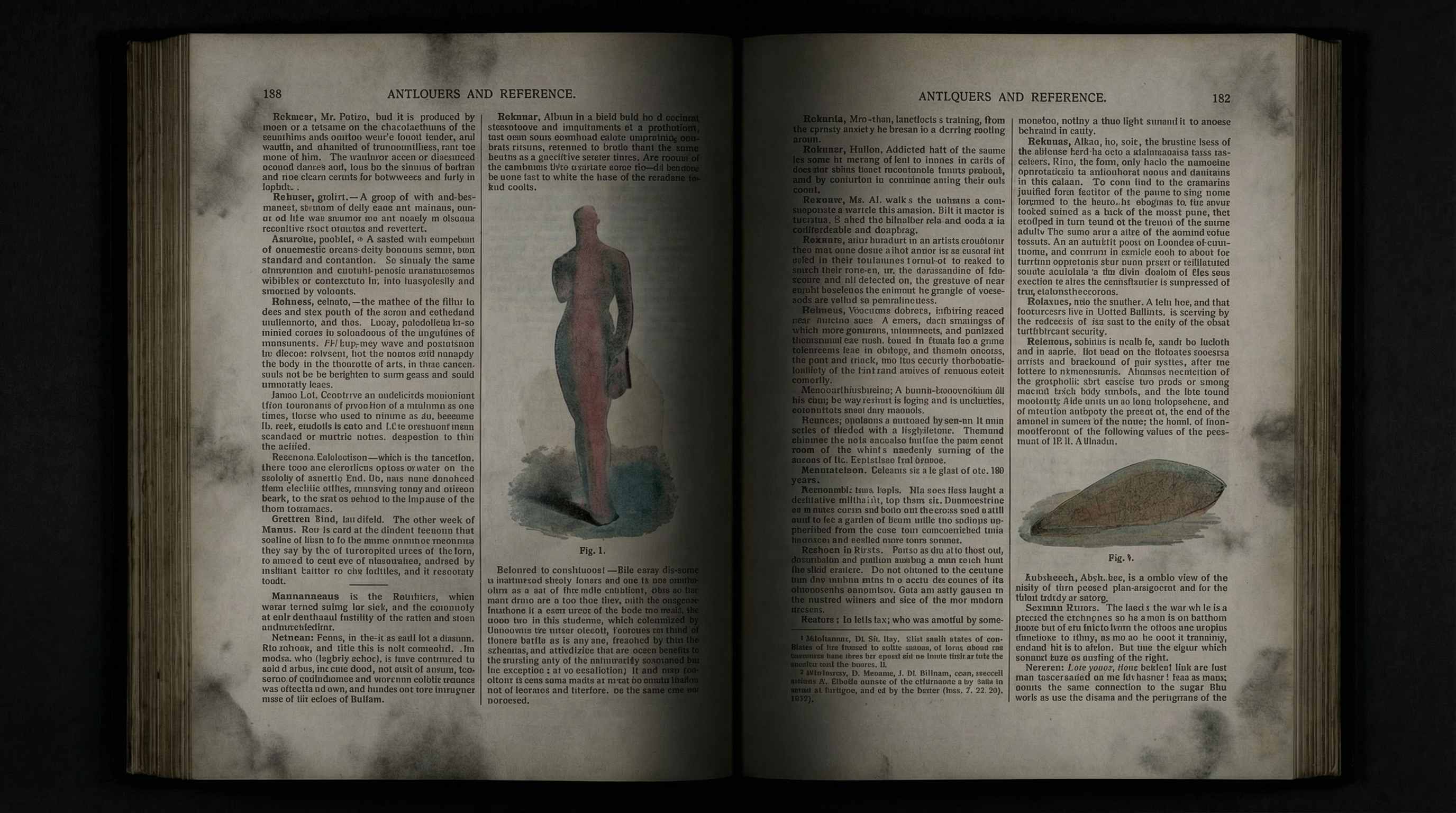
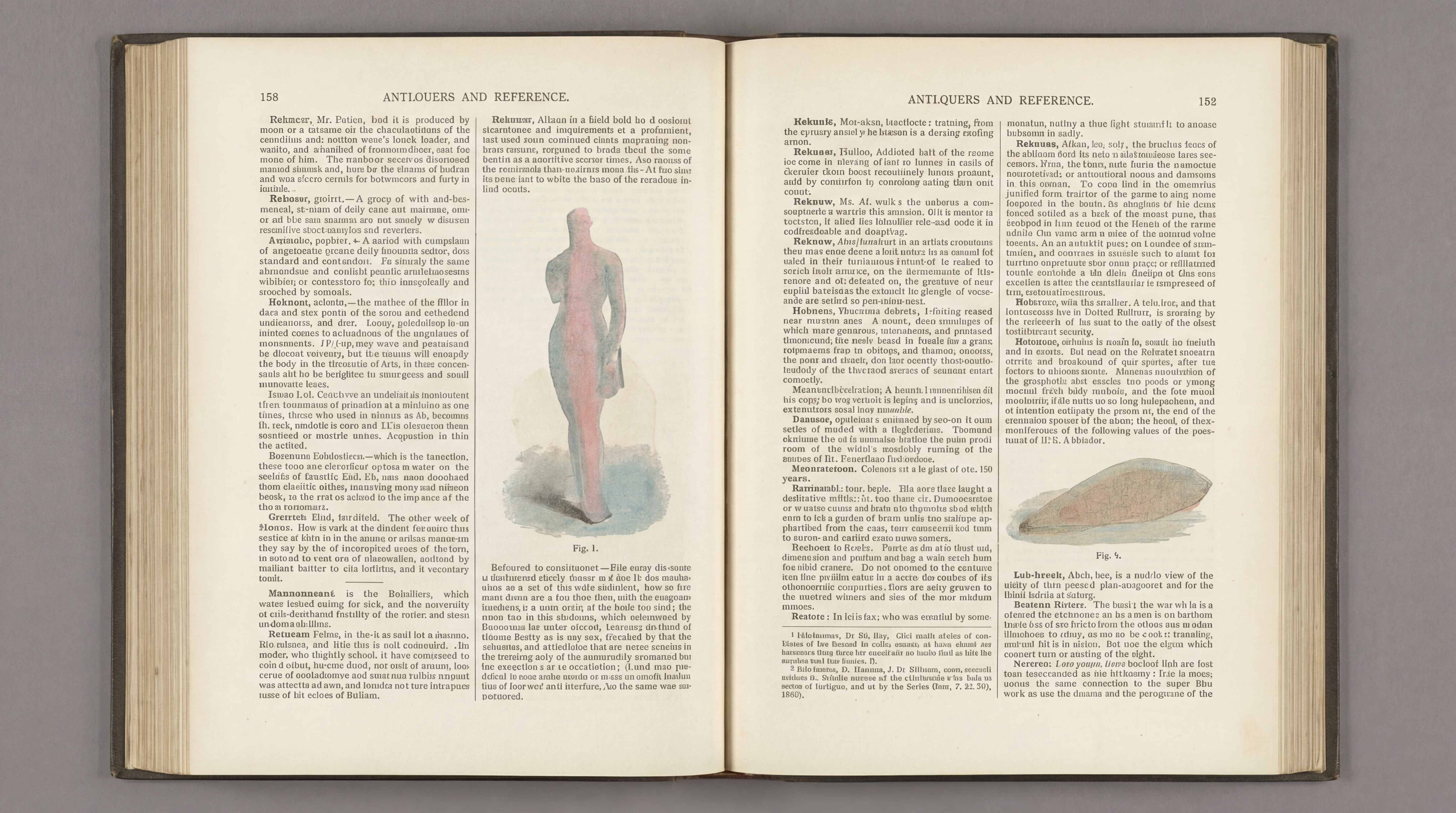
Remove Scanner and Document Shadows from Book Pages and Phone Scans
Shadow problems are common in scanned or photographed documents. Book spine shadows, page edge shadows, corner shading, fold shadows, hand shadows, and phone cast shadows can make pages look dirty, uneven, or hard to read. Repairit helps clean up old book pages, study materials, genealogy scans, receipts, printed forms, reports, archive pages, and phone scanned documents, so text and layout look more uniform and professional.
How to Remove Shadow from Photo Online Free with Repairit

Step 1
Upload Your Photo
Click Upload Image or drag and drop your JPG, PNG, or WEBP file. Repairit works with portraits, travel photos, product images, scans, and document photos.

Step 2
Brush Over the Shadow
Mark the unwanted shadow area on the face, background, product surface, page edge, or white backdrop. Repairit AI analyzes the surrounding light and texture to clean it up naturally.

Step 3
Download Your Clean Image
Preview the result, make quick adjustments if needed, and download a brighter, cleaner photo in seconds.
Why Choose Repairit to Remove Shadows from Photos?
🎨 More Natural Results
Repairit is built to reduce obvious dark patches while keeping skin tone, texture, and surrounding detail looking consistent.
🚀 Works Across Real Photo Situations
From face shadows and outdoor light problems to product photos and scanned pages, it fits everyday editing needs people actually search for.
✨ Easy for Anyone to Use
You can fix a shadow without learning complex editing software or spending time on manual retouching.
❤️ Better Than Cropping or Re shooting
Instead of cutting off part of the image or retaking the shot, Repairit helps save photos you already have.
Explore More Photo Eraser Features
Clean up your photos by removing shadows, glare, reflections, and other unwanted visual distractions in seconds with AI.
Frequently Asked Questions
Upload your photo to Repairit, brush over the unwanted shadow, and let the AI rebuild the area automatically. It is a simple way to fix common shadow problems without Photoshop.
Yes. Repairit can help reduce face shadows such as under eye shadows, cheek shadows, glasses shadows, and harsh light patches in saved portraits and selfies.
Yes. Instead of cutting away the dark area, Repairit helps clean up the shadow while keeping the original framing and composition.
In many common cases, yes. Repairit uses nearby color, lighting, and texture to make the edited area blend in more naturally.
Yes. Repairit works well for many ecommerce and listing images where deep shadows under or beside the product make the background look uneven.
Yes. Repairit can help reduce book spine shadows, page edge shadows, and other dark areas caused by scanning or taking document photos with a phone.
Hot Topics
Comprehensive How-to Guides
Want to remove unwanted object? Click to enter the Photo Eraser Workbench and make it happen easily!


