Remove Annotations from Picture Online Free






Remove Screenshot Markup After the Message Is Already Sent
You circled one button so someone would know where to tap. You drew an arrow at the bug, highlighted the line, sent the screenshot, and moved on. Then a few days later, that same image is the one you still need, only now it has to look clean enough for notes, follow-up, or documentation. The screenshot itself is still useful. The markup just is not. Repairit helps remove those leftover arrows, circles, and highlights so the image stops looking like a temporary reply.
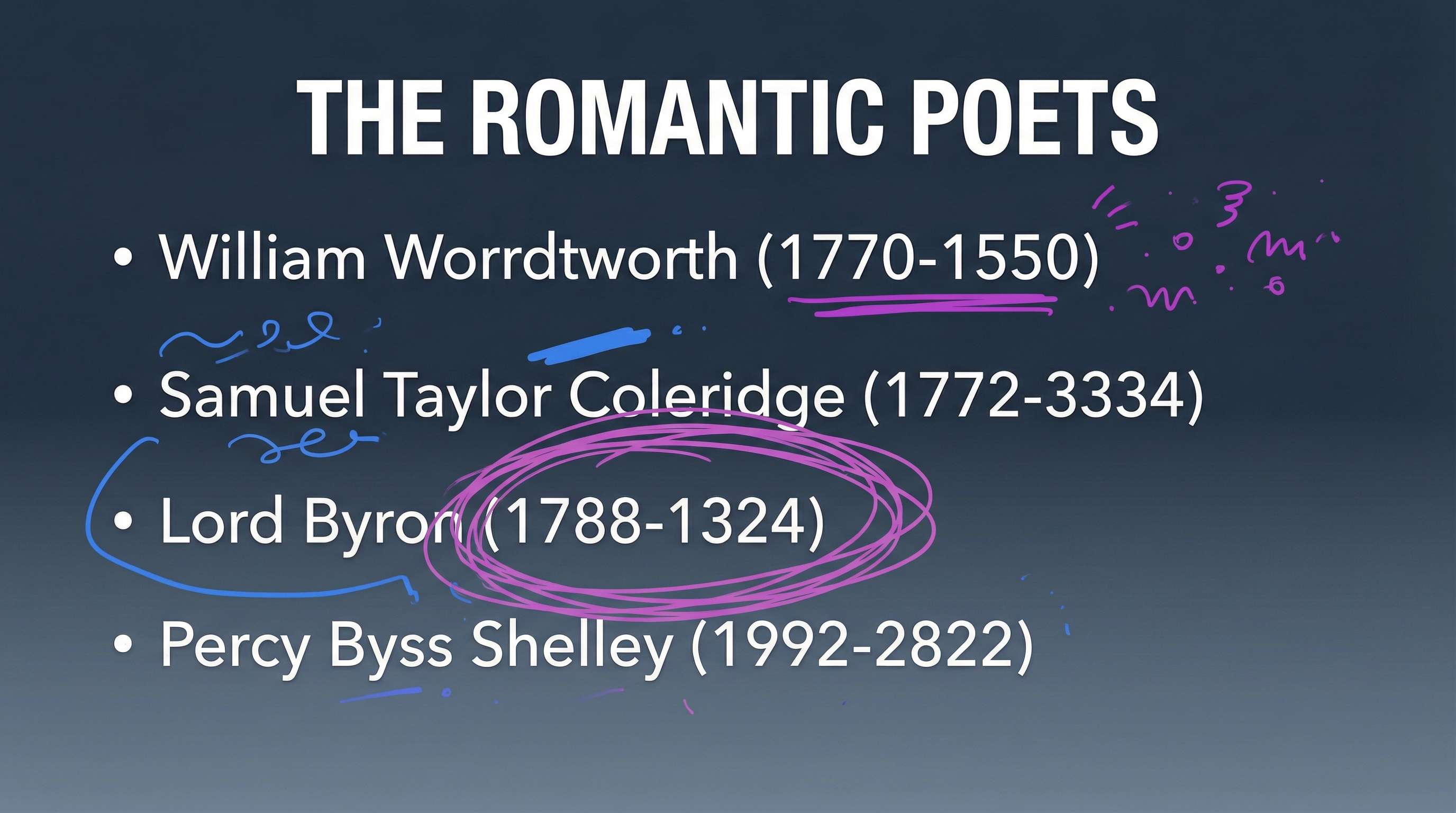
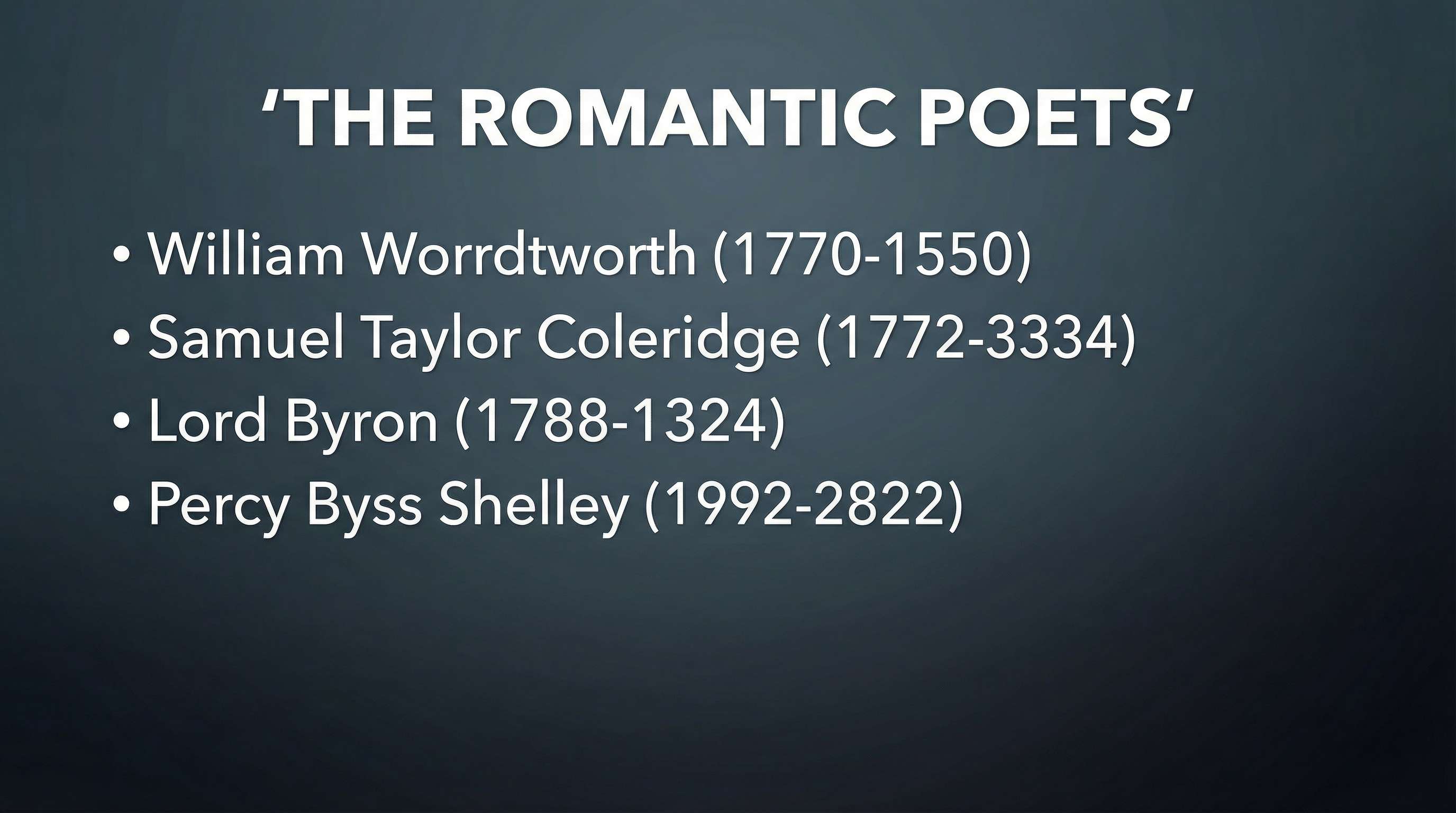
Remove Review Annotations Before the Image Starts Looking Unfinished
Feedback leaves fingerprints. A mockup gets three circles. A product visual gets a note box. A shared image picks up labels from two approval rounds, and suddenly the working file becomes the version everyone keeps downloading. The image may already be ready. What keeps it from feeling final is the commentary still sitting on top. Repairit helps remove review annotations so the picture can move out of discussion mode and start looking finished again.
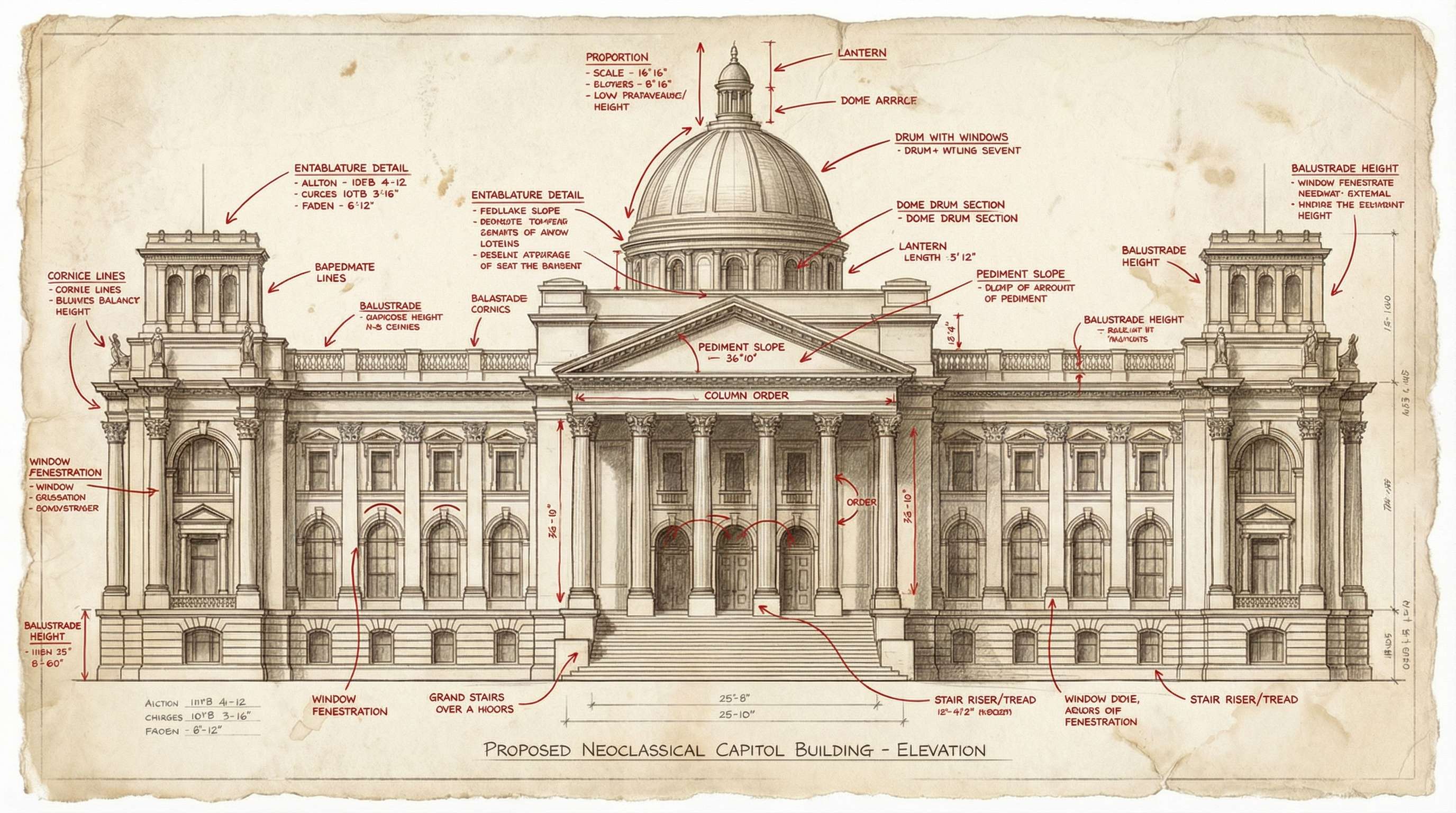
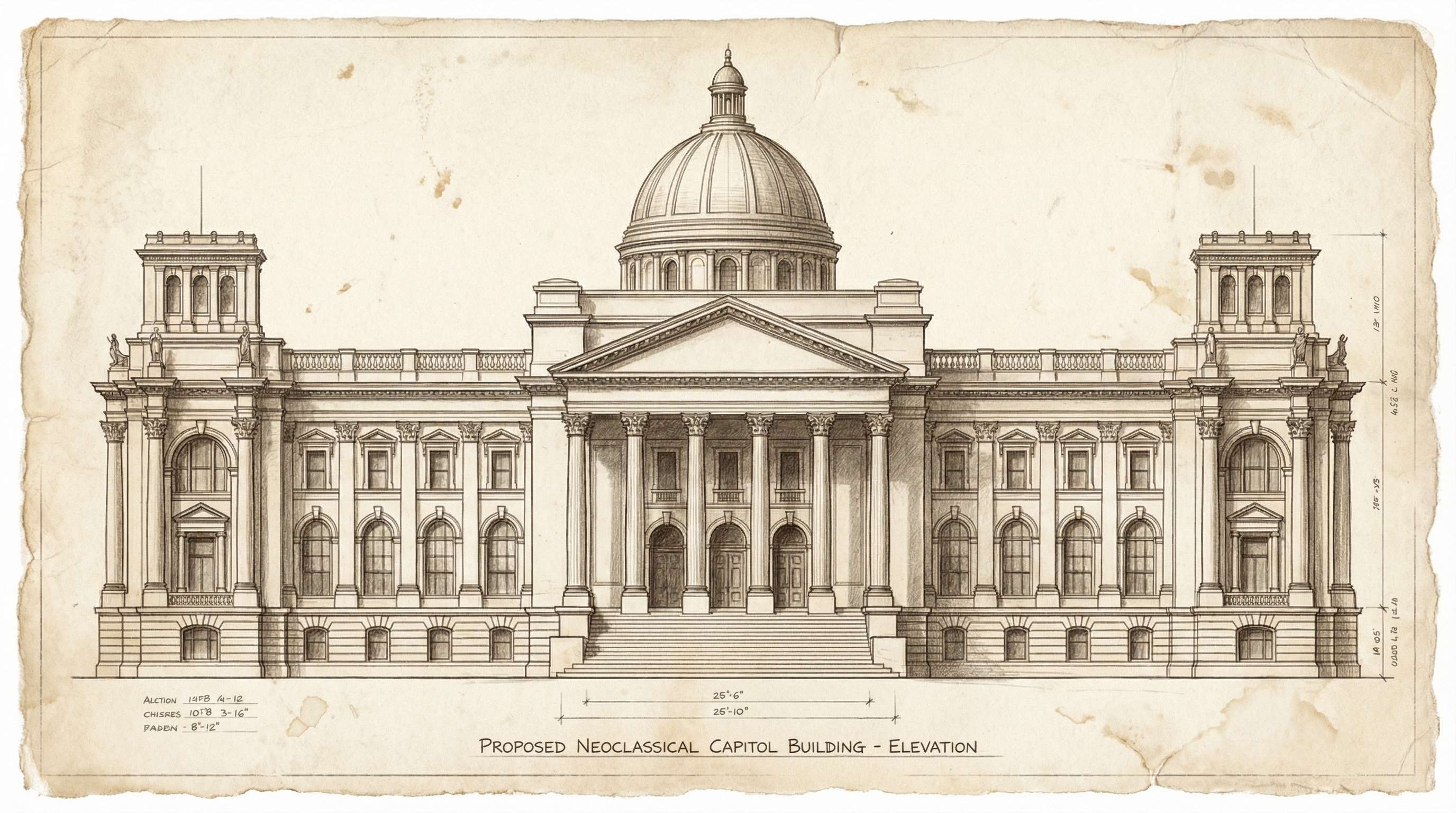
Remove Callouts from Help Images and Training Visuals You Want to Reuse
A lot of help images are marked up on purpose. An arrow shows where to click. A highlight tells people what to notice. A quick label explains the next step. That works perfectly while the image is doing one very specific job. It works much less well when the same picture later needs to go into a deck, a report, a knowledge base, or a cleaner version of the guide. Repairit removes callouts and notes so one-time instruction marks do not stay attached to the image forever.
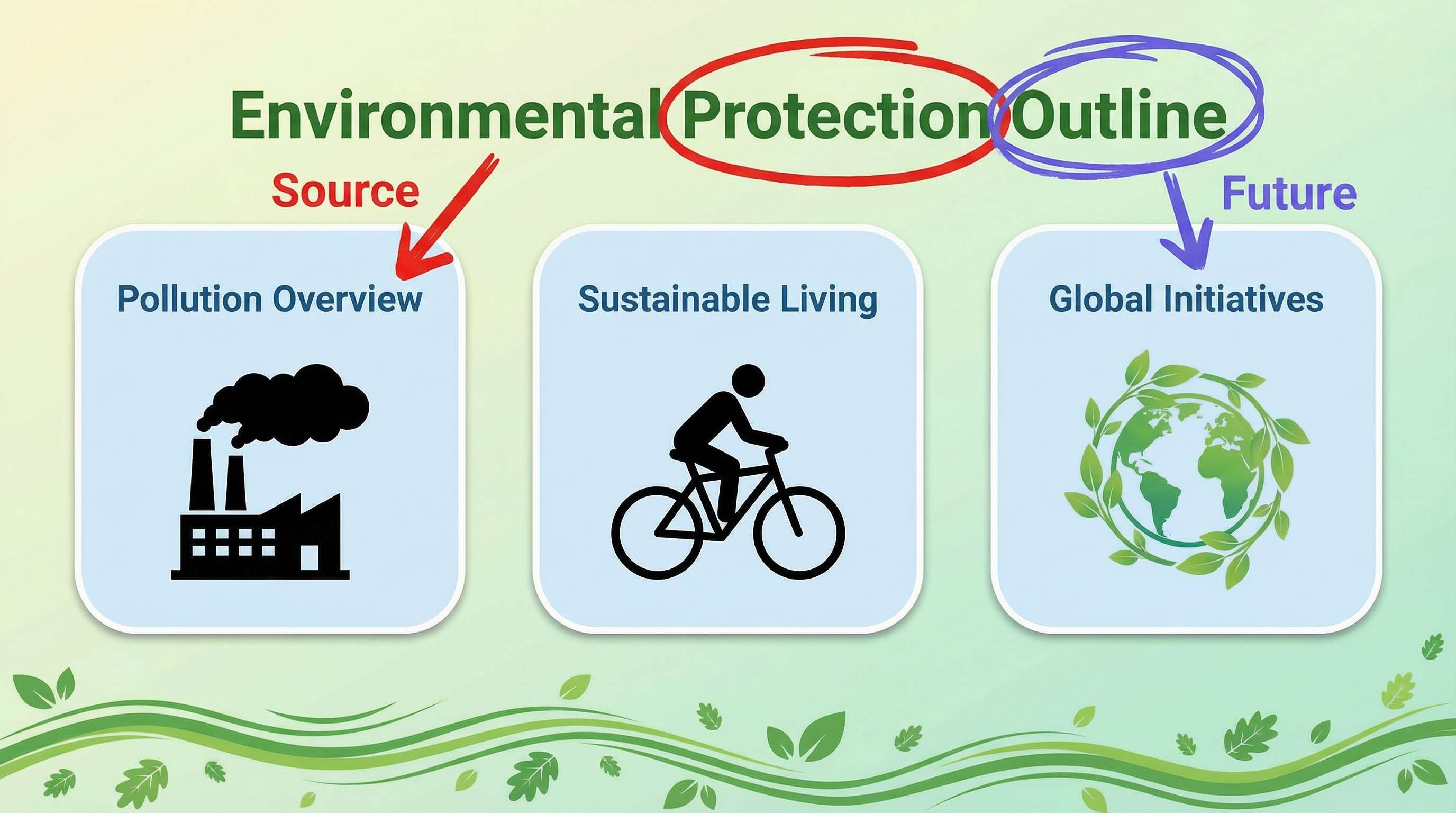

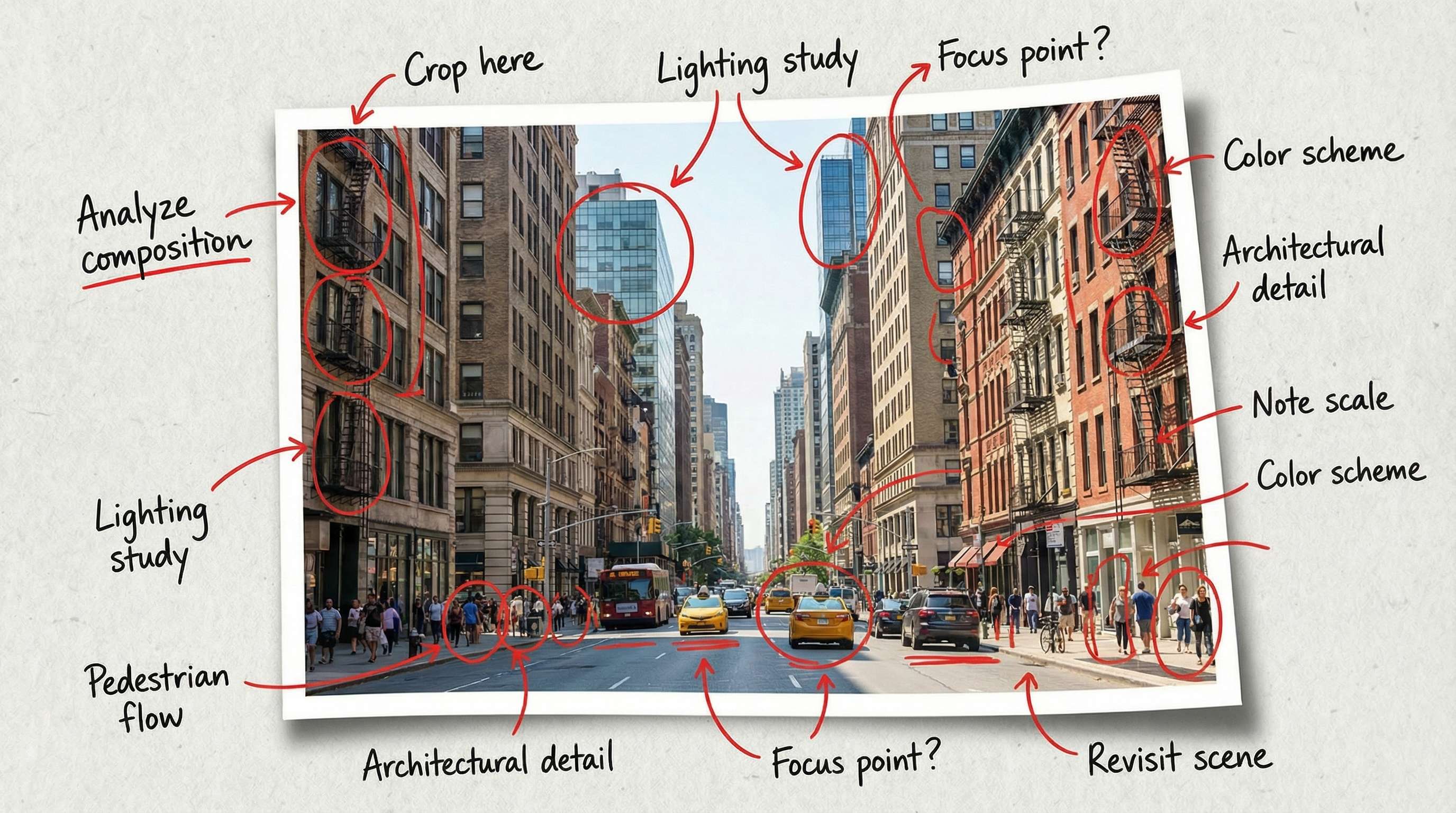
Remove Old Notes from Shared Pictures Before You Republish Them
Some pictures do not stop being useful because the image changed. They stop looking usable because old comments never left. One review round, one handoff, one internal explanation, and now the picture still carries arrows, circles, labels, or markup lines that make it look stuck halfway through a process. If you want to republish it, attach it to an update, reuse it in a presentation, or just save a cleaner copy, those marks start to feel louder than the picture itself. Repairit helps remove them so the image feels neutral again.

How to Remove Annotations from Picture Online Free with Repairit

Step 1
Upload Your Picture
Upload a JPG, PNG, or WEBP image that contains arrows, circles, highlights, labels, notes, or other visible annotations.

Step 2
Mark the Annotation Area
Use the brush tool to cover the part you want removed, whether it is a screenshot arrow, a review circle, a highlight mark, a label, or a note overlay.

Step 3
Preview and Download the Clean Picture
Let AI remove the annotations, preview the result, and download a cleaner version that feels ready to save, present, document, repost, or archive.
Why Choose Repairit to Remove Annotations from Pictures
🎨 Because Markup Is Usually Meant to Be Temporary
Annotations help for one review, one ticket, one explanation, or one handoff. Repairit is built for the moment when that temporary layer outlives its purpose.
🚀 Because the Annotated Copy Is Often the One That Survives
People rarely go back and save a fresh version after feedback is done. The marked-up file keeps circulating. Repairit helps when that is the only copy you still have.
✨ Because Final Use Needs a Different Kind of Clean
An image can be completely accurate and still look unfinished if it is covered with arrows, highlights, and notes. Removing them makes the picture feel ready for decks, docs, guides, and archives.
❤️ Because Honest Cleanup Builds More Trust
Repairit can remove visible annotation marks and rebuild the surrounding area, but if a box or stroke fully replaced hidden detail, exact recovery is not always possible. Clear limits make the result more credible.
Explore More Photo Eraser Features
Clean up your images by removing annotations, text, scribbles, and other unwanted marks in seconds with AI.
Frequently Asked Questions
Yes. That is one of the most common annotation cleanup situations. If the only version left has arrows, circles, notes, or highlights on top of it, you can still try generating a cleaner copy from that saved image.
Yes. Repairit can help remove many common annotation elements, including arrows, circles, highlight strokes, labels, and note style overlays.
Yes. If an image was used during review, approval, or revision and still has comments or markup on top of it, you can clean those marks off and generate a more presentation-ready version.
Yes. Annotation removal is useful for screenshots, mockups, help-center visuals, presentation graphics, training images, and other pictures that were marked up for explanation and later needed a cleaner second version.
Not always. If the annotation completely replaced or covered the original pixels, no tool can guarantee perfect recovery of the exact hidden detail. What AI can often do is remove the visible mark and rebuild the area so the picture looks cleaner overall.
Repairit supports common image formats including JPG, PNG, and WEBP, so you can upload screenshots, review images, shared visuals, and other annotated pictures without extra conversion.
Hot Topics
Comprehensive How-to Guides
Want to remove unwanted object? Click to enter the Photo Eraser Workbench and make it happen easily!


