Remove Signature from Photo Online Free






Remove Photographer Signatures from Paid Photos
People often want clean final images after paying for portraits, wedding photos, pet photos, or family sessions. Repairit helps remove visible photographer signatures, corner logos, and similar marks from photos you own or are allowed to edit, so the image looks more like a finished photo instead of a proof or branded preview. This is especially useful for framed prints, albums, family sharing, and personal keepsakes.


Remove Handwritten Signatures from Old Photos and Scans
Old photos and scanned prints often include a handwritten signature, date, note, or pen mark that distracts from the image. Repairit helps erase these signature style marks and rebuild the covered area more naturally, making it easier to clean up portraits, school photos, memorial images, and archived family pictures.
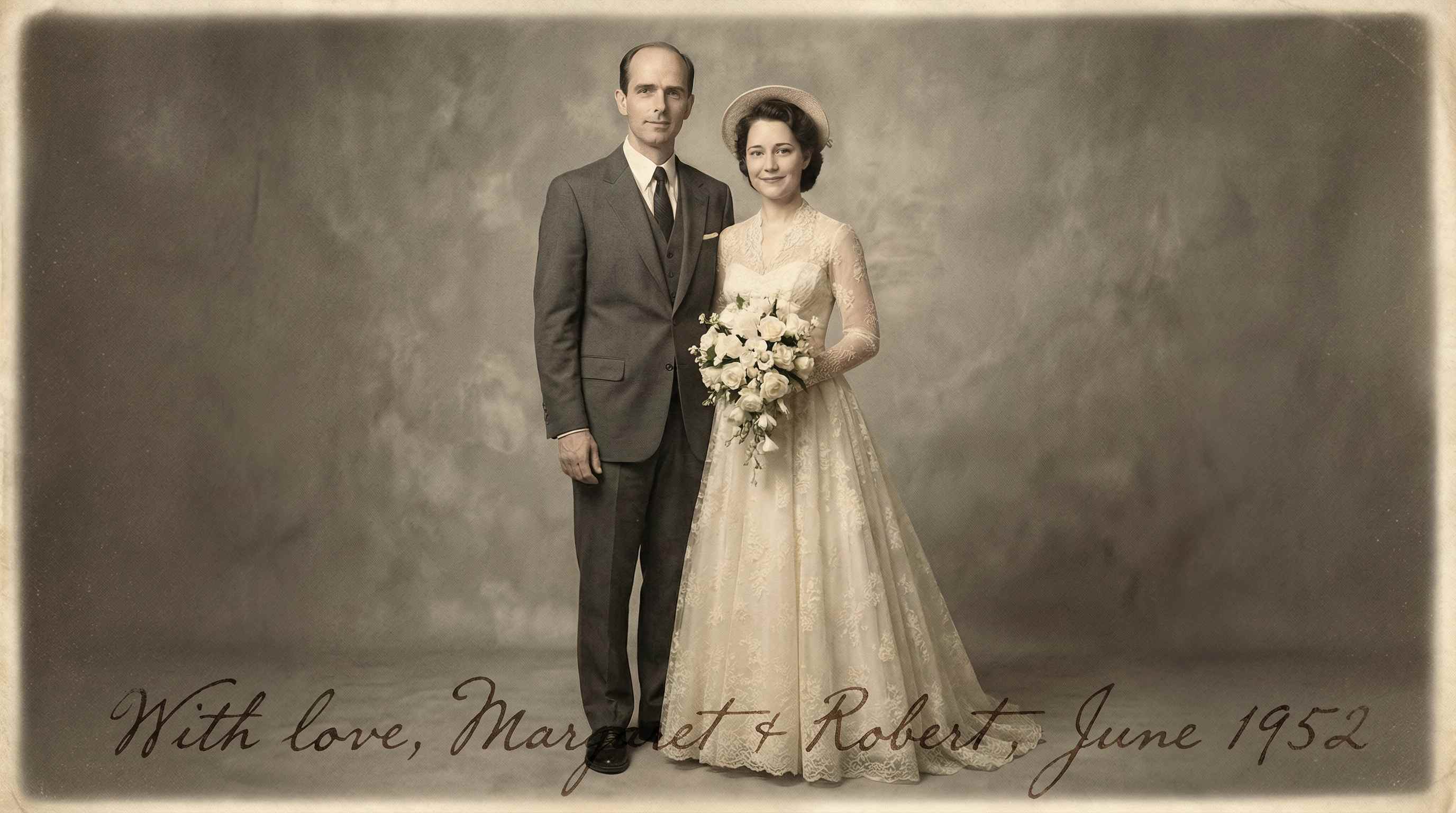
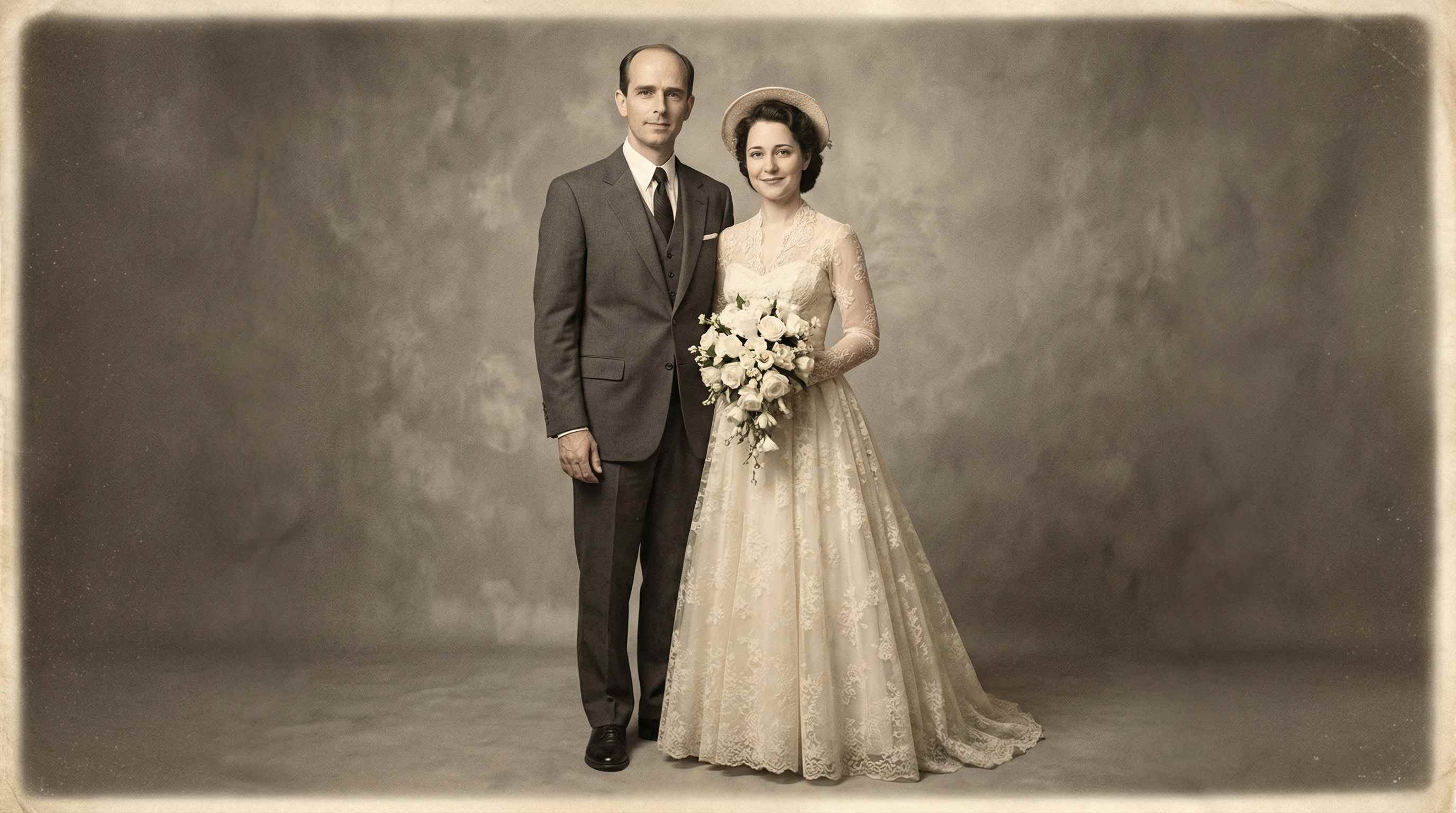
Remove Signatures from Product Images and Presentation Visuals
A visible signature in a product image, slide visual, or portfolio graphic can make the design look unfinished and distracting. Repairit helps remove signature marks from images used in ecommerce, presentations, marketing materials, case studies, and portfolio pages, so the final visual looks cleaner and more polished.


Remove Corner Signatures from Travel and Social Photos
A signature in the sky, water, background, or corner of a photo can pull attention away from the subject. Repairit helps remove these distracting marks while keeping the photo looking natural, which is useful for travel photos, landscape shots, vacation pictures, social posts, and personal image collections.


How to Remove Signature from Photo Online Free with Repairit

Step 1
Upload your photo
Upload a JPG, JPEG, PNG, or WEBP image. This works well for portraits, paid personal photos, old scans, product pictures, presentation visuals, travel images, social media photos, and other pictures with a visible signature or handwritten mark.

Step 2
Select the signature you want to erase
Mark the signature area with the selection tool so the AI knows what to remove. This works for photographer signatures, corner logos, handwritten marks, name signatures, and other unwanted signature style elements that distract from the image.

Step 3
Download the cleaned photo
Let the AI remove the selected signature and rebuild the covered area, then preview and download the result. The goal is a cleaner image that still looks natural and keeps the main subject clear, sharp, and presentation ready.
Why Choose Repairit to Remove Signatures from Photos
🎨 Natural looking results
Repairit helps remove signatures, marks, and distractions while keeping the image detail and overall photo quality more natural.
🚀 Works for different photo types
You can use it on paid personal photos, old scanned images, product pictures, presentation visuals, travel photos, and other everyday images with visible signature marks.
✨ Easier than manual retouching
Instead of spending time with clone tools, healing brushes, or complex editing steps, Repairit gives you a faster and simpler way to clean up photos.
❤️ Better for clean sharing and display
Whether you want a frame ready family photo, a cleaner product image, or a polished presentation visual, removing the signature can make the final image look more complete and less distracting.
Explore More Photo Eraser Features
Clean up your photos by removing signatures, watermarks, stamps, and other unwanted marks in seconds with AI.
Frequently Asked Questions
Upload the photo, mark the signature area, let the AI remove it, and then download the cleaned image. This is a simple way to erase visible signature style elements without complicated manual retouching.
If you own the photo or have permission to edit it, yes. Many people want clean final images after paying for portraits, wedding photos, pet photos, or family sessions, though asking for an unmarked final copy is still the best first step when possible.
Yes. This is a common restoration scenario, especially when a scanned image contains a signature, date, note, or handwritten mark that distracts from the picture. AI cleanup is often easier than trying to retouch the area manually.
That is usually the main concern, and it is why people prefer AI based cleanup tools. Repairit is designed to remove unwanted marks and distractions while keeping the image detail and overall photo quality more natural.
Yes. Removing a visible signature or corner mark can make product images, presentation slides, portfolio graphics, and marketing visuals look cleaner, more polished, and easier to reuse.
Repairit supports common formats such as JPG, JPEG, PNG, and WEBP, which cover most everyday photo cleanup and signature removal needs.
Hot Topics
Comprehensive How-to Guides
Want to remove unwanted object? Click to enter the Photo Eraser Workbench and make it happen easily!


