Remove Logo from Photo Online Free
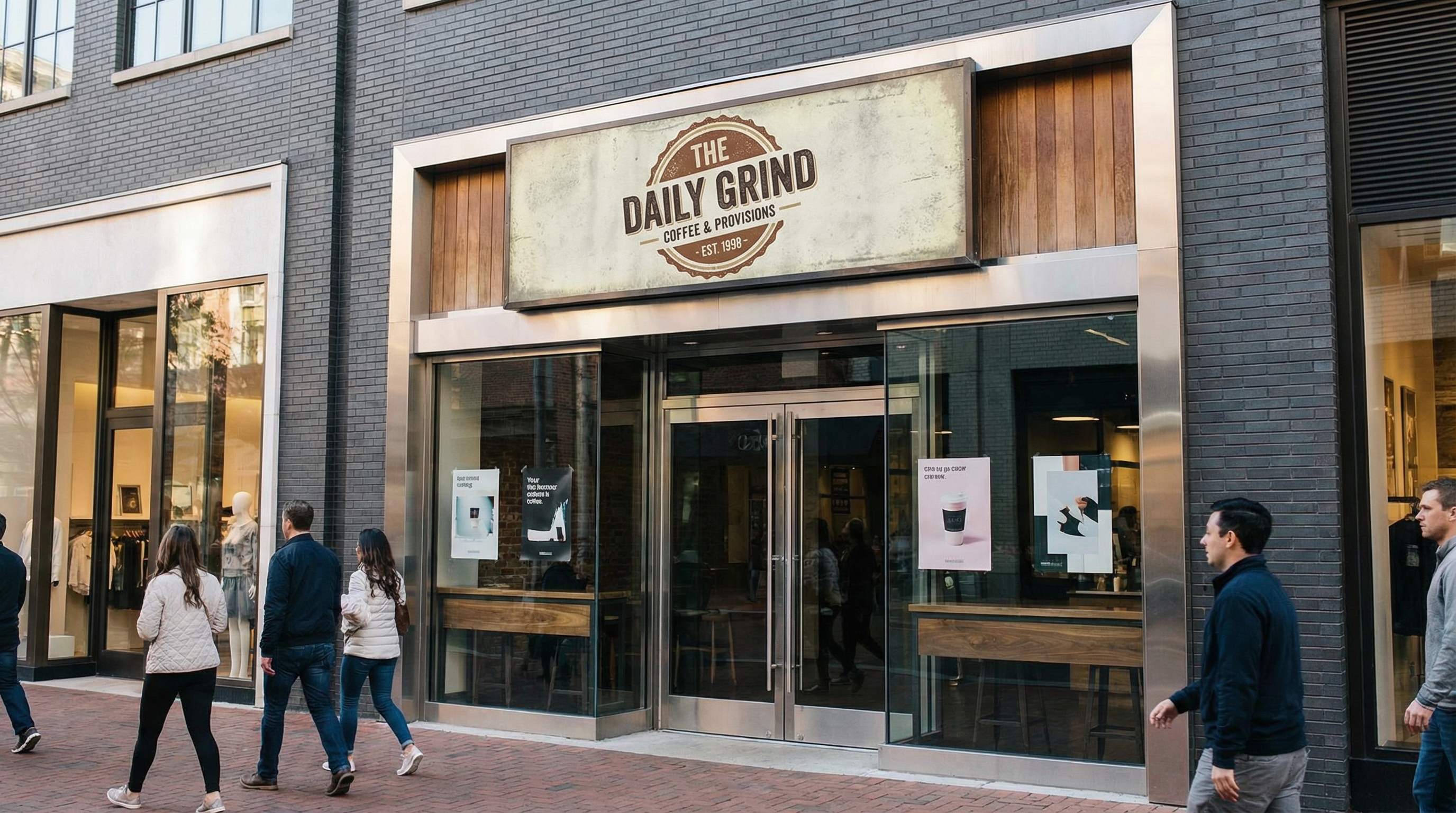
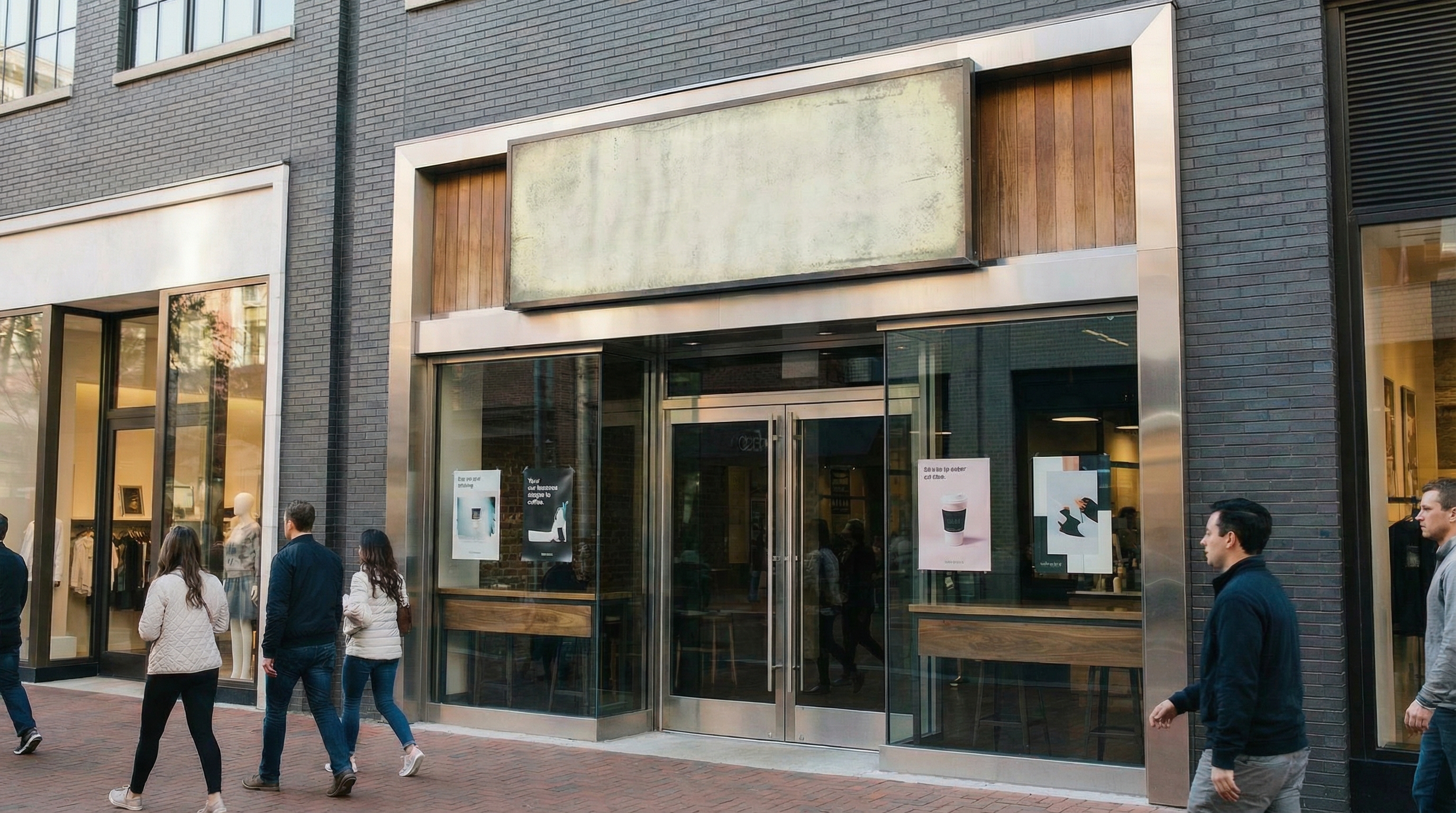




Remove Old Logo from Product Mockups Online Free
Product mockups can look outdated when they still show a previous logo, retired brand mark, or old campaign identity. This is a common issue for ecommerce teams, designers, brand managers, and print on demand sellers who need to refresh listing images without rebuilding every asset. Repairit helps remove old logos from product mockups online free, so approved brand visuals are easier to update across marketplaces, websites, and promotional channels.
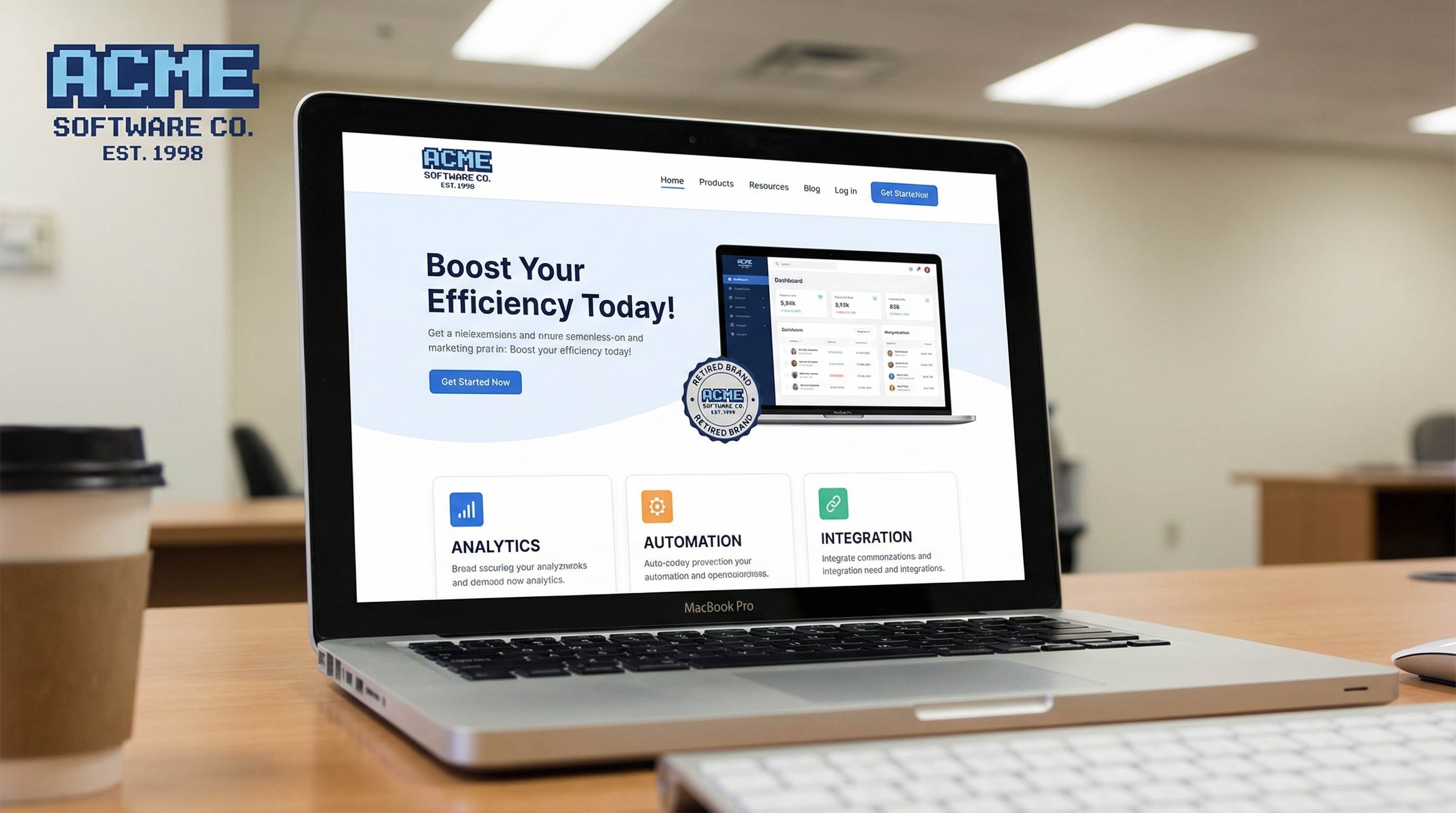
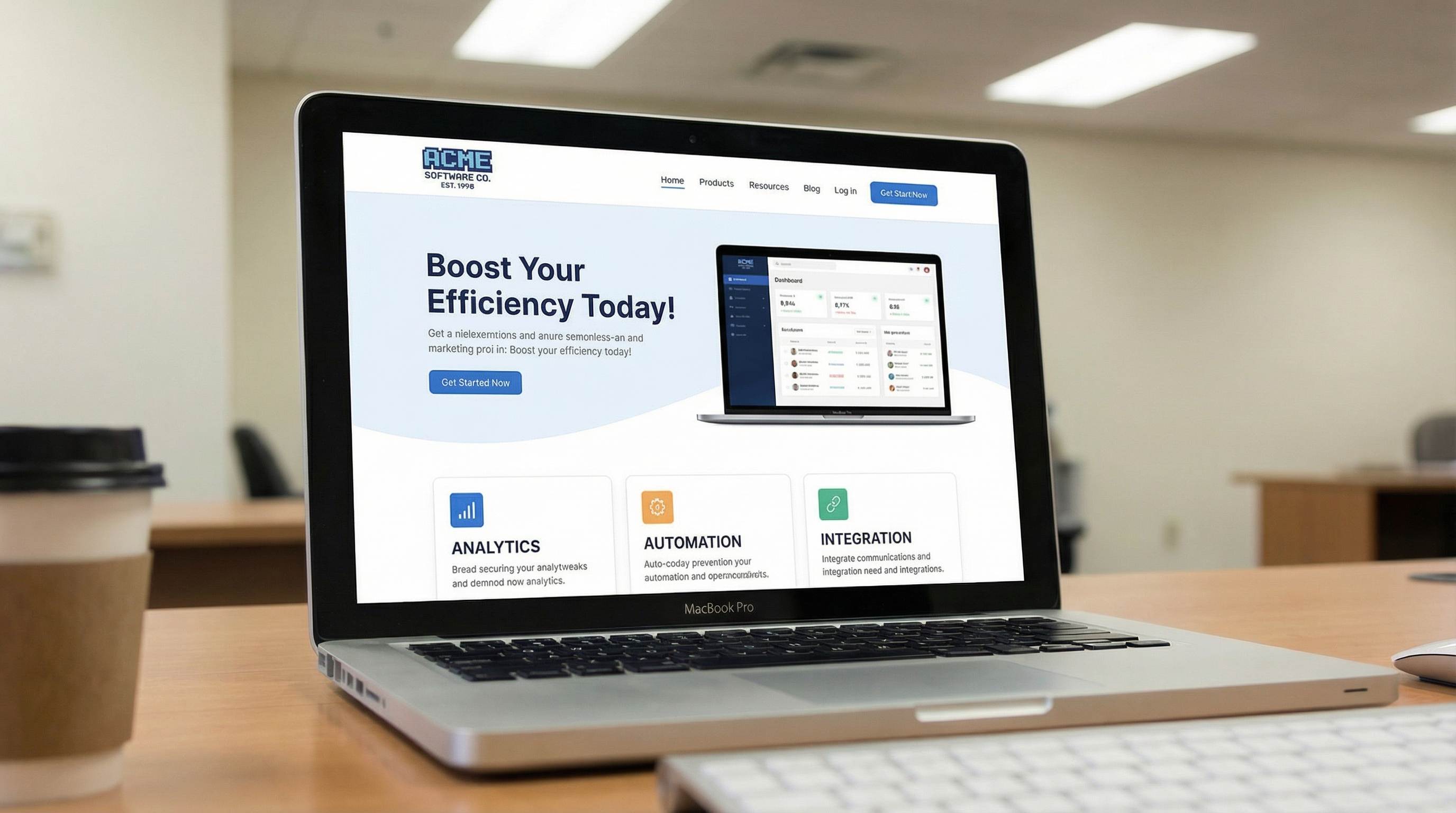
Remove Logo from Screenshots and Marketing Visuals
Screenshots, promo graphics, onboarding images, internal slides, and social media visuals often keep old logos long after a rebrand. Teams then waste time recreating simple assets just to clean one outdated corner mark, badge, or branding element. With Repairit, you can remove a logo from screenshots and marketing visuals online, making existing assets easier to reuse for product launches, landing pages, presentation decks, campaign refreshes, and updated documentation.
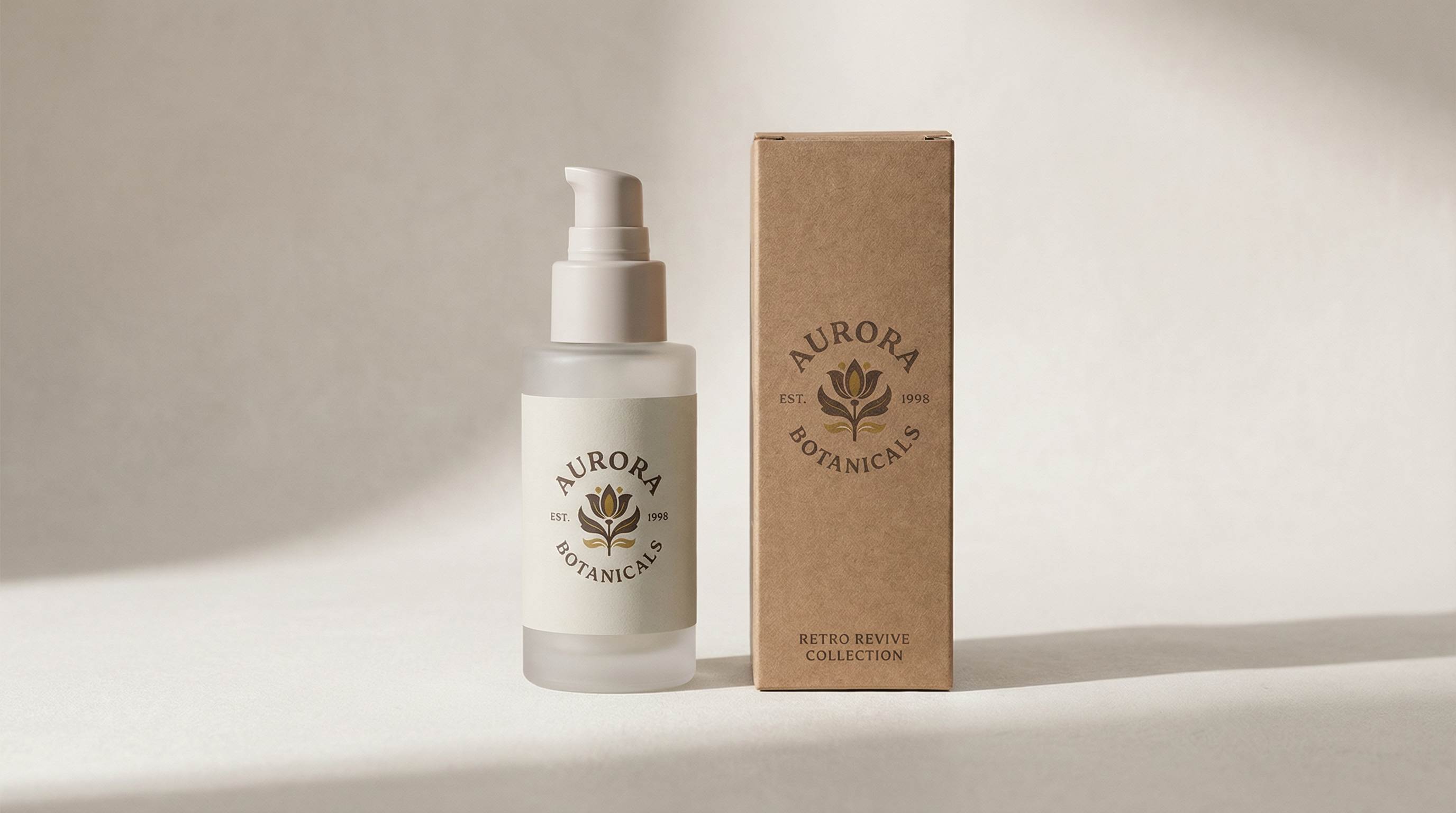
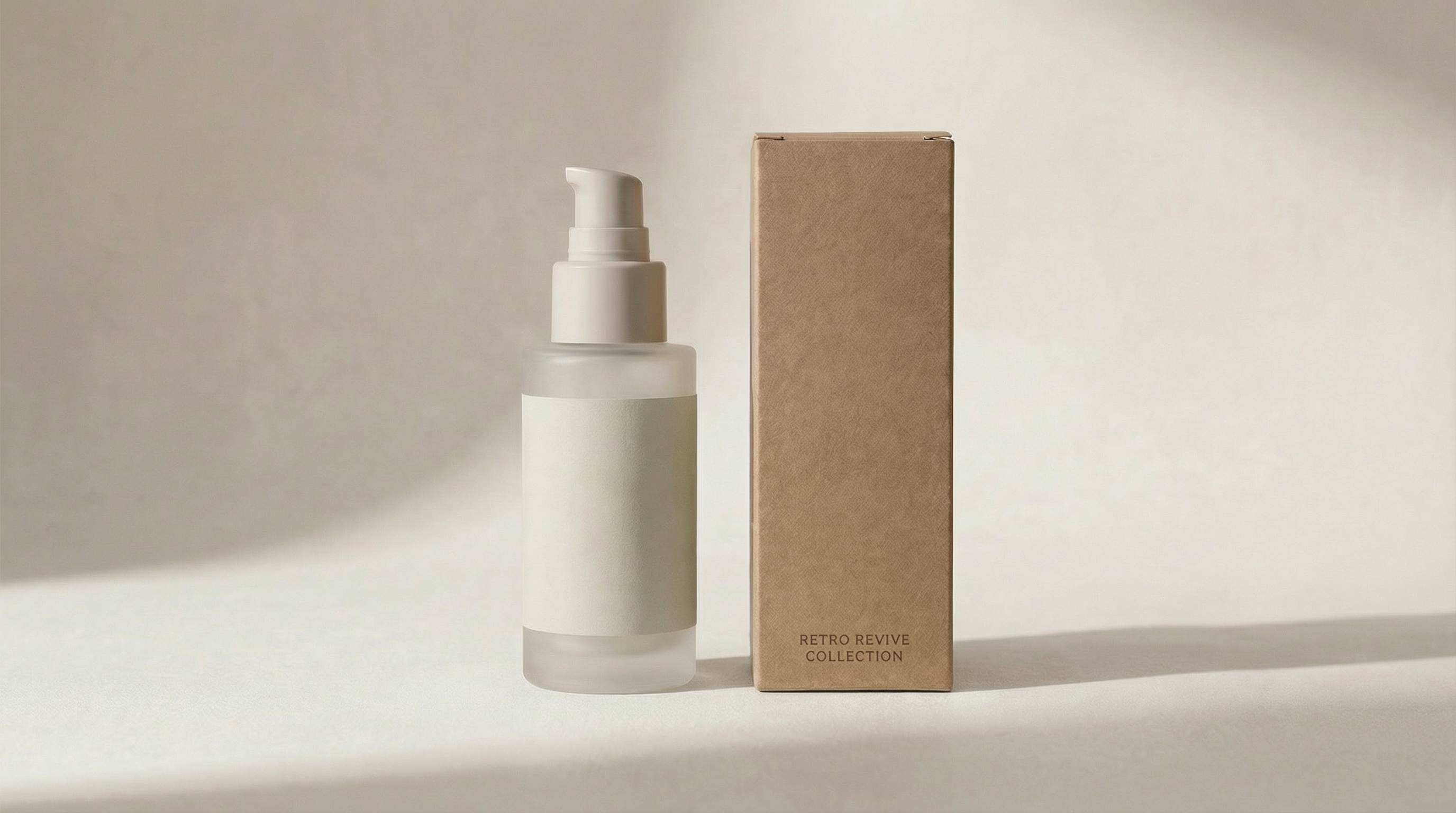
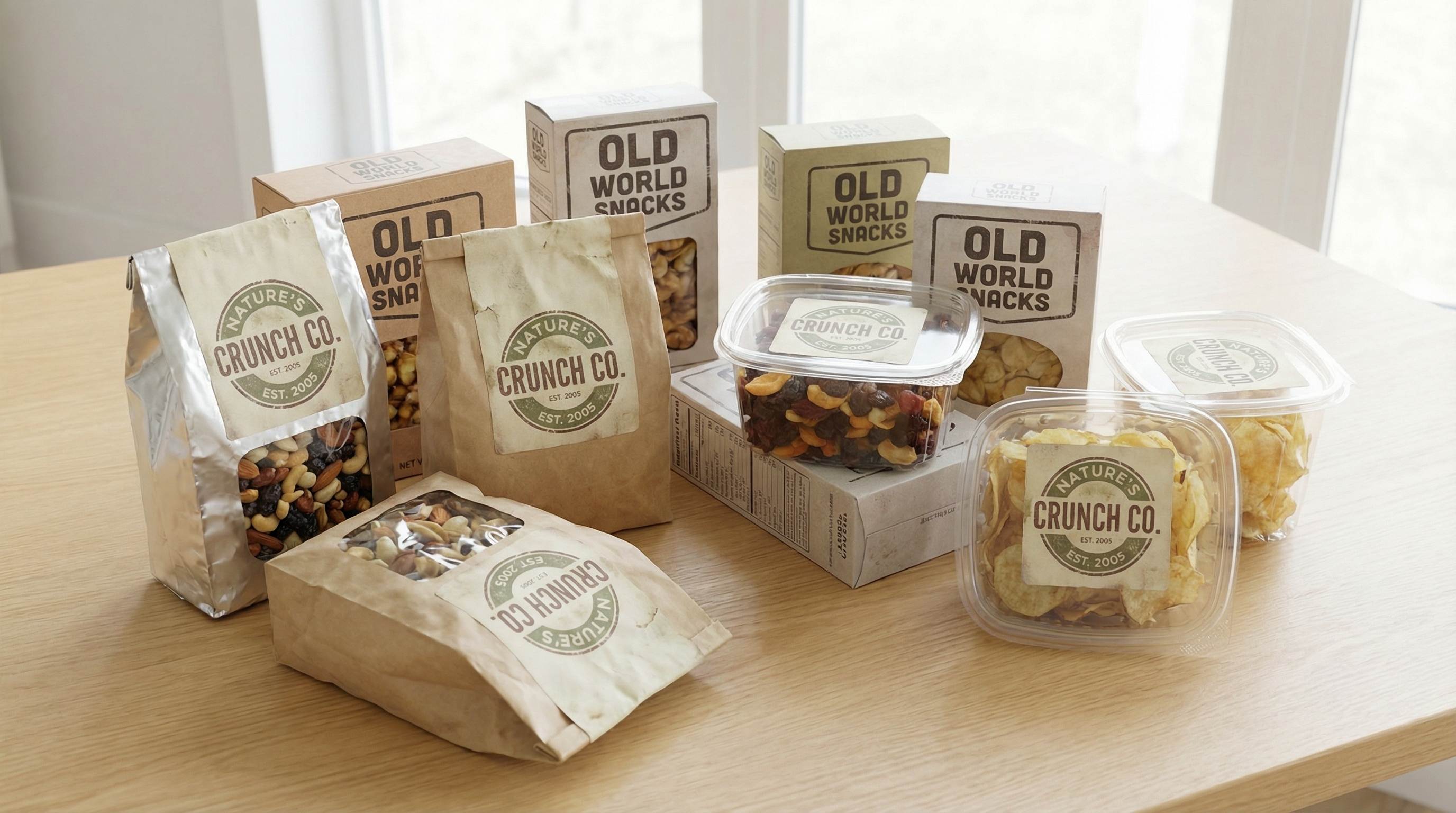
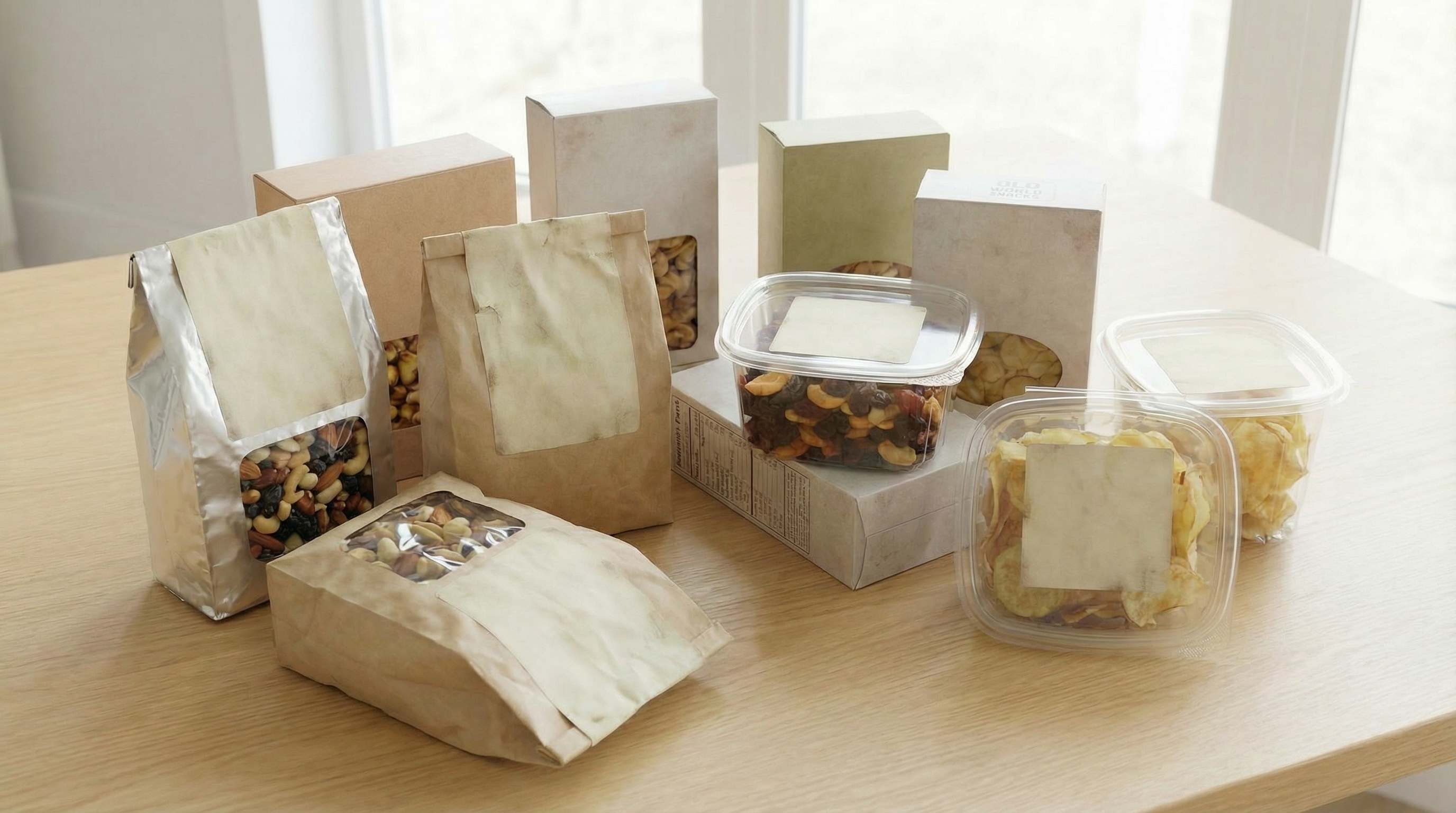
Remove Outdated Branding from Packaging and Label Photos
Packaging updates often leave teams with photos that still show an old logo, retired label design, or previous printed brand mark. This is common in beauty, food, fashion, and small business product photography where the image is still usable, but the branding is no longer current. Repairit helps remove outdated branding from packaging and label photos, so approved product images look cleaner, more current, and more ready for store pages, catalogs, and marketing updates.
Remove Old Brand Marks from Apparel and Merch Mockups
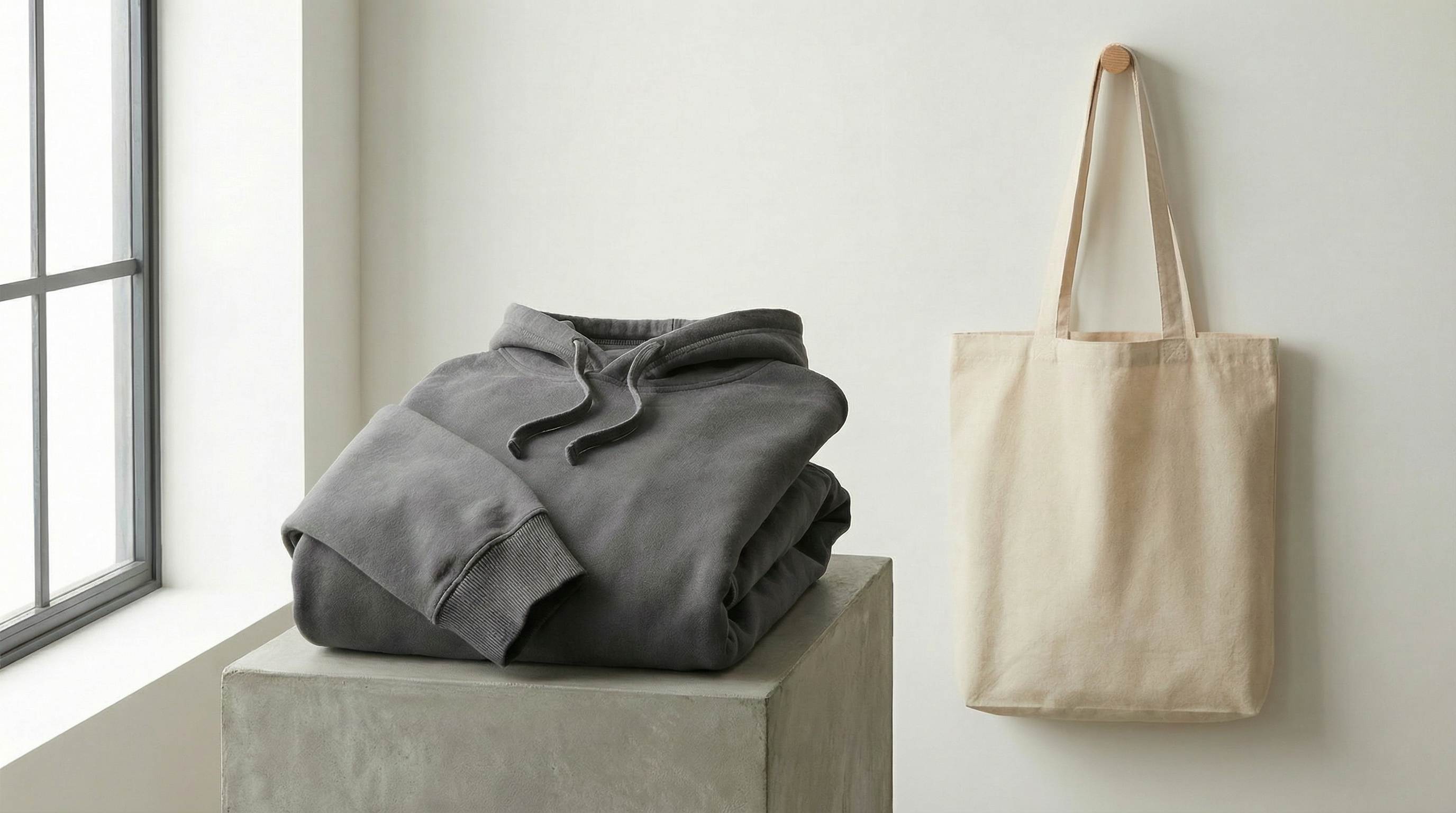
T-shirts, hoodies, tote bags, uniforms, and merch previews often need quick logo cleanup when an old chest mark, printed brand graphic, or legacy visual is no longer needed. Designers and sellers usually want to keep the same shot, fabric texture, lighting, and composition instead of rebuilding the mockup. Repairit helps remove old brand marks from apparel and merch mockups while keeping the image natural, which is useful for rebranding, client revisions, white label previews, and updated catalog visuals.

How to Remove Old Logo from Images Online Free with Repairit

Step 1
Upload Your Image
Click "Upload Image" or drag and drop your JPG, PNG, or WEBP file. Repairit works for product mockups, screenshots, packaging photos, apparel visuals, and other approved brand assets.

Step 2
Select the Logo You Want to Remove
Use the brush tool to paint over the old logo, retired brand mark, or outdated branding area. You do not need to be perfectly precise because Repairit AI can detect the selected area automatically.

Step 3
Download Your Clean Image Free
Repairit removes the selected logo and restores the image in seconds. Download your updated visual instantly with no watermark and no extra editing steps.
Why Choose Repairit to Remove Old Logos from Images?
🎨 Natural Results That Still Look Real
Repairit removes outdated branding while keeping surfaces, packaging, fabric, and surrounding details more consistent, so the edited image still looks natural after cleanup.
🚀 Built for Real Brand Update Scenarios
Whether you need to refresh product mockups, update screenshots, revise packaging photos, or clean old merch visuals, Repairit helps simplify common rebranding and asset update work.
✨ Easy for Teams and Individuals
You do not need professional editing software experience to clean up existing visuals. A quick upload and simple brush selection are enough to start updating approved assets online.
❤️ Faster Asset Refresh with No Watermark
Repairit gives you a faster way to refresh existing visuals without rebuilding them from scratch, and the final image stays clean and watermark free for immediate reuse.
Explore More Photo Eraser Features
Clean up your images by removing logos, watermarks, text, and other unwanted marks in seconds with AI.
Frequently Asked Questions
Upload your image to Repairit, brush over the logo, and let AI clean it up automatically. This is a simple way to remove an old logo from an approved image online for free without spending time on complex manual retouching, especially when you need to refresh existing brand visuals quickly.
Yes. Repairit helps remove old logos from product mockups without Photoshop, which is useful for ecommerce updates, rebranding work, client revisions, marketplace refreshes, and approved catalog visuals that need a cleaner, more current brand presentation.
Repairit makes it easy to clean old logos, outdated badges, and previous brand marks from screenshots, promo graphics, slides, and marketing visuals. This is especially useful when teams want to reuse existing materials after a rebrand instead of recreating simple assets from scratch.
Repairit is designed to rebuild the edited area using nearby texture, color, and lighting, which helps packaging, fabric, labels, and flat surfaces look more consistent after cleanup. In most everyday design and ecommerce use cases, this reduces the chance of obvious marks, blurry patches, or uneven edits.
You can use Repairit on approved product mockups, apparel images, packaging photos, screenshots, presentation visuals, catalog assets, and other branded materials that you own or are authorized to edit. This makes it useful for rebranding, campaign refreshes, packaging updates, and client change requests.
Repairit supports common image formats including JPG, PNG, and WEBP, so you can update most everyday brand assets online without converting files first. This is helpful for visuals exported from phones, cameras, ecommerce platforms, screenshot workflows, and design tools.
Hot Topics
Comprehensive How-to Guides
Want to remove unwanted object? Click to enter the Photo Eraser Workbench and make it happen easily!


