Remove Scribble from Photo Online Free
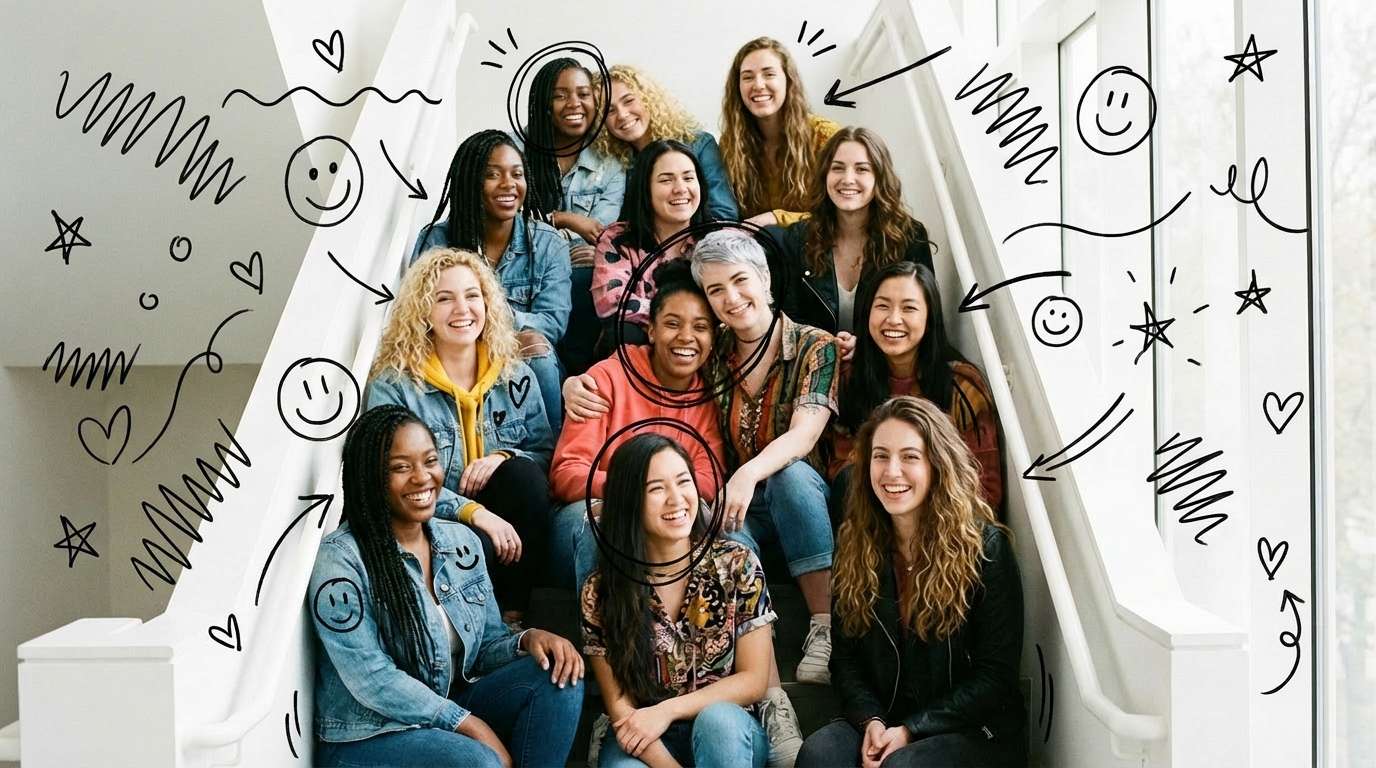
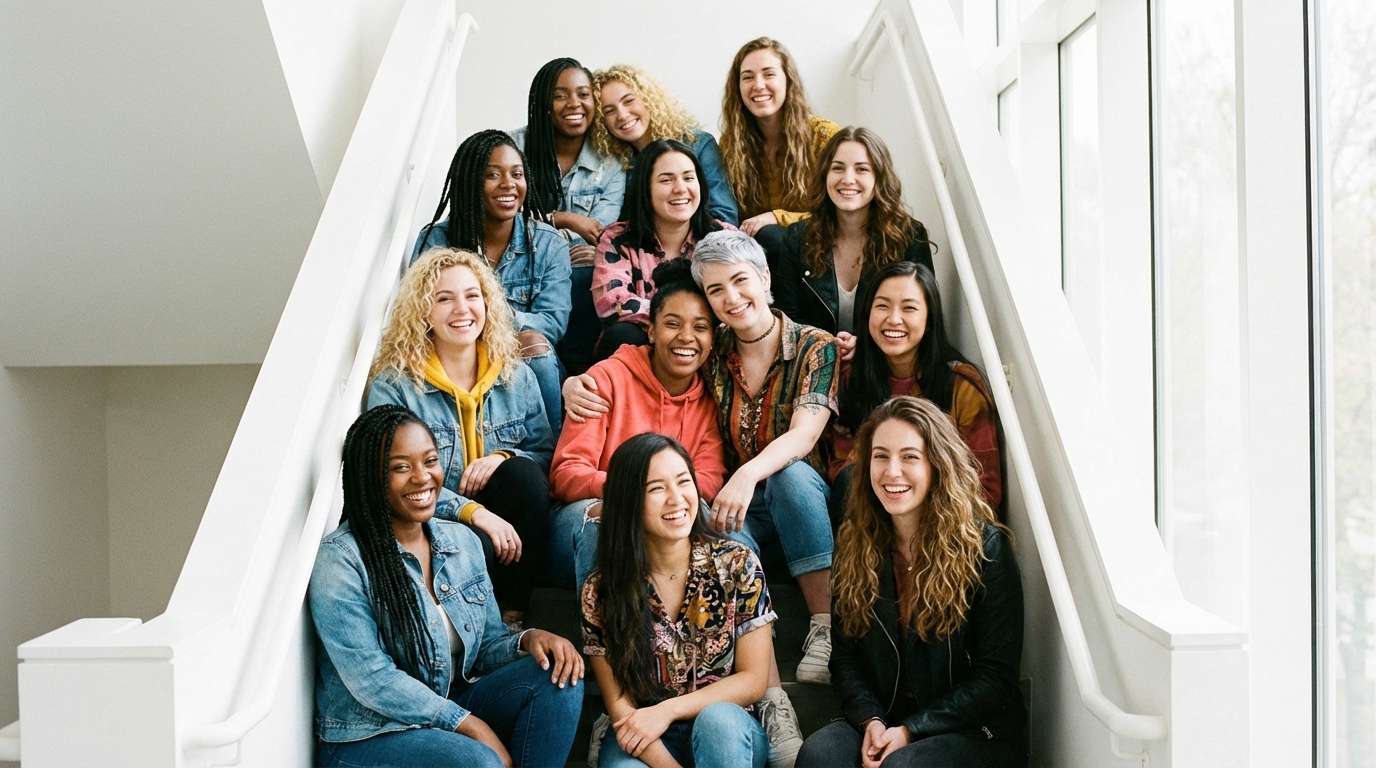




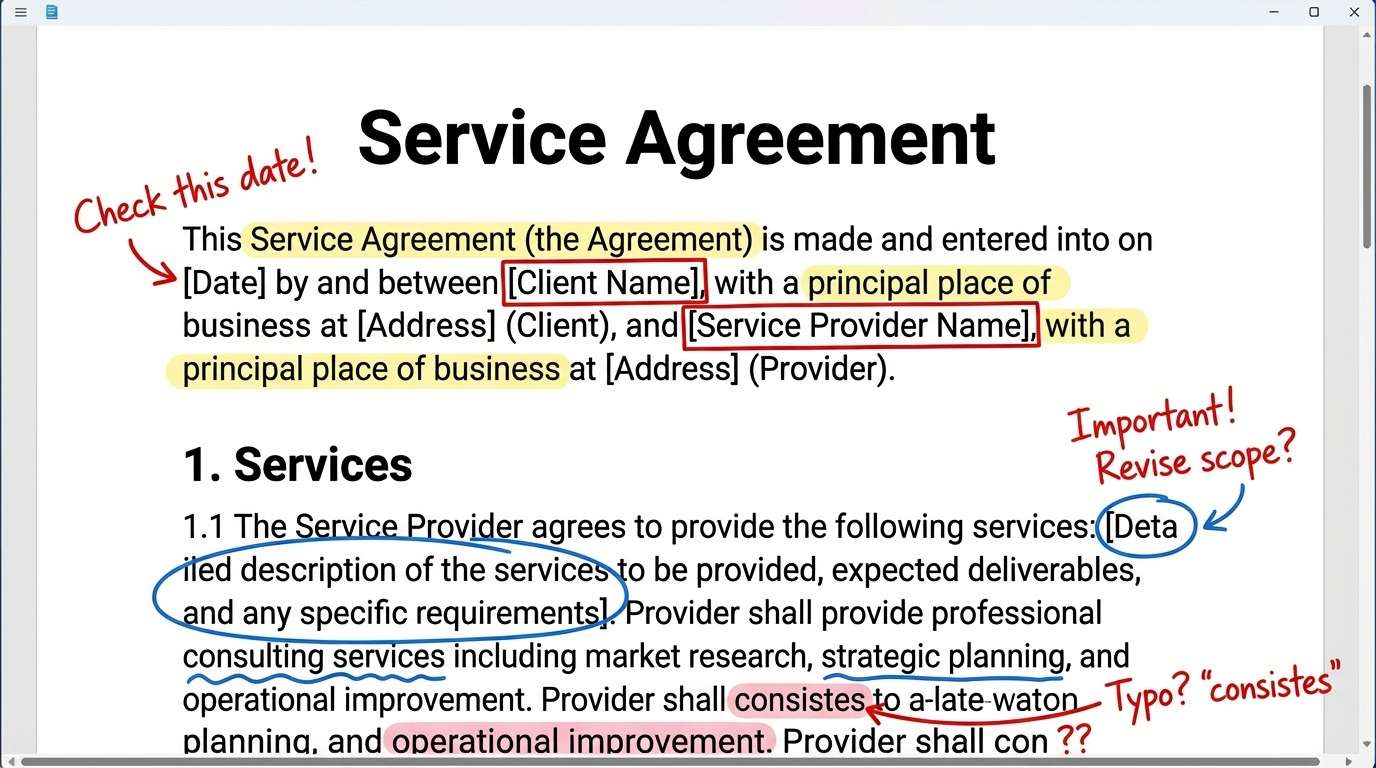
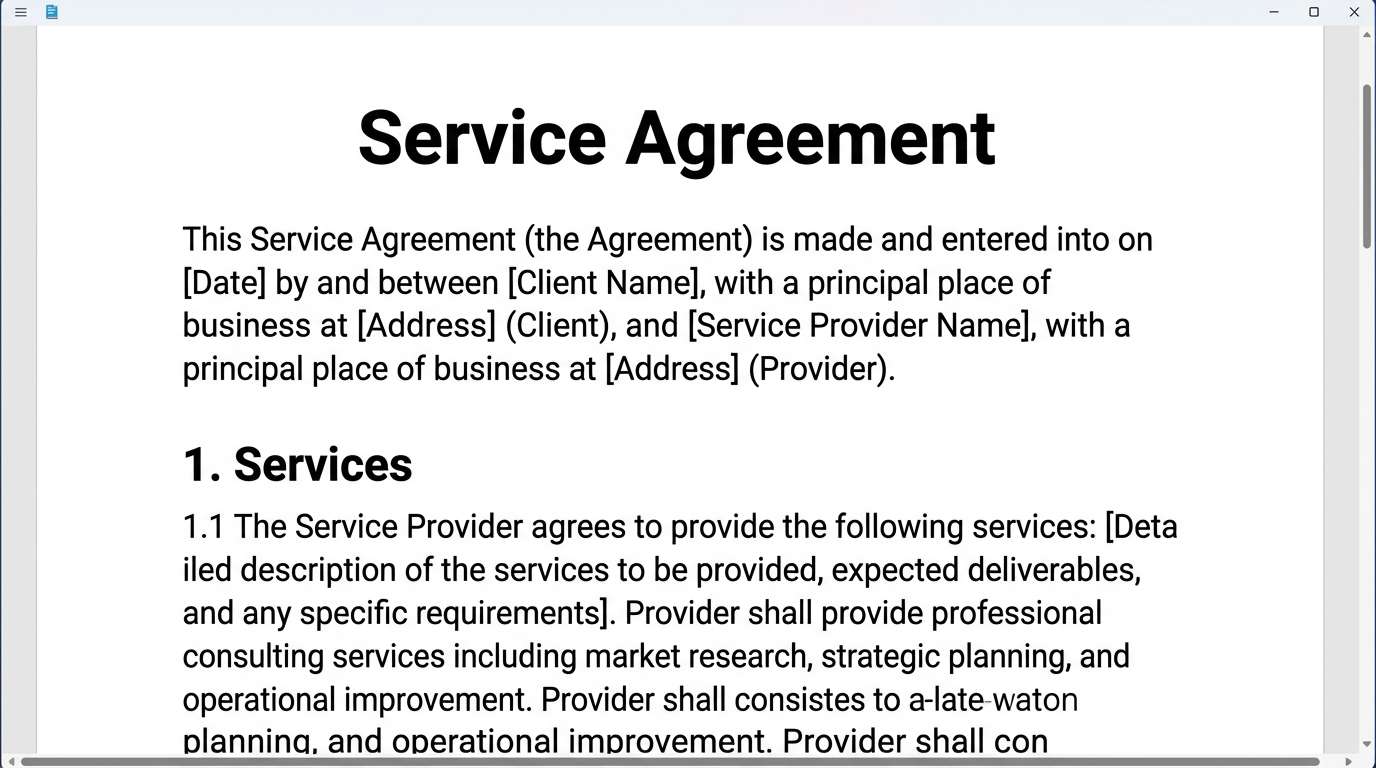
Remove Markup from Screenshots You Only Needed for One Conversation
This is the kind of screenshot that was useful for about thirty seconds. A white line, a red pen stroke, a quick circle, an arrow, maybe one messy brush mark just to point something out. It made sense in the moment, then kept following the image long after that moment was over. Later you want to save it properly, send it again, drop it into notes, or keep it for reference, and all you can see is the markup. Repairit lets you clean those marks off so the screenshot looks usable again instead of looking stuck inside an old explanation.
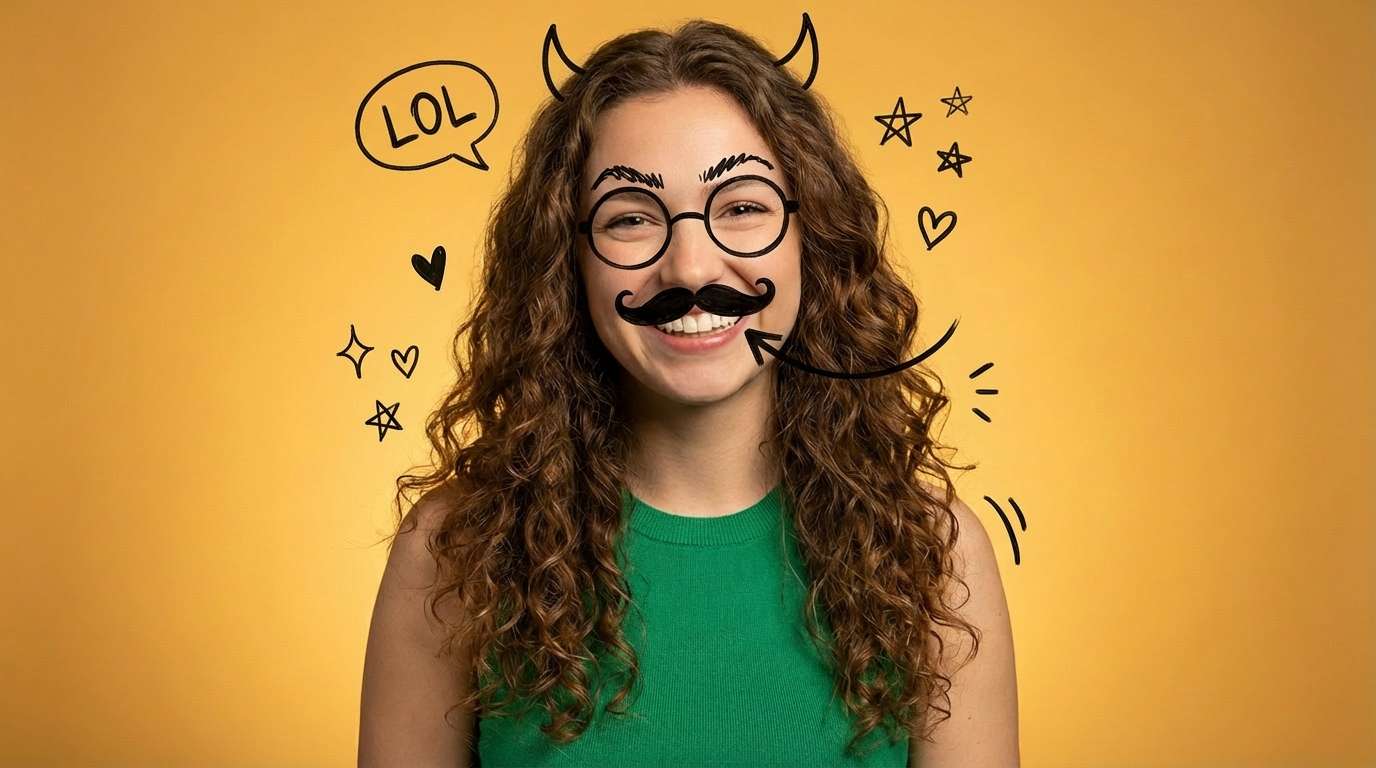
Remove Doodles from the Photo That Was Supposed to Be a Joke
Some photos get ruined in the most casual way possible. Someone draws on a face in a group chat, scribbles over the background, adds random lines, or turns the picture into a quick joke before sending it back. Nobody thinks twice about it until that same image becomes the only version left. Then what felt funny for one minute starts feeling wasteful. The photo might still be worth keeping, posting, or printing, but not with somebody else's doodle still sitting across it. Repairit helps clear away those drawn marks so the photo can go back to being a photo, not a punchline.

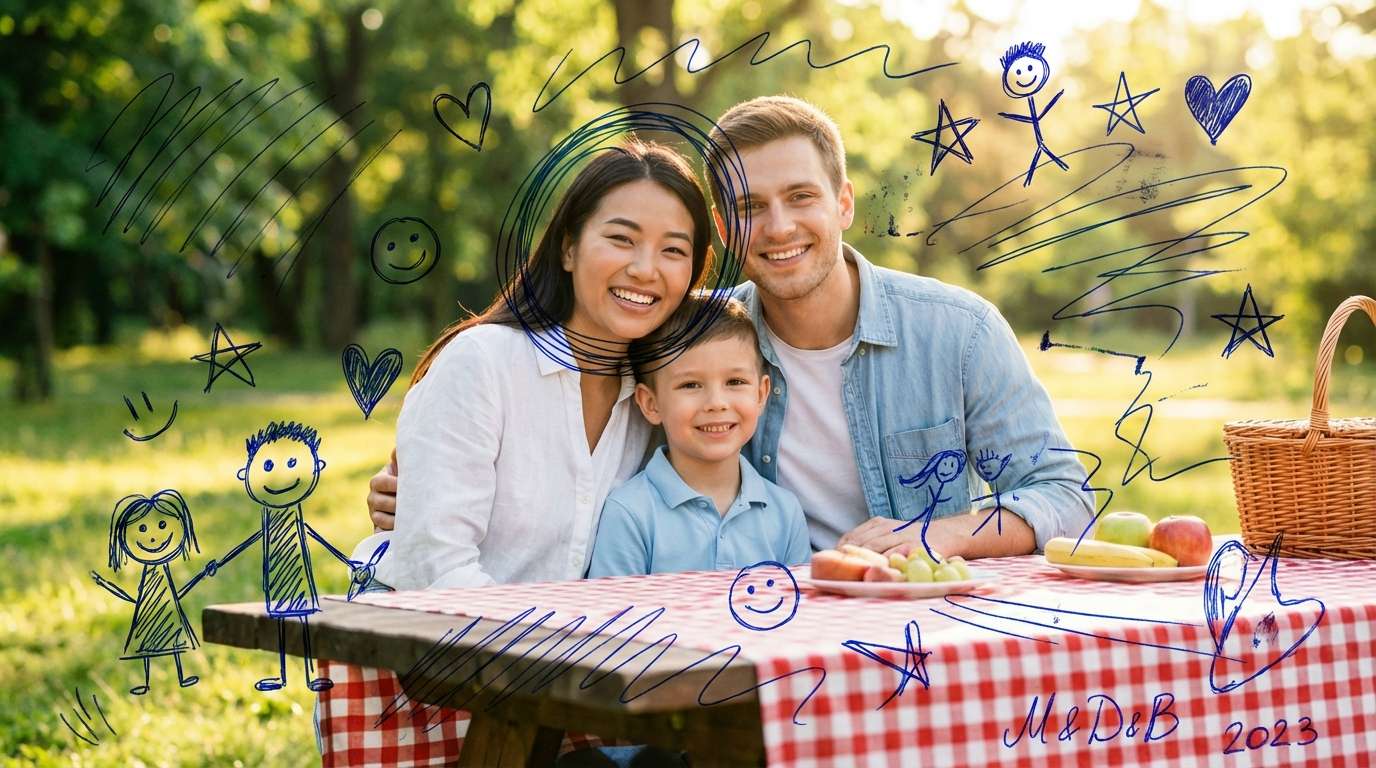
Remove Pen Scribbles from Old Photos Without Touching the Original Print
Old photos come with a different kind of regret. A name written across the corner, pen marks on a face, a line through the background, notes on the front that made sense years ago and feel painful now. When the damage is on the physical print, people usually hesitate to scrub, peel, or rub anything off because one wrong move can do more harm than the scribble itself. That is why scanning first makes so much sense. Repairit gives you a safer digital way to clean up visible pen and marker marks while leaving the original print alone.

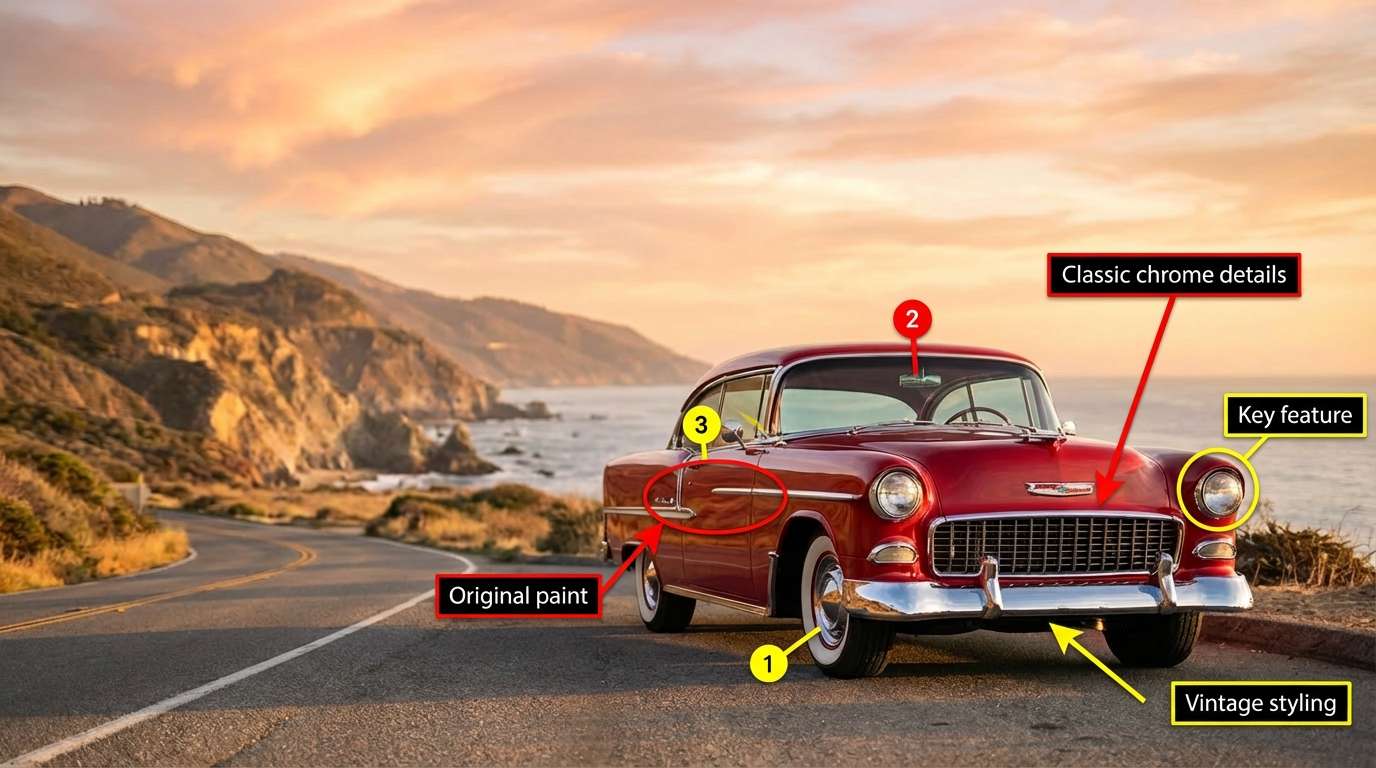
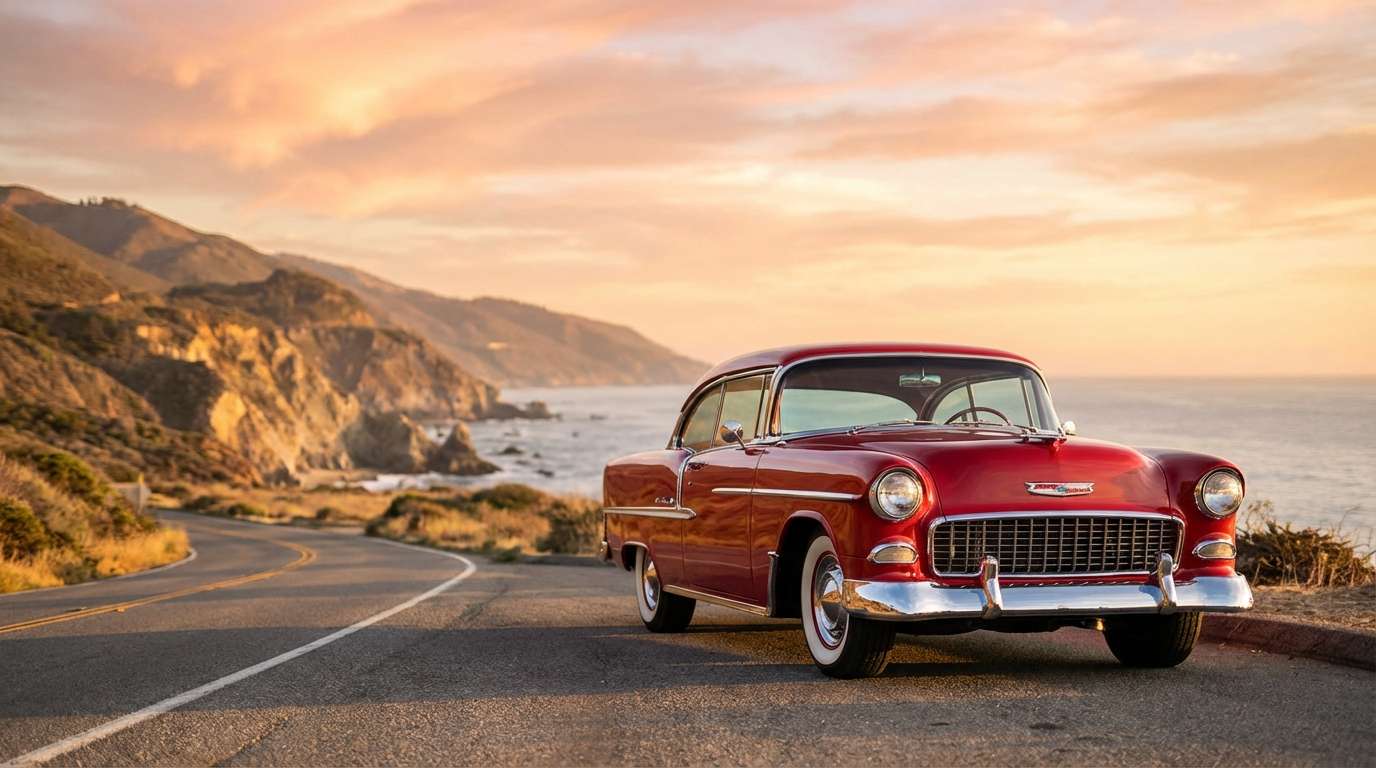
Remove Arrows, Circles, and Notes from Images You Need to Reuse Properly
A lot of shared images are not damaged by the subject in the frame. They are damaged by everything added on top of it later. Thick arrows, rough circles, handwritten notes, highlight marks, and quick annotations are useful in work chats, class discussions, reviews, and feedback rounds. The problem starts when that same image needs a second life somewhere more formal. You want to reuse it in a document, presentation, archive, listing, or post, but the old annotations make it look unfinished. Repairit helps strip those extra marks away so the image feels clean, neutral, and ready to use again.
How to Remove Scribble from Photo Online Free with Repairit

Step 1
Upload Your Photo
Upload a JPG, PNG, or WEBP image that has visible scribbles, pen marks, doodles, circles, arrows, or handwritten lines on top of it.

Step 2
Mark the Scribble Area
Use the brush tool to cover the part you want gone, whether it is a quick screenshot markup, a joke doodle, a pen line on a saved picture, or handwriting on a scanned print.

Step 3
Preview and Download the Clean Photo
Let AI remove the visible marks, check the result, and download a cleaner version that feels ready to save, share, print, reuse, or archive.
Why Choose Repairit to Remove Scribbles from Photos
🎨 Built for the Marks People Add Later
This page is not about random background clutter. It is for the extra lines, notes, circles, arrows, doodles, and pen strokes that get added after the photo already existed.
🚀 Useful When the Clean Original Is Already Gone
A lot of scribble cleanup starts with one frustrating fact. The marked version is the only one left. Repairit is made for exactly that kind of save it if you can moment.
✨ A Safer Way to Handle Scribbled Photo Prints
If an old print has writing or marker on it, cleaning the scanned copy is often a better first move than experimenting on the physical photo itself.
❤️ Honest Cleanup for Real World Images
Repairit can remove visible scribbles and rebuild the area around them, but it does not pretend every fully covered detail can always be recovered exactly. That makes the result feel more trustworthy, not less.
Explore More Photo Eraser Features
Clean up your photos by removing scribbles, text, stickers, and other unwanted marks in seconds with AI.
Frequently Asked Questions
Yes. That is one of the most common reasons people look for scribble removal. If the clean original is gone and the only version left has lines, doodles, or notes on top of it, you can still try cleaning the visible marks from that saved copy.
Yes. Repairit can help remove common screenshot markup such as white brush lines, red pen strokes, circles, arrows, and highlight style annotations.
Yes. If a saved photo has random doodles, drawn lines, or scribbles added in a chat or social app, you can mark those areas and generate a cleaner version.
In many cases, yes. Scanning first gives you a safer digital copy to work on, especially when the original print is old, delicate, or emotionally important.
Not always. If the scribble completely replaced or covered the original pixels, no tool can promise a true recovery of the hidden content. What AI can often do is remove the visible scribble and rebuild the area so the image looks cleaner overall.
Repairit supports common image formats including JPG, PNG, and WEBP, which makes it easy to upload screenshots, saved photos, and scanned images without extra conversion.
Hot Topics
Comprehensive How-to Guides
Want to remove unwanted object? Click to enter the Photo Eraser Workbench and make it happen easily!


