Remove Text from Image Online Free






Remove Date Stamps and Timestamps from Personal Photos
Clean up date stamps, camera timestamps, and wrong date text from graduation photos, travel pictures, family memories, and old digital photos. Repairit helps restore a cleaner image so your photo feels timeless again without awkward numbers at the bottom.


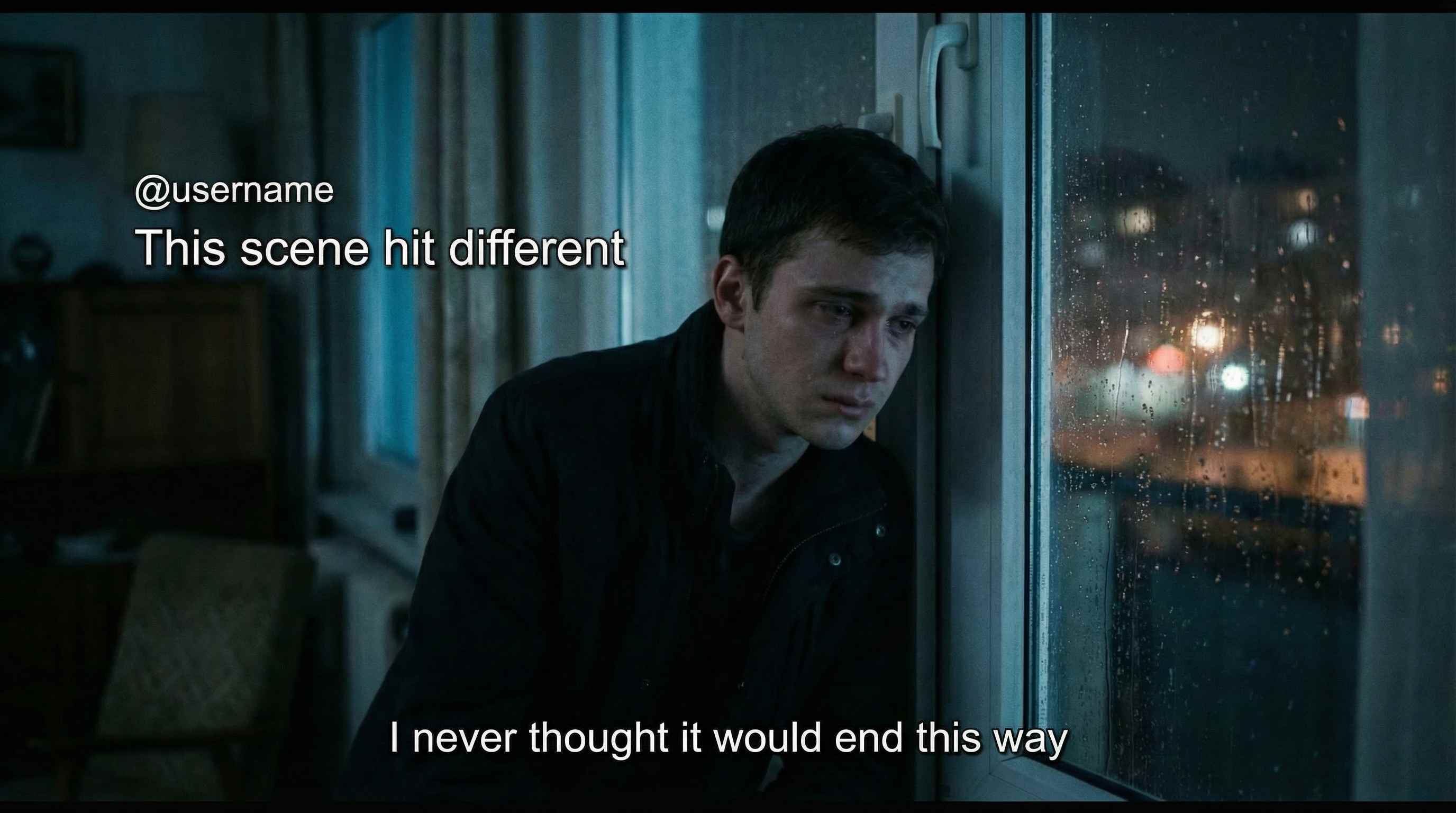
Remove Captions and Subtitles from Screenshots and Saved Images
Erase Snapchat captions, story text, subtitle lines, and saved overlay text from screenshots, chat images, game stills, and video captures. Keep the frame, subject, and composition more usable for wallpapers, thumbnails, reposts, or personal sharing.

Remove Text Overlays from Social Posts and Marketing Visuals
Delete old slogans, promo text, headline overlays, and campaign copy from social media graphics, ad creatives, landing page visuals, and portfolio images. Repairit helps you reuse existing assets faster without rebuilding the design from scratch.


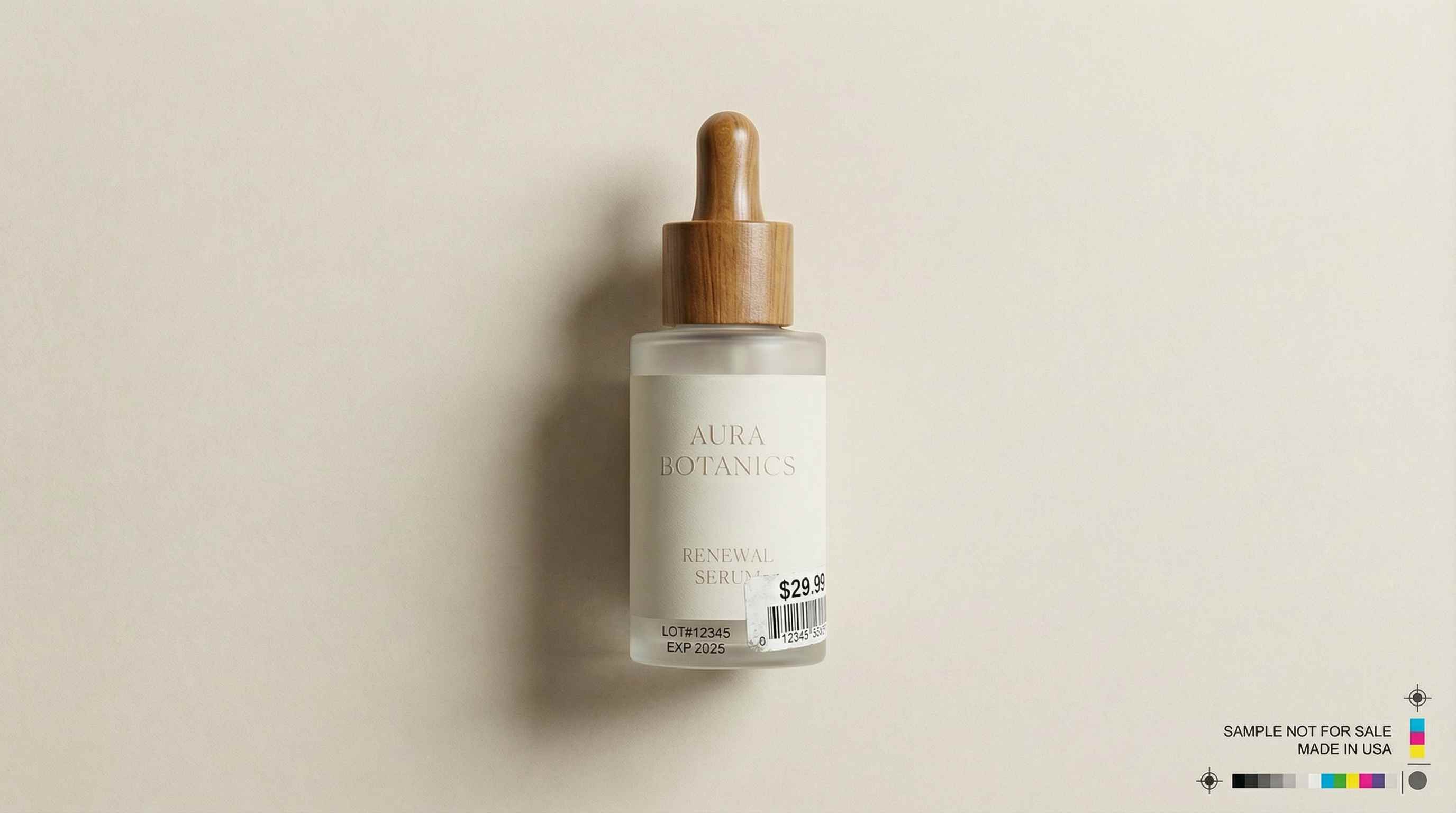
Remove Labels and Printed Words from Product and Mockup Images
Clear price text, supplier labels, packaging copy, and unwanted printed words from product photos, ecommerce images, mockups, and design drafts. Repairit helps you create cleaner visuals for listings, presentations, and brand updates.

How to Remove Text from Photo Online Free with Repairit

Step 1
Upload Your Photo
Upload a JPG, PNG, or WEBP image from your phone or computer. Repairit works with personal photos, screenshots, product images, marketing graphics, and saved social media visuals.

Step 2
Brush Over the Text
Highlight the caption, date stamp, subtitle, label, or text overlay you want to erase. Repairit AI analyzes the selected area and starts rebuilding the image naturally.

Step 3
Download Your Clean Image
Preview the result and download your edited image in seconds. Your photo looks cleaner and is ready for sharing, reuse, presentation, or further editing.
Why Choose Repairit to Remove Text from Photos?
🎨 Clean Results That Look Natural
Repairit blends nearby texture and color to reduce obvious editing traces, so removed text areas look more believable in everyday images.
🚀 Built for Real Text Cleanup Scenarios
From date stamps on family photos to captions on saved snaps and old copy on marketing graphics, Repairit matches the kinds of text people actually want to remove.
✨ Easy for Anyone to Use
You can clean text from a photo in a few clicks even if you have never used a professional editor before.
❤️ Better Than Cropping Away Important Space
Instead of cutting off the bottom of a photo or rebuilding a visual from scratch, Repairit helps keep more of the original frame intact.
Explore More Photo Eraser Features
Clean up your images by removing text, watermarks, annotations, and other unwanted marks in seconds with AI.
Frequently Asked Questions
Upload your image to Repairit, brush over the text you want to erase, and let AI clean the area automatically. It works well for captions, date stamps, subtitles, labels, and text overlays on photos, screenshots, product images, and marketing visuals.
Yes. Repairit is designed to erase text while rebuilding the surrounding area so the background stays as natural as possible. Results are usually best when there is enough nearby texture, color, and lighting for AI to reconstruct the covered area cleanly.
Yes. Repairit can help remove camera date stamps, wrong timestamps, and bottom corner date text from personal photos such as graduation pictures, travel shots, family memories, and old digital images. This is one of the most common text cleanup needs.
Yes. You can use Repairit to clean Snapchat captions, story text, subtitle lines, or saved overlay text from screenshots and still images. It is useful for chat screenshots, video captures, game stills, wallpapers, and thumbnail preparation.
In many common cases, yes. Repairit uses nearby texture, edges, and color to rebuild the area so the result blends more naturally. Clean backgrounds and simple surfaces are usually easier, while busy textures or large text blocks may need a second pass.
You can remove many common text elements from images you own or are allowed to edit, including date stamps, timestamps, captions, subtitles, price text, labels, overlay copy, and printed words on simple surfaces. The cleaner the surrounding area, the better the result usually looks.
Repairit supports common image formats such as JPG, PNG, and WEBP. You can upload phone photos, screenshots, saved images, and design visuals from your computer for quick text cleanup online.
Hot Topics
Comprehensive How-to Guides
Want to remove unwanted object? Click to enter the Photo Eraser Workbench and make it happen easily!


