Remove Glare from Photo Online Free
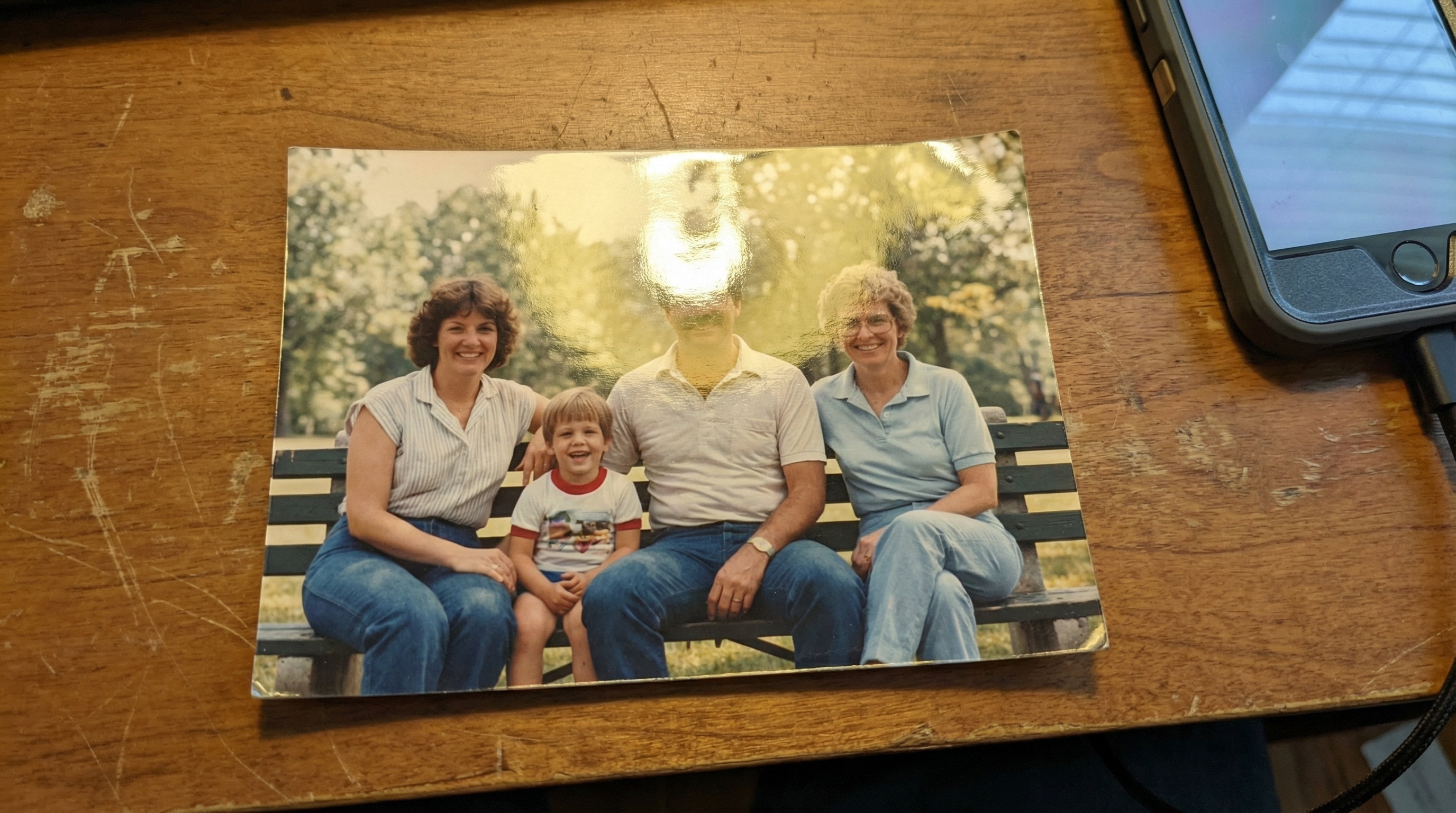
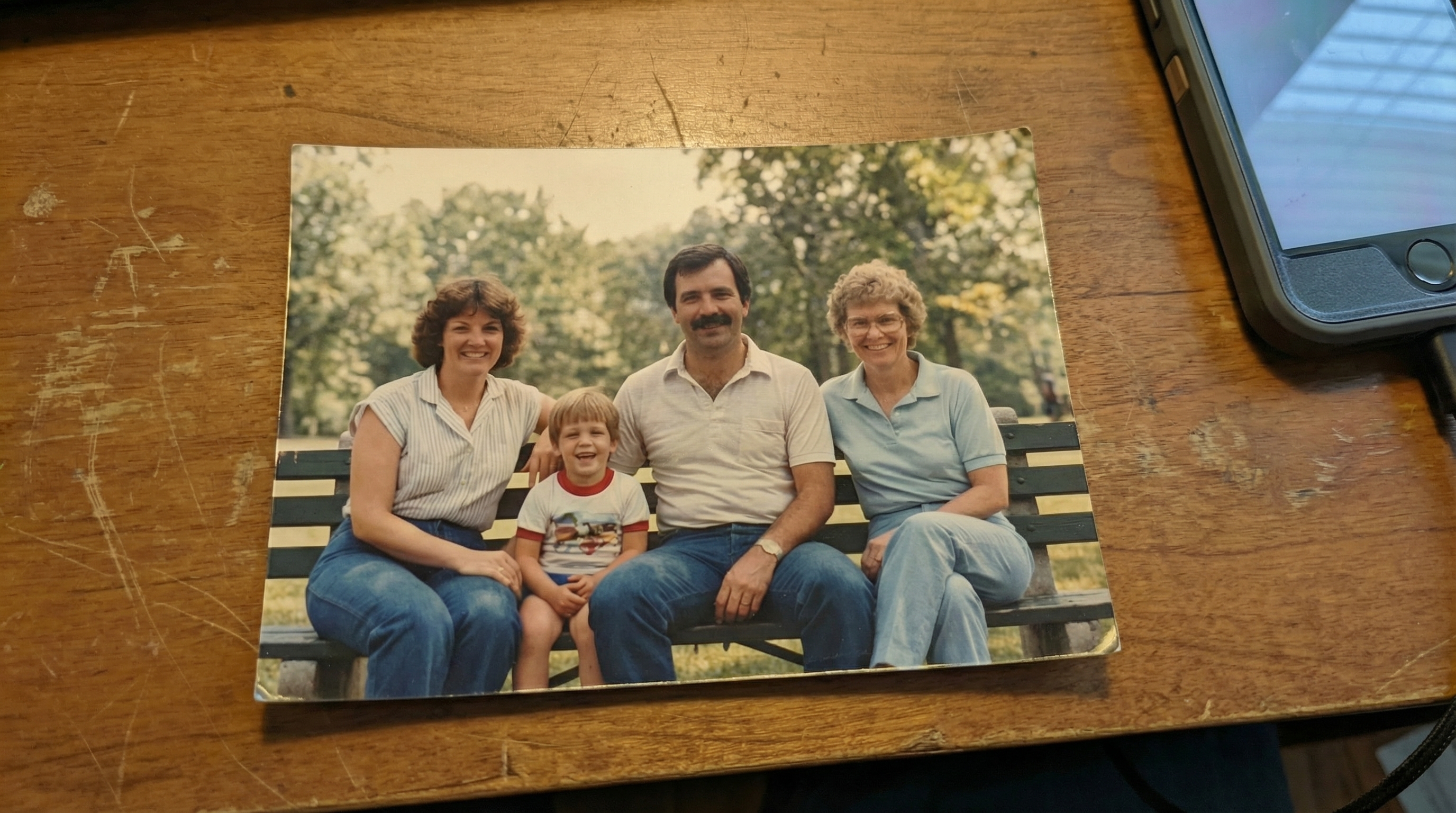




Remove Glasses Glare from Portraits Online Free
Glasses glare can easily block the eyes and throw off the whole portrait. This is a common problem in selfies, profile pictures, graduation photos, family portraits, and work headshots, especially when indoor lights or camera flash hit the lenses at the wrong angle. Instead of spending time on manual retouching, use Repairit to remove glasses glare online free. Just upload your image, brush over the reflection, and let AI clean it up so the eyes stay visible and the photo looks more natural.


Reduce Sun Glare in Outdoor Photos Online
Outdoor photos often capture the right moment but harsh sunlight can leave bright glare across the face, skin, sky, or background. Travel shots, beach photos, vacation pictures, scenic photos, and outdoor portraits are especially likely to suffer from blown highlights and washed out details. Repairit helps reduce sun glare in photos online so you can keep the original mood of the image without reshooting. Mark the overbright area, let AI soften the glare, and get a clearer result with more balanced light and detail.


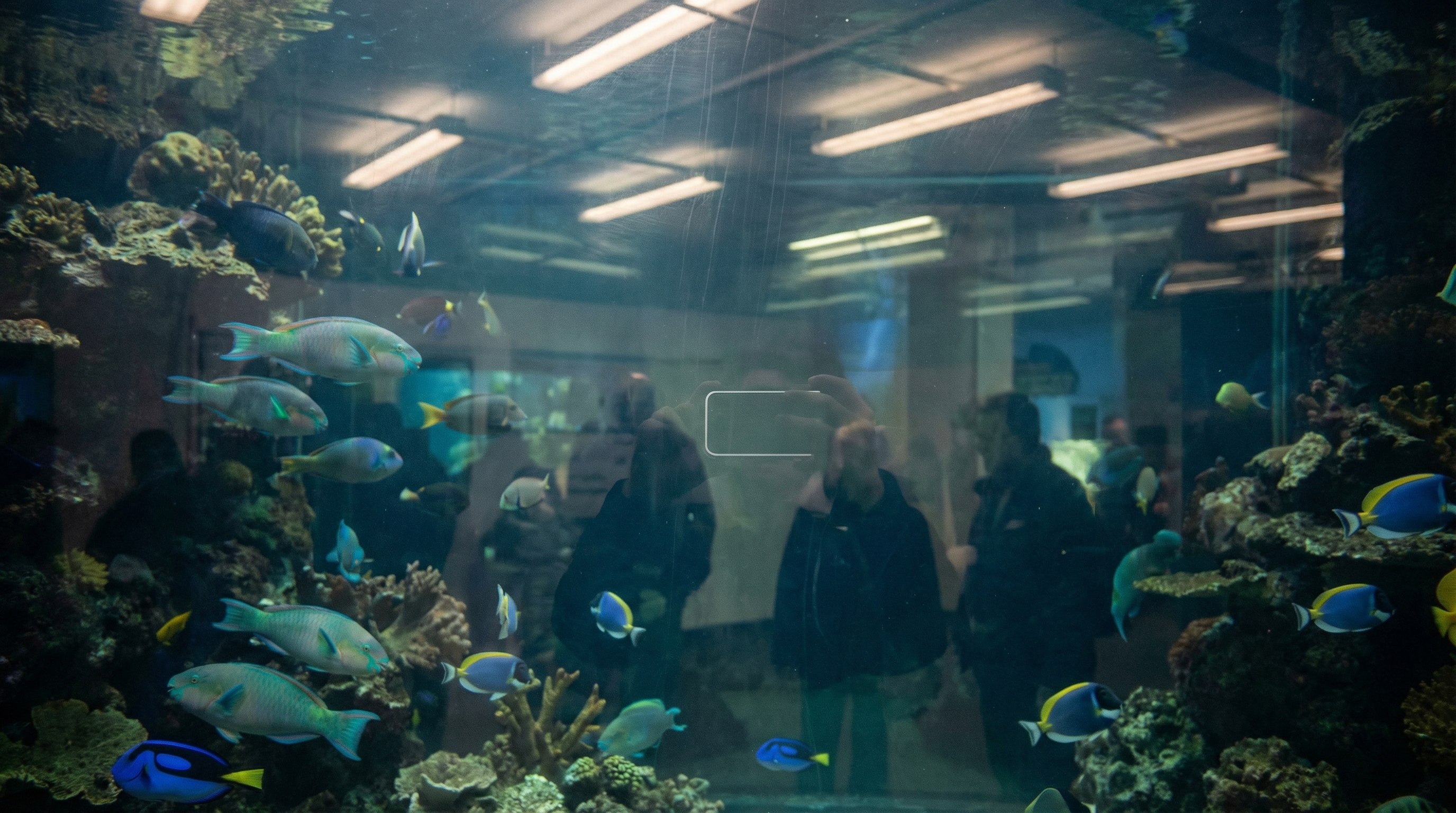
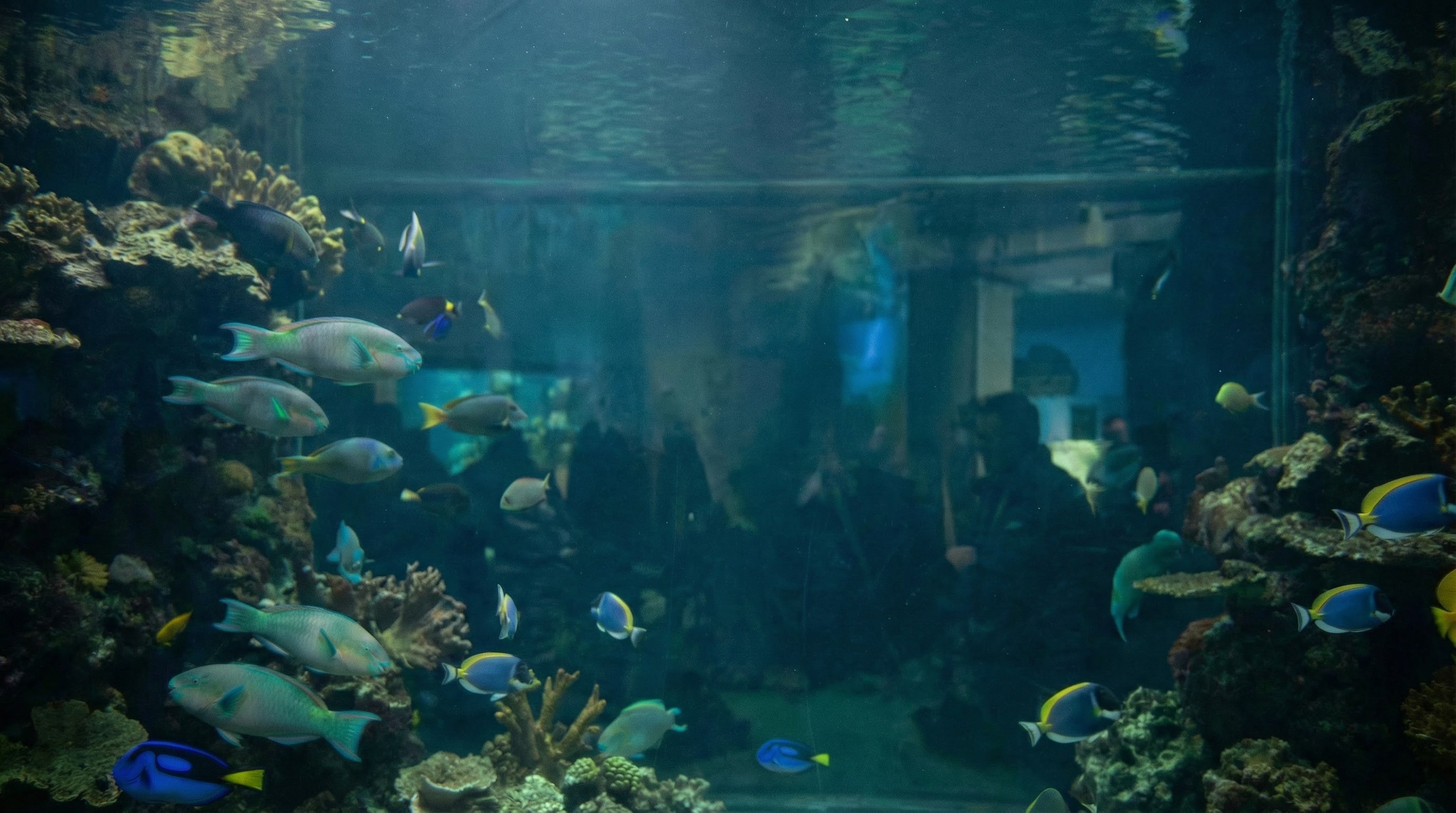
Remove Window Reflections from Photos Without Cropping
Photos taken through windows, glass doors, display cases, or car windows often pick up unwanted reflections from lights, nearby people, or the phone itself. This is a frequent issue in museums, cafes, shops, offices, aquariums, and travel spots where you usually only get one chance to take the shot. With Repairit, you can remove reflections from photos and bring attention back to the real subject behind the glass. It is a simple way to clean up distracting glare without cropping away the original composition.
Remove Flash Glare from Product and Night Photos
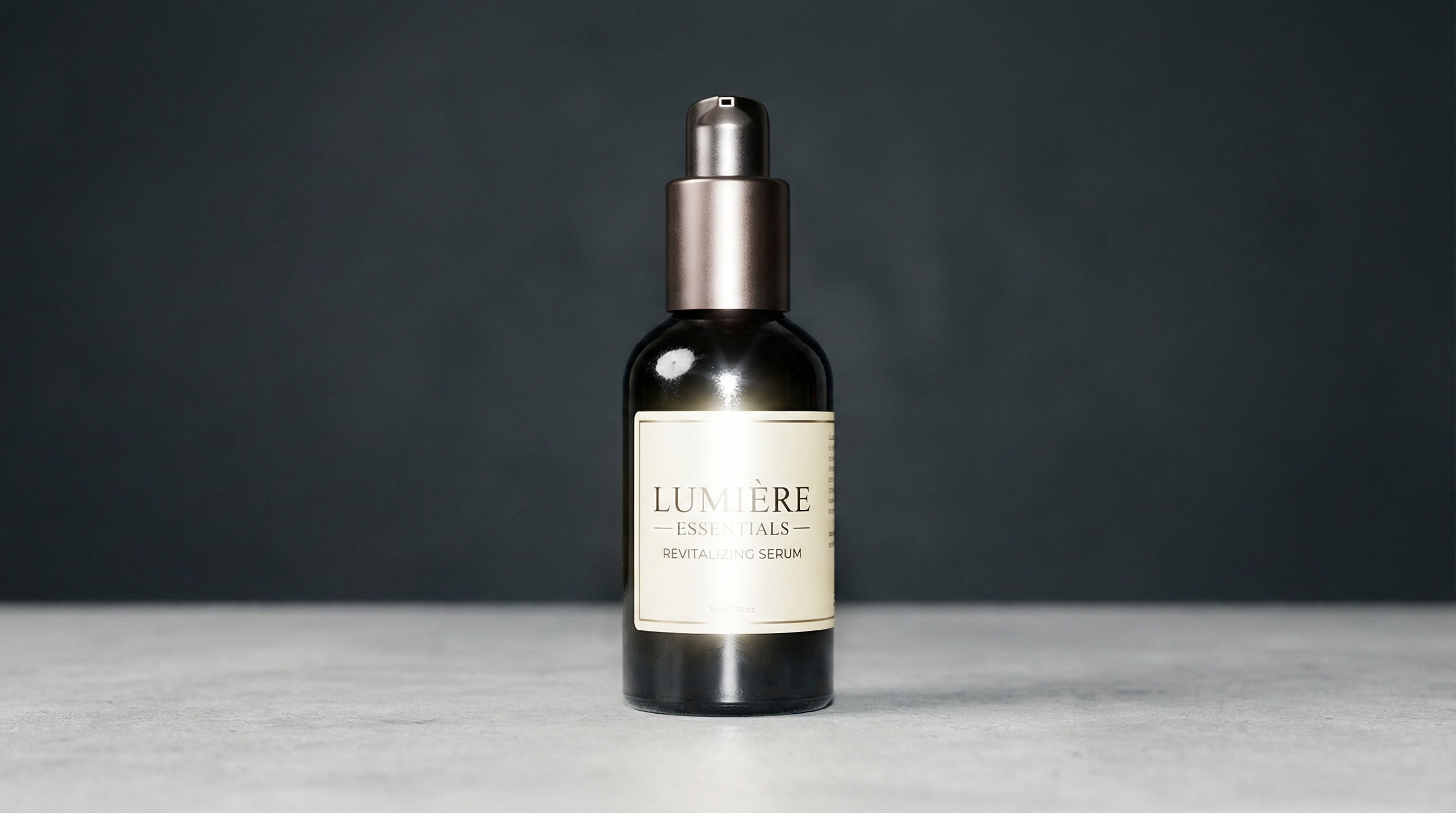
Flash glare can create harsh bright spots on faces, glossy packaging, labels, glass, plastic, metal, or other reflective surfaces. It often shows up in indoor snapshots, night portraits, food photos, beauty shots, and ecommerce product images where you cannot easily reshoot under better lighting. Repairit helps remove flash glare from photos so details stay visible and the image looks cleaner and more polished. It is especially useful when bright hotspots distract from the subject or make the photo feel uneven.

How to Remove Glare from Photo Online Free with Repairit

Step 1
Upload Your Photo
Click "Upload Image" or drag and drop your JPG, PNG, or WEBP file. Repairit works for portraits, travel photos, product shots, night pictures, and photos taken through glass.

Step 2
Select the Glare You Want to Remove
Use the brush tool to paint over the glasses glare, sun glare, flash hotspot, or unwanted reflection. You do not need to be perfectly precise because Repairit AI can detect the area automatically.

Step 3
Download Your Clean Photo Free
Repairit removes the selected glare and restores the image in seconds. Download your glare free photo instantly with no watermark and no extra editing steps.
Why Choose Repairit to Remove Glare from Photos?
🎨 Natural Results That Still Look Real
Repairit reduces glare while keeping surrounding texture, lighting, and color more consistent, so portraits, travel photos, and product images still look natural after editing.
🚀 Works Across Common Real Life Scenarios
Whether you need to remove glare from glasses, reduce sun glare, clean up window reflections, or tone down flash hotspots, Repairit covers the most common glare problems people face in everyday photos.
✨ Simple for Anyone to Use
You do not need professional editing experience to fix glare in a photo. A quick upload and brush selection are enough to start cleaning up reflections and bright spots online.
❤️ Free to Try with No Watermark
Repairit gives users a faster and easier way to fix glare online without adding a watermark to the final image, which is especially useful for social sharing, profile photos, and product content.
Explore More Photo Eraser Features
Clean up your photos by removing glare, reflections, shadows, and other unwanted visual distractions in seconds with AI.
Frequently Asked Questions
Upload your image to Repairit, brush over the glare, and let AI clean it up automatically. This is a simple way to remove glare from a photo online for free without using complex editing software, which makes it ideal for quick fixes on portraits, travel photos, product shots, and everyday pictures.
Repairit helps reduce glasses glare so the eyes look clearer and the portrait feels more natural, without requiring Photoshop or manual retouching. It works well for selfies, profile pictures, graduation photos, family portraits, and work headshots where lens reflections can easily distract from the face.
Yes, Repairit can help reduce harsh sun glare and bright hotspots while keeping the rest of the image looking balanced and natural. This is especially useful for outdoor portraits, beach photos, vacation pictures, and travel shots where strong sunlight washes out skin details, background color, or sky texture.
Yes, Repairit can reduce distracting reflections in photos taken through windows, glass doors, display cases, or car windows. This helps bring attention back to the real subject behind the glass, which is useful for travel photos, museum shots, shop displays, office scenes, and other situations where reshooting is not easy.
Repairit is designed to keep your photo looking natural after glare removal by rebuilding the edited area with nearby texture, light, and color. In most everyday use cases, this helps preserve important details such as eyes, skin texture, product surfaces, and background consistency instead of leaving blurry patches or obvious editing marks.
Repairit supports common image formats including JPG, PNG, and WEBP, so you can edit most everyday photos online without converting files first. This makes it convenient for images from phones, cameras, screenshots, social media, and ecommerce product listings.
Hot Topics
Comprehensive How-to Guides
Want to remove unwanted object? Click to enter the Photo Eraser Workbench and make it happen easily!


