Relumi AI Retake Photo Editor
Nano Banana Pro
Relumi AI Retake Photo Editor
Nano Banana Pro
Relumi AI Retake Photo EditorAI Photo Retake:
AI Smile Generator to Change Smile in Photo Naturally


How Relumi AI Smile Generator Changes Facial Expressions Naturally
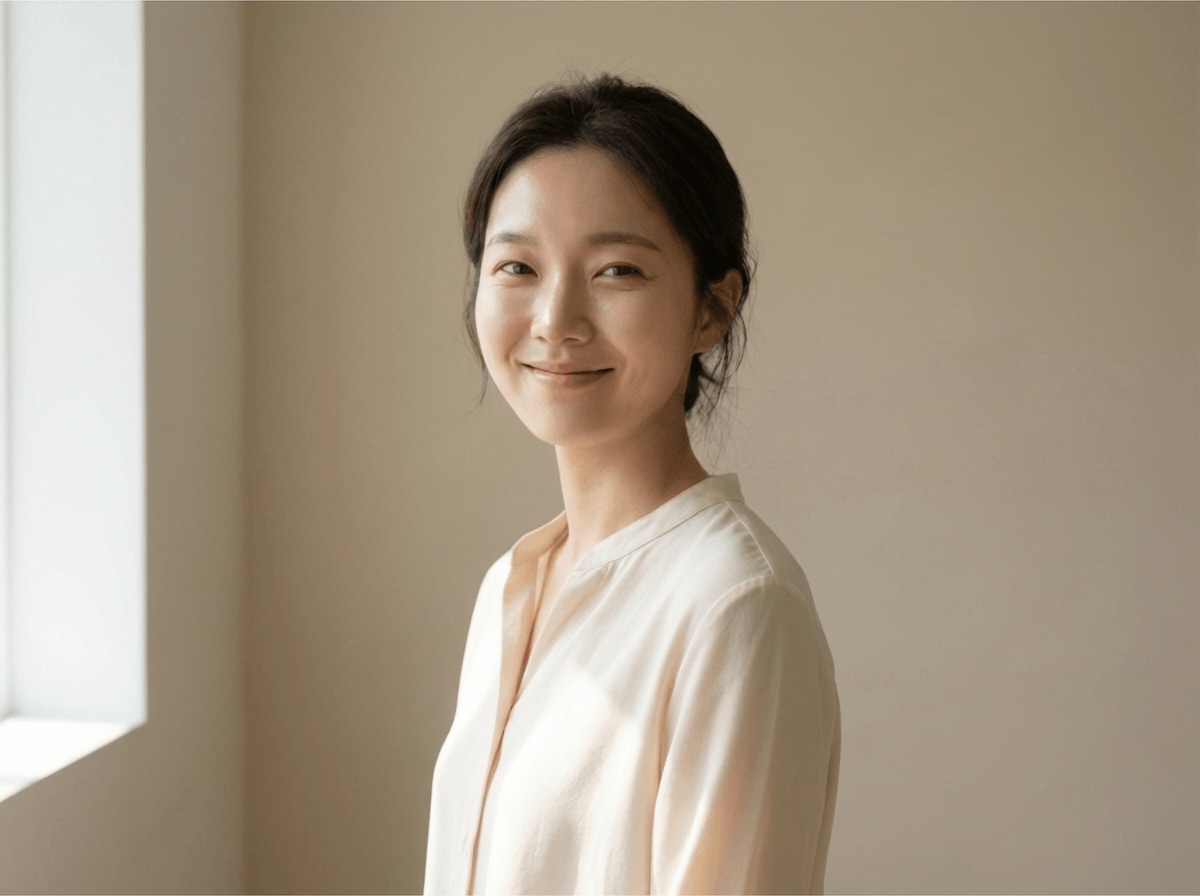
With Nano Banana Pro, Relumi's AI photo retake and AI smile generator can change smile in photo with natural facial balance. It reads your face structure, lip shape, cheek movement, and eye expression, so every smiling, laughing, or cool result still feels like the original you, only more polished and photo ready.
Turn Neutral Faces into Natural Smiling Portraits
Relumi can add smile to photo by analyzing your face shape, mouth line, and emotion cues in the original portrait.
This helps the AI smile generator create a warm smiling look that feels natural instead of forced, while keeping your identity and overall pose consistent.

Turn Neutral Faces into Natural Smiling Portraits
Relumi can add smile to photo by analyzing your face shape, mouth line, and emotion cues in the original portrait.
This helps the AI smile generator create a warm smiling look that feels natural instead of forced, while keeping your identity and overall pose consistent.
- Let Relumi change smile in photo without masks, manual brushing, or complex editing steps.
- Keep your face shape, lip line, and eye expression consistent while adding a more welcoming smile.
- Use the AI face editor to make everyday selfies, portraits, and profile photos look friendlier and more alive.
 Try It free
 Try It free
Create Bright Laughing Expressions with Real Emotion
When a portrait feels too stiff, Relumi can shift a small or awkward expression into a lively laughing look that feels more joyful and engaging.
Its AI smile filter adjusts mouth curve, cheek lift, and surrounding facial details together, so the final result feels expressive instead of edited.

Create Bright Laughing Expressions with Real Emotion
When a portrait feels too stiff, Relumi can shift a small or awkward expression into a lively laughing look that feels more joyful and engaging.
Its AI smile filter adjusts mouth curve, cheek lift, and surrounding facial details together, so the final result feels expressive instead of edited.
- Turn a reserved expression into a brighter laughing portrait that feels energetic and natural.
- Balance cheeks, lips, and eyes together, so the emotion reads as real instead of over processed.
- Use this photo smile editor to make social posts, couple photos, and event portraits feel more memorable.
Fix Awkward Smile and Shape a Cool Confident Look
Sometimes the mouth looks uneven, tense, or simply does not match the vibe of the photo. Relumi can fix awkward smile and guide the face toward a cool, calm, and more confident expression.
It keeps original lighting, skin tone, and background consistent, so your updated look fits naturally into the scene.

Fix Awkward Smile and Shape a Cool Confident Look
Sometimes the mouth looks uneven, tense, or simply does not match the vibe of the photo. Relumi can fix awkward smile and guide the face toward a cool, calm, and more confident expression.
It keeps original lighting, skin tone, and background consistent, so your updated look fits naturally into the scene.
- Correct forced or uneven smiles in seconds and make the portrait feel more balanced.
- Switch from a soft smile to a cooler expression for profile photos, creator covers, and style focused portraits.
- Change facial expressions without strange edges, mismatched shadows, or obvious retouching.
Go Beyond Smile Editing with AI Retake
Turn portraits into polished results with related AI tools for teeth, eyes, skin, wrinkles, and group photos.
When to Use AI Smile Generator with Relumi
Any time you think the photo is almost perfect but the expression needs help, Relumi is a fast way to change facial expressions and rescue the shot.
Step by Step Guide to Change Smile in Photo
No editing skills required, just three simple steps in Relumi.

Add Photos into Relumi
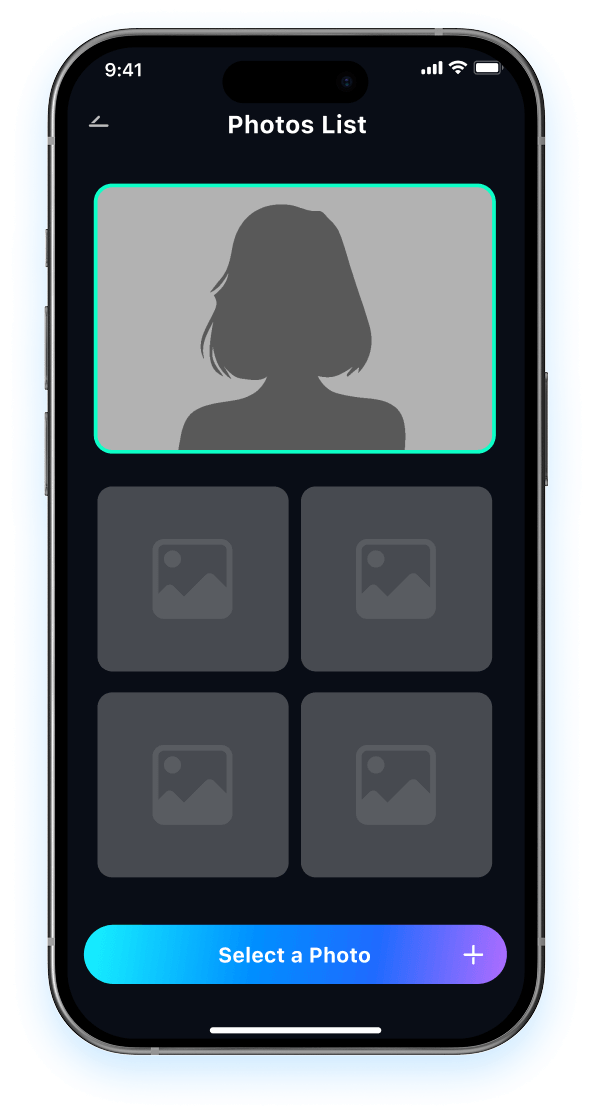
Open Relumi and select a portrait where you want to change smile in photo, add a natural smile, or fix awkward facial expressions.

Choose AI Smile Generator Mode
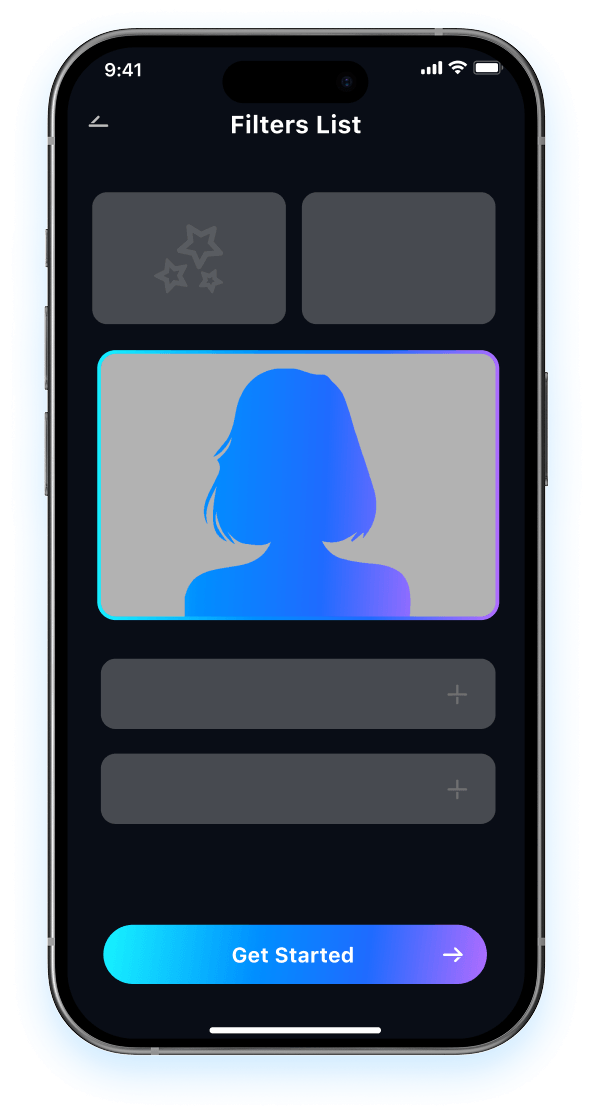
Relumi analyzes your face, mouth shape, eye expression, and lighting to create smiling, laughing, or cool expressions in one smooth pass.

Preview and Save
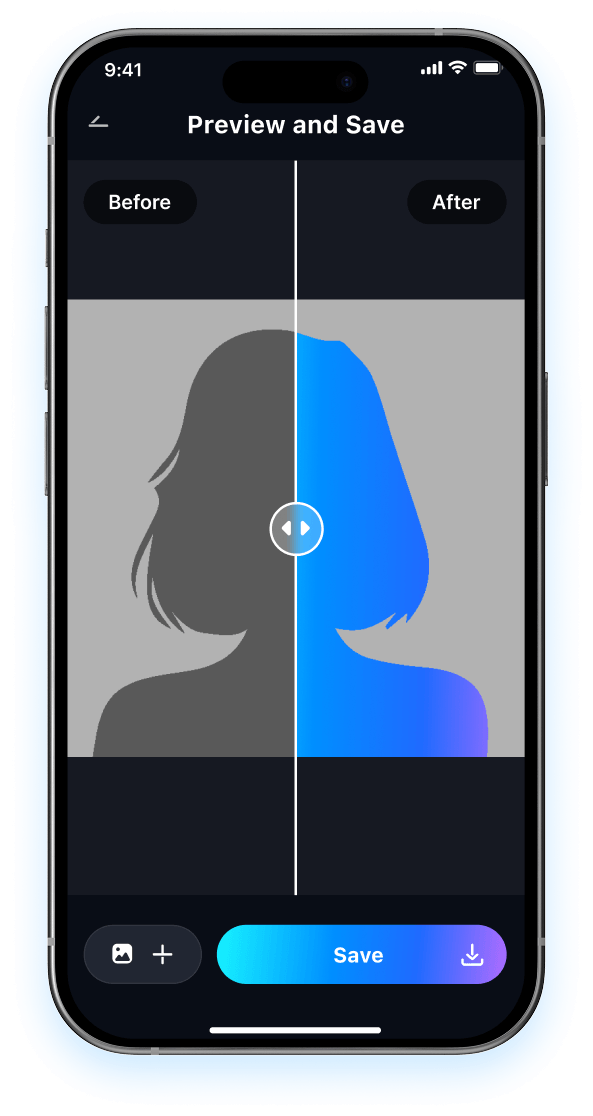
Preview the result and compare it to the original portrait. Then save your updated photo in high resolution, ready for social media, profile use, or personal sharing.

FAQ About AI Smile Generator with Relumi
1 Will the result look fake after I use AI smile generator?
2 How can I get the most natural result when I change smile in photo?
3 Can Relumi create smiling, laughing, and cool expressions from one photo?
4Will Relumi change my face too much when it fixes awkward smile?
5Is Relumi easy and safe to use for photo smile editing?
Explore More AI Portrait Fix Tools in Relumi
Relumi is more than a AI tool to fix closed eyes in photo, it's a full photo enhancement toolkit for your portraits.