Relumi AI Photo Enhancer
Nano Banana Pro
Relumi AI Photo Enhancer
Nano Banana Pro
Relumi AI Photo EnhancerAI Photo Retake:
Face Blur Remover to Recover Clear Portrait Details


How Relumi Face Blur Remover Recovers Portraits That Felt Lost
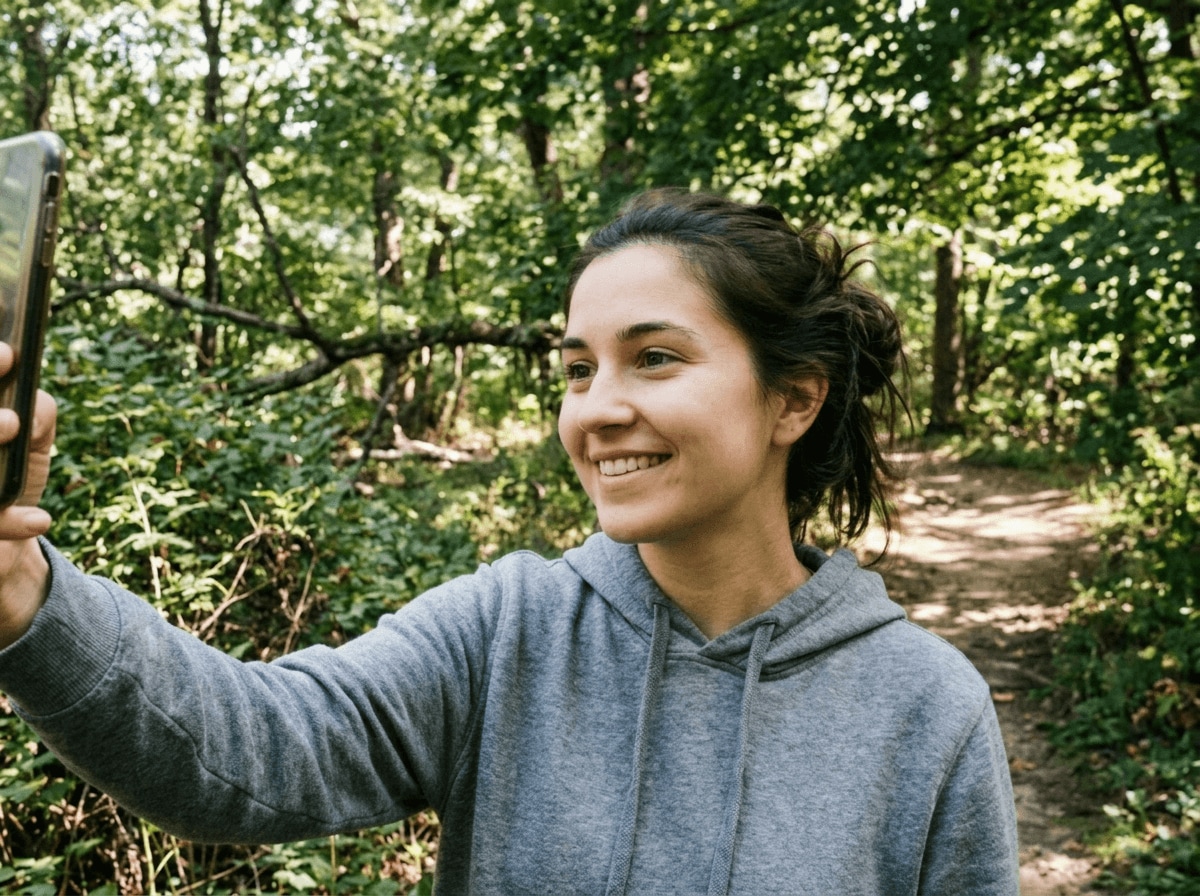
With Nano Banana Pro, Relumi's AI photo retake can fix blurry face problems by rebuilding facial clarity, sharpening key details, and restoring a more natural portrait look. Instead of making the face look artificial, it focuses on eyes, skin texture, facial outline, and expression so the final result feels closer to the shot you meant to capture in the first place.
Rescue Spontaneous Selfies and Daily Portraits
Some of the best casual photos happen quickly, but that also means the face can come out soft when you move, the phone shakes, or the camera misses focus.
Relumi works as a face blur remover that can fix blurry face details in selfies and everyday portraits so the moment still feels worth saving.

Rescue Spontaneous Selfies and Daily Portraits
Some of the best casual photos happen quickly, but that also means the face can come out soft when you move, the phone shakes, or the camera misses focus.
Relumi works as a face blur remover that can fix blurry face details in selfies and everyday portraits so the moment still feels worth saving.
- Unblur face photo details when the shot feels slightly soft but the expression and mood are perfect.
- Sharpen eyes, facial outline, and key details without changing the person in the photo.
- Turn casual portraits that felt unusable into clearer photos you still want to keep and post.
 Try It free
 Try It free
Save Important Moments Taken in Motion or Low Light
Many meaningful photos are taken in the middle of real life, not in perfect camera conditions. Night scenes, moving subjects, and indoor snapshots often leave the face looking soft even when the memory itself is priceless.
Relumi helps sharpen blurry face details when blur comes from movement, low light, or a quick capture, so the final result feels closer to the shot you wish had come out right.

Save Important Moments Taken in Motion or Low Light
Many meaningful photos are taken in the middle of real life, not in perfect camera conditions. Night scenes, moving subjects, and indoor snapshots often leave the face looking soft even when the memory itself is priceless.
Relumi helps sharpen blurry face details when blur comes from movement, low light, or a quick capture, so the final result feels closer to the shot you wish had come out right.
- Fix blurry face results in emotional moments that are impossible or difficult to recreate.
- Recover more clarity from soft portraits without making skin or features look overly processed.
- Keep the original scene and feeling while making the person easier to recognize and remember.
Make Profiles and Favorite Portraits Look Worth Keeping
A soft face can ruin an otherwise perfect photo for social sharing, profile use, or personal keepsakes. If the pose, angle, and mood are right, you do not want a little blur to decide whether the image gets deleted.
Relumi can unblur face photo details and restore a more polished portrait finish so important photos feel usable again instead of almost right.

Make Profiles and Favorite Portraits Look Worth Keeping
A soft face can ruin an otherwise perfect photo for social sharing, profile use, or personal keepsakes. If the pose, angle, and mood are right, you do not want a little blur to decide whether the image gets deleted.
Relumi can unblur face photo details and restore a more polished portrait finish so important photos feel usable again instead of almost right.
- Sharpen blurry face details for profile photos, creator portraits, and favorite personal shots.
- Keep the face natural while recovering a clearer more finished look.
- Bring back the emotional value of photos that felt too good to lose but too blurry to use.
Go Beyond Fixing Blurry Faces with AI Retake
Recover facial details and improve portraits further with related AI tools for eyes, lighting, smiles, and group shots.
When to Use Face Blur Remover with Relumi
Any time the moment feels right but the face came out too soft to keep, Relumi can help bring it back.
Step by Step Guide to Fix Blurry Face in Photo
No editing skills required, just three simple steps in Relumi.

Add Photos into Relumi
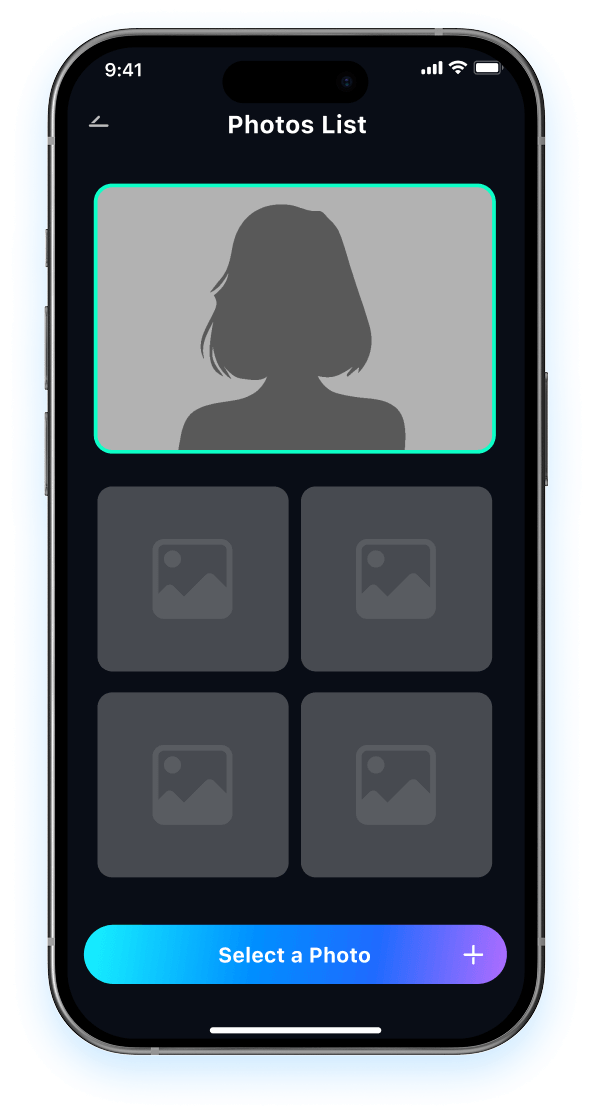
Open Relumi and choose the portrait where the face looks too soft, too blurry, or less clear than the moment deserved.

Choose Face Blur Remover Mode
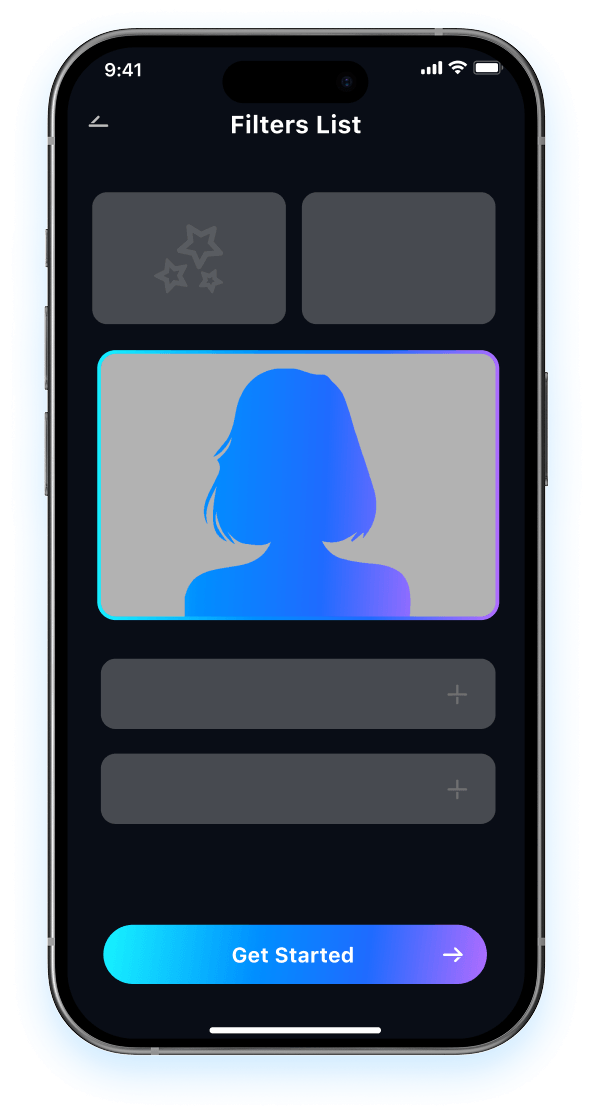
Relumi analyzes the face, restores clarity, and rebuilds important portrait details so the photo feels closer to the clean shot you hoped to get.

Preview and Save
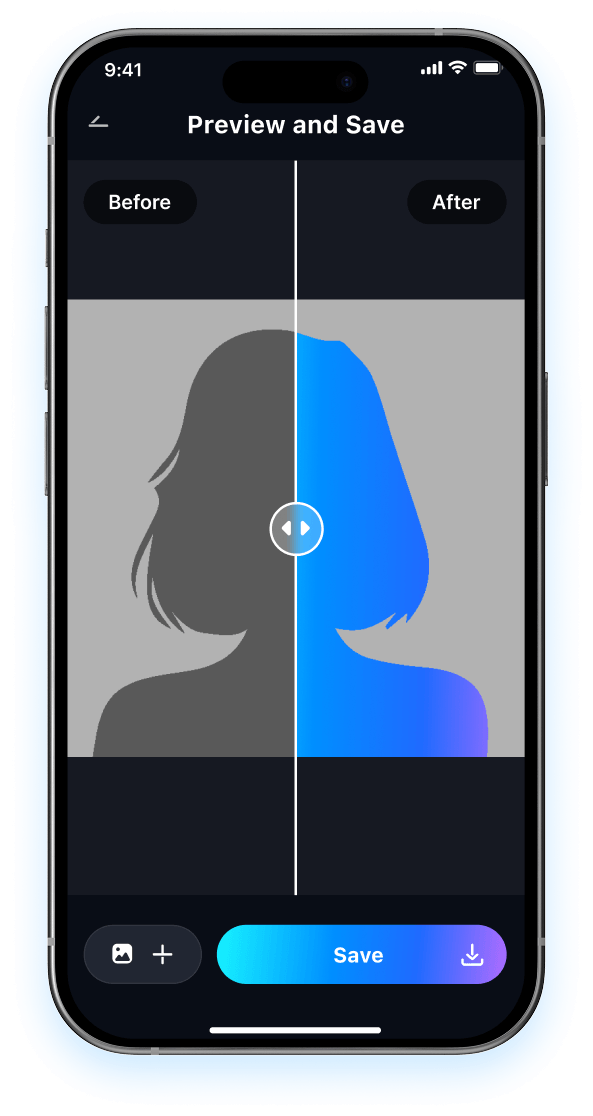
Preview the updated result and compare it to the original blur. Then save your portrait in high resolution and keep the memory that almost slipped away.

FAQ About Face Blur Remover with Relumi
1 Will the result look fake after I use face blur remover?
2 Can Relumi fix blurry face caused by motion or low light?
3 What kinds of photos work best for unblur face photo editing?
4Can Relumi sharpen blurry face details without overprocessing the image?
5Is Relumi easy to use if I have never fixed blurry face photos before?
Explore More AI Portrait Fix Tools in Relumi
Relumi is more than a AI tool to fix closed eyes in photo, it's a full photo enhancement toolkit for your portraits.