Increase Clarity of Image Online Free






Make Marketplace and Resale Listing Photos Look Clearer on Mobile
A listing photo can look decent in your camera roll and still appear soft once it goes live on a marketplace app. Compression, resizing, and mobile display often make item edges, textures, and colors look less clean than expected. Repairit helps improve clarity of image for second hand listings, resale photos, and local marketplace uploads, so products look more presentable and easier for buyers to trust.
Improve Product Photos and Detail Shots for Online Stores
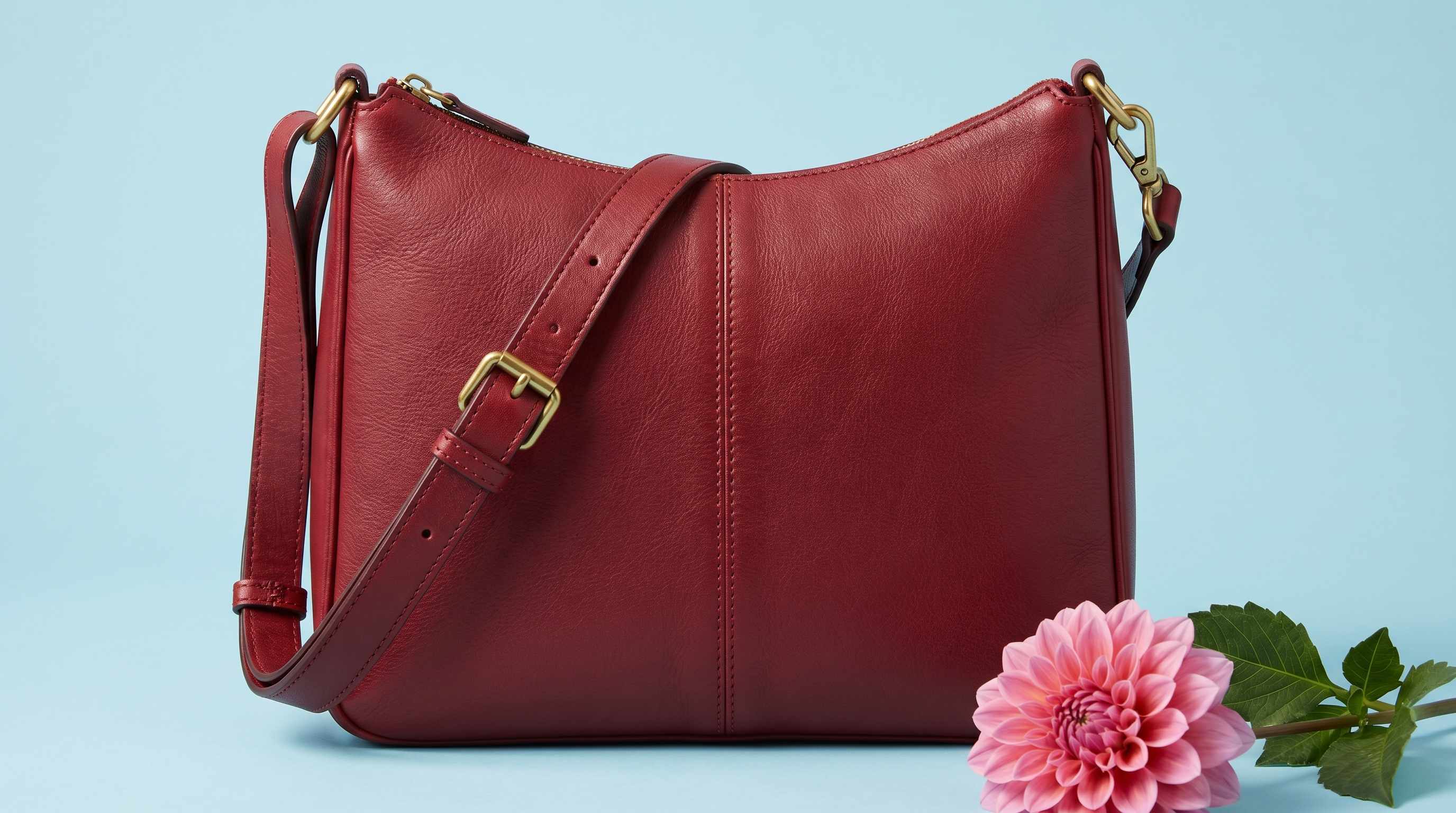
Small product details matter when people are deciding whether to click or buy. If fabric texture, packaging edges, jewelry details, or handmade finishes look slightly soft, the whole product can feel less premium. Repairit works as a practical picture clarity enhancer for online store visuals, helping sellers present cleaner, sharper photos for catalog images, close up shots, and product detail views.


Clean Up Social Posts, Portfolio Uploads, and Brand Creatives
Photos often lose impact after they are resized and compressed for social media, creator pages, or marketing use. What looked crisp before upload can end up looking flat, soft, or less polished on the final post. Repairit helps increase clarity of image online for creators, small brands, and marketing teams who want stronger looking visuals without spending extra time on complicated editing workflows.


Make Scanned Prints, Menus, Flyers, and Paper Photos Easier to Reuse Online
When printed materials are scanned or photographed, the digital version can look dull, soft, or uneven even if the original still looks fine in person. Repairit helps improve clarity of image in scanned paper photos, menus, flyers, posters, and other printed materials, making them easier to reuse in websites, online catalogs, presentations, and digital archives.


How to Increase Clarity of Image Online with Repairit

Step 1
Upload Your Image
Upload a JPG, JPEG, PNG, BMP, or WEBP image from your phone or computer. Repairit works well for product photos, social media images, scanned prints, and everyday pictures that need better overall clarity.

Step 2
Choose Photo Enhancement
Select Photo Enhancement for general images that need cleaner detail, less noise, and better overall definition. If your photo includes people and facial clarity matters most, you can also choose Portrait Enhancement for more targeted results.

Step 3
Preview and Download the Clearer Image
Preview the before and after result, then download the version that looks best. It is a simple way to use an online photo clarity enhancer without manual sharpening, layer edits, or advanced retouching.
Why Choose Repairit to Increase Image Clarity Online?
✨ Clearer detail without a harsh edited look
Repairit improves visible definition, texture, and sharpness while helping the photo stay natural. That matters for users who want cleaner images, not an over processed result.
📷 Built for real online image problems
From marketplace photos and online store visuals to compressed social posts and scanned paper images, Repairit is designed for the kinds of clarity issues people actually run into every day.
⚡ Fast enough for everyday work
You do not need a full editing workflow to get a better looking image. Repairit gives users a practical image clarity increaser that is easy to use for quick fixes and repeat tasks.
❤️ Honest about what AI can and cannot fix
Repairit can improve many soft or low quality images, but no image clarity enhancer free or paid can fully rebuild detail that was never captured in the original file. That makes the result more realistic and more trustworthy.
Explore More Photo Enhancer Features
Enhance your photos by improving clarity, resolution, lighting, and overall quality in seconds with AI.
Frequently Asked Questions
Upload your image to Repairit, choose Photo Enhancement, and let AI improve soft detail, visible noise, and overall image definition automatically. You can then preview the result and download the clearer version in just a few clicks.
A photo clarity enhancer improves the overall visual definition of an image. It can sharpen soft detail, reduce grain, clean up noise, and make textures or edges look easier to see. In simple terms, it helps the image look cleaner and clearer without requiring manual editing.
Yes, in many cases. Repairit can help product images look clearer for marketplace listings, resale posts, and online store pages, especially when the original photo looks slightly soft, compressed, or less detailed on mobile.
Yes. Social platforms often resize and compress uploaded photos, which can make them look softer than the original file. Repairit can help improve clarity before or after upload by making the image look cleaner, more defined, and more presentation ready.
Yes. Repairit can help improve clarity in scanned paper photos, menus, flyers, and printed materials that look dull or soft after digitizing. It is especially useful when the image needs cleaner detail for reuse online.
That is not the goal. Repairit is designed to improve clarity while keeping the image more natural looking. It aims to enhance useful detail without pushing the photo into a brittle, overly sharpened, or obviously edited style.
Repairit supports common image formats including JPG, JPEG, PNG, BMP, and WEBP, making it easy to enhance photos from phones, computers, social uploads, and scanned files.
Hot Topics
Comprehensive How-to Guides
Want to enhance your photo? Click to enter the Photo Enhancer Workbench and make it clearer in just a few clicks!


