Photo Color Enhancer for Faded Photos






Restore Faded Family Photos That No Longer Feel Alive
Old printed photos often lose more than sharpness. They lose warmth, contrast, and emotional impact. Faces look pale, clothes lose their tone, and the whole image starts to feel distant. Many users searching for a picture color enhancer are not trying to create dramatic edits. They simply want old family photos to feel recognizable and alive again. Repairit helps restore faded color photos with a more natural look, so meaningful memories feel closer to the way people remember them.
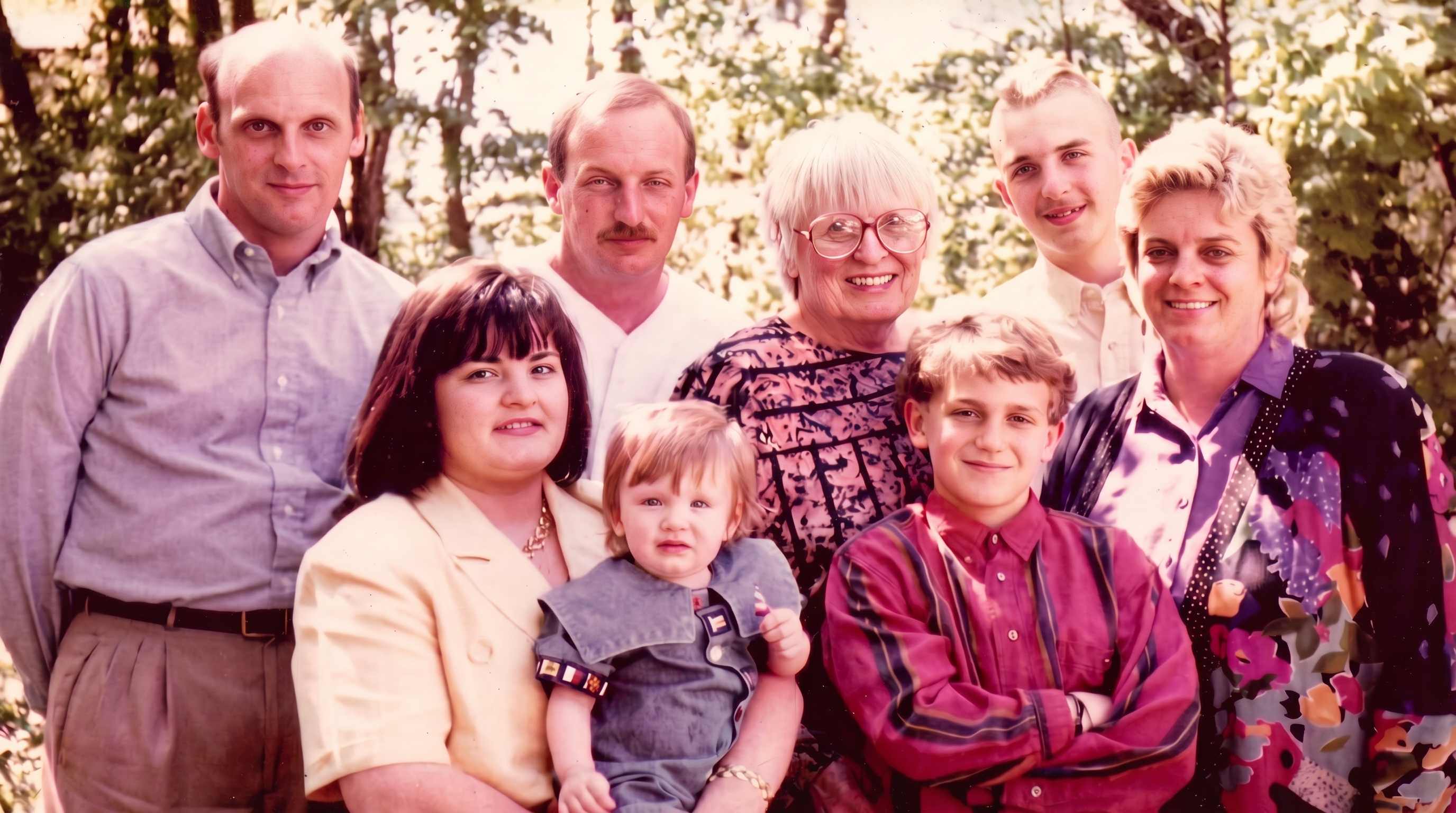
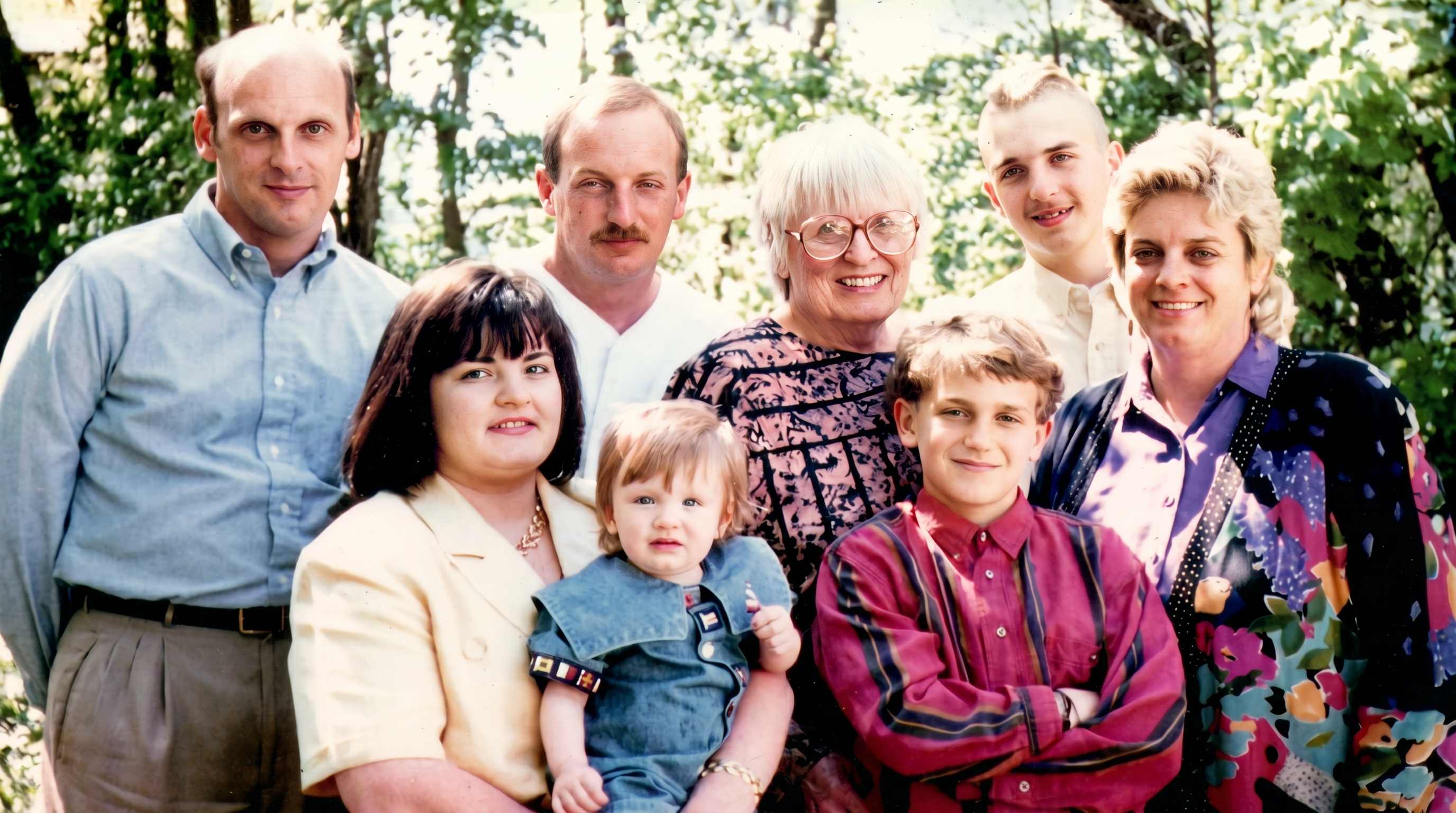
Enhance Black and White Photos for a More Real and Personal Feel
One of the most common reasons people look for a black and white photo enhancer is emotional, not technical. They want to see grandparents, weddings, uniforms, homes, and childhood moments in a way that feels more immediate and human. Repairit helps enhance black and white photos by adding lifelike color and improving overall image quality, making old memories easier to connect with, share, and preserve.


Fix Scanned Photos That Look Flat, Yellow, or Washed Out
A scanned photo does not always look damaged, but it can still feel wrong. Whites turn yellow, colors shift, and the whole image loses balance after years in albums, drawers, or low quality storage. This is where an image color enhancer becomes useful. Repairit helps clean up faded scans, improve color balance, and make older photos look more usable for digital albums, slideshows, and family archives.

Improve Everyday Photos That Need Better Color, Not Heavy Editing
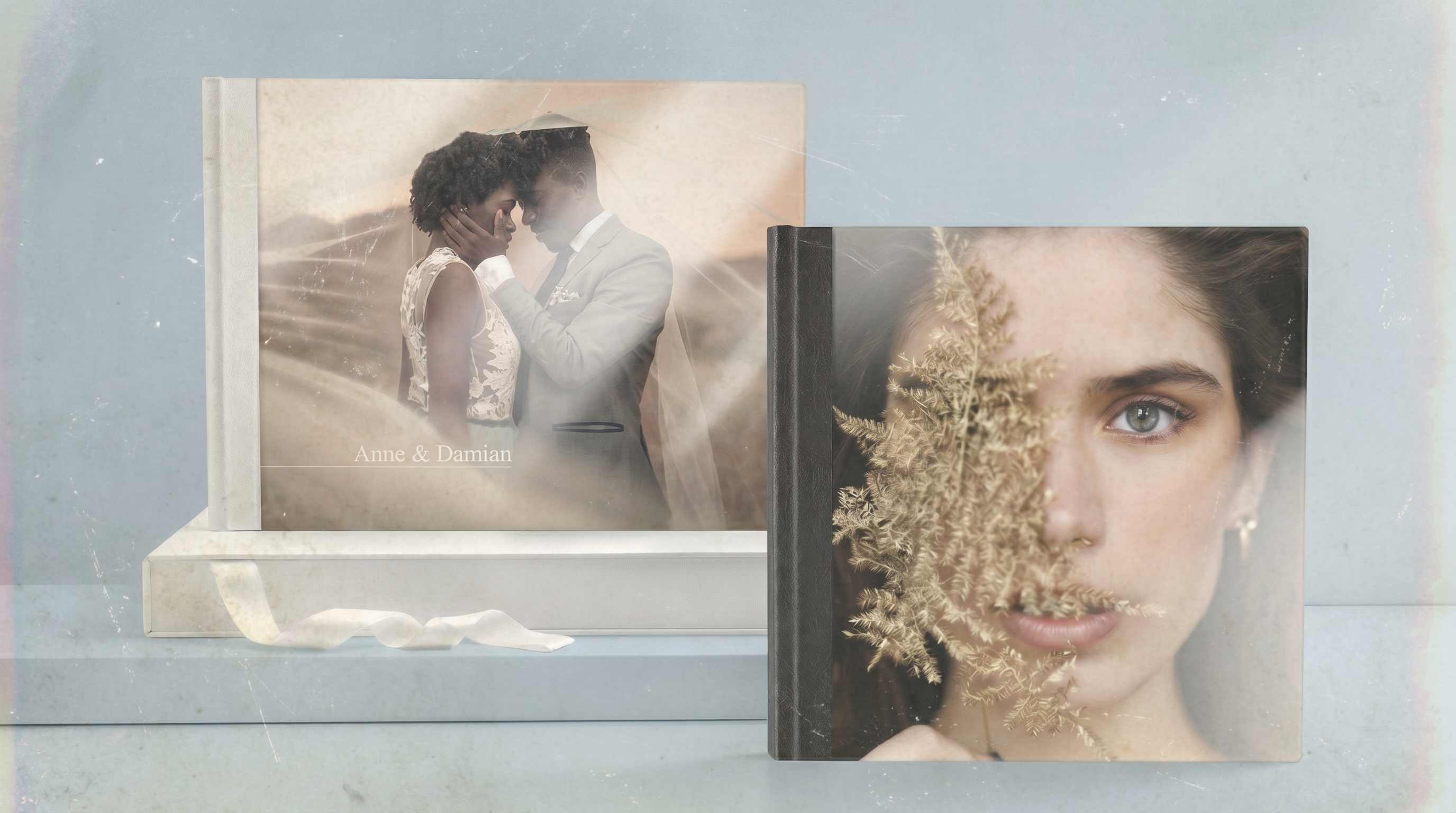
Not every image needs full restoration. Sometimes a recent photo just looks dull. A travel shot may feel washed out, a food photo may lose warmth, or a quick phone picture may look less vibrant than the real scene. Users looking for a photo color enhancer online free option often want a simple fix, not a full editor. Repairit helps improve color in these everyday photos so they look richer, clearer, and more shareable without feeling over processed.


How to Use Repairit as a Photo Color Enhancer

Step 1
Upload Your Image
Add the photo you want to improve from your phone or computer. Repairit supports common formats such as JPG, JPEG, PNG, BMP, and WEBP, making it easy to work with old prints, black and white images, and everyday digital photos.

Step 2
Choose the Right Enhancement Mode
Select Photo Enhancement for faded, dull, or washed out images. If you want to enhance black and white photos, choose the color related AI mode to bring color into the image while also improving visible quality.

Step 3
Preview and Download the Enhanced Result
Check the before and after result, then save the version that looks best. It is a simple way to use an AI image color enhancer without spending time on manual color correction.
Why Choose Repairit as a Photo Color Enhancer
✨ More Natural Color, Not Just Stronger Saturation
Some tools push color too far and make photos look unrealistic. Repairit is designed to improve color balance and visual richness in a way that feels more natural and easier to trust.
📷 Useful for Both Old Photos and New Images
Repairit is not only for black and white archives. It also helps with faded prints, washed out scans, low contrast phone photos, and everyday images that need better color and life.
⚡ A Better Way to Improve Memories and Visuals
Whether you are restoring family history or cleaning up personal photos for sharing, Repairit helps make images feel warmer, clearer, and more emotionally present with less manual work.
❤️ Honest About Real Color Limits
AI can make a black and white or faded image look more vivid and believable, but it cannot always guarantee the exact original real world color of every object. Repairit is designed to improve photos in a realistic way while keeping expectations grounded.
Explore More Photo Enhancer Features
Enhance your photos by improving clarity, resolution, lighting, and overall quality in seconds with AI.
Frequently Asked Questions
Upload your image to Repairit, choose the right enhancement mode, preview the result, and download the improved version. It is a simple way to improve faded or dull photo color without advanced editing skills.
A photo color enhancer improves how color looks in an image by correcting faded tones, balancing contrast, and making the picture feel richer and more natural. In some cases, it can also help colorize black and white photos.
Yes. Repairit can enhance black and white photos by applying AI based colorization and improving the overall appearance of the image, making old portraits and family pictures feel more vivid and easier to connect with.
Yes. If an old photo has lost warmth, contrast, or color balance over time, Repairit can help restore a more natural and visually pleasing look while keeping the image easy to recognize.
Yes. Repairit is useful for scanned photos that look yellow, flat, washed out, or slightly damaged. It can help improve both color and overall image quality for digital reuse.
Not always. AI can create more realistic and believable color, but exact original colors may not always be fully recoverable, especially in very old or heavily faded images. The final result depends on the source photo quality.
Repairit supports common image formats including JPG, JPEG, PNG, BMP, and WEBP, making it easy to use an image color enhancer on photos from phones, scans, and saved digital files.
Hot Topics
Comprehensive How-to Guides
Want to enhance your photo? Click to enter the Photo Enhancer Workbench and make it clearer in just a few clicks!


