Blur Remover AI for Low Quality Photos
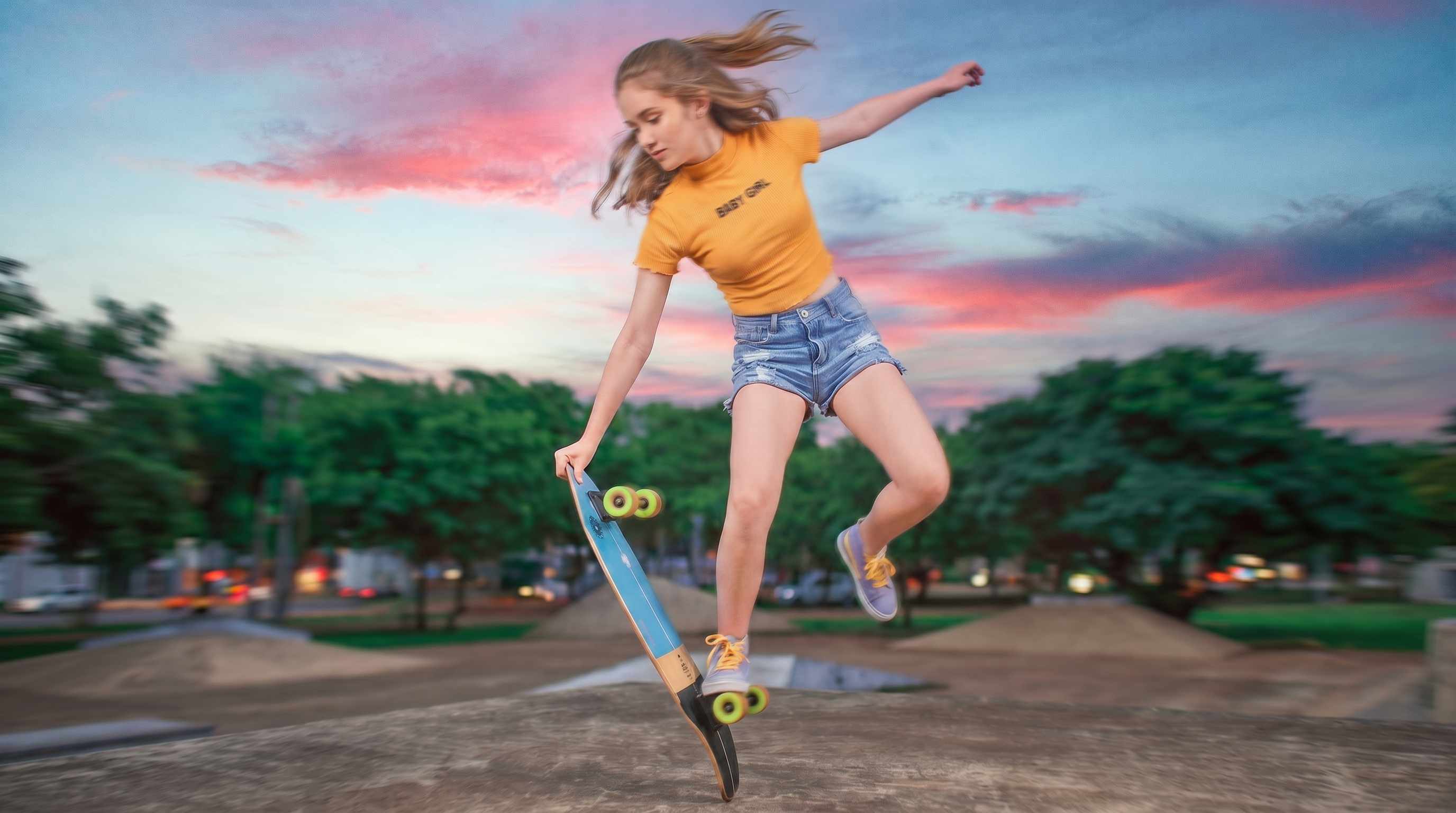
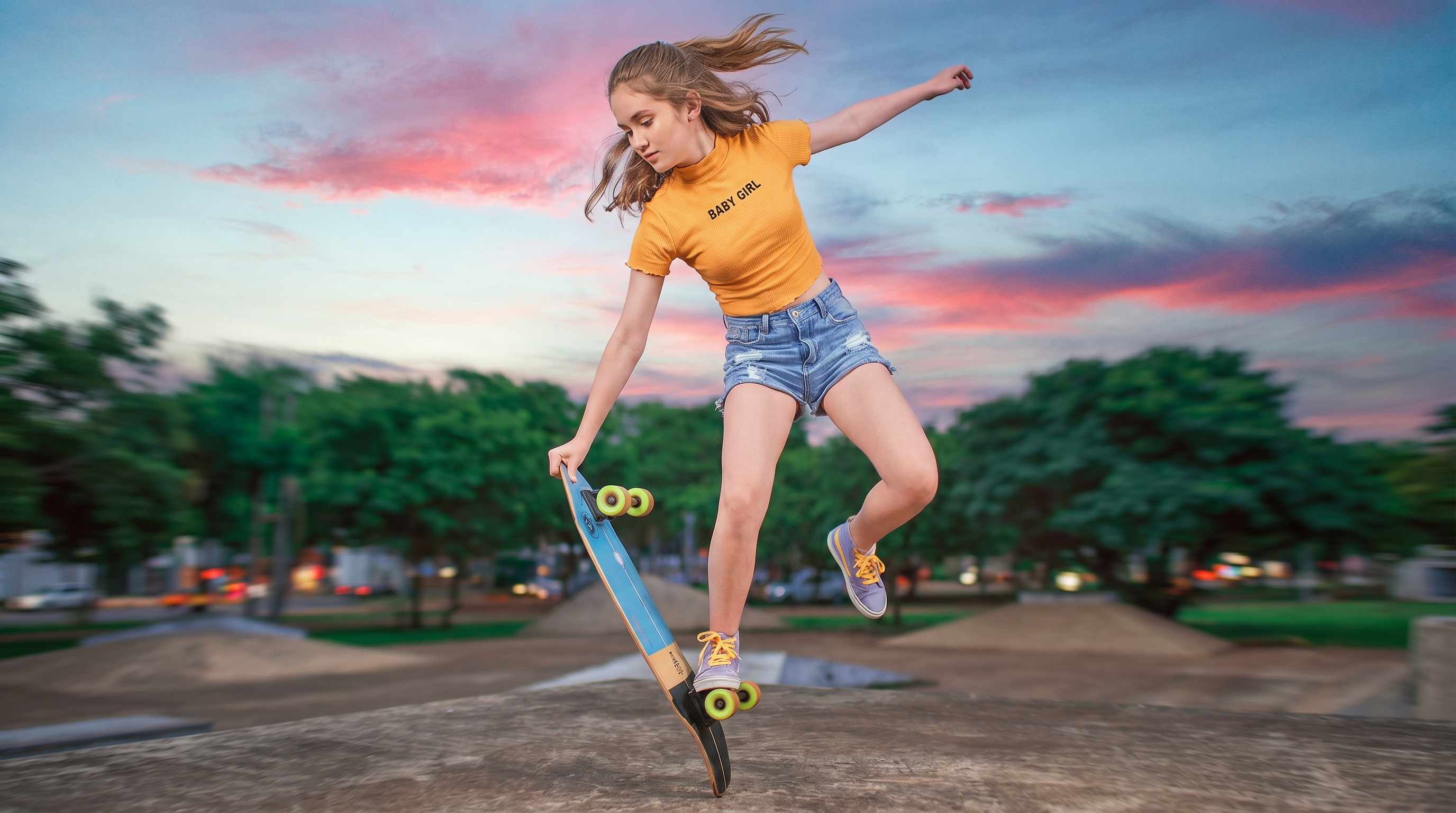




Save the One Good Shot That Came Out Slightly Blurry
Some photos only happen once. A child blows out candles, a friend turns and smiles, a pet finally looks at the camera, or someone laughs at the exact right moment. Then you zoom in and realize the image is softer than you expected. Repairit works as an AI photo blur remover for the kinds of real life moments people do not want to lose, helping improve clarity when the photo is worth keeping but just not sharp enough yet.
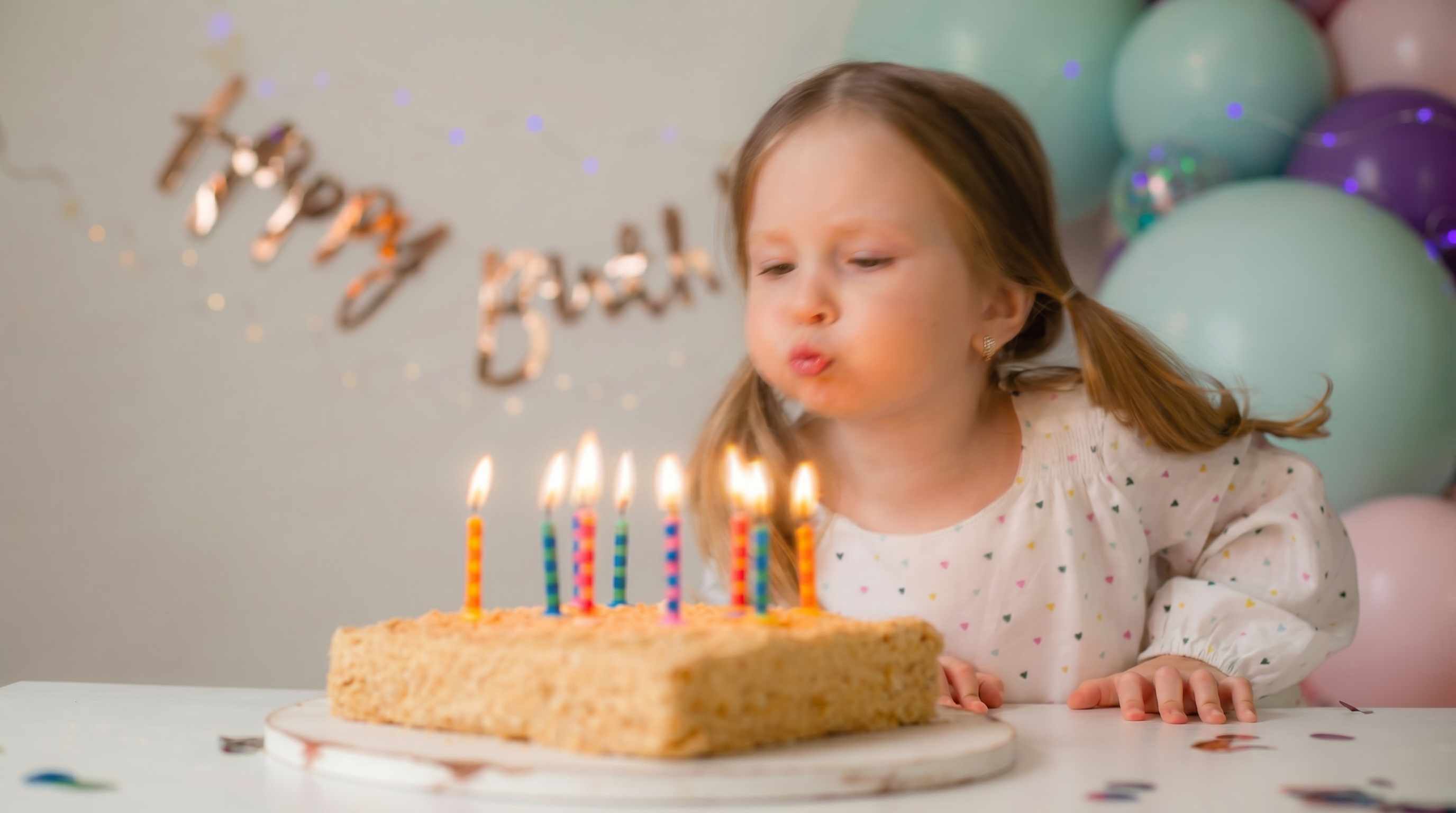
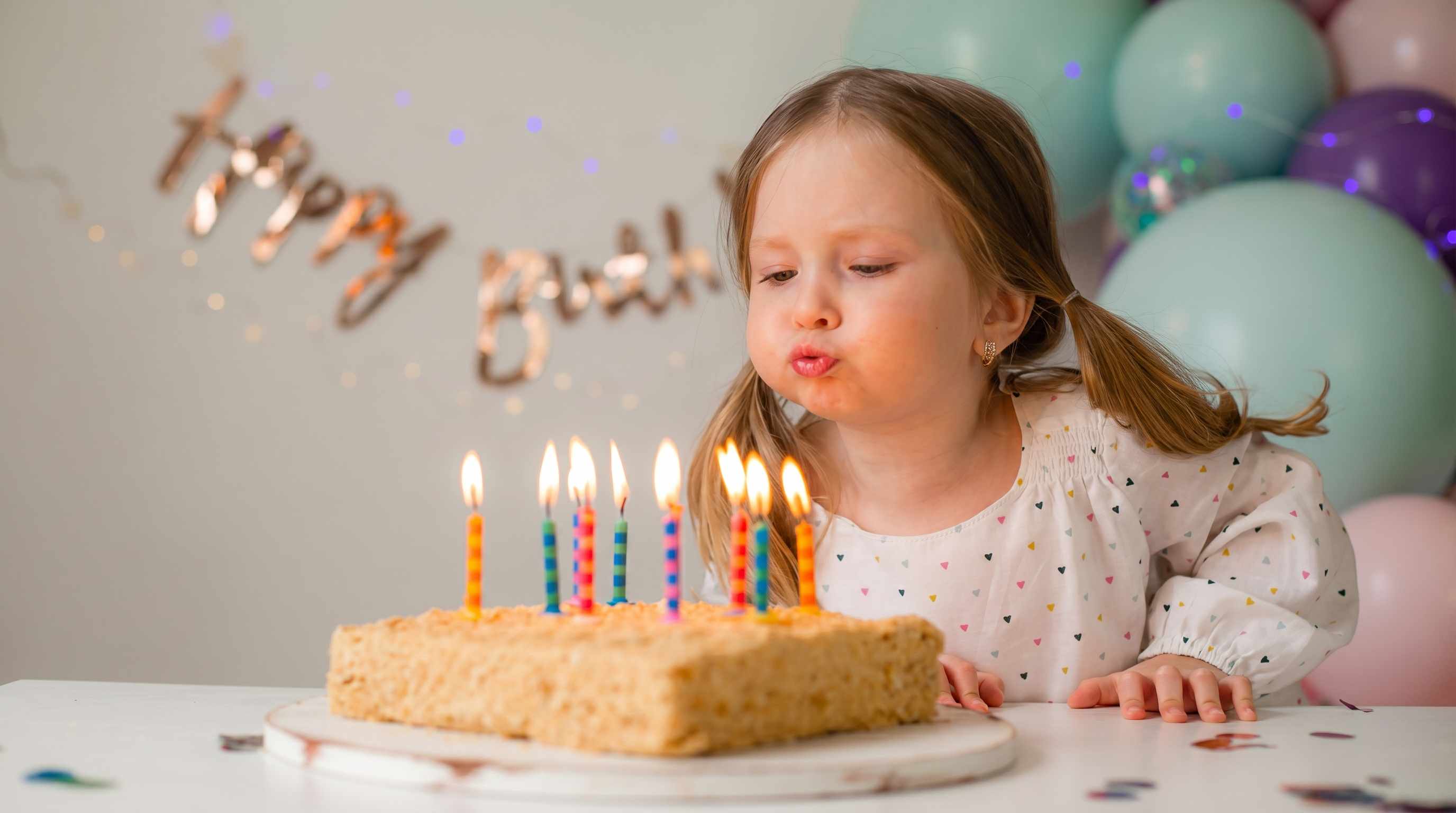
Fix Indoor and Night Photos That Look Soft and Noisy
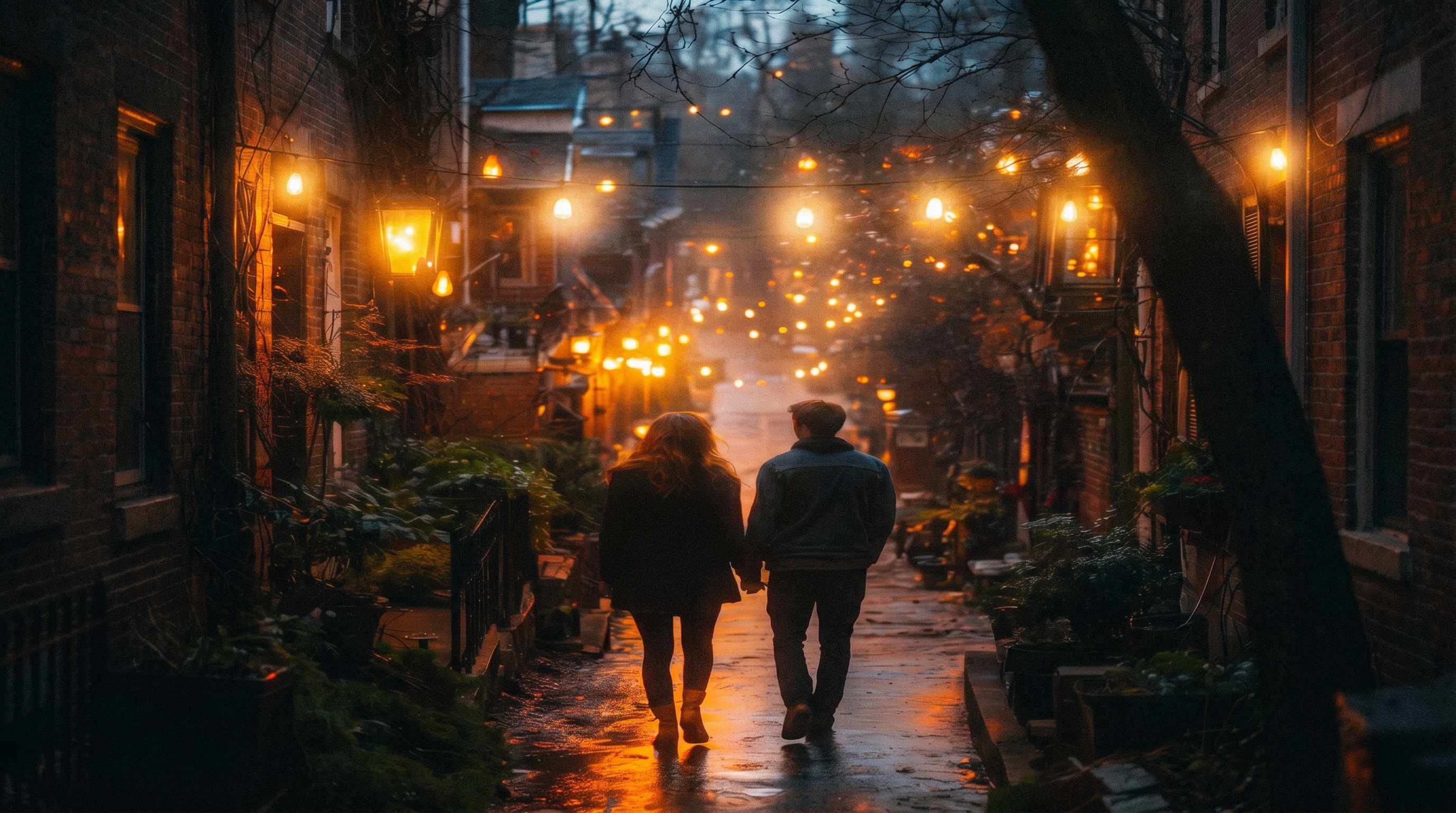
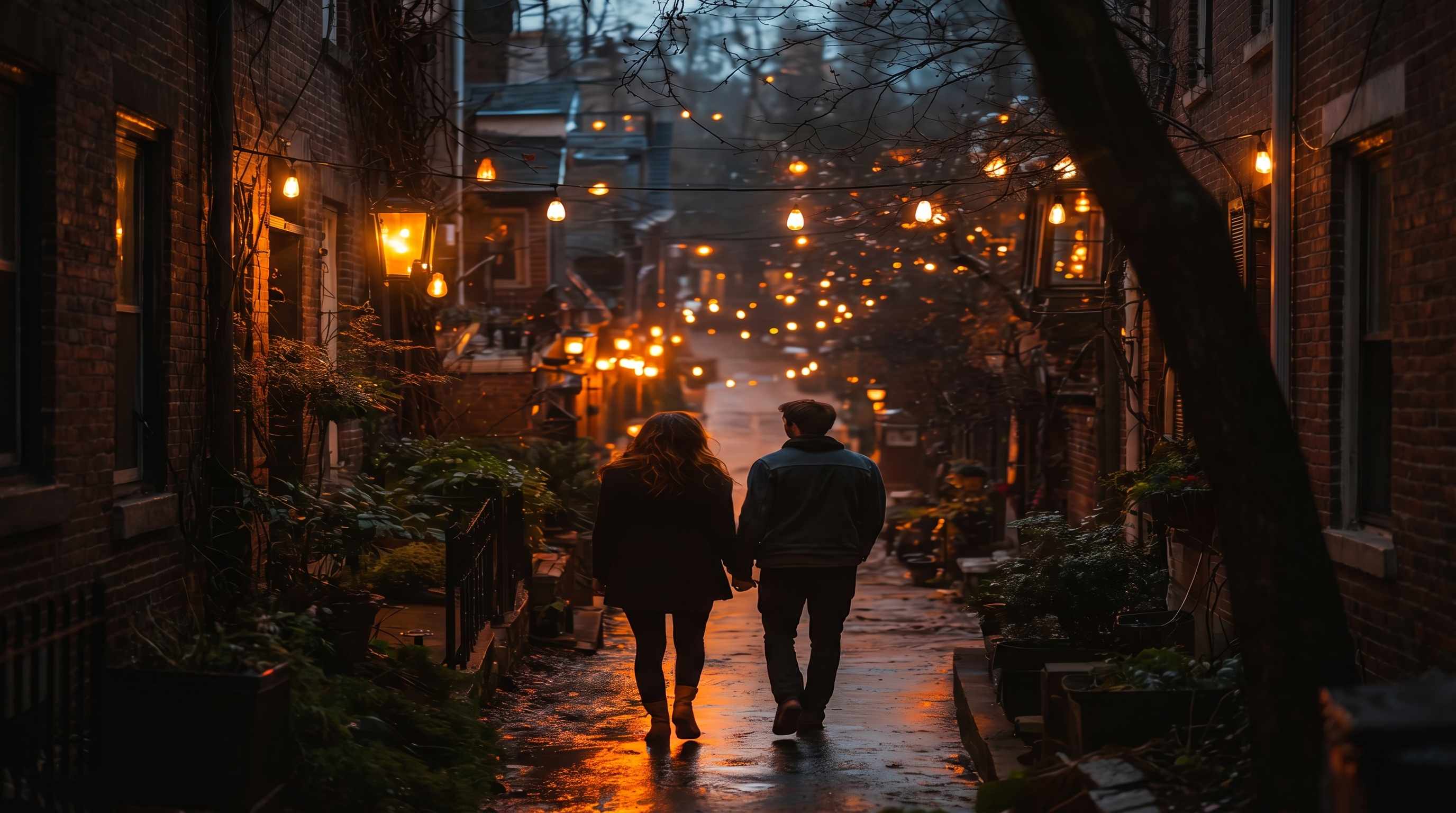
A lot of blurry images are taken in places people actually care about, restaurants, birthday dinners, concerts, family gatherings, and evening walks. In these situations, low light can cause both softness and visible noise at the same time. Repairit helps remove blur AI style while also cleaning up grain, so the result looks clearer and more balanced instead of over edited.
Improve Motion Blur from Quick Movement and Camera Shake
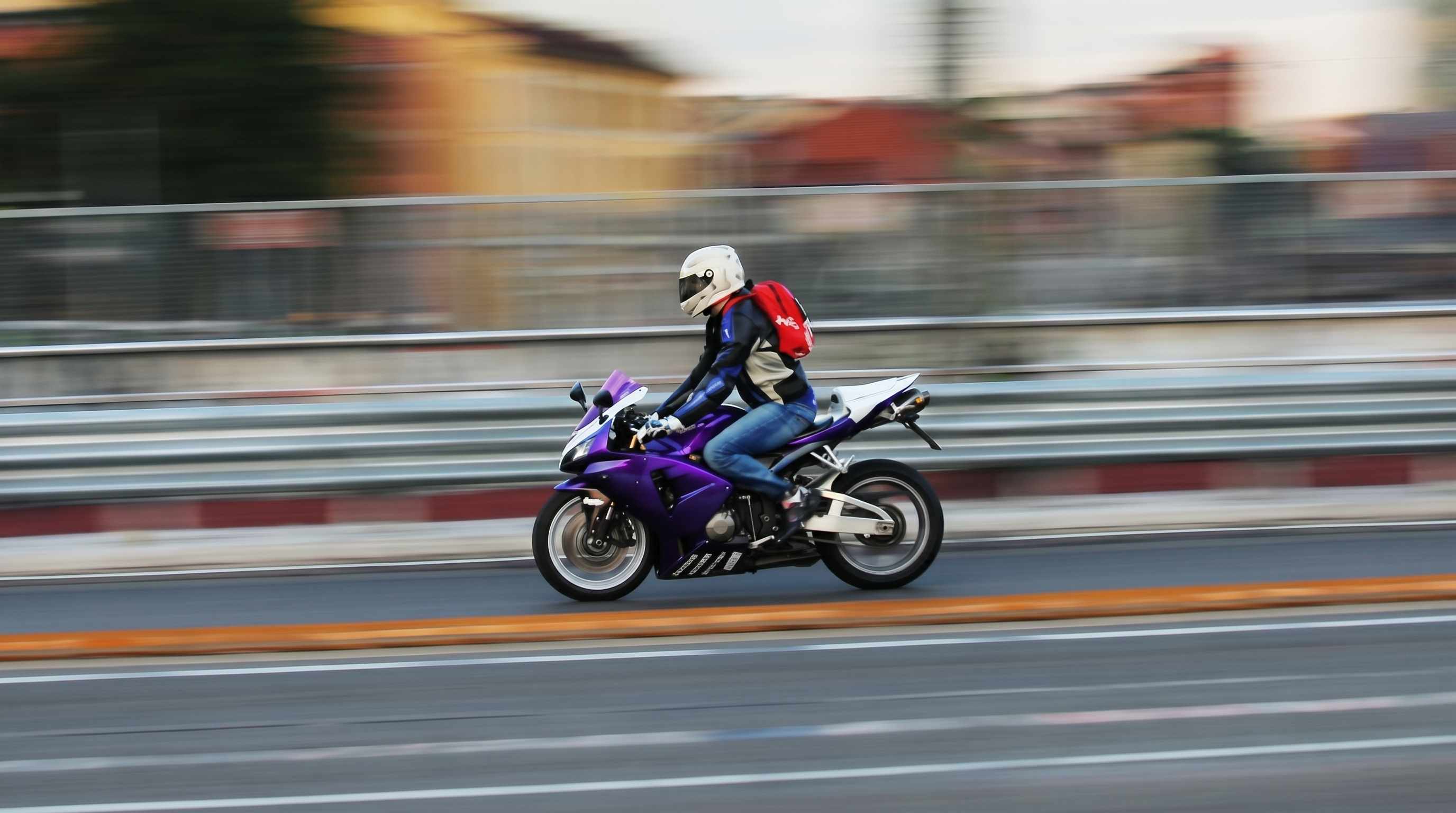
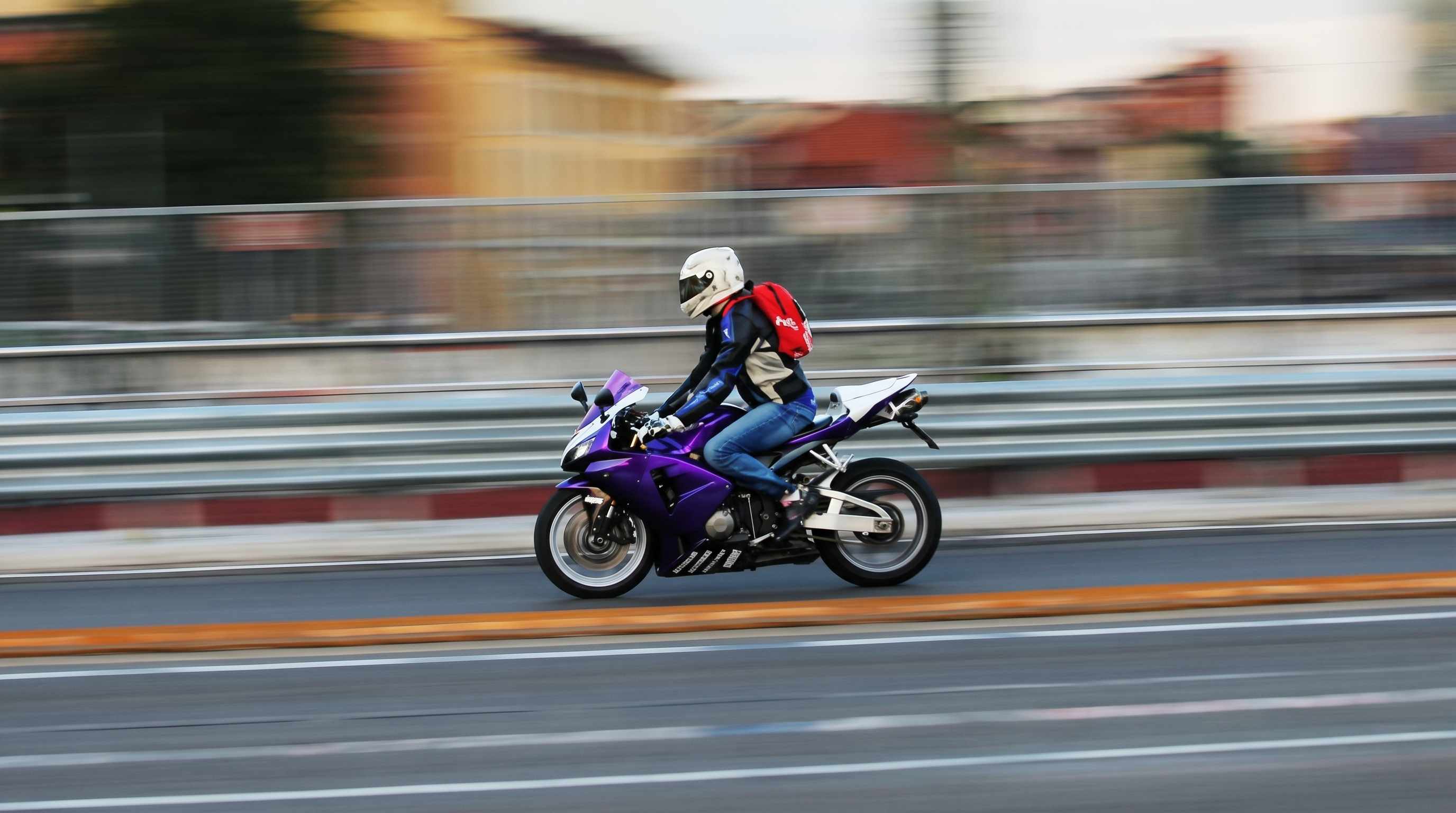
Not every blurry photo is out of focus. Sometimes the problem is movement. A hand shifts, the phone shakes, the subject moves at the wrong second, or the shot is taken while walking. That is why users often search for an AI remove blur tool instead of a basic sharpness filter. Repairit helps improve mild to moderate blur caused by motion and camera shake, making fast everyday photos feel more usable again.
Make Blurry Text, Menus, Whiteboards, and Screen Photos Easier to Read
People do not only want to remove blur from portraits. They also need to read what is inside the image. A soft menu photo, a blurry whiteboard snap, a receipt photo, a class slide, or a saved instruction image can quickly become frustrating when the text is unclear. Repairit works as an AI image blur remover that helps bring back cleaner edges and better readability, which is especially useful when you need to remove blur from image AI tools for practical everyday use.


How to Remove Blur from a Photo with Repairit

Step 1
Upload Your Image
Add the photo you want to improve from your phone or computer. Repairit supports common formats such as JPG, JPEG, PNG, BMP, and WEBP, so you can work with portraits, text images, and everyday photos in one place.

Step 2
Choose the Right Enhancement Mode
Select Photo Enhancement for general images. If the photo includes an important face, choose Portrait Enhancement to improve facial detail more naturally. Repairit analyzes softness, blur, and visible noise automatically.

Step 3
Preview and Download the Improved Result
Check the before and after result, then download the version that looks best for your needs. It is a simple way to remove blur from photo AI editing without spending time on complicated manual tools.
Why Choose Repairit as a Blur Remover AI
✨ Natural Looking Results Instead of Harsh Sharpening
Some tools make blurry photos look hard, noisy, or obviously processed. Repairit is designed to improve clarity in a more balanced way, so the photo looks cleaner without losing its original feel.
📷 Built for the Real Reasons Photos Go Blurry
Blur does not come from one single problem. It can come from movement, camera shake, missed focus, low light, or a soft saved image. Repairit is built for these everyday situations, not just perfect studio files.
⚡ Useful for People, Objects, and Text Based Images
A good AI blur remover should help with more than portraits. Repairit can improve face photos, casual phone shots, travel images, and practical pictures like menus, notes, receipts, and whiteboards.
❤️ Honest About What AI Can and Cannot Recover
Repairit can often improve mild to moderate blur, but no remove blur AI tool can fully rebuild detail that was never captured in the original file. That makes the result more trustworthy and aligned with real user expectations.
Explore More Photo Enhancer Features
Enhance your photos by improving clarity, resolution, lighting, and overall quality in seconds with AI.
Frequently Asked Questions
Upload your image to Repairit, choose Photo Enhancement or Portrait Enhancement, preview the result, and download the improved version. It is a simple way to use a blur remover AI without learning advanced editing software.
A blur remover AI analyzes soft or unclear parts of an image, improves visible edges and detail, and often reduces noise at the same time. The goal is to make the photo clearer and easier to use, not to invent perfect detail where none exists.
Yes, in many cases. Repairit can improve photos affected by mild to moderate movement or hand shake, especially when the original image still contains usable detail.
Yes. Many night photos look soft because of low light, slower shutter speed, and extra image noise. Repairit can help improve clarity and reduce visible grain so the final result looks cleaner.
Yes. Repairit can help improve photos of menus, receipts, notes, slides, whiteboards, and screen captures that look soft or slightly blurred. Results depend on the original file, but readability often improves.
Repairit offers a simple way to try blur removal online before committing to a more complete workflow. That makes it useful for people who want to test an AI blur remover free style experience on an image that matters.
Not always. If the image is extremely out of focus, heavily compressed, or too small, no AI can fully restore every missing detail. Repairit is designed to improve image quality realistically, and the final result depends on the original photo quality.
Hot Topics
Comprehensive How-to Guides
Want to enhance your photo? Click to enter the Photo Enhancer Workbench and make it clearer in just a few clicks!


