Unpixelate Image Online Free






Unpixelate Screenshots That Look Blocky on Bigger Displays
A screenshot may look fine on a phone, then suddenly look rough and pixelated when you add it to a document, presentation, or larger screen. Repairit helps unpixelate image files like screenshots by smoothing harsh blockiness and making details easier to read and recognize.
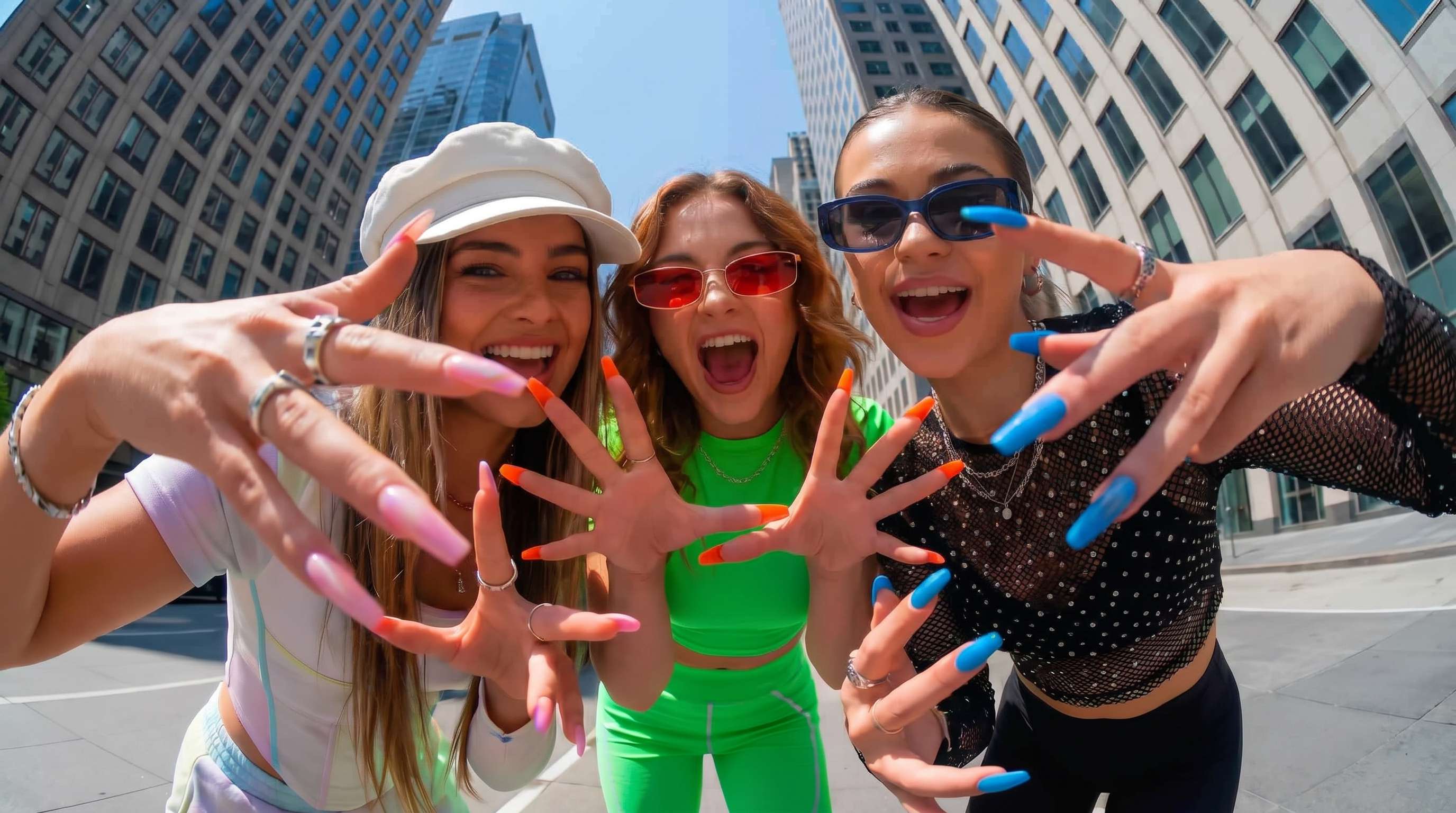
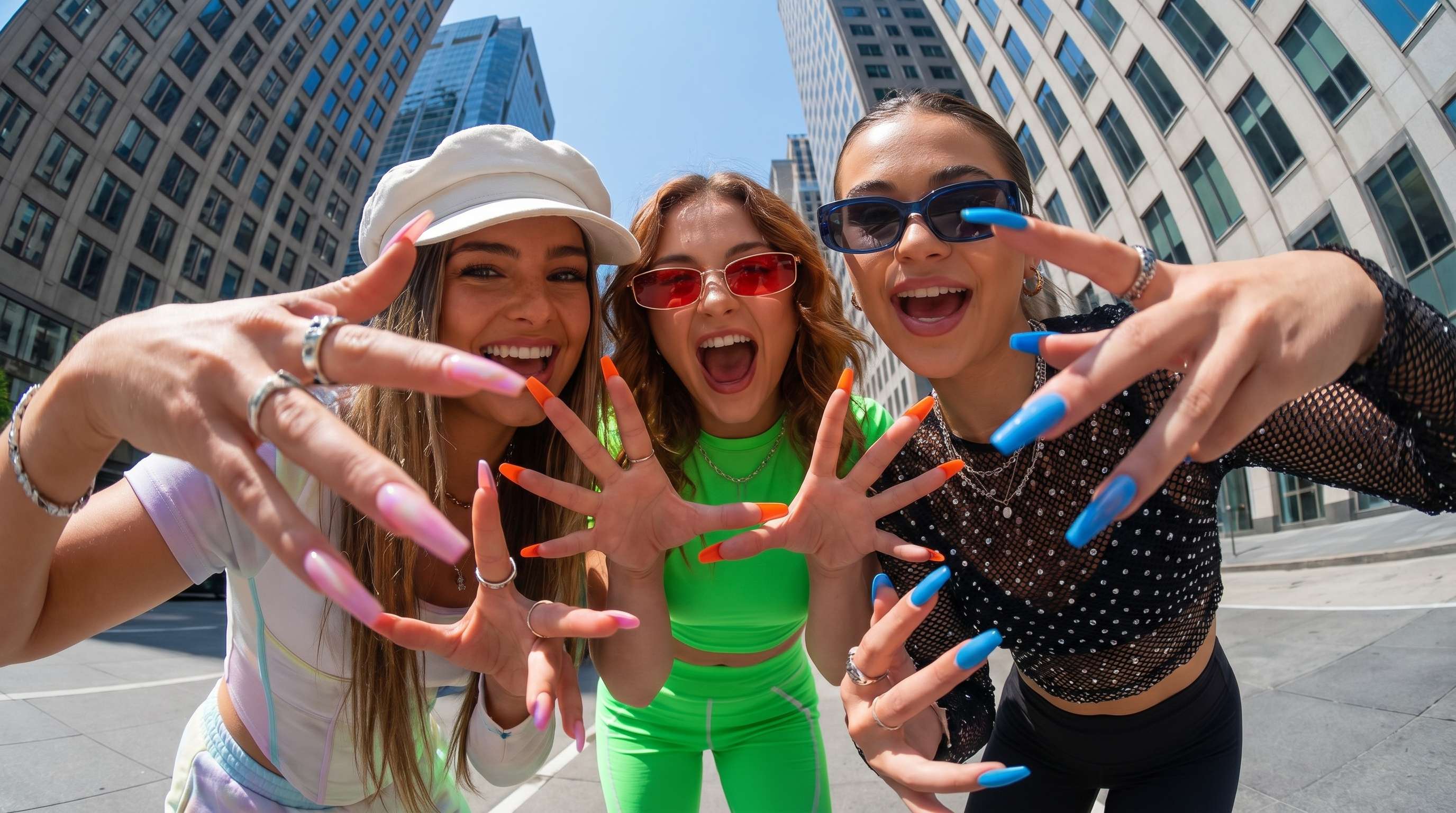
Improve Old Web Images and Archived Pictures with Visible Pixelation
People often save old images from blogs, forums, fan sites, or archived web pages, only to realize the file looks full of jagged edges and visible squares. If you are searching for a practical unpixelate image online tool, Repairit can help make these saved pictures look cleaner and less distracting.


Make Digital Art, Anime Frames, and Graphics Look Cleaner
Pixelation is especially obvious in digital art, anime frames, posters, and graphic based images because lines and edges start to break apart fast. Repairit helps unpixelate photos and graphic images so outlines look smoother and the overall image feels more polished on larger screens.


Fix Pixelated Images Shared Through Chat Apps or Reposts
Images that get passed around through chat apps, reposted pages, or repeated saves often end up looking rough, soft, and visibly pixelated. Repairit offers a practical way to unpixelate image online free style workflows by improving clarity, reducing rough artifacts, and making the image look more usable again.
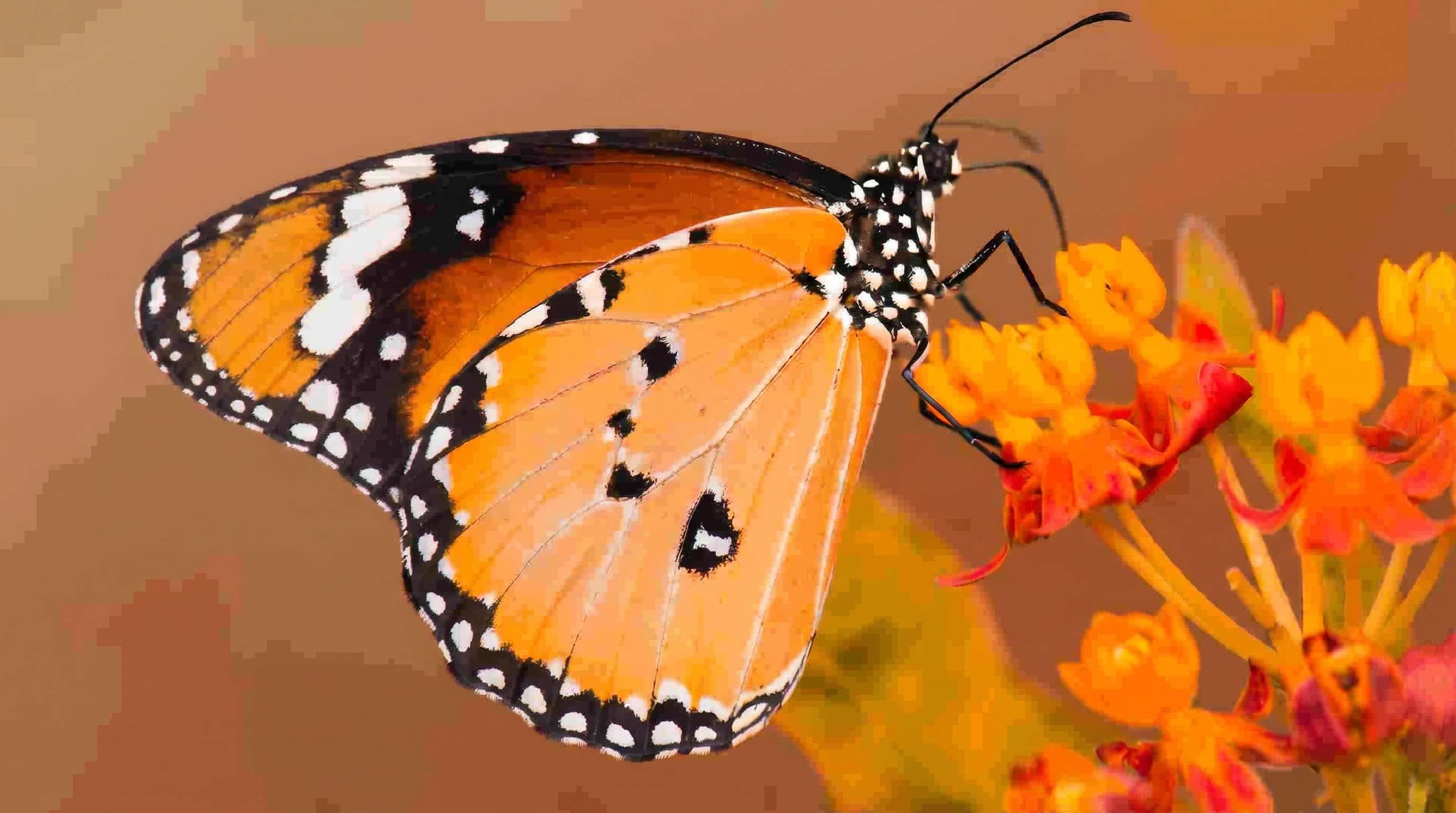
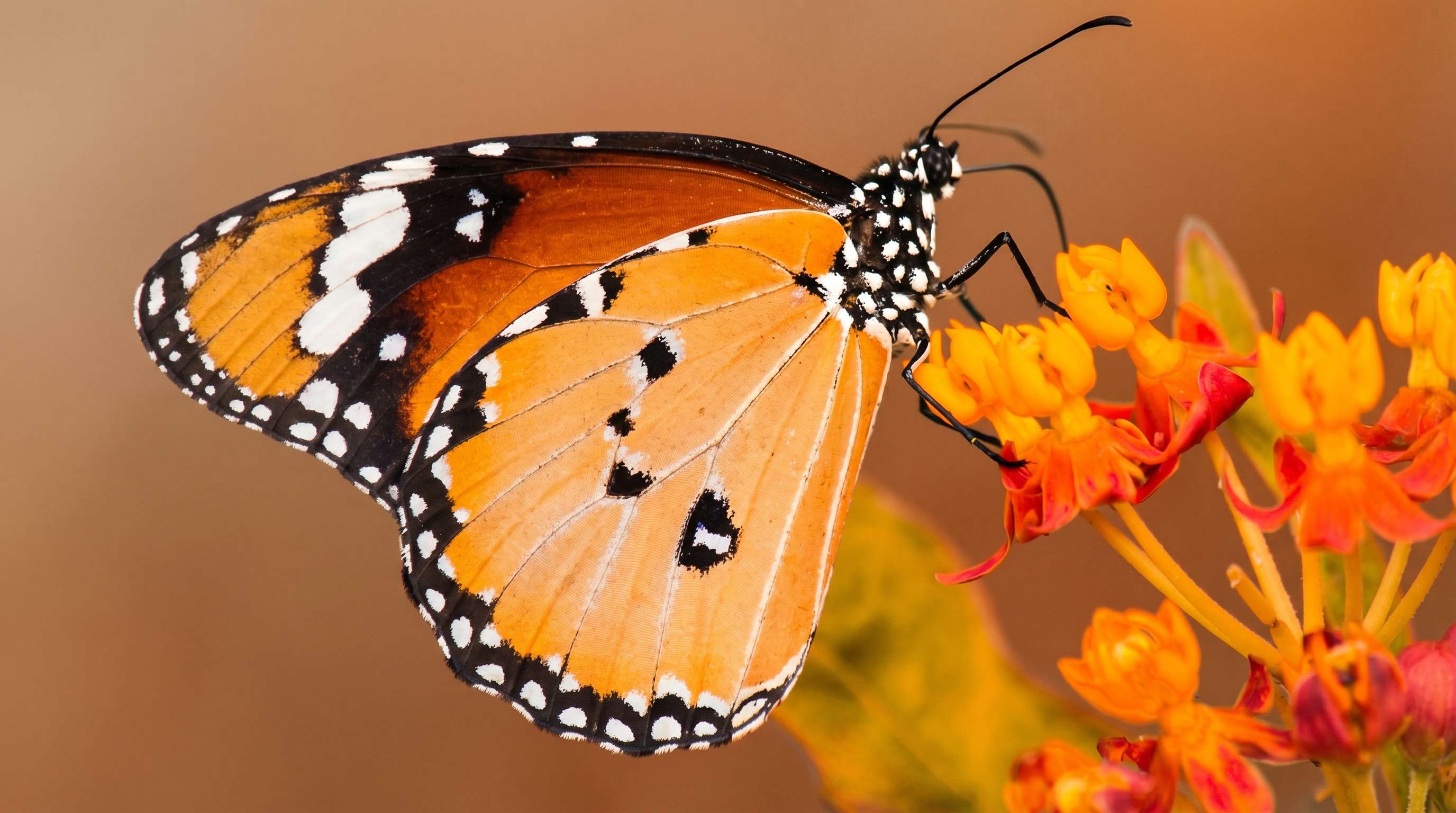
How to Unpixelate an Image with Repairit

Step 1
Upload Your Image
Upload a JPG, PNG, or WEBP file from your phone or computer. Repairit works well for screenshots, saved web images, digital art, and other pictures with visible pixelation.

Step 2
Choose the Right Enhancement Mode
Select Photo Enhancement for general images or Portrait Enhancement for face focused photos. Repairit analyzes visible pixelation, softness, noise, and quality loss automatically.

Step 3
Preview and Download the Cleaner Result
Preview the improved version, compare it with the original, and save the result that looks best to you. It is a simple way to use unpixelate image AI tools without a complicated editing workflow.
Why Choose Repairit to Unpixelate Images?
✨ Natural-Looking Results
Repairit improves rough edges, visible pixelation, and weak looking detail so images feel cleaner and easier to view.
📷 Built for Real Blur Scenarios
Whether the issue comes from screenshots, repeated reposting, old saved web images, or small digital files, Repairit is built for the kinds of pixelated images people actually deal with.
⚡ Easy for Anyone to Use
If you have been looking for an unpixelate image free or unpixelate image online free option, Repairit gives you a straightforward workflow that does not require advanced editing knowledge.
❤️ A Better Way to Save Important Photos
AI can improve many pixelated images, but it cannot perfectly recreate detail that was never captured or was heavily lost. Repairit is a stronger fit for users who want better looking results with realistic expectations.
Explore More Photo Enhancer Features
Enhance your photos by improving clarity, resolution, lighting, and overall quality in seconds with AI.
Frequently Asked Questions
Upload your image to Repairit, choose Photo Enhancement or Portrait Enhancement, and let AI improve visible pixelation, softness, and quality loss automatically. You can then preview the result and download the improved version in just a few clicks.
Repairit offers an easy online workflow for trying photo enhancement on common image files. It is a practical option for people who want to test image improvement without starting with complicated software.
AI can improve many pixelated photos by smoothing rough artifacts, refining edges, and making the overall image look cleaner. But if the original file is extremely small or heavily degraded, no tool can fully restore every missing detail.
In many cases, yes. Repairit can help improve screenshots that look blocky or rough, especially when the original still contains readable shapes, edges, and subject detail.
It can help in many cases. Repairit is useful for smoothing visible pixelation and improving cleaner edges in digital art, anime frames, and graphic style pictures that look too rough at a larger size.
Pixelation often gets worse after images are compressed, reposted, resized, or repeatedly saved through chat apps and web platforms. That process can strip away detail and make edges look rough or blocky.
Repairit supports common image formats including JPG, JPEG, PNG, BMP, and WEBP, making it easy to unpixelate photos from phones, computers, screenshots, and saved image files.
Hot Topics
Comprehensive How-to Guides
Want to enhance your photo? Click to enter the Photo Enhancer Workbench and make it clearer in just a few clicks!


