Clear Blurry Images Online Free






Restore Old Family Photos and Scanned Memories
Improve blurry old photos, faded scans, and soft family pictures in just a few clicks. Repairit helps recover clearer detail so important memories look easier to save, share, and revisit.
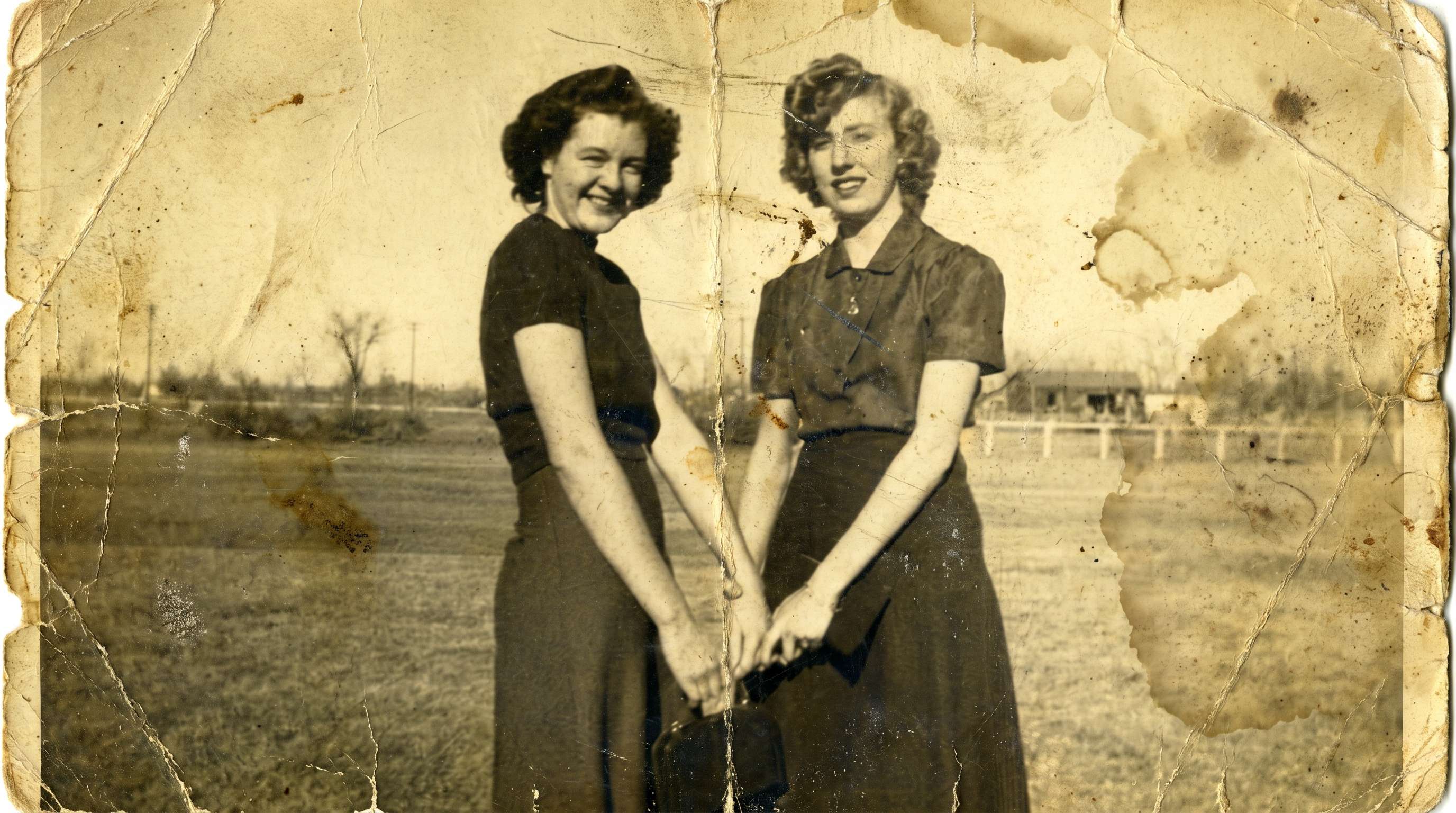
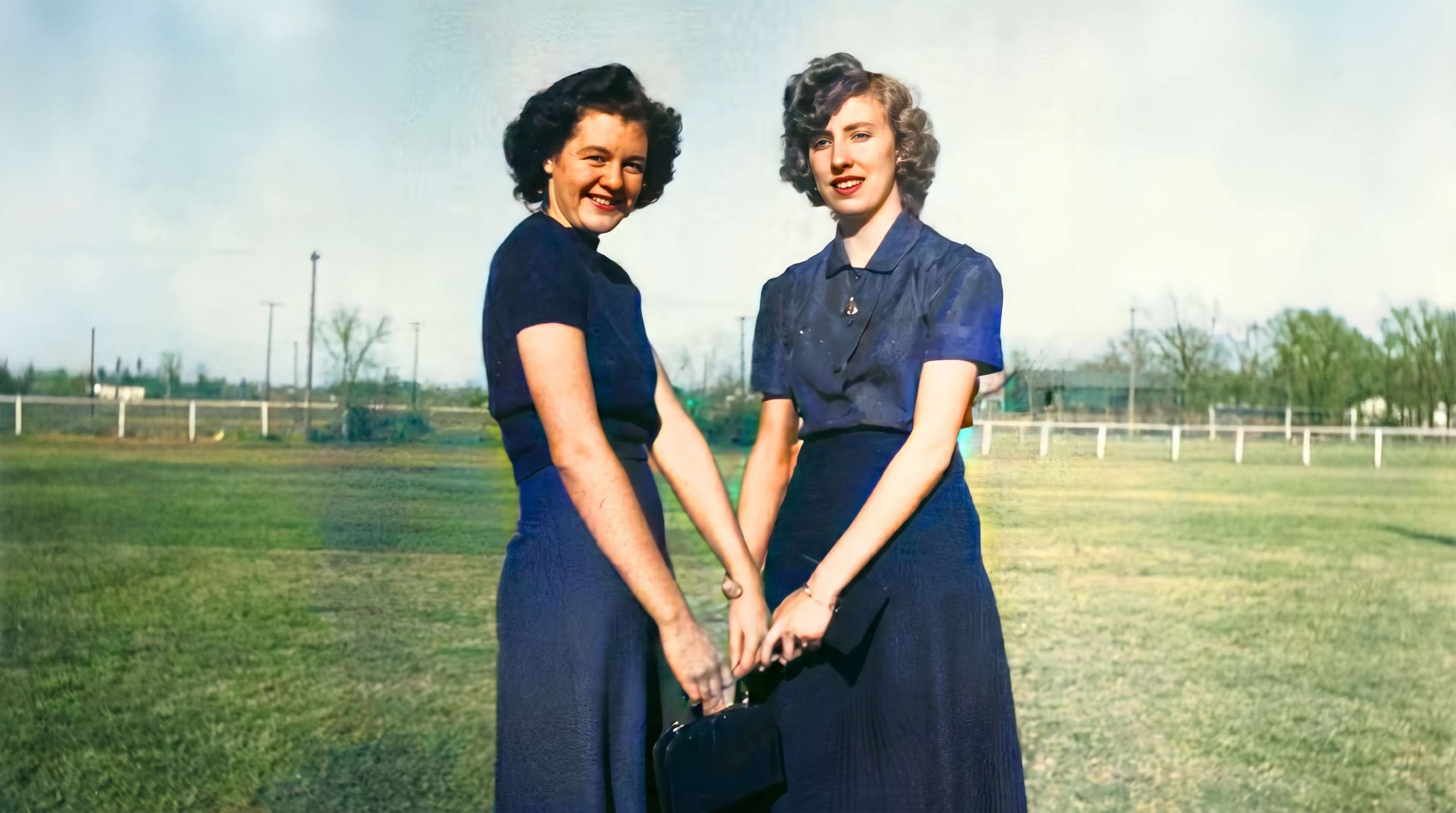
Sharpen Portraits While Keeping Faces Natural
Fix soft portraits and blurry facial features without making skin look over-smoothed or artificial. Repairit helps make faces look clearer while keeping the photo natural and believable.


Improve Low-Light and Everyday Phone Photos
Make phone photos look clearer when they were taken indoors, at night, or on the move. Repairit helps reduce visible noise, sharpen soft detail, and improve overall clarity in everyday shots.
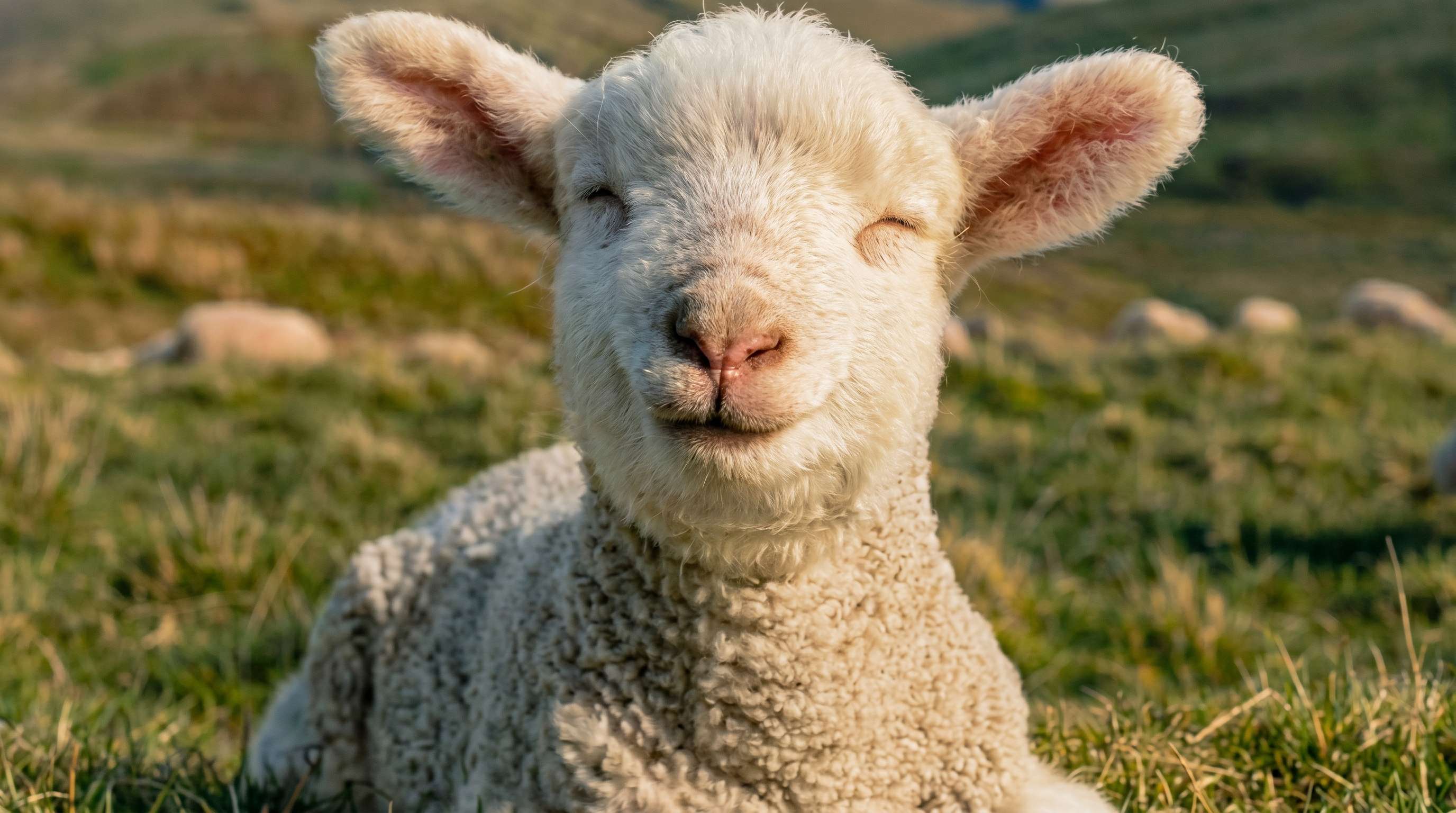
Fix Shared, Downloaded, and Screenshot Images
Photos often lose clarity after being sent through chat apps, downloaded from social media, or saved as screenshots. Repairit helps clean up soft, compressed images so they look clearer and more usable again.


How to Clear a Blurry Image Online with Repairit

Step 1
Upload Your Photo
Upload a JPG, PNG, or WEBP image from your phone or computer. Repairit works well for old photos, portraits, screenshots, and everyday phone pictures.

Step 2
Choose the Right Enhancement Mode
Select Photo Enhancement for general images or Portrait Enhancement for face-focused shots. Repairit analyzes blur, softness, and visible noise automatically.

Step 3
Preview and Download Your Clearer Image
Compare the before-and-after result, then download the version that looks best. It’s a simple way to make blurry photos look clearer without complicated editing.
Why Choose Repairit to Clear Blurry Images?
✨ Natural-Looking Results
Repairit helps improve soft detail and visible clarity without making photos look harsh, over-sharpened, or heavily edited.
📷 Built for Real Blur Scenarios
From old family photos to low-light phone shots and shared images, Repairit is designed for the kinds of blurry pictures people actually want to fix.
⚡ Easy for Anyone to Use
You can make a blurry photo look clearer in just a few clicks, even if you have never used a professional photo editor before.
❤️ A Better Way to Save Important Photos
Instead of giving up on a meaningful image or struggling with complicated manual edits, Repairit offers a faster, simpler way to improve clarity.
Explore More Photo Enhancer Features
Enhance your photos by improving clarity, resolution, lighting, and overall quality in seconds with AI.
Frequently Asked Questions
Upload your photo to Repairit, choose Photo Enhancement or Portrait Enhancement, and let AI improve blur, soft detail, and visible noise automatically. You can then preview the result and download the clearer version in just a few clicks.
AI can improve many blurry photos, especially when the image is only slightly soft, noisy, or low quality. But if a photo is heavily blurred or badly out of focus, the result may look better without fully restoring every lost detail.
Yes, in many cases. Repairit can help improve old photos, faded scans, and soft family pictures by bringing out clearer detail and making faces easier to recognize, especially when the original image still has usable visual information.
Low light often forces a phone camera to use slower shutter speeds and more aggressive noise reduction, which can make photos look soft, grainy, or blurry. Repairit can help improve these images by reducing visible noise and sharpening soft detail.
In many cases, yes. Repairit’s Portrait Enhancement is designed for face-focused images, helping make facial details look clearer while keeping skin tone and features more natural-looking.
Not always. If the original file has lost too much detail because of strong motion blur, heavy compression, or poor focus, no tool can perfectly recover information that is no longer there. AI can often improve the image, but the final result depends on the quality of the original photo.
Repairit supports common image formats including JPG, JPEG, PNG, BMP, and WEBP, making it easy to enhance blurry photos from phones, computers, screenshots, and scanned images.
Hot Topics
Comprehensive How-to Guides
Want to enhance your photo? Click to enter the Photo Enhancer Workbench and make it clearer in just a few clicks!


