Birthday Photo Editing App for Clearer Photos
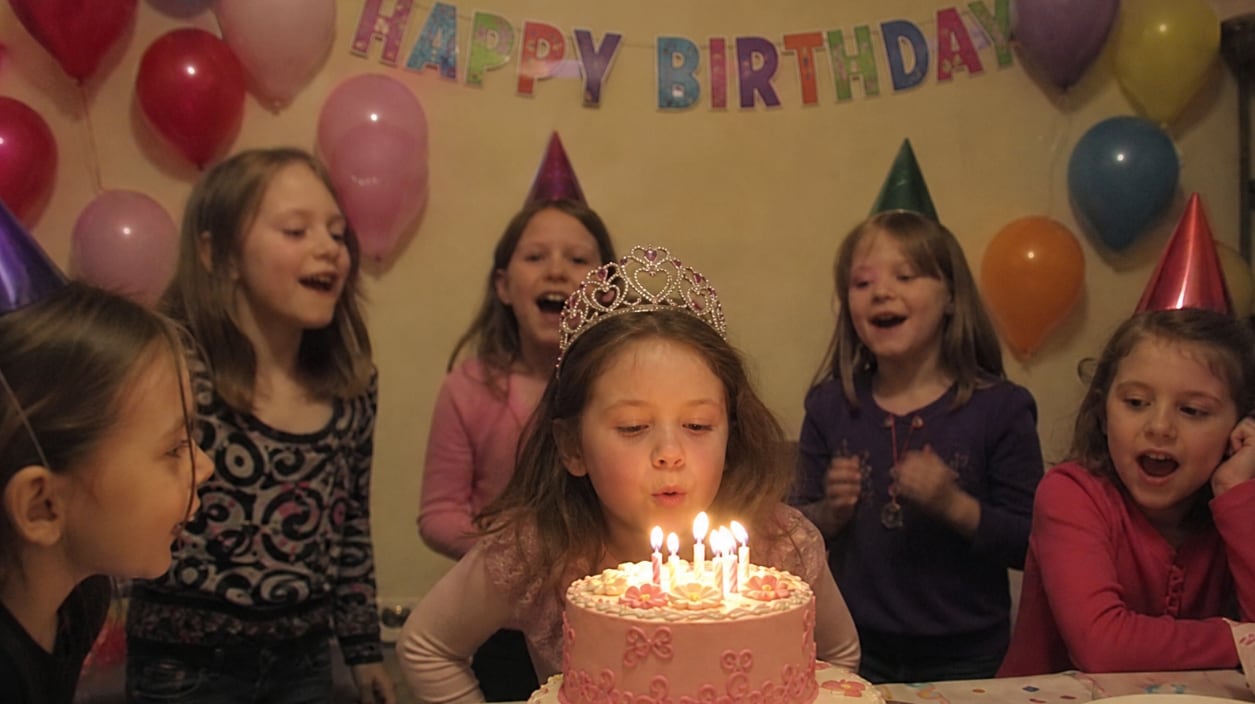
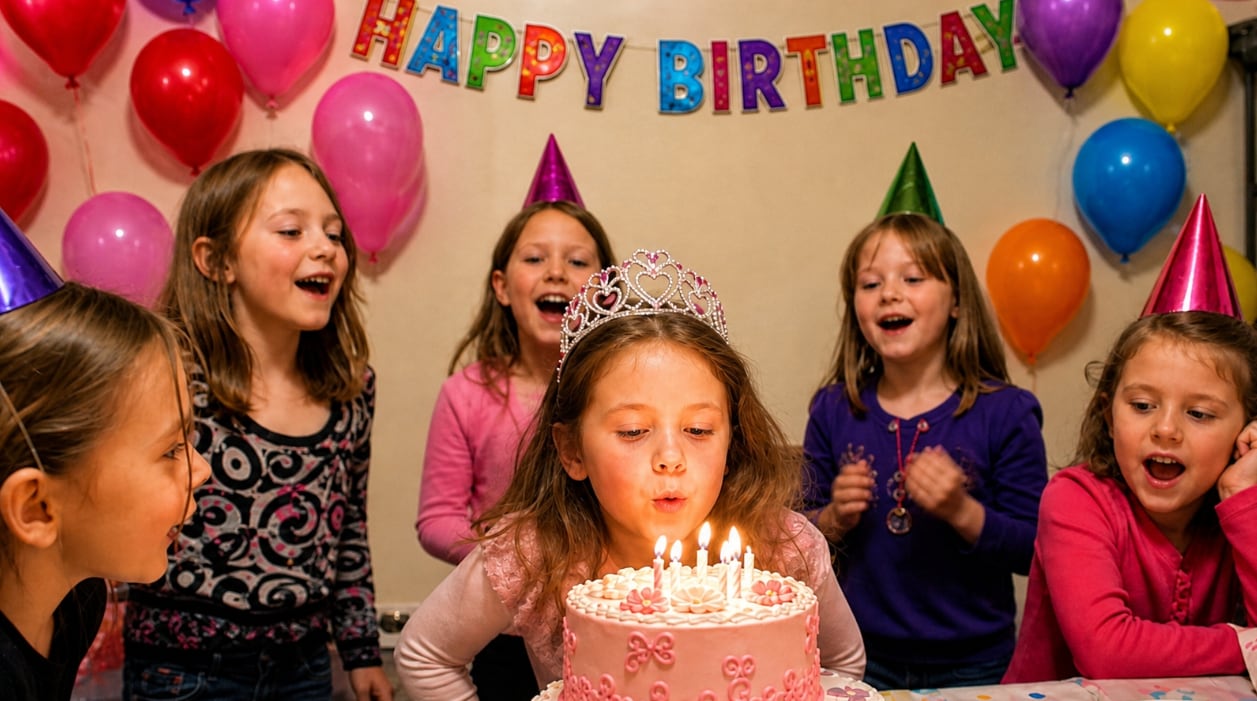




Enhance Birthday Portraits and Family Party Photos with AI
Birthday portraits, family group shots, and party selfies often happen fast, so photos can come out blurry, dim, or slightly out of focus. Repairit works as a birthday photo editing app that helps improve facial clarity, sharpen details, and make people in the photo look clearer. Save the smiles, hugs, and candle-blowing moments that deserve to look their best.
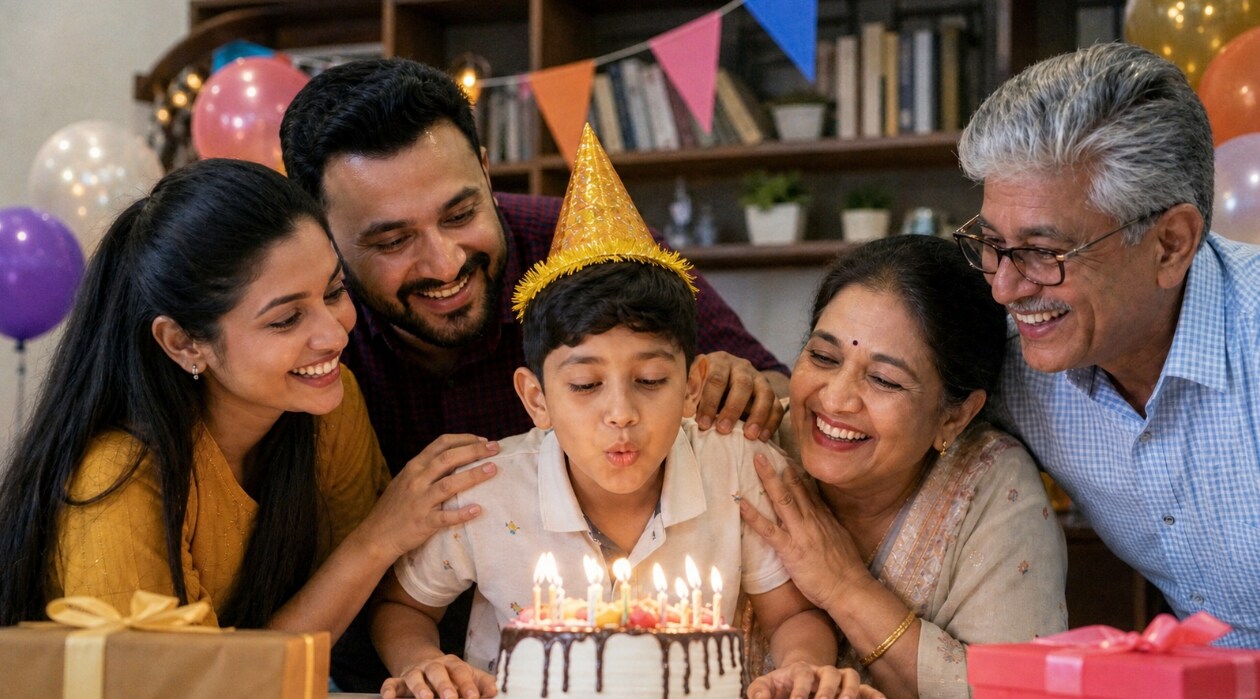
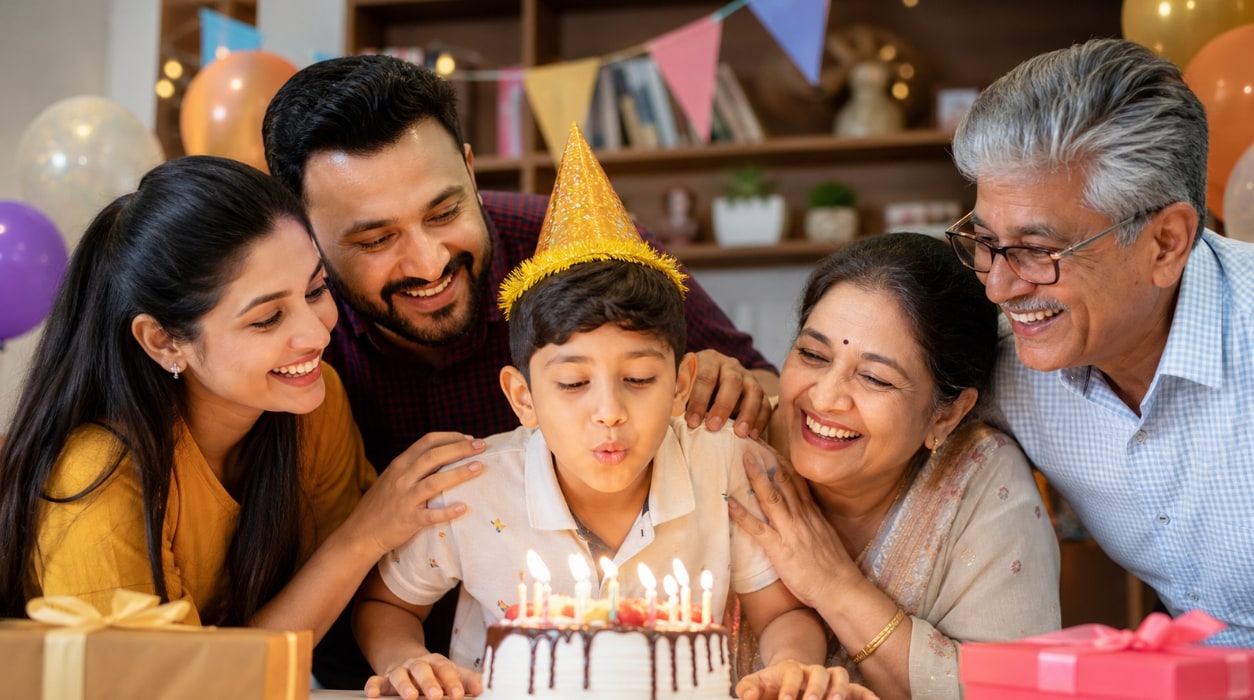
Make Cake, Decoration, and Party Detail Photos Look Sharper
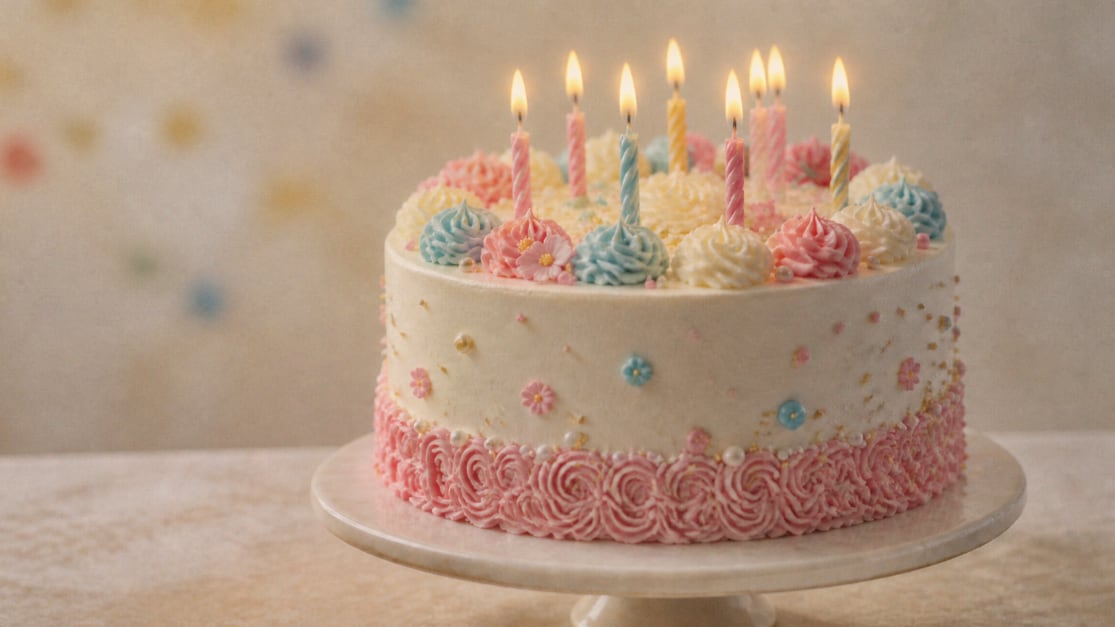
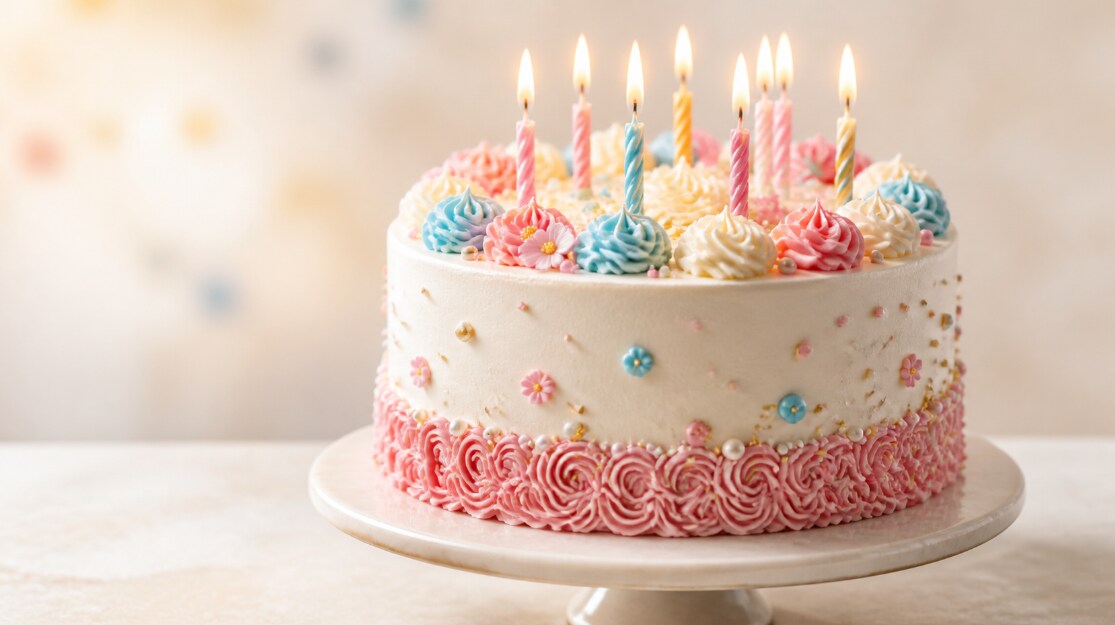
Birthday memories are not only about people. Cake designs, balloons, table settings, gifts, and decorations all help tell the story of the day. With Repairit photo editor birthday app, you can improve detail, sharpen soft images, and make party visuals look cleaner for albums, posts, invitations, and digital keepsakes.
Create Share-Ready Birthday Photos for Social Media and Albums
Before posting birthday pictures online or saving them into a family album, it helps to clean up low-quality images. Repairit AI birthday photo editor helps enhance low-resolution photos, improve soft party shots, and make celebration images look more polished for Instagram, Facebook, messages, slideshows, and printed memories.


How to Edit Birthday Photos with Repairit

Step 1
Upload Your Birthday Photo
Upload a birthday portrait, party picture, cake photo, group shot, or celebration image in JPG, PNG, or WEBP format.

Step 2
Let AI Enhance the Image
Repairit AI analyzes your photo and improves clarity, sharpness, facial detail, and overall image quality automatically.

Step 3
Preview and Download
Preview the enhanced birthday photo and download a clearer, more polished version ready for sharing, printing, or saving.
Why Choose Repairit's Birthday Photo Editing App?
Compare Repairit with traditional birthday photo editing

Repairit
|
Traditional Photo Editors | |
|---|---|---|
| Target Users | Families, friends, creators, party hosts, and anyone who wants better birthday photos fast | Designers, retouchers, or users familiar with manual editing tools |
| Editing Approach | AI-powered clarity enhancement, detail sharpening, and image quality improvement | Manual retouching, filters, sharpening, cropping, and color adjustments |
| Learning Curve | Easy to start with no advanced editing skills required | Requires editing knowledge and more manual work |
| Cost | Free to start online with a simple upload and enhancement flow | Often requires paid software, apps, or editing services |
| Time Investment | Designed to enhance birthday photos in just a few clicks | Usually takes longer to edit each celebration image |
| Automation Level | AI-assisted workflow for quick photo quality improvement | Mostly manual editing and review |
| Best For | Birthday portraits, party selfies, cake photos, group shots, decorations, and social media posts | Creative designs, complex edits, stickers, collages, and advanced retouching |
| Features | Built for birthday photo editing app workflows, AI photo enhancement, face clarity improvement, and image quality repair | Powerful for full editing workflows, but less convenient for quick birthday photo upgrades |
Frequently Asked Questions
A birthday photo editing app helps improve birthday pictures by enhancing clarity, sharpening details, and making portraits, party photos, cake images, and celebration memories look more polished.
Yes. Repairit can enhance birthday party photos, group shots, selfies, cake pictures, and decoration images so they look clearer and more share-ready.
Yes. Repairit uses a simple upload-and-enhance workflow, so you can improve birthday photos without advanced editing skills.
AI can improve mild blur, softness, and low image quality, especially when the original photo still contains usable detail. Very heavily blurred photos may not be fully recoverable.
You can upload portraits, group photos, party selfies, cake photos, gift pictures, decoration shots, and other birthday images in supported formats such as JPG, PNG, and WEBP.
Yes. You can use Repairit to improve birthday photos before sharing them on social media, sending them to friends, printing them, or saving them in a digital album.
Hot Topics
Comprehensive How-to Guides
Want to edit birthday photos online? Click to enter the Photo Enhancer Workbench and improve your celebration image in just a few clicks!