Recolour Pictures with Natural AI Color
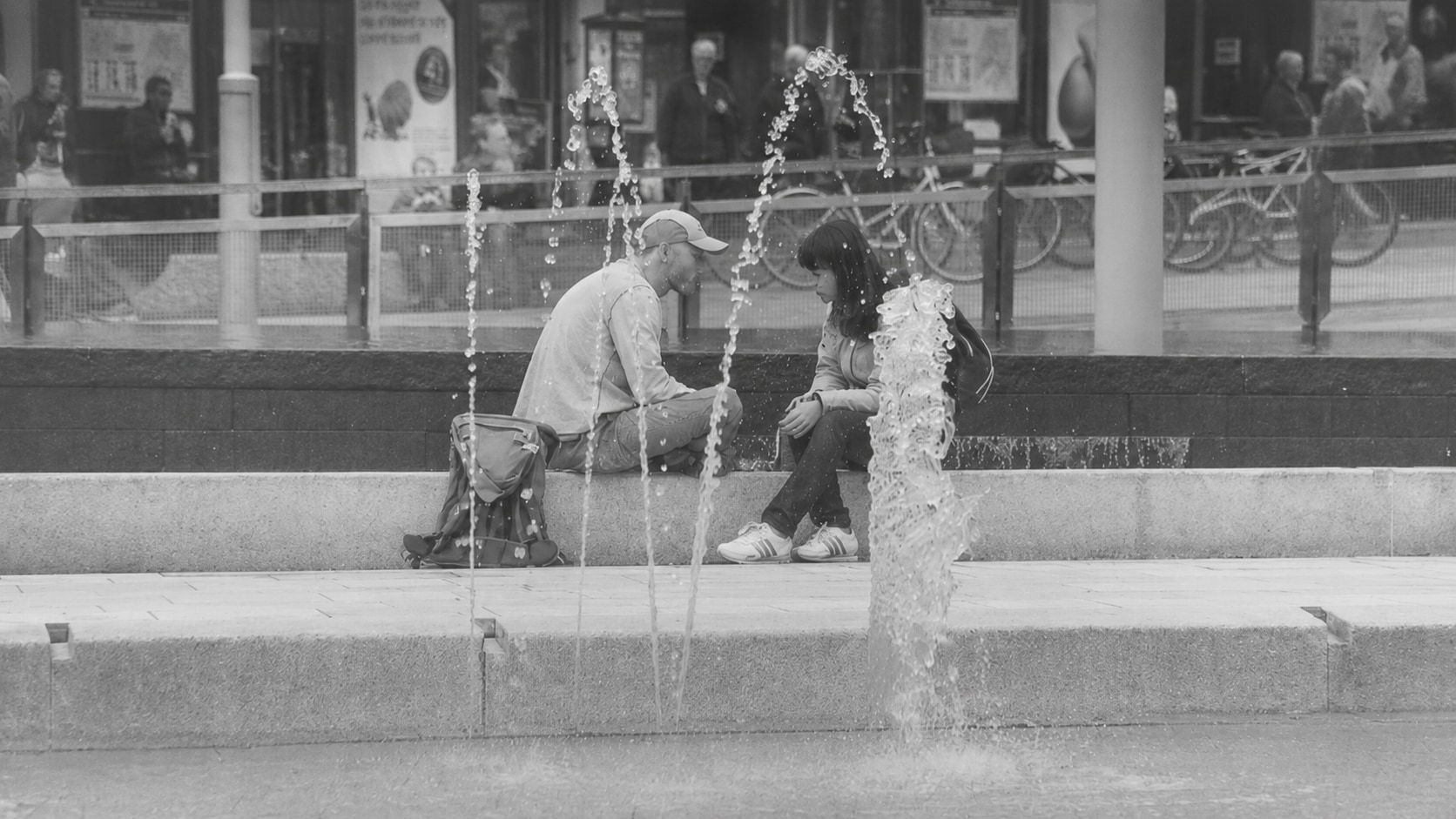
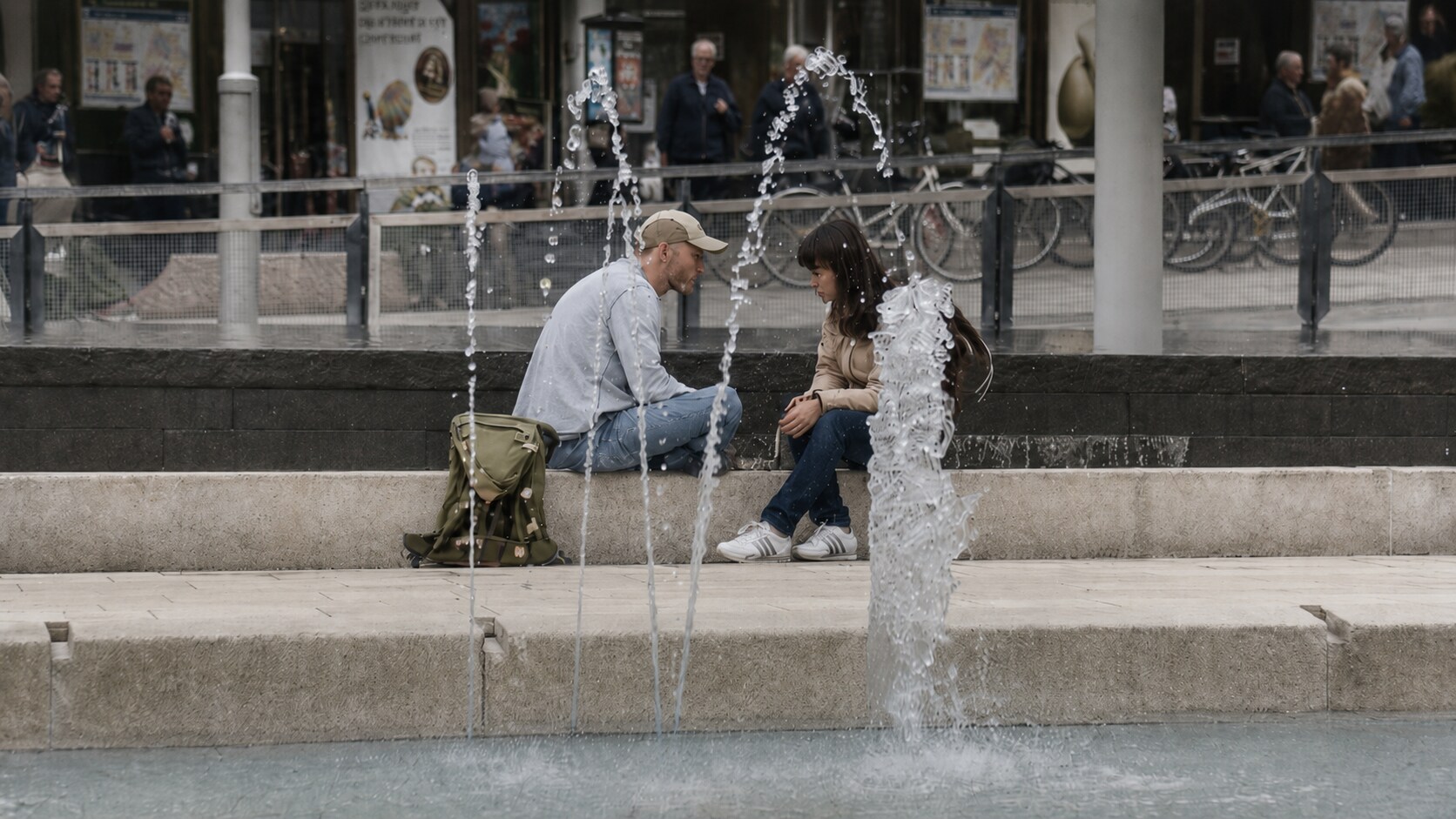




Recolour Faded Photos Where Color Has Almost Disappeared
Some old photos are not fully black and white, but their original color has faded so much that the picture looks gray, yellow, dull, or lifeless. The memory is still there, but the scene no longer feels close. Repairit helps recolour old photos by restoring a more natural color impression while keeping the original people and setting recognizable.
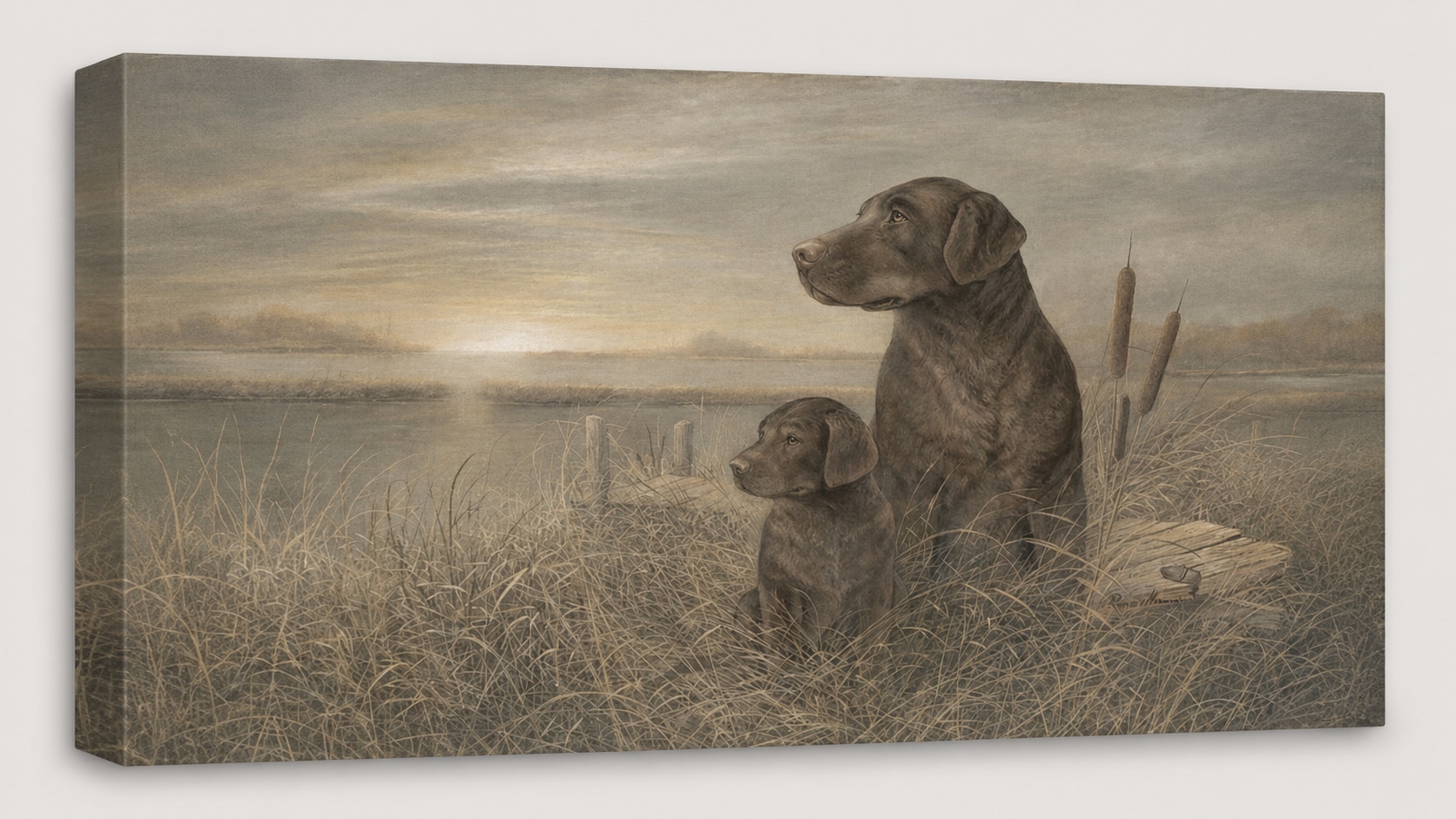
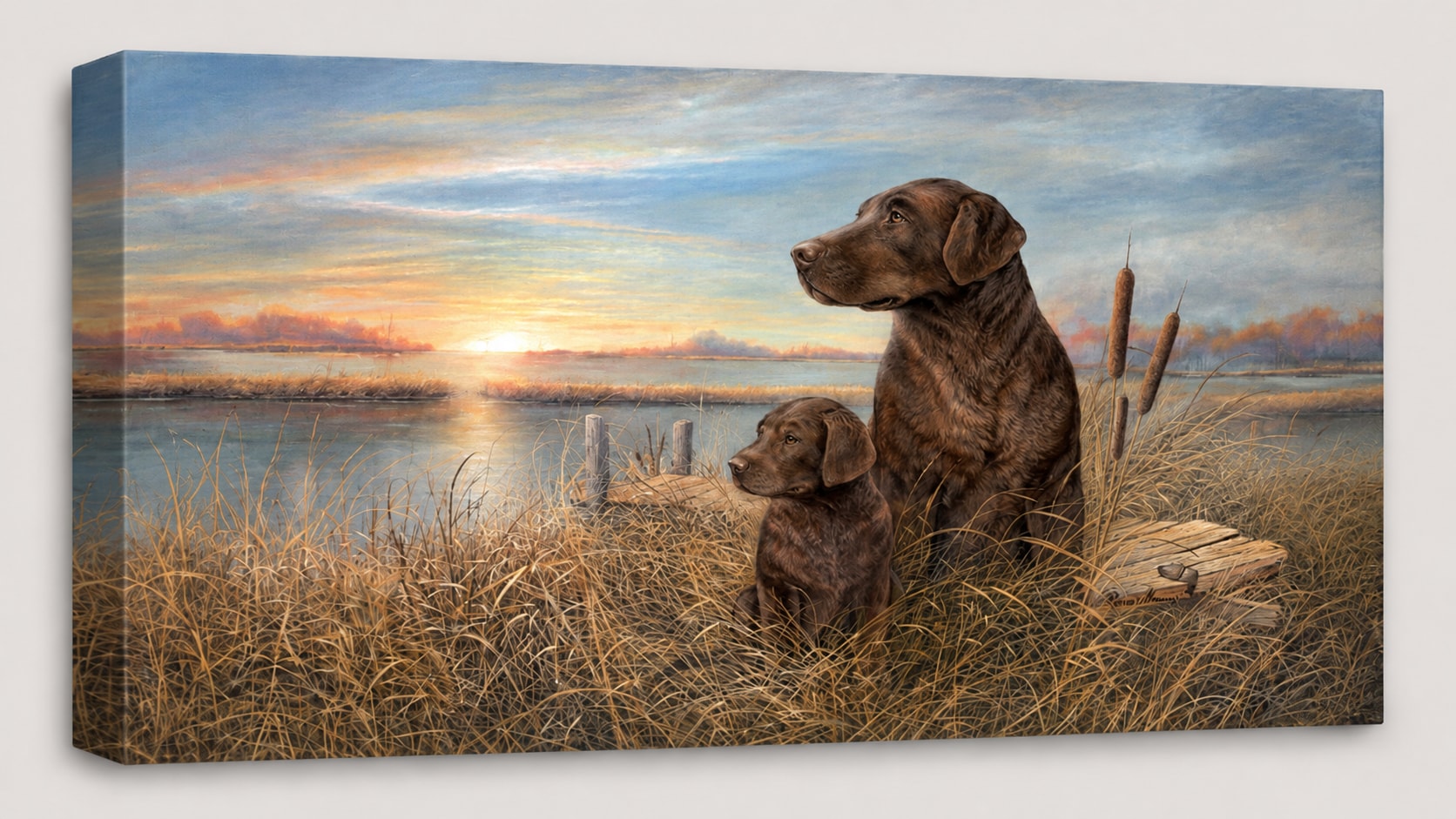
Recolour Grayscale Scans That Lost the Original Look
Scanned pictures can lose warmth and color, especially when old prints are scanned in grayscale or saved from a low quality copy. The result may look flat even if the original memory had more life. Repairit works as a recolour image free to try option when you want to give grayscale scans a more natural and vivid appearance.
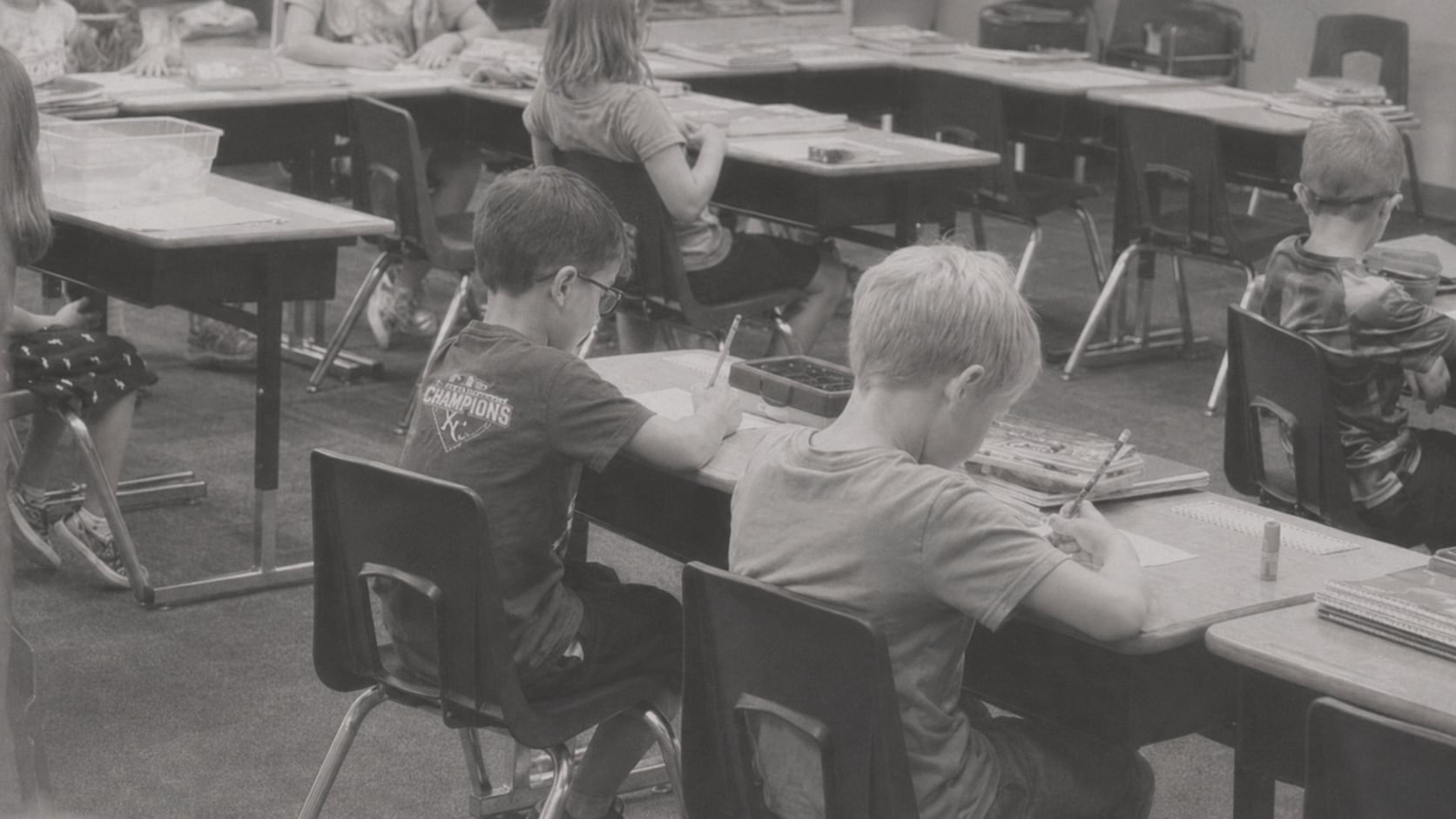
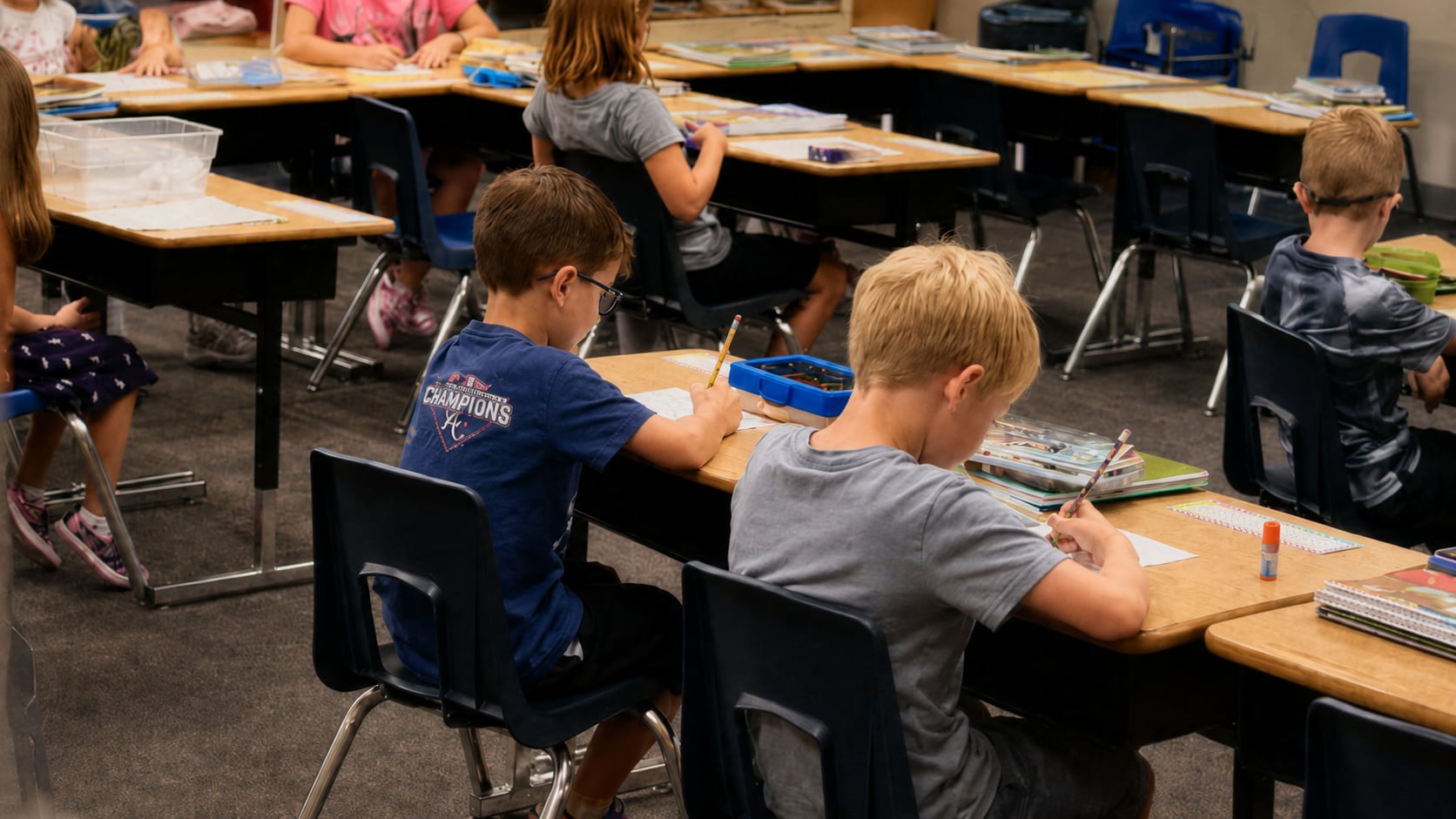
Recolour Old Portraits Without Overdoing Skin Tones
Portrait recolouring is one of the most sensitive cases. Users often worry that AI will make skin too orange, lips too red, eyes unnatural, or hair color unrealistic. A good photo recolour should make the person feel closer, not like a cartoon filter. Repairit Photo Colorizer helps recolour a picture by applying color based on visual context, lighting, and facial details, so portraits can look more natural and familiar.
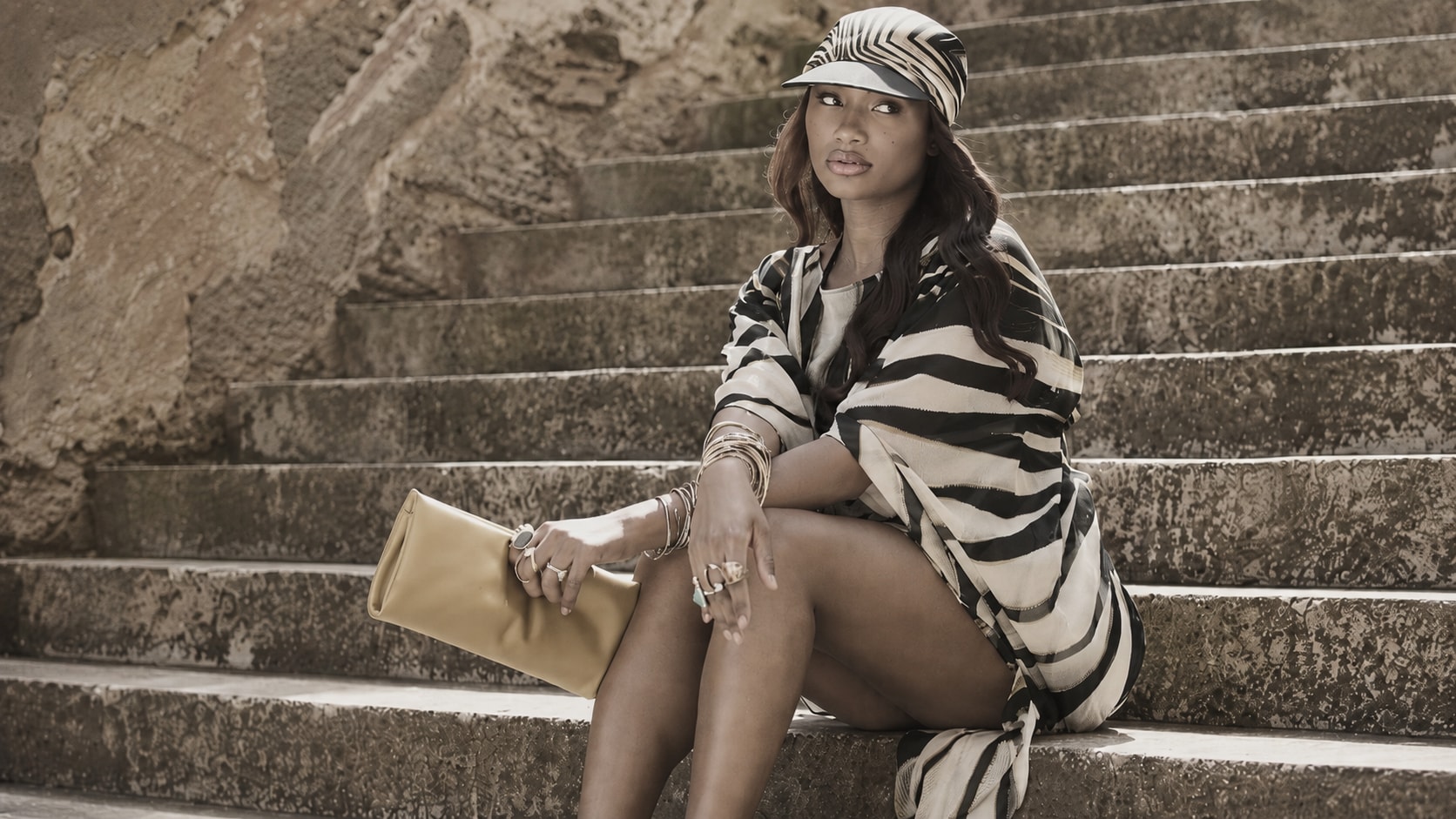
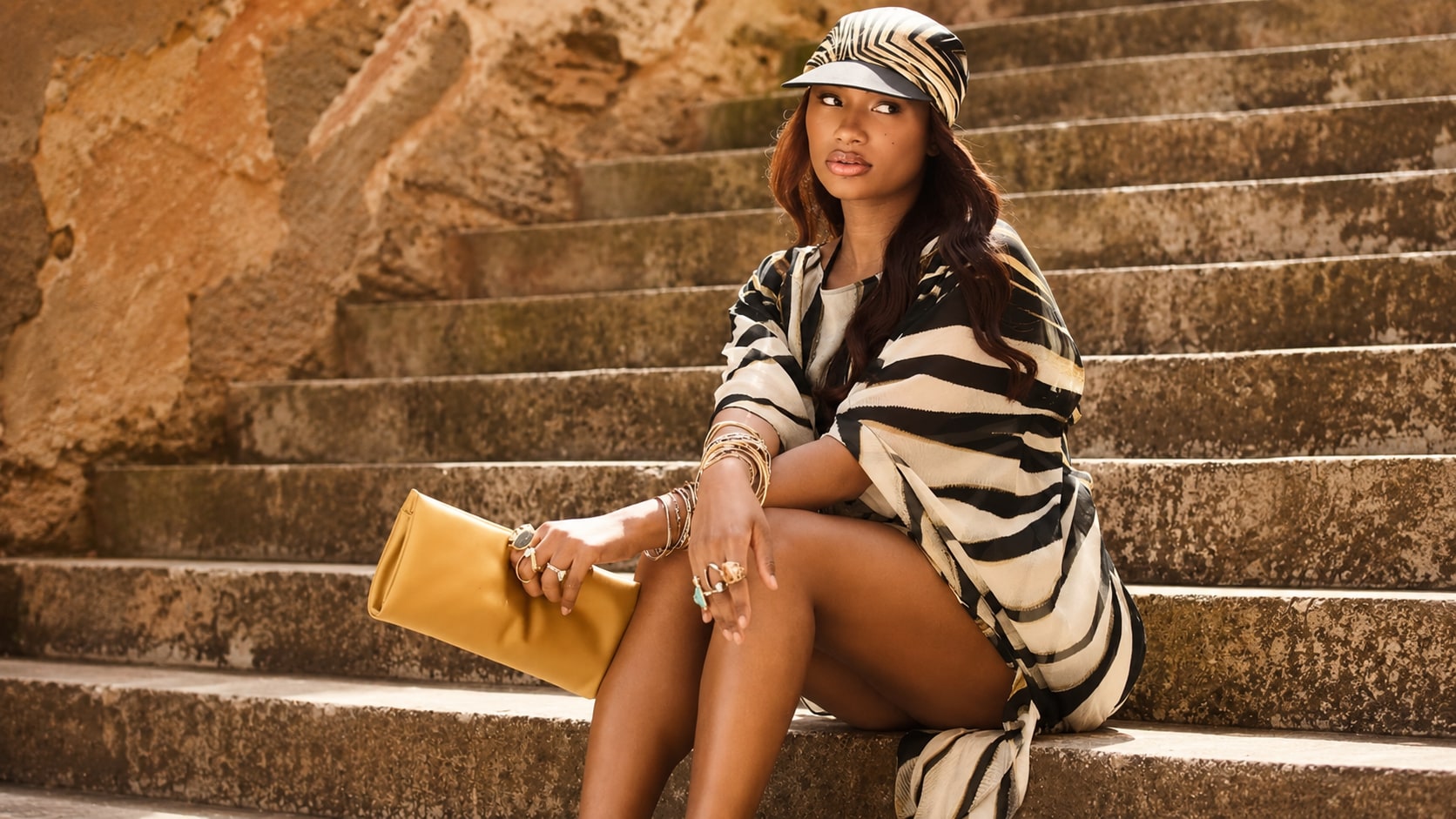
Recolour Pictures Before Family Sharing or Memorial Use
Some pictures need to feel warmer before they are shared in a family chat, printed for an album, used in a memorial page, or included in a slideshow. Color can help younger relatives connect with people, places, and stories that once felt distant. Repairit helps recolour old photos for meaningful use, while keeping expectations realistic. AI can create believable color, but it may not know the exact original color of every dress, wall, flower, or object.
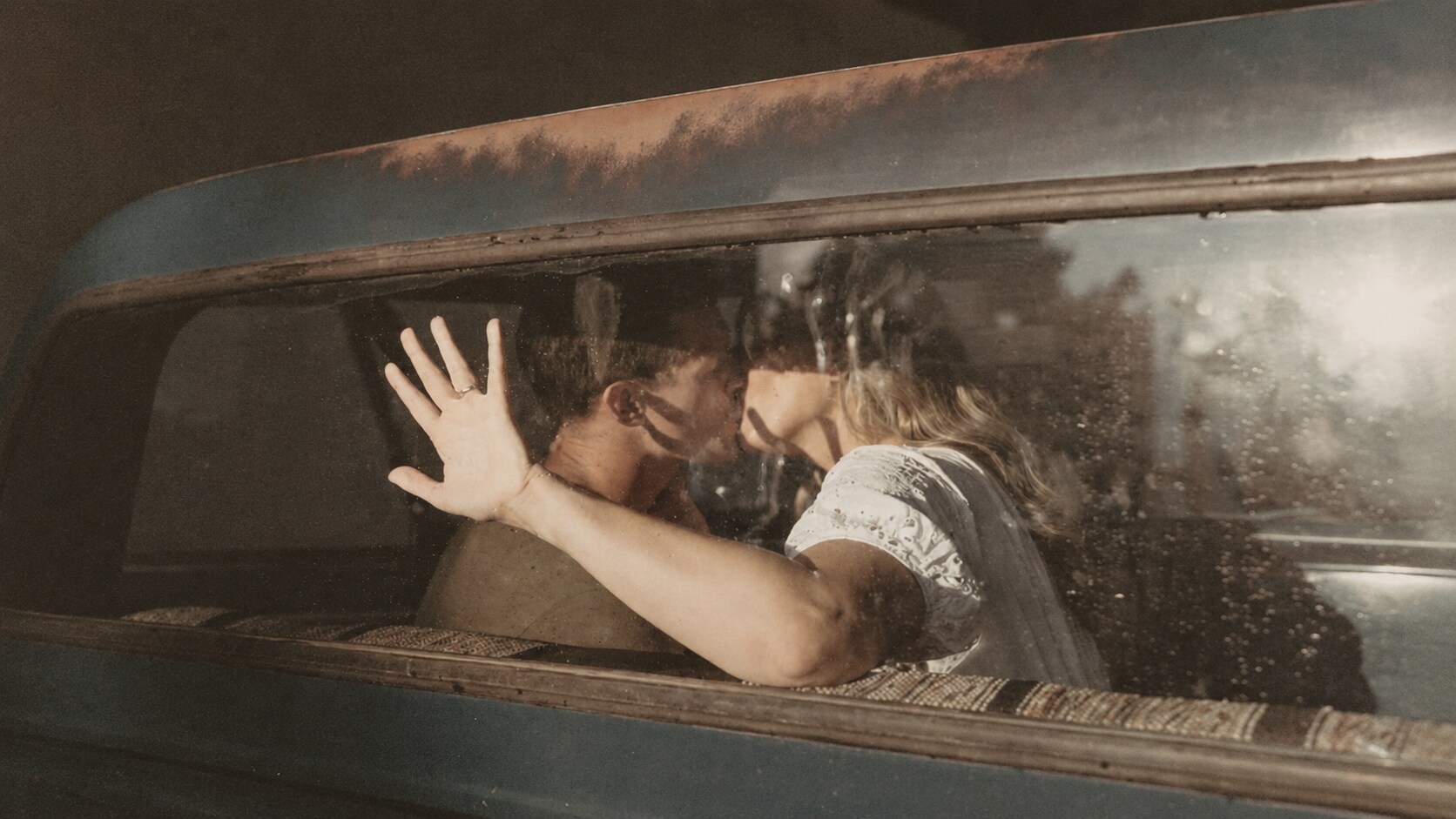
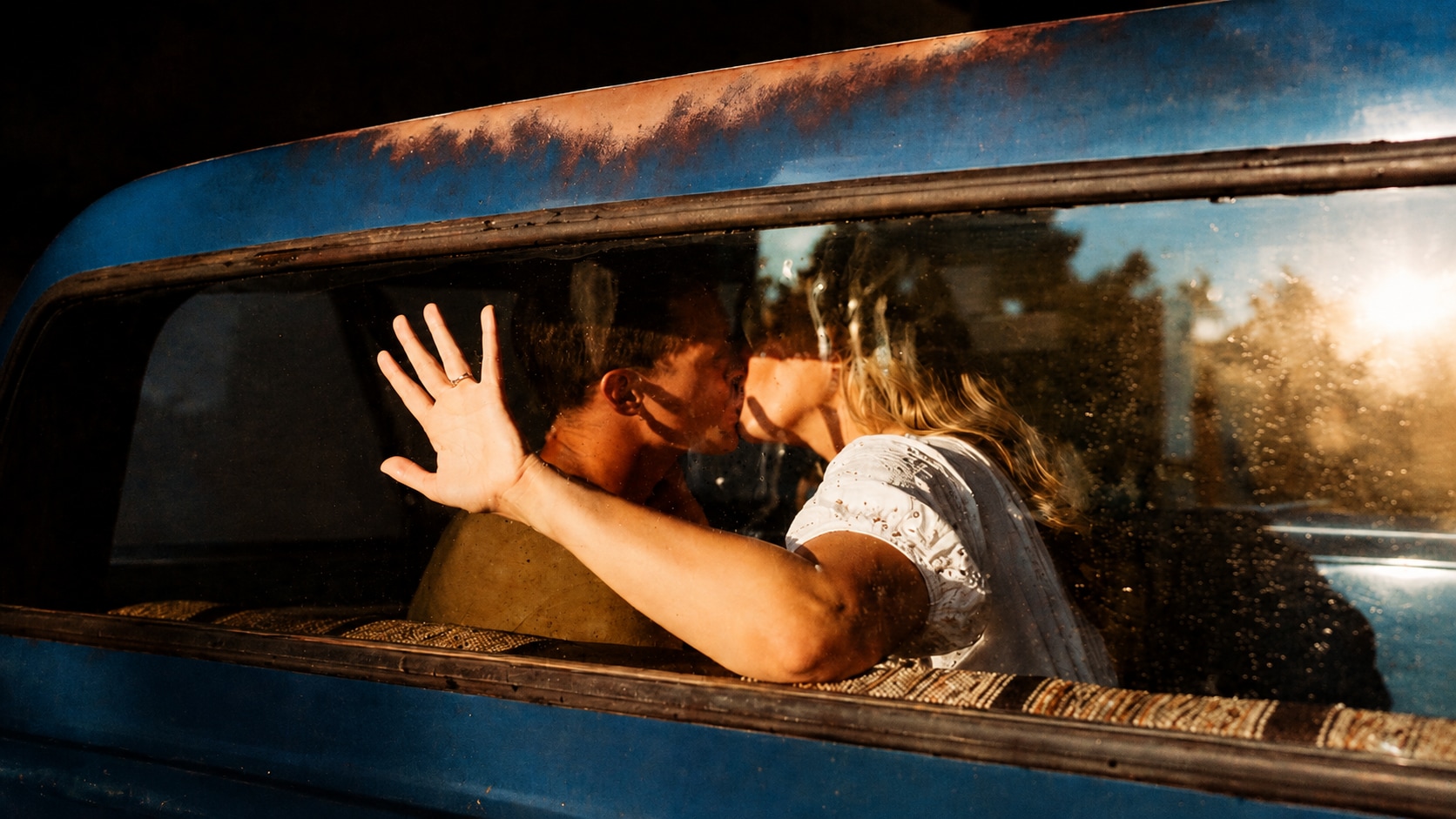
How to Recolour Picture with Repairit

Step 1
Upload Your Picture
Open Repairit Photo Colorizer and upload the black and white, grayscale, faded, or old picture you want to recolour.

Step 2
Choose the Photo Colorizer Model
Select the Photo Colorizer model and let Repairit AI analyze faces, clothing, lighting, textures, and background context to add natural colors automatically.

Step 3
Preview and Save the Recoloured Picture
Preview the recoloured result, compare the new version, and save the image when it looks natural enough for sharing, printing, or archiving.
Why Choose Repairit to Recolour Picture Files?
✨ Built for Natural Photo Recolouring
Repairit Photo Colorizer is designed to turn black and white or grayscale images into color using AI. It helps users recolour image files without manually painting every face, object, or background.
📷 Context Aware AI Color Results
Repairit analyzes textures, lighting, and visual context to apply lifelike colors automatically, which helps reduce the flat or random color look common in basic filters.
⚡ Useful When Color Is Missing, Weak, or Faded
This page is for pictures where the main issue is color absence or color loss, not general sharpness, file damage, or photo recovery.
❤️ Can Support Old Photo Cleanup Needs
Repairit can go beyond colorization by helping repair scratches, reduce noise, and improve blurry details during the restoration workflow, which is useful when old photos need both color and basic cleanup.
Explore More Photo Color Editing Features
Recolor pictures, correct photo tones, improve lighting, and restore natural colors in seconds with AI.
Frequently Asked Questions
It means adding or restoring color in a picture. For this page, it mainly refers to using AI to add natural looking color to black and white, grayscale, faded, or color poor photos.
Upload your picture to Repairit Photo Colorizer, choose the Photo Colorizer model, start the colorization process, preview the result, and save the recoloured image.
Repairit Photo Colorizer is free to try, so you can upload a photo and preview how AI recolouring works before deciding how to continue.
Yes. Repairit can help recolour photos where the original color is missing, weak, faded, or no longer natural, especially when the image still has enough visible detail.
No. Recolouring focuses on adding or restoring color. Enhancing improves existing photo quality, such as clarity, brightness, sharpness, contrast, and detail.
No. Recolouring focuses on color. Photo repair focuses on fixing visible damage such as scratches, tears, stains, corruption, or broken image areas.
Repairit uses AI to analyze textures, lighting, faces, and context to create lifelike color results. The final result depends on the original image quality and how much visual detail is available.
Hot Topics
Comprehensive How-to Guides
Want to colorize your photo? Click to enter the Photo Colorizer Workbench and make it clearer in just a few clicks!


