Photo Color Correction Online with AI
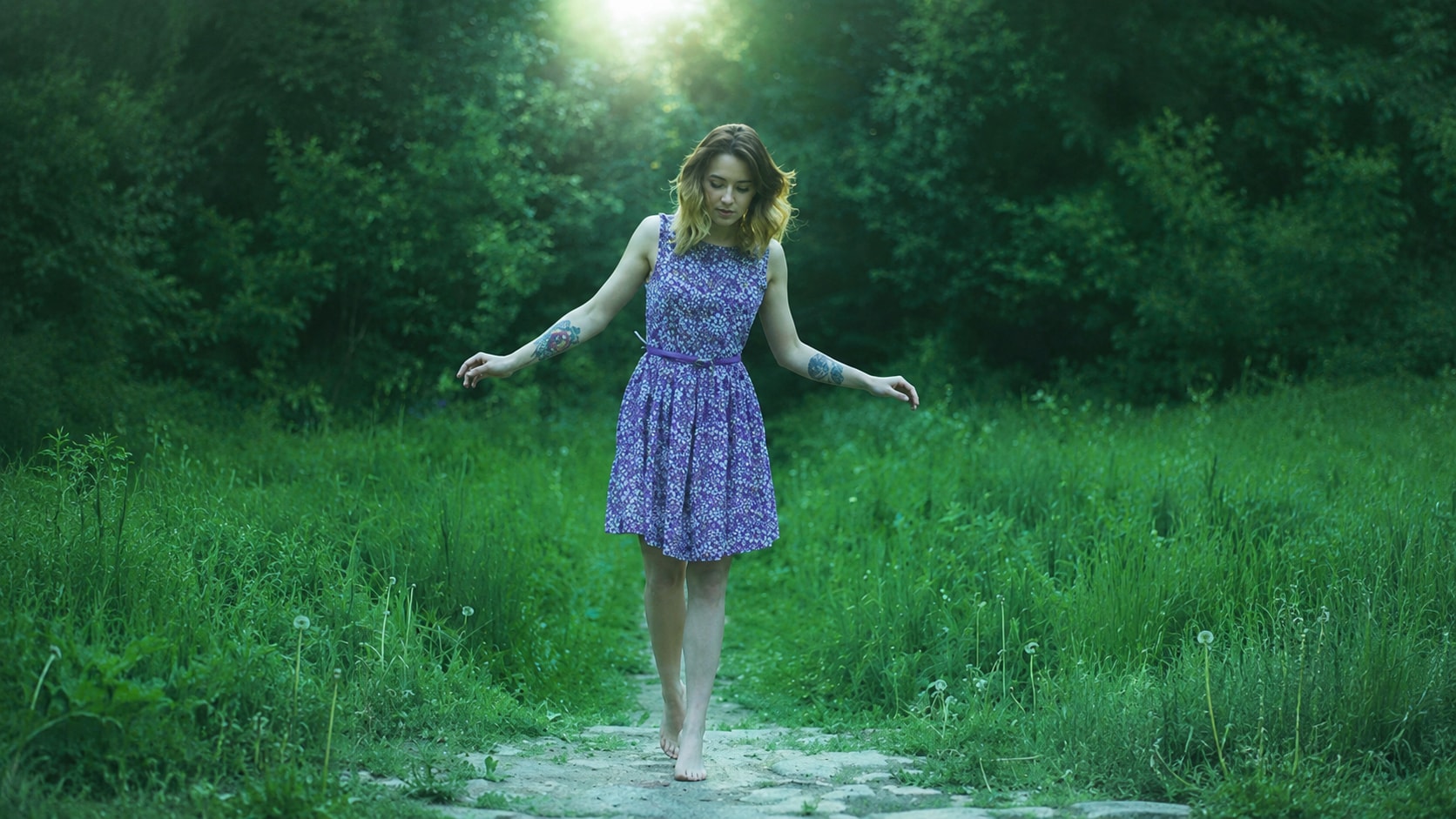
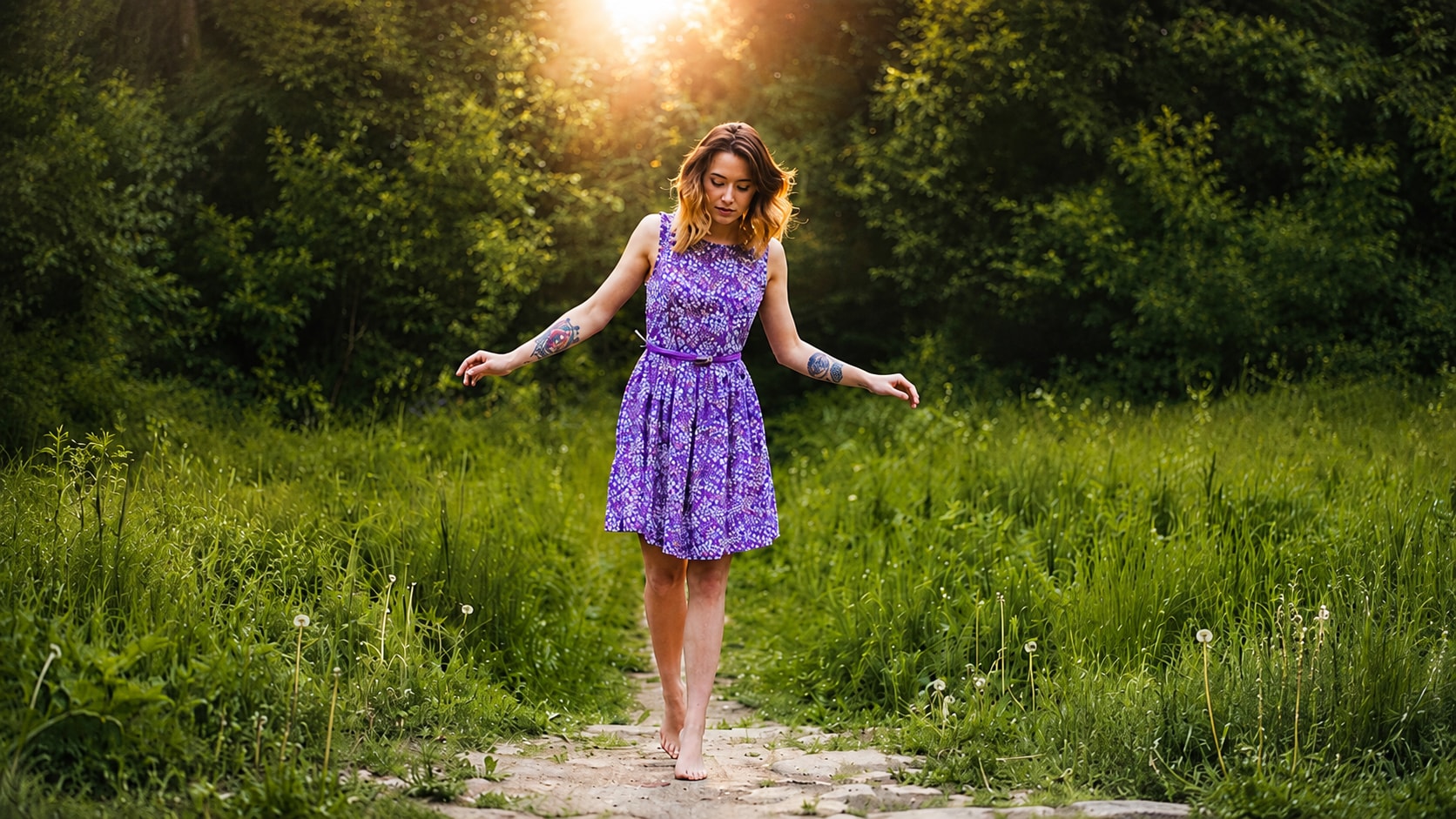




Correct Yellow or Green Indoor Photos
Indoor photos often pick up strong color casts from lamps, mixed lighting, curtains, walls, or phone camera auto settings. A family photo, product shot, room photo, or event image may look too yellow, green, or muddy even when the focus is fine.
Repairit helps with color correction for photos by improving the overall balance and making the image look cleaner and more natural.
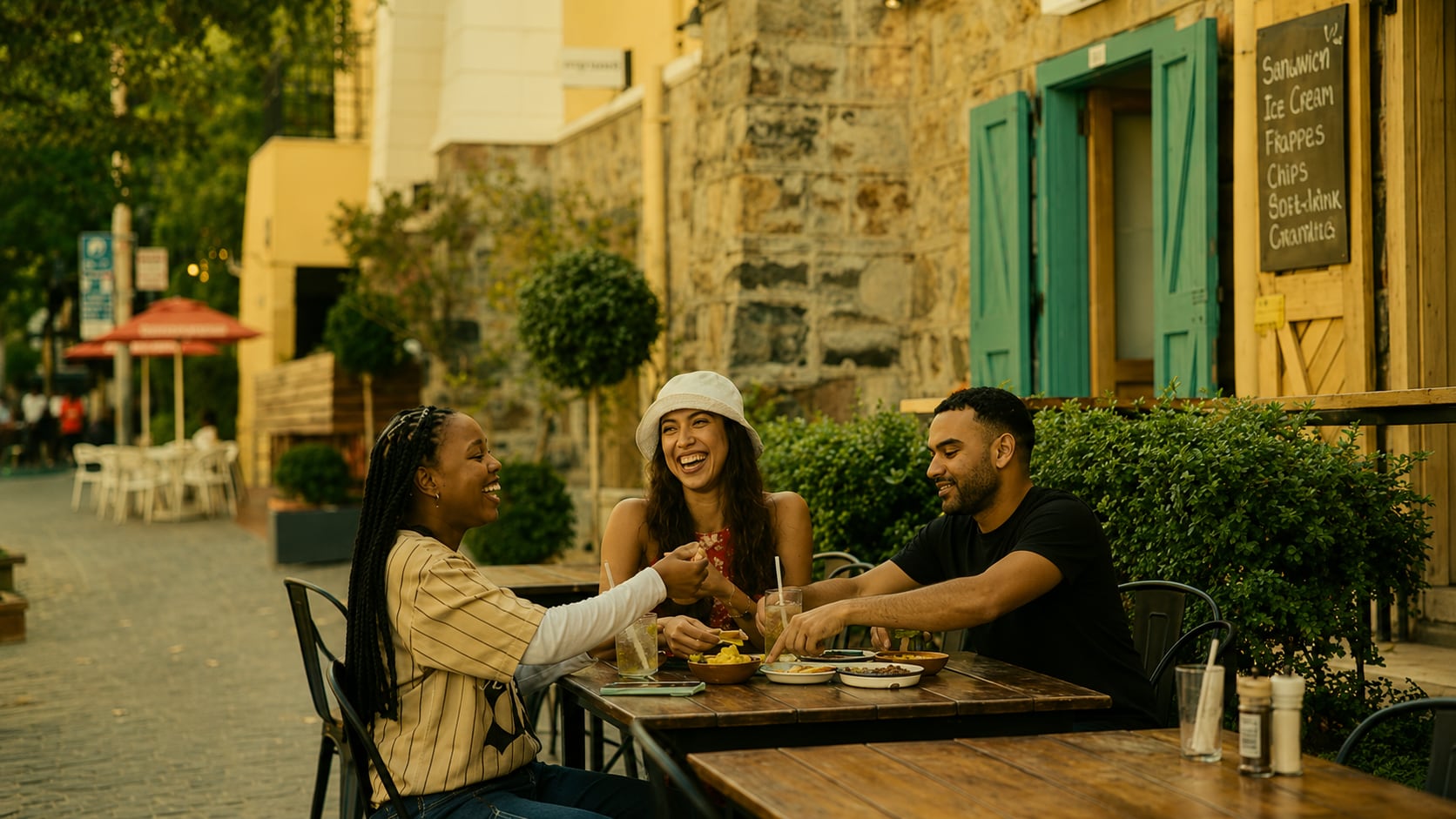
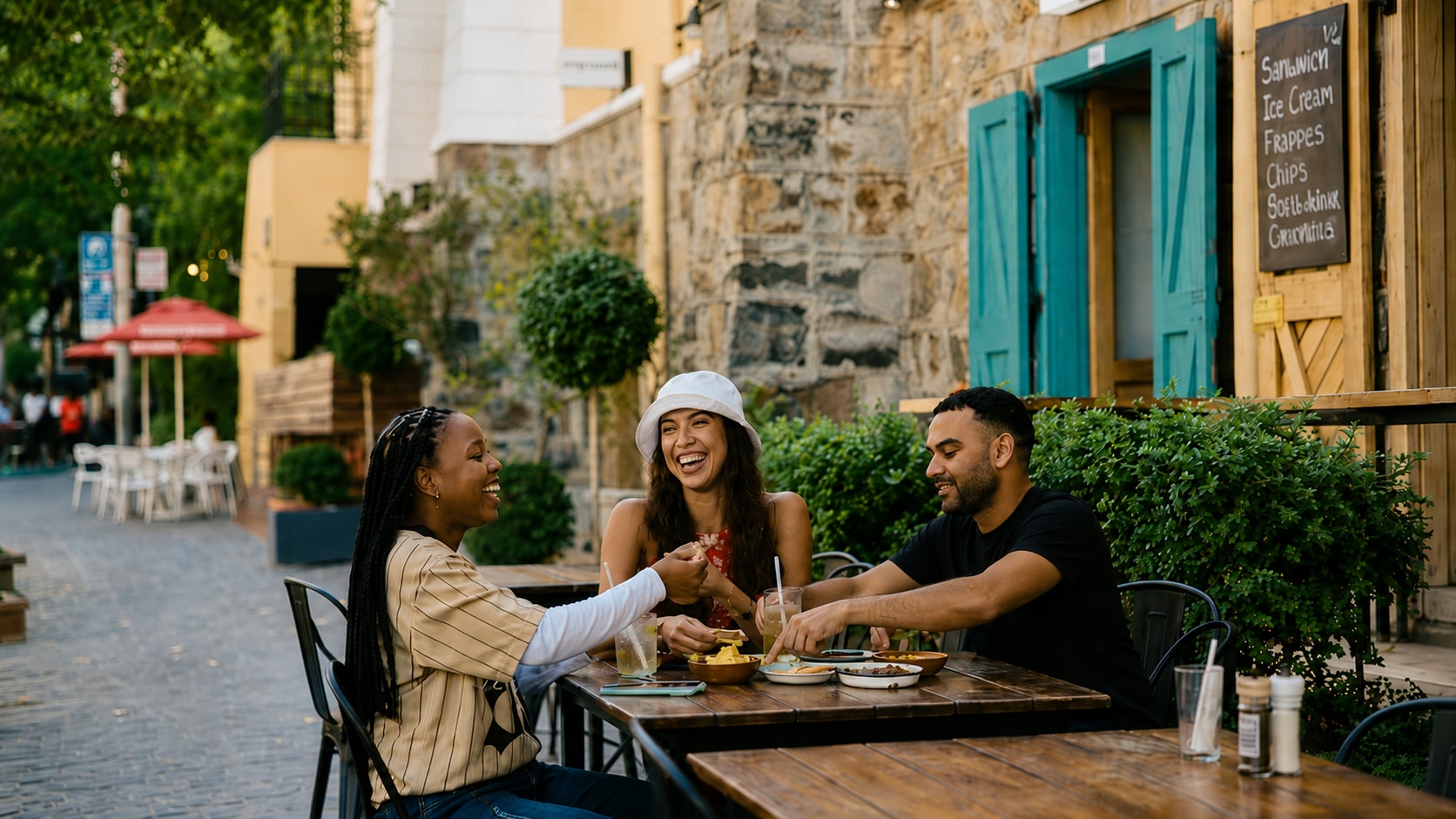
Fix Washed Out or Overexposed Colors
Bright sunlight, flash, window light, or camera auto exposure can make colors look pale and flat. Faces may lose warmth, clothes may lose detail, and the background may look washed out.
Repairit Photo Enhancer can help with ai photo color correction by adjusting brightness, contrast, and color balance so overexposed photos look more usable. The official page also describes overexposed photo improvement through brightness and contrast adjustment to restore natural balance and vibrancy.
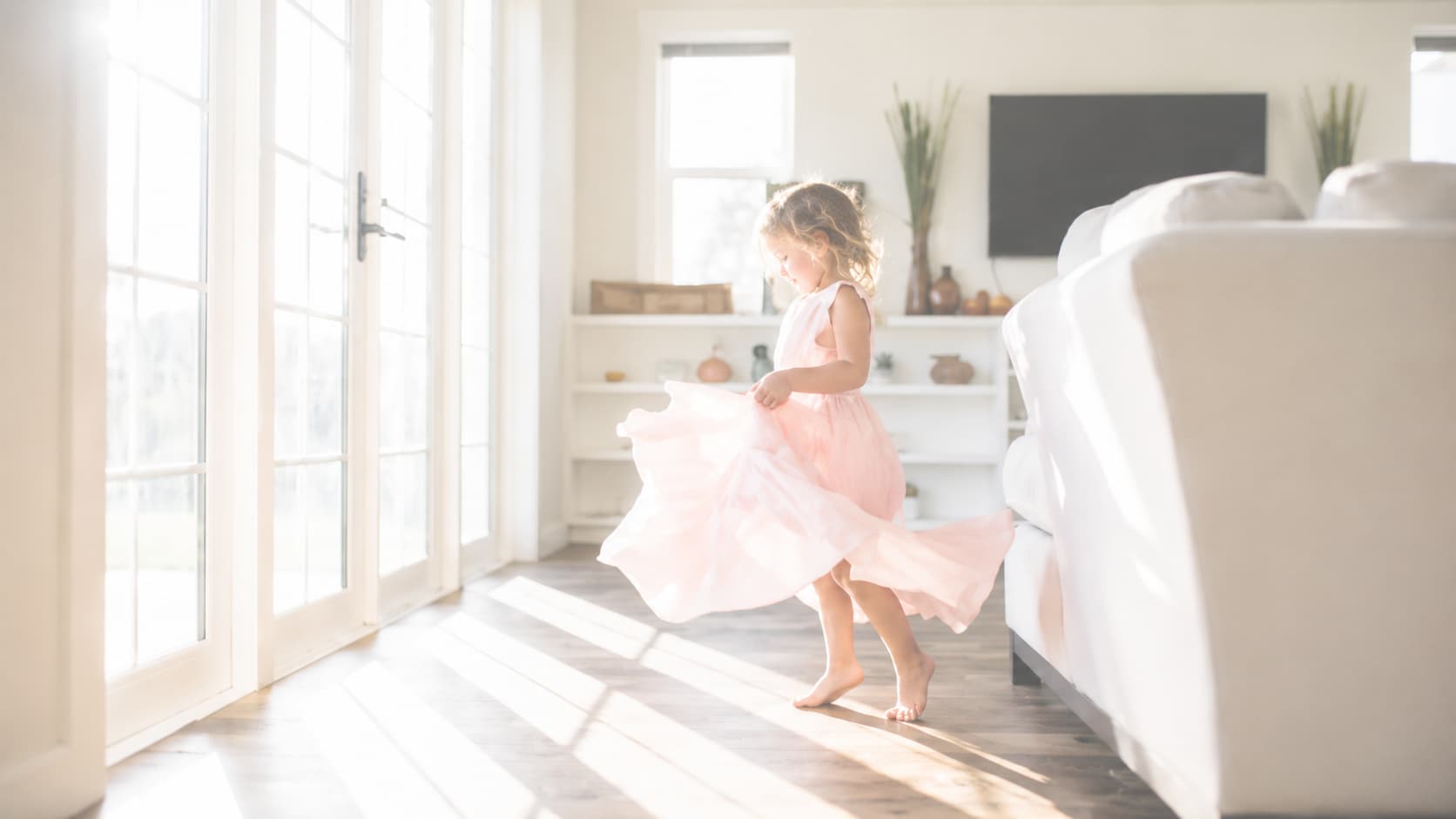
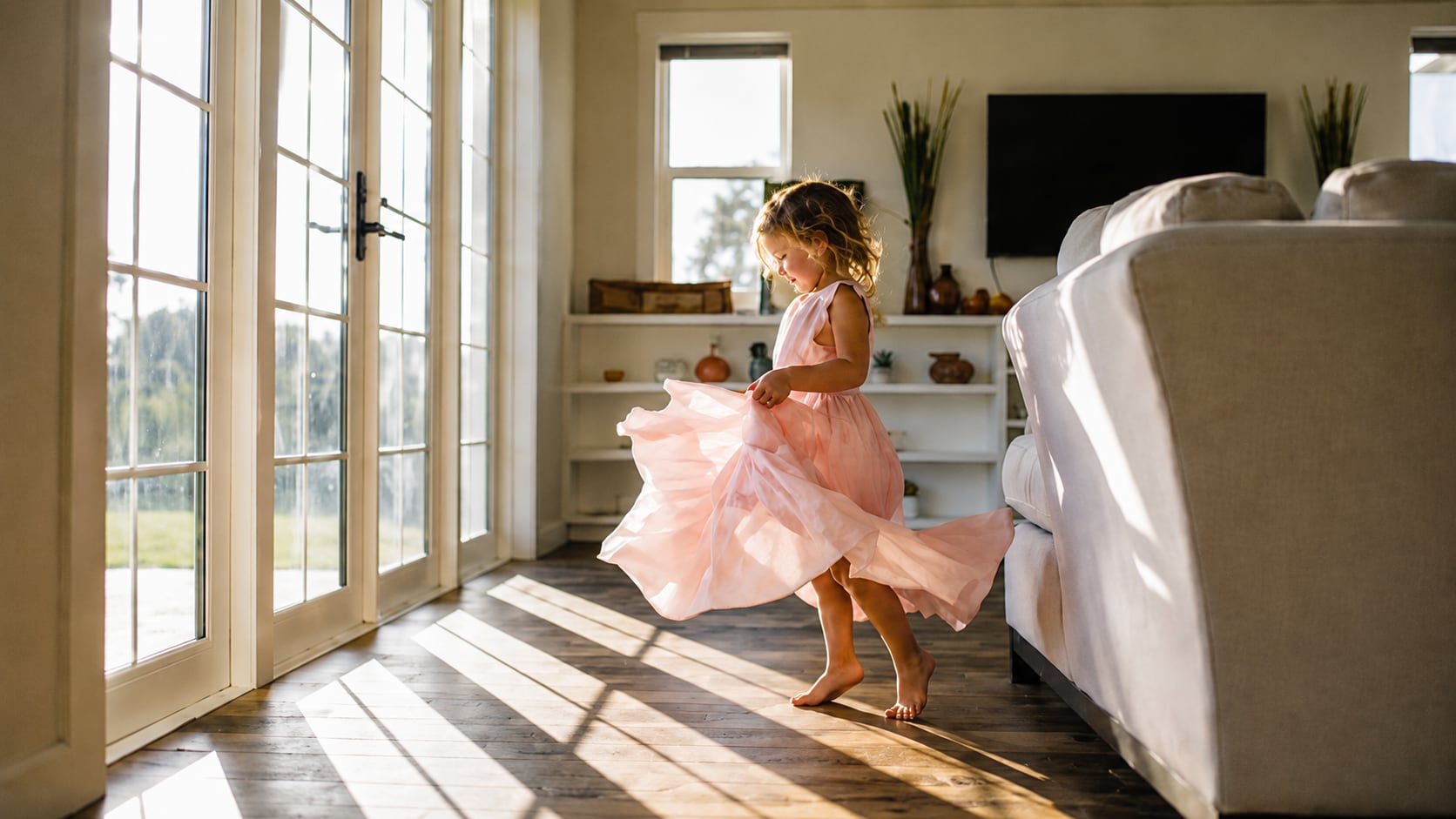
Make Skin Tones Look More Natural
A photo can look technically sharp but still feel wrong if skin tones are too orange, red, gray, or cold. This is especially common in selfies, portraits, wedding photos, group photos, and low light phone shots.
Repairit helps photo colour correction workflows by improving face lighting and color balance while keeping the person recognizable and natural.
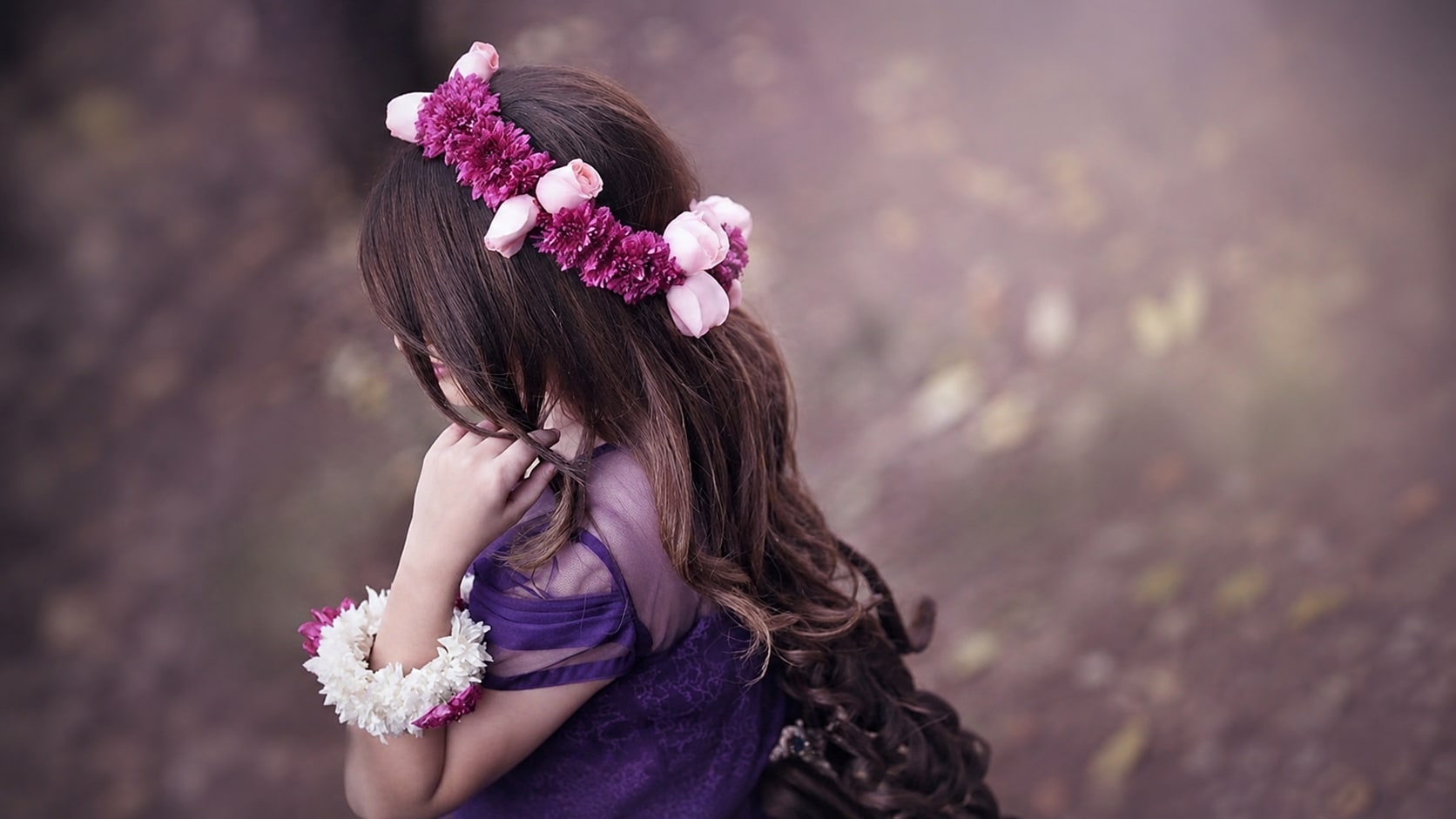
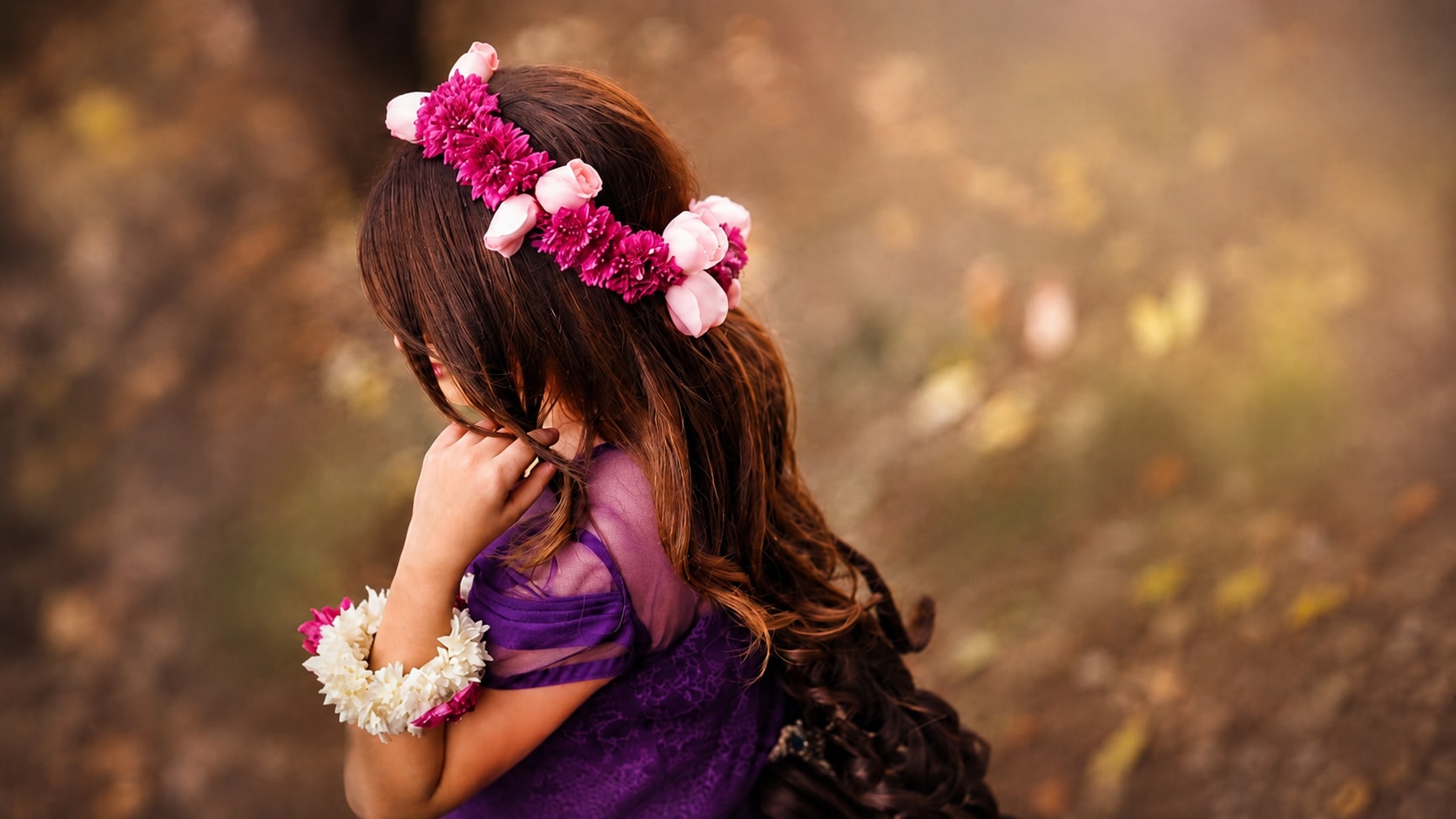
Balance Colors in Low Light or Night Photos
Low light photos often have color problems beyond simple darkness. They may look grainy, too warm, too blue, or uneven because the camera struggles to balance light and color at the same time.
Repairit can improve visibility in underexposed pictures and bring out hidden details while improving color balance, which makes it useful for ai image color correction in difficult lighting.
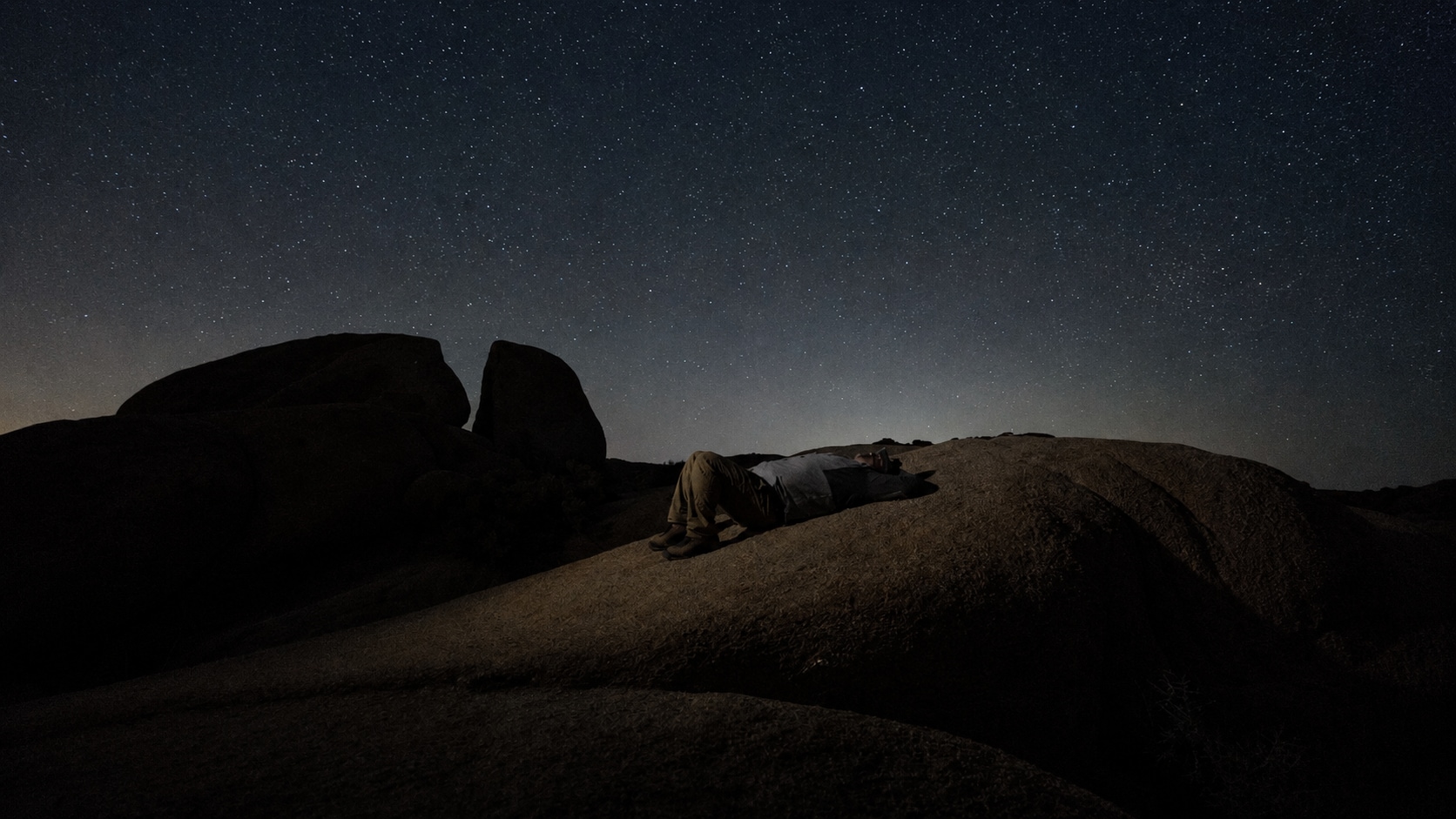
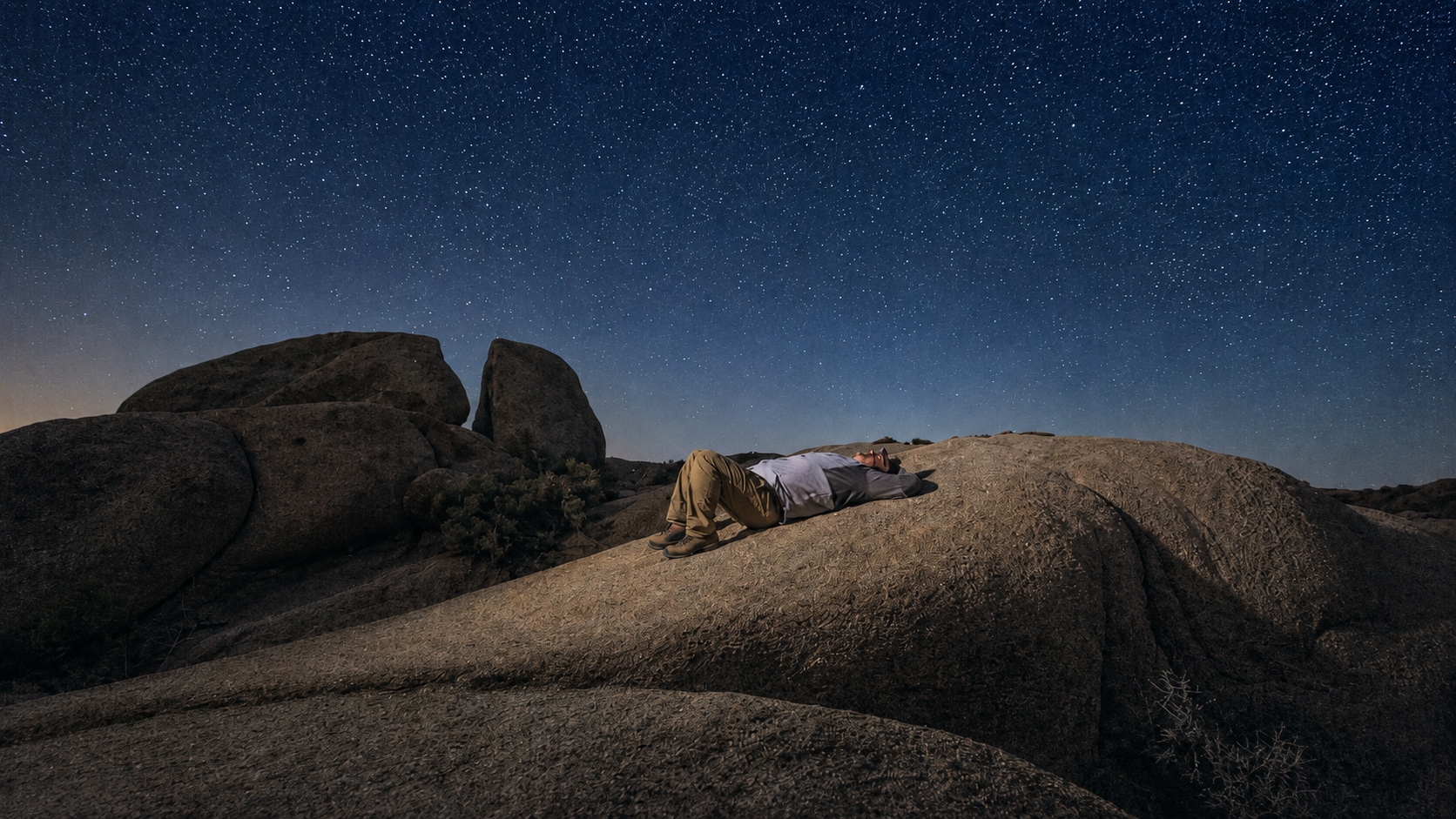
How to Correct Photo Colors with Repairit

Step 1
Upload Your Photo
Open Repairit Photo Enhancer and upload the image you want to color correct. You can use common formats such as JPG, JPEG, PNG, BMP, and WEBP.

Step 2
Start AI Photo Enhancement
Let Repairit analyze the image and improve color balance, brightness, contrast, visibility, facial detail, and overall photo quality.

Step 3
Preview and Save the Corrected Photo
Preview the corrected result, compare the before and after version, and save the photo when the colors look more natural.
Why Choose Repairit for Photo Color Correction?
🎨 Built for Everyday Color Problems
Repairit is useful when your photo opens normally but the colors look wrong, dull, too warm, too cold, washed out, or unnatural. It helps solve real color issues without requiring professional color grading experience.
✨ AI Powered Color Balance Improvement
Repairit Photo Enhancer can optimize color balance, sharpen edges, uncover hidden details, reduce noise, and improve overall image quality with AI.
🌙 Helpful for Low Light and Overexposed Photos
Repairit supports common scenarios where color problems happen most often, including underexposed photos, overexposed images, portraits, and everyday phone pictures. Its official page specifically mentions low light improvement, overexposed photo correction, and color balance enhancement.
⚡ Easier Than Manual Color Editing
No Lightroom curves, color wheels, white balance sliders, or RAW editing knowledge are required. Upload the image, start AI enhancement, preview the result, and save.
Explore More Photo Color Enhancer Features
Correct photo colors, adjust lighting, fix exposure, and enhance image tone naturally with AI.
Frequently Asked Questions
Photo color correction means adjusting inaccurate or unnatural colors in a photo. It can include fixing white balance, skin tones, yellow cast, blue tint, overexposure, low light color, and dull image color.
Upload your image to Repairit Photo Enhancer, start AI enhancement, preview the corrected result, and save the version that looks more natural.
Yes. AI photo color correction can help improve color balance, brightness, contrast, and visibility automatically, especially when the photo has common issues such as yellow lighting, dull color, or low light color shift.
No. Photo color correction fixes colors that already exist but look wrong. Recolouring adds color to black and white, grayscale, faded, or color missing images.
Not exactly. Color correction focuses on color accuracy and balance. Photo enhancement is broader and may also improve clarity, sharpness, noise, brightness, and resolution.
Yes. Repairit can improve visibility in underexposed images and help bring out hidden details while improving color balance.
Yes. Repairit can help improve overexposed photos by adjusting brightness and contrast to recover a more natural balance and vibrancy.
Hot Topics
Comprehensive How-to Guides
Want to enhance your photo? Click to enter the Photo Enhancer Workbench and make it clearer in just a few clicks!


