Remove Color from Image Online Free
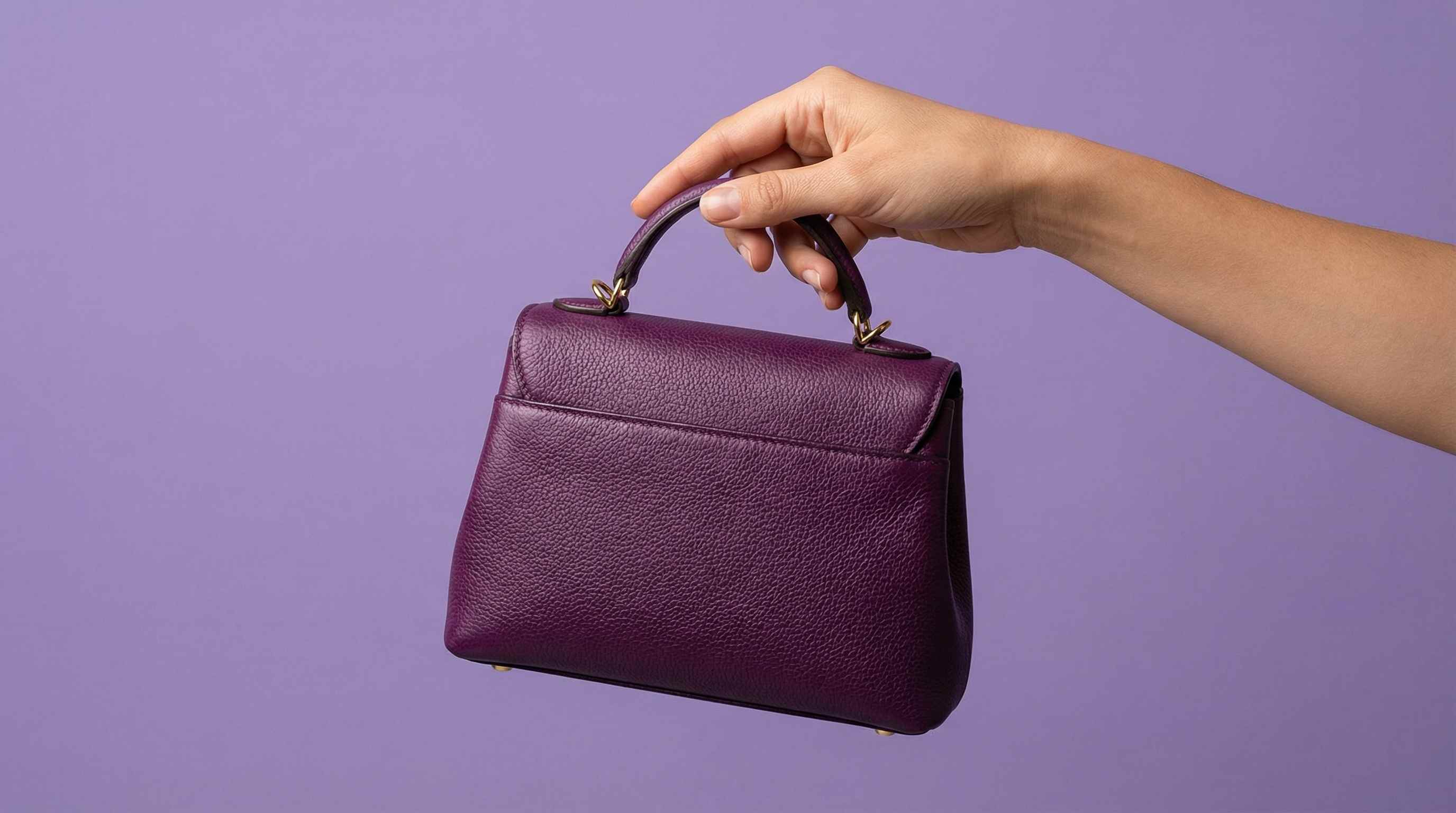
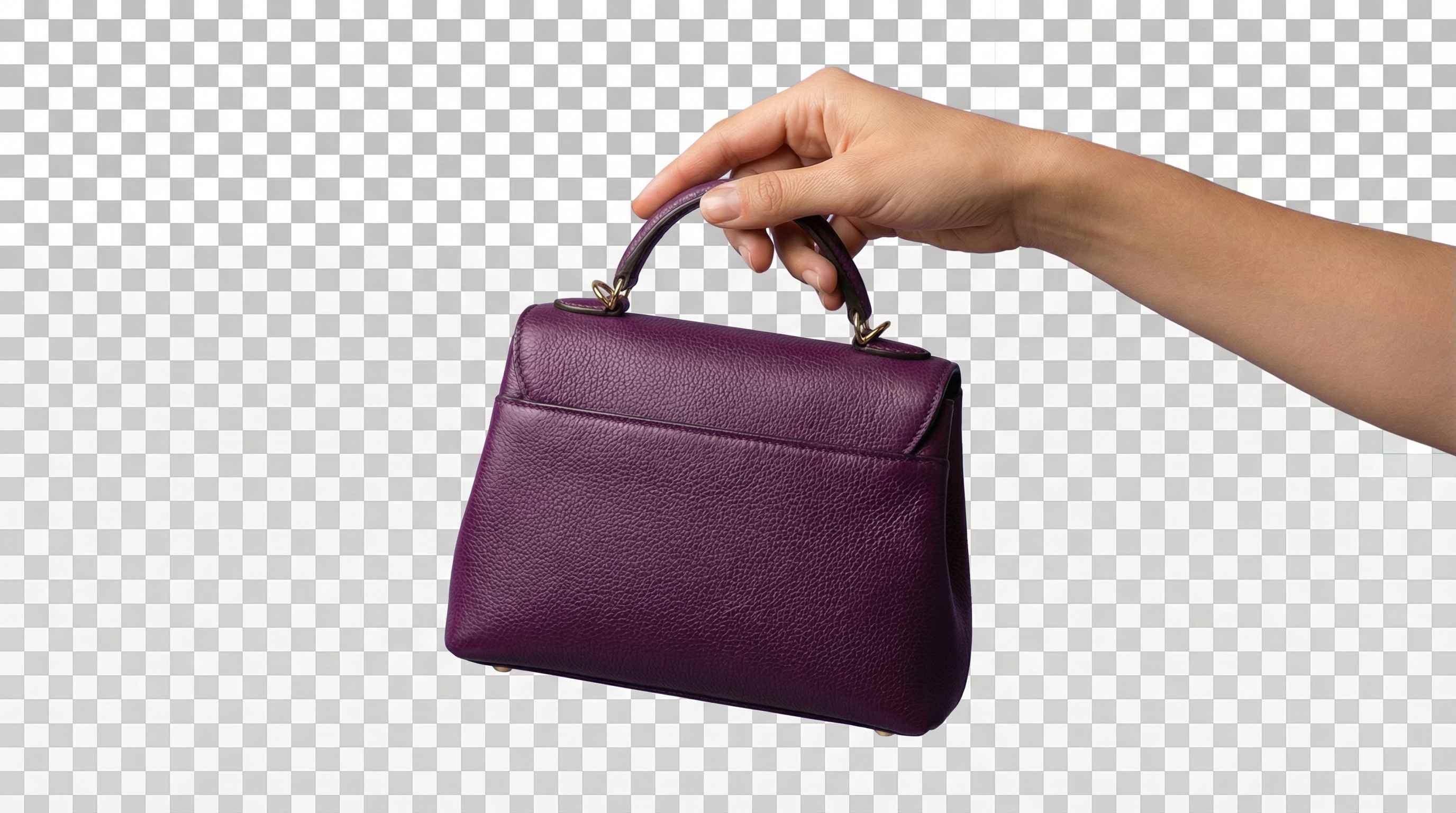




Remove Background Color from Logos, Icons, and Product Cutouts
A lot of users simply want to remove a white background, solid color background, or one flat color behind a logo, icon, product, or graphic. Repairit helps remove background color from images online free, so you can create transparent PNG cutouts for ecommerce, presentations, product pages, and design work.


Remove One Specific Color from Graphics, Screenshots, and Design Assets
Sometimes the problem is not the whole image. It is one specific color that needs to go. Users often want to remove a blue section, purple area, green screen tone, red highlight, or another repeated color from a screenshot, asset, or visual. Repairit makes it easier to target unwanted color and clean up the image without rebuilding everything manually.


Fix Unwanted Color Casts in Portraits, Room Photos, and Scanned Images
Many photos look wrong because of a strong red cast, yellow cast, green cast, or blue cast caused by lighting, scanning, or editing issues. Repairit helps reduce unwanted color casts from portraits, interior photos, old scans, and everyday images so skin tones, walls, fabrics, and neutral areas look more balanced and natural.


Remove Overall Color for Black and White Looks, Selective Color Edits, and Mood Styling
Some users want to remove most of the color from an image for a cleaner black and white photo, a softer desaturated design, or a selective color effect where one area stays vibrant. Repairit helps simplify this process for social posts, posters, profile images, cover art, and mood based design edits.


How to Remove Color from Image Online Free with Repairit

Step 1
Upload Your Image
Click "Upload Image" or drag and drop your JPG, PNG, or WEBP file. Repairit works with logos, product photos, screenshots, portraits, graphics, and everyday images.

Step 2
Select or Mark the Color You Want to Remove
Choose the unwanted color area, background color, or color range you want to clean up. You can use Repairit to remove a specific color, reduce a color cast, or simplify the image for a cleaner look.

Step 3
Download the Clean Image Free
Repairit processes the selected area and gives you a cleaner image you can use for transparent PNG work, product visuals, balanced photos, black and white edits, or design projects.
Why Choose Repairit to Remove Color from Images?
🎨 Flexible Color Cleanup for Real Editing Tasks
Repairit works for background color removal, specific color cleanup, color cast correction, and overall desaturation, so it fits more than one type of real image problem.
🚀 Useful for Transparent PNGs, Clean Graphics, and Better Photos
You can use it to prepare logos, product cutouts, screenshots, social assets, portrait fixes, and black and white visuals without switching between multiple editors.
✨ No Advanced Color Range or Masking Skills Required
You do not need to manually isolate every tone, build complex masks, or spend time adjusting multiple layers. Repairit keeps the workflow simple and fast.
❤️ Better for Design, Ecommerce, Social Content, and Everyday Fixes
Repairit fits practical use cases such as marketplace visuals, logo cleanup, screenshot editing, room photo correction, portrait balancing, and style focused content creation.
Explore More Photo Eraser Features
Clean up your images by removing colors, backgrounds, and other unwanted visual elements in seconds with AI.
Frequently Asked Questions
Upload your image to Repairit, select the unwanted color or color area, and let the tool process it automatically. It is a fast way to remove color from an image online free without complicated software.
Yes. Repairit can help remove one specific color from an image, which is useful for graphics, screenshots, logos, simple backgrounds, or assets with one distracting color that needs to be cleaned up.
Yes. If the unwanted color is part of the background, Repairit can help clean it up so the image is easier to use as a transparent style cutout for design, ecommerce, or presentation work.
Yes. Repairit can help reduce strong color casts that make portraits, room photos, and scanned images look unnatural, especially when neutral areas or skin tones are shifted too far in one direction.
Yes. Repairit can help reduce overall color for black and white looks, desaturated edits, and mood based visuals when you want the image to feel cleaner, calmer, or more graphic.
Repairit supports common image formats such as JPG, PNG, BMP, and WEBP, so you can upload most everyday images directly from your phone, camera, or computer.
Hot Topics
Comprehensive How-to Guides
Want to remove unwanted object? Click to enter the Photo Eraser Workbench and make it happen easily!


