Remove White Background from Photo Online Free





Remove White Background from Logos, Signatures, and Icons
If you need to place a logo, scanned signature, or icon cleanly on a website, presentation, invoice, or brand asset, removing the white background is usually the first step. Repairit helps remove the white background while keeping the graphic sharp, so you can export a cleaner transparent PNG instead of ending up with a messy white box. This is a common need in branding, document signing, online stores, and design workflows.
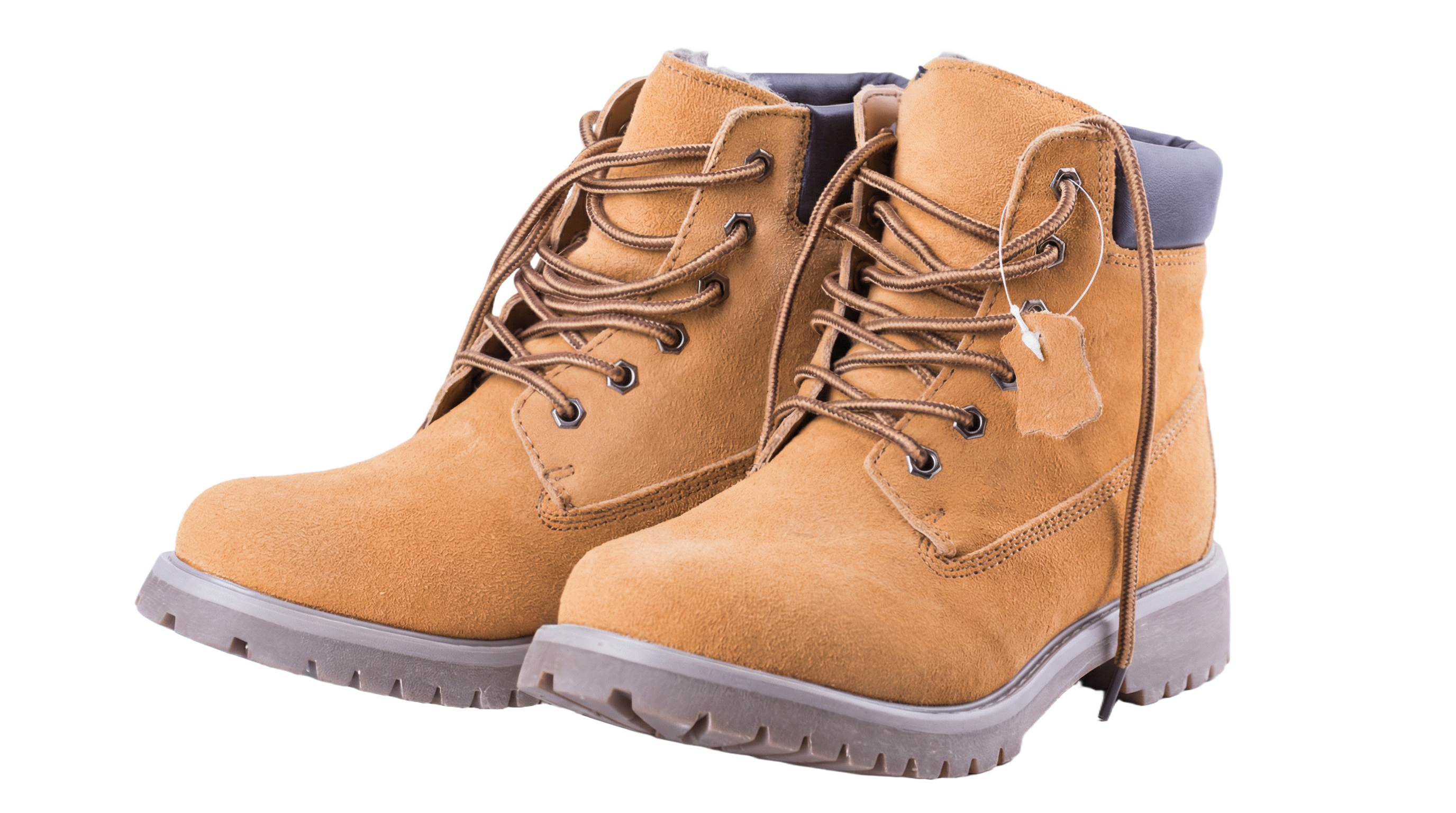
Remove White Background from Product Photos for Ecommerce
Many Etsy, Shopify, Amazon, and marketplace sellers remove white background from product images to make listings look cleaner, more professional, and easier to reuse in ads and catalog graphics. Repairit helps create a cleaner cutout for ecommerce photos while reducing rough edges and missing details, which is especially useful for jewelry, handmade goods, clothing, accessories, beauty items, and flat lay product photos.
Remove White Background from Profile Pictures and Portraits
A common pain point is removing a white or plain background from a headshot, selfie, or profile picture without damaging hair, shoulders, glasses, or clothing edges. Repairit helps separate the subject from the background more cleanly, so you can create a transparent PNG for resumes, avatars, team pages, social profiles, or presentation slides without the white outline or jagged border that often makes free edits look unnatural.


Remove White Background from Stickers, Artwork, and PNG Images
Another common use case is removing white backgrounds from sticker graphics, scanned illustrations, clip art, handwritten notes, or old PNG images with a white border. Repairit helps clean up the white background and reduce faint white fringe or leftover edges, so the final cutout looks cleaner on dark backgrounds and works better for print design, digital planners, mockups, merch graphics, classroom materials, and content creation.


How to Remove White Background from Image Online Free with Repairit

Step 1
Upload your image
Upload a JPG, PNG, or WEBP file. This works well for logos, signatures, product photos, selfies, stickers, scanned documents, and images with a plain white background.

Step 2
Let AI detect and remove the white background
Repairit automatically identifies the white background and separates the main subject from the background. It is useful for transparent PNG creation, logo cleanup, signature extraction, ecommerce cutouts, and portrait background removal.

Step 3
Download the cleaned image
Preview the result, make sure the object edges look natural, and then download your image. You can use it as a transparent PNG, a clean cutout for design, or a polished image for ecommerce listings, social media, business documents, and presentations.
Why Choose Repairit to Remove White Background from Images
🎨 Clean transparent PNG results for everyday use
Whether you are removing white background from a logo, signature, sticker, profile photo, or product image, Repairit helps turn the image into a cleaner cutout that is easier to reuse across websites, marketplaces, presentations, and documents.
🚀 Better edge quality for hair, outlines, and fine details
One of the biggest user complaints is the leftover white halo around hair, transparent PNG edges, or product contours. Repairit is built for white background cleanup that looks more natural and visually cleaner.
✨ No complicated manual masking required
Many users on Reddit and Quora search for a free online way to remove white background without learning Photoshop, GIMP, layer masks, or magic wand settings. Repairit makes the workflow much simpler and more beginner friendly. Source Source
❤️ Useful across business, personal, and creative workflows
From Etsy product photos and online store images to scanned signatures, profile pictures, transparent logo PNGs, digital stickers, and classroom assets, this white background remover supports many real world image cleanup needs.
Explore More Photo Eraser Features
Clean up your images by removing white backgrounds, black backgrounds, and other unwanted backdrops in seconds with AI.
Frequently Asked Questions
Upload your image, let the AI detect the white background, preview the result, and download the cleaned image. This is one of the most common user searches for logos, product photos, signatures, and transparent PNGs. Source
Yes. After the white background is removed, you can download the result as a transparent style cutout, which is useful for logos, icons, signatures, profile pictures, stickers, and ecommerce graphics.
Yes. This is a very common use case. Many users want to remove white paper or white canvas from a logo or signature so it can be placed cleanly on documents, websites, invoices, and branded materials. Source Source
This usually happens when the edge cleanup is not accurate enough, especially around hair, curved lines, anti aliased edges, or semi transparent areas. A better white background remover should reduce visible white borders and produce a cleaner edge on dark or colored backgrounds. Source Source
Yes. Removing white background from product images is a very common ecommerce need. It helps create cleaner listing photos, transparent cutouts, ad creatives, and reusable catalog assets for small businesses and marketplace sellers. Source Source
Repairit supports common image formats such as JPG, PNG, and WEBP, which cover most use cases for logos, signatures, product photos, portraits, stickers, and scanned images.
Hot Topics
Comprehensive How-to Guides
Want to remove unwanted object? Click to enter the Photo Eraser Workbench and make it happen easily!


