How to Fix Overexposed Photos Online






Fix Overexposed iPhone and Phone Photos
Phone cameras often overexpose photos when the subject stands near a window, under direct sunlight, or in front of a bright background. The photo may look clean at first, but faces, clothes, clouds, and light areas can lose detail. Repairit helps users who search for how to fix overexposed photos on iPhone by improving brightness balance and making the image look less washed out.

Restore Details in Bright Outdoor Photos
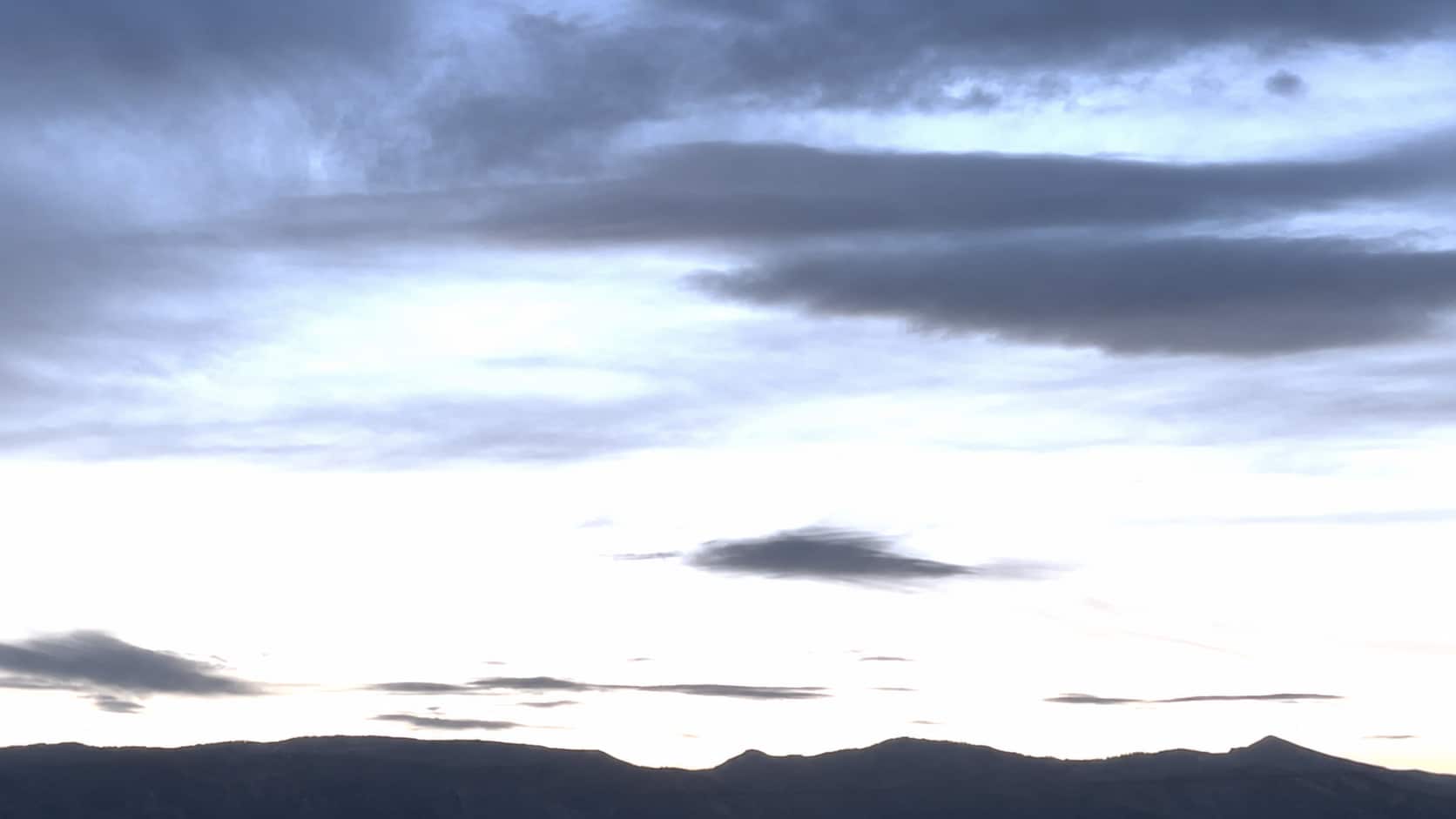
Outdoor photos can become overexposed when the sun is too strong, the background is too bright, or the camera exposes for the wrong part of the scene. Beaches, snow, city streets, and open skies are especially easy to overexpose. Repairit helps fix overexposed pictures by improving contrast and restoring a more natural look to bright areas where detail is still available.


Fix Flash Photos That Look Too Harsh
Flash can make faces look shiny, skin look pale, and backgrounds look flat. The photo may still capture the moment, but the lighting feels too harsh or artificial. Repairit Photo Enhancer can help fix overexposed photo online by adjusting brightness, contrast, and color balance so flash photos look more natural.


Edit Overexposed Photos Before Posting or Printing
An overexposed photo may look acceptable in a small preview but feel too bright once posted, printed, added to a slideshow, or used in a profile. Highlights can distract from the subject, and important details may disappear. Repairit helps users who want to know how to edit overexposed photos quickly without learning advanced exposure sliders or manual editing tools.


How to Fix Overexposed Photos with Repairit

Step 1
Upload Your Overexposed Photo
Open Repairit Photo Enhancer and upload the photo that looks too bright, washed out, pale, or overexposed. You can use common formats such as JPG, JPEG, PNG, BMP, and WEBP.

Step 2
Start AI Photo Enhancement
Let Repairit analyze the image and improve brightness, contrast, color balance, visible detail, and overall photo quality.

Step 3
Preview and Save the Improved Photo
Preview the result, compare the before and after version, and save the photo when it looks more balanced and natural.
Why Choose Repairit to Fix Overexposed Photos?
✨ Built for Washed Out Photo Problems
Repairit is useful when your photo opens normally but looks too bright, pale, flat, or washed out. It helps improve overexposed images without requiring manual exposure editing experience.
📷 AI Powered Brightness and Contrast Adjustment
Repairit Photo Enhancer can fix overexposed photos by intelligently adjusting brightness and contrast, helping restore a more natural balance and vibrancy.
⚡ Useful for Phone, Outdoor, and Flash Photos
Repairit supports the most common overexposure scenarios, including iPhone photos, bright outdoor shots, flash images, window light portraits, and travel pictures.
❤️ Easier Than Manual Photo Editing
No Lightroom sliders, curves, masks, exposure layers, or RAW editing knowledge are required. Upload the image, start AI enhancement, preview the result, and save.
Explore More Photo Exposure Fixing Features
Fix overexposed photos, correct lighting, balance colors, and recover clearer image details with AI.
Frequently Asked Questions
An overexposed photo is too bright because the camera captured too much light. It may look washed out, pale, low contrast, or missing detail in bright areas such as faces, skies, clothes, or backgrounds.
Upload your photo to Repairit Photo Enhancer, start AI enhancement, preview the improved result, and save the version that looks more naturally balanced.
Repairit Photo Enhancer is free to try, so you can upload an overexposed photo and preview how AI improves brightness, contrast, color balance, and visible detail.
Use the original iPhone photo if possible, then upload it to Repairit Photo Enhancer. AI can help reduce the washed out look and improve brightness balance, contrast, and visible detail.
No. Fixing overexposure focuses on brightness, contrast, and washed out highlights. Color correction focuses on inaccurate colors, such as yellow cast, green tint, or unnatural skin tone.
Common causes include direct sunlight, flash, bright windows, reflective surfaces, snow, beach scenes, incorrect camera exposure, or automatic phone camera settings that expose for the wrong area.
Repairit Photo Enhancer supports common formats including JPG, JPEG, PNG, BMP, and WEBP. The online version supports the same formats with up to 300 MB per file.
Hot Topics
Comprehensive How-to Guides
Want to enhance your photo? Click to enter the Photo Enhancer Workbench and make it clearer in just a few clicks!


