Underexposed Image Fix Online
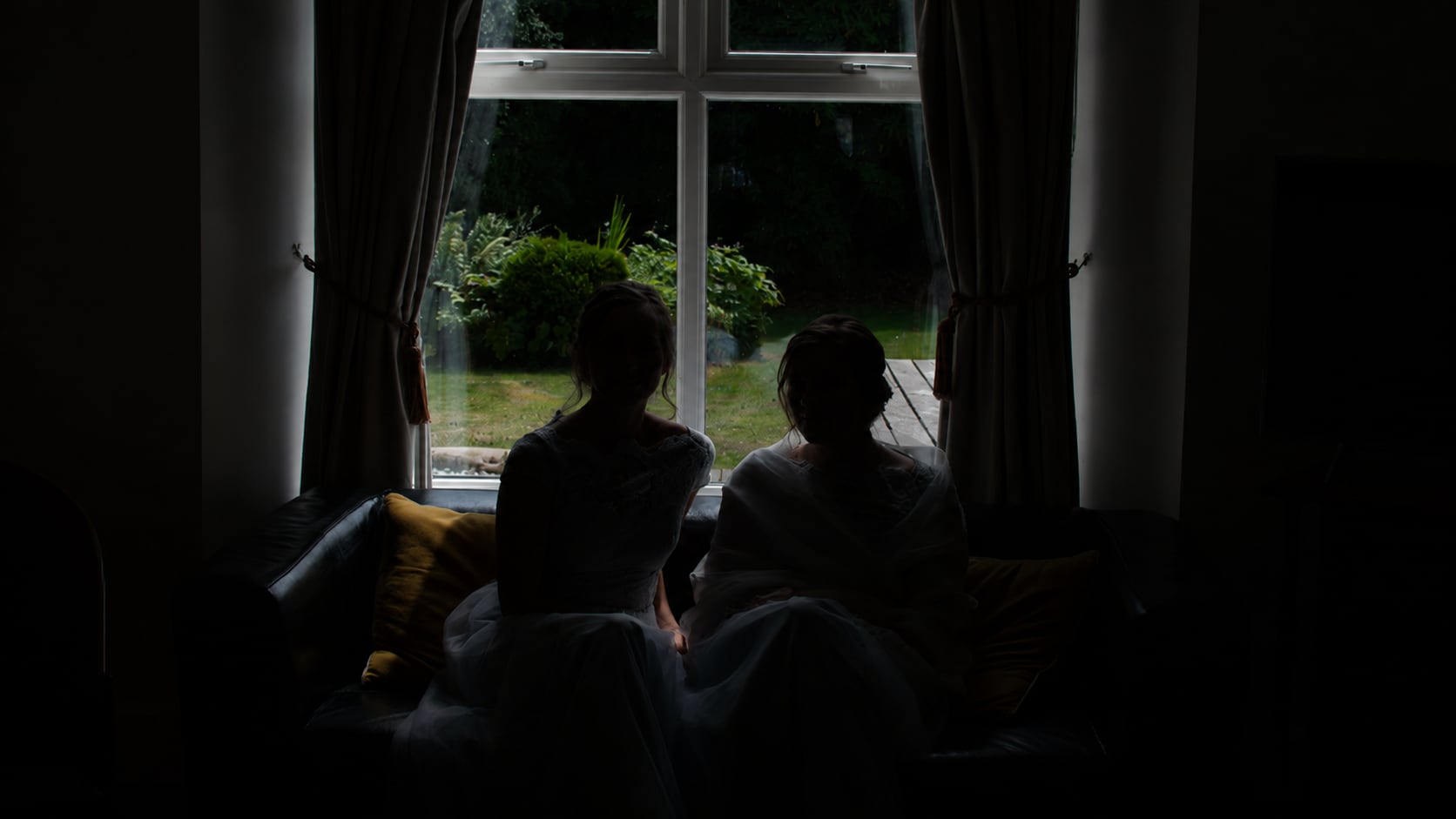





Brighten Underexposed Phone Photos
Phone cameras often underexpose images in restaurants, concerts, indoor rooms, evening streets, or backlit scenes. The moment may be worth keeping, but faces, clothing, and background details can look too dark.
Repairit helps with underexposed photo fix needs by bringing out hidden details and improving overall visibility.
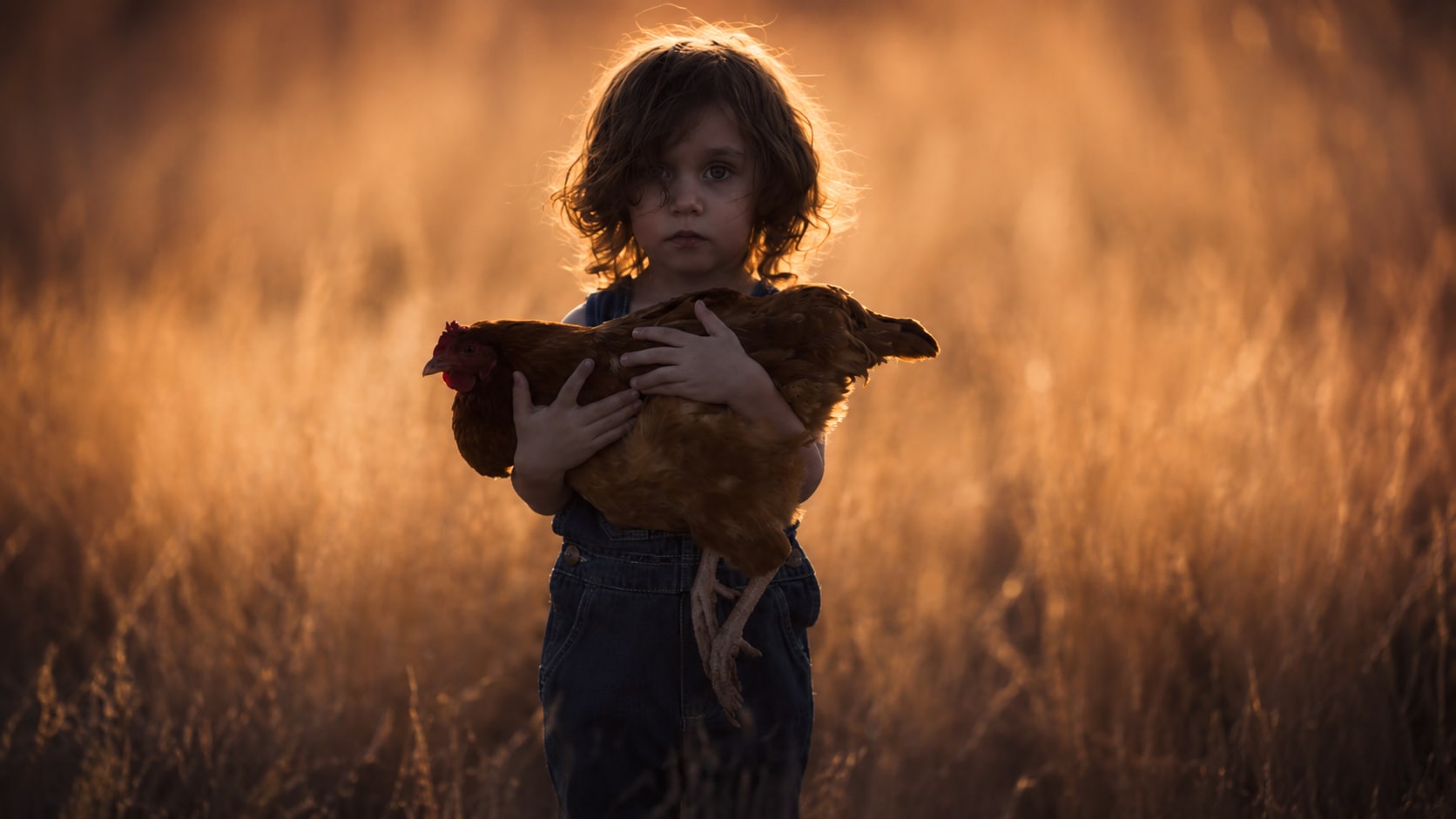
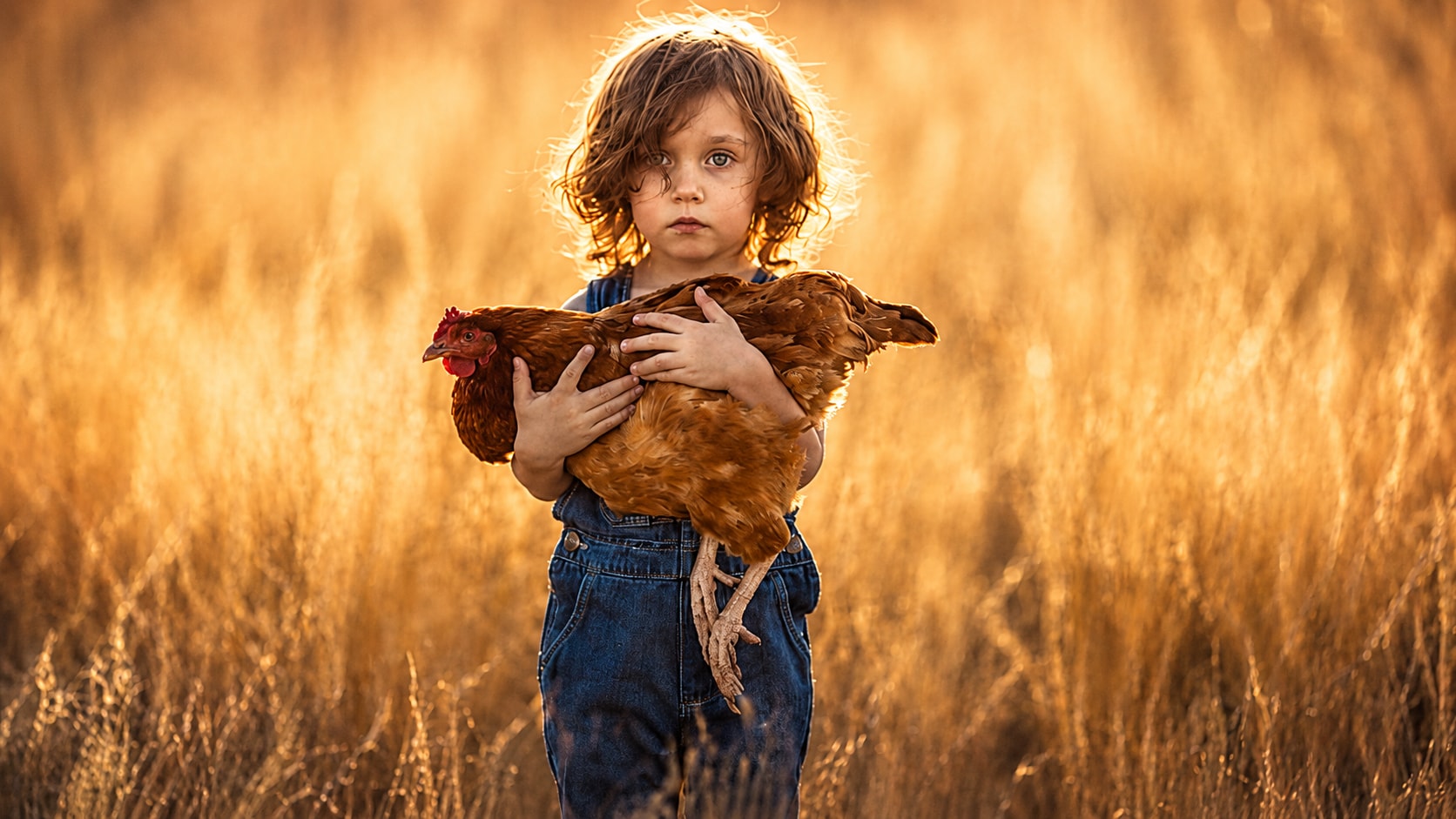
Fix Backlit Photos with Dark Subjects
Backlit photos are tricky because the camera may expose for a bright window, sky, or light source instead of the person or object in front. The result is a dark subject with a bright background.
Repairit can help improve the visible detail in the subject area while balancing the overall image more naturally.
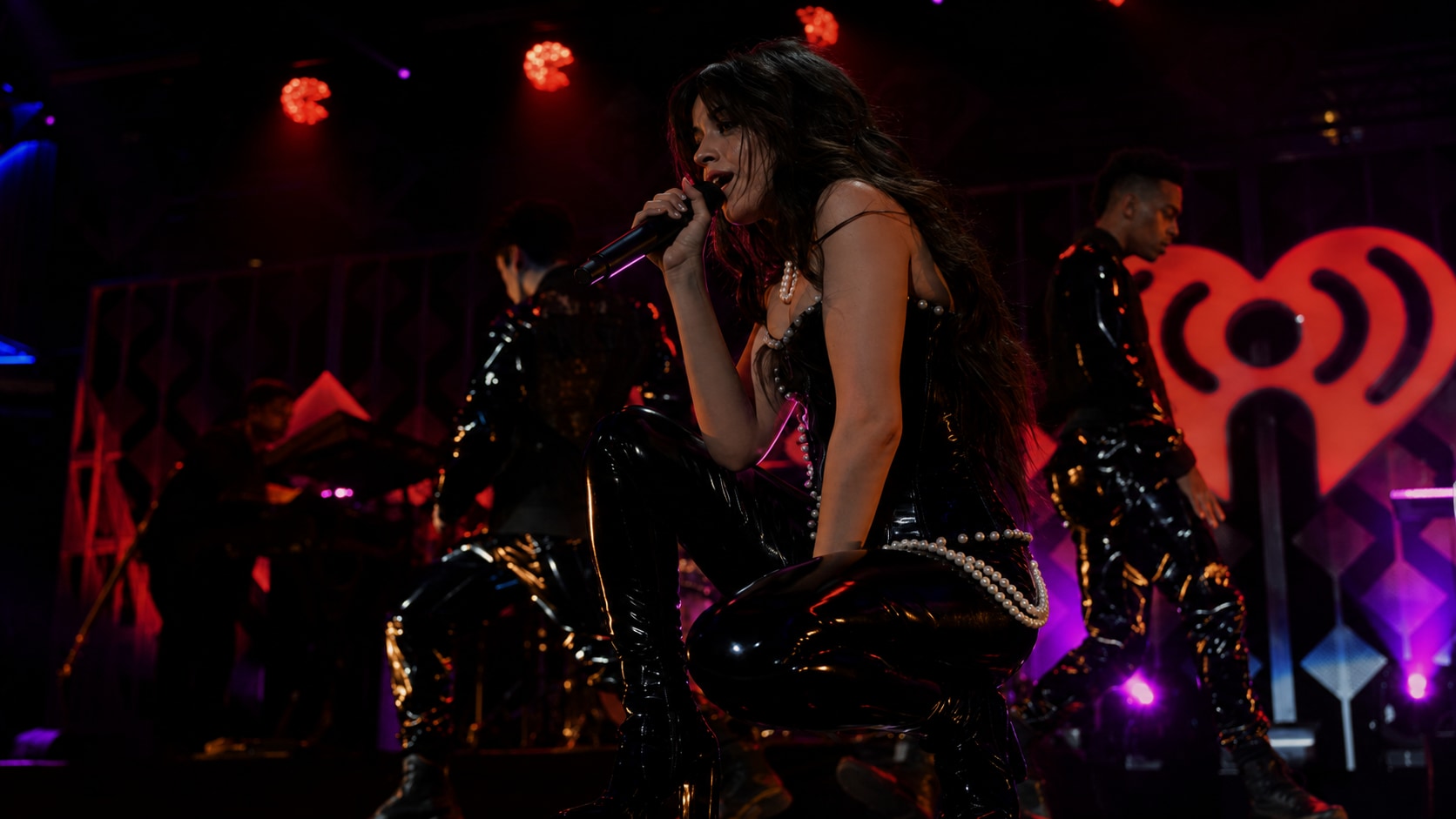
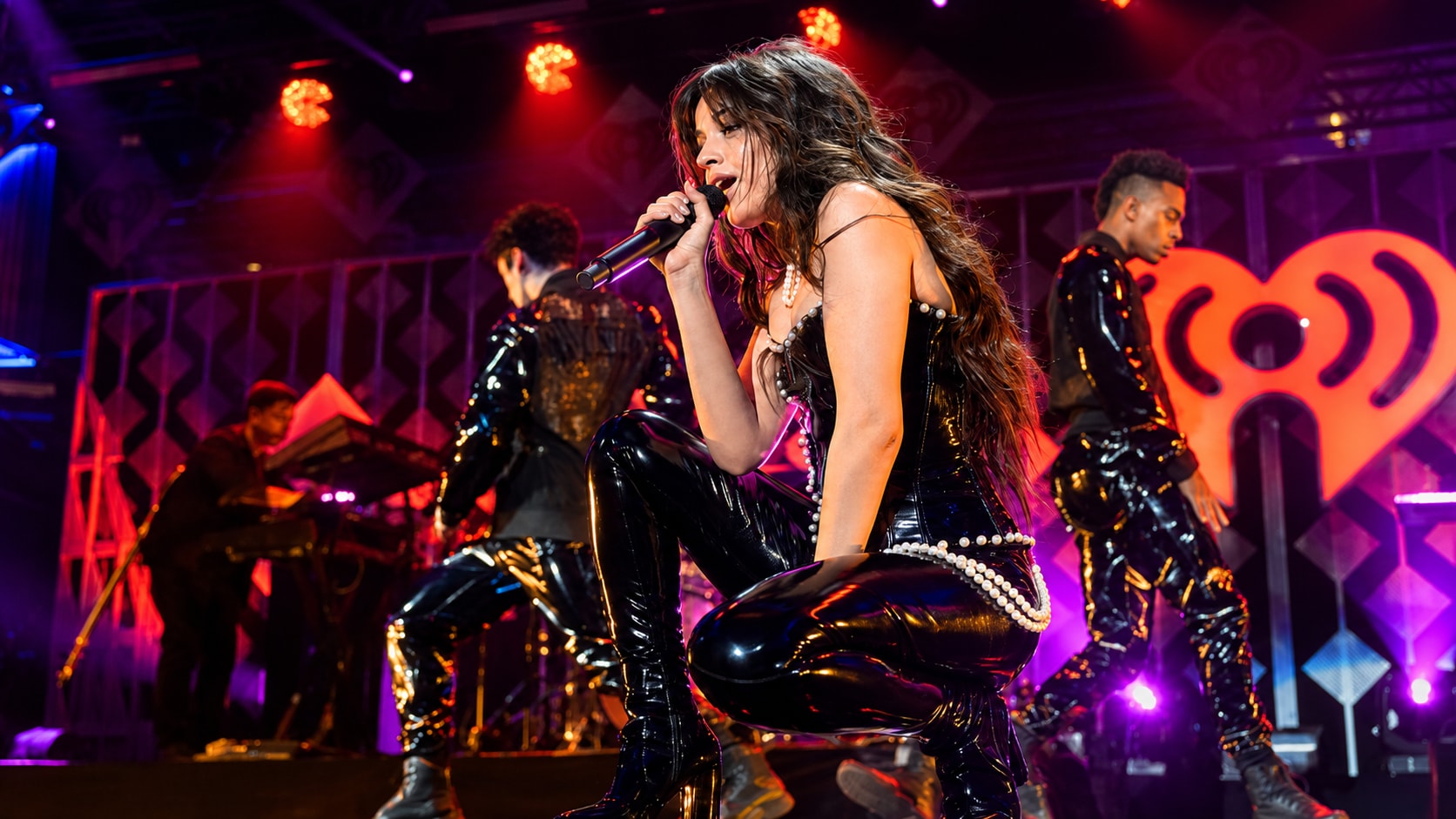
Improve Underexposed Film Photos and Scans
An underexposed film photo can look dense, muddy, or too dark after scanning. Shadows may hide faces, clothing, scenery, or important background details. Users often ask how to fix underexposed film photos because they want to save the mood of the film shot without losing its natural look.
Repairit helps improve underexposed film photo scans by enhancing visibility, detail, and color balance where usable information still exists.
Make Low Light Photos Usable Before Sharing
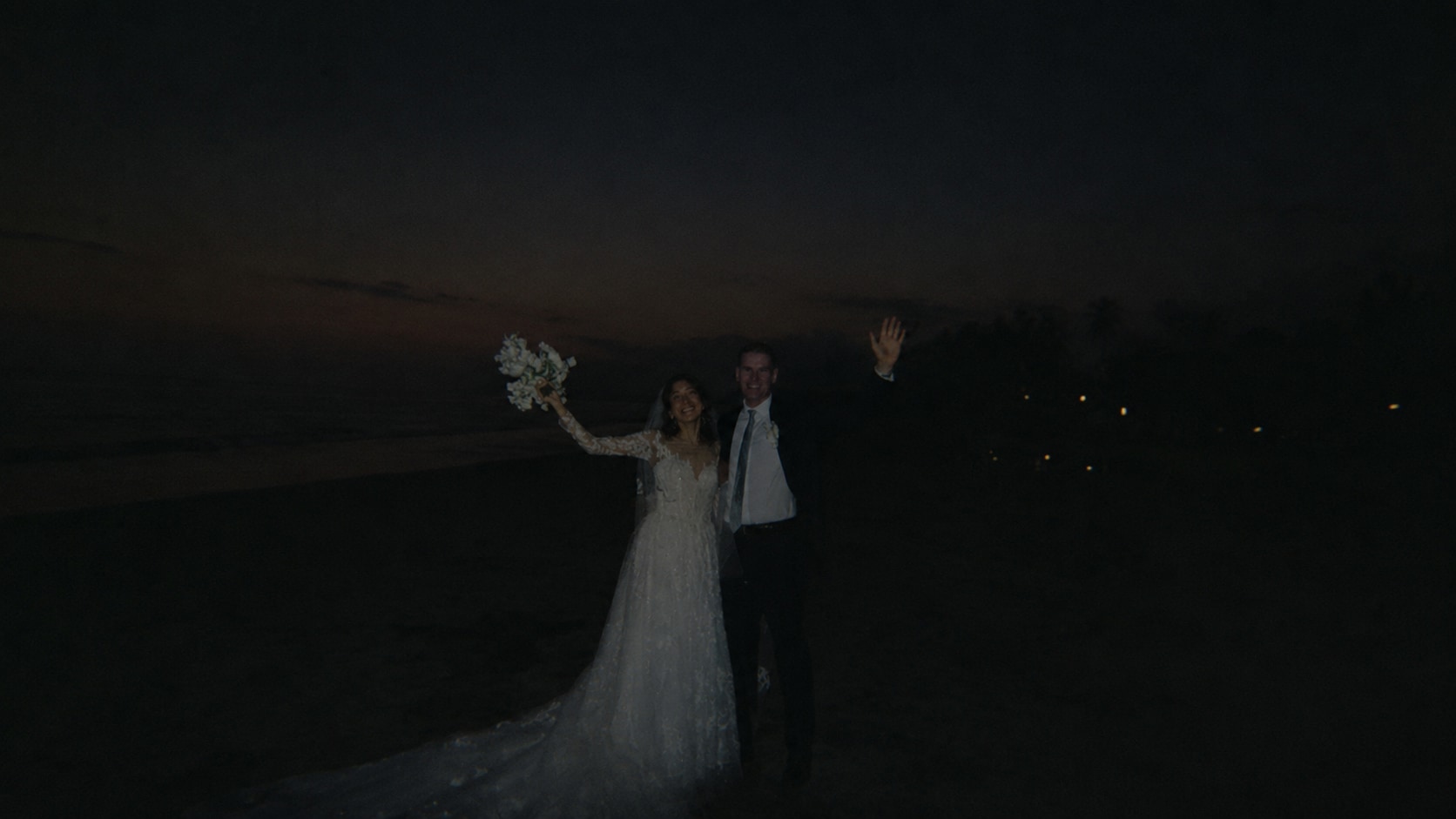
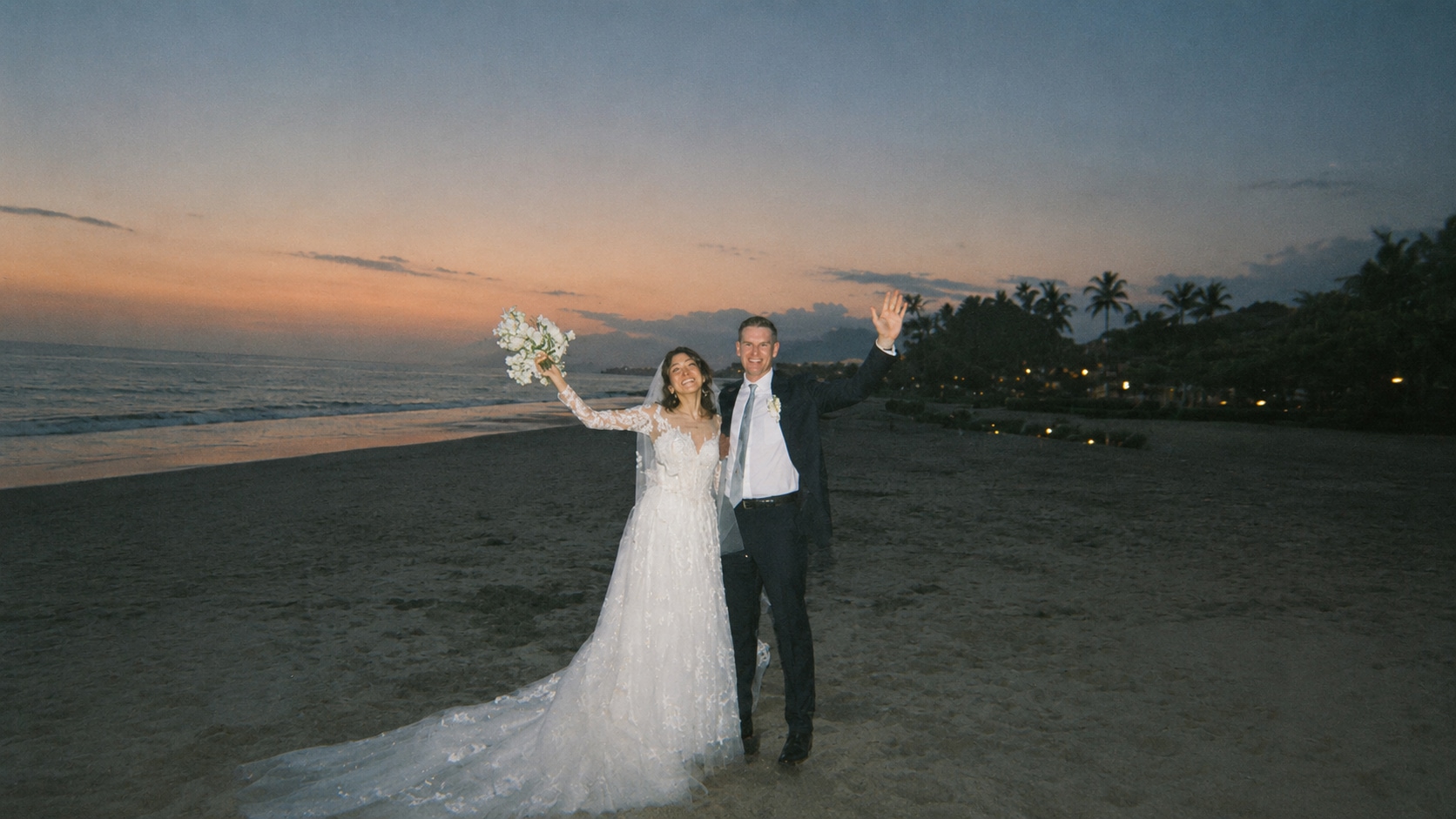
Some photos do not need full retouching. They just need enough light and detail to be shared, posted, printed, or added to an album. If the image is too dark, people may miss the subject or moment completely.
Repairit helps users who want to know how to fix an underexposed photo quickly without learning exposure curves or manual editing tools.
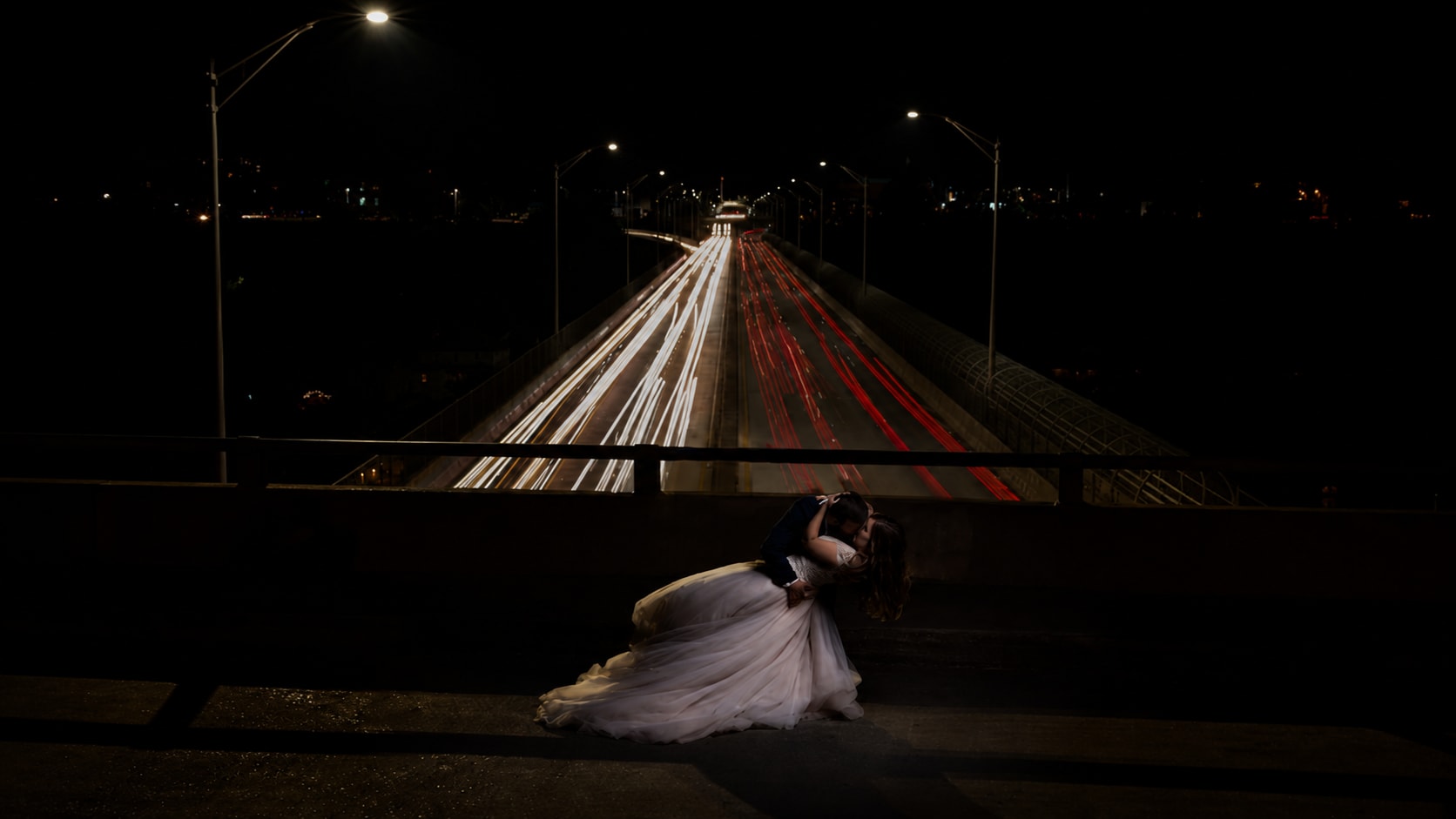
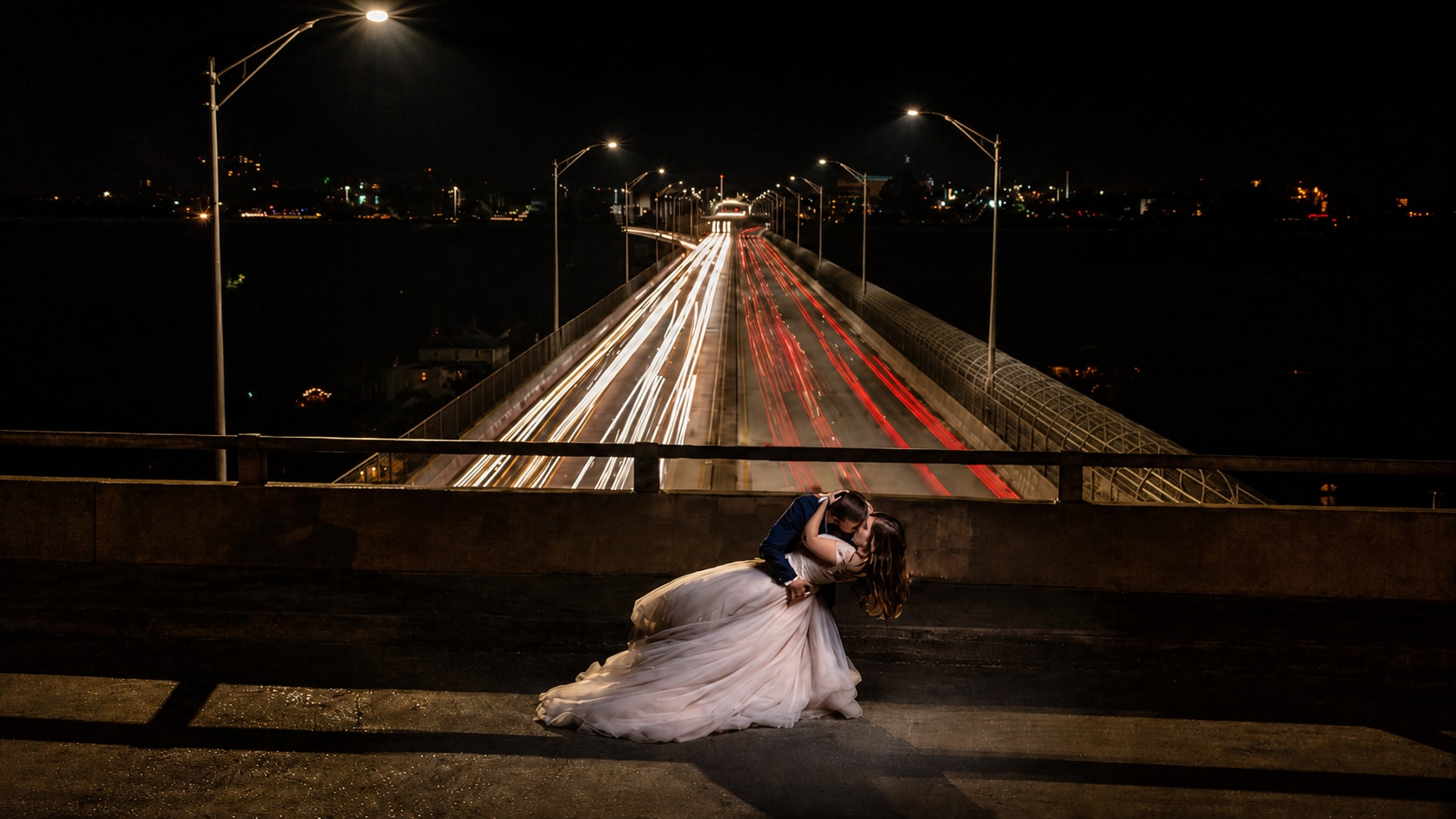
How to Fix an Underexposed Image with Repairit

Step 1
Upload Your Underexposed Photo
Open Repairit Photo Enhancer and upload the photo that looks too dark, shadowy, or hard to see. You can use common formats such as JPG, JPEG, PNG, BMP, and WEBP.

Step 2
Start AI Photo Enhancement
Let Repairit analyze the image and improve brightness, shadow detail, color balance, visibility, noise, and overall photo quality.

Step 3
Preview and Save the Brighter Photo
Preview the enhanced result, compare the before and after version, and save the photo when the subject and details look clearer.
Why Choose Repairit for Underexposed Image Fixes?
✨ Built for Dark and Shadowy Photos
Repairit is useful when your photo opens normally but looks too dark, flat, shadowed, or hard to see because not enough light was captured.
📷 AI Powered Visibility Enhancement
Repairit Photo Enhancer can enhance visibility in underexposed pictures, bring out hidden details, improve color balance, reduce noise, and improve overall image quality with AI.
⚡ Useful for Phone, Backlit, Film, and Low Light Images
Repairit supports common underexposure scenarios, including low light phone photos, backlit portraits, dark indoor pictures, film scans, and evening shots.
❤️ Easier Than Manual Exposure Editing
No Lightroom curves, exposure masks, shadow sliders, RAW workflow, or advanced editing skills are required. Upload the image, start AI enhancement, preview, and save.
Explore More Photo Lighting Fixing Features
Fix underexposed images, brighten dark photos, correct colors, and improve photo lighting with AI.
Frequently Asked Questions
An underexposed image is too dark because the camera captured too little light. The subject, background, or important details may be hidden in shadows or look flat and muddy.
Upload your image to Repairit Photo Enhancer, start AI enhancement, preview the brighter result, and save the version where the subject and details look clearer.
Repairit Photo Enhancer is free to try, so you can upload an underexposed photo and preview how AI improves brightness, shadow detail, color balance, and visibility.
Use the clearest scan you have, then enhance it with Repairit Photo Enhancer. AI can help improve visibility, shadow detail, contrast, and color balance in underexposed film photo scans.
Common causes include low light, fast shutter speed, low ISO, incorrect exposure settings, strong backlighting, bright backgrounds, or phone camera auto exposure choosing the wrong area.
Not always. A dark photo may be intentionally moody or low light. An underexposed photo is dark because too little light was captured, making important details harder to see.
Not always. AI can improve many underexposed photos, but if the dark areas contain no usable image data, the exact missing detail cannot be fully recovered.
Hot Topics
Comprehensive How-to Guides
Want to enhance your photo? Click to enter the Photo Enhancer Workbench and make it clearer in just a few clicks!


