Fix Old Photos Online Free
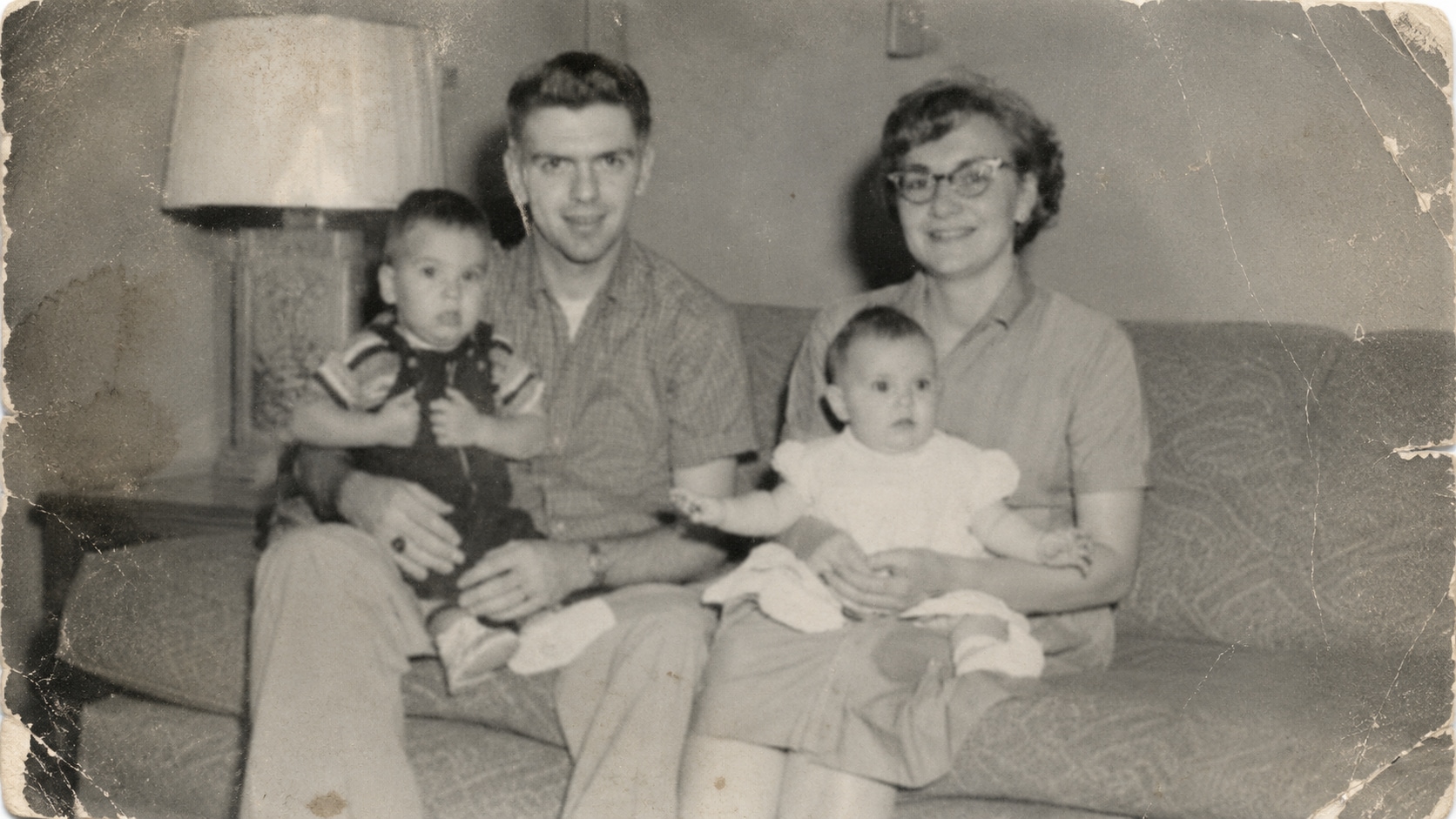
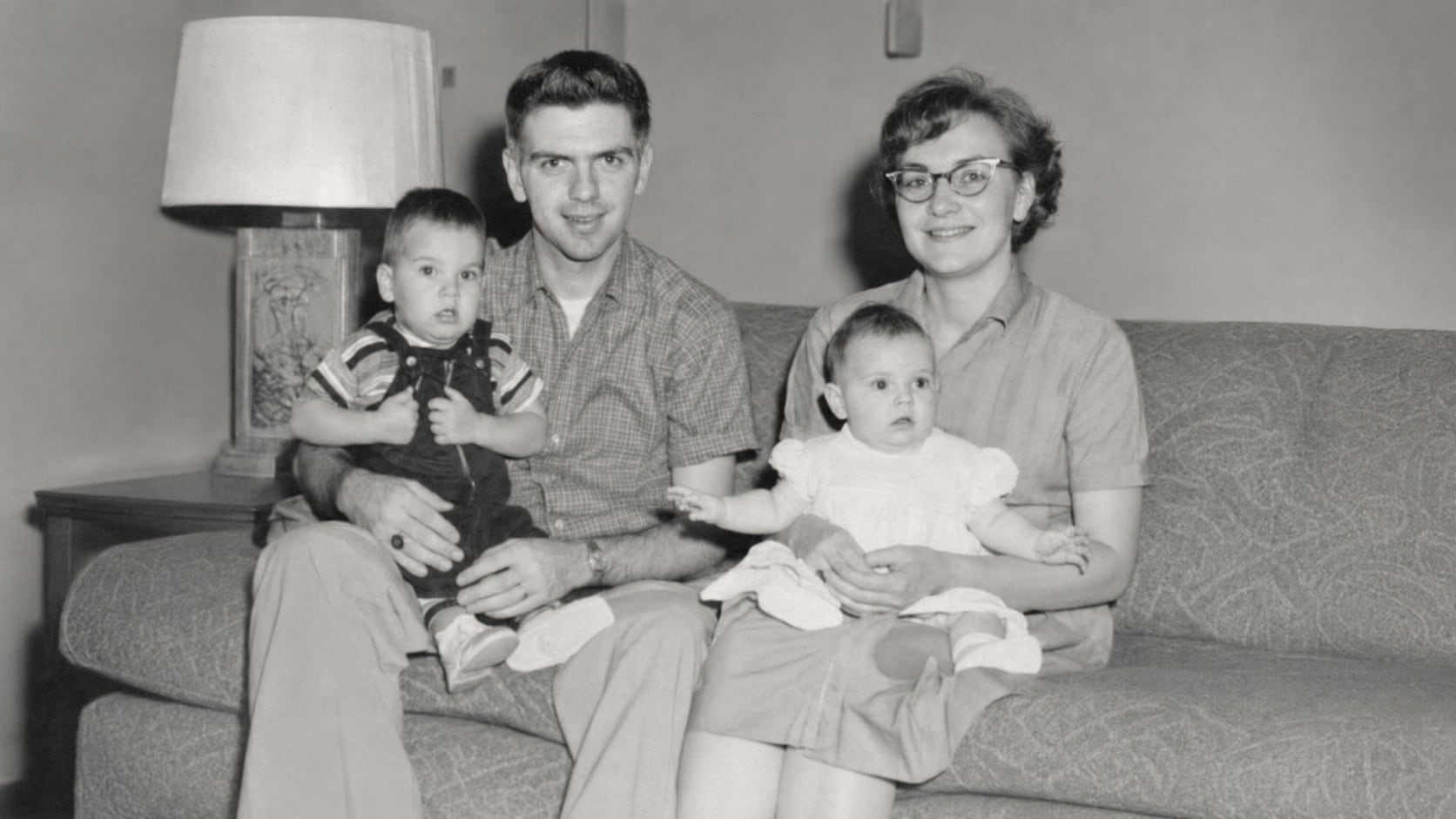




Fix Faded Family Photos Before the Details Disappear
Old family photos often lose contrast and color over time. Faces become soft, clothing details fade, and the whole image may look yellow, gray, or washed out. People usually search for old photo restoration free when they want to test whether the memory can still be saved. Repairit helps revive faded old photos by improving clarity, contrast, and visible details, so family members, places, and moments become easier to recognize again.
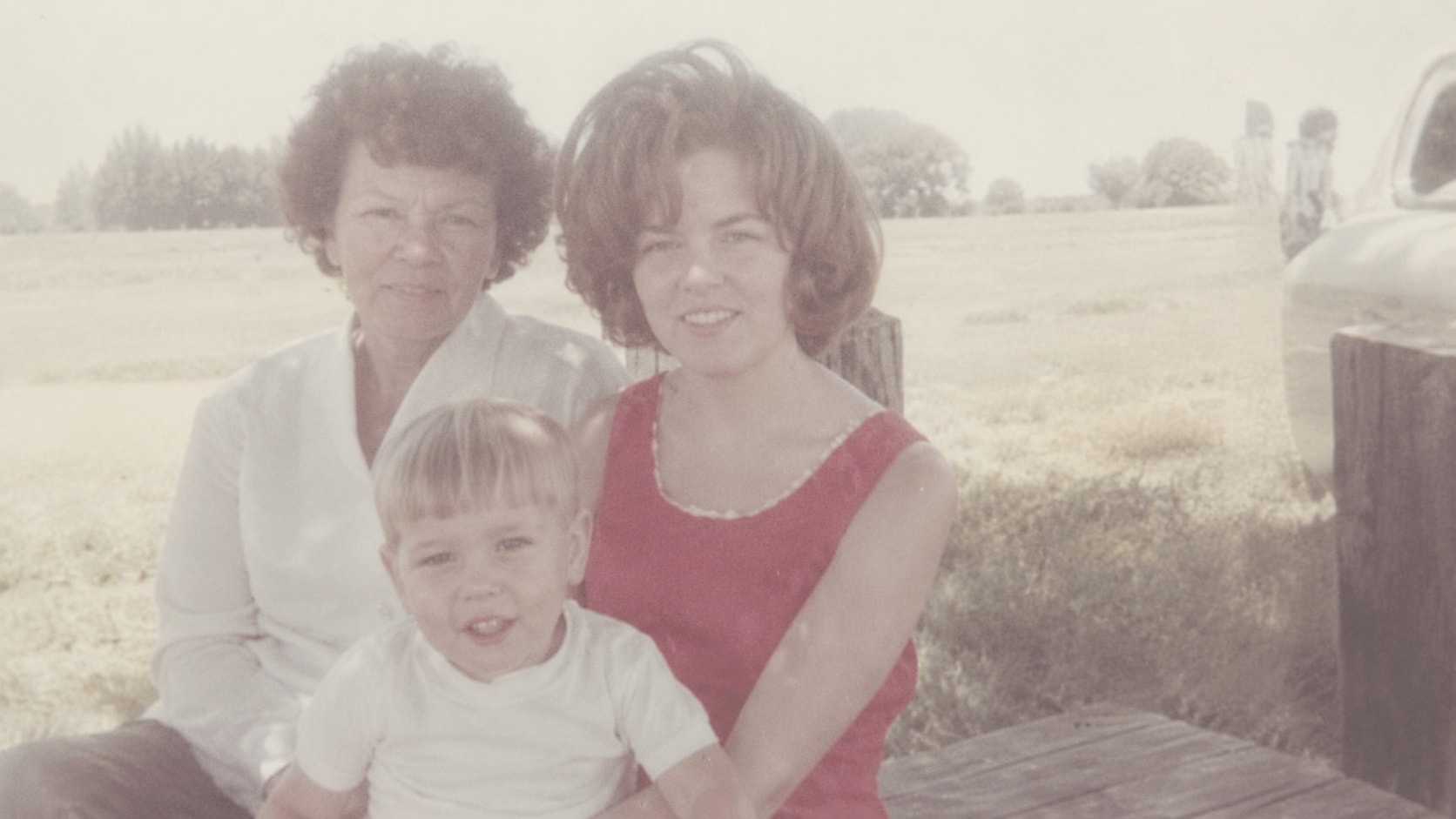
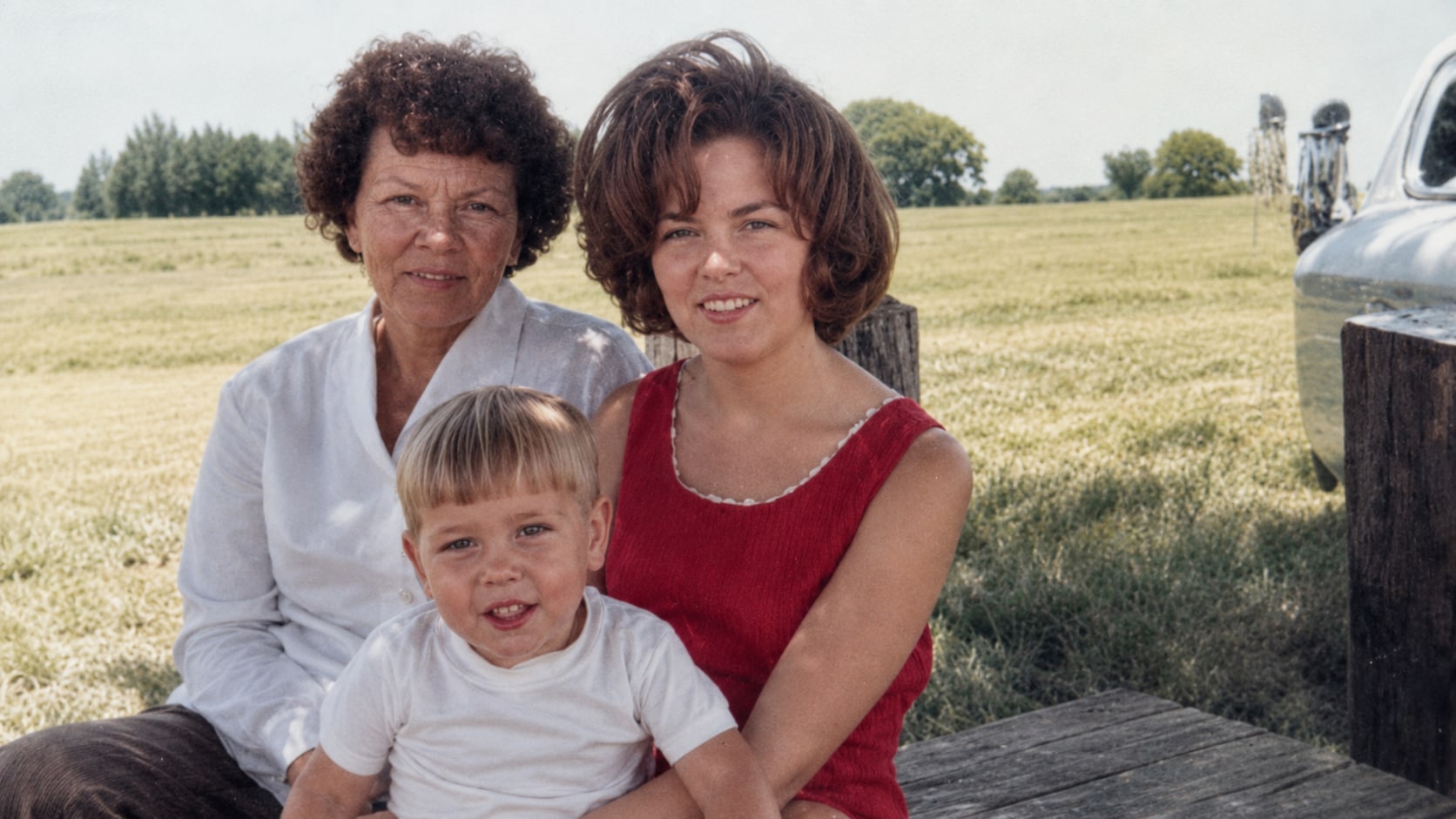
Repair Old Photos with Scratches, Creases, and Stains
Many old prints are damaged from storage, handling, humidity, or being kept in albums for decades. Scratches, fold lines, dust spots, stains, and small tears can cover faces, clothing, backgrounds, or handwritten details. Repairit helps with old damaged photo repair by removing or reducing visible age marks and rebuilding damaged areas where possible.
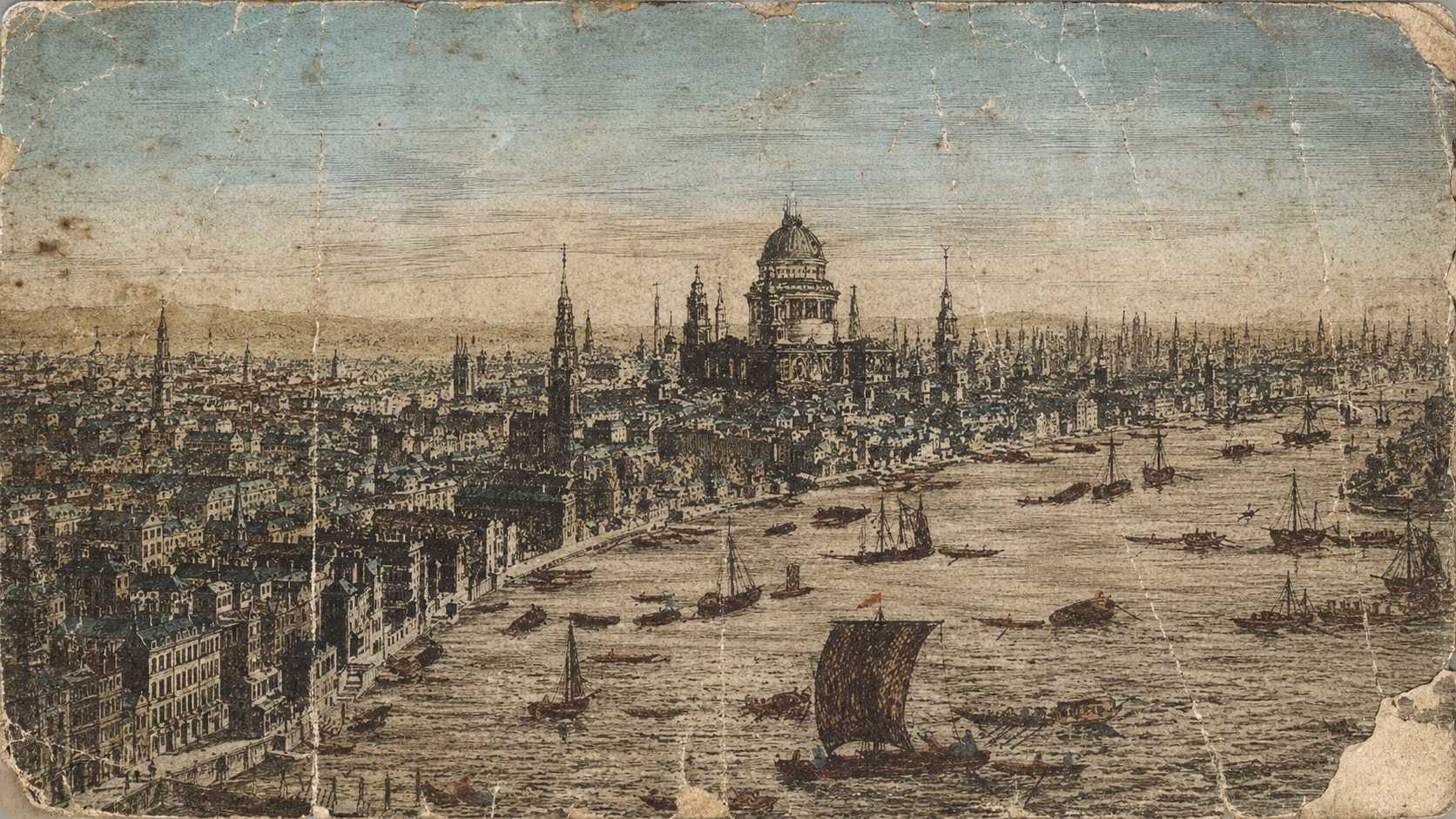
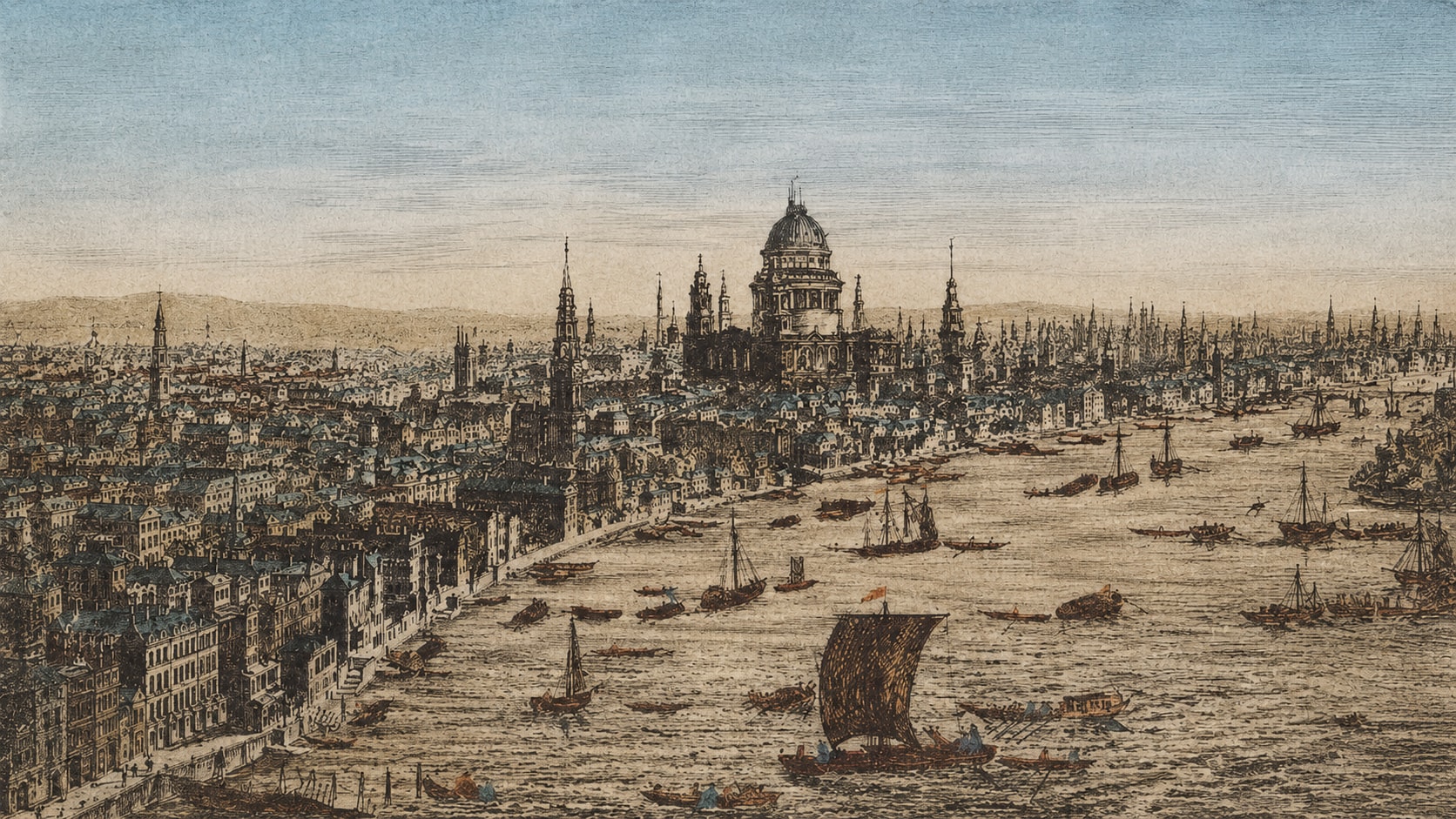
Restore Old Portraits When Faces Look Soft or Worn
A portrait can still be meaningful even when the face has become blurry, stained, faded, or partly damaged. The challenge is not just cleaning the image. The person still needs to look natural and familiar. Repairit helps restore old damaged photos by improving facial clarity, recovering softer details, and reducing visible damage around the face without making the portrait feel overly artificial.
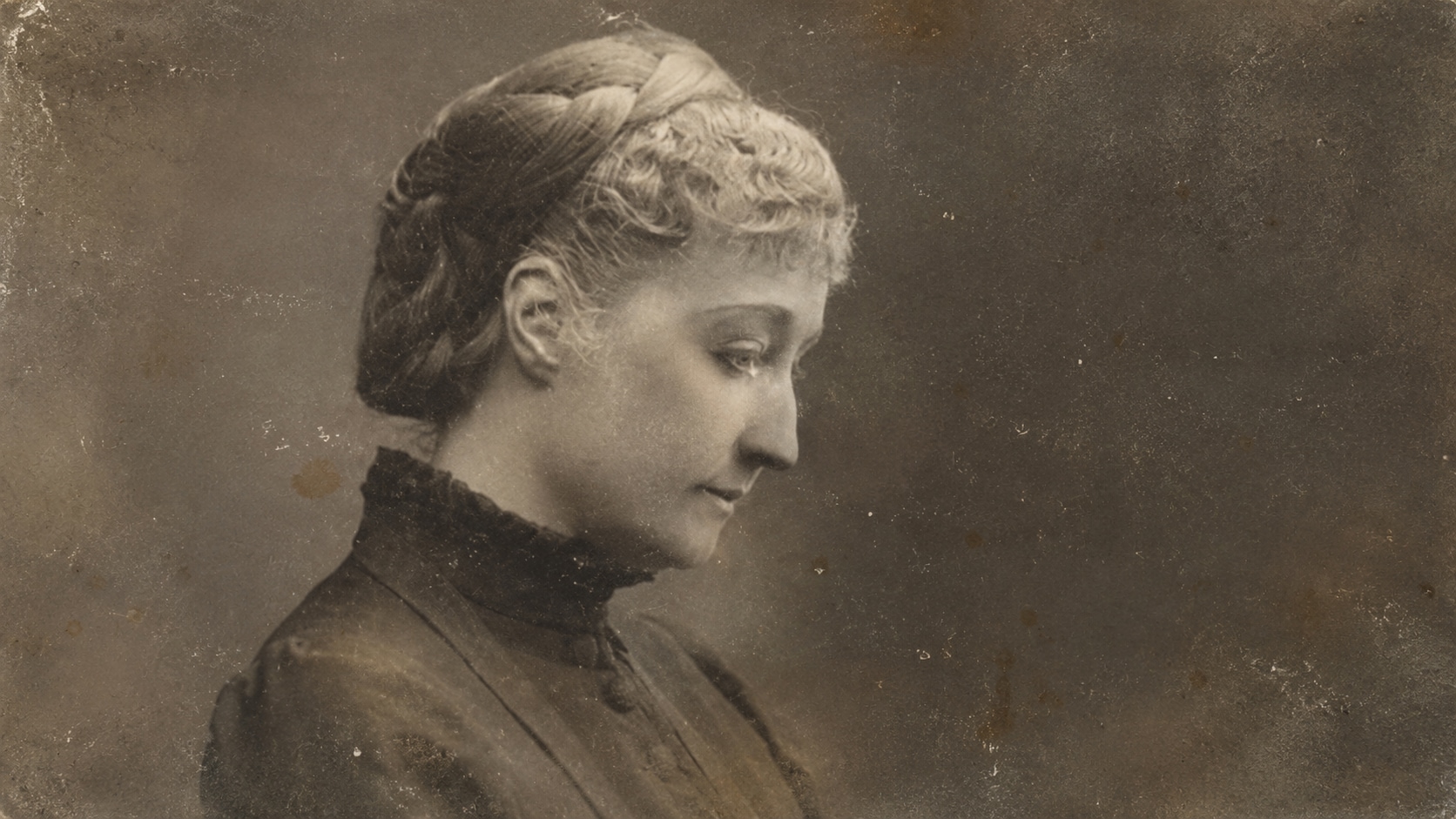
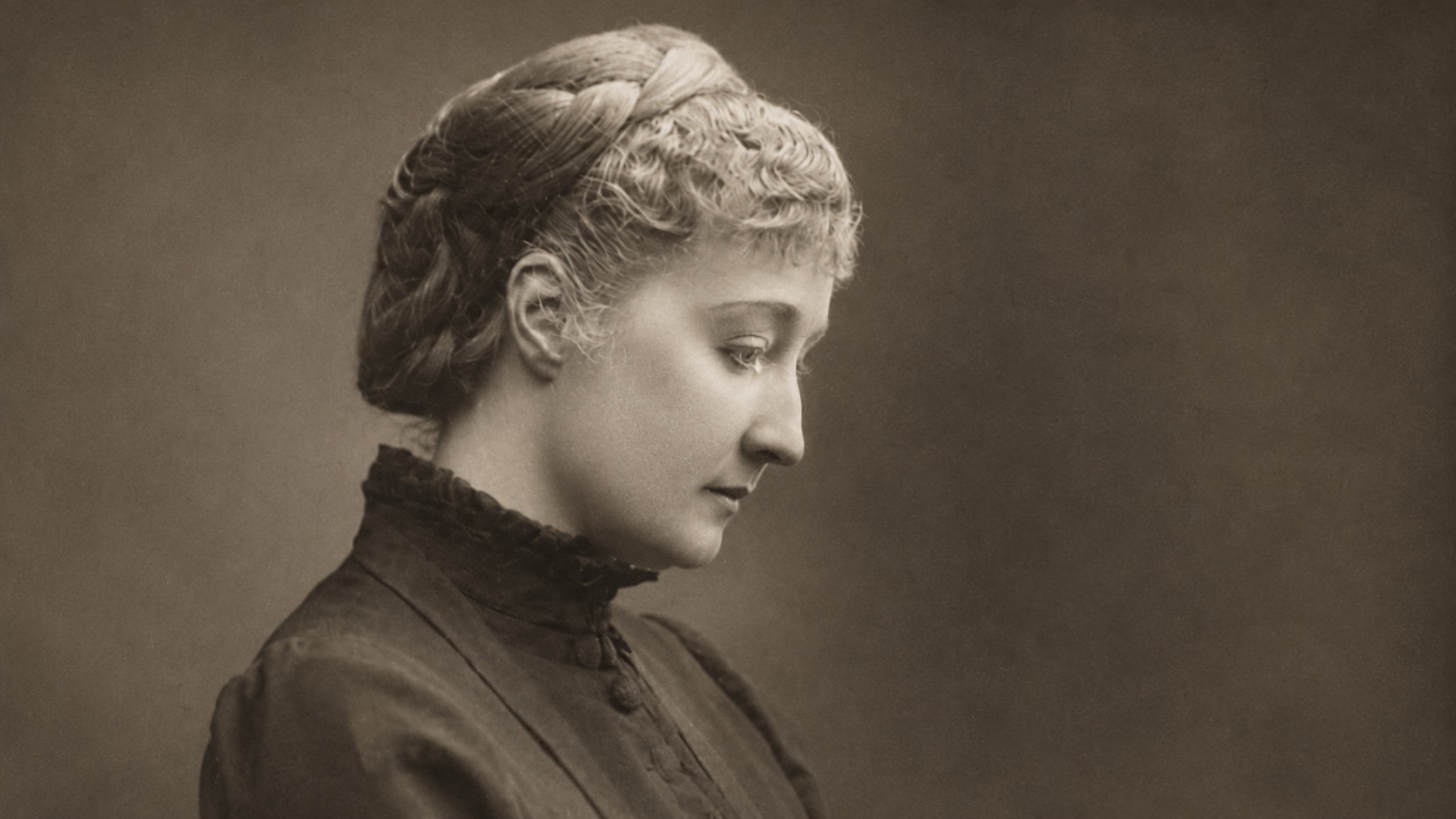
Fix Scanned Old Photos Before Printing or Sharing
Many people scan old photos or take phone pictures of printed photos before sending them to relatives. But the scanned version may look dull, dusty, tilted, faded, or too damaged to print nicely. Repairit lets you fix old photos online before you share them in a family chat, upload them to a memorial page, include them in a slideshow, or print a cleaner copy.
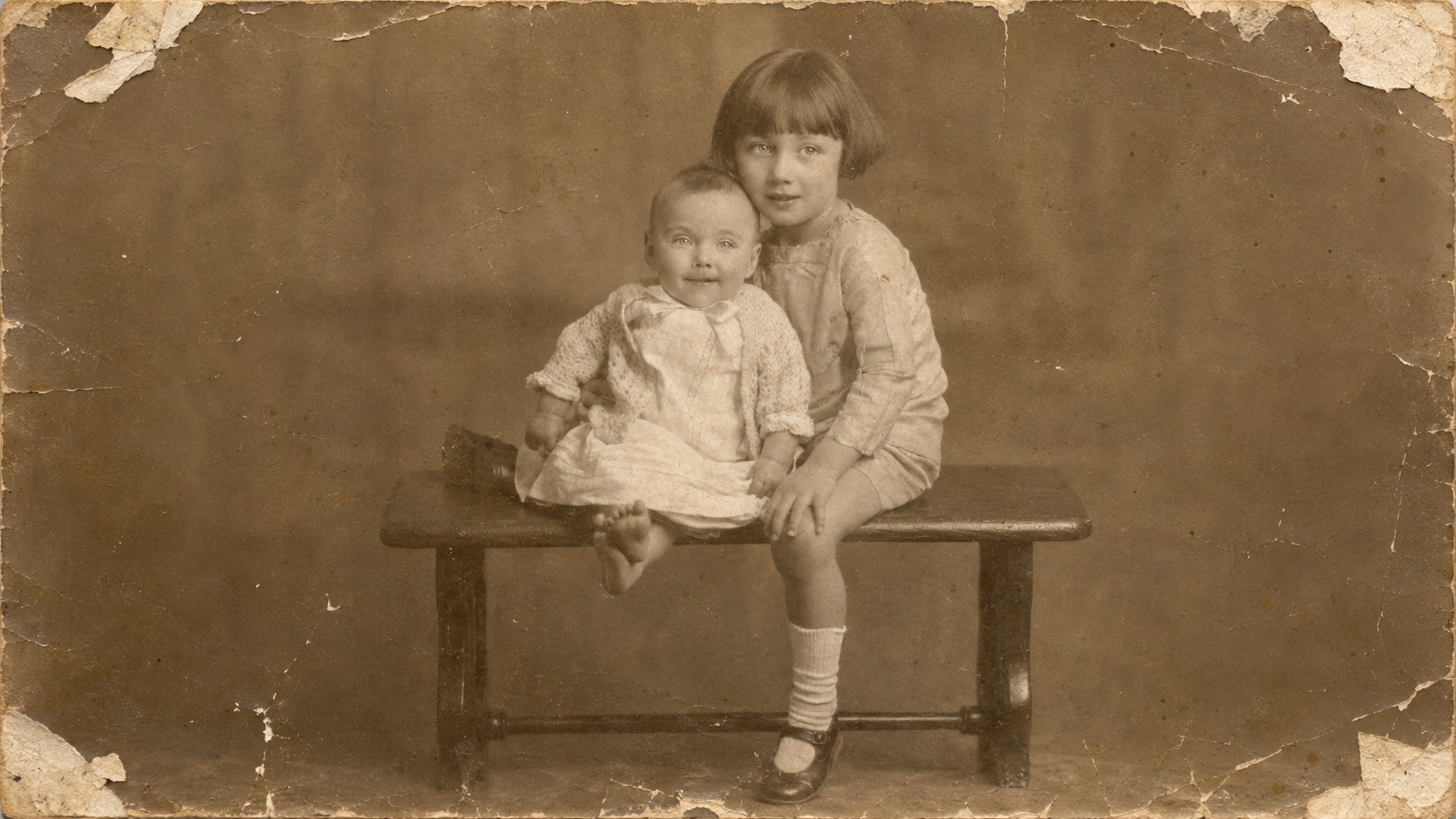
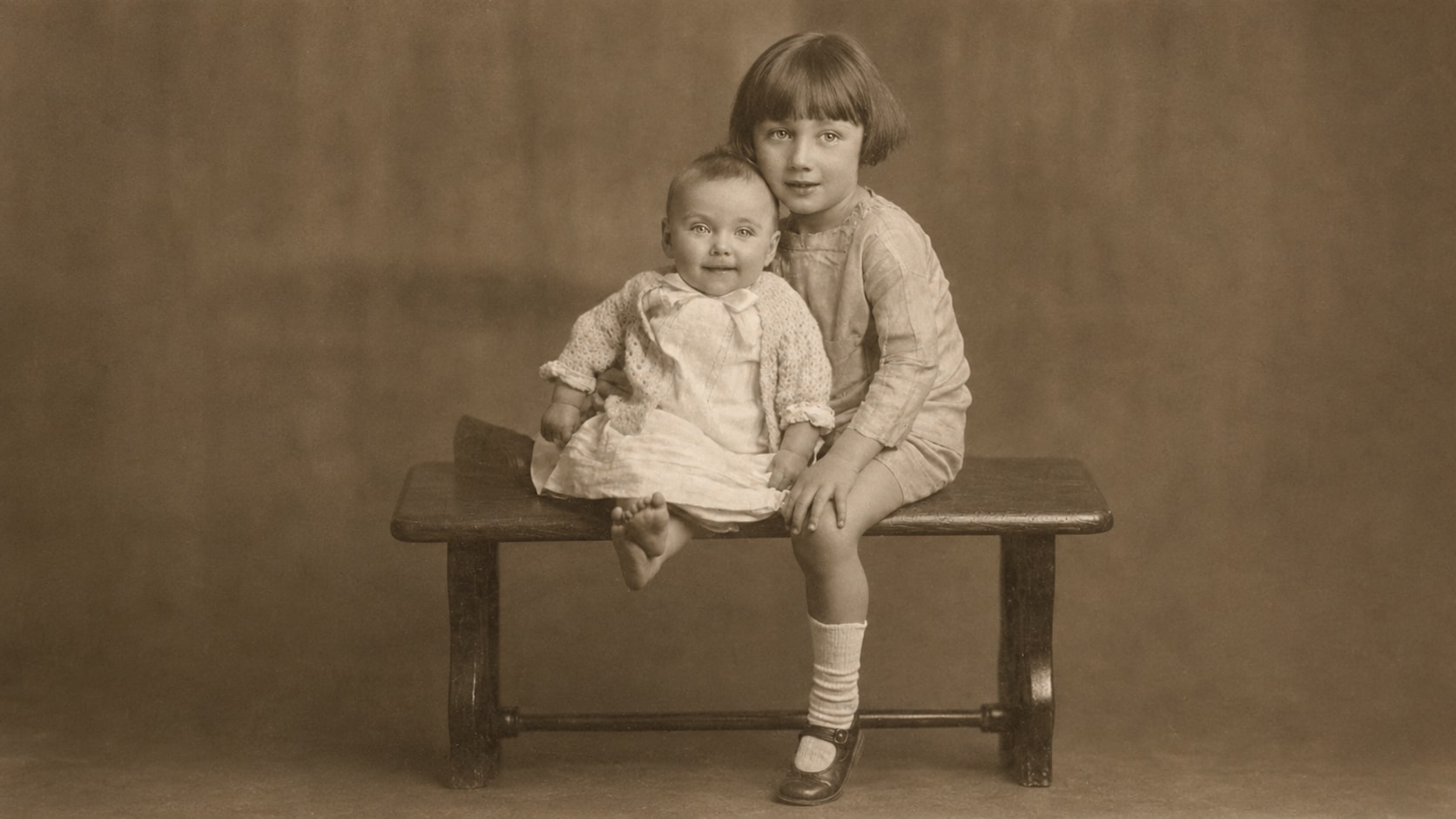
How to Fix Old Photos with Repairit

Step 1
Upload Your Old Photo
Open Repairit Old Photo Repair and upload the old photo for restoration. You can use common formats such as JPG, JPEG, PNG, BMP, and WEBP.

Step 2
Start Old Photo Restoration
Choose the Old Photo Restoration model and let Repairit AI analyze fading, scratches, stains, tears, spots, dust, and other age related damage.

Step 3
Preview and Download the Fixed Photo
Preview the repaired result, compare the restored version, and save the cleaner photo when it looks right.
Why Choose Repairit to Fix Old Photos?
🎨 Built for Age Related Photo Damage
Repairit is made for old photos that show multiple aging problems at once, such as fading, scratches, dust, spots, stains, tears, and soft details. This makes it different from a simple colorizer or sharpener.
🚀 AI Powered Old Photo Repair
Repairit uses AI photo restoration to reduce visible damage, improve faded details, restore clearer faces, and rebuild damaged areas where possible.
✨ Easy for Family Photo Projects
You do not need restoration experience, Photoshop skills, or manual clone stamp work. Upload, choose the restoration model, preview, and download.
❤️ Useful Before Printing, Sharing, or Archiving
Repairit helps prepare old photos for family albums, memorial displays, genealogy projects, reunion slideshows, anniversary gifts, and digital archives.
Explore More Old Photo Repair Features
Repair old photos, restore faded memories, remove scratches, and enhance damaged pictures with AI.
Frequently Asked Questions
It means repairing old photographs that have aged or become damaged over time. Common issues include fading, scratches, creases, stains, dust, tears, soft faces, yellow tones, and low contrast.
Upload your old photo to Repairit Old Photo Repair, choose the Old Photo Restoration model, start the repair process, preview the result, and download the fixed version when it looks right.
Repairit offers old photo restoration free to try online, so you can upload an old photo, preview the repair result, and decide whether it fits your needs.
Yes. Repairit can help restore old damaged photos with scratches, fading, stains, tears, dust, and other age related wear. Results depend on how much original detail is still visible.
Yes, in many cases. Repairit can improve soft old photos by enhancing visible detail and making faces easier to recognize, especially when the original photo still contains usable information.
Repairit aims to improve clarity and repair damage while keeping the portrait recognizable. For best results, use a clear scan and preview the output before saving.
Hot Topics
Comprehensive How-to Guides
Want to fix old photos online? Click to enter the Old Photo Repair Workbench and restore your memories easily!


