Enhance Old Photos Online Free






Enhance Faded Old Photos Before Sharing with Family
Old family photos often become dull, yellowish, gray, or low contrast over time. The image may not be damaged enough to need full repair, but faces, clothing, and backgrounds can look flat and lifeless. Repairit helps enhance old photo online free by improving color balance, contrast, and visible details, so the photo feels easier to recognize and share.
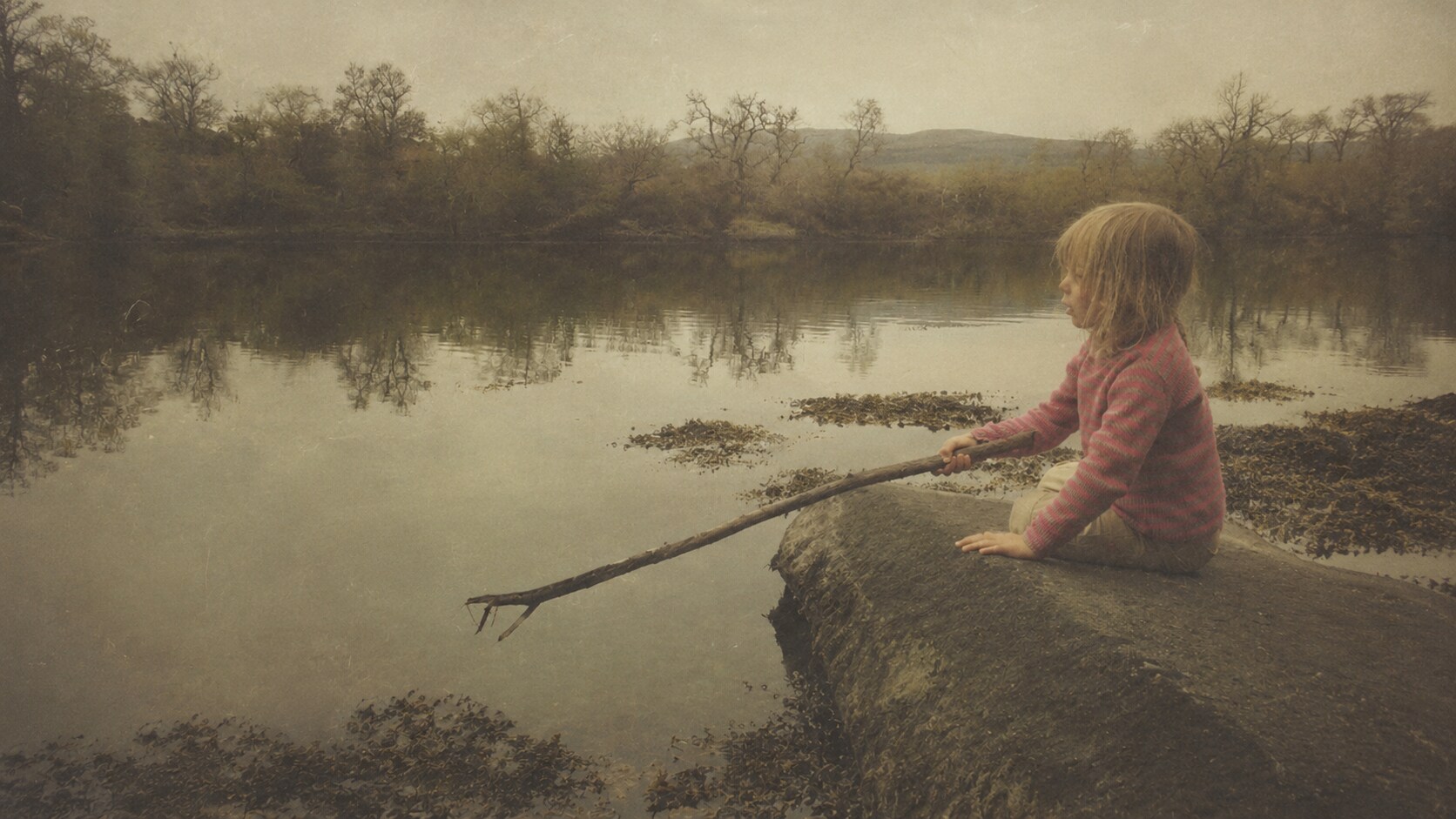
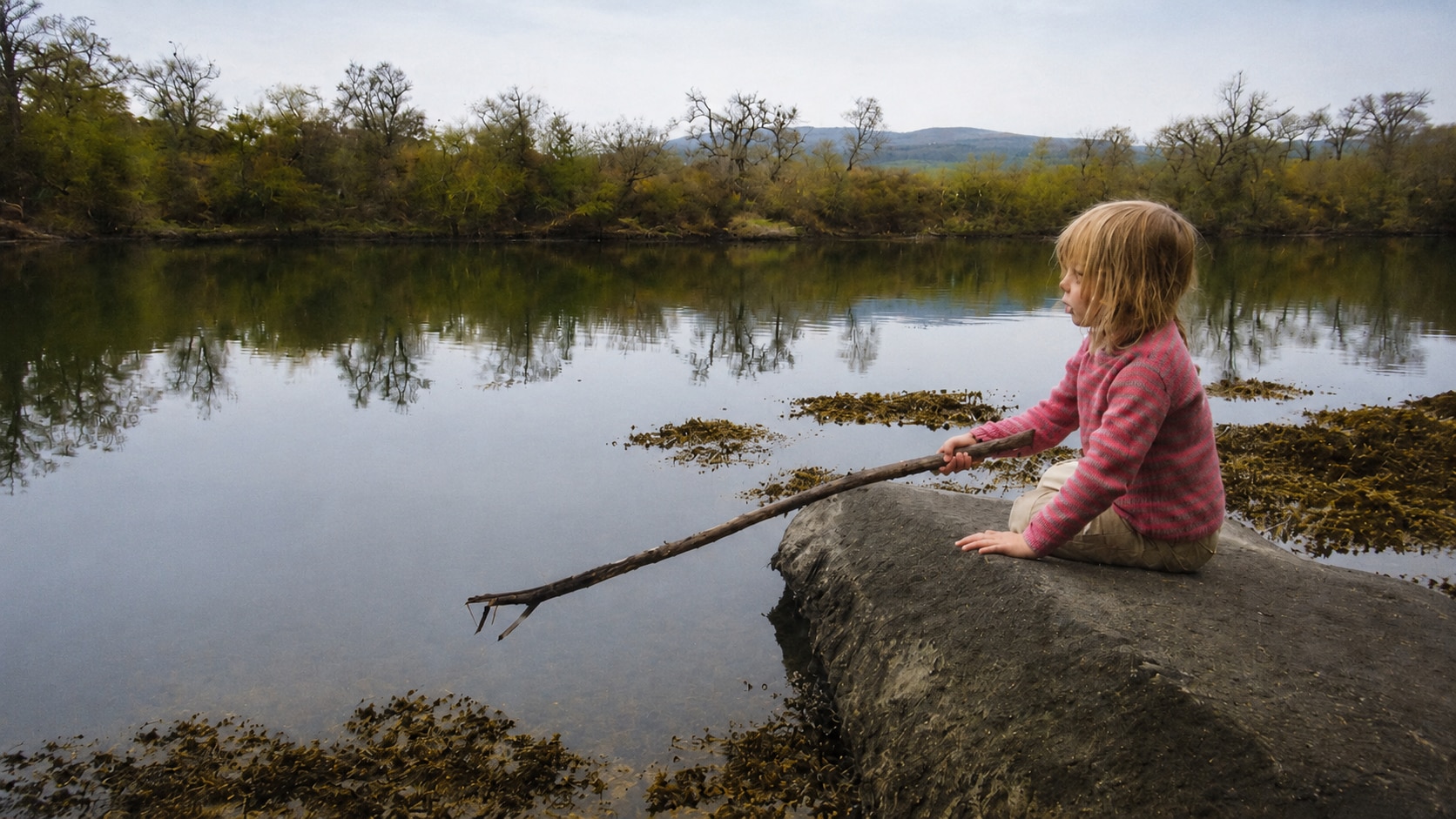
Improve Dark or Underexposed Old Photos
Many old photos were taken indoors, at night, or with older cameras that did not capture enough light. The memory is still there, but faces may be hidden in shadows and the background may look muddy. Repairit AI Photo Enhancer can improve visibility in underexposed pictures by bringing out hidden details and improving color balance, which is especially helpful for old photos with poor lighting.


Make Soft Old Portraits Look Clearer
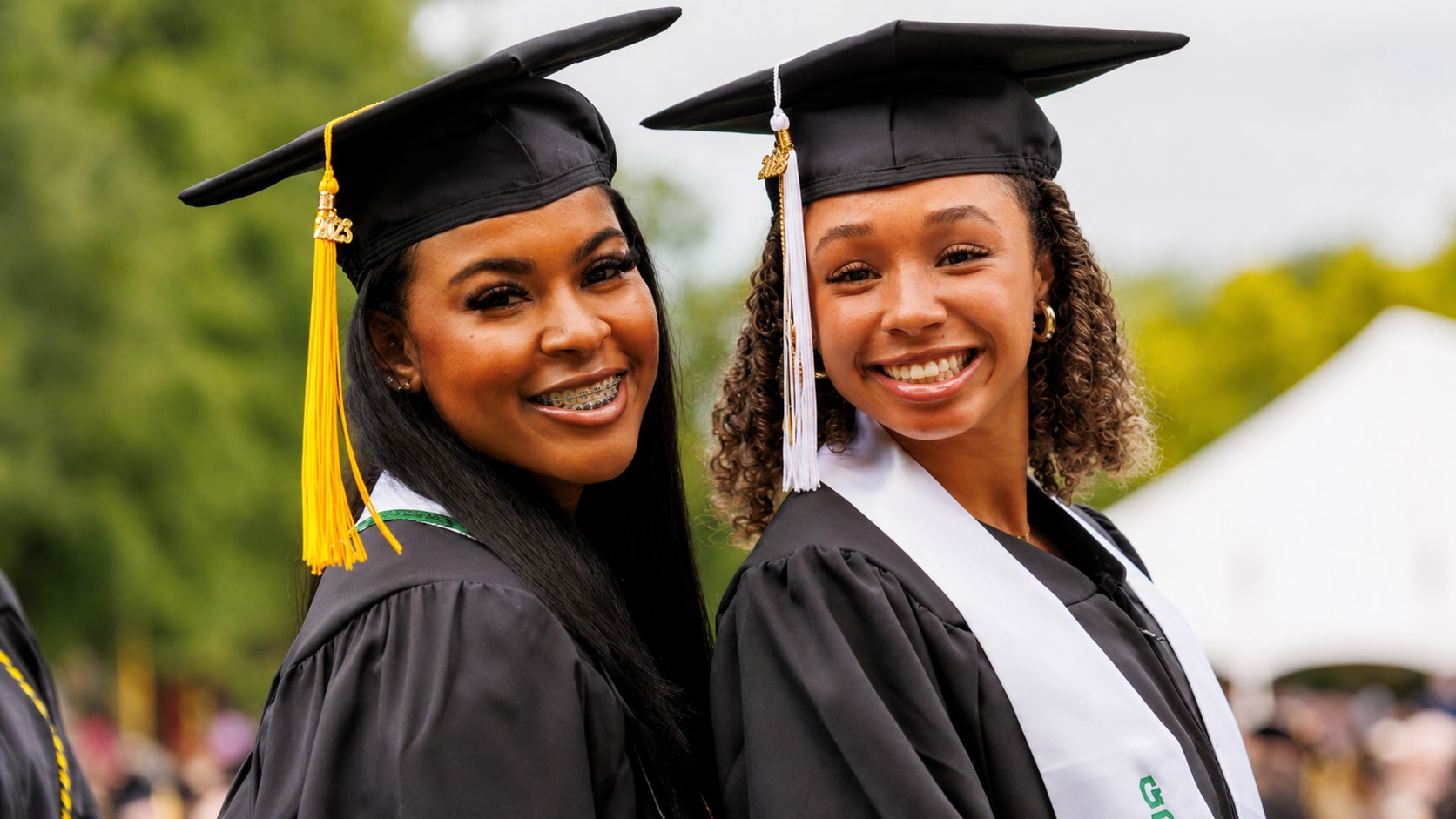
Old portraits may not be scratched or torn, but faces can look soft because of camera blur, scan quality, age, or low resolution. Users often search for a free old photo enhancer because they want the person to look clearer without changing who they are. Repairit can sharpen blurry edges and enhance facial details, helping portraits look more defined while keeping a natural appearance.

Enhance Scanned Old Photos for Albums and Prints
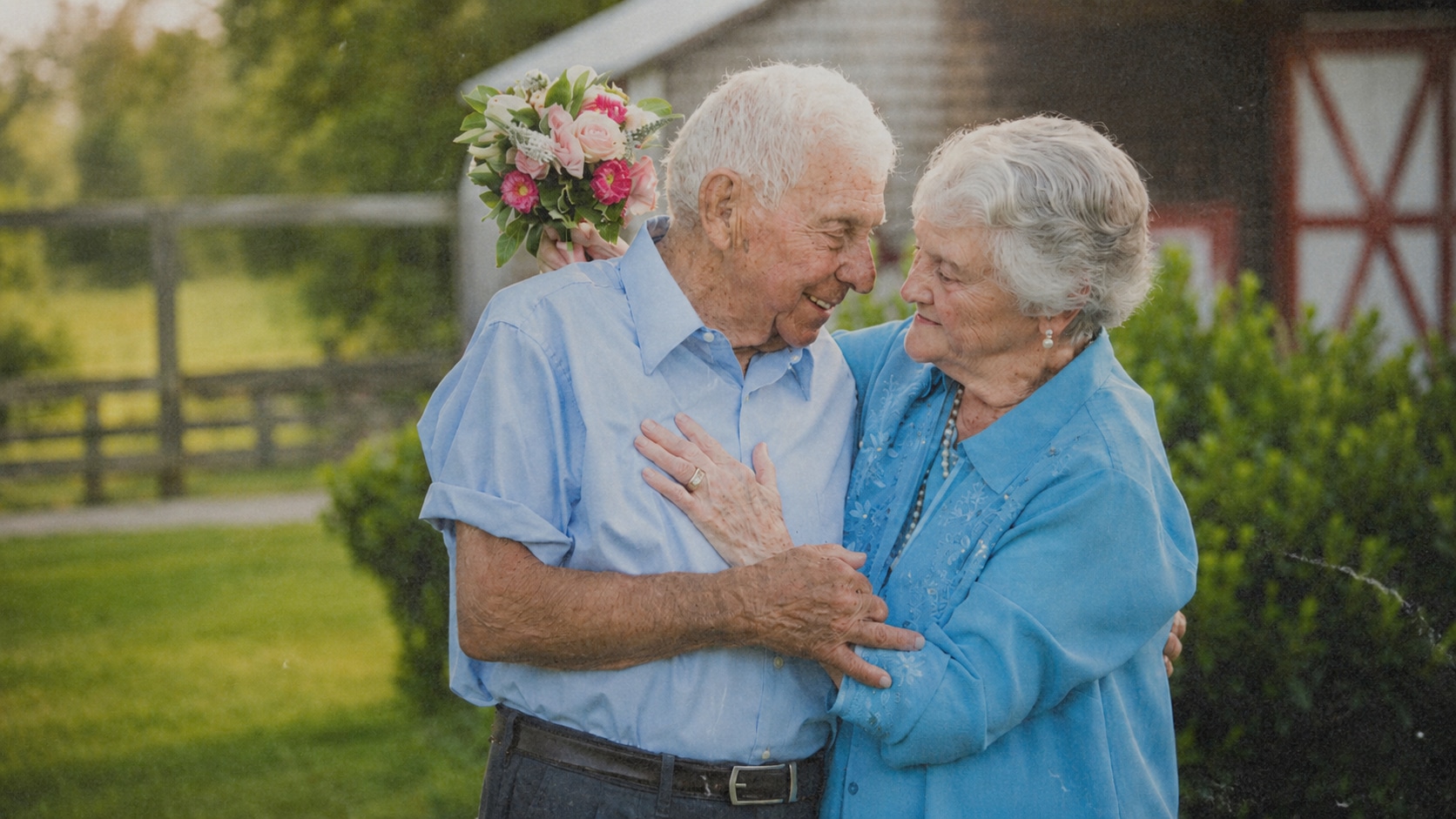
A scanned old photo can look worse on screen than it did in your hand. Dust, grain, dull color, weak contrast, and low resolution become more obvious once the image is enlarged or prepared for printing. Repairit works as an old photo enhancer online free to try when you want a cleaner digital version for albums, slideshows, gifts, or family archives.
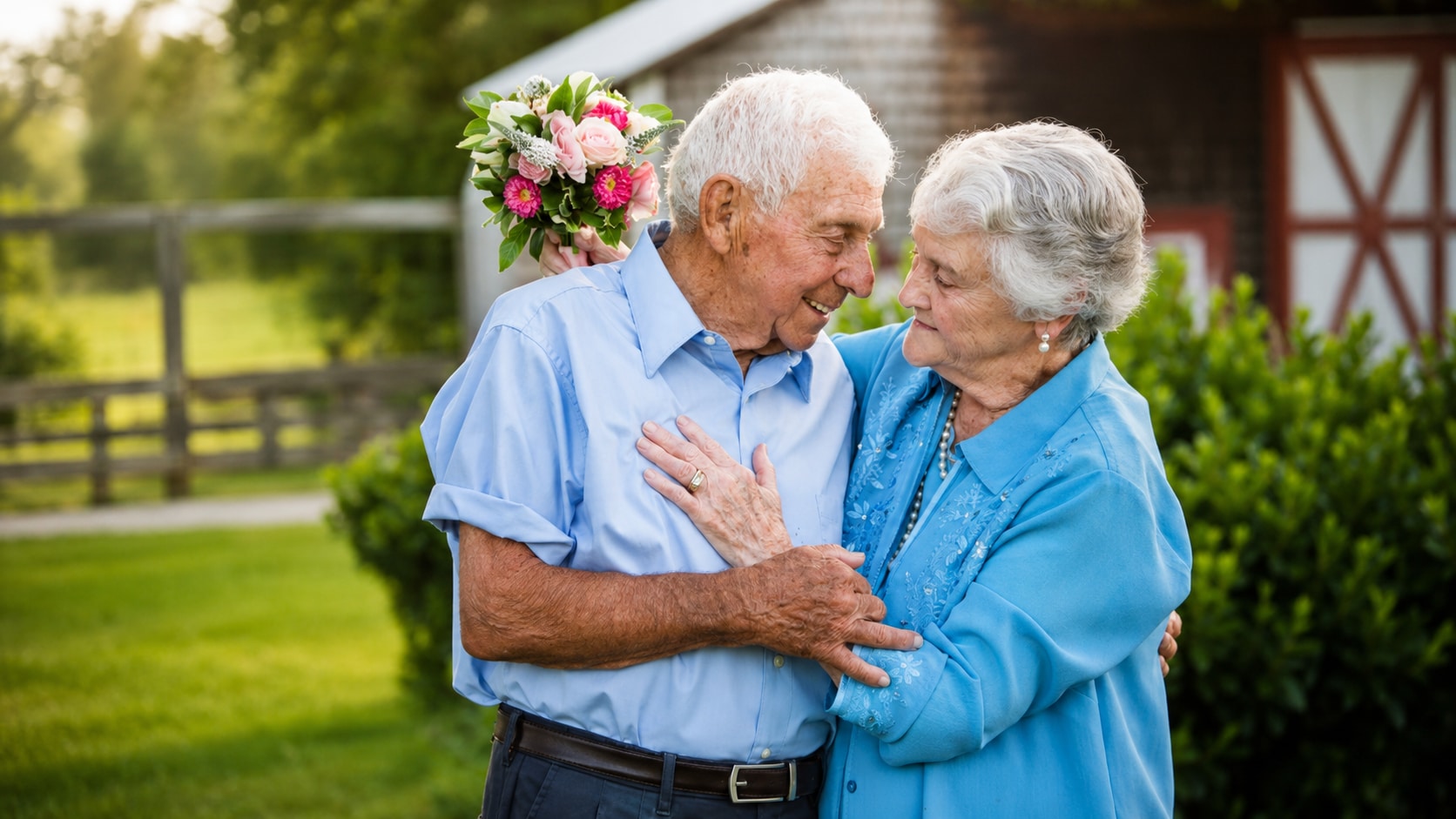
How to Enhance Old Photos with Repairit

Step 1
Upload Your Old Photo
Open Repairit AI Photo Enhancer and upload the old photo you want to improve. You can use common formats such as JPG, JPEG, PNG, BMP, and WEBP.

Step 2
Start AI Photo Enhancement
Let Repairit analyze the image and enhance clarity, color balance, lighting, facial details, noise, and overall photo quality.

Step 3
Preview and Save the Enhanced Photo
Preview the enhanced result, compare the improvement, and save the version that looks best for sharing, printing, or archiving.
Why Choose Repairit to Enhance Old Photos?
✨ Built for Old Photos That Need Quality Improvement
Repairit is useful when the photo is not completely broken, but looks faded, dark, soft, grainy, or low quality. It helps improve the image without turning the task into a full manual restoration project.
📷 AI Powered Photo Enhancement
Repairit AI Photo Enhancer can optimize color balance, sharpen edges, uncover hidden details, reduce noise, and improve overall photo quality with AI.
⚡ Easy for Family Photo Projects
No Photoshop skills, no manual sharpening, and no complex color correction are needed. Upload the photo, start enhancement, preview, and save.
❤️ Online and Desktop Options
Repairit offers both online and desktop photo enhancement workflows. The online version is convenient for quick enhancement, while the desktop version is better for larger or batch projects.
Explore More Old Photo Enhancer Features
Restore old photos, repair faded details, improve colors, and make vintage pictures clearer with AI.
Frequently Asked Questions
It means improving the quality of old photos online without manual editing. Common enhancement goals include better clarity, brighter lighting, improved color, sharper faces, reduced noise, and cleaner details.
Upload your old photo to Repairit AI Photo Enhancer, start the enhancement process, preview the result, and save the improved version when it looks right.
Not exactly. Enhancing improves photos that are mostly intact but faded, dark, soft, or low quality. Restoration is broader and may include repairing scratches, tears, stains, missing areas, or heavy aging damage.
Yes. Repairit can help improve faded old photos by optimizing color balance, contrast, clarity, and visible detail, making family memories easier to view and share.
Repairit aims to improve facial clarity and detail while keeping the person recognizable. For best results, use a clear scan or the highest quality version available.
A photo enhancer is mainly for quality improvement. If your old photo has scratches, tears, stains, or corrupted areas, Photo Repair or Old Photo Restoration is usually a better fit.
No. Recovery means retrieving a lost or deleted photo file. Enhancement means improving the quality of a photo you already have.
Hot Topics
Comprehensive How-to Guides
Want to enhance old photos online free? Click to enter the Photo Enhancer Workbench and improve your old photo in just a few clicks!


