Remove Scratches from Pictures Online
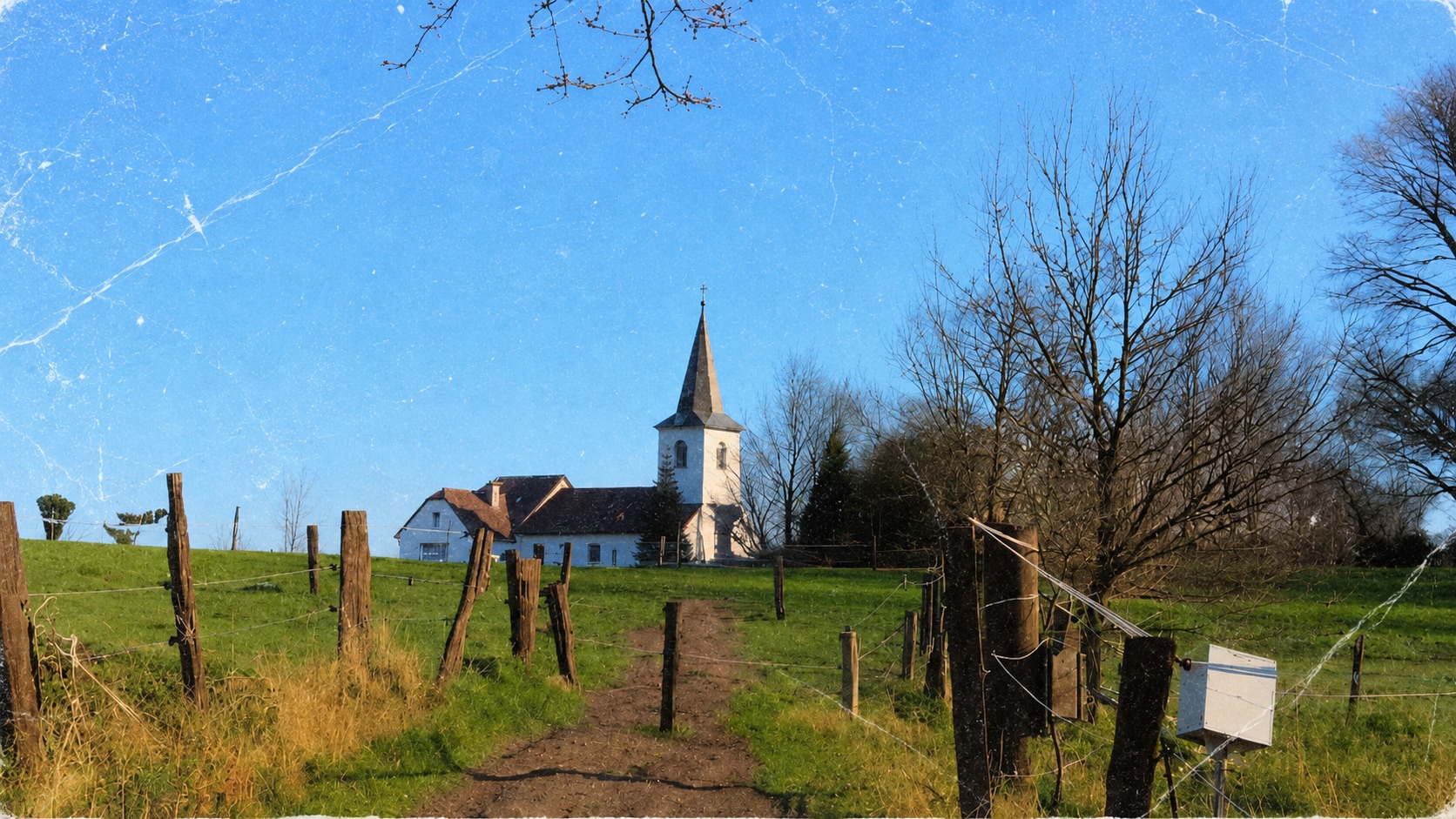
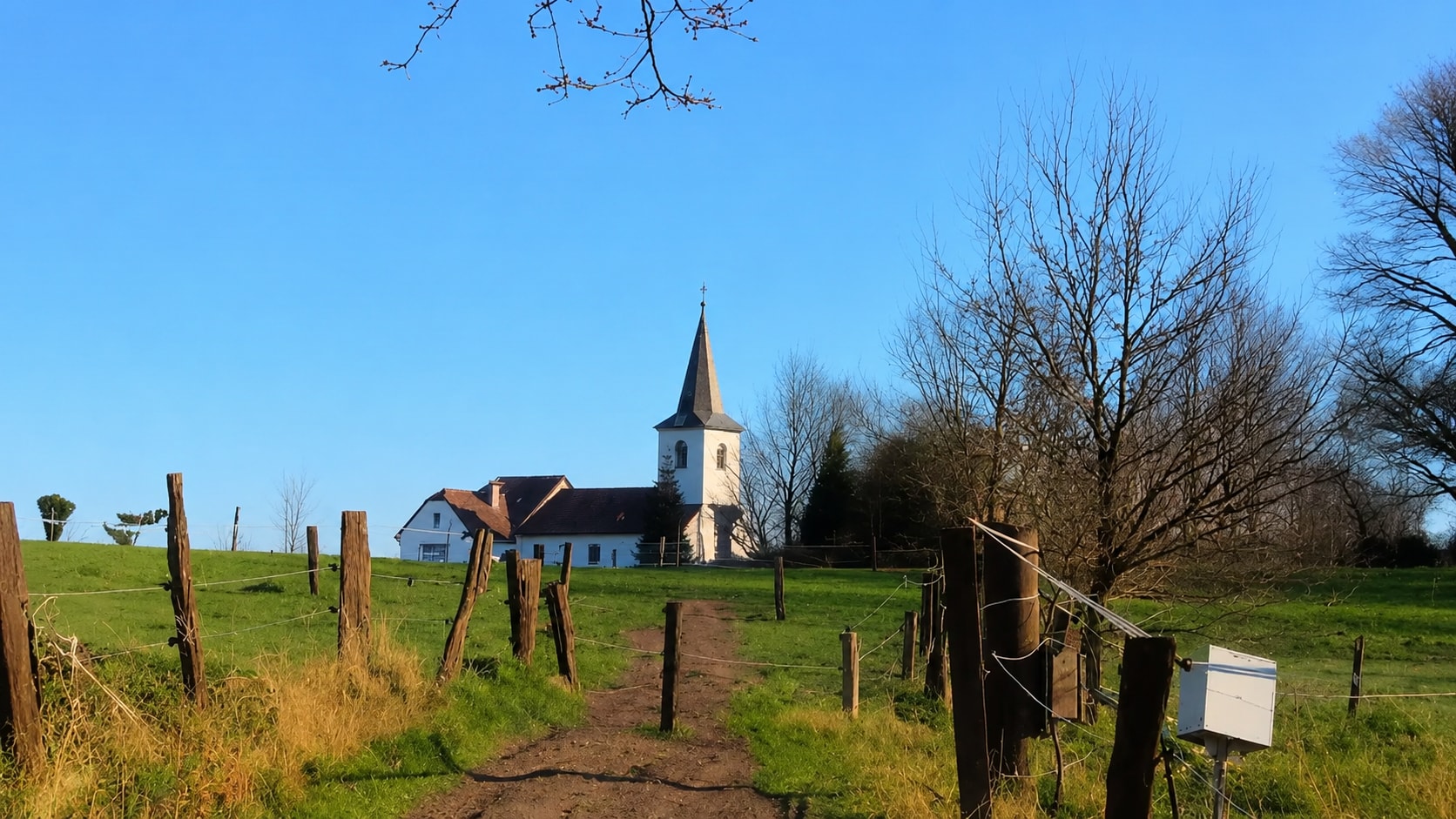




Remove White Scratch Lines from Old Family Photos
Old family photos often develop long white or pale lines from years of handling, storage, bending, or album wear. Even one scratch across a face, dress, background, or handwritten note can make the photo feel damaged. Repairit helps remove scratches from old photos online while keeping the people and scene recognizable.
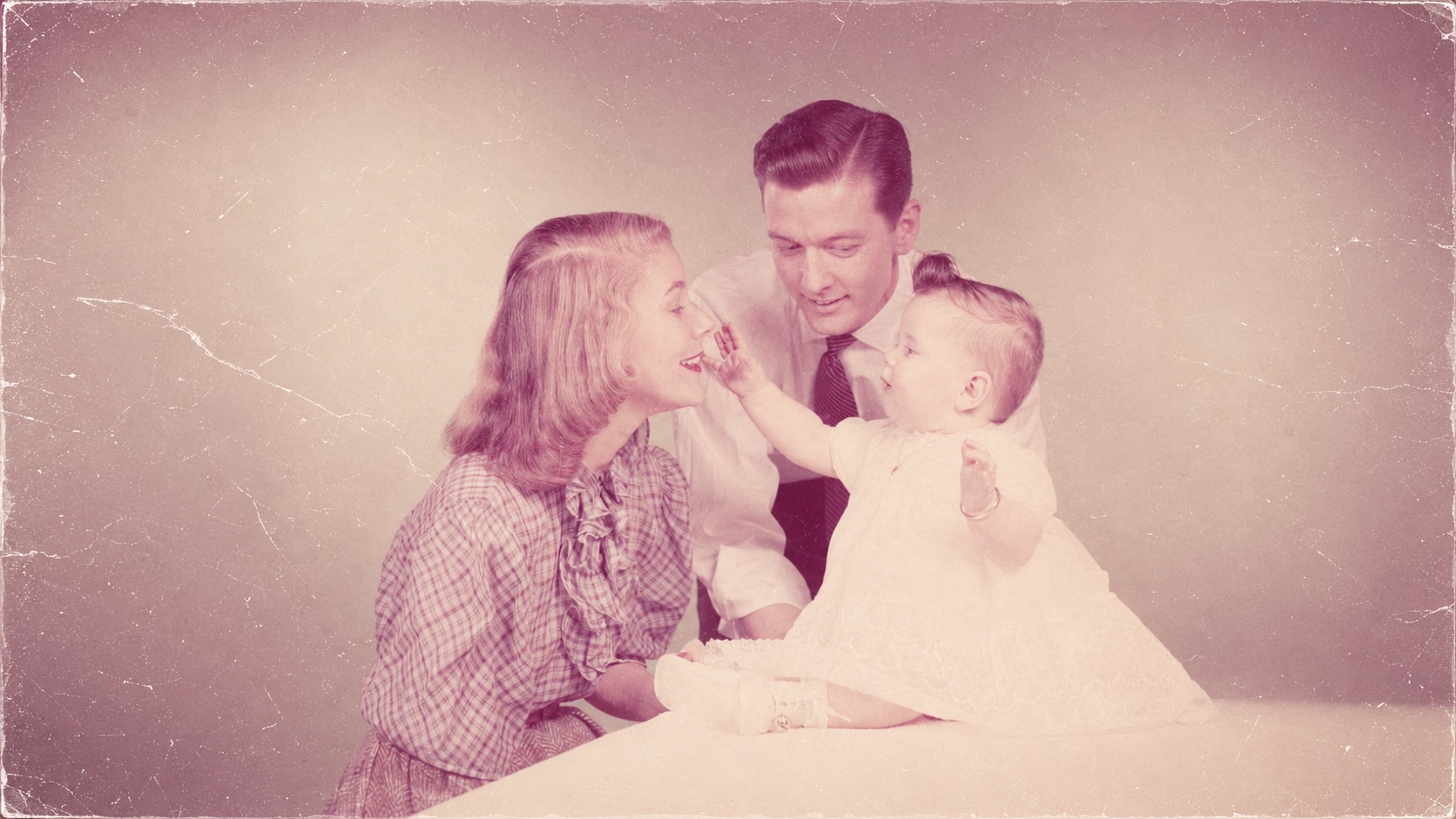

Clean Scanned Photos That Still Show Surface Damage
Scanning a picture does not remove the physical damage on the print. In many cases, scratches, dust lines, album marks, and cracked surfaces become even more visible once the image is enlarged on screen. Repairit works as a practical photo scratch removal tool for scanned pictures that need to look cleaner before saving, printing, or sending to family.


Repair Scratches Across Faces and Important Details
Scratches are especially frustrating when they cross a face, eye area, hairline, clothing detail, signature, or background that matters. Manual repair can be slow because every line needs careful blending. Repairit Photo Repair helps repair scratched photos by analyzing nearby image content and rebuilding damaged areas as naturally as possible.


Remove Scratches from Pictures Before Printing or Sharing
A scratched picture may look acceptable in a small phone preview, but the damage becomes obvious when printed, enlarged, posted, or added to a slideshow. Lines and cracks can distract from the subject and make the image feel unfinished. Repairit helps remove scratches from pictures before you reuse them in a meaningful way.
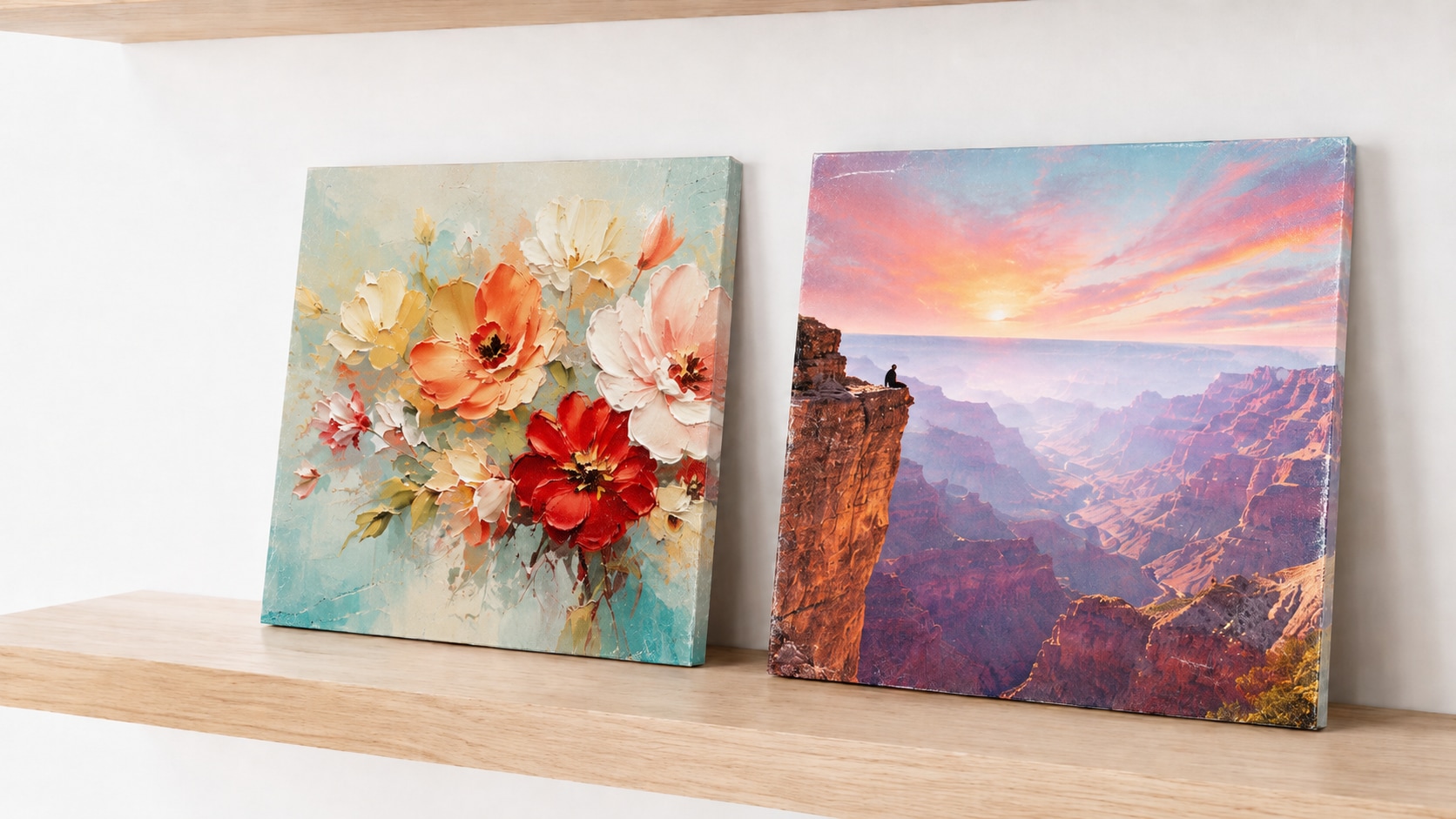
How to Remove Scratches from Pictures with Repairit

Step 1
Upload Your Scratched Picture
Open Repairit Photo Repair and upload the picture with visible scratches, cracks, crease lines, or surface damage.

Step 2
Start Photo Repair
Let Repairit analyze the scratched areas and repair visible line damage, stains, worn texture, and other photo imperfections.

Step 3
Preview and Save the Restored Picture
Preview the repaired result, compare the cleaner version, and save the photo when it looks ready for sharing, printing, or archiving.
Why Choose Repairit for Photo Scratch Removal?
✨ Built for Scratched and Damaged Pictures
Repairit Photo Repair is designed for scratched, stained, old, scanned, and damaged pictures. It is useful when a photo has visible line damage that simple filters cannot fix.
📷 AI Powered Scratch Repair
Repairit uses AI photo repair to reduce scratches and rebuild affected areas based on surrounding image details, helping avoid the obvious smudges caused by manual blur or clone tools.
⚡ Easy for Non Editors
No clone stamp, layer mask, or advanced restoration workflow is required. Upload the image, start repair, preview, and save.
❤️ Useful for Real Family Photo Projects
Repairit is especially helpful for old family prints, scanned albums, portraits, memorial photos, wedding pictures, and inherited images that deserve careful cleanup.
Explore More Photo Repair Features
Restore damaged photos by removing scratches, fixing old details, improving colors, and enhancing clarity with AI.
Frequently Asked Questions
Upload your scratched picture to Repairit Photo Repair, start the AI repair process, preview the cleaned version, and save the repaired image when it looks right.
Yes. Repairit can help remove scratches from old photos online, especially when the image still has enough visible detail for AI to rebuild the affected area. It can also help with stains, spots, dust, and other old photo damage.
You can repair many common photo scratch issues, including white lines, thin cracks, crease marks, surface scratches, dust streaks, paper wear, and small damaged areas.
Not exactly. Photo scratch removal focuses on visible scratch lines and surface damage. Old photo restoration is broader and may also include fading, color loss, blur, tears, stains, and face detail recovery.
Yes, Repairit can help repair scratches across faces and portraits, but results depend on scratch depth and how much original facial detail remains visible.
Repairit aims to reduce scratch damage while keeping the picture recognizable and natural. Very deep or wide scratches may still leave limits if important details are missing.
Photoshop gives manual control but takes time and skill. Repairit is better for users who want a faster AI based workflow without manually cloning every scratch.
Hot Topics
Comprehensive How-to Guides
Want to repair your photo? Click to enter the Photo Repair Workbench and restore clarity in just a few clicks!


