Photo Color Grading Online with AI






Create a Consistent Look for Social Photos
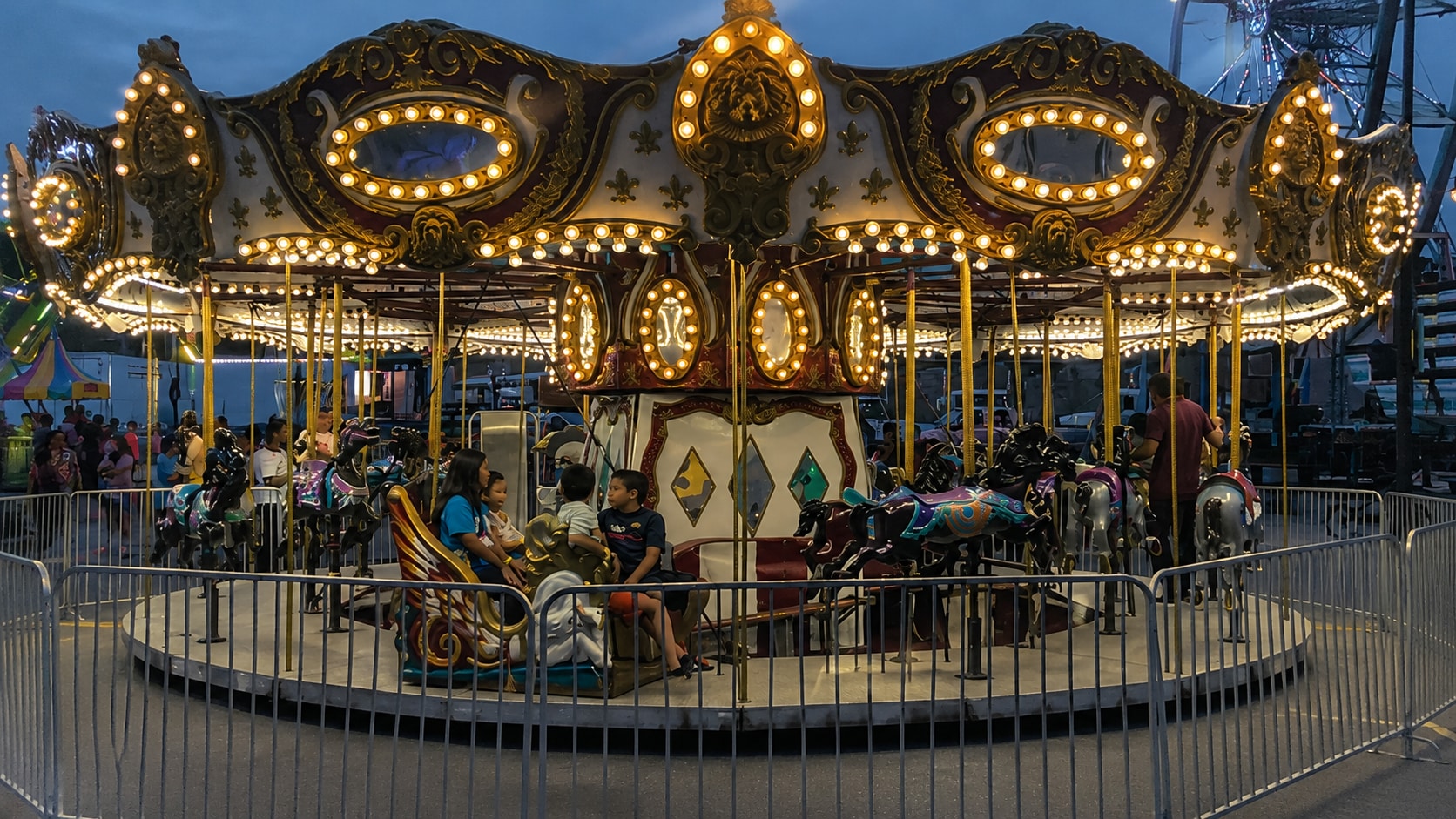
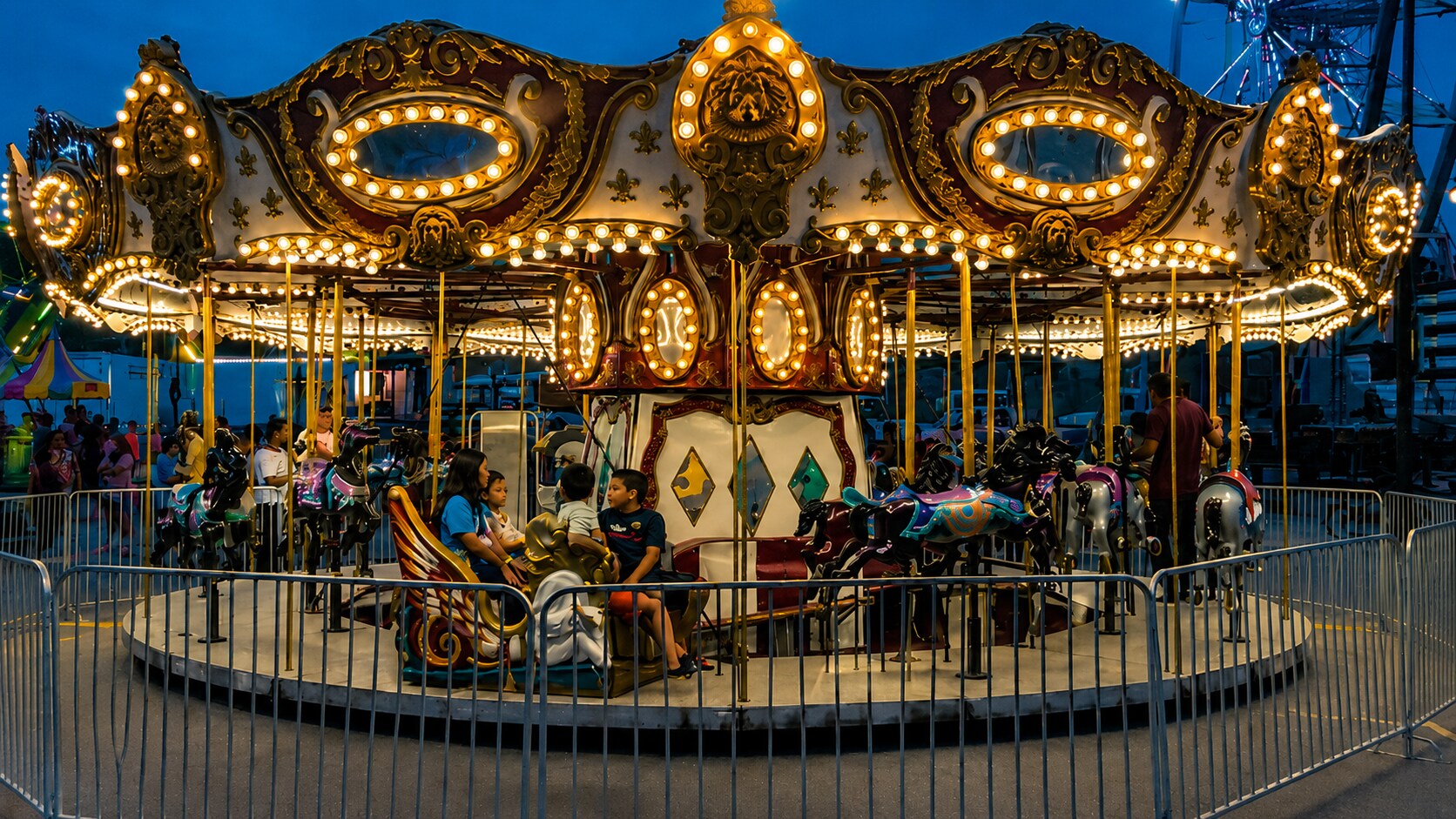
A social feed can feel messy when every image has a different tone. One photo is too cold, another is too warm, and another looks dull or flat. Users often want colour grading pictures so their posts feel more consistent without applying heavy filters. Repairit helps with image color grading by improving overall balance, brightness, clarity, and color feel, giving your photos a cleaner and more unified look.
Give Portraits a Softer or Warmer Mood
Portrait color grading is about mood. A corrected portrait may look technically fine, but the final image may still feel too cold, flat, harsh, or lifeless. Users often want a warmer, softer, more flattering look without making skin look fake. Repairit supports ai photo color grading workflows by improving color balance, lighting, facial detail, and overall clarity while keeping portraits natural.


Build a Cinematic Mood for Travel and Outdoor Shots
Travel and outdoor photos often capture the right scene but not the feeling. A sunset may look dull, a city street may look too gray, or a landscape may lose depth after being shot on a phone. Repairit can help ai color grading free workflows by improving color balance, contrast, lighting, and visible details, so outdoor images feel more atmospheric without looking overprocessed.


Polish Product and Brand Images with a Cleaner Tone
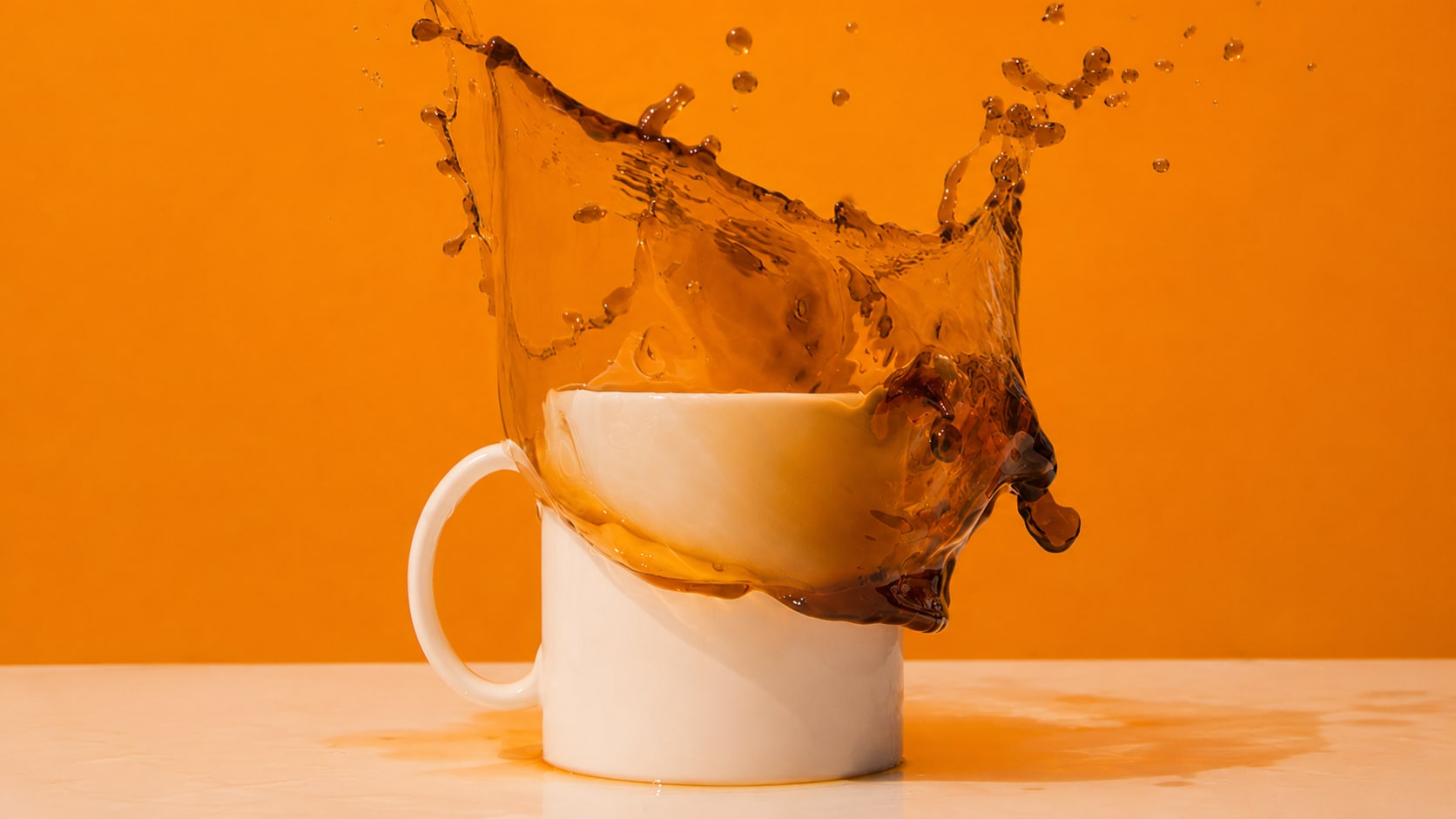
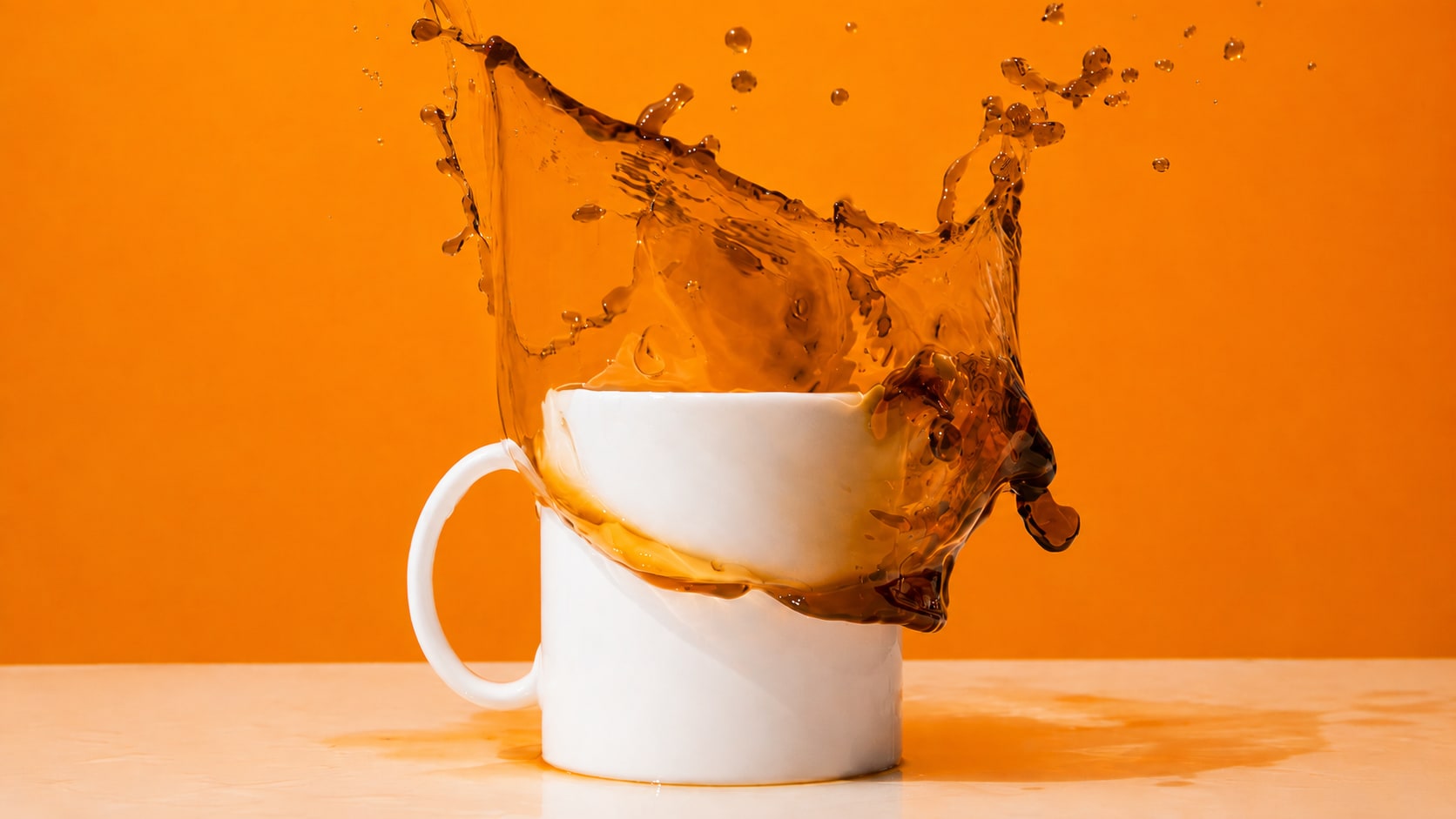
For product, real estate, and brand visuals, color grading is less about dramatic style and more about a clean, trustworthy look. Images may need consistent lighting, accurate looking whites, better contrast, and a more professional finish. Repairit helps grading photography tasks where you want a polished look but do not need a full manual editing workflow.
How to Grade Photo Colors with Repairit

Step 1
Upload Your Photo
Open Repairit Photo Enhancer and upload the image you want to grade. You can use common formats such as JPG, JPEG, PNG, BMP, and WEBP.

Step 2
Start AI Photo Enhancement
Let Repairit analyze the image and improve color balance, lighting, contrast, clarity, visible detail, and overall photo quality.

Step 3
Preview and Save the Graded Photo
Preview the graded result, compare the before and after version, and save the photo when the mood and color style feel right.
Why Choose Repairit for Photo Color Grading?
✨ Built for Quick Visual Style Improvement
Repairit is useful when your photo is already usable, but needs a clearer mood, cleaner tone, or more polished style before posting, sharing, or presenting.
📷 AI Powered Color and Quality Enhancement
Repairit Photo Enhancer can optimize color balance, sharpen blurry edges, uncover hidden details, reduce noise, and improve overall photo quality with AI.
⚡ Easier Than Manual Grading Tools
No Lightroom curves, LUTs, masking, color wheels, or RAW editing knowledge are required. Upload the image, start AI enhancement, preview the result, and save.
❤️ Useful for Social, Portrait, Travel, and Brand Photos
Repairit supports the everyday image types where users most often want color grading in photography, including lifestyle shots, portraits, travel images, product visuals, and website photos.
Explore More Photo Color Editing Features
Grade photo colors, correct tones, balance lighting, and create polished images in seconds with AI.
Frequently Asked Questions
Photo color grading means adjusting the mood, tone, and visual style of an image. It can make a photo feel warmer, cooler, softer, more cinematic, more dramatic, or more consistent with a photo set.
No. Photo color correction fixes inaccurate colors and white balance problems. Photo color grading creates a desired look or mood after the image is already reasonably balanced.
Upload your photo to Repairit Photo Enhancer, start AI enhancement, preview the result, and save the version with the color mood and visual quality you prefer.
Yes. AI color grading can help make social photos look more consistent, polished, and visually appealing by improving color balance, contrast, clarity, and mood.
Repairit Photo Enhancer is free to try, so you can upload an image and preview how AI improves color balance, clarity, lighting, and overall style.
Portraits, lifestyle photos, travel shots, product images, real estate visuals, creator posts, and brand photos are common use cases for color grading in photography.
RAW images are ideal for professional manual grading because they keep more image data. Repairit is better for quick AI based grading and enhancement on common image files such as JPG, PNG, BMP, and WEBP.
Hot Topics
Comprehensive How-to Guides
Want to enhance your photo? Click to enter the Photo Enhancer Workbench and make it clearer in just a few clicks!


